How do I use the Traditional Saree Beauty Portrait template?
Choose the primary action to open PicX Studio with the available template settings. Review the model and format, personalize the creative direction, and generate when ready.
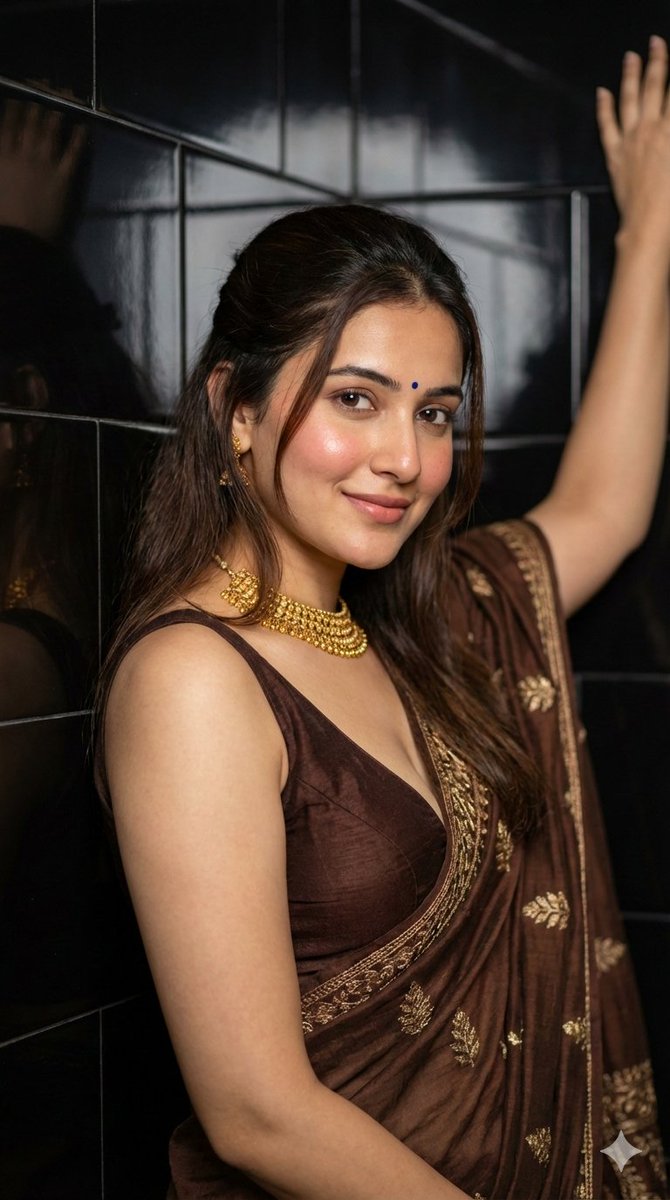
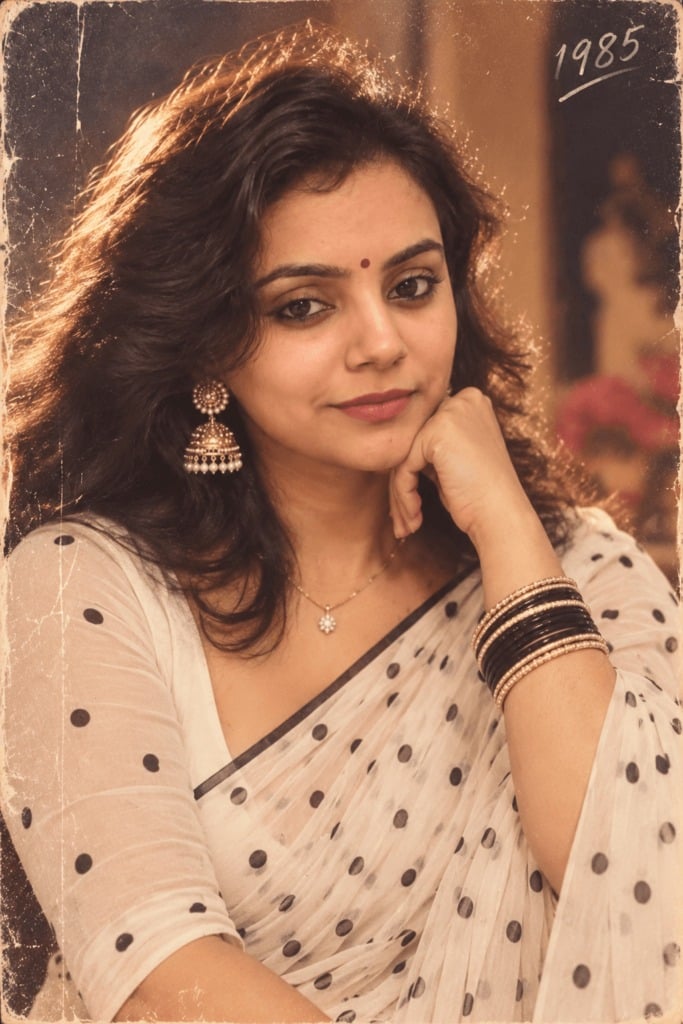
A cinematic close-up of a South Asian woman in a luxurious velvet saree, set against a vintage royal background with warm golden lighting.
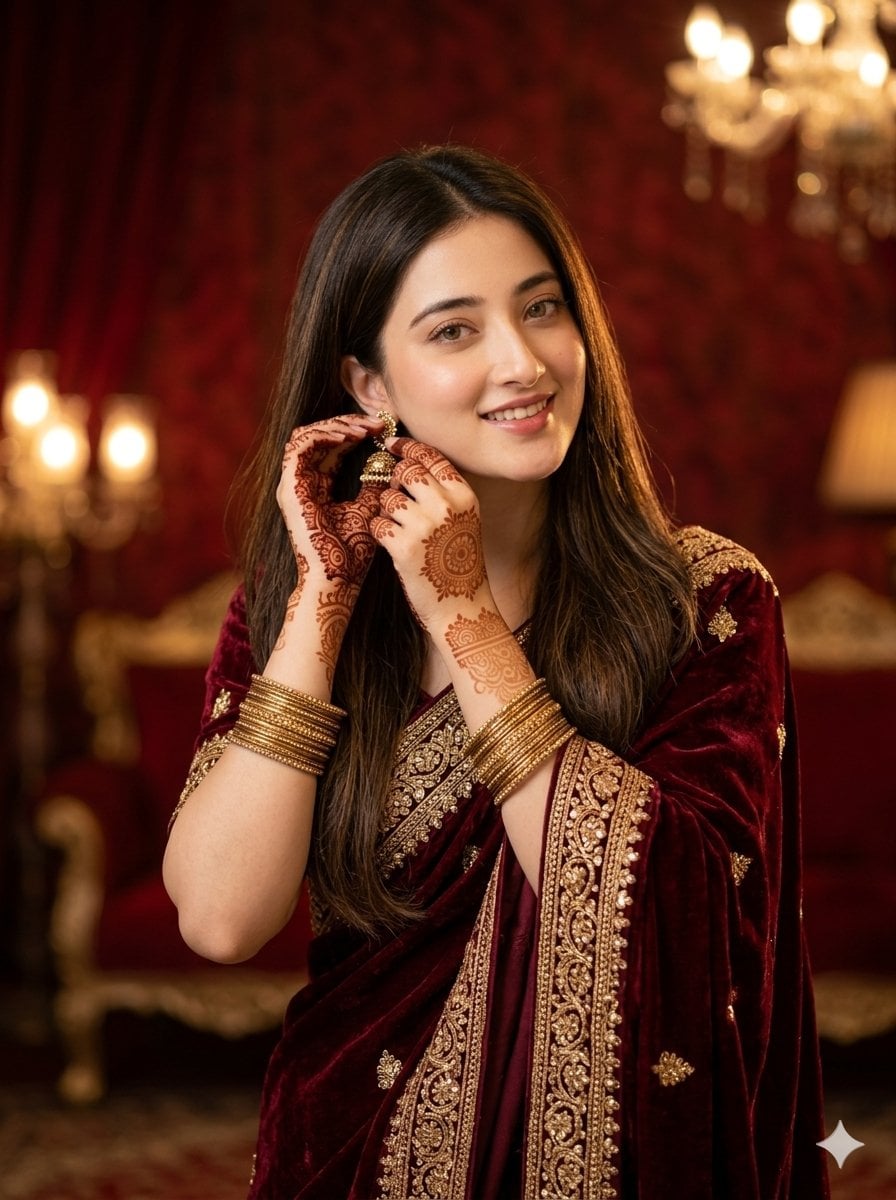
Ultra-realistic cinematic portrait of a beautiful young {argument name="ethnicity" default="South Asian"} woman wearing a {argument name="clothing" default="luxurious traditional maroon velvet saree with heavy golden embroidery"} and intricate zari work. Long silky black hair flows naturally, with a few strands softly falling on her face. Soft glowing skin, deep expressive eyes, natural red lips, elegant traditional jhumka earrings, and stacked golden bangles. Intricate, detailed mehndi design on her hands. The subject is captured in an elegant close-up, softly adjusting her earring with a warm, dreamy, and shy smile, creating a candid emotional feel. > Set indoors against a {argument name="background" default="royal vintage background with luxury ambience"}. Warm golden cinematic lighting, soft amber tones, smooth creamy bokeh, shallow depth of field, realistic skin texture, ultra-detailed textile embroidery, soft shadows. Shot on DSLR, 85mm lens, premium portrait composition, photorealistic, 8k resolution.retio3:4
Choose the primary action to open PicX Studio with the available template settings. Review the model and format, personalize the creative direction, and generate when ready.
Yes. You can change the subject, setting, lighting, mood, format, and available model controls before creating your image.
This template is free to open and customize. Generation usage is shown in PicX Studio before you create.
Start with Nano Banana 2, which is the model associated with this template. You can compare another compatible model for a different finish.
Follow a topic to a crawlable collection of related PicX Studio templates.