How do I use the Park Days Digital Collage template?
Choose the primary action to open PicX Studio with the available template settings. Review the model and format, personalize the creative direction, and generate when ready.
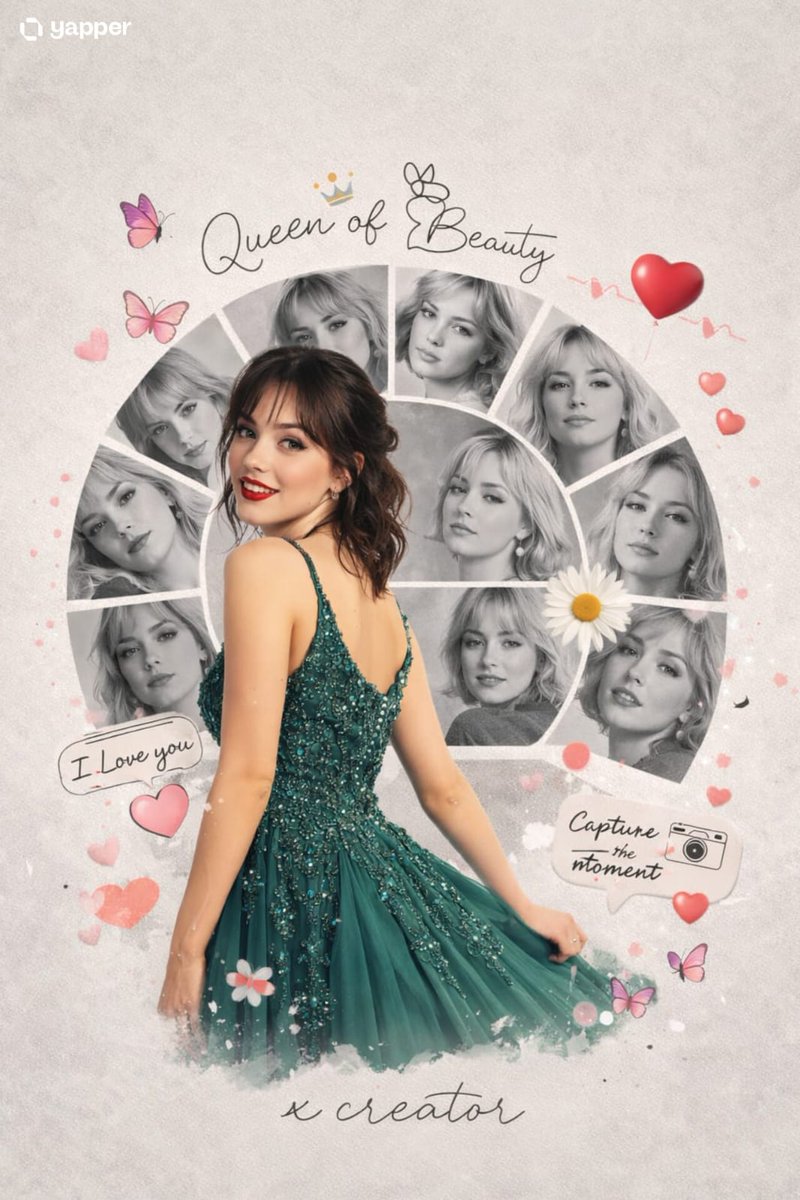
A whimsical prompt combining realistic photography with 3D chibi avatars in a scrapbook-style park scene.
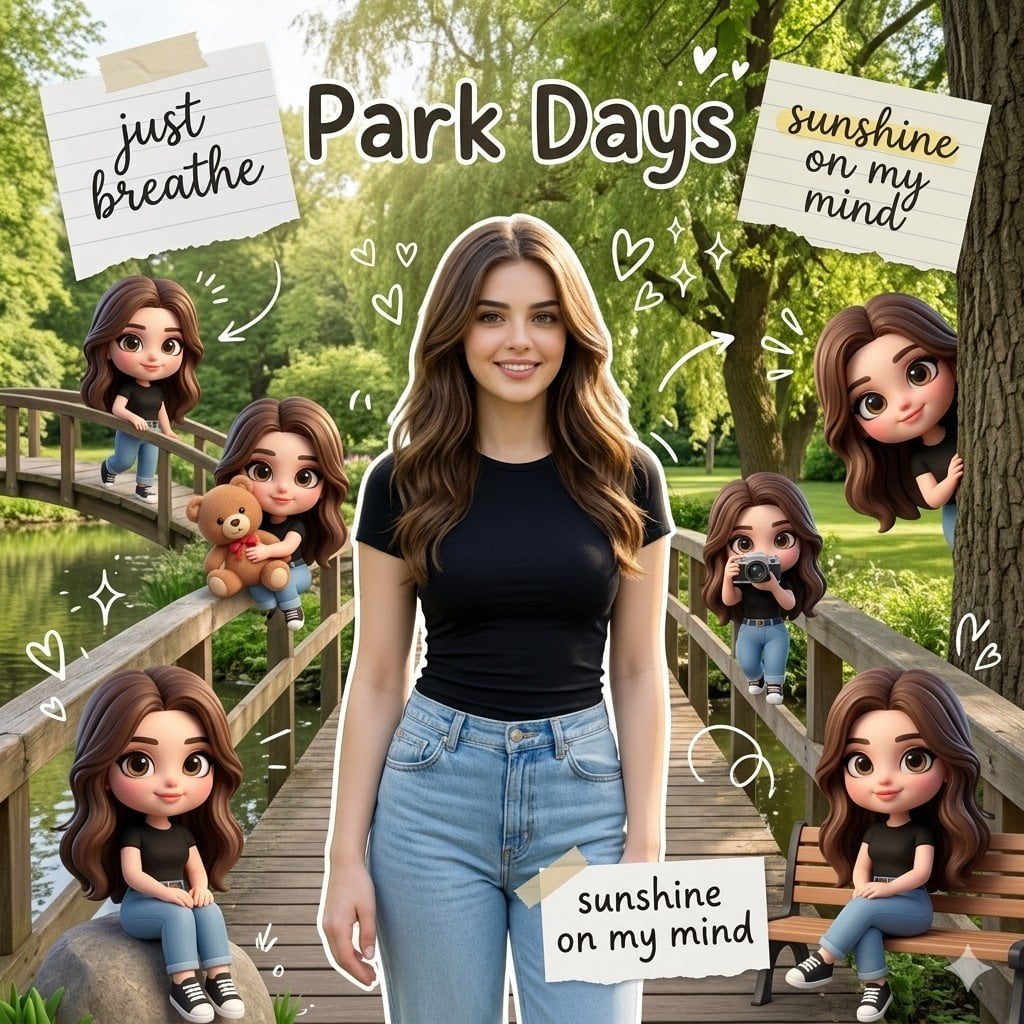
A creative digital collage titled "{argument name="title" default="Park Days"}." The central figure is a realistic, beautiful young woman with {argument name="hair description" default="long brown hair"} wearing a black tight-fitted t-shirt and denim jeans, standing on a bridge in a lush green park. The Miniature World: Surrounding her are six miniature 3D chibi-style avatars of herself. These cute, stylized 3D characters have large expressive eyes and are placed in various spots: one sitting on a railing, one hugging a teddy bear, one holding a camera, and one peeking from behind a tree. Scrapbook Elements: The image is decorated with scrapbook-style overlays, including torn paper notes with handwritten text like "just breathe" and "sunshine on my mind." Include white hand-drawn doodles of hearts, sparkles, and arrows floating around the characters. Lighting & Mood: Soft natural daylight, vibrant green trees in the background, a peaceful pond, and a whimsical, cozy, and aesthetic atmosphere. High-quality 3D render mixed with professional lifestyle photography, 8k resolution.
Choose the primary action to open PicX Studio with the available template settings. Review the model and format, personalize the creative direction, and generate when ready.
Yes. You can change the subject, setting, lighting, mood, format, and available model controls before creating your image.
This template is free to open and customize. Generation usage is shown in PicX Studio before you create.
Start with Nano Banana 2, which is the model associated with this template. You can compare another compatible model for a different finish.
Follow a topic to a crawlable collection of related PicX Studio templates.