How do I use the Italian Café Pizza Scene template?
Choose the primary action to open PicX Studio with the available template settings. Review the model and format, personalize the creative direction, and generate when ready.
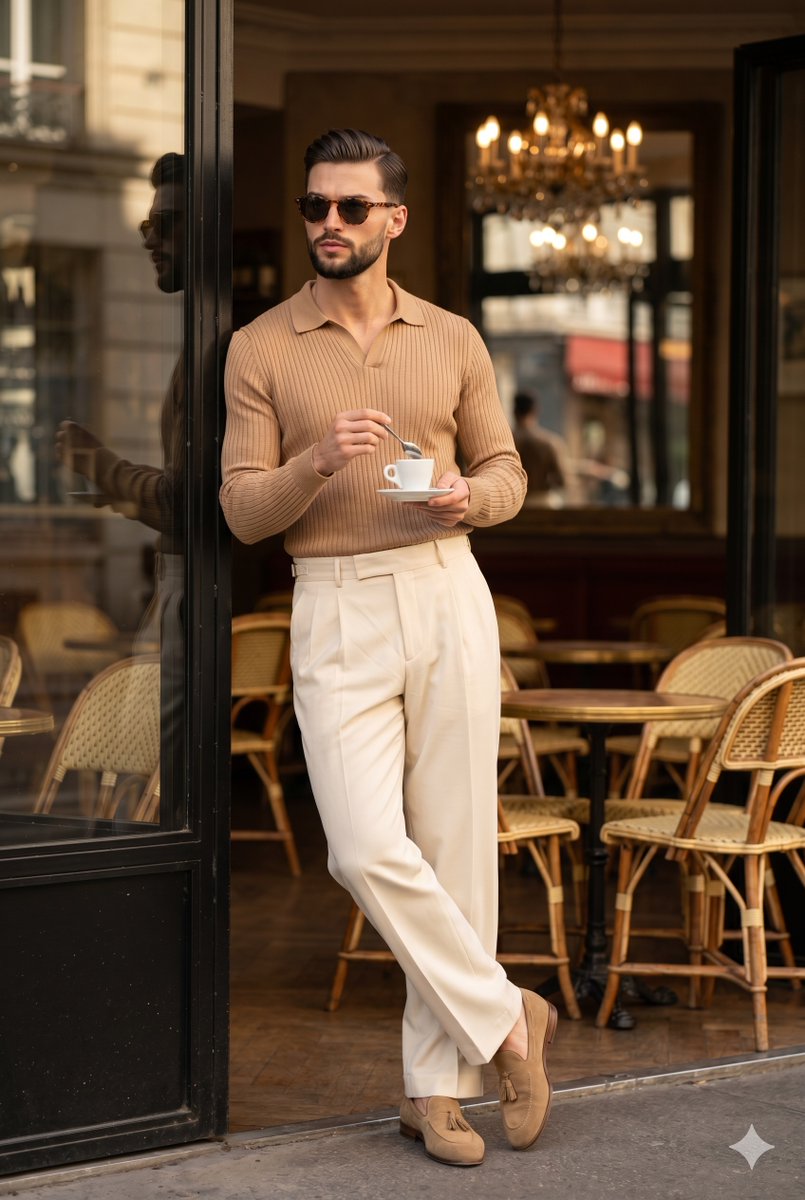
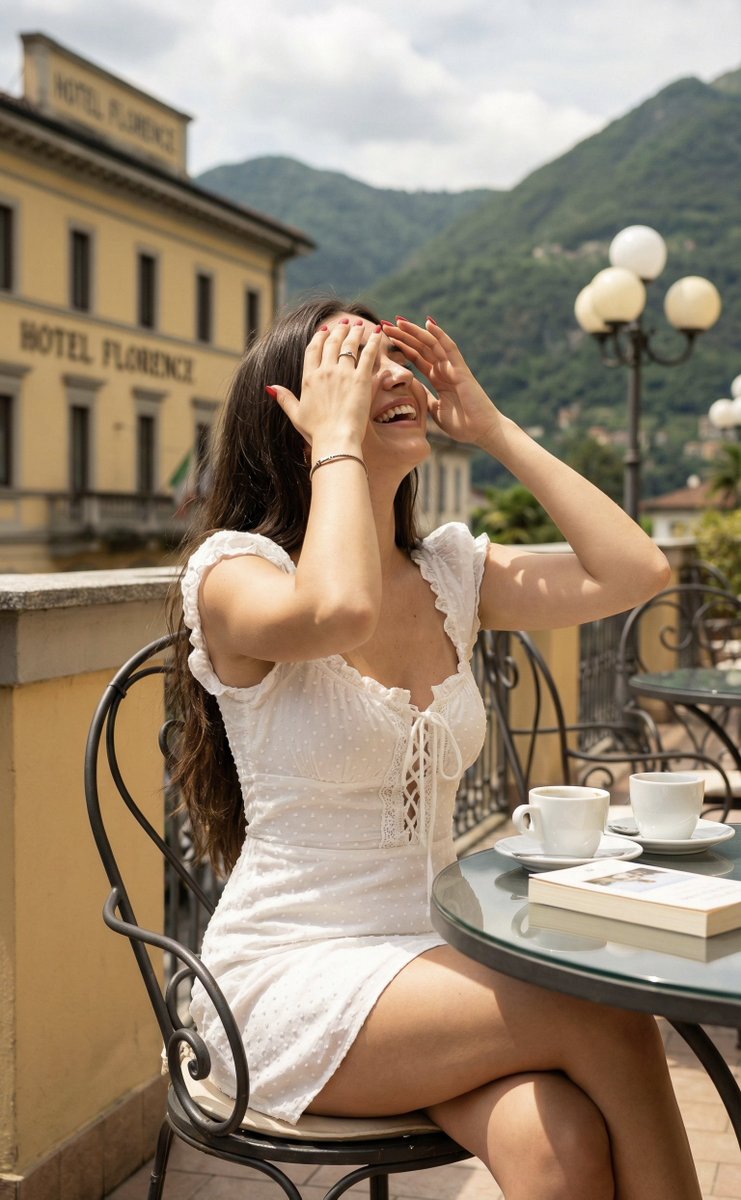
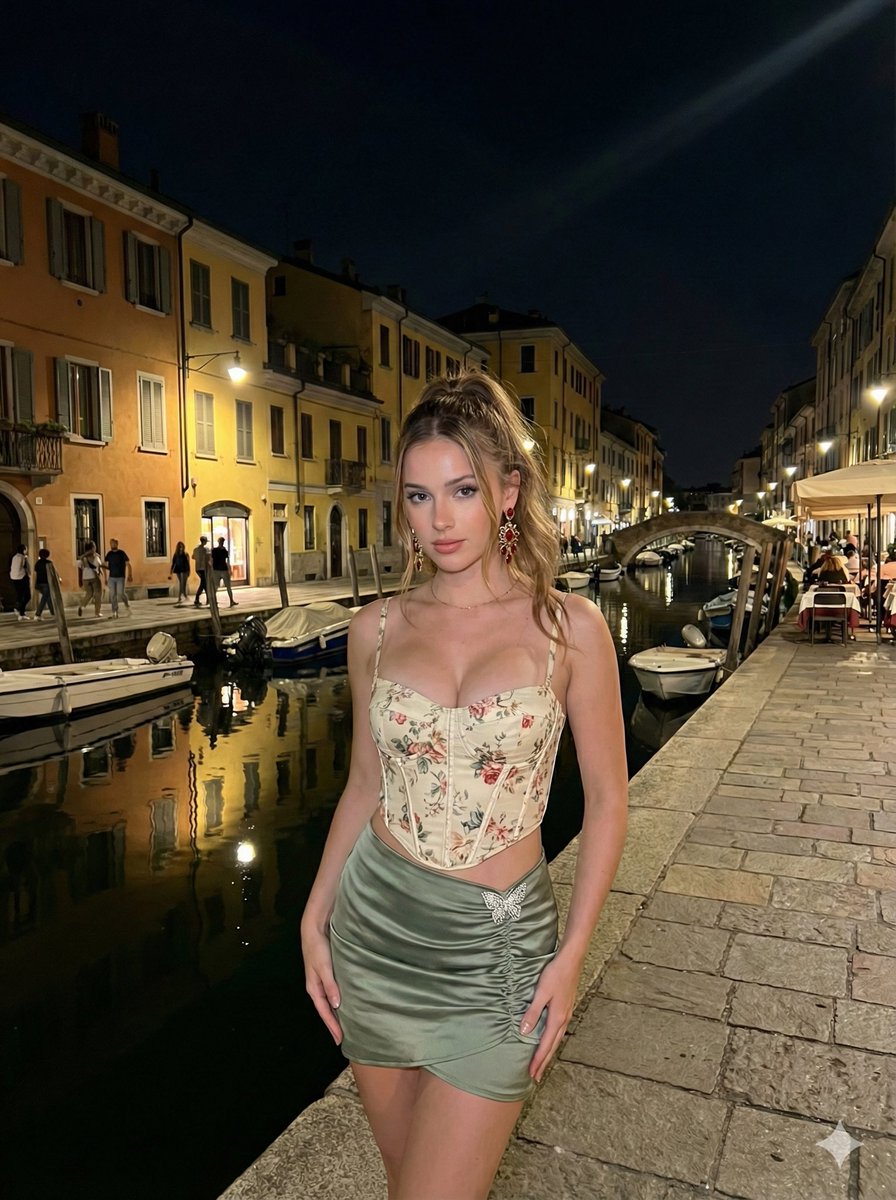
A travel-style photography prompt aimed at generating a realistic image of a man eating pizza at an Italian cafe while maintaining face consistency.
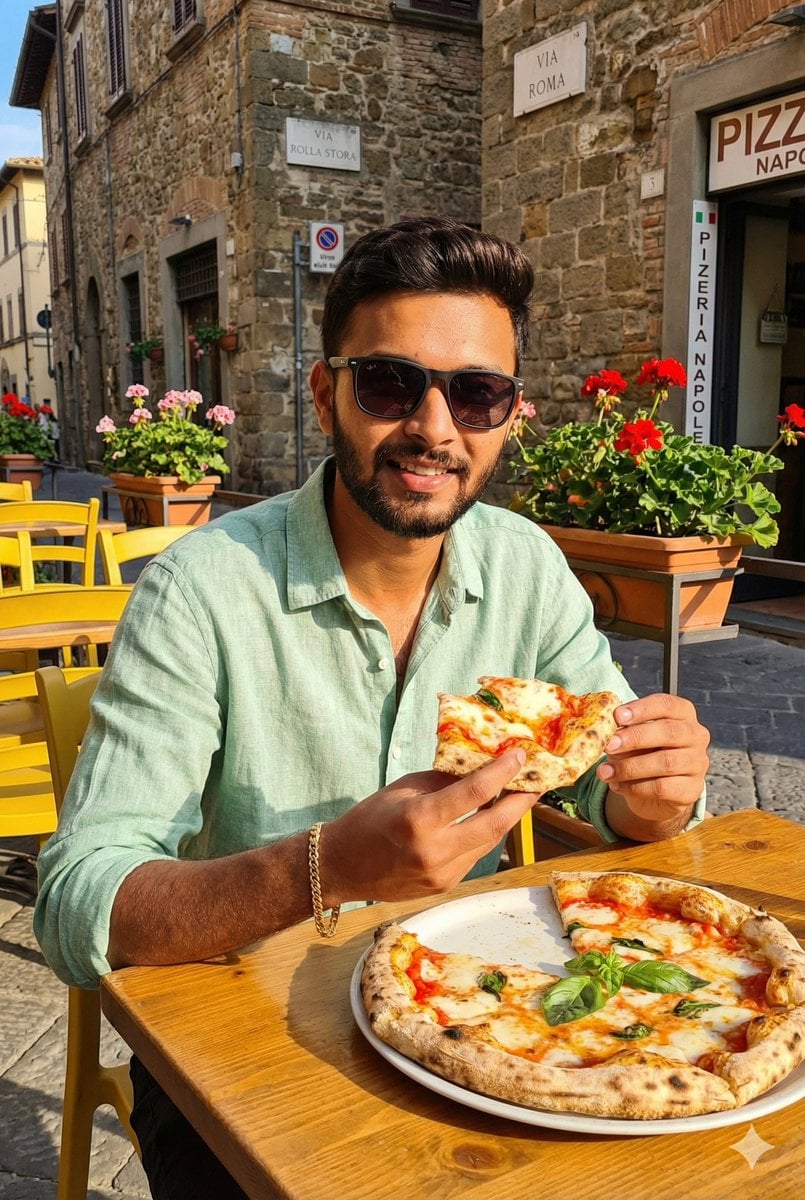
A handsome man attached in the uploaded reference image (keep the face of the person 100% accurate from the reference image) sits at a sunlit Italian café table, holding a slice of {argument name="pizza type" default="margherita pizza"} while making direct eye contact with the camera through {argument name="accessories" default="stylish dark sunglasses with soft reflections"}, smiling confidently. He wears a {argument name="clothing" default="light green linen shirt"} and a simple gold bracelet. A full Neapolitan pizza with fresh basil leaves is placed on the wooden table. The surroundings include yellow café chairs, cobblestone streets, flower pots, and Italian street signs mounted on stone walls. The warm Italian afternoon sun creates a cozy golden atmosphere across the entire frame. No blur — every element remains crisp, detailed, and perfectly in focus. Ultra-realistic street café photography. Aspect ratio 4:6
Choose the primary action to open PicX Studio with the available template settings. Review the model and format, personalize the creative direction, and generate when ready.
Yes. You can change the subject, setting, lighting, mood, format, and available model controls before creating your image.
This template is free to open and customize. Generation usage is shown in PicX Studio before you create.
Start with Nano Banana 2, which is the model associated with this template. You can compare another compatible model for a different finish.
Follow a topic to a crawlable collection of related PicX Studio templates.