
Cinematic Grocery Shopping Lifestyle Video
A comprehensive prompt for generating a realistic cinematic video of a woman's morning routine, from grocery shopping to preparing snacks at home.
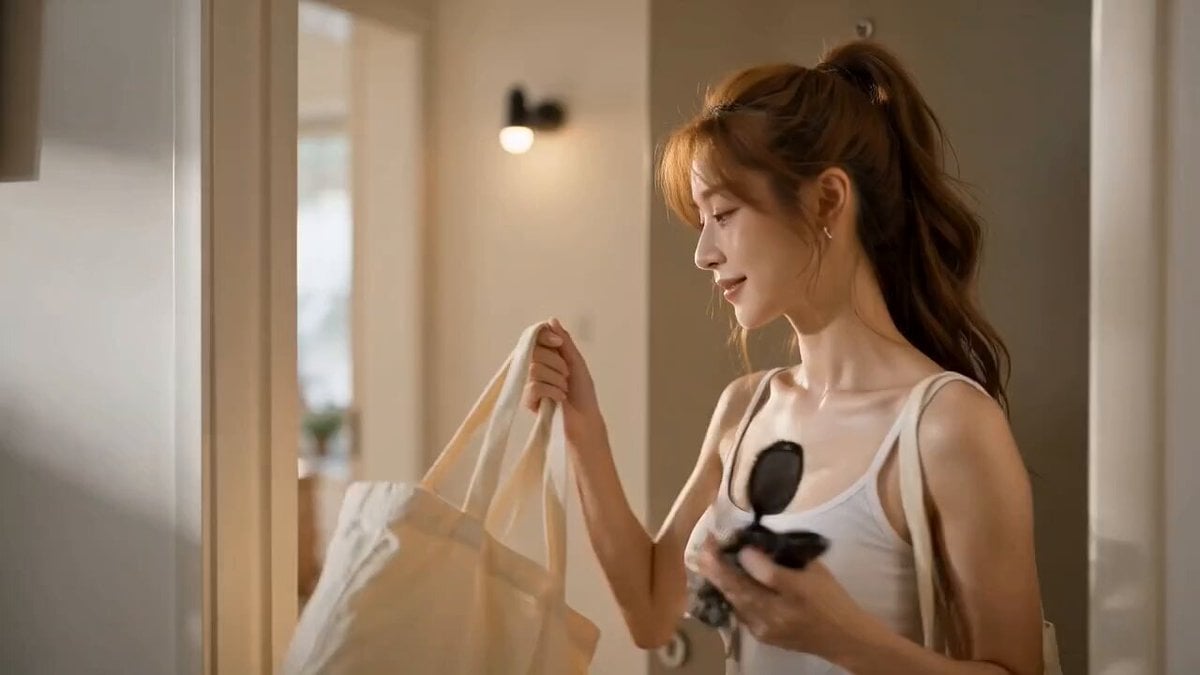
- Prompt included
- Model and format preset
- Premium template
The prompt behind this video
Copy the exact prompt behind Cinematic Grocery Shopping Lifestyle Video, or open it in the studio and make it yours.
Create an ultra-realistic cinematic lifestyle video featuring the same young East Asian woman throughout the entire sequence. Maintain identical facial features, long soft ash-brown wavy hair, glowing skin, body proportions, and outfit in every shot. She wears a white ribbed crop top, beige high-waisted shorts, white sneakers, and carries a cream canvas tote bag throughout the video. Bright modern apartment, warm golden morning sunlight, neutral interiors, wooden furniture, indoor plants, premium lifestyle aesthetic. The video opens with her naturally tying her hair into a loose ponytail while smiling softly in front of a mirror. She grabs her canvas tote bag, reusable shopping bags, sunglasses, and keys before leaving the apartment. She walks through a peaceful tree-lined neighborhood as morning sunlight filters through the leaves. Handheld tracking shots follow her while a gentle breeze moves her hair naturally. She arrives at a vibrant local farmers market where she carefully selects fresh strawberries, blueberries, oranges, tomatoes, leafy vegetables, fresh flowers, and artisan bread. She smiles warmly at friendly vendors, smells flowers, gently inspects fresh produce, and places everything neatly into her tote bag. After paying, she strolls home through quiet streets carrying her groceries. Warm sunlight creates beautiful highlights while the camera captures candid lifestyle moments. Back home, she neatly arranges the groceries on the kitchen counter, washes fresh berries under running water, slices fruit, pours sparkling water filled with ice into a glass, and prepares a simple healthy snack. Soft close-up shots capture water droplets, fresh fruit textures, and natural morning light. She sits beside a large window surrounded by plants, enjoying her snack while looking outside. She notices the camera, smiles warmly, gently raises her sparkling water toward the viewer in a friendly toast, then relaxes as the camera slowly pulls back to reveal the peaceful apartment filled with warm sunlight. Natural ambient audio only: birds chirping, gentle breeze, footsteps, grocery bags rustling, fruit handling, market ambience, cashier beeps, doors opening, running water, knife slicing fruit, sparkling water pouring, ice clinking softly, leaves rustling. No background music, no subtitles, no logos, no watermarks, no on-screen text. Premium commercial-quality cinematography, smooth handheld and gimbal camera movement, realistic skin texture, natural expressions, physically accurate lighting, shallow depth of field, warm golden morning atmosphere, 16:9 widescreen, 4K HDR.
How to use Cinematic Grocery Shopping Lifestyle Video in 3 steps
- 1
Open
The prompt is already in the box next to the preview, with the template's model and format selected.
- 2…a portrait of your subject in softgolden-hour light, 85mm…
Personalize
Edit the subject and creative details for your destination.
- 3Generate
Generate
Press Generate — your video is created in PicX Studio, so you can compare it with the original and refine one variable at a time.
More like this
Templates with the same subject, style or setup. Open one to see its prompt.

Everyday Grocery Shopping Lifestyle Vlog

Realistic Morning Routine Lifestyle Vlog - Seedance 2.5
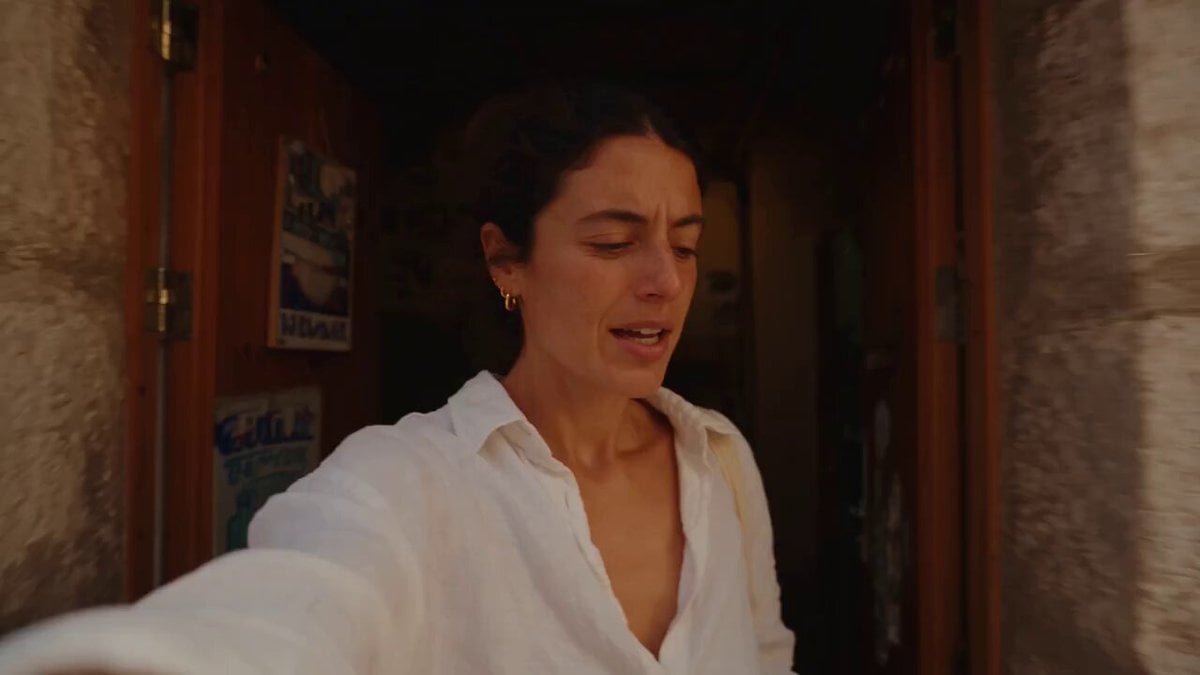
Mediterranean Morning Coffee Run Vlog (Seedance 2.5)
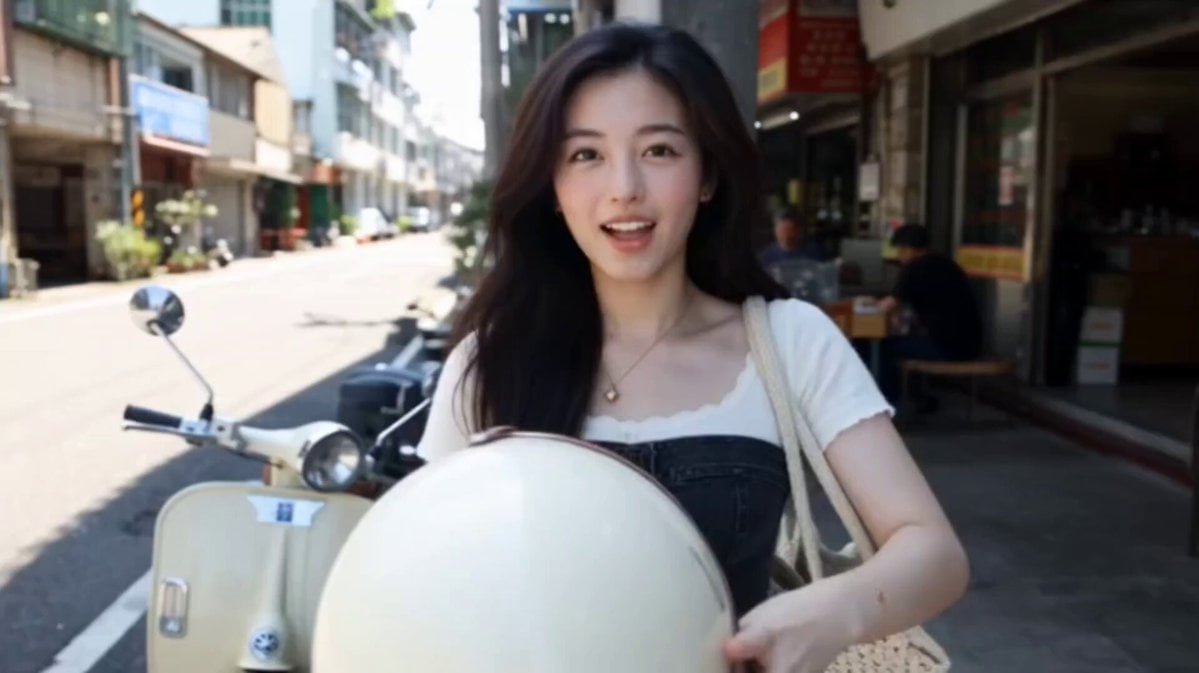
Kenting Lifestyle Travel Vlog
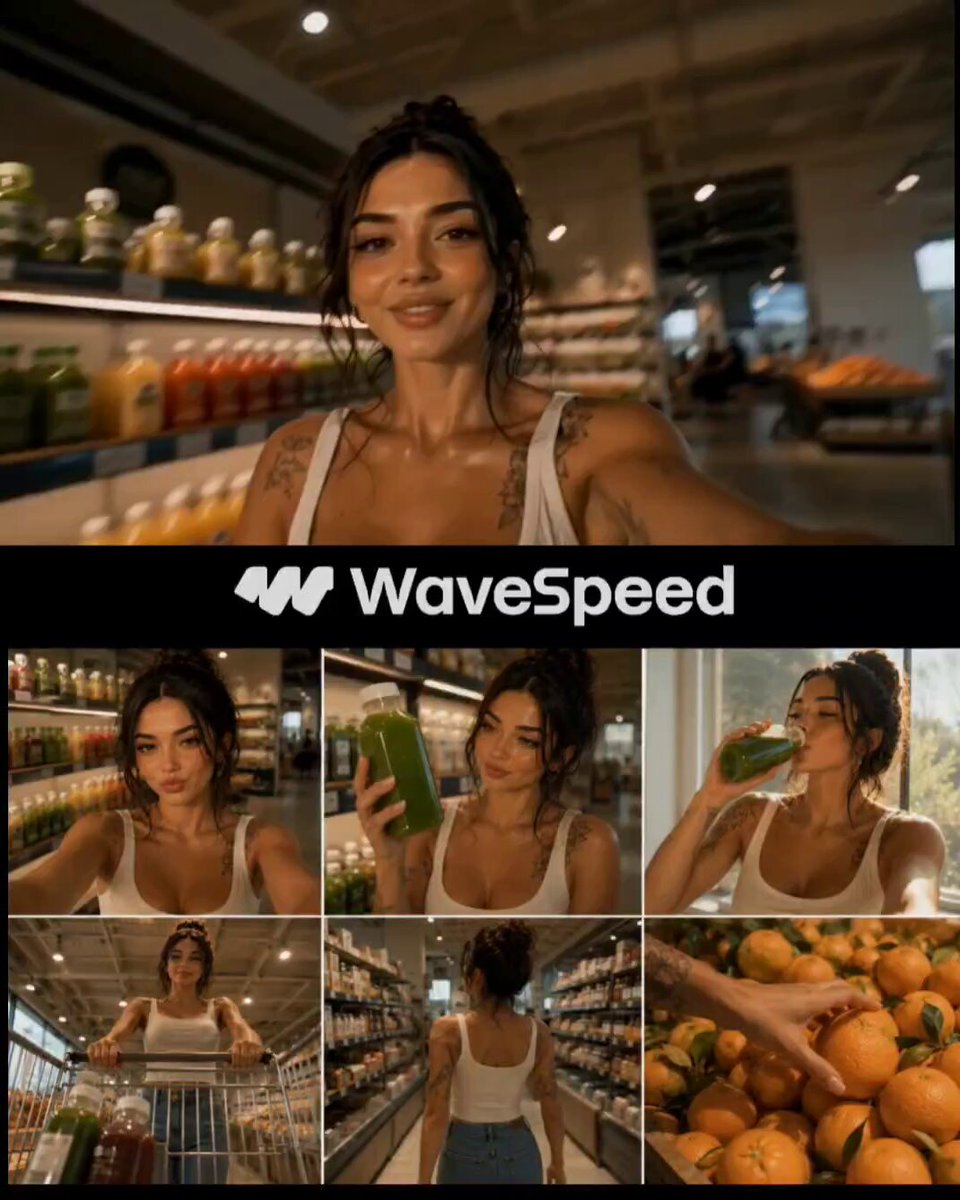
Realistic Japanese Grocery Shopping Vlog

Studio Ghibli Dumpling Kitchen Cooking Scene
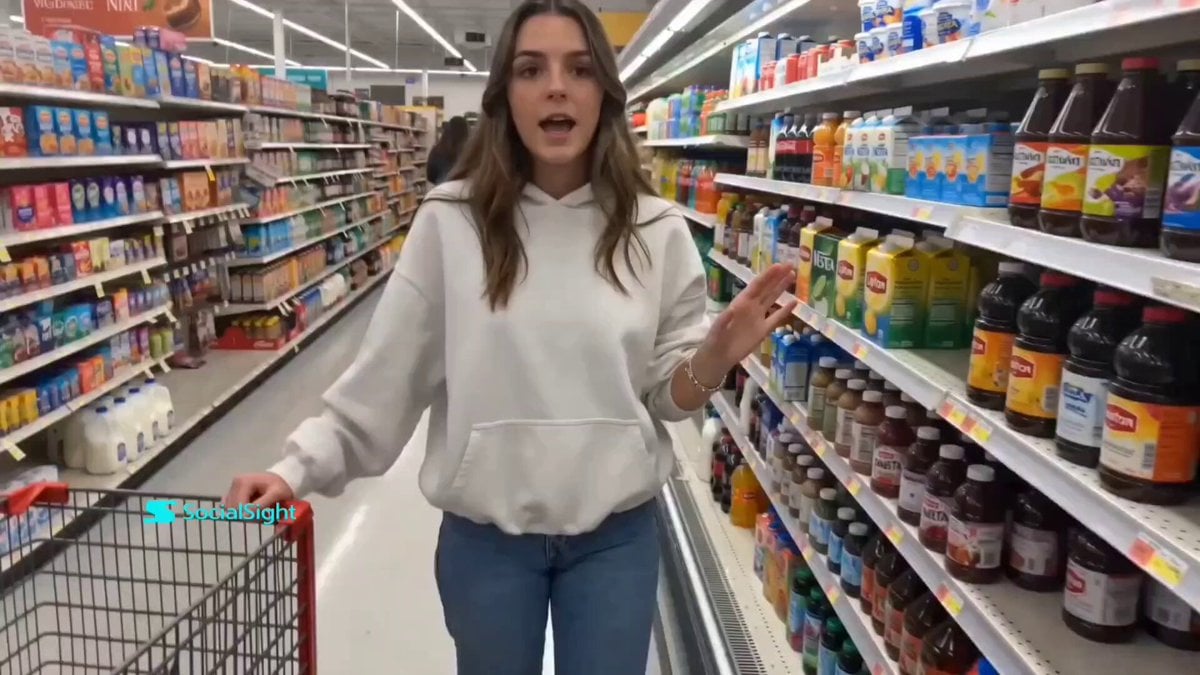
Supermarket Grocery Shopping Vlog
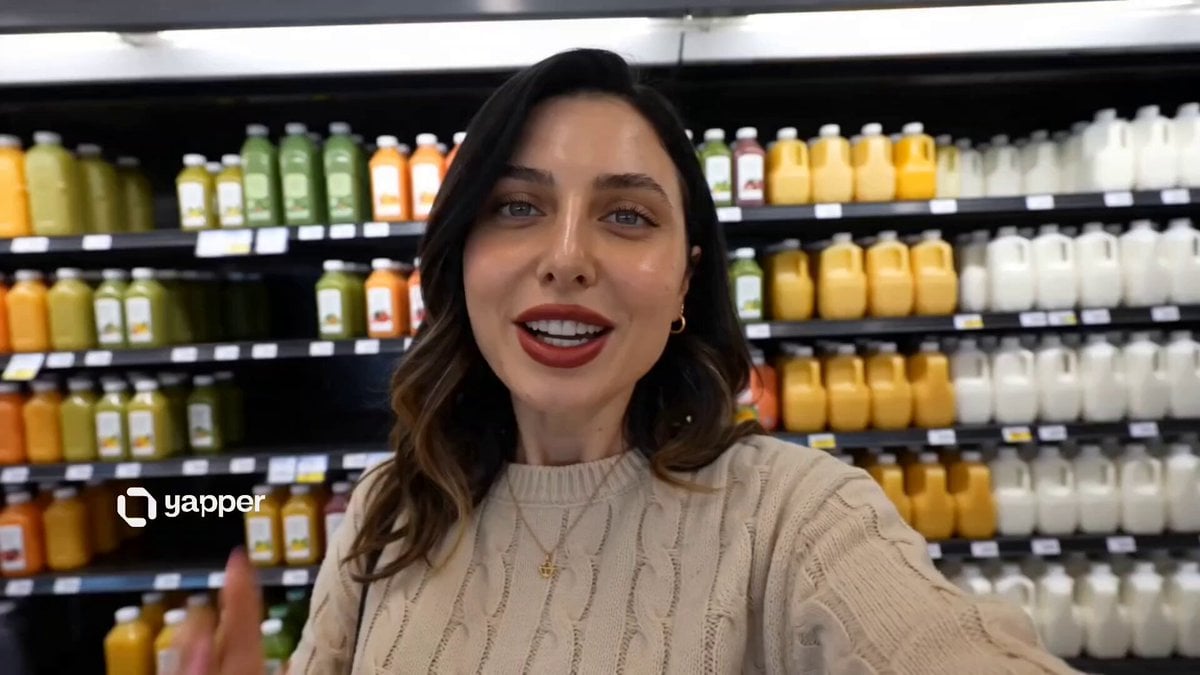
UGC Aesthetic Grocery Shopping
Nani Banana Pro + Seedance 2.0 Cinematic Lifestyle
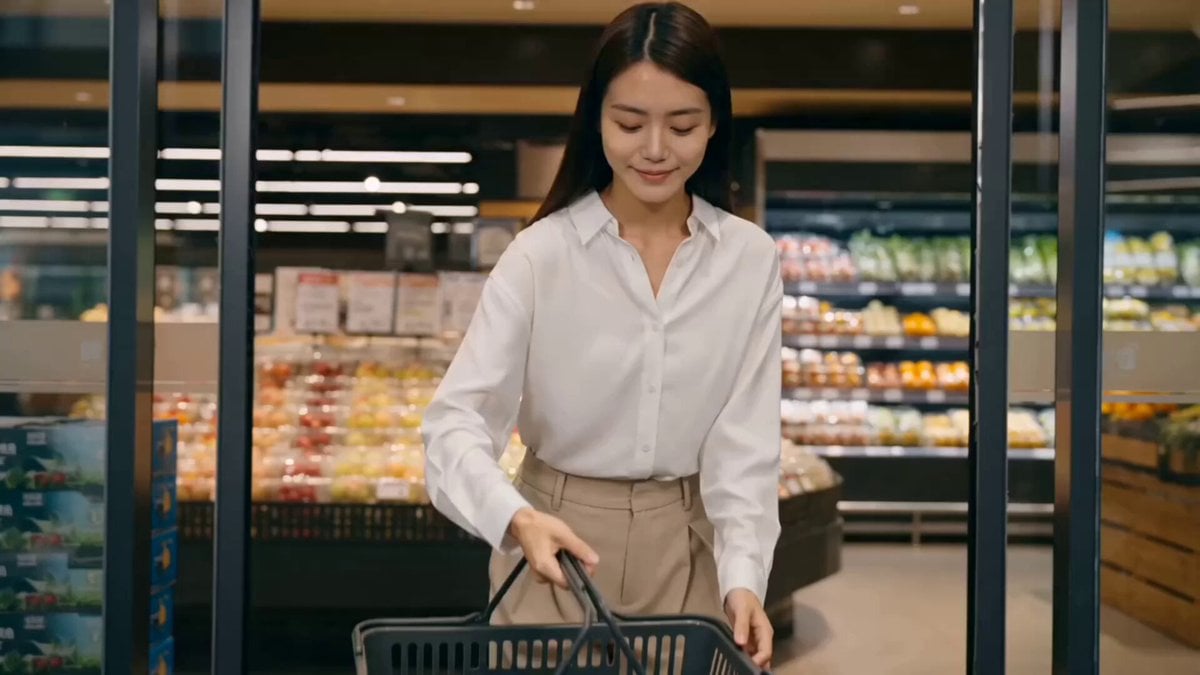
Luxury Grocery Run Lifestyle Vlog Prompt
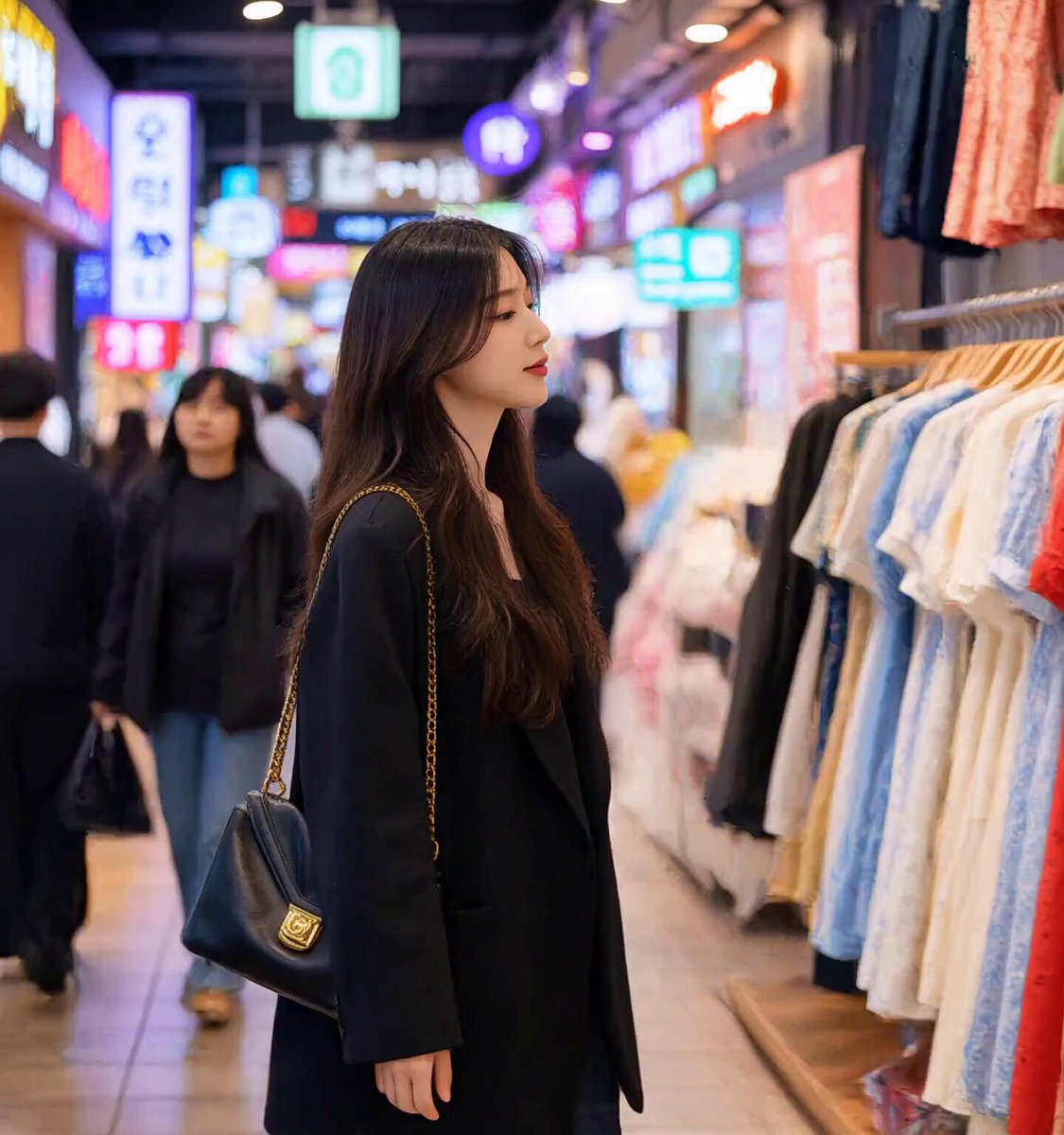
Korean Market Fashion Shopping Sequence

Open-World RPG Grocery Store Quest Prompt
Make it yours
Cinematic Grocery Shopping Lifestyle Video works as-is. These are the safest ways to change it without losing the look.
Change one field
Copy a single group, rewrite it, and generate again so you can see what that field is doing.
Keep the frame, change the subject
Hold the composition and light of Cinematic Grocery Shopping Lifestyle Video, then swap wardrobe, props or the person for a new take.
| If the result… | Why | Fix |
|---|---|---|
| The result drifts from the preview | Too many fields changed at once. | Reuse Cinematic Grocery Shopping Lifestyle Video as-is first, then change one group — subject, light, or setting. |
| The model over-stylizes the scene | The prose prompt leaves finish and camera underspecified. | Add one camera or lighting sentence and stay on Seedance 2.0. |
More Seedance 2.0 templates
Other prompts made for Seedance 2.0.

Comical Martial Arts Punch Scene

Maglev Train Action Sequence

Martial Arts Fight Sequence

Wuxia Protection and Trust Script

Vintage Korean Arcade MiniDV Vlog

Mercedes 190 SL Luxury Ad

Rainy Night Supernatural Reverse Comedy Video Script

Amazon Civilization Discovery

Futuristic South Asian City Transformation

Cozy Luxury Cafe Commercial
More video prompts
Fresh picks from across the catalog.

Iced Latte Coffee Commercial

Cyberpunk Nanotech Warrior Character PV
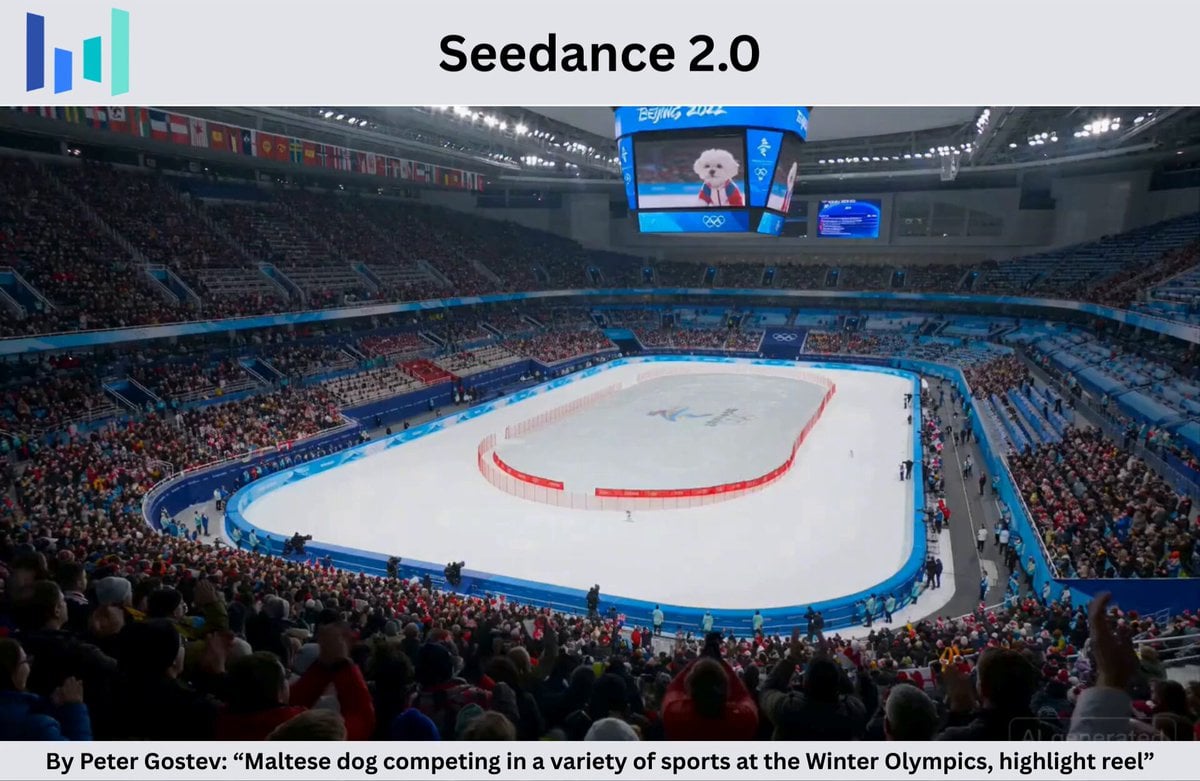
Maltese Dog Winter Olympics Highlight Reel

Hippo Boat Split Charge

Betta Fish in a Flying Saucer

Late Night News Reader

Boxers Sparring Cinematic Prompt

Cinematic Scene: Woman Running from a Lion in the Tropics

Astronaut Working on Asteroid Rocket

Mythological Griffin Transformation Sequence
Browse template categories
Cinematic Grocery Shopping Lifestyle Video questions
How do I use the Cinematic Grocery Shopping Lifestyle Video template?
Add your photo if the template asks for one, edit the prompt if you like — the template's model and format are already selected — and press Generate. Your version opens in PicX Studio.
Can I customize the Cinematic Grocery Shopping Lifestyle Video template?
Yes. You can change the subject, setting, lighting, mood, format, and available model controls before creating your video.
Is the Cinematic Grocery Shopping Lifestyle Video template free?
Opening and editing this template is free. Generating uses credits, shown on the Generate button when you are signed in.
Which AI model should I use?
Start with Seedance 2.0, which is the model associated with this template. You can compare another compatible model for a different finish.
Looking for something else? Browse all templates.

Your photo, any look
Thousands of ready templates for every top image and video model, from one credit balance.