How do I use the Hair Salon Martial Arts Action template?
Edit the prompt in the box under the preview — the template's model and format are already selected — and press Generate. Your version appears right on this page.
A dynamic action prompt featuring a blonde heroine fighting tactical attackers in an upscale hair salon, with dramatic slow-motion glass shattering.
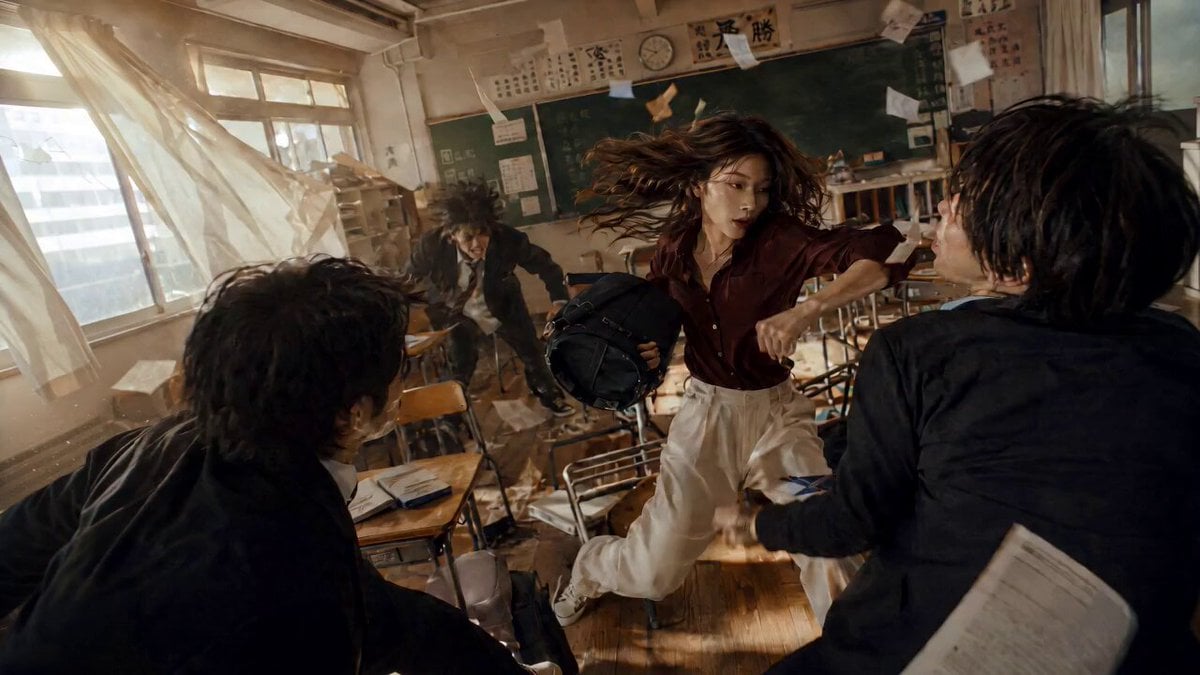
A dynamic, cinematic action sequence in a modern upscale hair salon at night. A confident young Western woman with shoulder-length wavy blonde hair, fair skin, and striking blue eyes is the hero. She wears a stylish white cropped blazer, white crop top, and white shorts with a belt. She single-handedly fights and defeats multiple aggressive male attackers dressed in black tactical gear who are armed with knives and batons. The intense fight features fast-paced martial arts choreography: she dodges attacks, delivers powerful kicks and punches, spins with flowing blonde hair, shatters large mirrors and glass panels in dramatic slow-motion explosions of shards, throws attackers into salon chairs and shelves, and creates chaos as hair products, equipment, and debris scatter across the glossy floor. Smoke and flying glass particles fill the air. The camera follows the action with dynamic handheld shots, pans, and dramatic angles. At the end, she stands victorious amid the destroyed salon, surrounded by defeated attackers lying on the floor. She looks directly forward with a calm, intense expression, runs a hand through her wavy blonde hair, and gazes at her reflection in a shattered mirror. High production value, realistic lighting, dramatic cinematic style, 4K.
A dynamic, cinematic action sequence in a modern upscale hair salon at night. A confident young Western woman with shoulder-length wavy blonde hair, fair skin, and striking blue eyes is the hero. She wears a stylish white cropped blazer, white crop top, and white shorts with a belt. She single-handedly fights and defeats multiple aggressive male attackers dressed in black tactical gear who are armed with knives and batons. The intense fight features fast-paced martial arts choreography: she dodges attacks, delivers powerful kicks and punches, spins with flowing blonde hair, shatters large mirrors and glass panels in dramatic slow-motion explosions of shards, throws attackers into salon chairs and shelves, and creates chaos as hair products, equipment, and debris scatter across the glossy floor. Smoke and flying glass particles fill the air. The camera follows the action with dynamic handheld shots, pans, and dramatic angles. At the end, she stands victorious amid the destroyed salon, surrounded by defeated attackers lying on the floor. She looks directly forward with a calm, intense expression, runs a hand through her wavy blonde hair, and gazes at her reflection in a shattered mirror. High production value, realistic lighting, dramatic cinematic style, 4K.
Edit the prompt in the box under the preview — the template's model and format are already selected — and press Generate. Your version appears right on this page.
Yes. You can change the subject, setting, lighting, mood, format, and available model controls before creating your video.
Opening and editing this template is free. Generating uses credits, shown on the Generate button when you are signed in.
Start with Seedance 2.0, which is the model associated with this template. You can compare another compatible model for a different finish.
Follow a topic to a crawlable collection of related PicX Studio templates.