
Glass Skywalk Restaurant Skyscraper Escape
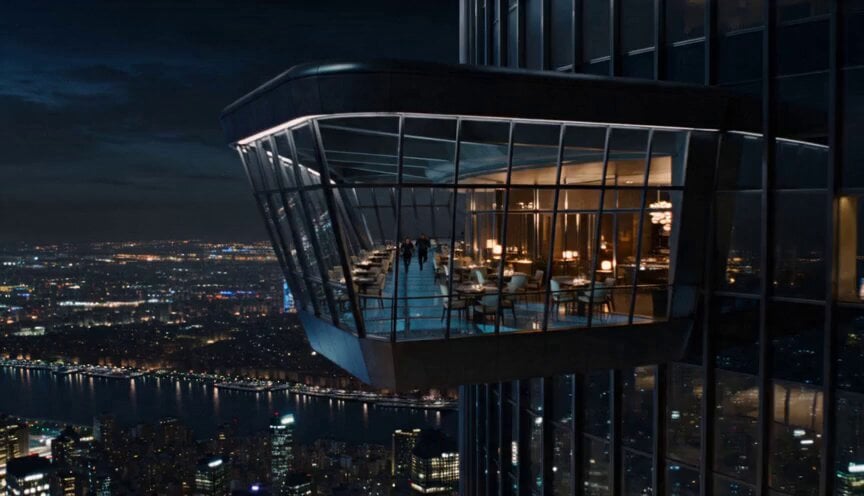
A high-stakes action sequence of two agents escaping a detaching glass skywalk restaurant high above a neon city.
- Prompt included
- Model and format preset
- Free template
The prompt behind this video
Copy the exact prompt behind Glass Skywalk Restaurant Skyscraper Escape, or open it in the studio and make it yours.
Hyper-realistic cinematic action sequence, 15 seconds, aspect ratio 16:9. Night. High above a neon city, a luxury glass skywalk restaurant is attached to the side of a skyscraper. Two agents, one man and one woman, sprint through the restaurant while security chases behind them. The restaurant has glass walls, glass floor sections, elegant tables, chairs, hanging lights, polished metal, and the city visible far below. Wide opening shot: the two agents run through the restaurant between tables as security enters behind them. Suddenly the entire skywalk structure shakes. Lights flicker, glasses fall from tables, and the city drops away beneath the glass floor. Tracking shot: the restaurant begins detaching from the skyscraper. The floor tilts downward. Tables, chairs, plates, and glassware slide across the room. The agents struggle to keep balance and keep moving toward the far emergency exit. Side shot: the skywalk pulls farther away from the building. Metal supports bend, glass walls crack, and one row of tables slides toward the broken side. The agents grab railings, dodge sliding furniture, and keep moving while security is thrown off balance behind them. Final 5 seconds: the action becomes extreme. The restaurant tilts harder, almost vertical. The agents slide across the glass floor, grab a fixed metal support, pull themselves forward, then jump down onto a narrow exterior maintenance ledge attached to the skyscraper below the restaurant. They land hard and cling to the ledge as chairs and broken glass crash past them. Final moment: the two agents crouch on the narrow ledge outside the skyscraper while the skywalk restaurant tears away behind them, glowing city lights far below. Style: hyper-realistic, cinematic, fast-paced, intense, stressful, clear readable action, strong sense of height, breaking glass, sliding furniture, collapsing skywalk, dynamic but readable camera movement, no text, no logos, no cartoon style, no famous celebrity faces, no recognizable actors, no movie-star resemblance, no public-figure likenesses, no clear facial close-ups. Keep proportions. Keep style and features. Aspect ratio 16:9.
How to use Glass Skywalk Restaurant Skyscraper Escape in 3 steps
- 1Upload ImagePNG, JPG or paste
Add your photo
Upload the photo the template builds on. The prompt, model and format are already set.
- 2…a portrait of your subject in softgolden-hour light, 85mm…
Personalize
Edit the subject and creative details for your destination.
- 3Generate
Generate
Press Generate — your video is created in PicX Studio, so you can compare it with the original and refine one variable at a time.
More like this
Templates with the same subject, style or setup. Open one to see its prompt.
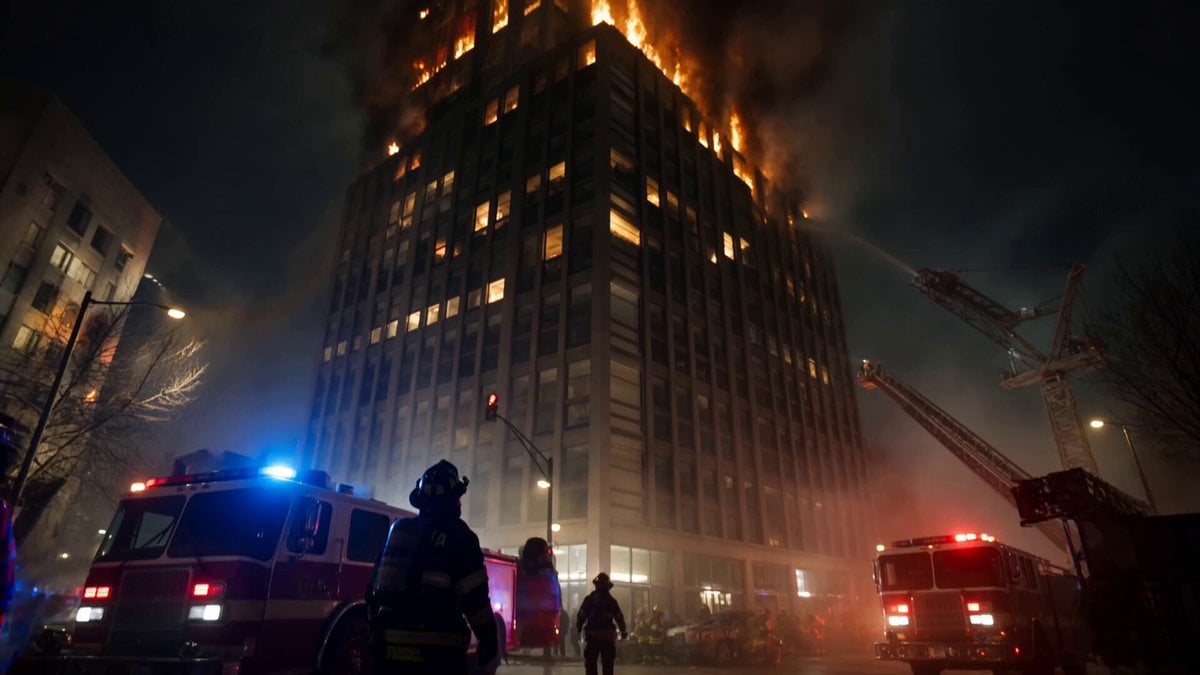
Live-Action Firefighter Rescue Night Scene
Skybridge Rescue — Supertall Tower Collapse (Seedance)
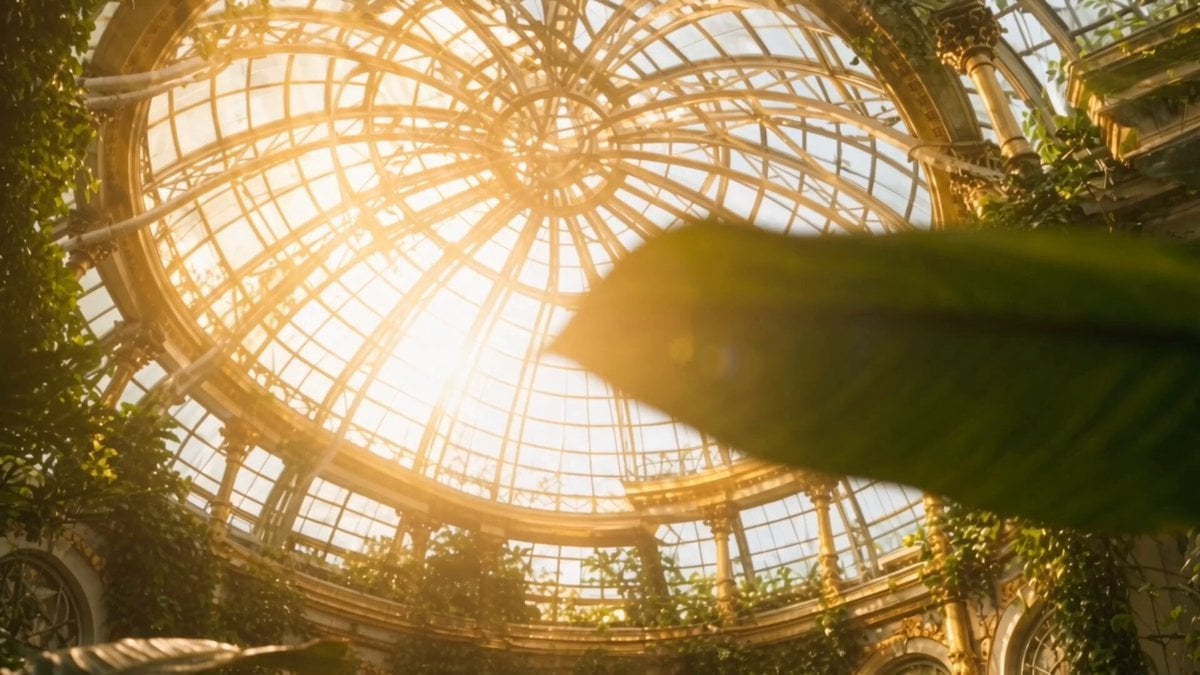
Sci-fi action sequence escape prompt
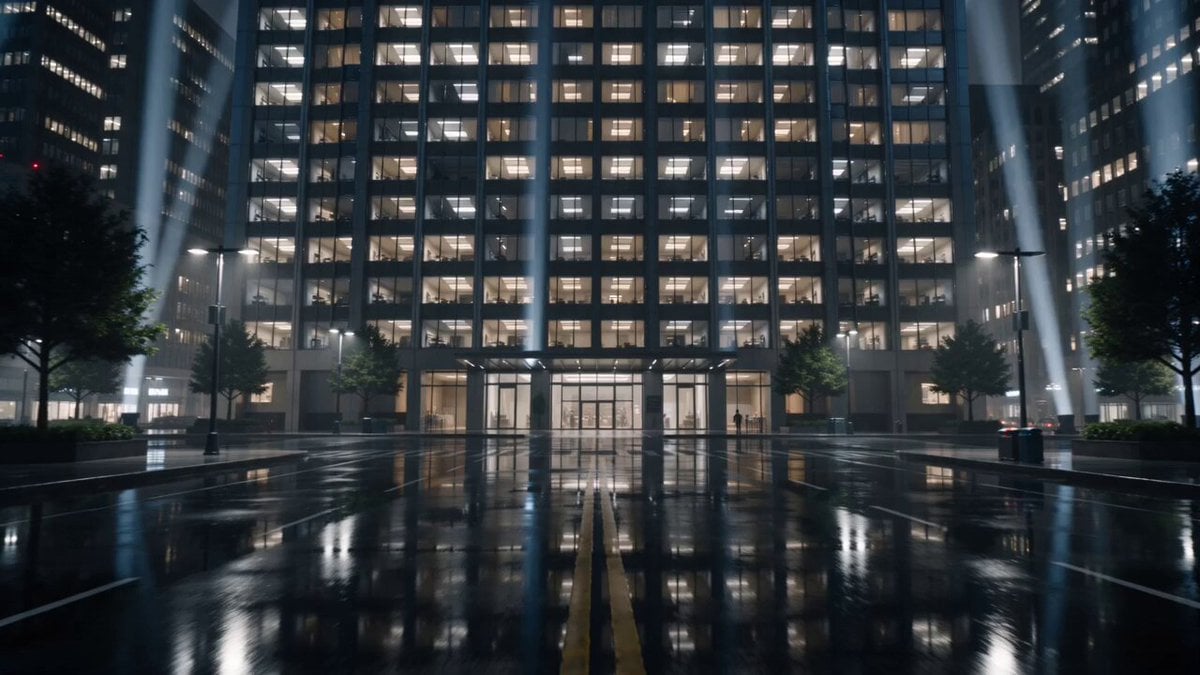
Breathing Skyscraper Night Surrealism
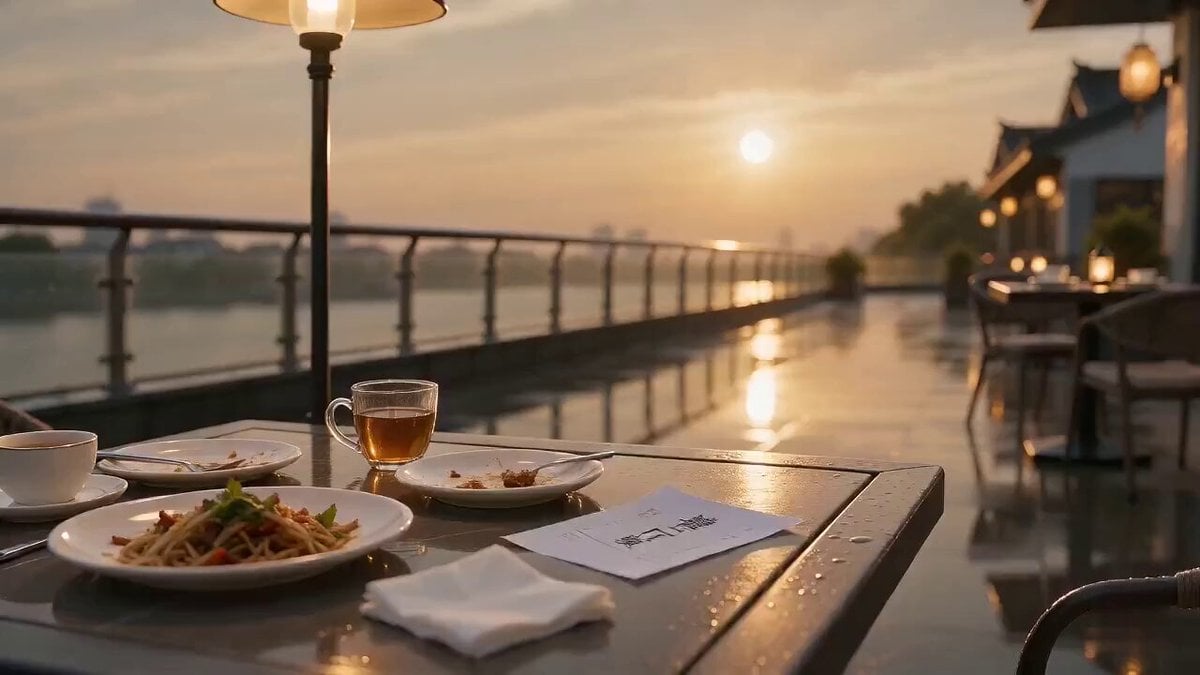
Xianxia Modern Restaurant Chase
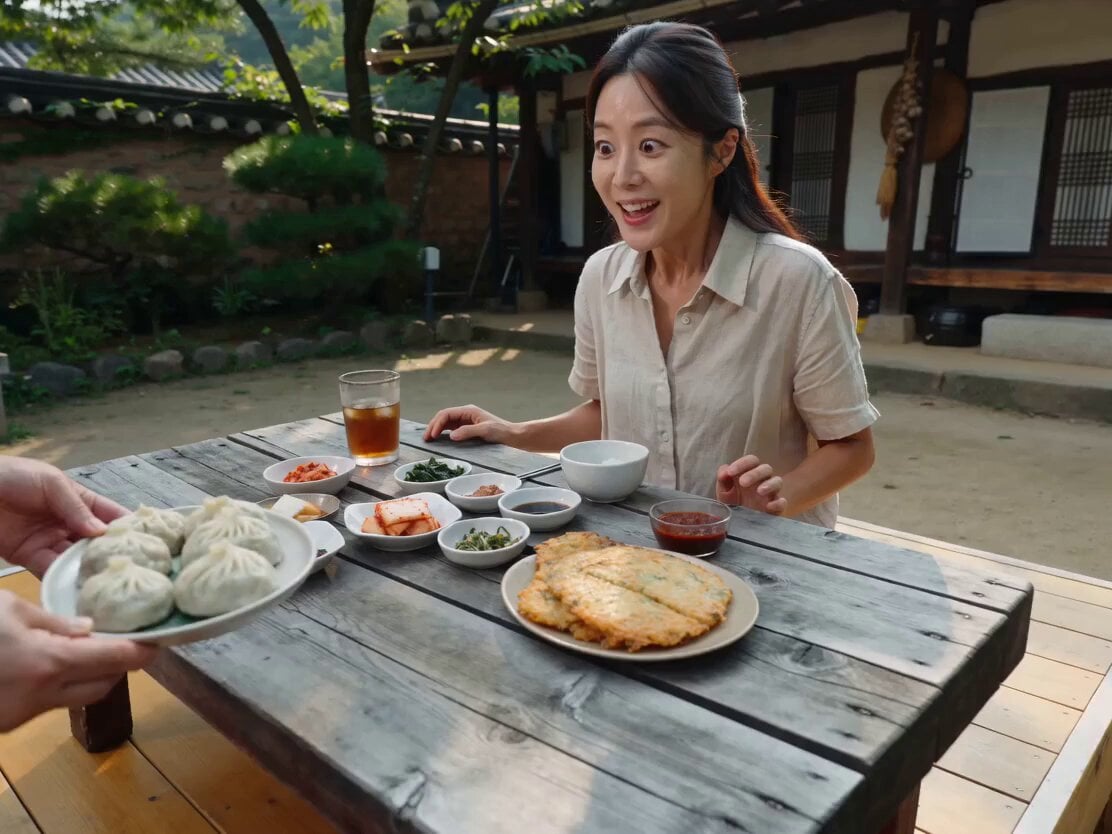
Hanok Restaurant Mukbang Vlog
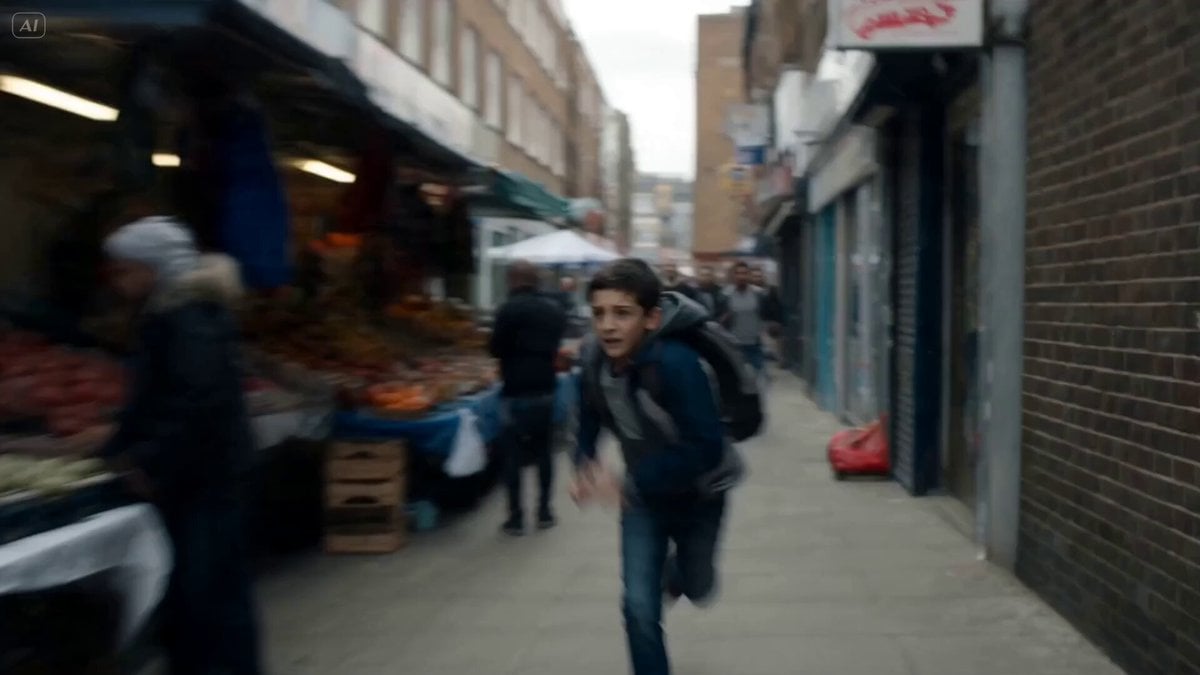
Cinematic Urban Foot Chase Escape
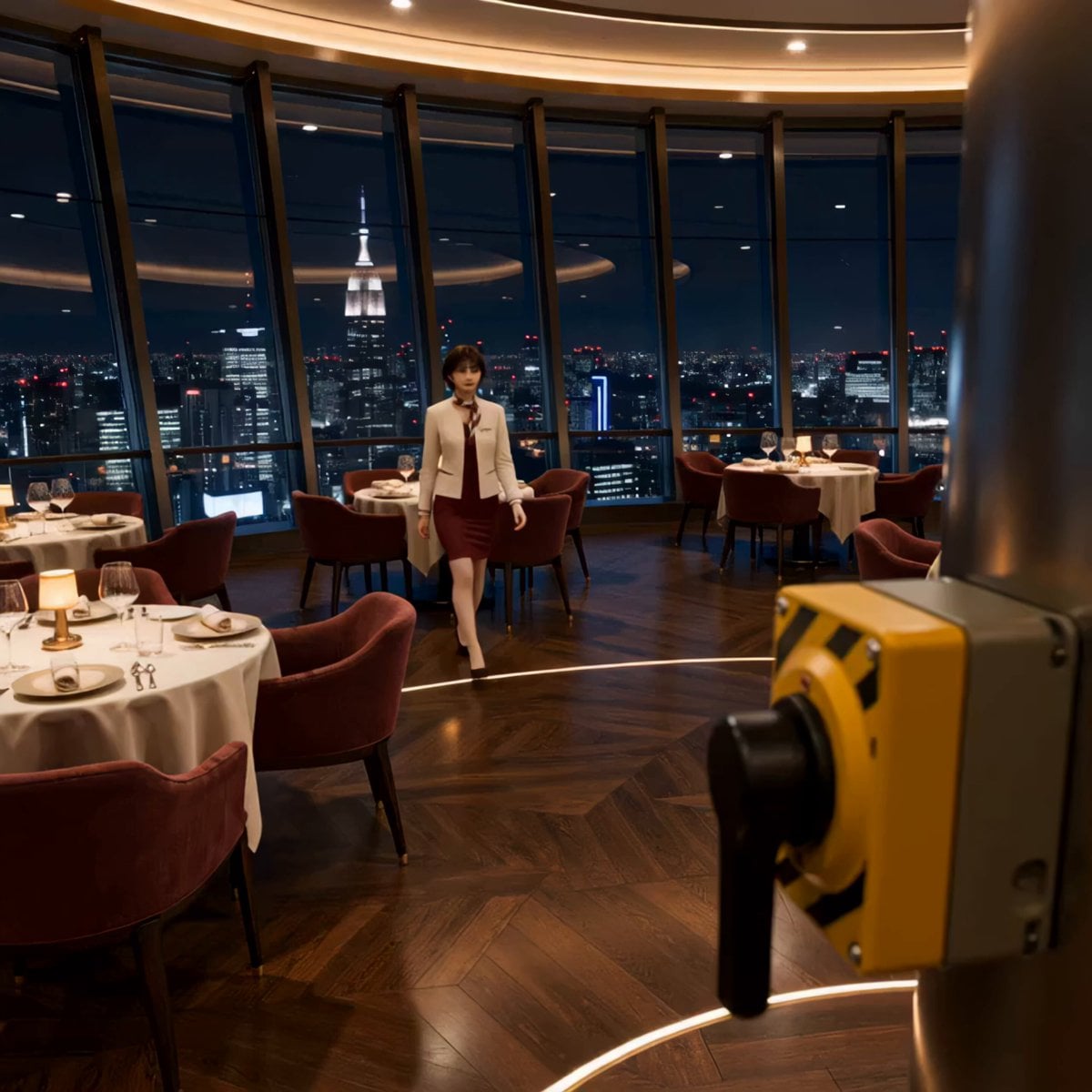
Luxury Restaurant Floor Manager Video
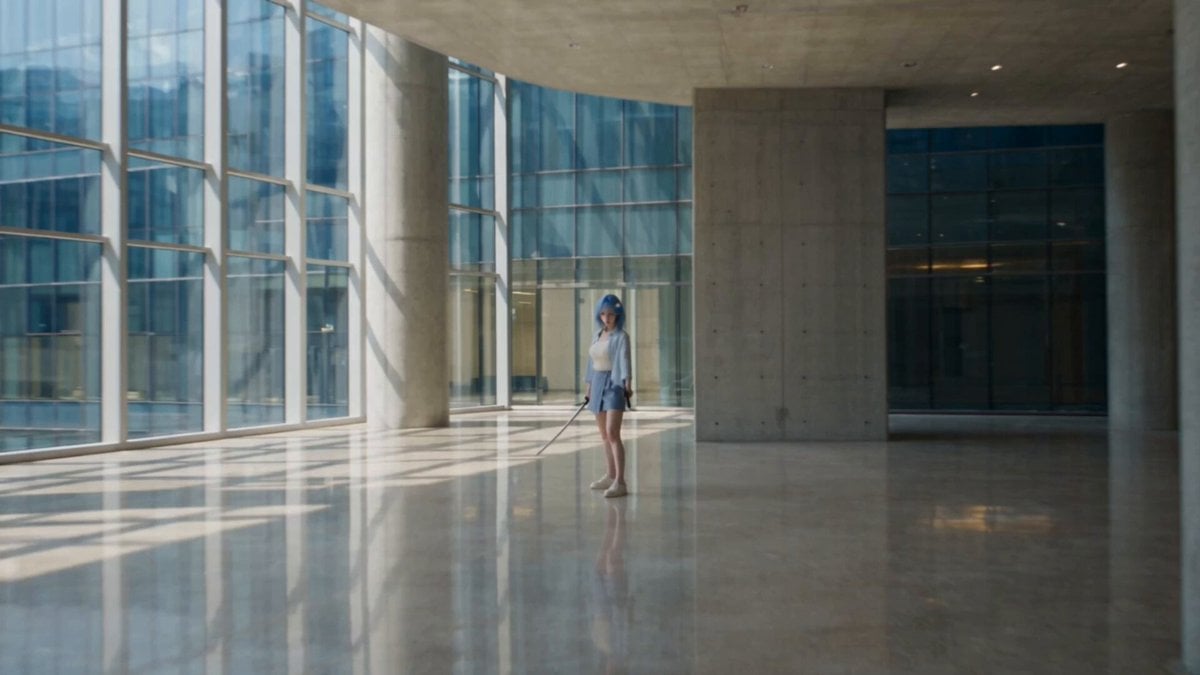
Modern Ninja Skyscraper Lobby Combat
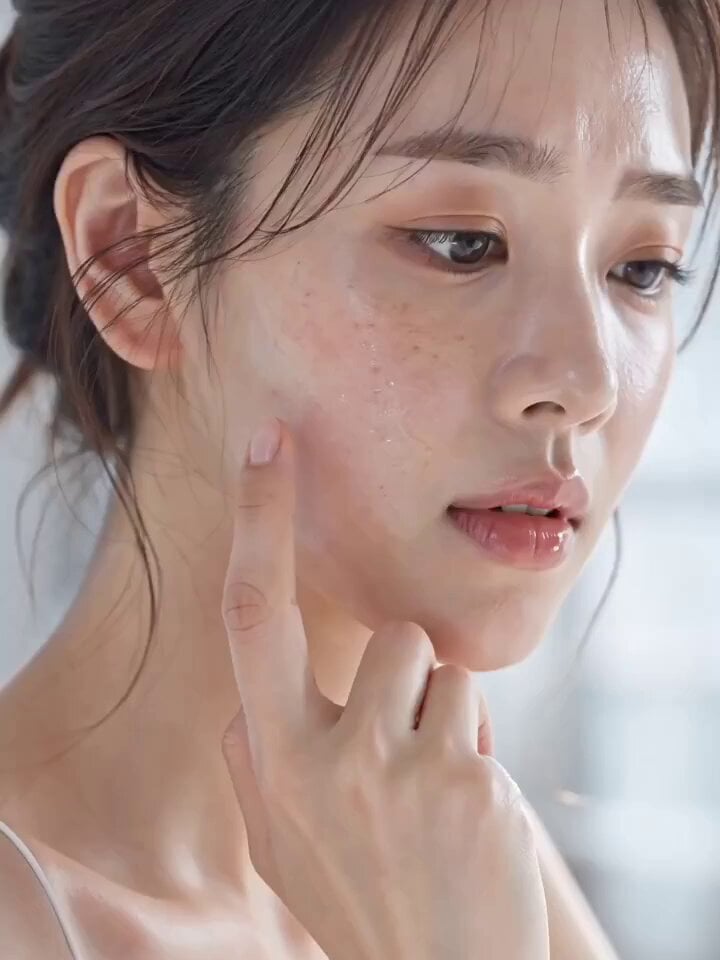
Skincare Serum Glass Skin Commercial
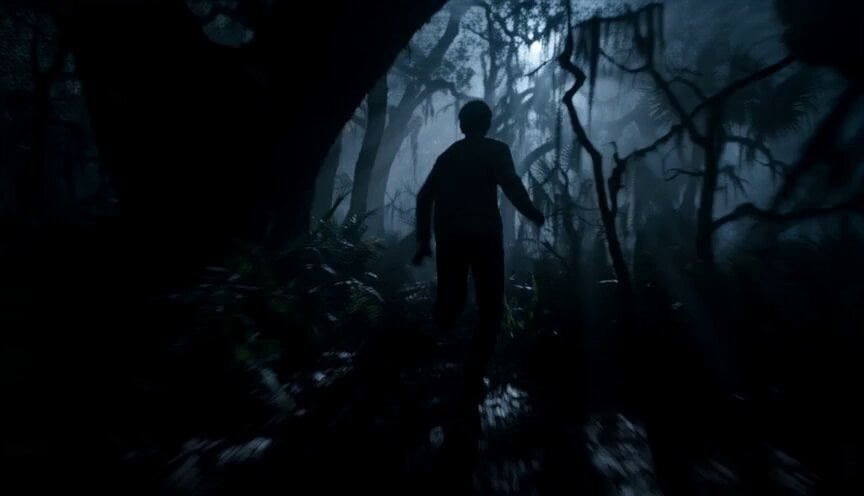
Dreamstate Nightmare Escape
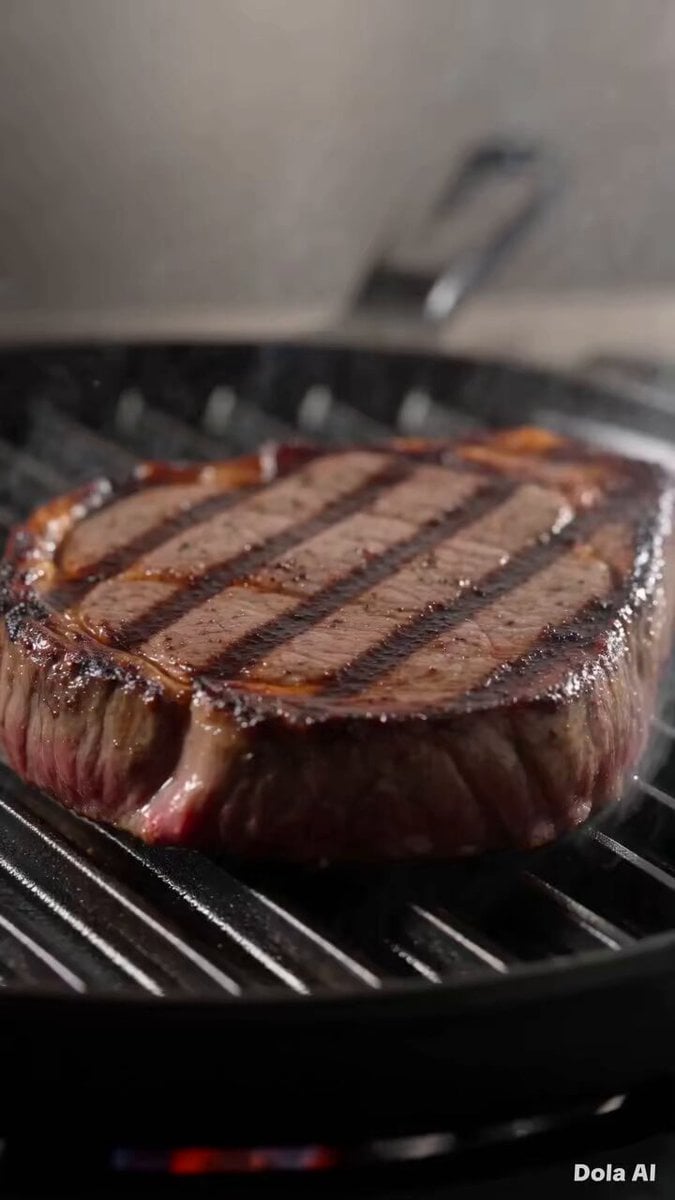
Fresh Food Restaurant Commercial
Make it yours
Glass Skywalk Restaurant Skyscraper Escape works as-is. These are the safest ways to change it without losing the look.
Change one field
Copy a single group, rewrite it, and generate again so you can see what that field is doing.
Keep the frame, change the subject
Hold the composition and light of Glass Skywalk Restaurant Skyscraper Escape, then swap wardrobe, props or the person for a new take.
| If the result… | Why | Fix |
|---|---|---|
| The result drifts from the preview | Too many fields changed at once. | Reuse Glass Skywalk Restaurant Skyscraper Escape as-is first, then change one group — subject, light, or setting. |
| The model over-stylizes the scene | The prose prompt leaves finish and camera underspecified. | Add one camera or lighting sentence and stay on Seedance 2.0. |
More Seedance 2.0 templates
Other prompts made for Seedance 2.0.

Comical Martial Arts Punch Scene

Maglev Train Action Sequence

Martial Arts Fight Sequence

Wuxia Protection and Trust Script

Vintage Korean Arcade MiniDV Vlog

Mercedes 190 SL Luxury Ad

Rainy Night Supernatural Reverse Comedy Video Script

Amazon Civilization Discovery

Futuristic South Asian City Transformation

Cozy Luxury Cafe Commercial
More video prompts
Fresh picks from across the catalog.
Security Camera Found Footage Horror
Warrior Woman Riding a Dragon Cinematic Video Prompt
Volcanic Sky Realm Duel Prompt

Complex Action Sequence Video Prompt for Seedance 2.0
Post-Apocalyptic Girl and Android Guardians
Haunted Painting Reality Window
Bullet Time 360 Orbit Prompt
Black Cat Warrior Martial Arts Video Prompt
Cinematic Solarpunk Biophilic Megacity at Golden Hour
Cinematic Lamborghini Brand Creative Ad Video Generation Prompt
Browse template categories
Glass Skywalk Restaurant Skyscraper Escape questions
How do I use the Glass Skywalk Restaurant Skyscraper Escape template?
Add your photo if the template asks for one, edit the prompt if you like — the template's model and format are already selected — and press Generate. Your version opens in PicX Studio.
Can I customize the Glass Skywalk Restaurant Skyscraper Escape template?
Yes. You can change the subject, setting, lighting, mood, format, and available model controls before creating your video.
Is the Glass Skywalk Restaurant Skyscraper Escape template free?
Opening and editing this template is free. Generating uses credits, shown on the Generate button when you are signed in.
Which AI model should I use?
Start with Seedance 2.0, which is the model associated with this template. You can compare another compatible model for a different finish.
Looking for something else? Browse all templates.

Your photo, any look
Thousands of ready templates for every top image and video model, from one credit balance.