
Rainy Korean Alley Stroll
A realistic video sequence of a young Korean woman walking through a neighborhood alley after rain, featuring natural interactions and camcorder-style focus shifts.
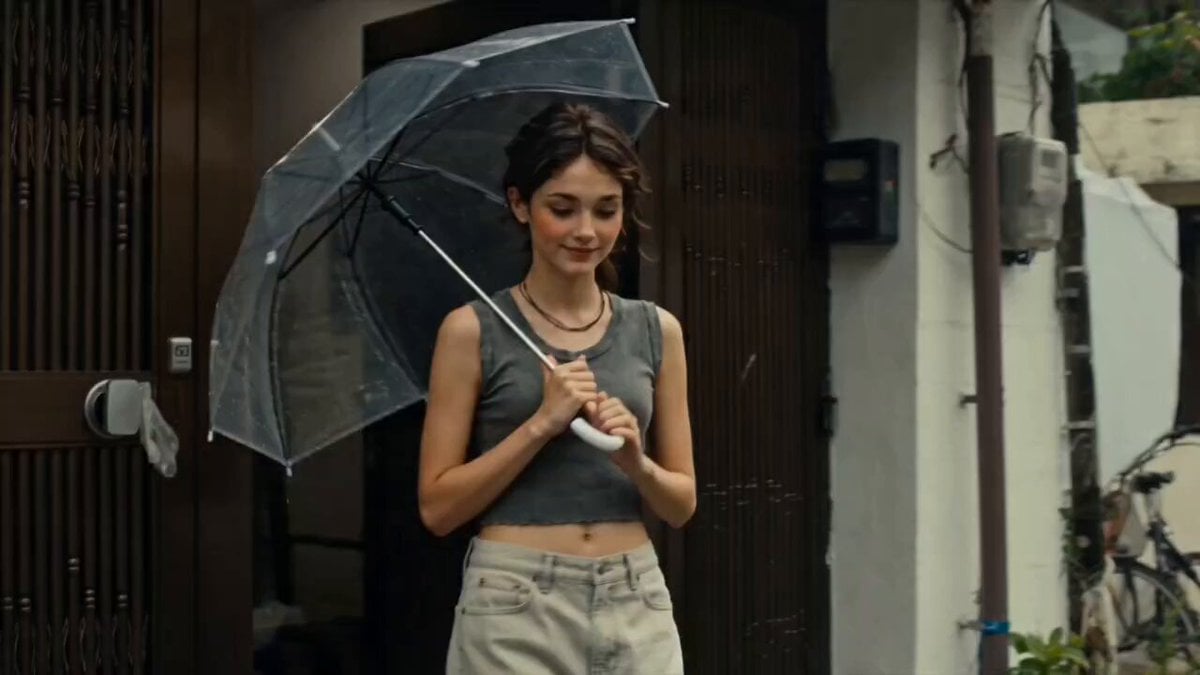
- Prompt included
- Model and format preset
- Premium template
The prompt behind this video
Copy the exact prompt behind Rainy Korean Alley Stroll, or open it in the studio and make it yours.
Main Subject: Young Korean woman, early 20s, natural everyday appearance, faded charcoal-grey sleeveless crop top, loose high-waisted light-wash jeans, black canvas sneakers, black cord necklace, black wavy hair in a messy side ponytail with wispy bangs. Realistic skin texture, minimal makeup, warm and approachable personality. Maintain identical identity, clothing, hairstyle, and appearance throughout. Location: Quiet Korean alley after light rain. 00:00–00:03 She opens a transparent umbrella outside her house while tiny raindrops fall. 00:03–00:06 Walking slowly through puddles. Camera accidentally tilts downward toward splashing feet. 00:06–00:09 She stops to watch rain dripping from tree branches. 00:09–00:12 A neighborhood dog approaches. She crouches to pet it. 00:12–00:15 She laughs after rainwater drips from the umbrella edge. Camcorder loses focus before cutting. Audio: Rain, distant traffic, birds, footsteps through puddles.
How to use Rainy Korean Alley Stroll in 3 steps
- 1
Open
The prompt is already in the box next to the preview, with the template's model and format selected.
- 2…a portrait of your subject in softgolden-hour light, 85mm…
Personalize
Edit the subject and creative details for your destination.
- 3Generate
Generate
Press Generate — your video is created in PicX Studio, so you can compare it with the original and refine one variable at a time.
More like this
Templates with the same subject, style or setup. Open one to see its prompt.
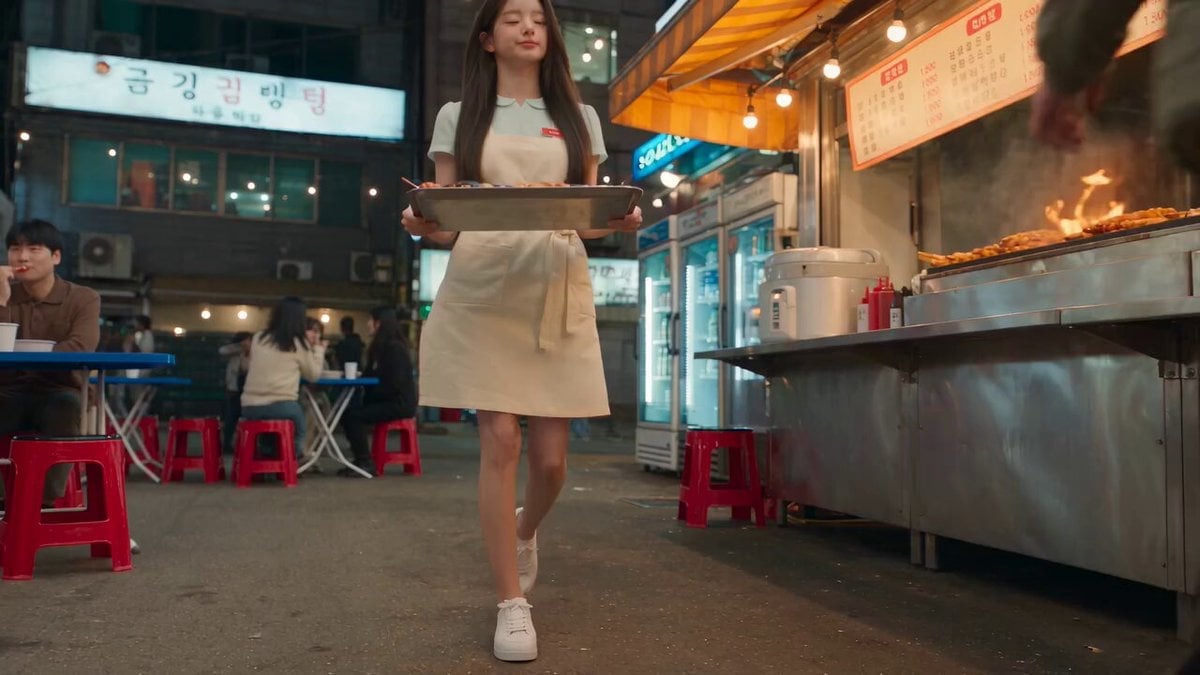
Korean Night Market Bullet-Time Scene - Seedance 2.5

Iced Coffee Dog Good-News Montage
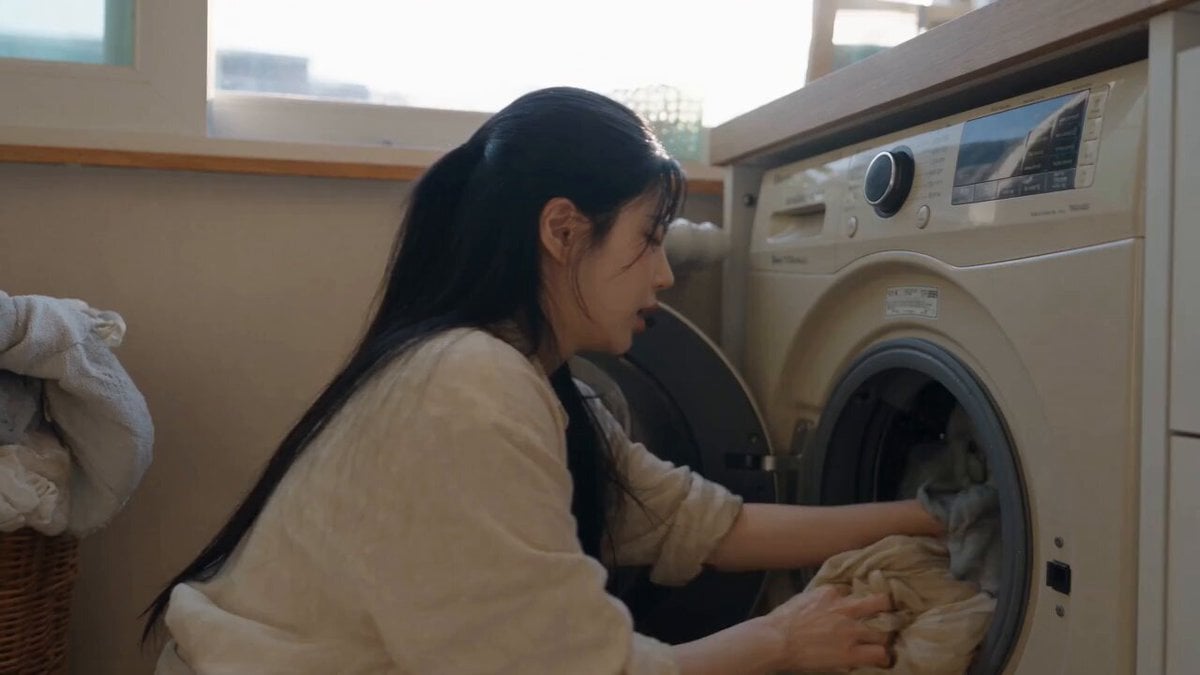
Sunny Morning Laundry Vlog
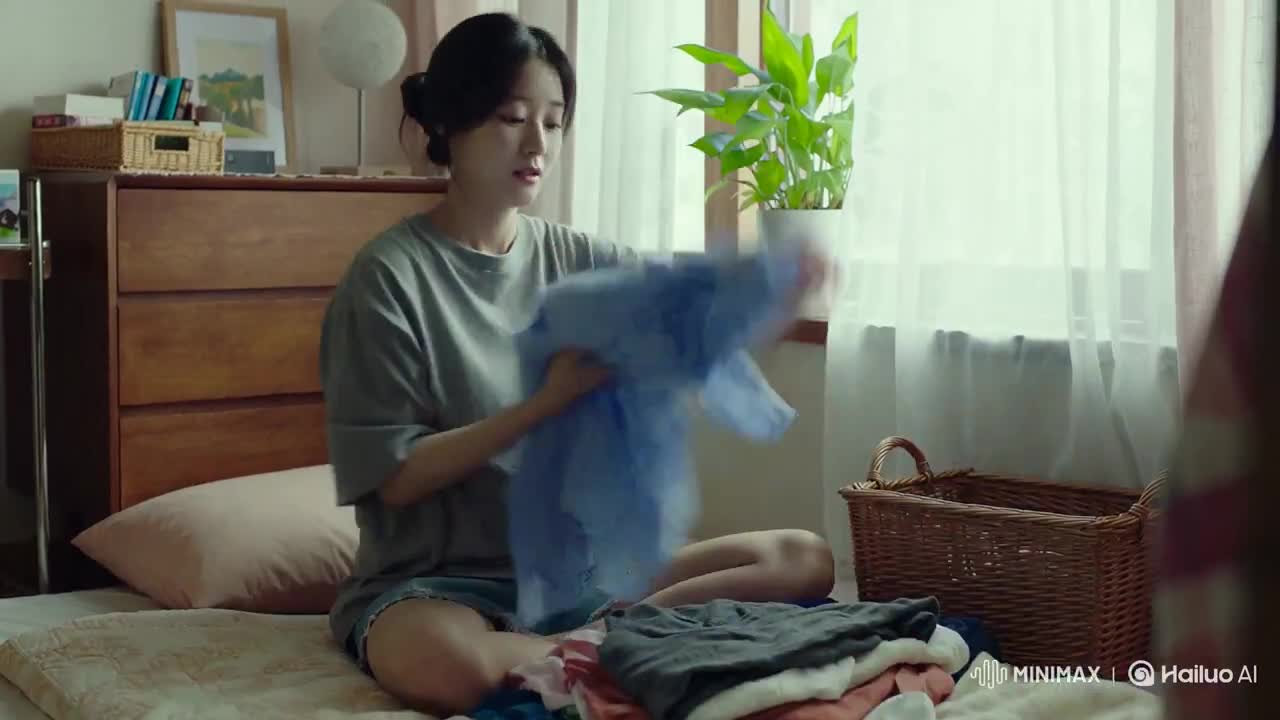
Korean Woman Laundry Folding DV Camcorder Morning
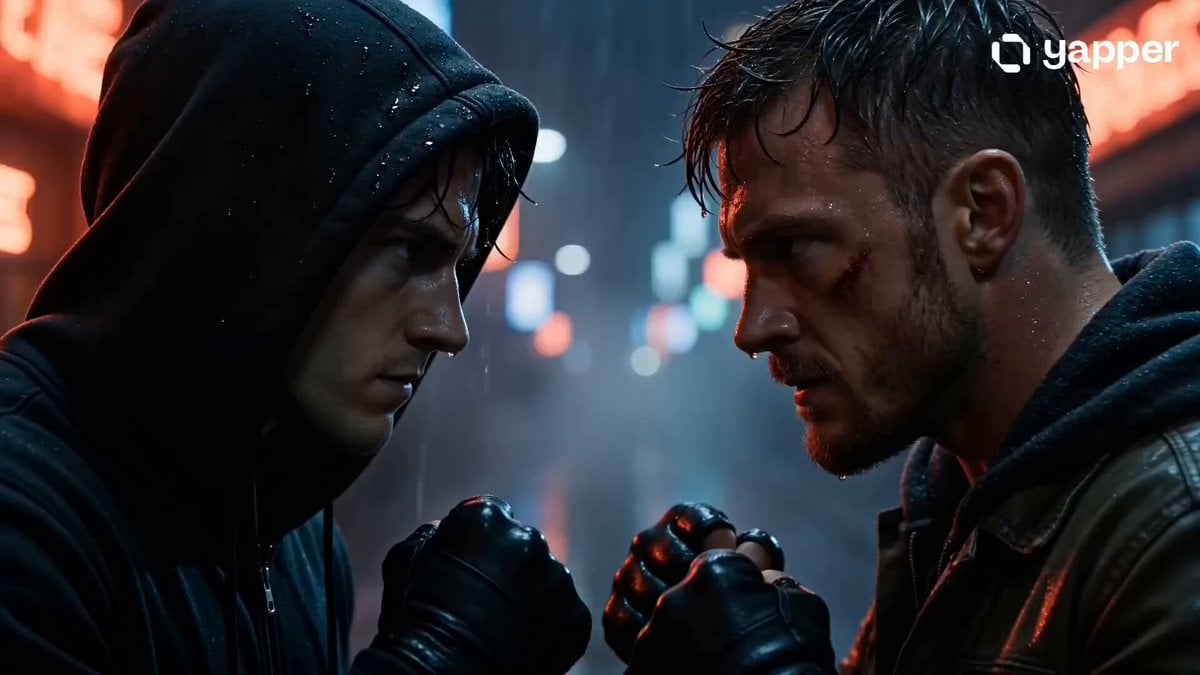
Rainy Alley Fight Scene
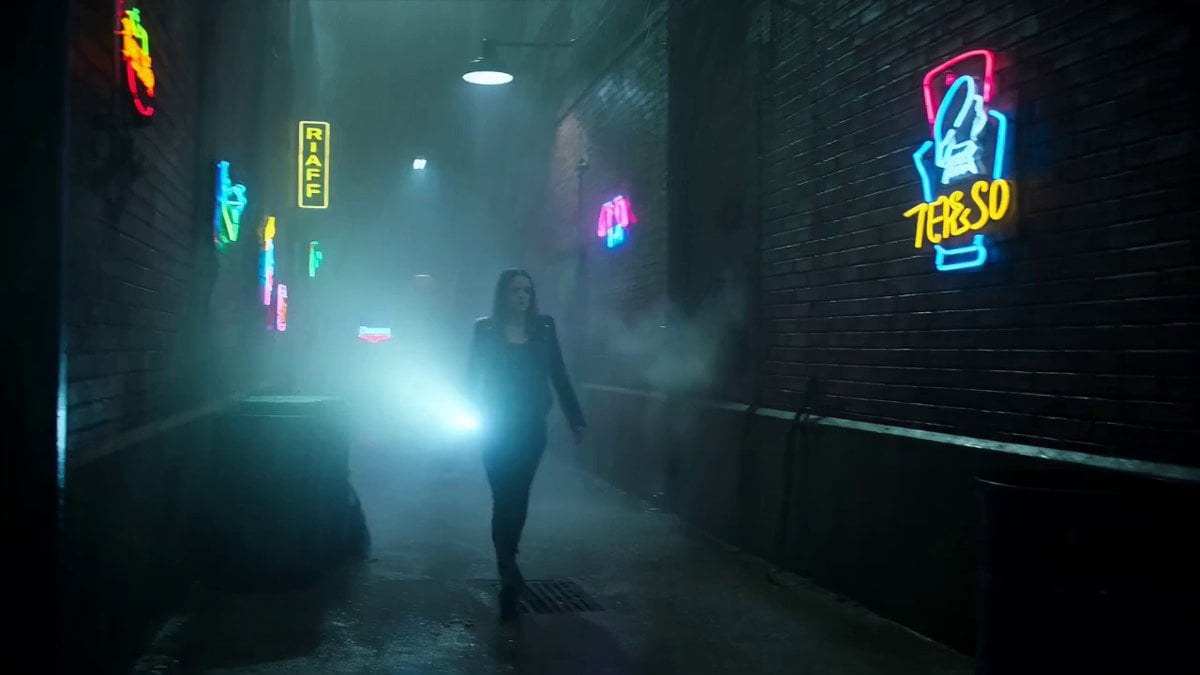
Rainy Underground Alley Horror Prompt

Rainy Neon Tokyo Violinist

Vintage Korean Arcade MiniDV Vlog
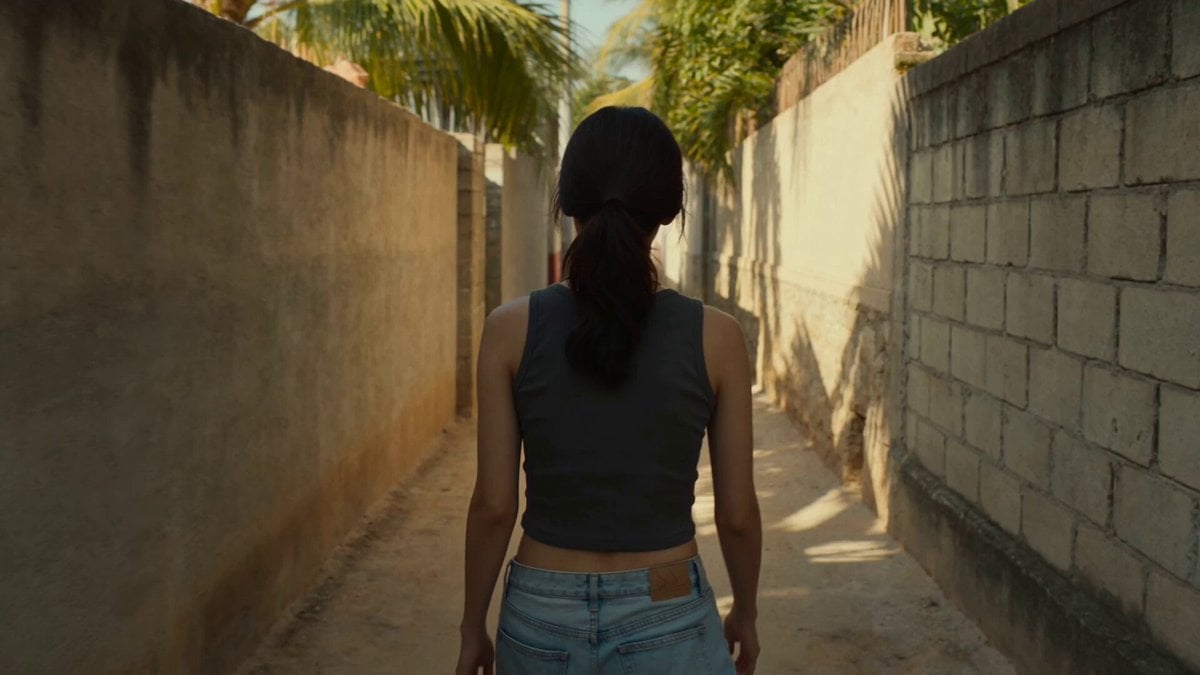
Golden Hour Alley Scene
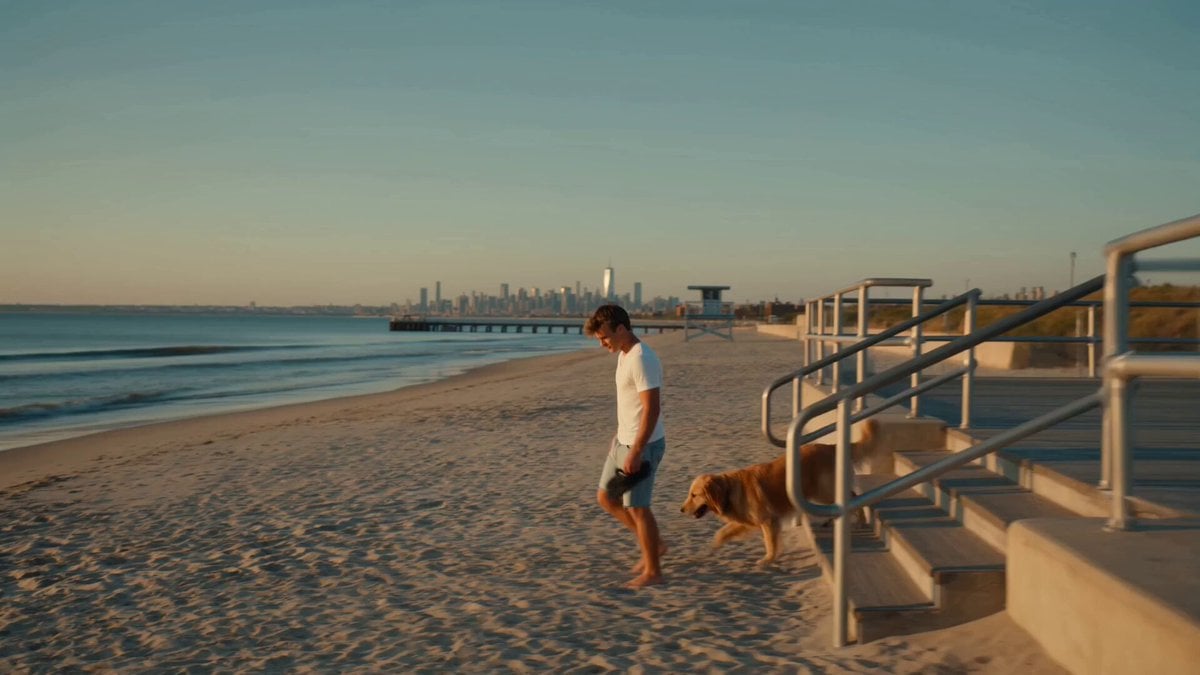
Golden Hour NYC Beach Stroll
Cinematic Rainy Park Romantic Walk
Korean Idol Vlog Camcorder
Make it yours
Rainy Korean Alley Stroll works as-is. These are the safest ways to change it without losing the look.
Change one field
Copy a single group, rewrite it, and generate again so you can see what that field is doing.
Keep the frame, change the subject
Hold the composition and light of Rainy Korean Alley Stroll, then swap wardrobe, props or the person for a new take.
| If the result… | Why | Fix |
|---|---|---|
| The result drifts from the preview | Too many fields changed at once. | Reuse Rainy Korean Alley Stroll as-is first, then change one group — subject, light, or setting. |
| The model over-stylizes the scene | The prose prompt leaves finish and camera underspecified. | Add one camera or lighting sentence and stay on Seedance 2.0. |
More Seedance 2.0 templates
Other prompts made for Seedance 2.0.

Comical Martial Arts Punch Scene

Maglev Train Action Sequence

Martial Arts Fight Sequence

Wuxia Protection and Trust Script

Mercedes 190 SL Luxury Ad

Amazon Civilization Discovery

Futuristic South Asian City Transformation

Cozy Luxury Cafe Commercial

Cyber Ronin Nanotech Transformation Video
Desert Courier and Sandstorm Leviathan Chase
More video prompts
Fresh picks from across the catalog.

Tabby Cat Scooter Japanese City
Foggy Character Head Movement
Dynamic Sky Background Animation Prompt
Cinematic 1950s Film Noir Diner Scene

Grok Imagine Prompt: 3D Paper Art Water Goddess
Crows on a rock with Celtic runes and glass mosaic jug
Premium Fitness Documentary Style
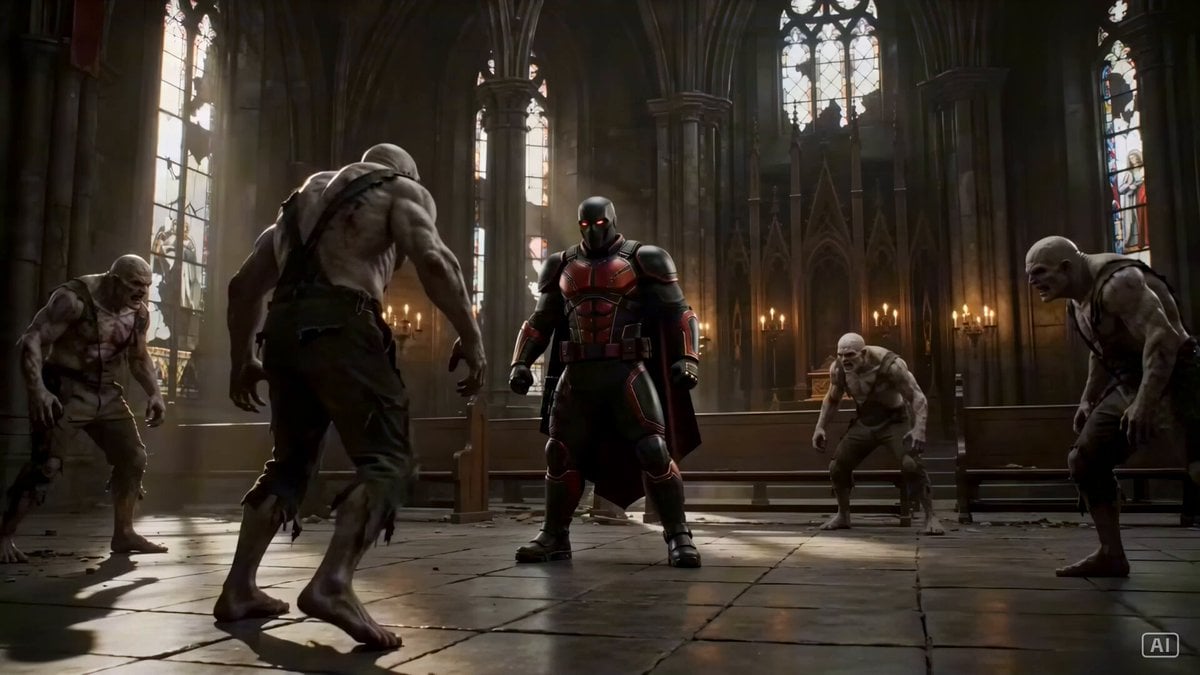
Grounded Action Sequence in a Gothic Cathedral
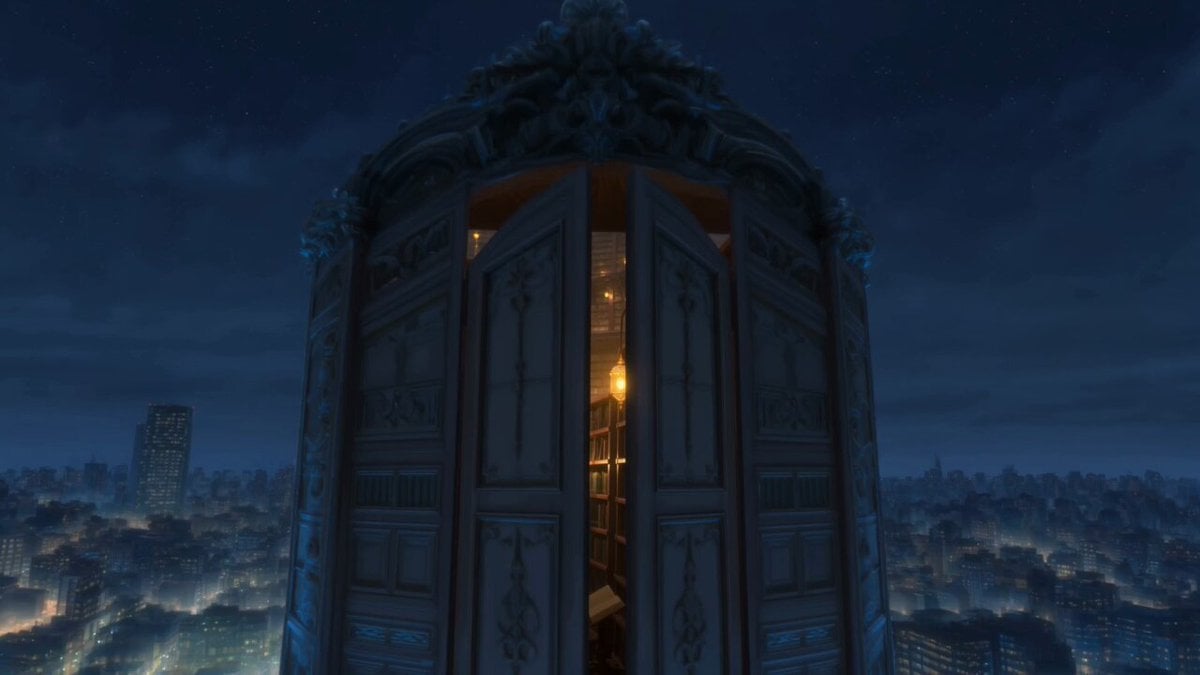
Infinite Magical Bookstore Anime Sequence
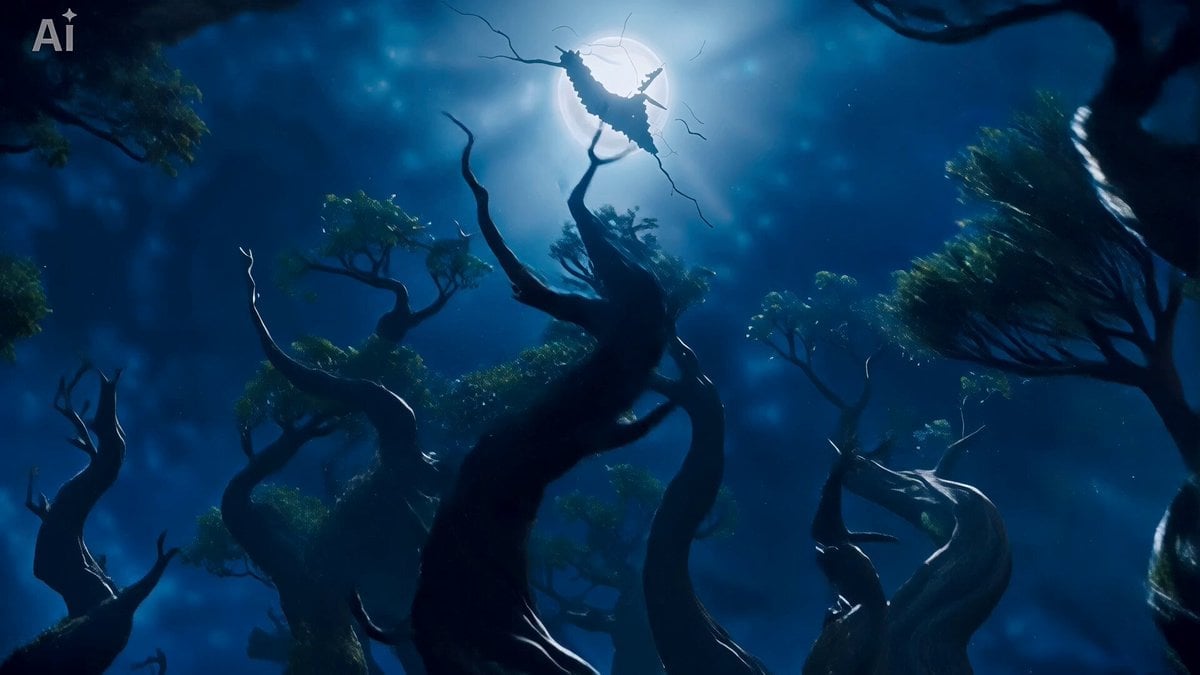
Ethereal Wanderer in Fog-Shrouded Forest
Browse template categories
Rainy Korean Alley Stroll questions
How do I use the Rainy Korean Alley Stroll template?
Add your photo if the template asks for one, edit the prompt if you like — the template's model and format are already selected — and press Generate. Your version opens in PicX Studio.
Can I customize the Rainy Korean Alley Stroll template?
Yes. You can change the subject, setting, lighting, mood, format, and available model controls before creating your video.
Is the Rainy Korean Alley Stroll template free?
Opening and editing this template is free. Generating uses credits, shown on the Generate button when you are signed in.
Which AI model should I use?
Start with Seedance 2.0, which is the model associated with this template. You can compare another compatible model for a different finish.
Looking for something else? Browse all templates.

Your photo, any look
Thousands of ready templates for every top image and video model, from one credit balance.