
Block 5 The Logo A solid background block featuring the Final Logo
[BRAND NAME] ({INDUSTRY}).
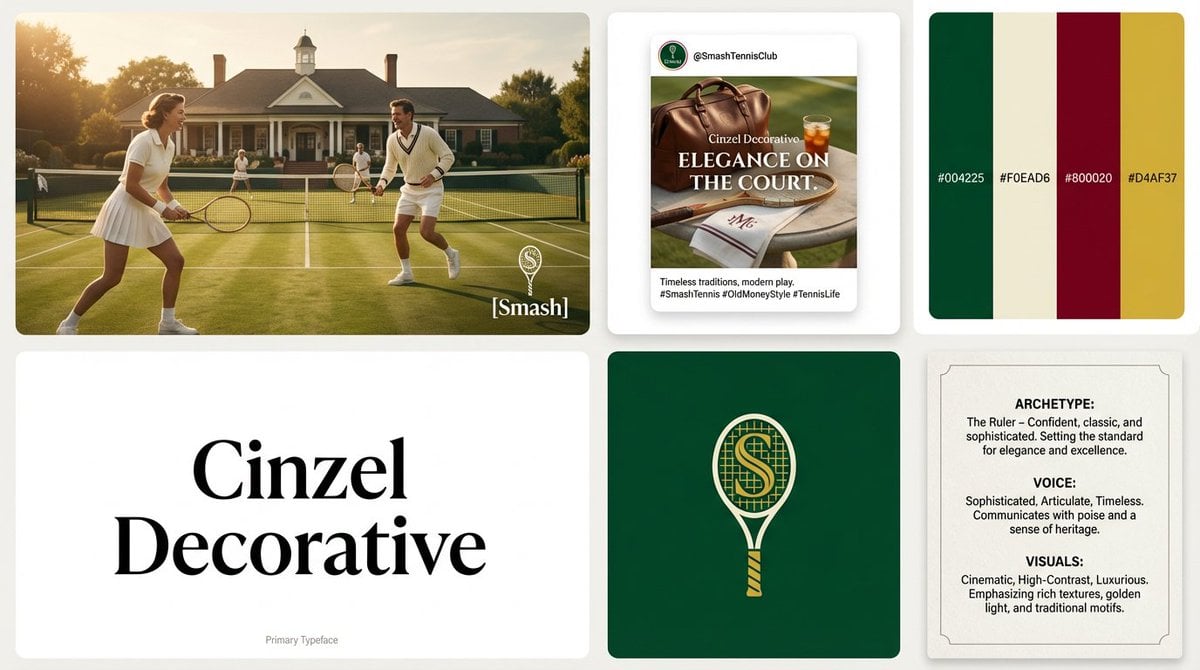
- Prompt included
- Model and format preset
- Premium template
The prompt behind this image
Copy the exact prompt behind Block 5 The Logo A solid background block featuring the Final Logo, or open it in the studio and make it yours.
[BRAND NAME] ({INDUSTRY}). Act as a Lead Brand Designer creating a comprehensive "Brand Identity System" presentation (Bento-Grid Layout). **THE TASK:** Generate a single, high-resolution bento-grid board containing **6 distinct modules** that define the visual identity for [BRAND NAME]. --- **PHASE 1: VISUAL STRATEGY (AUTONOMOUS)** 1. **Analyze the Brand:** Determine the archetype and visual vibe. 2. **Define the Palette:** Select 4 distinct colors. 3. **Select Typography:** Choose ONE specific Google Font (Serif, Sans-Serif, or Display) relevant to the industry. **PHASE 2: THE LAYOUT (6-MODULE GRID)** The image must be a clean, gap-separated grid featuring these specific blocks: * **Block 1 (The Hero):** A high-end **Key Visual** photography showing the product/service in context. Cinematic lighting, photorealistic. Overlay the brand logo in white. * **Block 2 (Social Media):** A mockup of an **Instagram Post**. It features a bold headline using the brand font and a lifestyle image. * **Block 3 (The Palette & HEX):** A clean design block displaying **4 Vertical Color Swatches**. * *Crucial Detail:* Inside or below each color swatch, simulate distinct text looking like **HEX Codes** (e.g., "#1A2B3C"). * **Block 4 (Typography Spec):** A minimalist block dedicated to the **Brand Font**. * *CRITICAL CONSTRAINT:* Do NOT show the alphabet (Aa Bb Cc). * *The Content:* The block must display ONLY the **Name of the Font** (e.g., "Montserrat", "Lato", "Oswald") written in large, crisp characters using that specific font style. This acts as the visual specimen. * *Subtext:* Tiny text at the bottom reading "Primary Typeface". * **Block 5 (The Logo):** A solid background block featuring the **Final Logo** (clean, vector style, NO construction lines/grids). Minimalist and iconic. * **Block 6 (Brand DNA):** A text-heavy "Manifesto Card". It simulates a layout with three short paragraphs titled: * **ARCHETYPE:** (e.g., "The Innovator") * **VOICE:** (e.g., "Confident, Direct") * **VISUALS:** (e.g., "Cinematic, High-Contrast") **PHASE 3: AESTHETIC & FINISH** * **Style:** Behance Trend / Awwwards Winner. * **Quality:** 8k resolution, razor-sharp vector graphics mixed with high-end photography. * **Lighting:** Soft studio lighting across the whole grid to make it look like a cohesive presentation board.
How to use Block 5 The Logo A solid background block featuring the Final Logo in 3 steps
- 1
Open
The prompt is already in the box next to the preview, with the template's model and format selected.
- 2…a portrait of your subject in softgolden-hour light, 85mm…
Personalize
Edit the subject and creative details for your destination.
- 3Generate
Generate
Press Generate — your image is created in PicX Studio, so you can compare it with the original and refine one variable at a time.
More like this
Templates with the same subject, style or setup. Open one to see its prompt.

Premium 4 3 presentation cover slide introducing Chronicle

Act as a 3D Product Visualization Artist

A trendy, high-end Sticker Sheet set
UI & Graphic Prompt #299
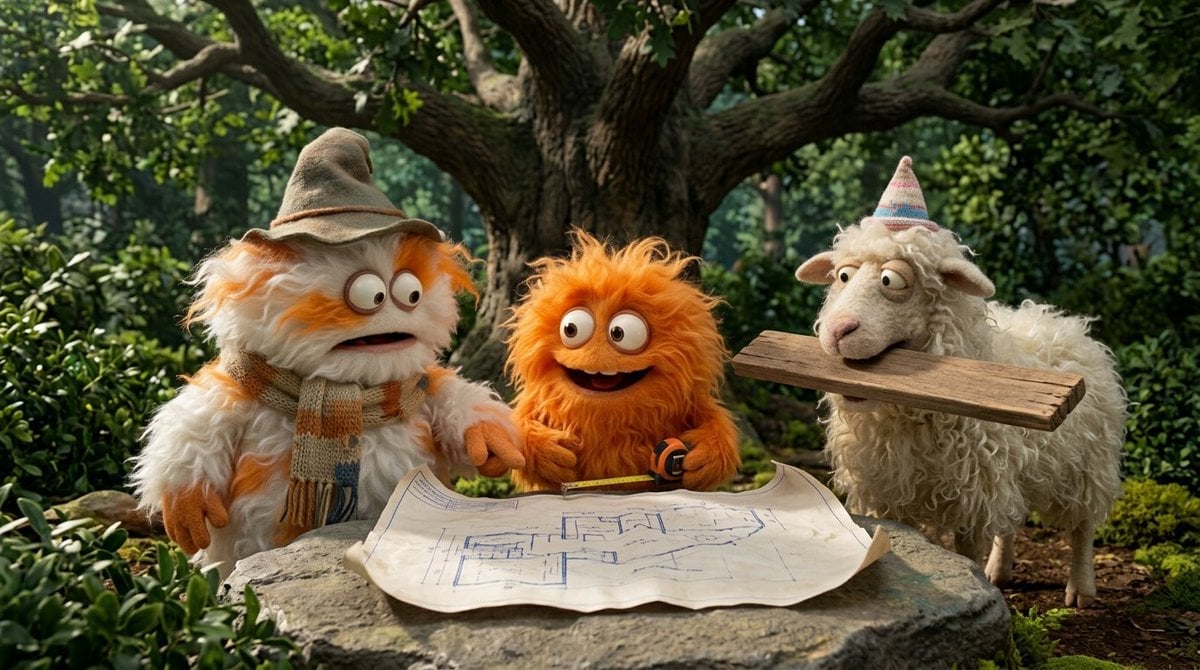
Funny 4-part story featuring 3 fluffy creatures building a treehouse
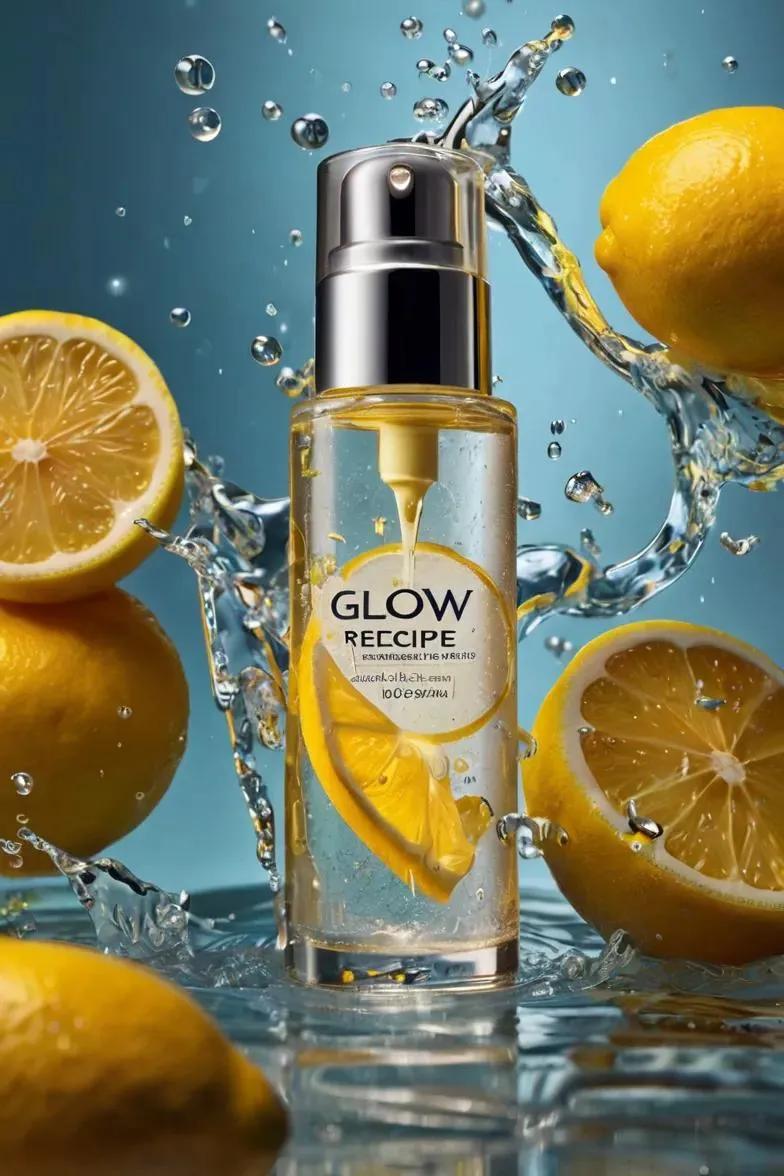
Ultra-realistic skincare advertising photography featuring a frosted

Ultra-realistic photo featuring a young man insert user s photo
A minimalist black and white cinematic portrait featuring two
Cinematic 8-photo storytelling collage featuring the same girl

A high-quality photo collage featuring the same person with identical
Surreal premium commercial illustration featuring the product bottle

Hyper-realistic, stylish vertical poster featuring a smartphone lying
Make it yours
Block 5 The Logo A solid background block featuring the Final Logo works as-is. These are the safest ways to change it without losing the look.
Change one field
Copy a single group, rewrite it, and generate again so you can see what that field is doing.
Keep the frame, change the subject
Hold the composition and light of Block 5 The Logo A solid background block featuring the Final Logo, then swap wardrobe, props or the person for a new take.
| If the result… | Why | Fix |
|---|---|---|
| The result drifts from the preview | Too many fields changed at once. | Reuse Block 5 The Logo A solid background block featuring the Final Logo as-is first, then change one group — subject, light, or setting. |
| The model over-stylizes the scene | The prose prompt leaves finish and camera underspecified. | Add one camera or lighting sentence and stay on Nano Banana 2. |
More Nano Banana 2 templates
Other prompts made for Nano Banana 2.

Photorealistic Leaf Shaped Like a Dragon

K-Pop Idol Portrait Grid for Rapid Selection

Poetic Rain Forest Portrait During Golden Hour

Urban Street Portrait with Cartoon Inner Self Duo

Candid Nighttime Photo with Cat Prompt

High-Concept 3D Diorama Generation Prompt

Cinematic Futuristic Studio Portrait Template

Skincare Editorial Photography Collage Prompt

Hyper-Realistic Commercial Product Photography (Splash Effect)

Hyper-Realistic Nightclub Portrait Prompt
More image prompts
Fresh picks from across the catalog.
Passport Photo Grid Generation
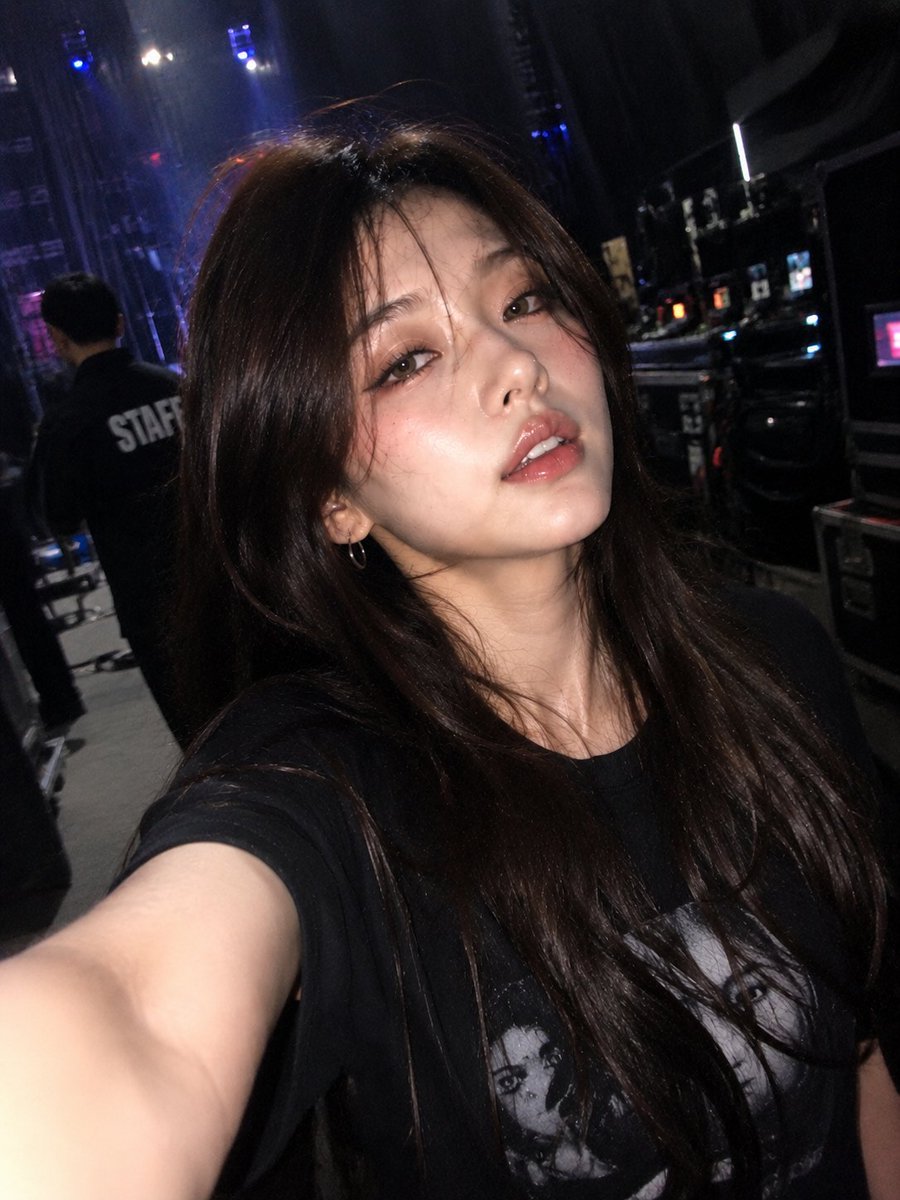
Accidental iPhone Front Camera Selfie
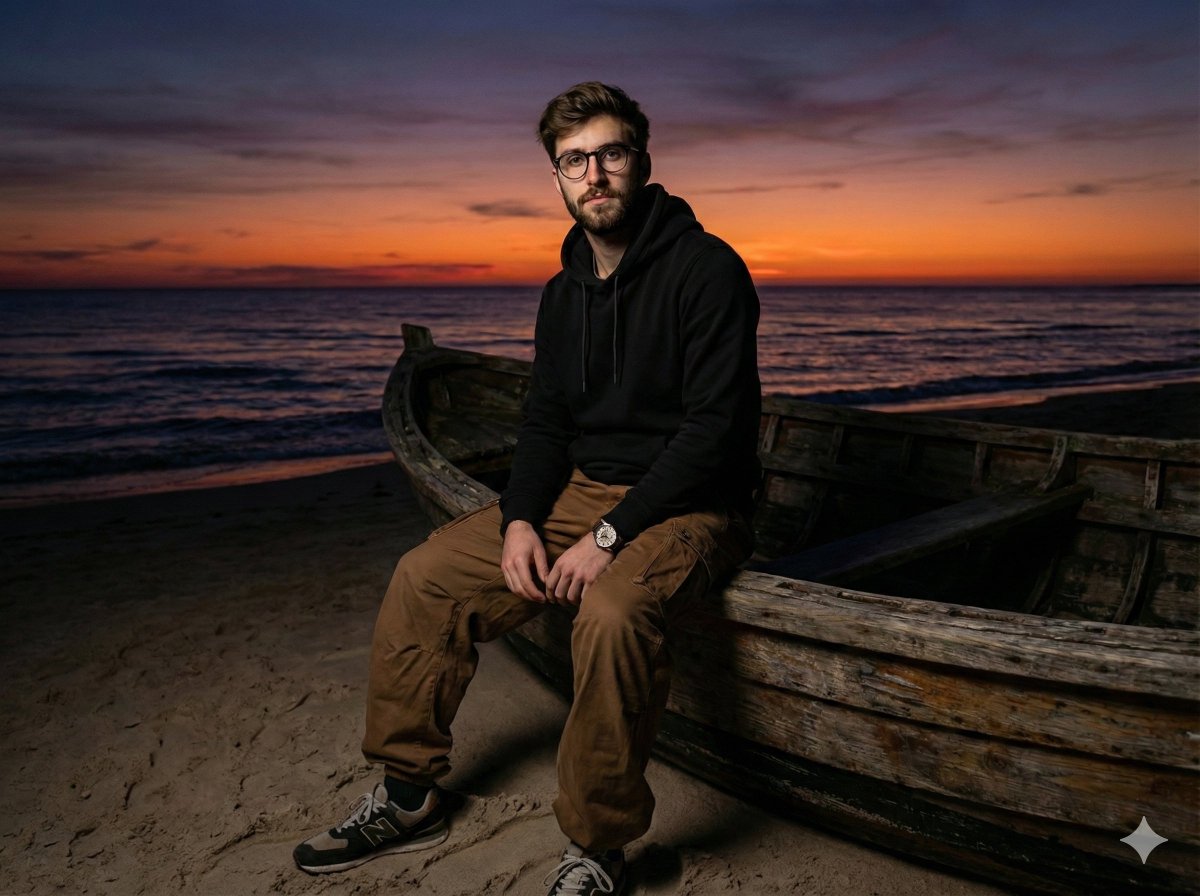
Moody Cinematic Portrait on Stranded Boat at Sunset
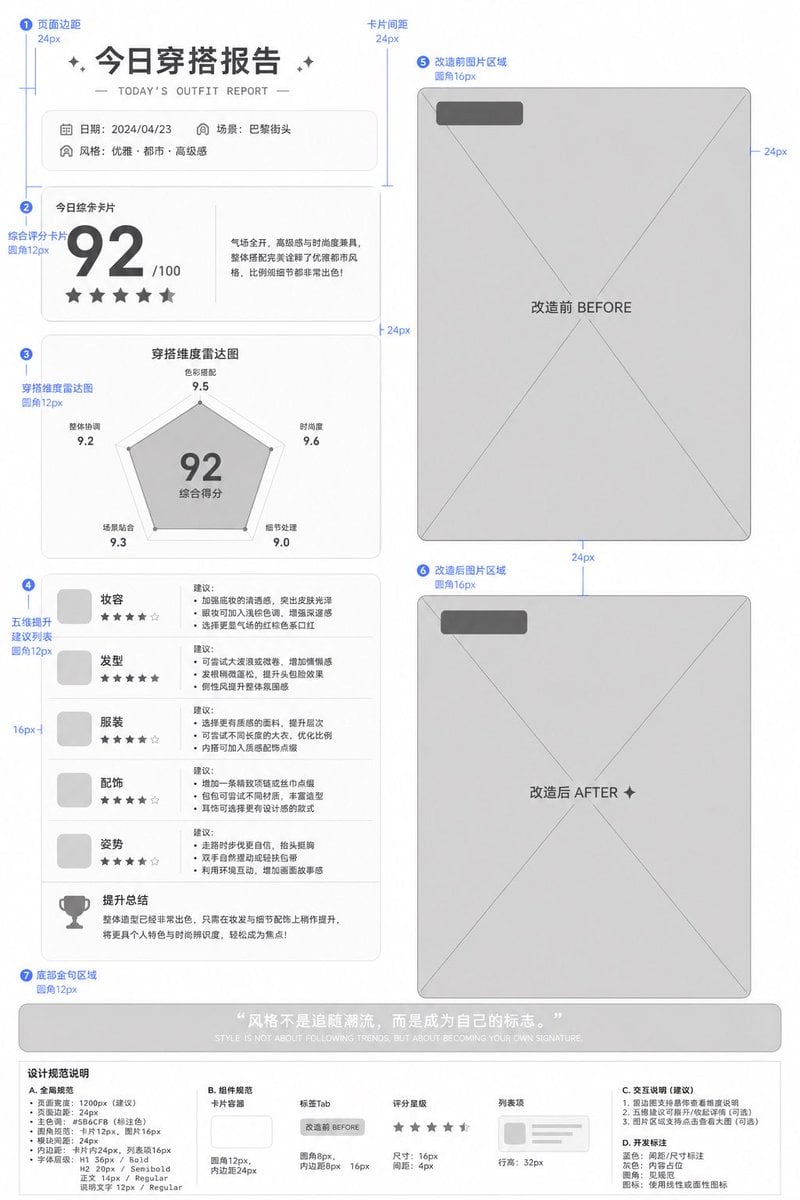
Low-Fidelity UI Design Prototype
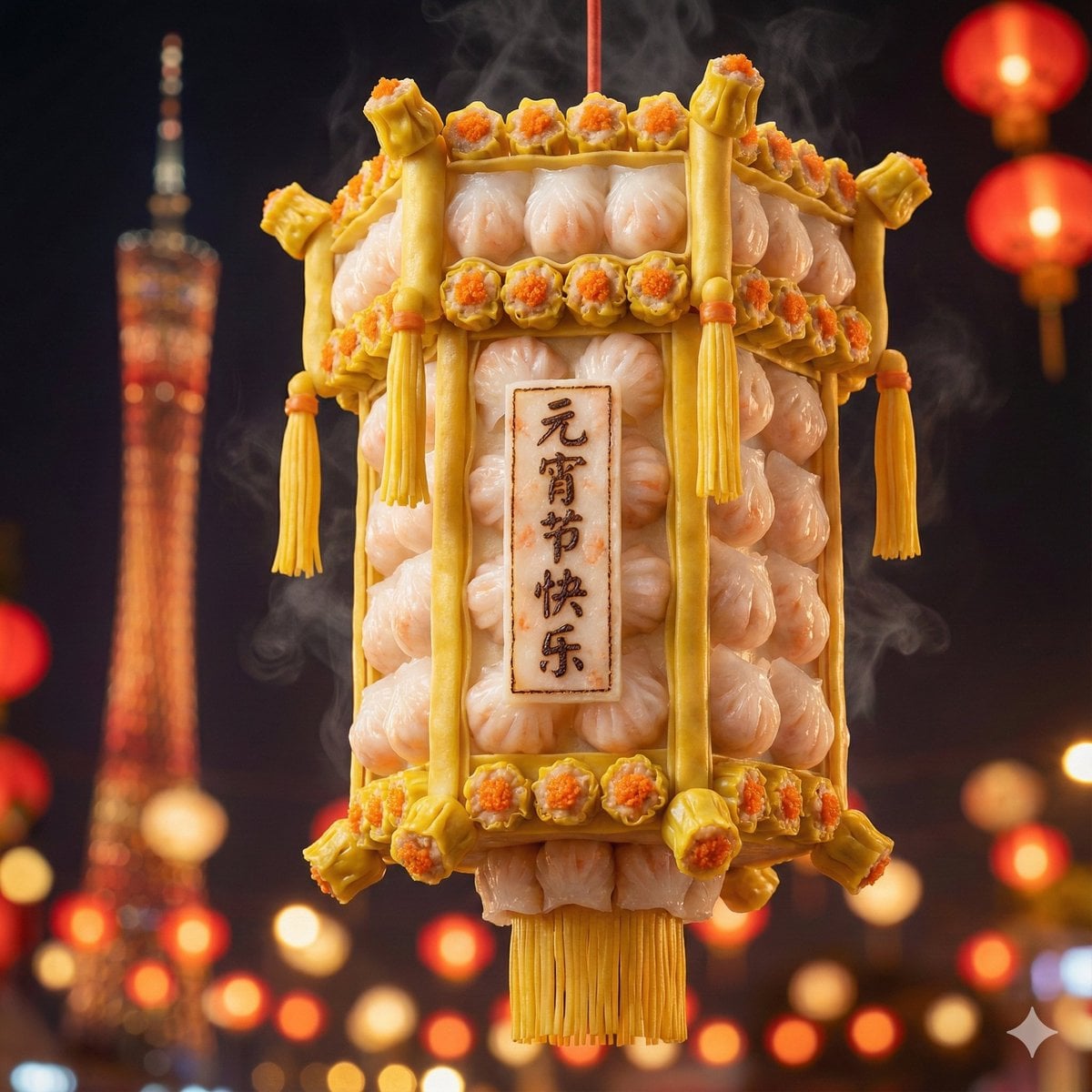
Food-Themed Festival Scene Generation Prompt (Iterative)

Nano Banana 2 Gourmet Ice Cream Commerci
Four-Panel Manga: The Darkness of SNS (Part 1)
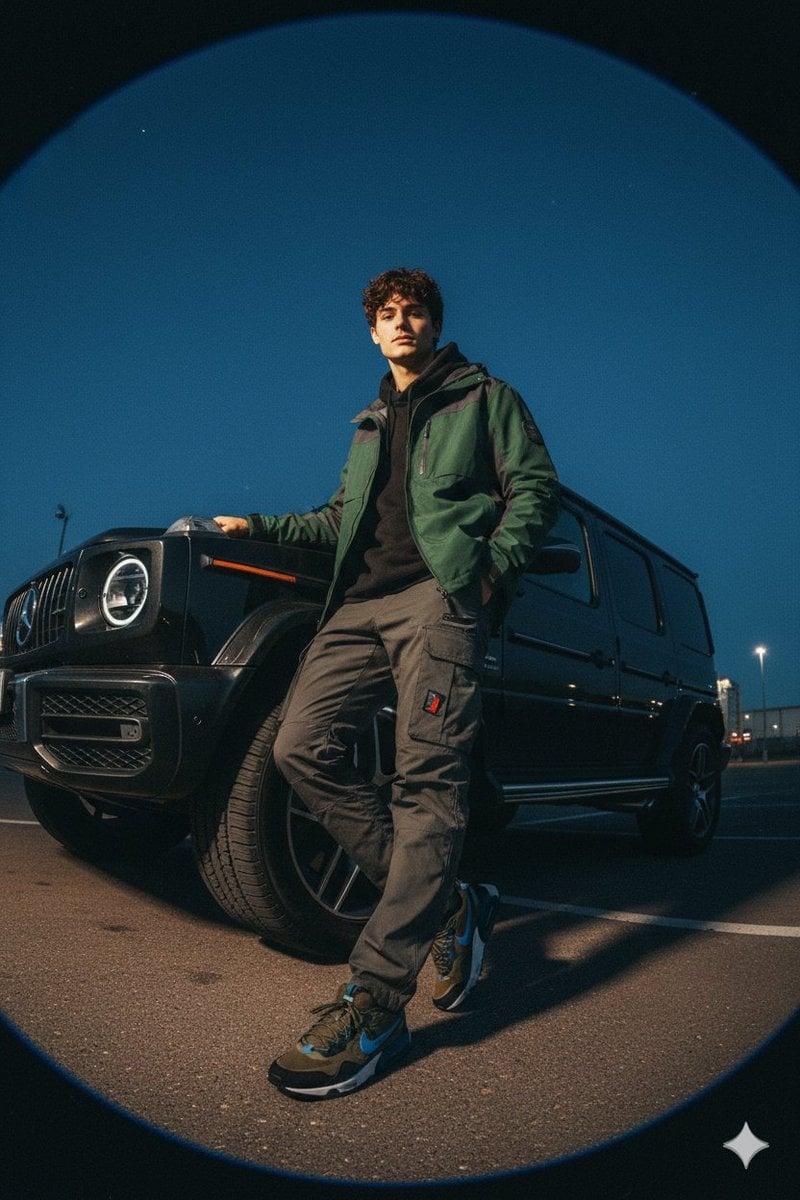
Gorpcore Fashion Campaign Image
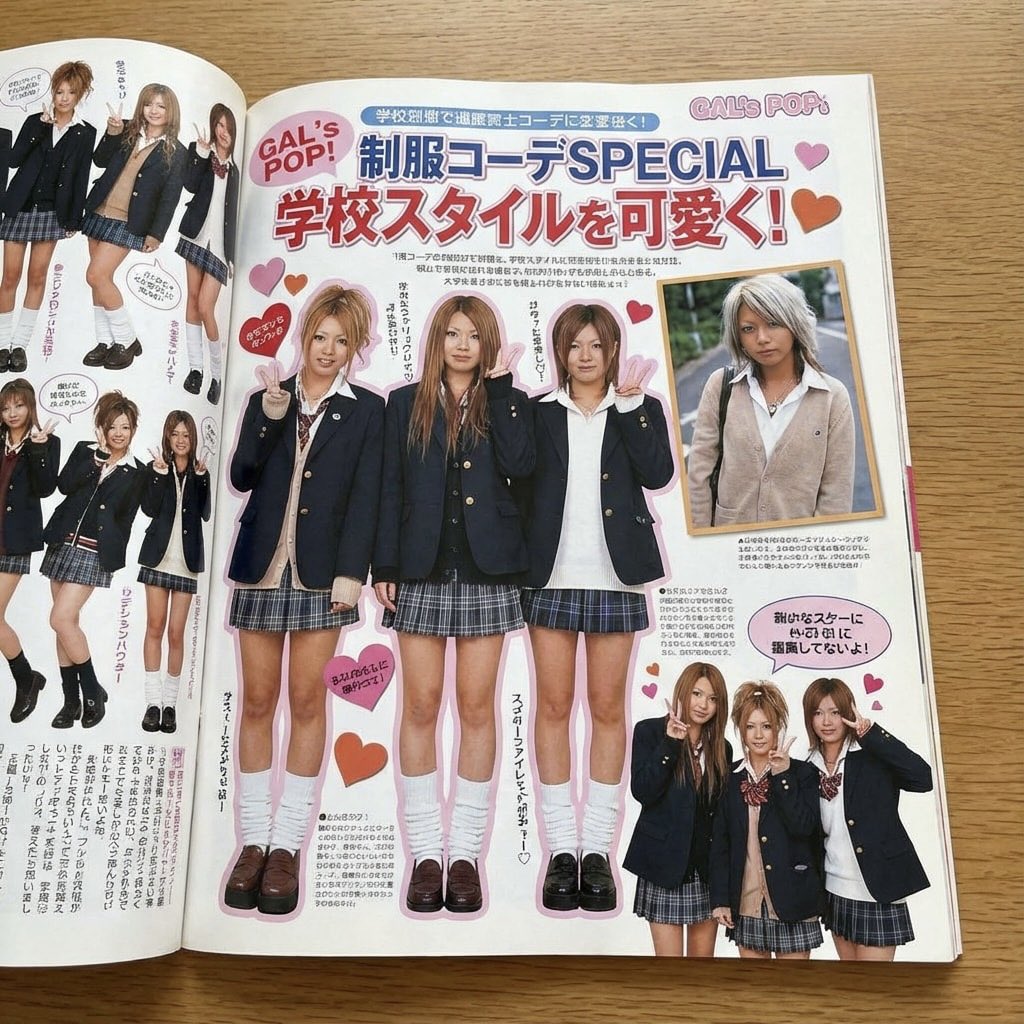
Japanese gyaru magazine spread on school uniforms
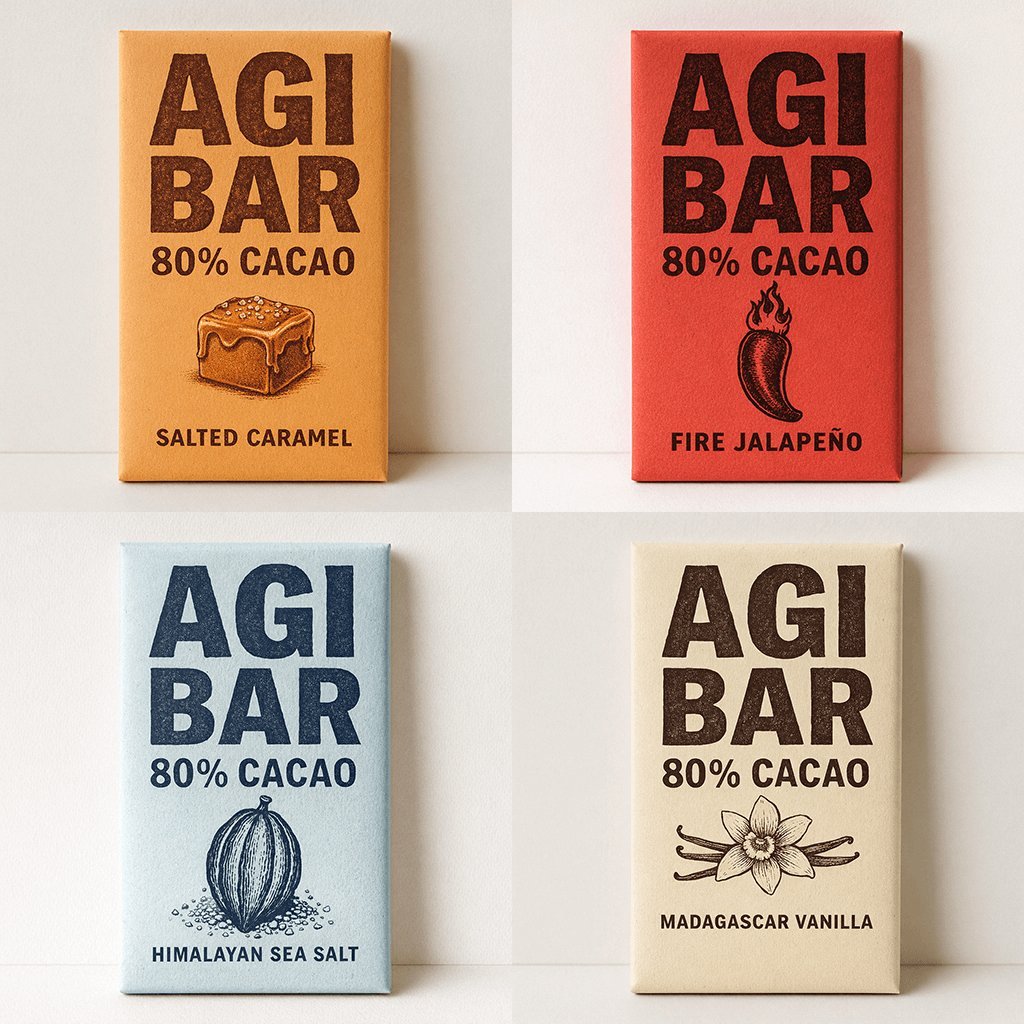
Minimalist Chocolate Packaging Grid for New Flavors
Browse template categories
Block 5 The Logo A solid background block featuring the Final Logo questions
How do I use the Block 5 The Logo A solid background block featuring the Final Logo template?
Add your photo if the template asks for one, edit the prompt if you like — the template's model and format are already selected — and press Generate. Your version opens in PicX Studio.
Can I customize the Block 5 The Logo A solid background block featuring the Final Logo template?
Yes. You can change the subject, setting, lighting, mood, format, and available model controls before creating your image.
Is the Block 5 The Logo A solid background block featuring the Final Logo template free?
Opening and editing this template is free. Generating uses credits, shown on the Generate button when you are signed in.
Which AI model should I use?
Start with Nano Banana 2, which is the model associated with this template. You can compare another compatible model for a different finish.
Looking for something else? Browse all templates.

Your photo, any look
Thousands of ready templates for every top image and video model, from one credit balance.