
A minimalist cinematic colored poster featuring a s portrait
A minimalist cinematic colored poster featuring a [Character Name]’s portrait from shoulders to the top of the head.
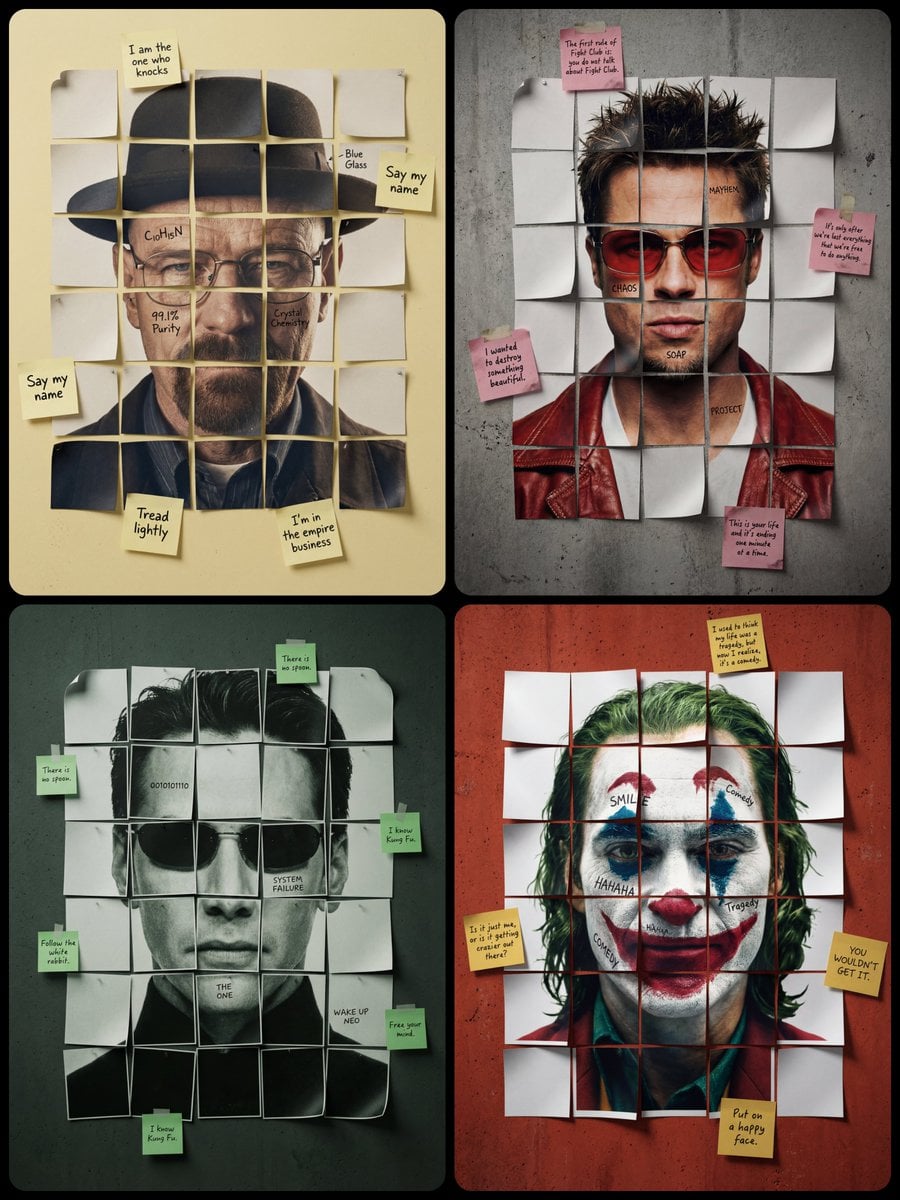
- Prompt included
- Model and format preset
- Free template
The prompt behind this image
Copy the exact prompt behind A minimalist cinematic colored poster featuring a s portrait, or open it in the studio and make it yours.
A minimalist cinematic colored poster featuring a [Character Name]’s portrait from shoulders to the top of the head. The face is reconstructed using a small number of large, square-cut paper fragments arranged in a simple grid [around 4x5 or 5x6 pieces]. Each paper fragment contains a disjointed part of the face which together reconstruct the portrait. The internal paper fragments constituting the face are not perfectly flat; many have slightly curled edges and lifted corners, casting tiny, realistic shadows that give them a three-dimensional, tacked-down appearance. 4 of these squares have subtle black handwritten [text1, text2, text3, text4] directly on the skin/image. Scattered irregularly around the outer perimeter of this central grid in various randomly placed positions (not confined to the corners), several [Sticky Note Color] sticky notes are attached to the [Color] wall, containing handwritten [External Text Content, e.g., iconic quotes]. The overall layout is slightly irregular with visible gaps between the pieces showing [Color] concrete wall background. Realistic paper texture throughout, high-end studio lighting emphasizing the lifted edges, sharp focus on ink and paper grain.
How to use A minimalist cinematic colored poster featuring a s portrait in 3 steps
- 1Upload ImagePNG, JPG or paste
Add your photo
Upload the photo the template builds on. The prompt, model and format are already set.
- 2…a portrait of your subject in softgolden-hour light, 85mm…
Personalize
Edit the subject and creative details for your destination.
- 3Generate
Generate
Press Generate — your image is created in PicX Studio, so you can compare it with the original and refine one variable at a time.
More like this
Templates with the same subject, style or setup. Open one to see its prompt.
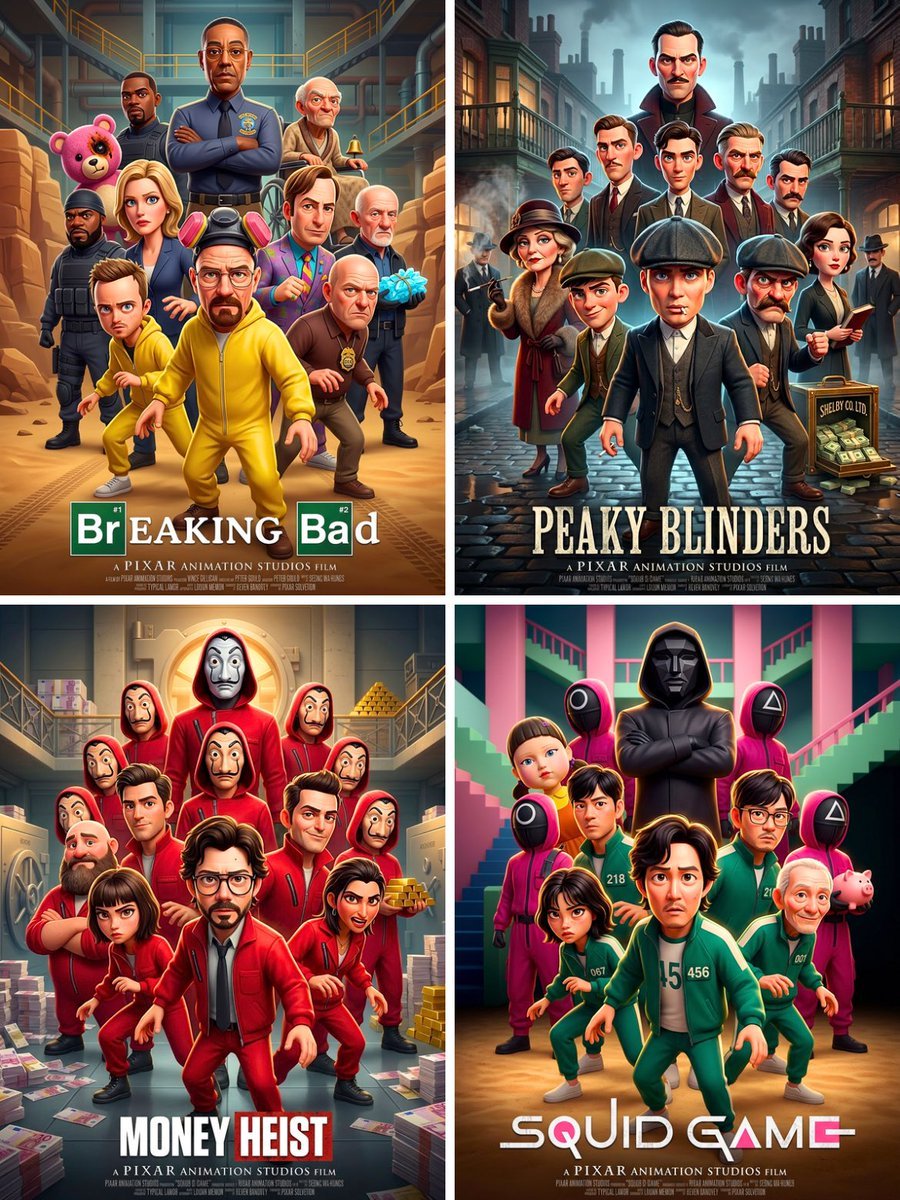
Pixar 3D CGI animated movie poster style, ensemble cast featuring
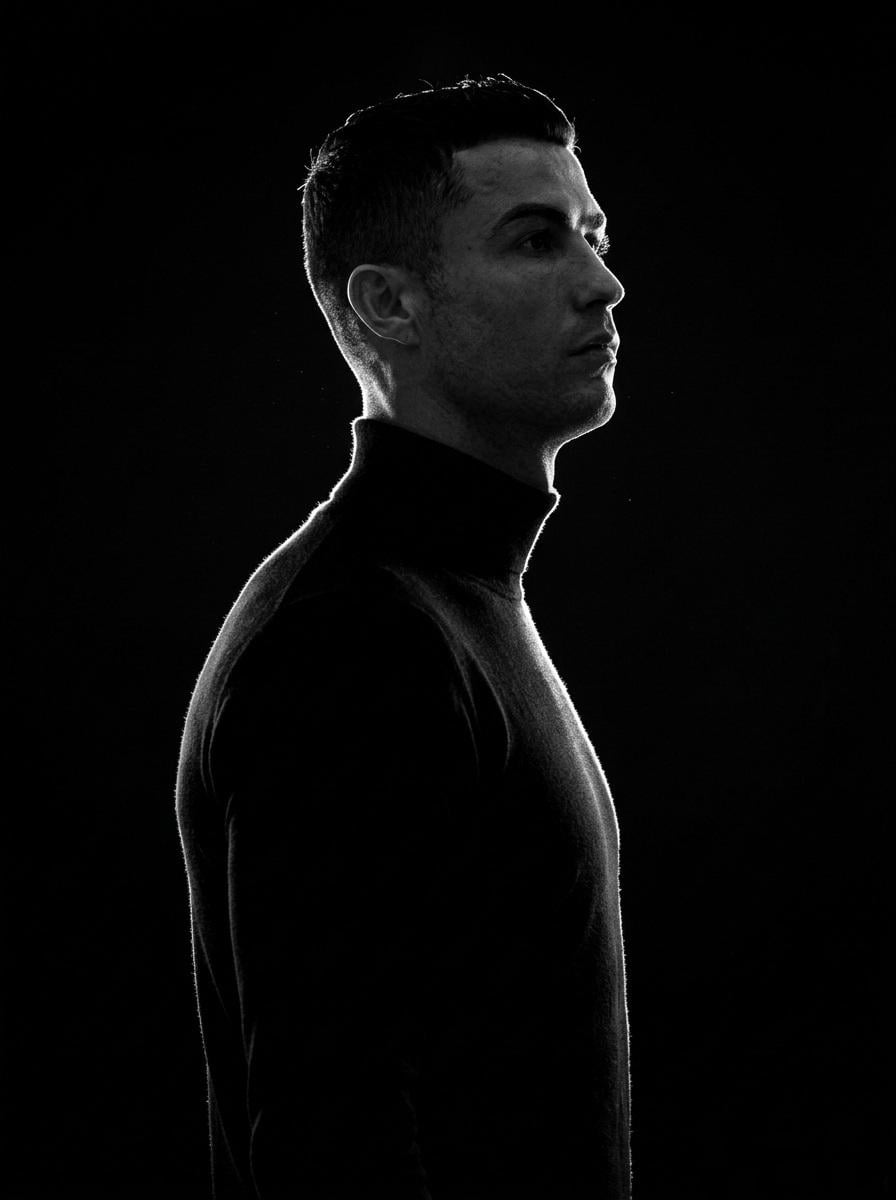
A minimalist black and white cinematic portrait featuring two
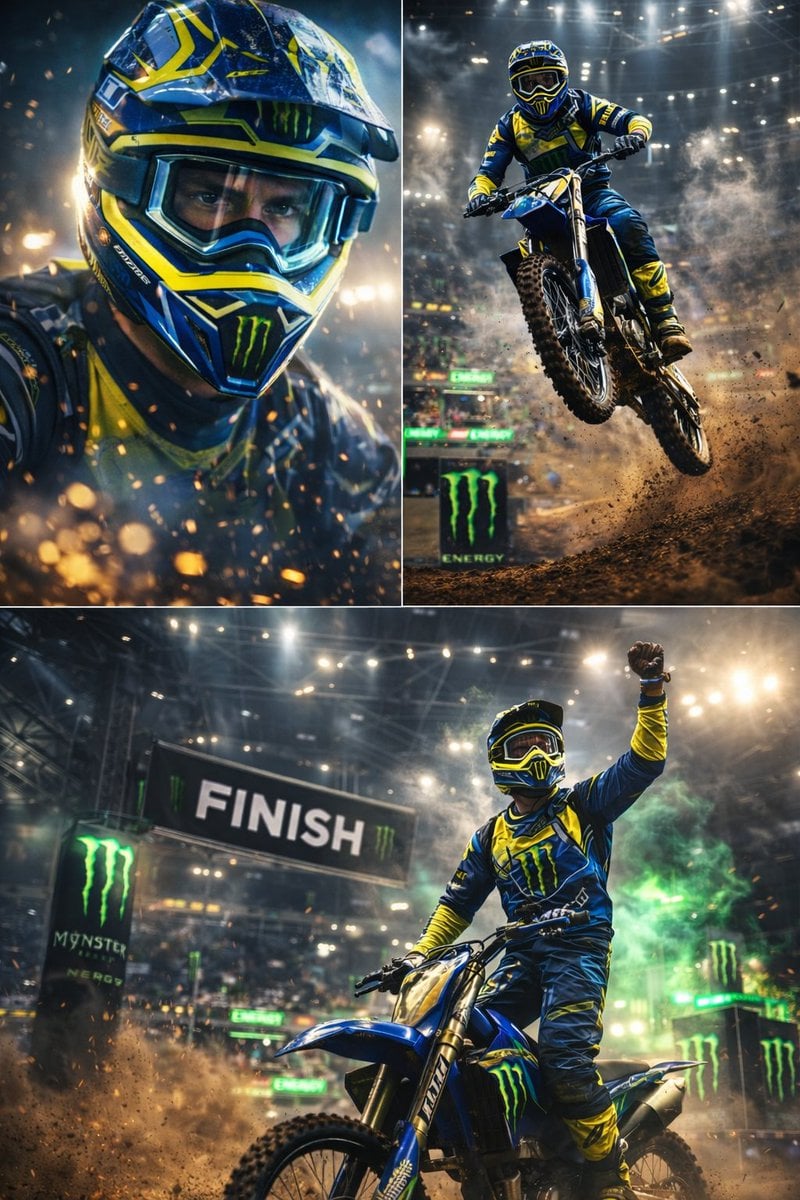
Ultra-dynamic motocross racing scene featuring a professional dirt bike
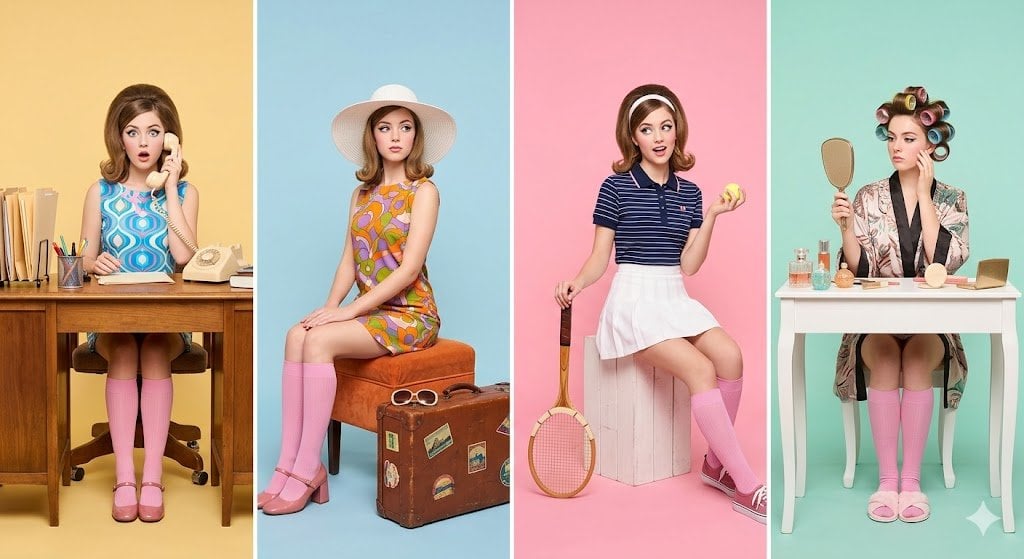
A retro-inspired studio photoshoot featuring a young woman styled
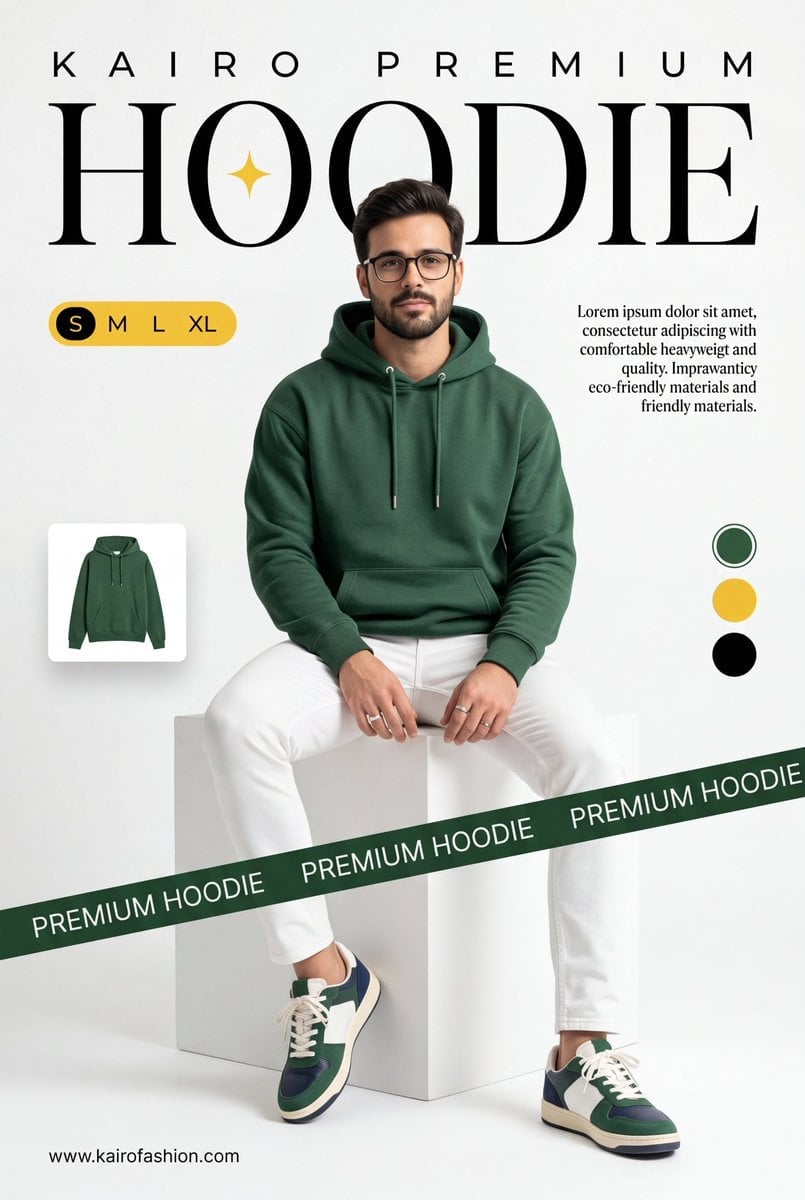
A professional commercial fashion advertisement featuring

Hyper-realistic, stylish vertical poster featuring a smartphone lying
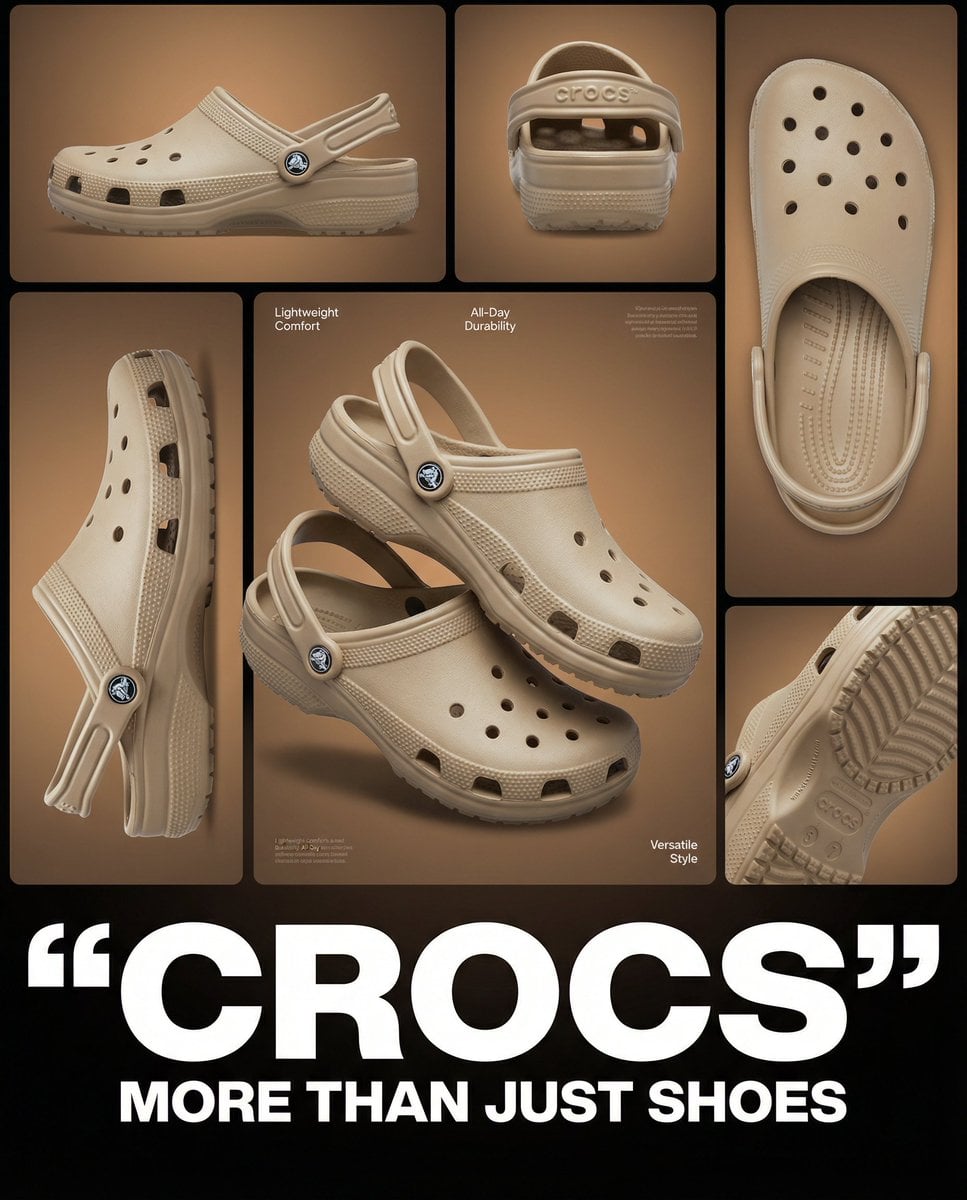
Multi-image product collage poster featuring beige/tan Crocs clog shoes
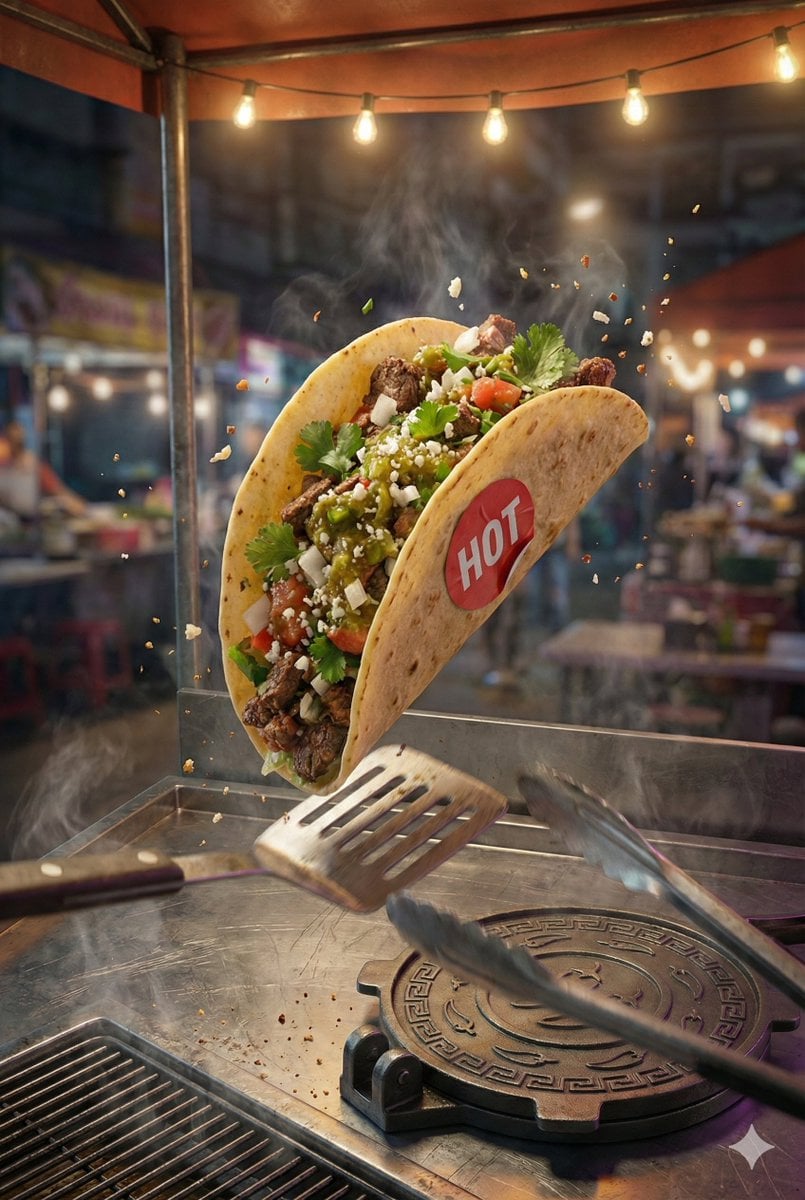
2 3 hyper-realistic, high-resolution poster featuring the attached taco

Multiple dark purple berries erupting from inside the can
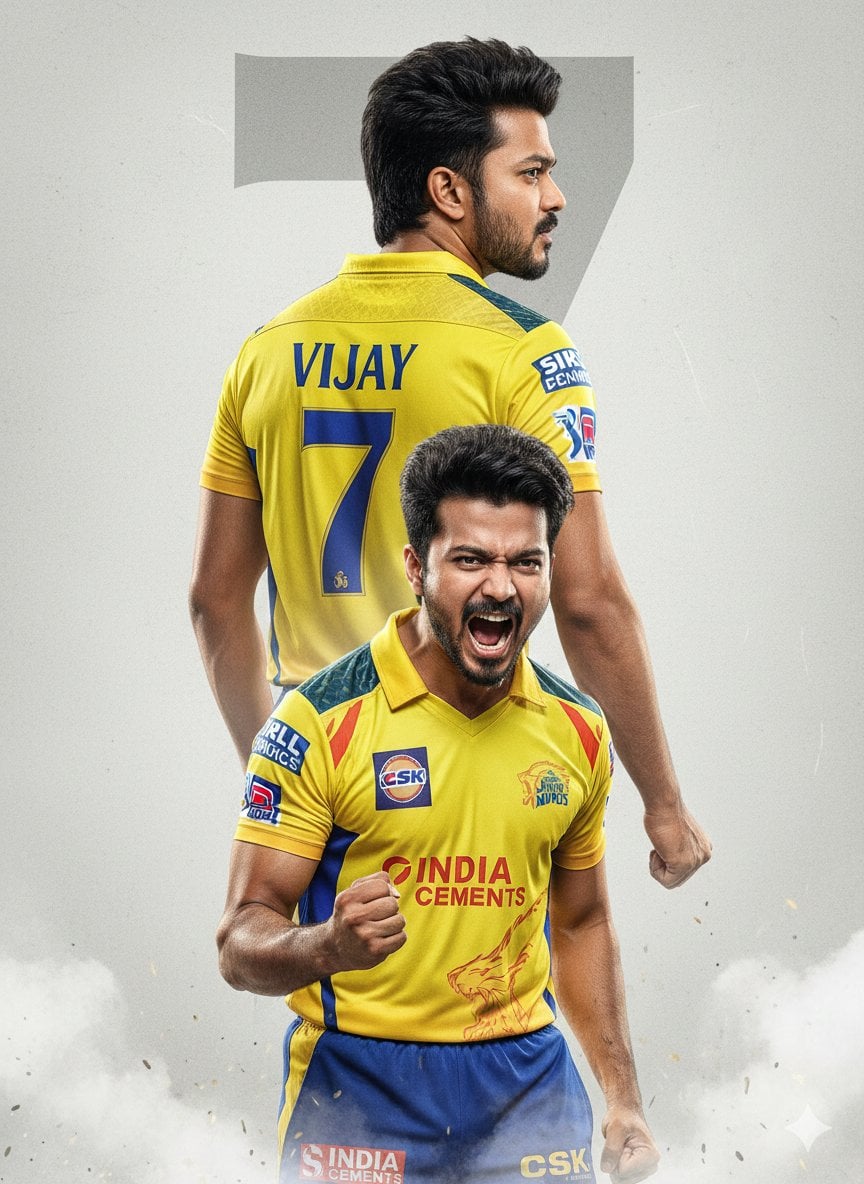
An ultra-realistic cinematic cricket poster featuring a young Indian
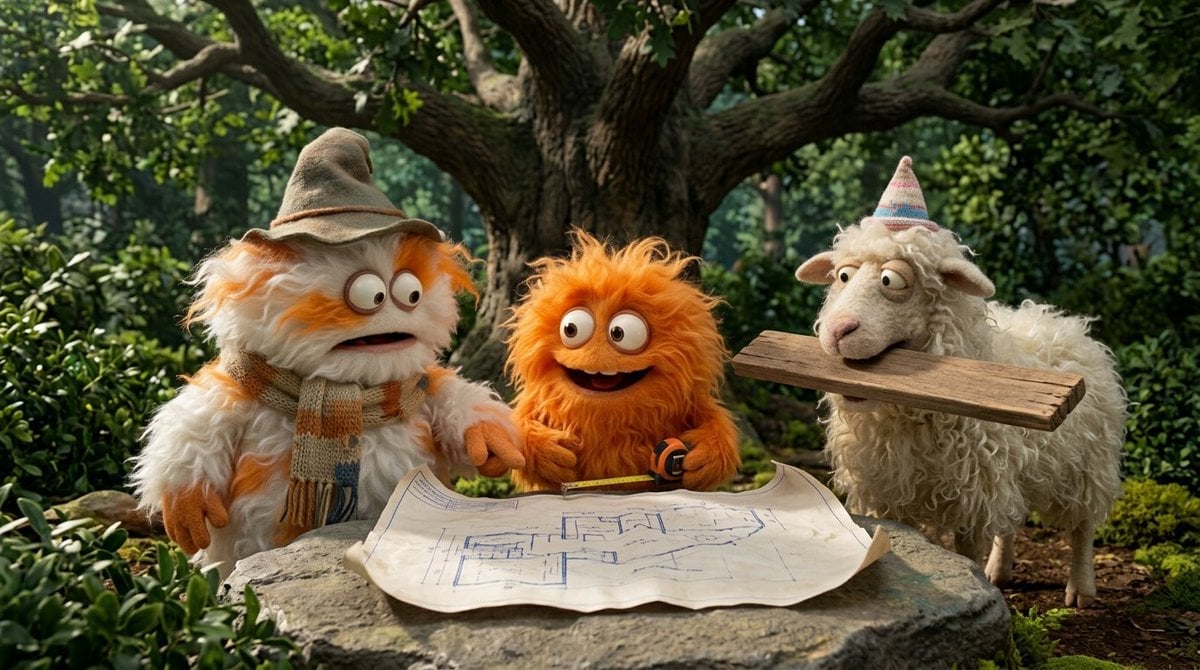
Funny 4-part story featuring 3 fluffy creatures building a treehouse
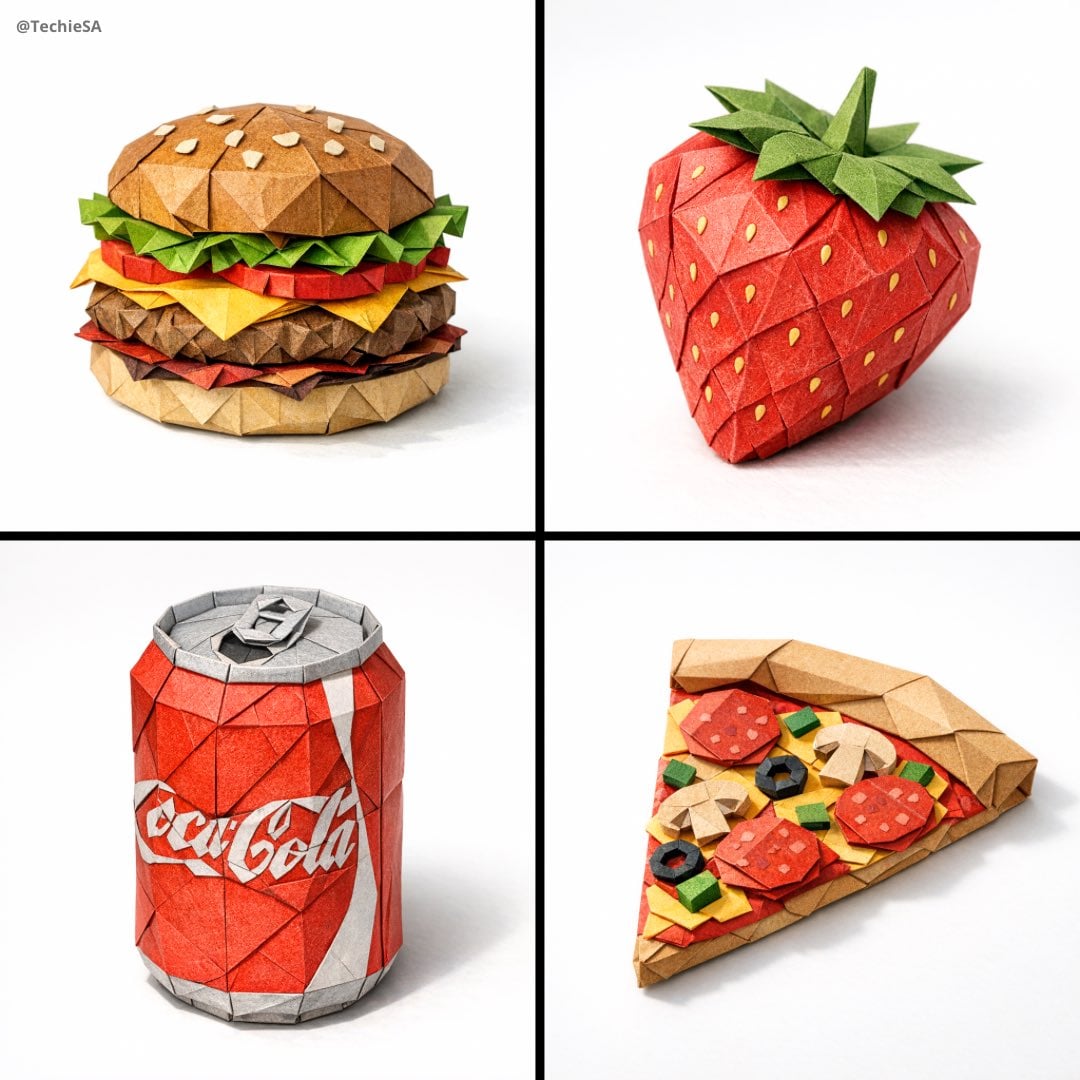
A hyper-detailed origami folded from realistic colored paper
Make it yours
A minimalist cinematic colored poster featuring a s portrait works as-is. These are the safest ways to change it without losing the look.
Change one field
Copy a single group, rewrite it, and generate again so you can see what that field is doing.
Keep the frame, change the subject
Hold the composition and light of A minimalist cinematic colored poster featuring a s portrait, then swap wardrobe, props or the person for a new take.
| If the result… | Why | Fix |
|---|---|---|
| The result drifts from the preview | Too many fields changed at once. | Reuse A minimalist cinematic colored poster featuring a s portrait as-is first, then change one group — subject, light, or setting. |
| The model over-stylizes the scene | The prose prompt leaves finish and camera underspecified. | Add one camera or lighting sentence and stay on Nano Banana 2. |
More Nano Banana 2 templates
Other prompts made for Nano Banana 2.

Photorealistic Leaf Shaped Like a Dragon

K-Pop Idol Portrait Grid for Rapid Selection

Poetic Rain Forest Portrait During Golden Hour

Urban Street Portrait with Cartoon Inner Self Duo

Candid Nighttime Photo with Cat Prompt

High-Concept 3D Diorama Generation Prompt

Cinematic Futuristic Studio Portrait Template

Skincare Editorial Photography Collage Prompt

Hyper-Realistic Commercial Product Photography (Splash Effect)

Hyper-Realistic Nightclub Portrait Prompt
More image prompts
Fresh picks from across the catalog.
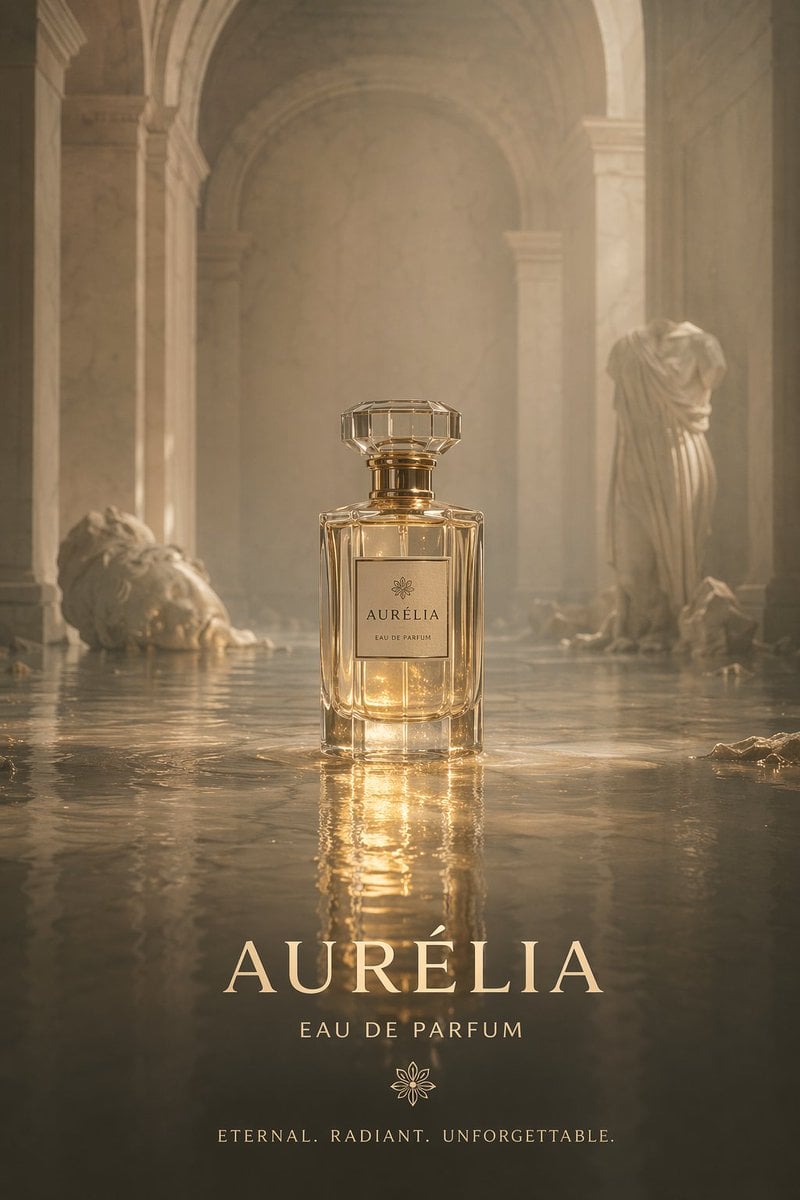
Cinematic Perfume Product Shot in Flooded Ruins
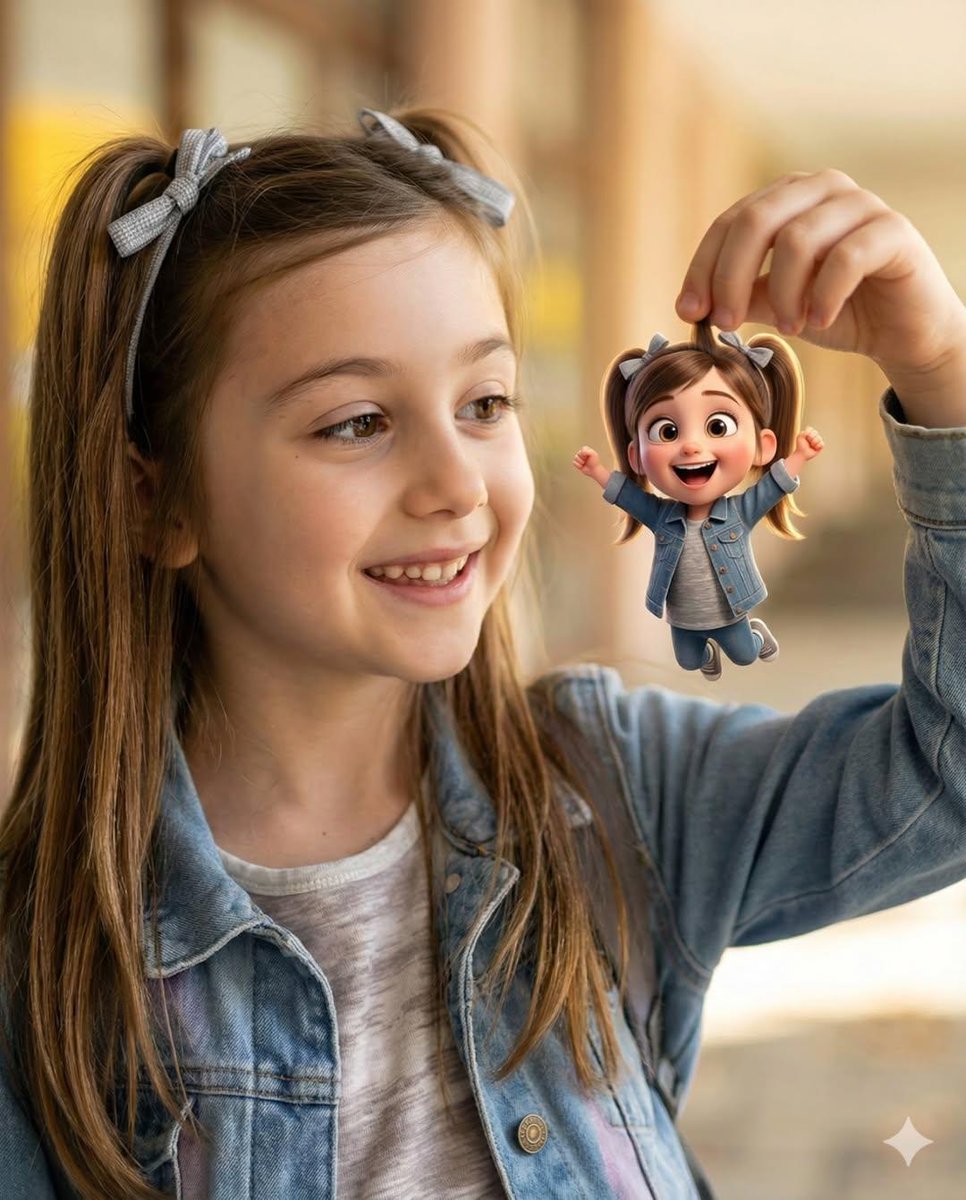
Whimsical Portrait Blending Realism with Tiny Pixar Character

Dragon-Shaped Leaf
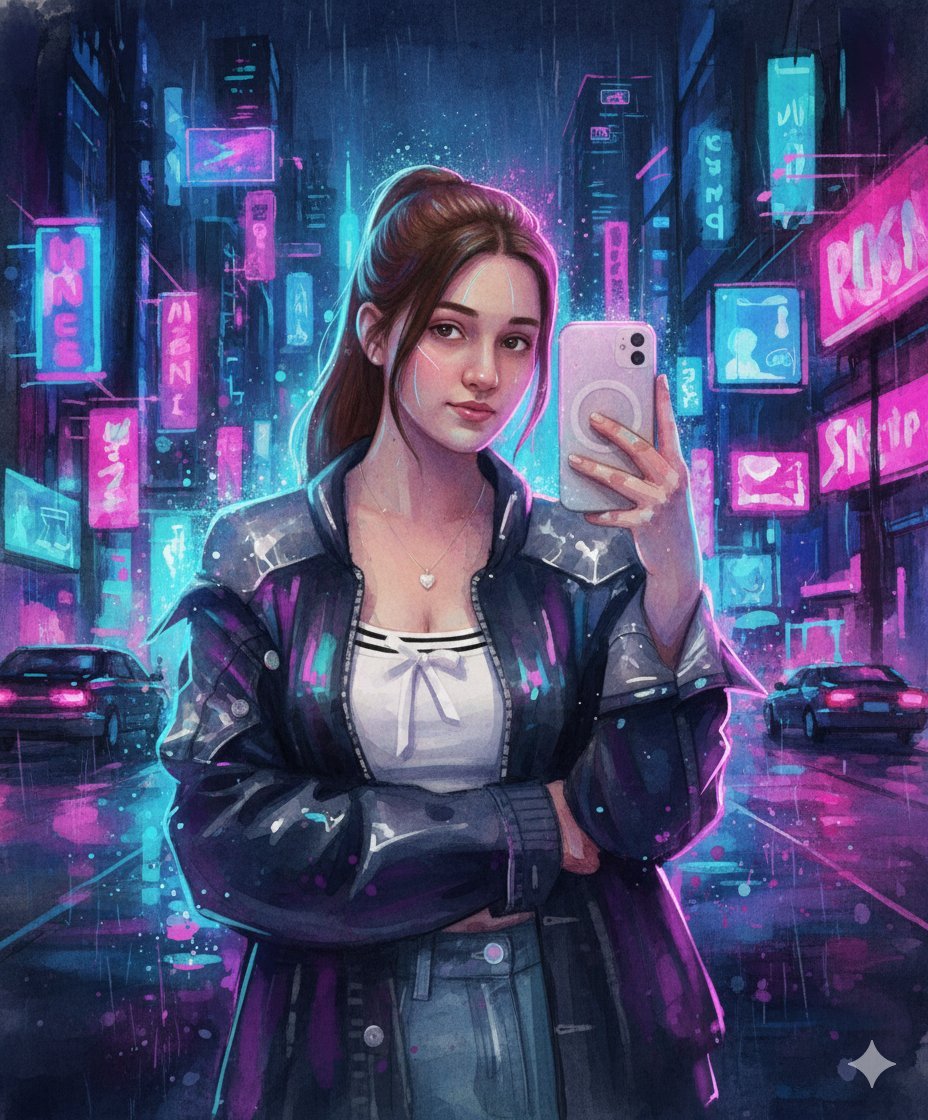
Neon Cyberpunk Watercolor Fusion Illustration Prompt
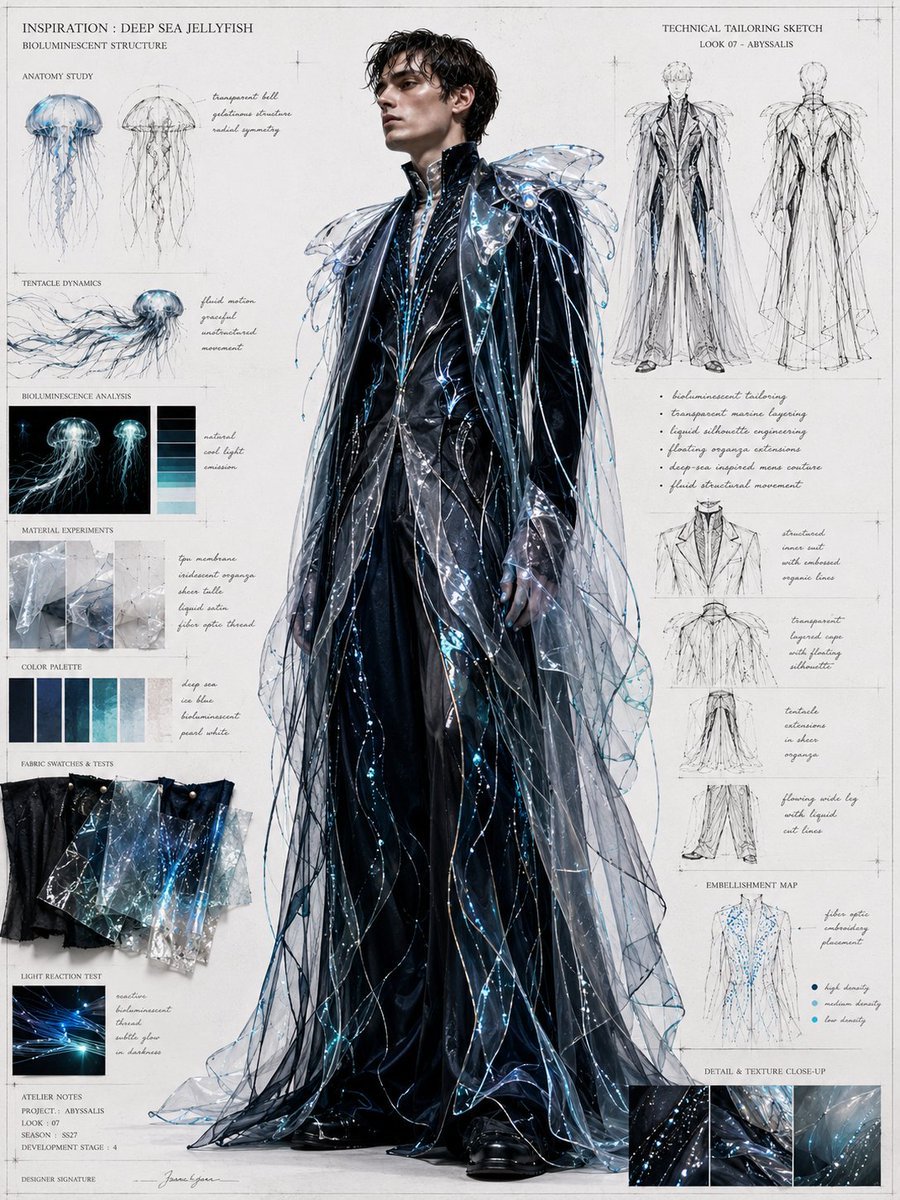
Deep Sea Jellyfish Couture Board
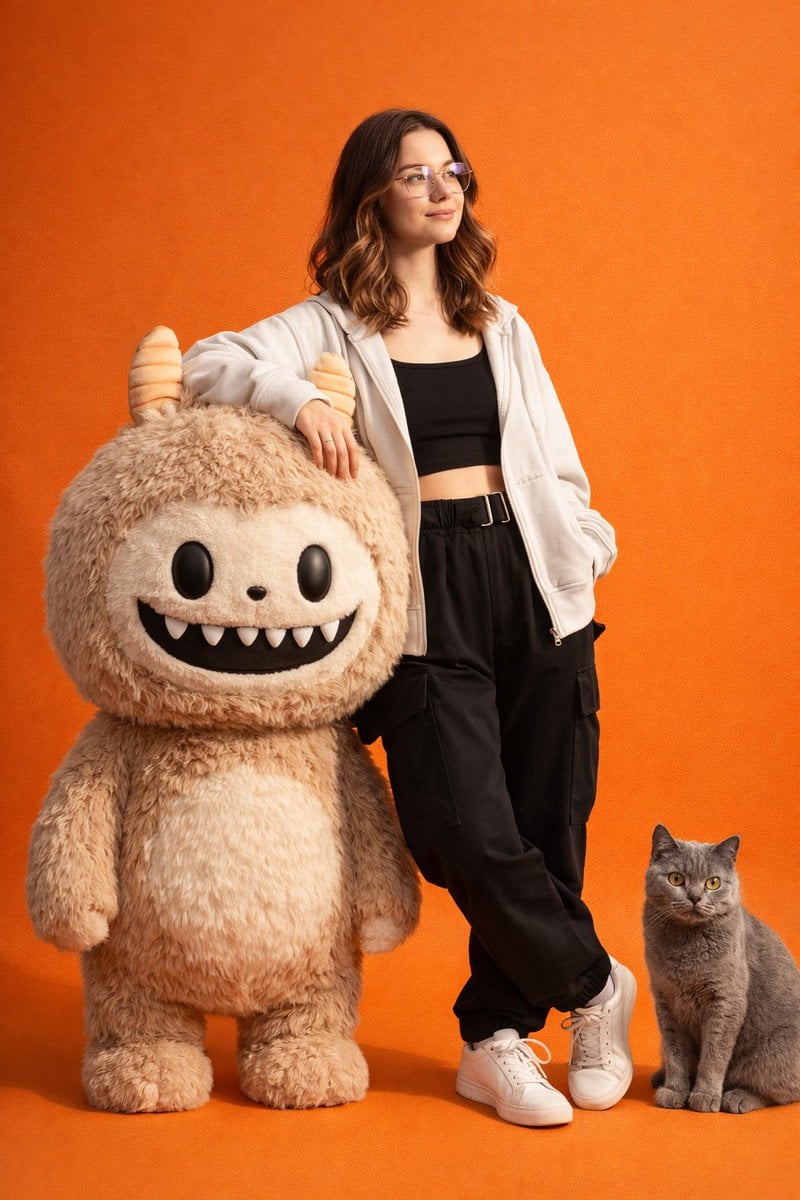
Gen-Z Fashion Portrait with Labubu and Cat Prompt
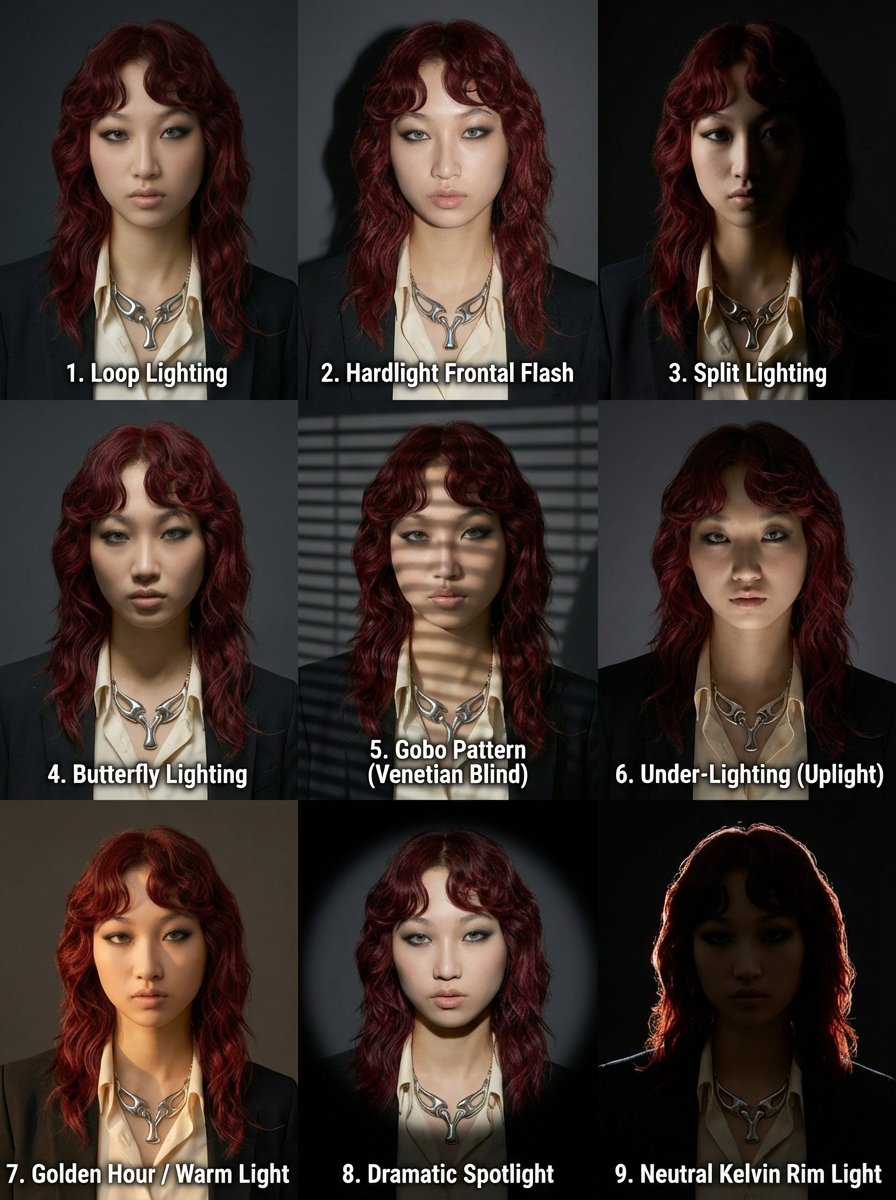
3x3 Grid Prompt for Lighting Cheatsheet
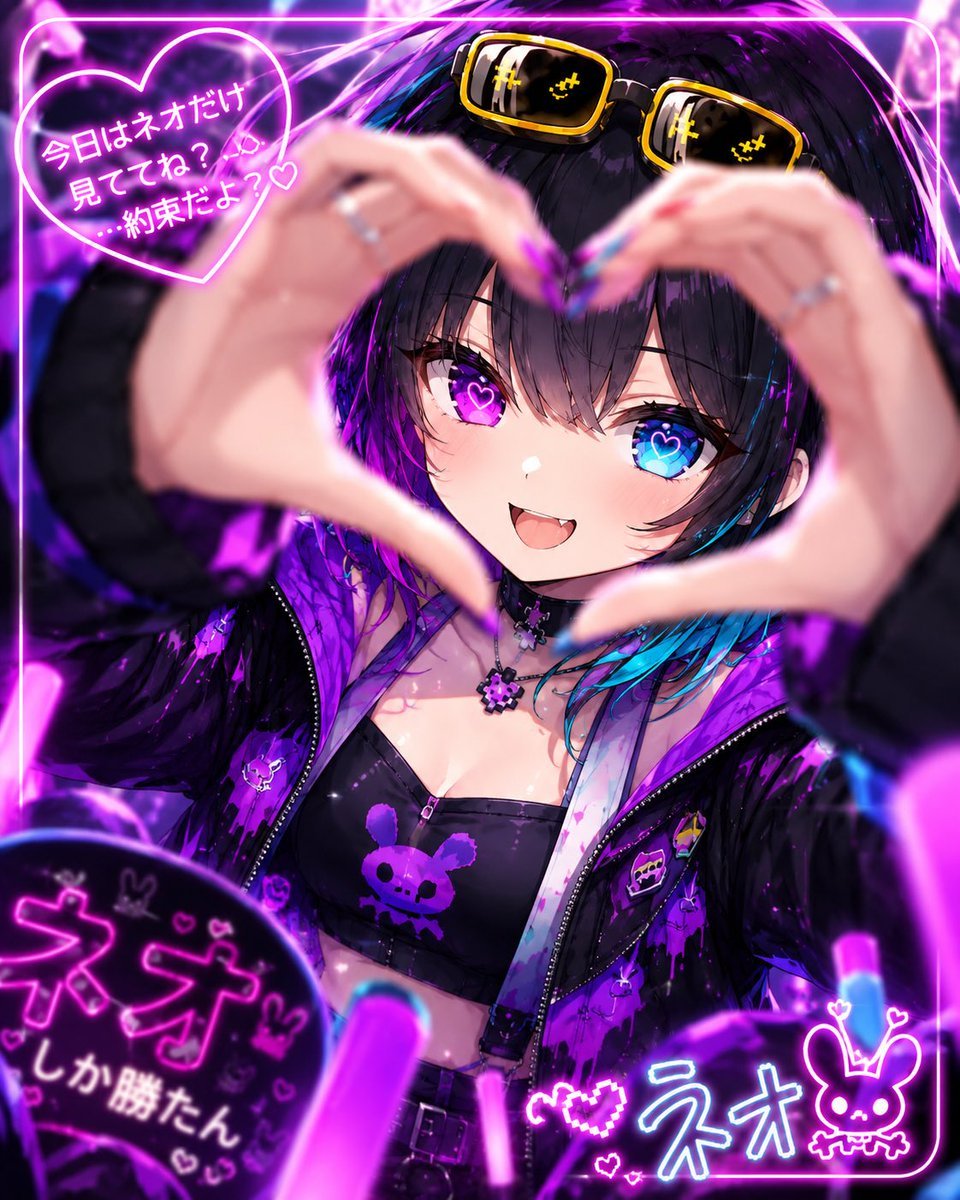
Neon Anime Idol Fan Poster
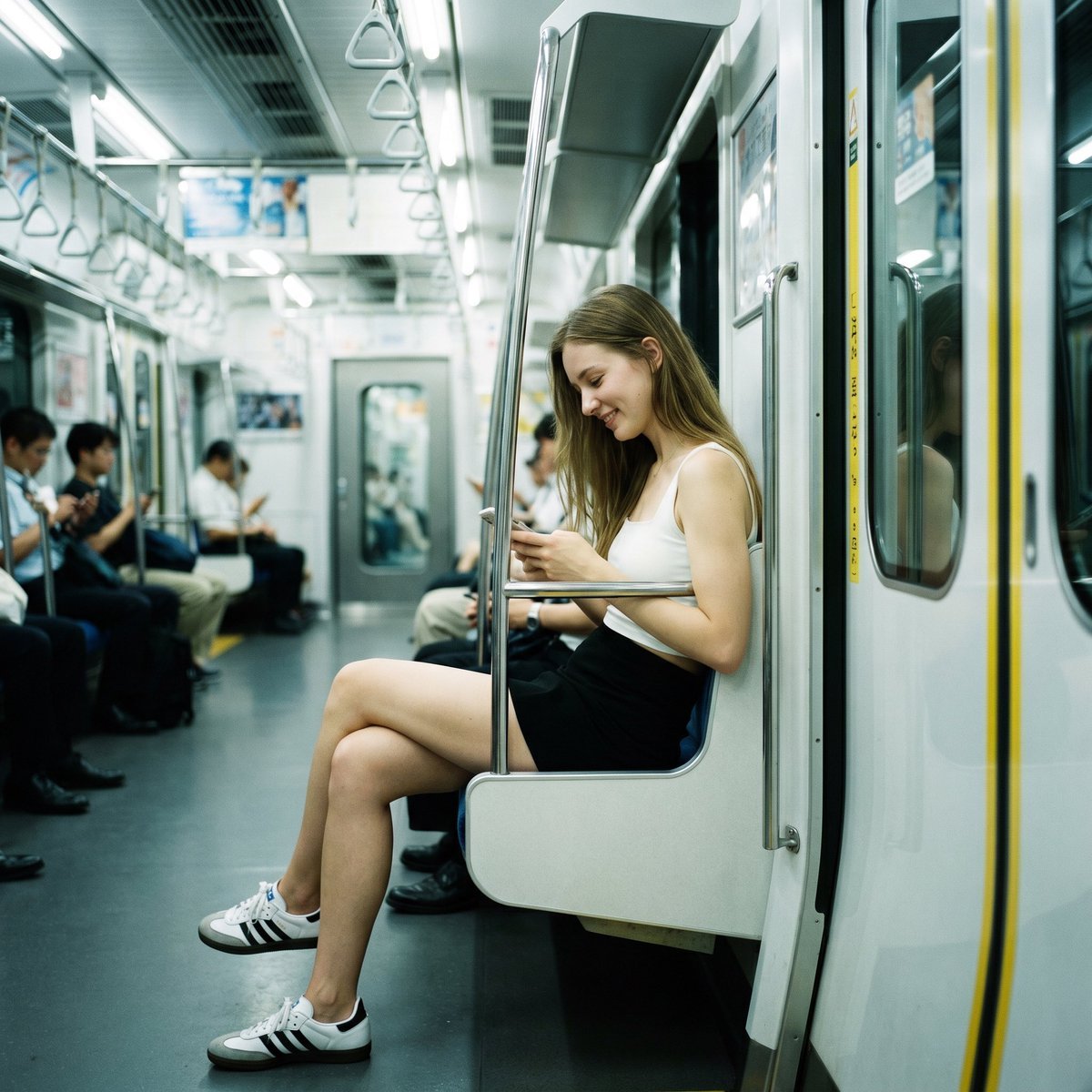
Realistic Subway Candid Portrait
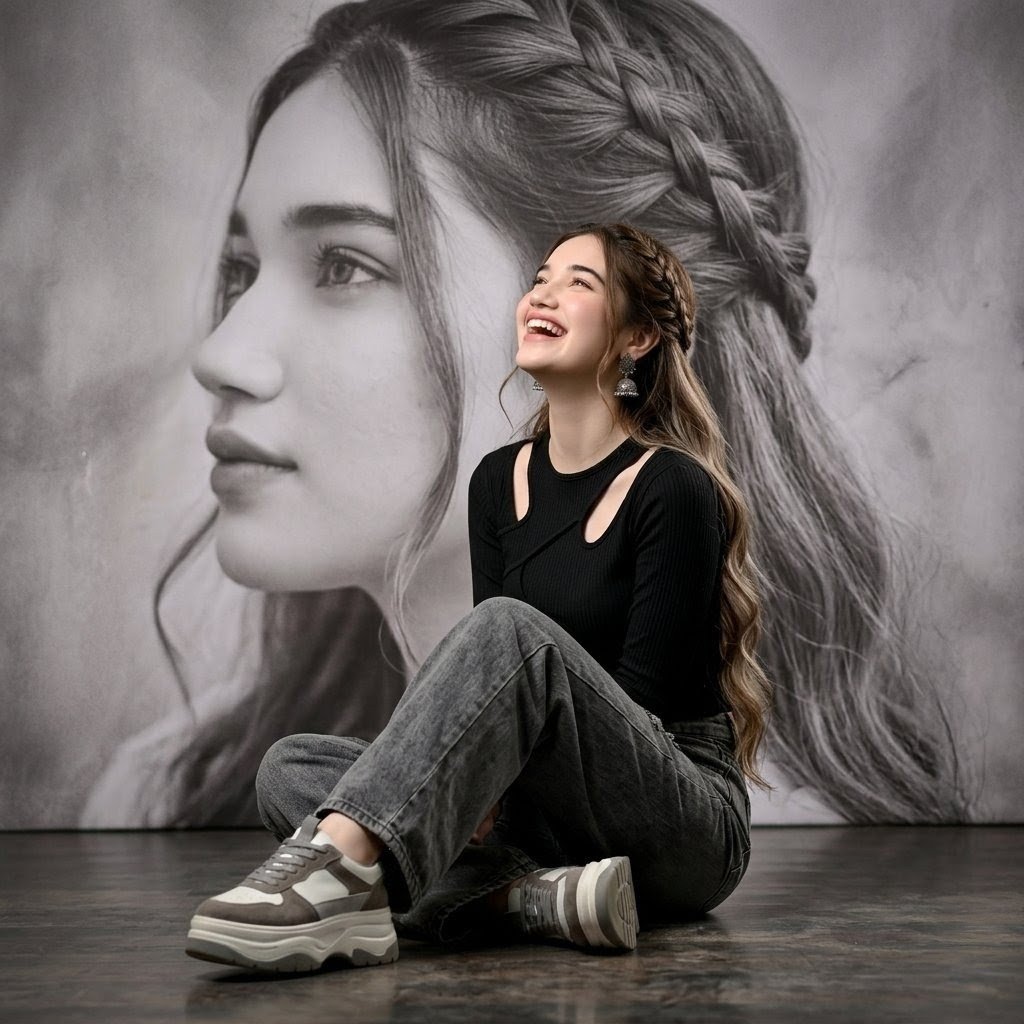
Braided Hair Studio Fashion Portrait
Browse template categories
A minimalist cinematic colored poster featuring a s portrait questions
How do I use the A minimalist cinematic colored poster featuring a s portrait template?
Add your photo if the template asks for one, edit the prompt if you like — the template's model and format are already selected — and press Generate. Your version opens in PicX Studio.
Can I customize the A minimalist cinematic colored poster featuring a s portrait template?
Yes. You can change the subject, setting, lighting, mood, format, and available model controls before creating your image.
Is the A minimalist cinematic colored poster featuring a s portrait template free?
Opening and editing this template is free. Generating uses credits, shown on the Generate button when you are signed in.
Which AI model should I use?
Start with Nano Banana 2, which is the model associated with this template. You can compare another compatible model for a different finish.
Looking for something else? Browse all templates.

Your photo, any look
Thousands of ready templates for every top image and video model, from one credit balance.