
London Street
London Street is a ready photo look.
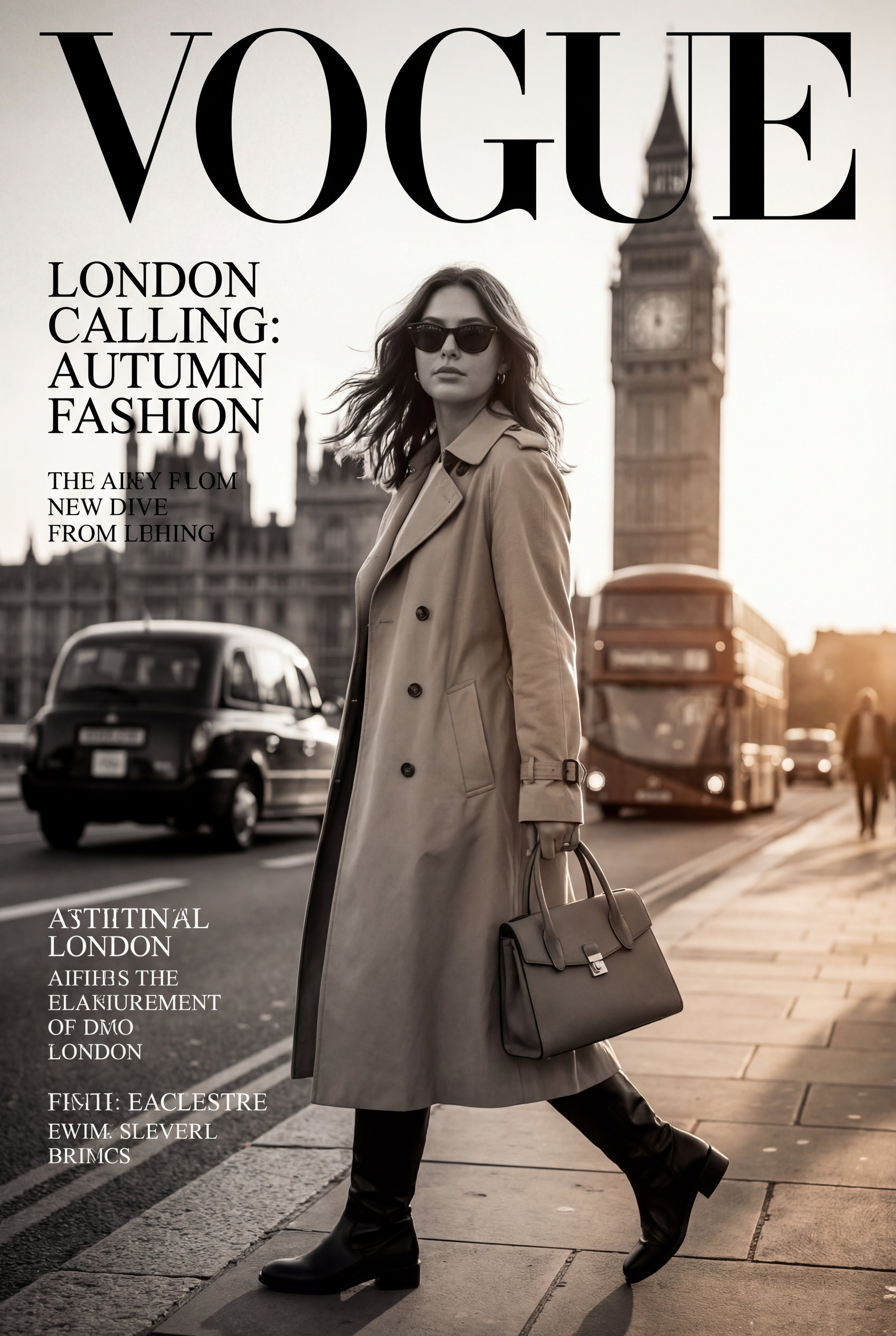
- Prompt included
- Model and format preset
- Premium template
The prompt behind this image
Copy the exact prompt behind London Street, or open it in the studio and make it yours.
A stylish young woman walking confidently on a London street, captured mid-stride with graceful posture and bold attitude, wearing a long beige trench coat flowing in the wind, black boots, and modern chic outfit underneath, natural makeup with sharp eyeliner, sunglasses, hair softly blowing, strong feminine presence, iconic London background with red double-decker bus, classic brick buildings, street lamps, and light traffic, golden hour lighting, cinematic urban photography, low angle shot, shallow depth of field, motion blur on background, sharp focus on subject, fashion editorial photoshoot, Vogue street style, realistic skin texture, highly detailed face and outfit, soft shadows, warm tones, professional DSLR photo, 35mm lens, f/2.8 aperture, natural light, dramatic composition, high resolution, ultra realistic, aesthetic Instagram fashion look, confident expression, elegant walk, urban luxury vibe
How to use London Street in 3 steps
- 1
Open
The prompt is already in the box next to the preview, with the template's model and format selected.
- 2…a portrait of your subject in softgolden-hour light, 85mm…
Personalize
Edit the subject and creative details for your destination.
- 3Generate
Generate
Press Generate — your image is created in PicX Studio, so you can compare it with the original and refine one variable at a time.
More like this
Templates with the same subject, style or setup. Open one to see its prompt.

Two Tickets, One Night

Meet Me When It Rains
Two Hearts. One Scooter.
1986 Street Couple
1985 Street Scene
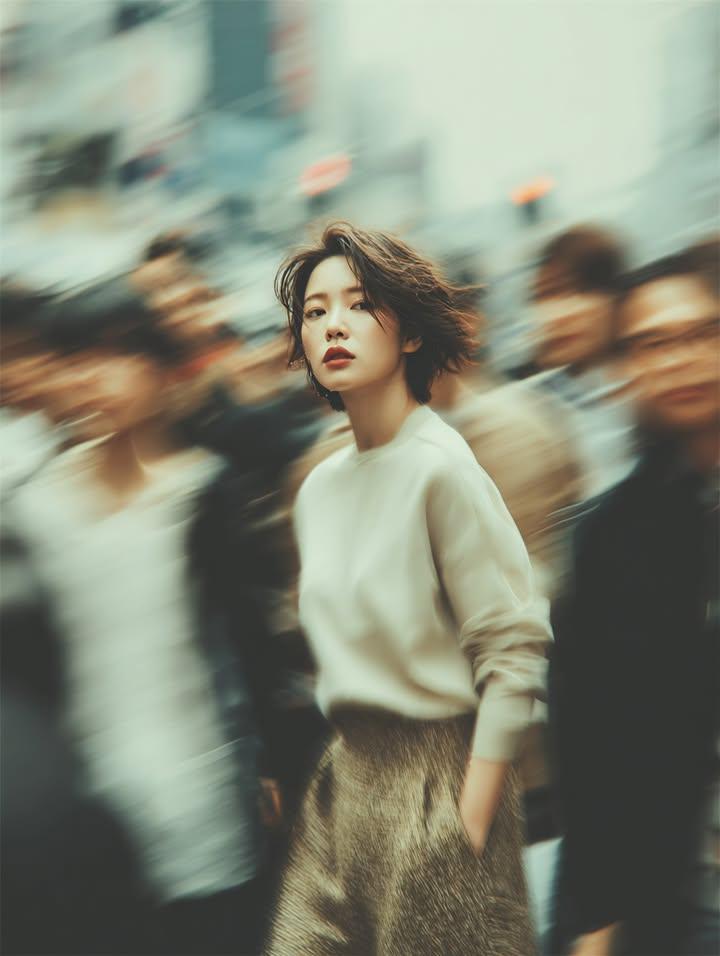
Cinematic Street Fashion Portrait Motion Blur Crowd
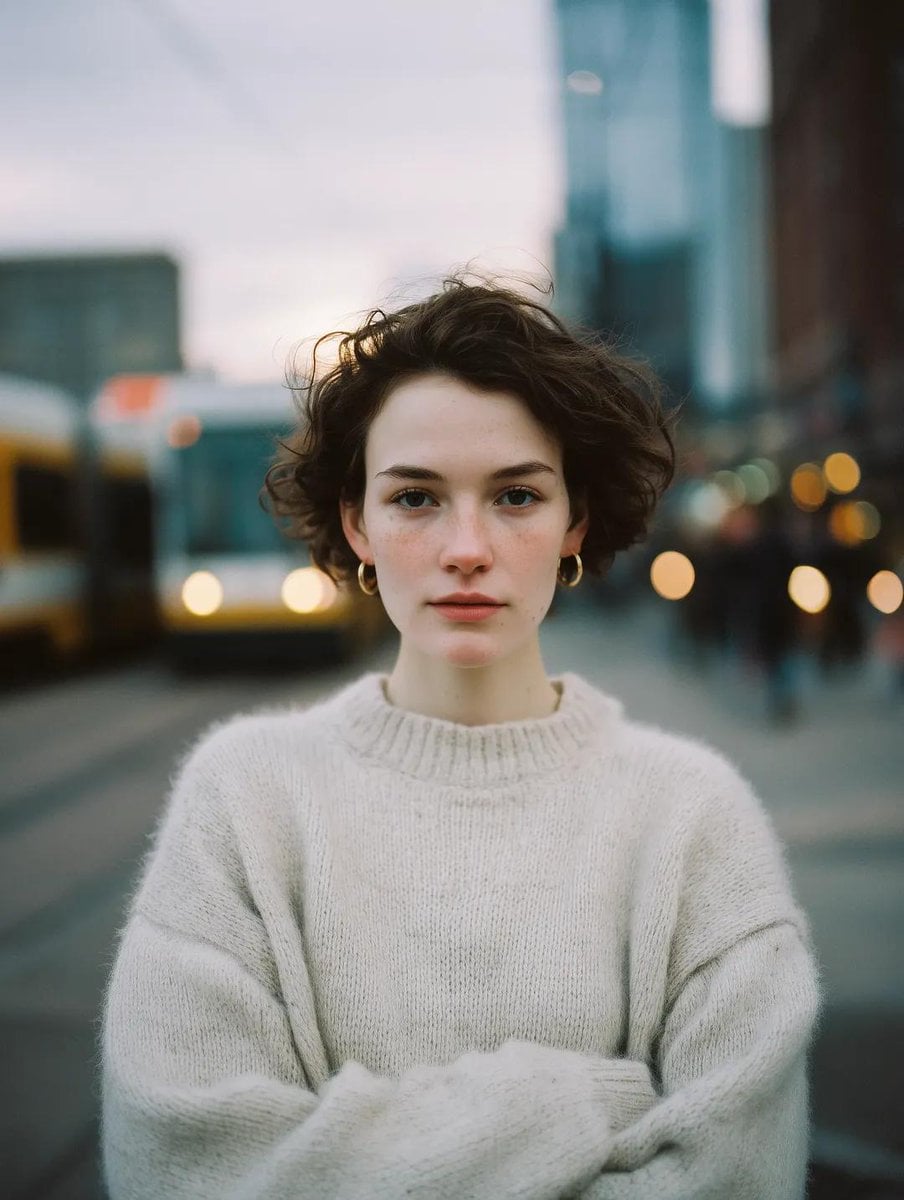
Blue Hour Editorial Fashion Portrait
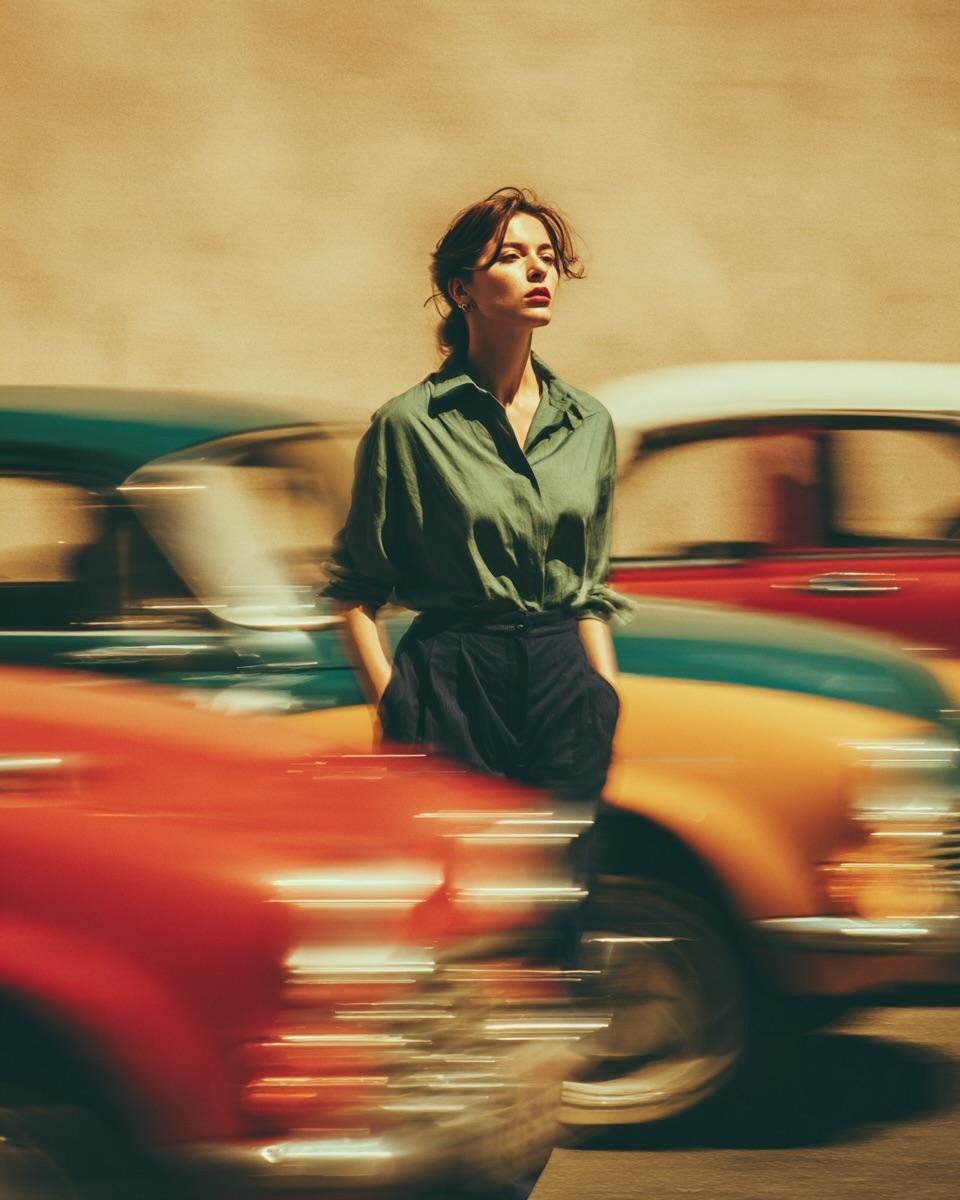
Golden Hour Street Motion Portrait
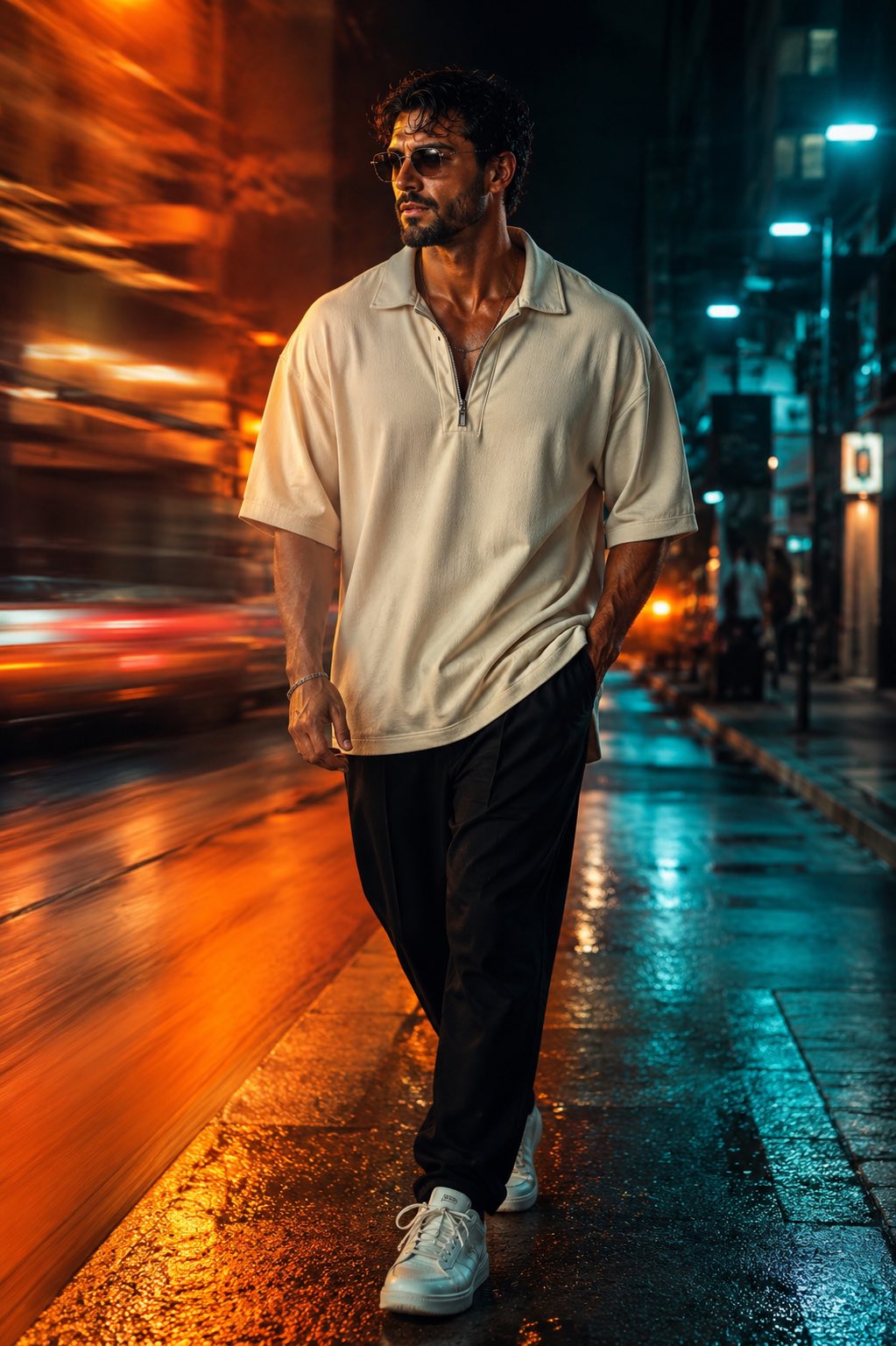
Face-Locked Cream Half-Zip Street Walk
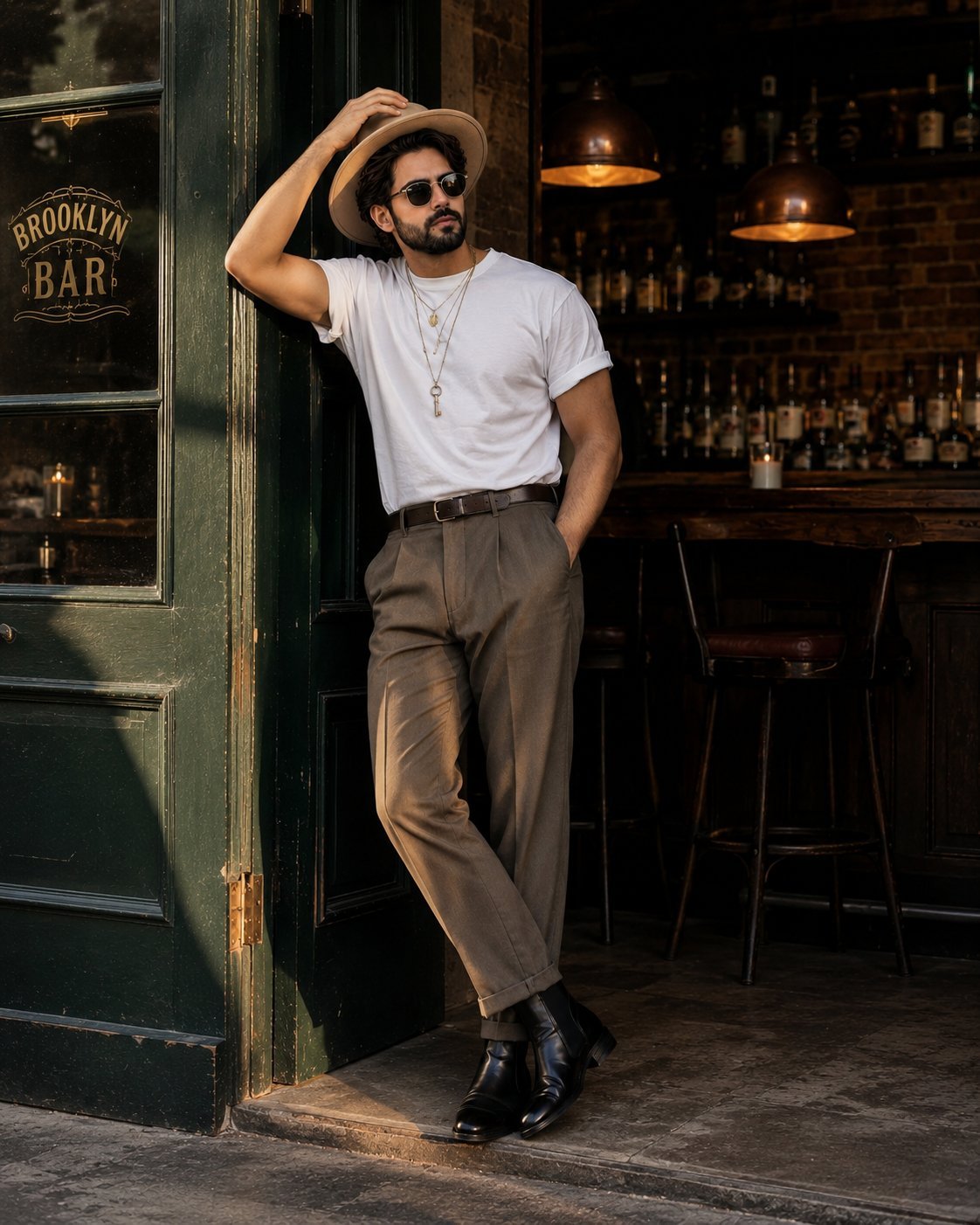
Golden Hour Fedora Bar Doorway Street Style
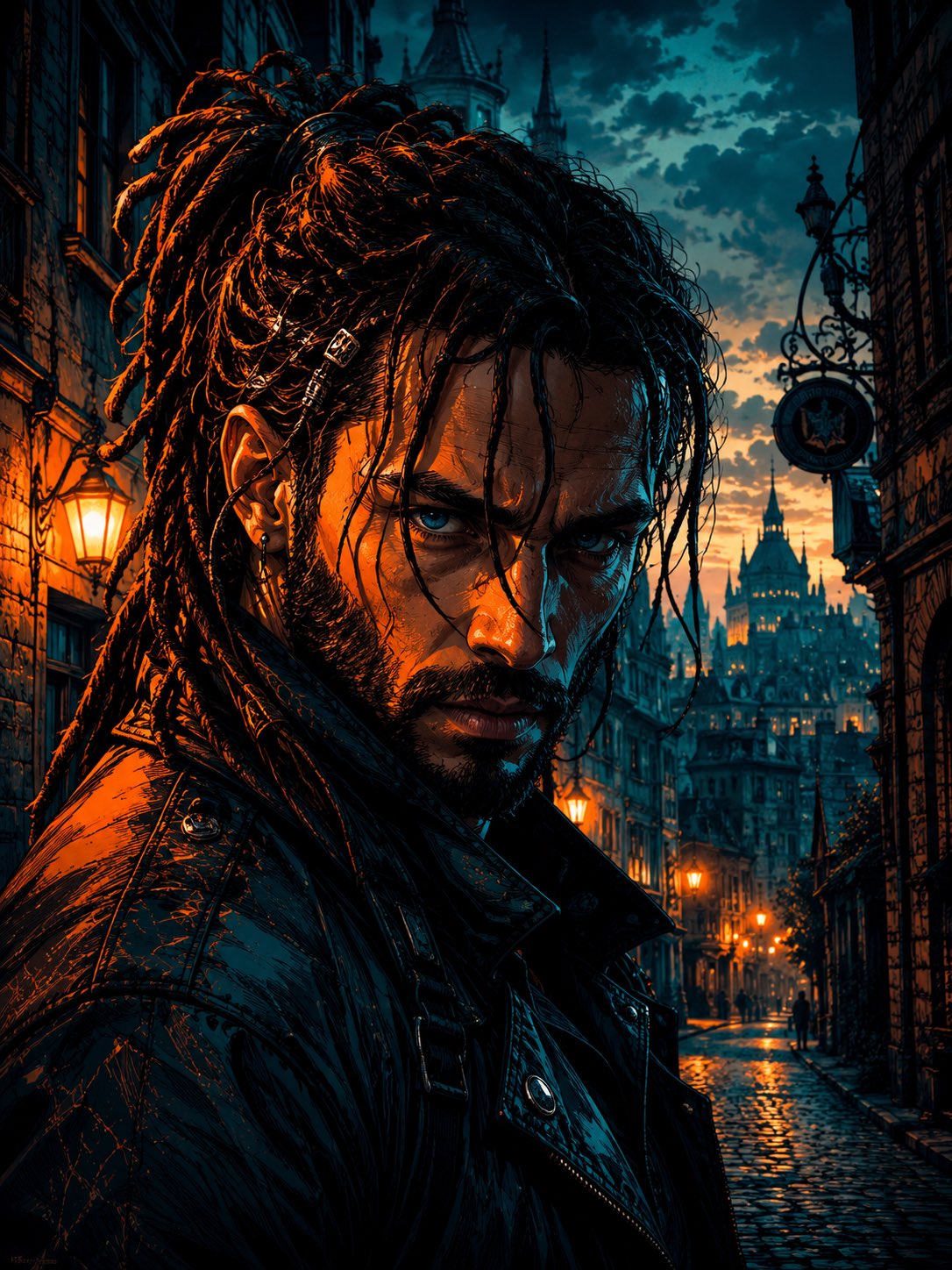
Cyber Noir Dreadlocks Street Portrait
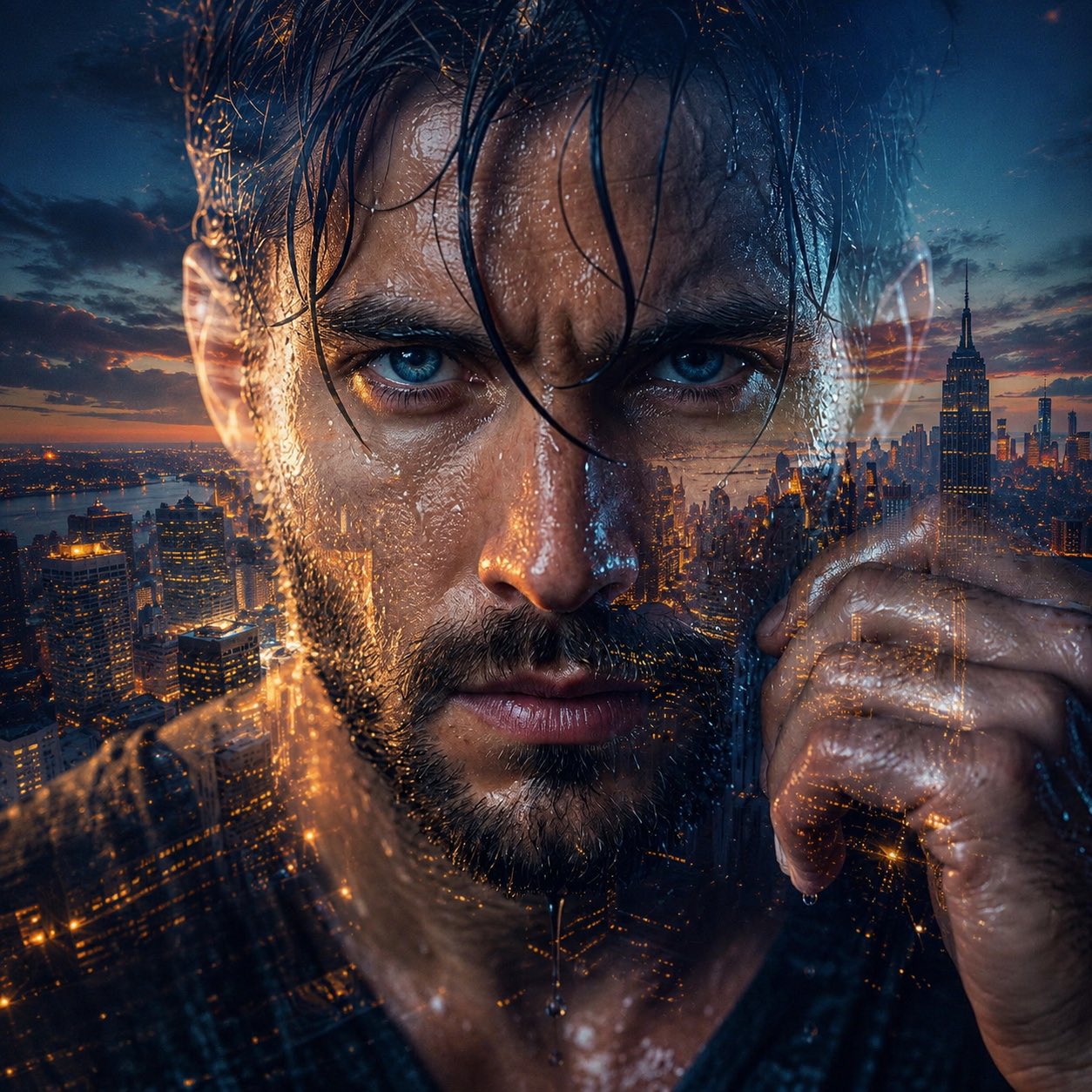
Face-Locked City Skyline Double Exposure
Make it yours
London Street works as-is. These are the safest ways to change it without losing the look.
Change one field
Copy a single group, rewrite it, and generate again so you can see what that field is doing.
Keep the frame, change the subject
Hold the composition and light of London Street, then swap wardrobe, props or the person for a new take.
| If the result… | Why | Fix |
|---|---|---|
| The result drifts from the preview | Too many fields changed at once. | Reuse London Street as-is first, then change one group — subject, light, or setting. |
| The model over-stylizes the scene | The prose prompt leaves finish and camera underspecified. | Add one camera or lighting sentence and stay on PicX Studio. |
More image prompts
Fresh picks from across the catalog.
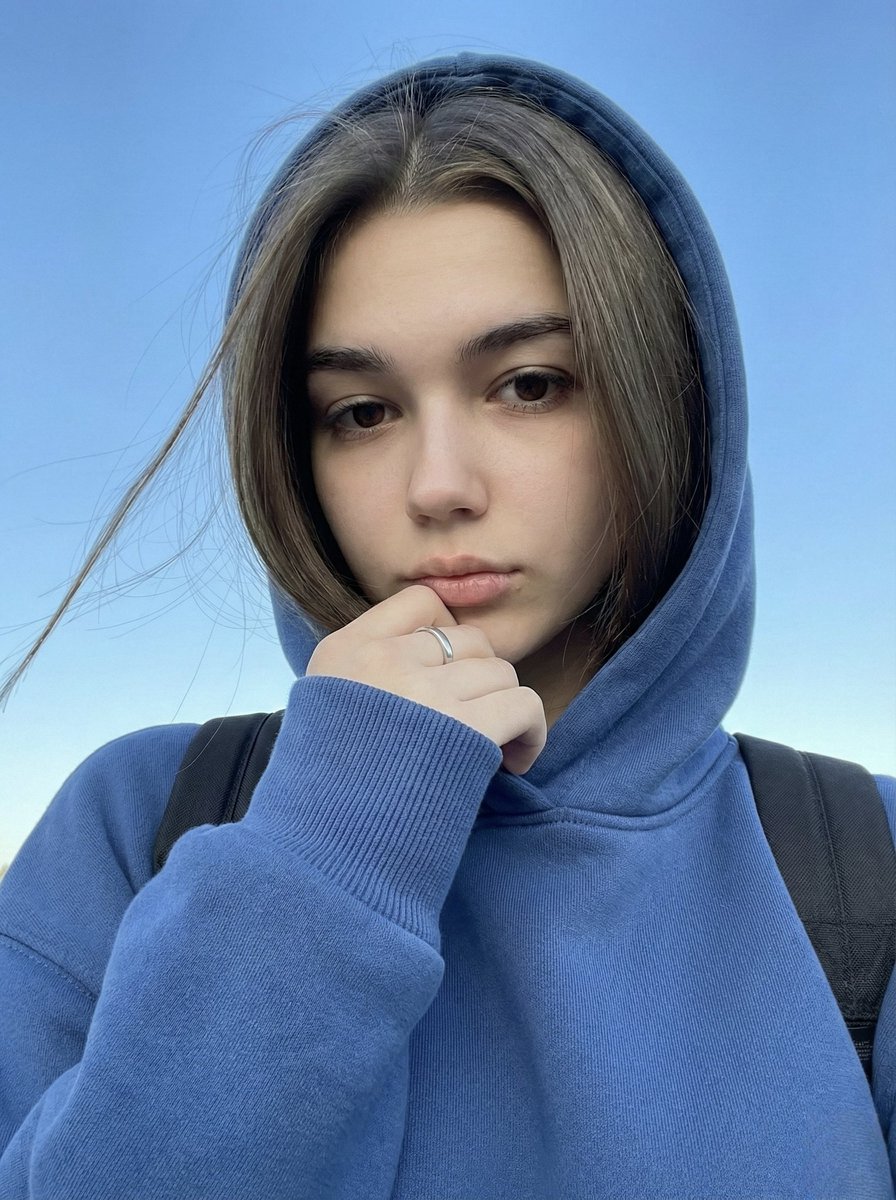
Instagram-Style Casual Portrait Prompt with Identity Lock
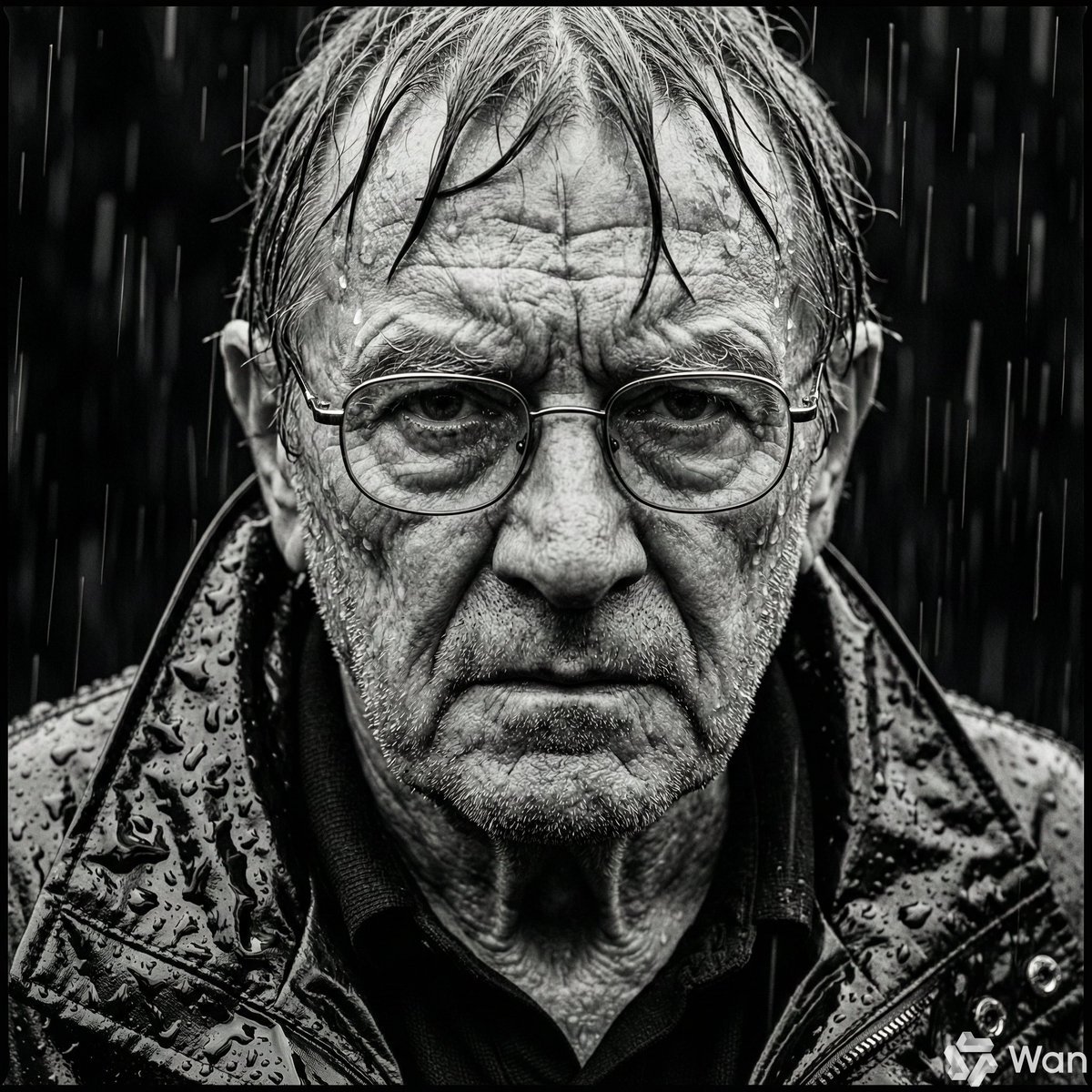
Monochrome Portrait of Elderly Man in Heavy Rain
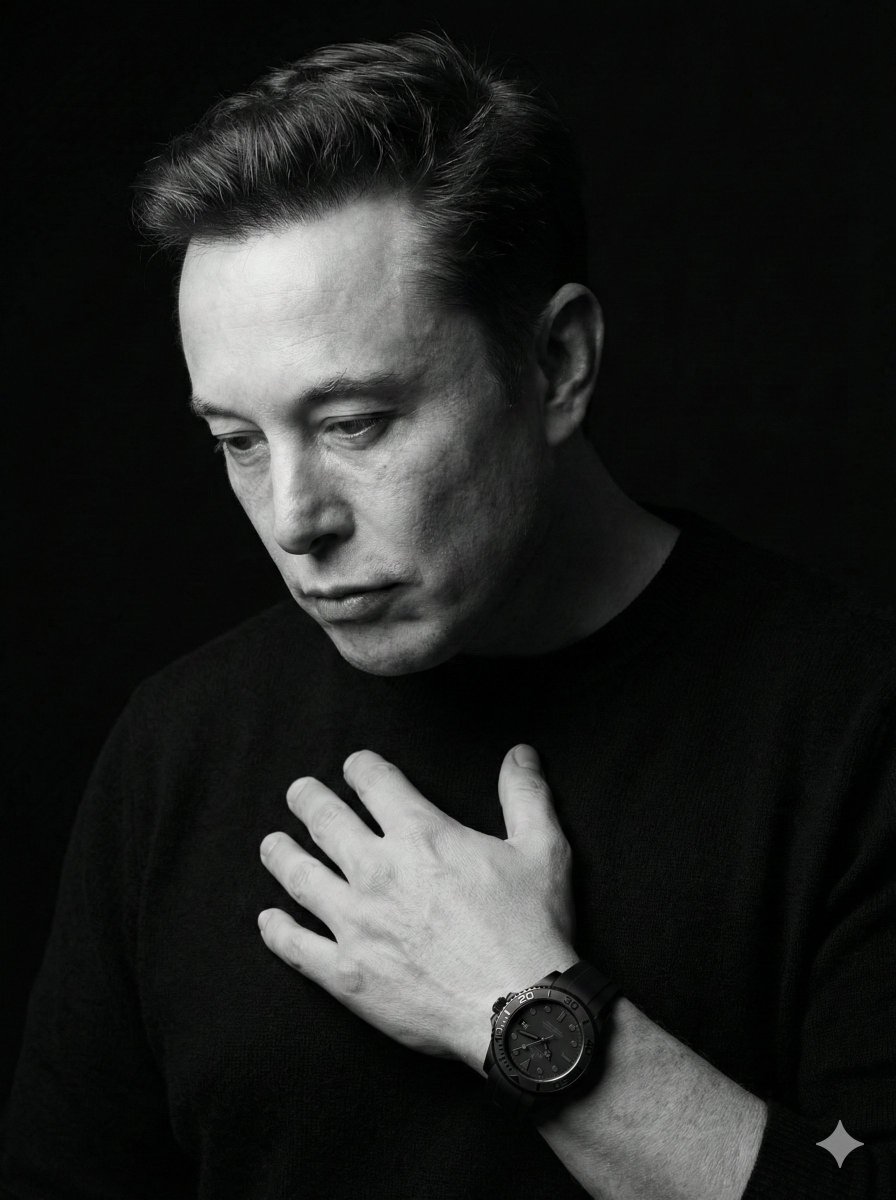
Dramatic Black & White Portrait

Dark Fantasy Ponyo Warrior Poster
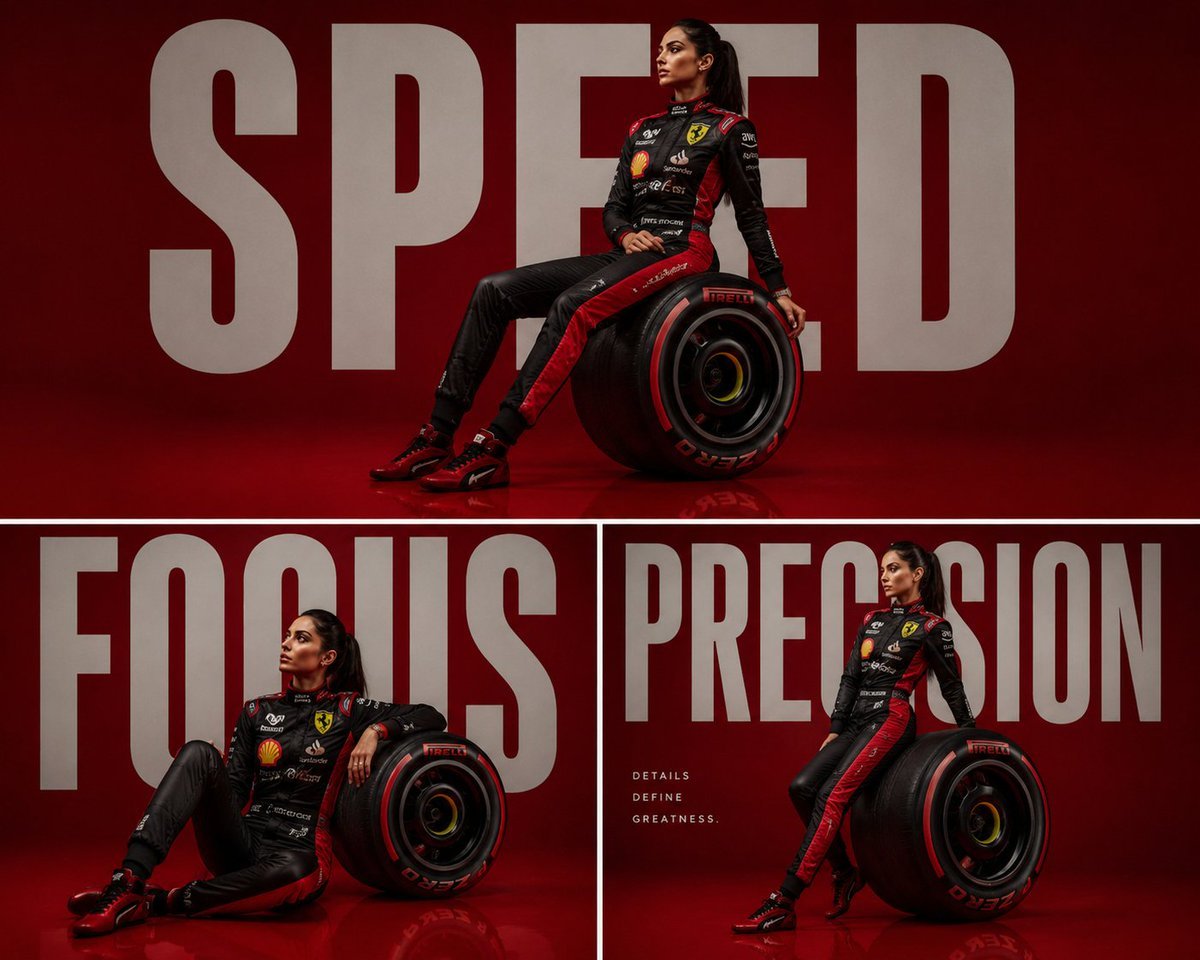
Luxury Formula 1 Triptych Poster
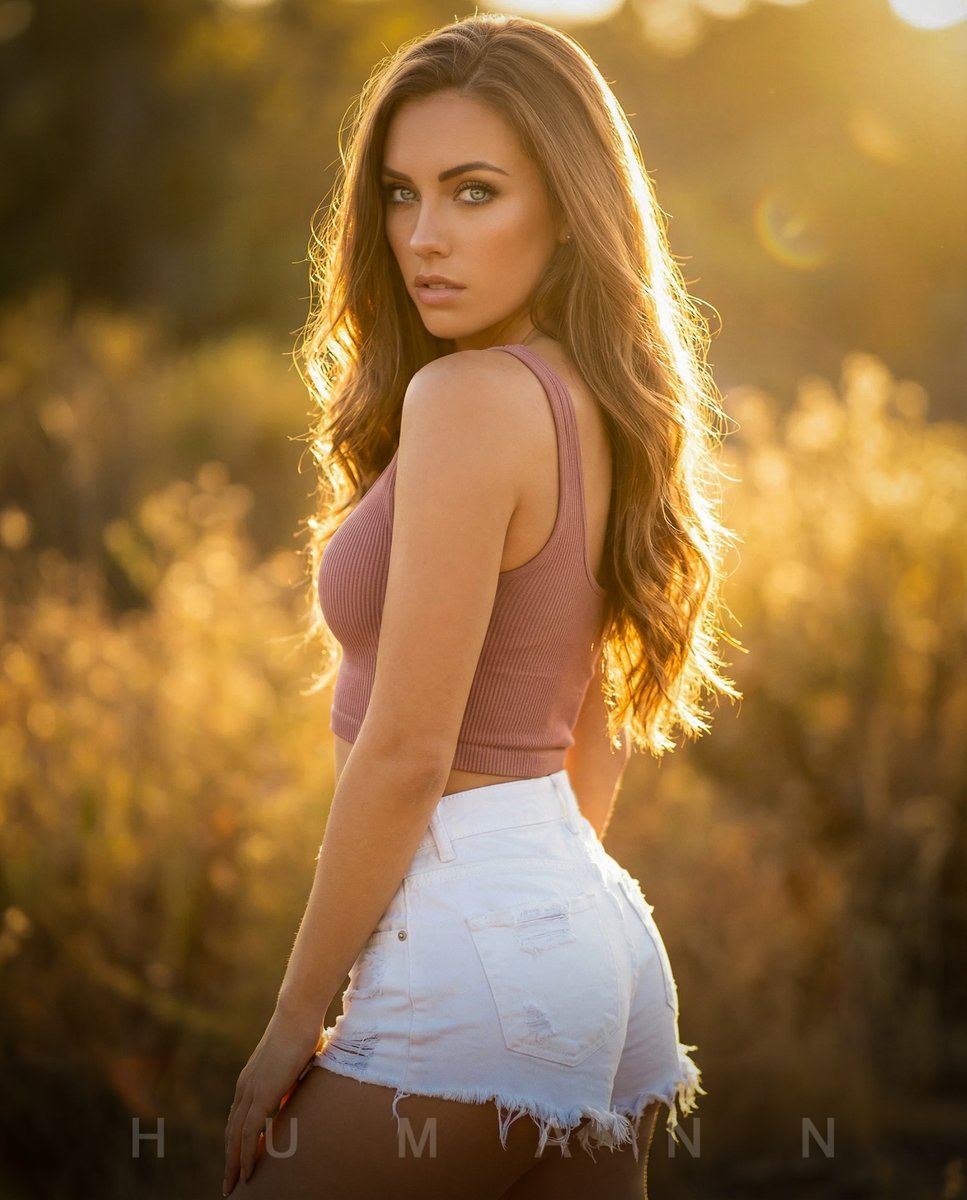
Golden Hour Backlit Portrait
Professional workstation screen prompt
Photorealistic Selfie Upscale
Nostalgic 2000s Japanese Suburb
Anime Idol Guitarist Contact Sheet
Browse template categories
London Street questions
How do I use the London Street template?
Add your photo if the template asks for one, edit the prompt if you like — the template's model and format are already selected — and press Generate. Your version opens in PicX Studio.
Can I customize the London Street template?
Yes. You can change the subject, setting, lighting, mood, format, and available model controls before creating your image.
Is the London Street template free?
Opening and editing this template is free. Generating uses credits, shown on the Generate button when you are signed in.
Which AI model should I use?
Choose a compatible model in PicX Studio based on the style, speed, and output controls your project needs.
Looking for something else? Browse all templates.

Your photo, any look
Thousands of ready templates for every top image and video model, from one credit balance.