
Urban Chic Floral Portrait
Urban Chic Floral Portrait is a ready photo look.
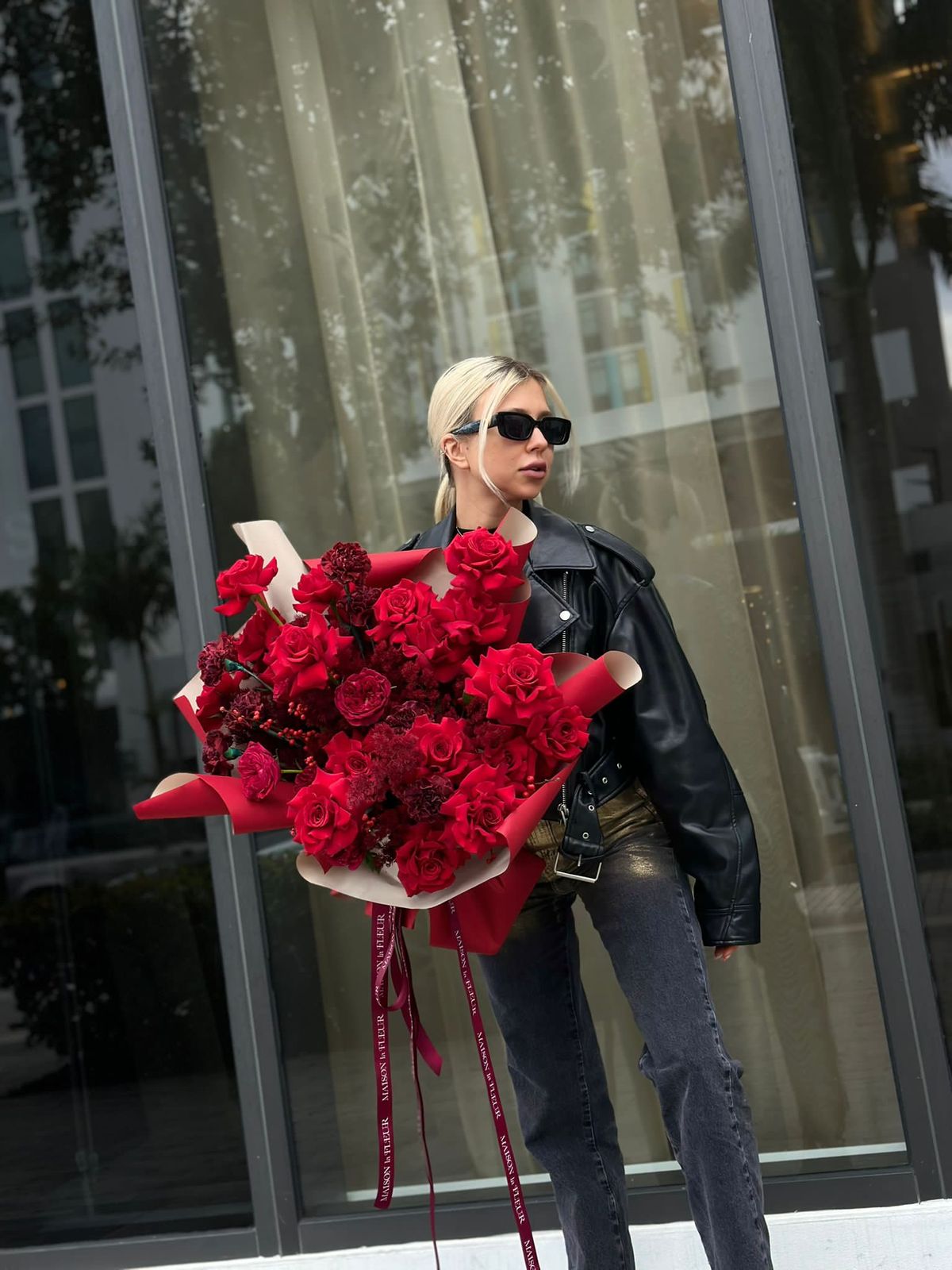
- Prompt included
- Model and format preset
- Premium template
The prompt behind this image
Copy the exact prompt behind Urban Chic Floral Portrait, or open it in the studio and make it yours.
- Prompt
- A stylish young blonde woman standing outside a modern glass building, holding a large dramatic bouquet of deep red roses and dark burgundy flowers. The bouquet is wrapped in red and cream luxury paper with long satin ribbons hanging down. She is wearing black rectangular sunglasses, a black leather jacket, fitted dark jeans, and a minimal chic outfit. She is posing confidently, looking to the side, fashion editorial style. Urban background with reflective glass windows and soft natural daylight. Vogue-inspired street photography, cinematic, ultra realistic, 4k, shallow depth of field, luxury fashion aesthetic.
- Style
- photorealistic
- Aspect Ratio
- 3:4
- Lighting
- soft natural daylight
- Camera
- 85mm fashion lens, shallow depth of field
- Quality
- ultra high
- Mood
- luxury, bold, romantic, modern, editorial
Raw JSON
{
  "prompt": "A stylish young blonde woman standing outside a modern glass building, holding a large dramatic bouquet of deep red roses and dark burgundy flowers. The bouquet is wrapped in red and cream luxury paper with long satin ribbons hanging down. She is wearing black rectangular sunglasses, a black leather jacket, fitted dark jeans, and a minimal chic outfit. She is posing confidently, looking to the side, fashion editorial style. Urban background with reflective glass windows and soft natural daylight. Vogue-inspired street photography, cinematic, ultra realistic, 4k, shallow depth of field, luxury fashion aesthetic.",
  "style": "photorealistic",
  "aspect_ratio": "3:4",
  "lighting": "soft natural daylight",
  "camera": "85mm fashion lens, shallow depth of field",
  "quality": "ultra high",
  "mood": "luxury, bold, romantic, modern, editorial"
}How to use Urban Chic Floral Portrait in 3 steps
- 1
Open
The prompt is already in the box next to the preview, with the template's model and format selected.
- 2…a portrait of your subject in softgolden-hour light, 85mm…
Personalize
Edit the subject and creative details for your destination.
- 3Generate
Generate
Press Generate — your image is created in PicX Studio, so you can compare it with the original and refine one variable at a time.
More like this
Templates with the same subject, style or setup. Open one to see its prompt.
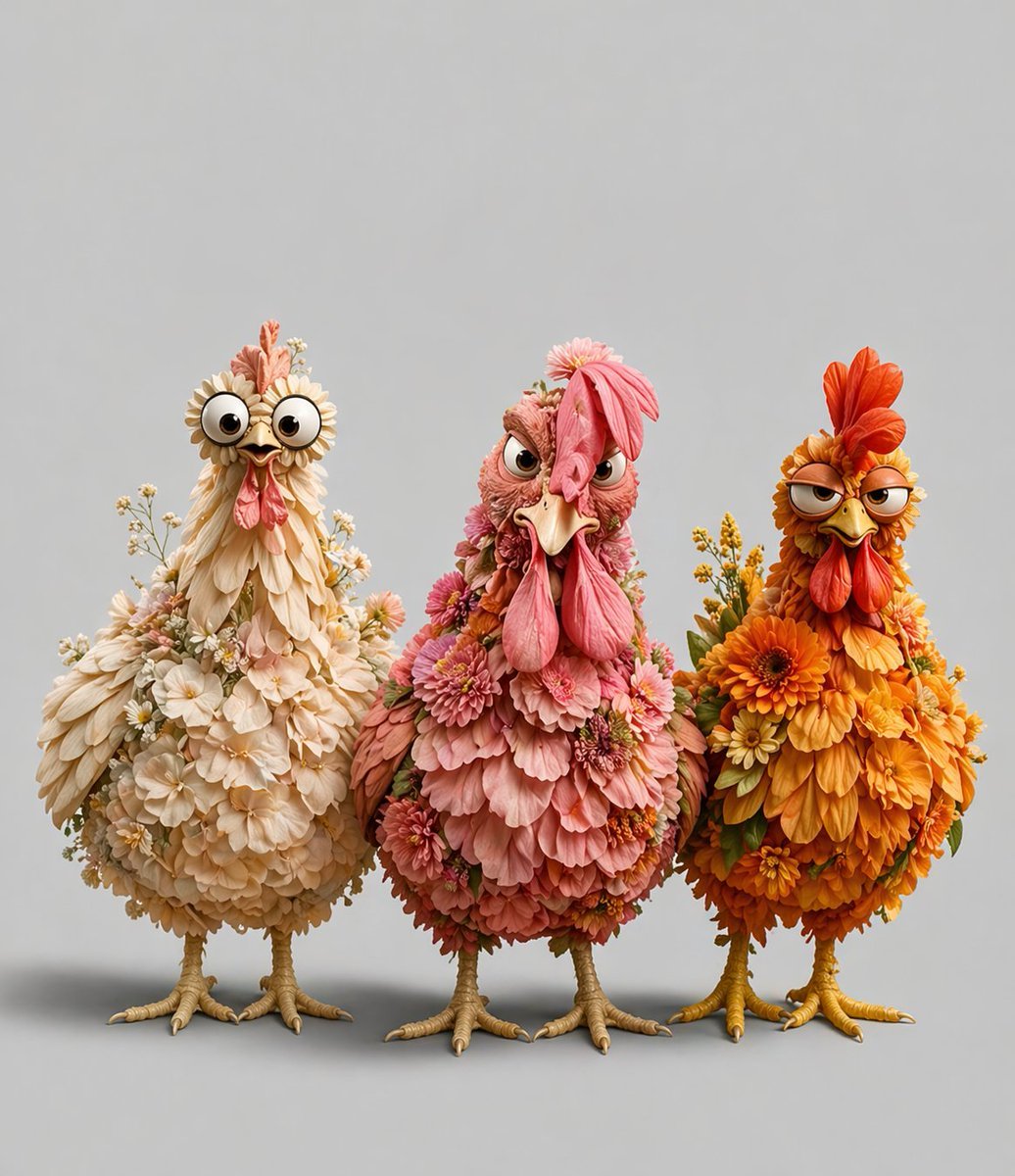
Three Floral Chickens Portrait

Found Photograph: Us, 1970

80s Couple Studio Portrait

80s Bollywood Star

80s Golden Hour Cinema

Me in 1985

1985 Studio Portrait

Hyper-Realistic Minecraft POV Portrait

Rooftop Fisheye — Cat-Ear Balaclava at Golden Hour

Rainy Café Window Moody Portrait
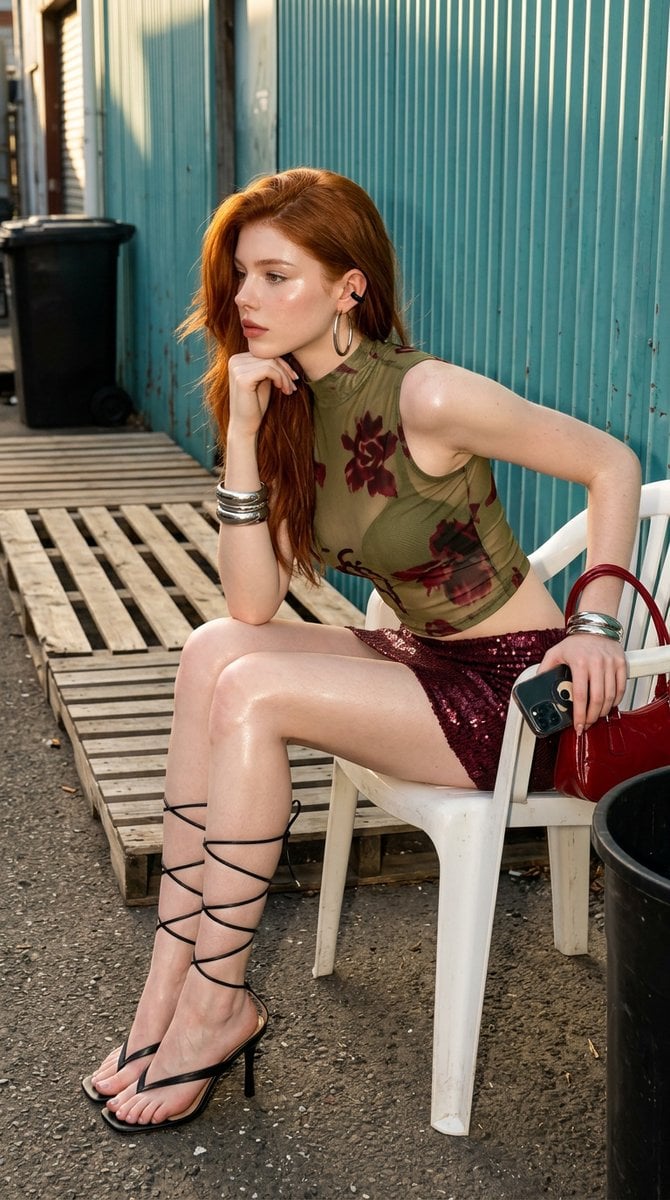
Urban Chic Fashion Editorial in an Alleyway
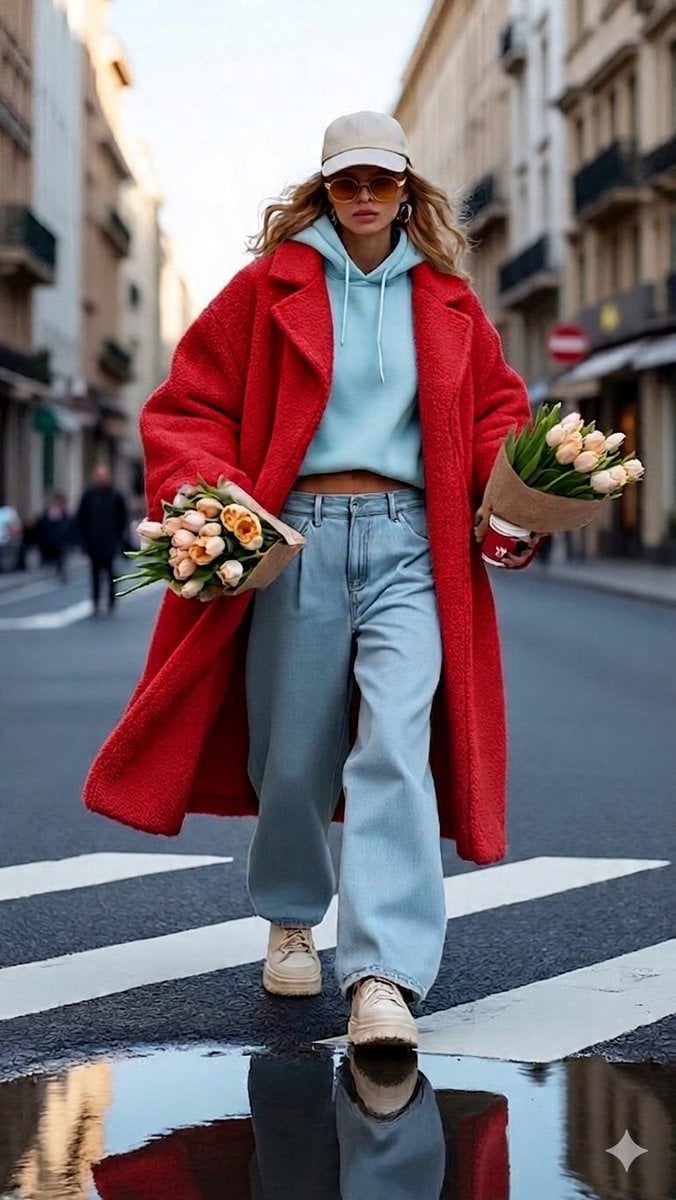
Urban Chic Street Photography Prompt
Make it yours
Urban Chic Floral Portrait works as-is. These are the safest ways to change it without losing the look.
Swap the light
One lighting change is enough to compare takes. Current light: “soft natural daylight”.
Change one field
Copy a single group, rewrite it, and generate again so you can see what that field is doing.
Keep the frame, change the subject
Hold the composition and light of Urban Chic Floral Portrait, then swap wardrobe, props or the person for a new take.
| If the result… | Why | Fix |
|---|---|---|
| The result drifts from the preview | Too many fields changed at once. | Reuse Urban Chic Floral Portrait as-is first, then change one group — subject, light, or setting. |
| PicX Studio ignores part of the JSON | Some models flatten or skip nested keys. | Keep the same values and paste them as a short paragraph instead. |
More image prompts
Fresh picks from across the catalog.
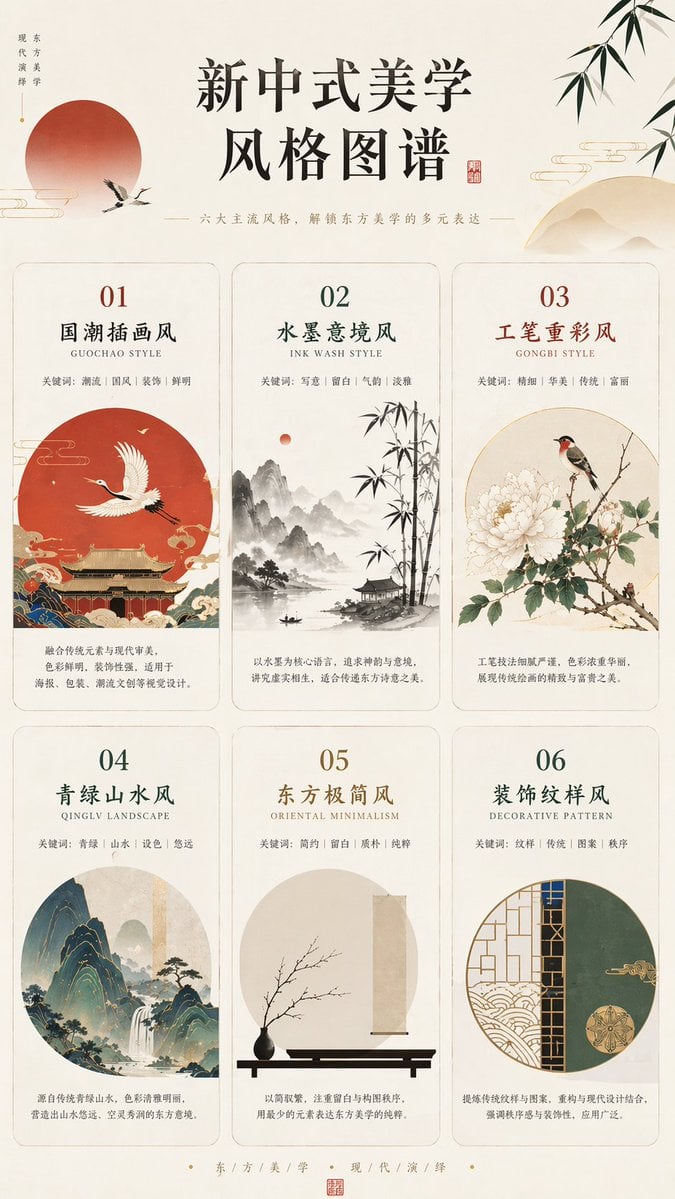
New Chinese Aesthetics Style Chart
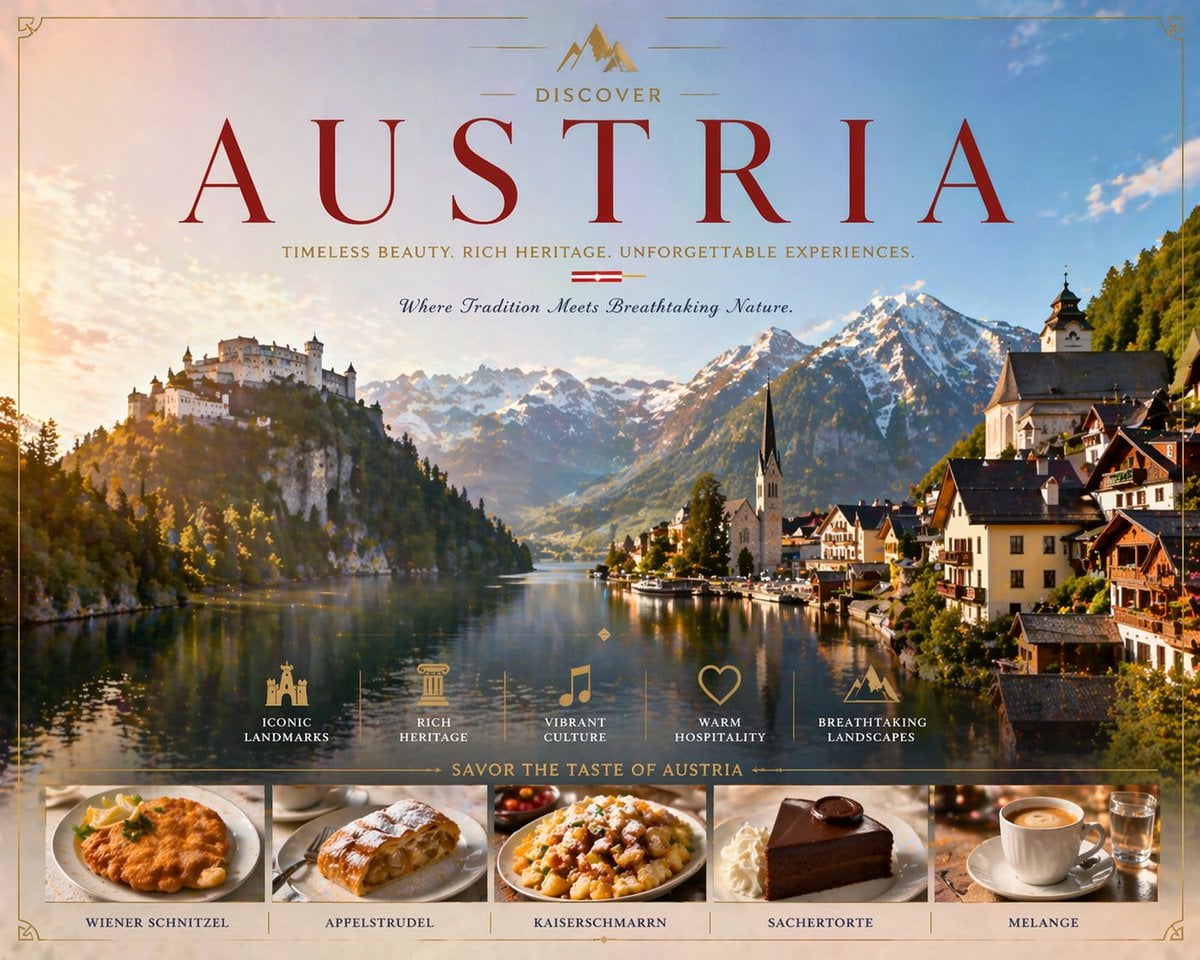
Luxury Austria Travel Poster
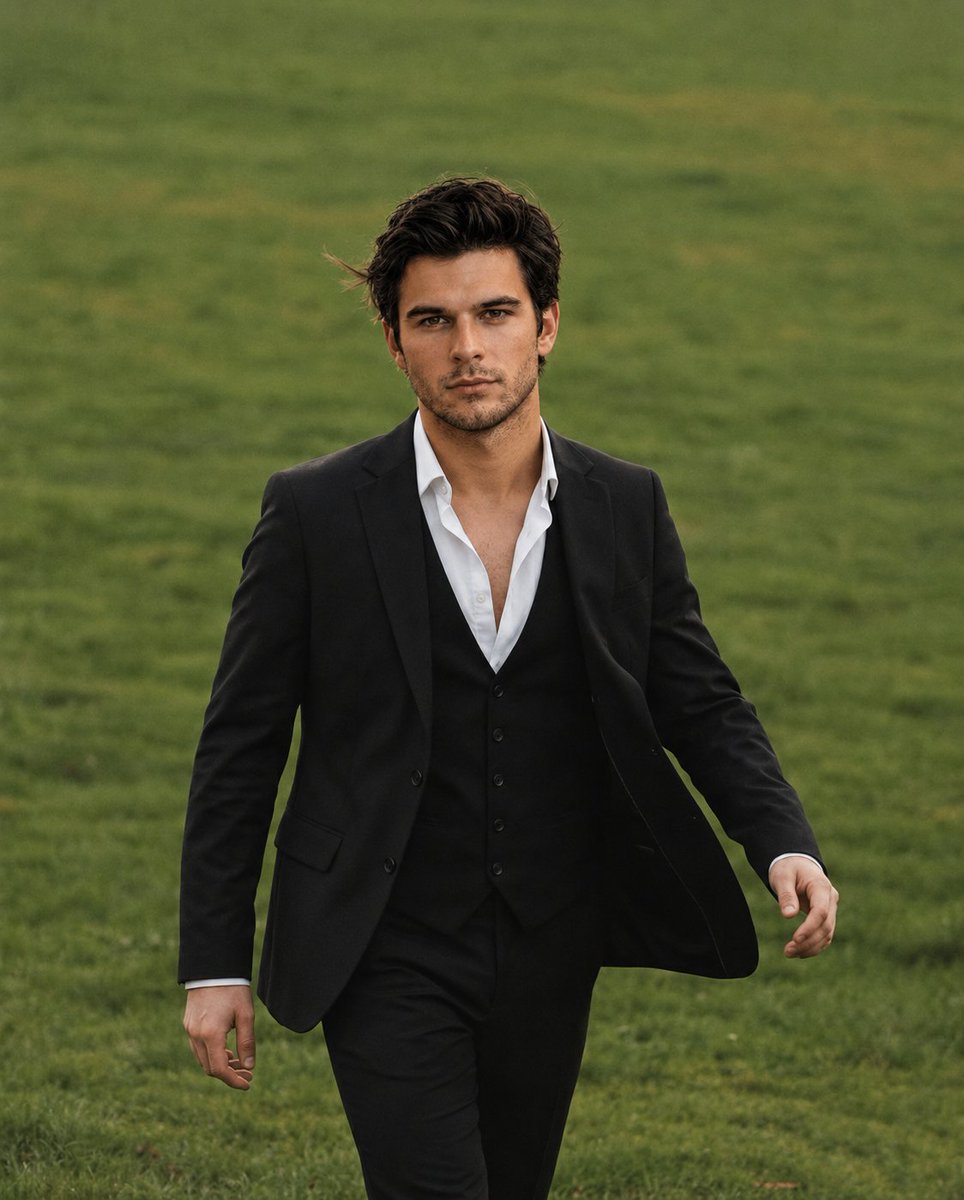
Golden Hour Male Portrait
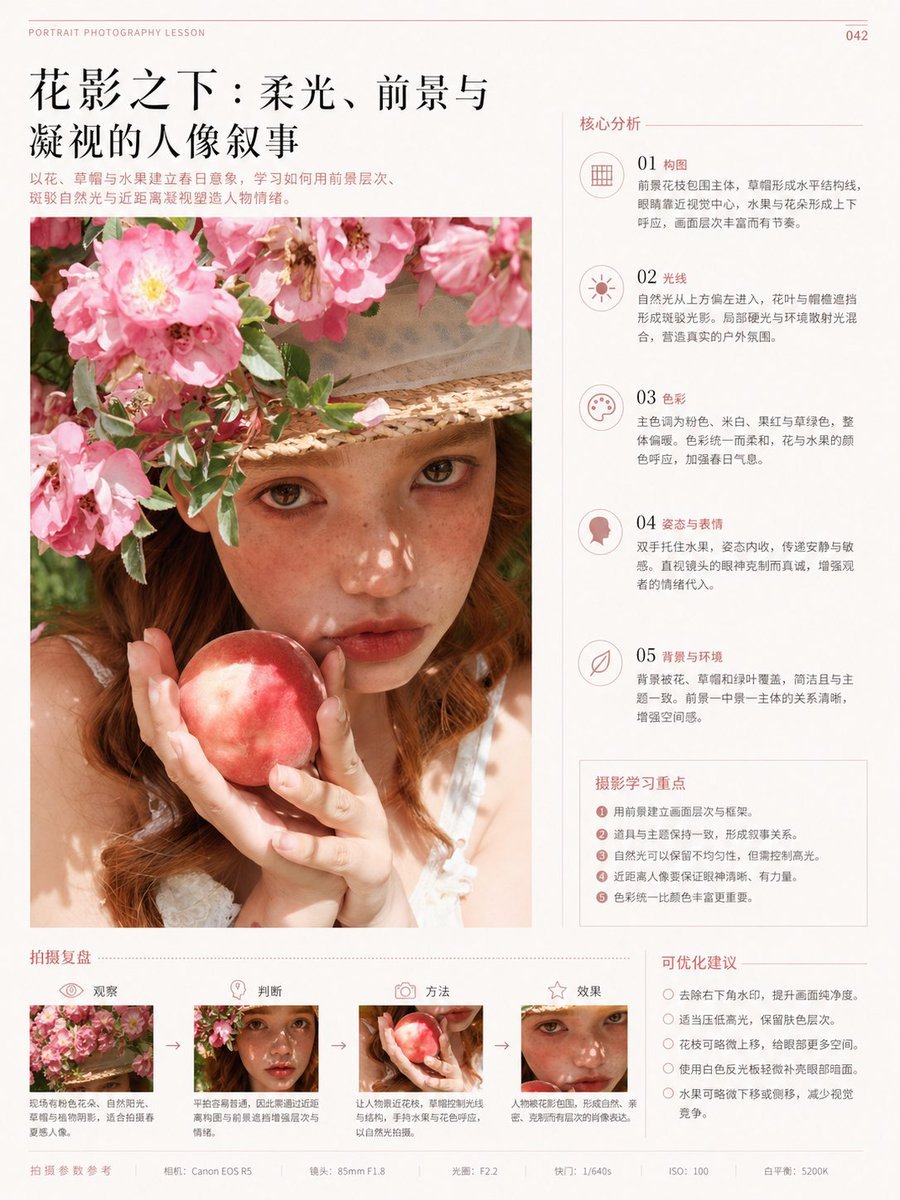
Chinese Editorial Photography Lesson Page
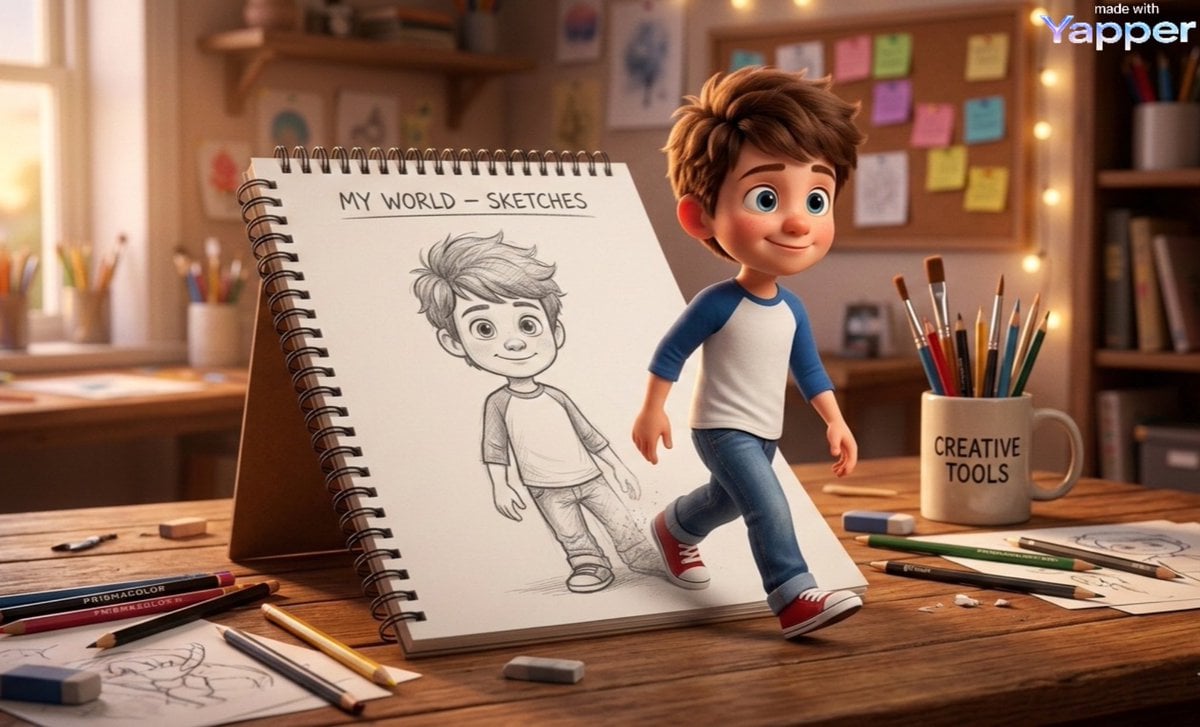
Cinematic 3D Illustration of Imagination Coming to Life

Extreme Close-up Puppy Selfie Prompt (Low Light)
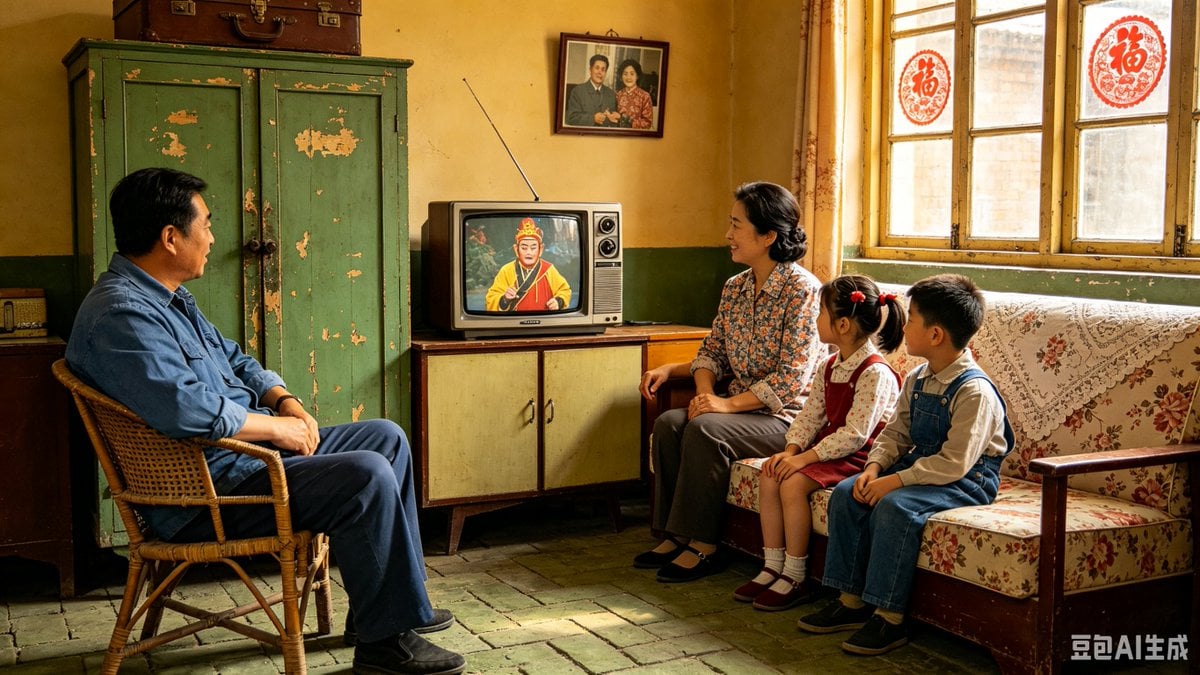
1980s Chinese Family Watching TV
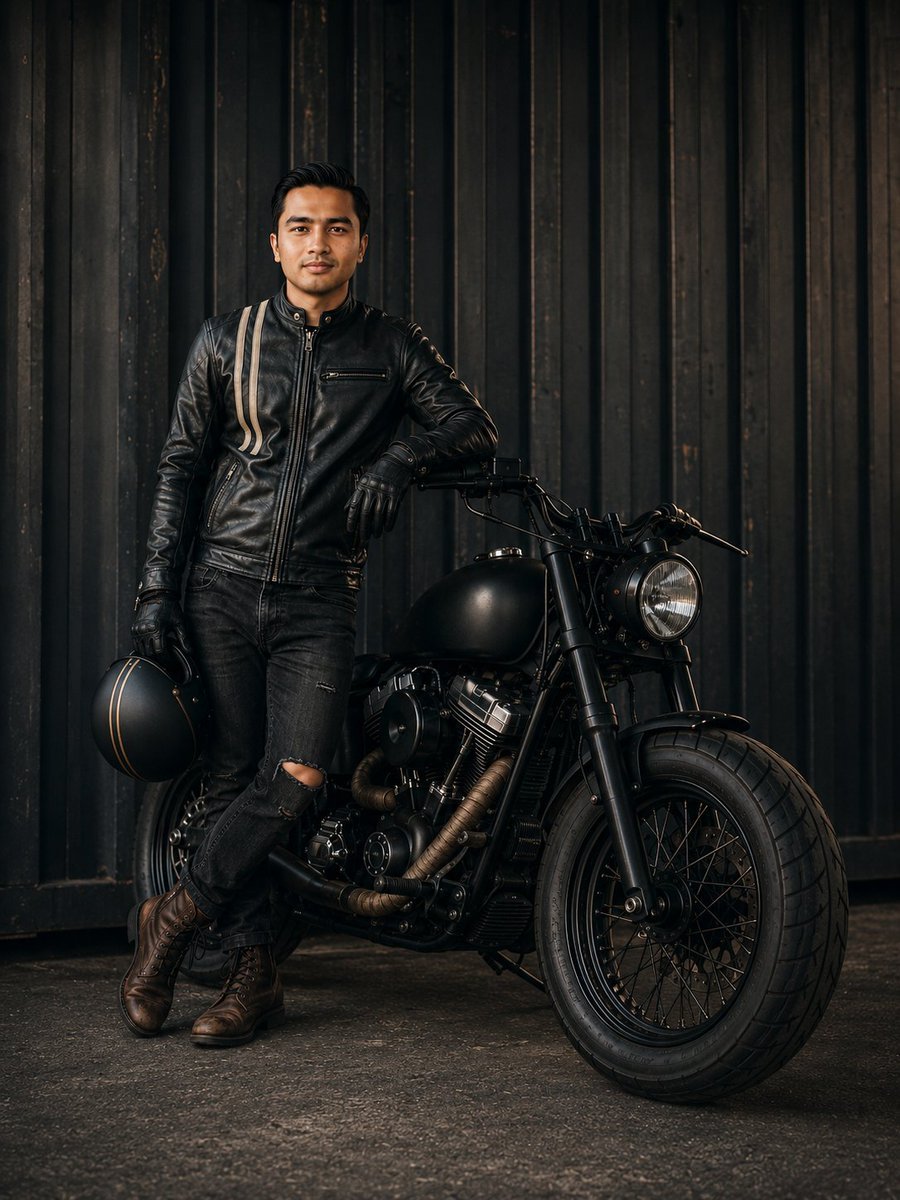
Cinematic Male Rider Portrait
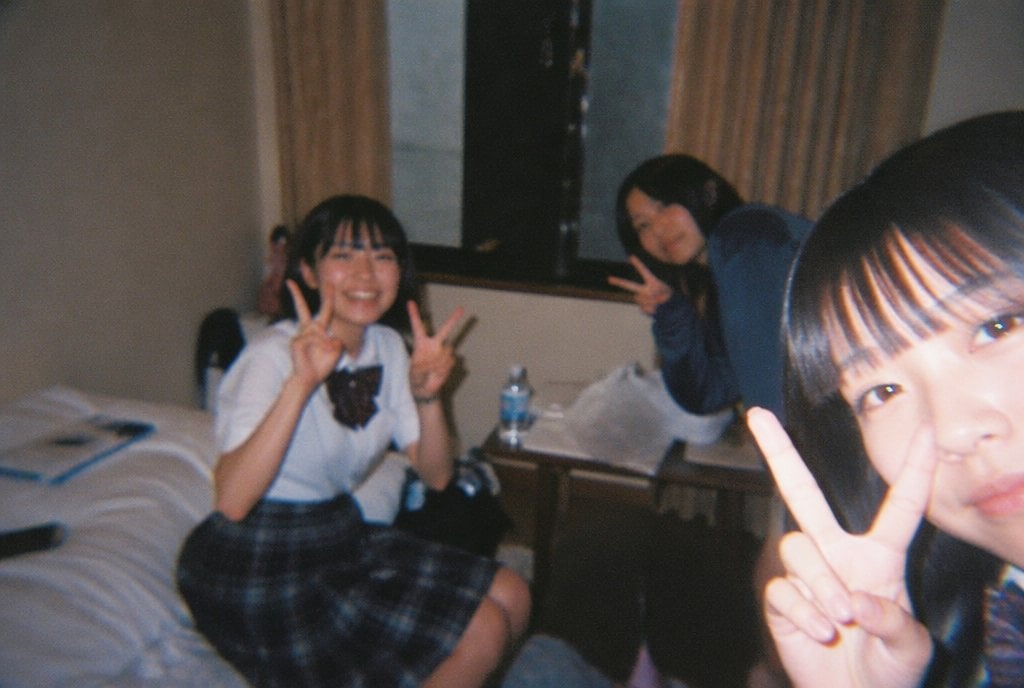
Nostalgic Disposable Camera Snap Prompt
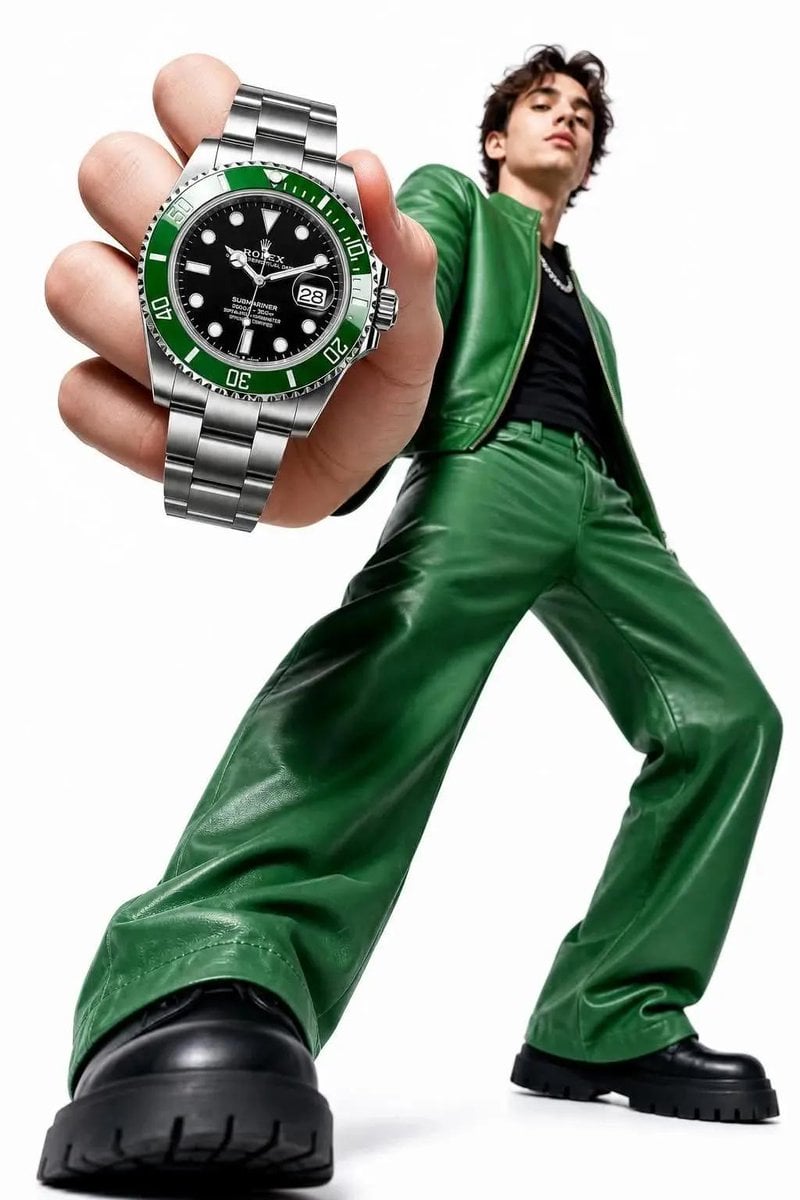
High-Key Fashion Product Photography
Browse template categories
Urban Chic Floral Portrait questions
How do I use the Urban Chic Floral Portrait template?
Add your photo if the template asks for one, edit the prompt if you like — the template's model and format are already selected — and press Generate. Your version opens in PicX Studio.
Can I customize the Urban Chic Floral Portrait template?
Yes. You can change the subject, setting, lighting, mood, format, and available model controls before creating your image.
Is the Urban Chic Floral Portrait template free?
Opening and editing this template is free. Generating uses credits, shown on the Generate button when you are signed in.
Which AI model should I use?
Choose a compatible model in PicX Studio based on the style, speed, and output controls your project needs.
Looking for something else? Browse all templates.

Your photo, any look
Thousands of ready templates for every top image and video model, from one credit balance.