How do I use the Cinematic Gymnastics Balance Beam template?
Edit the prompt in the box under the preview — the template's model and format are already selected — and press Generate. Your version appears right on this page.
An extremely detailed multi-shot video prompt for Seedance 2.0 depicting a professional balance beam routine with cinematic lighting and slow-motion technical details.
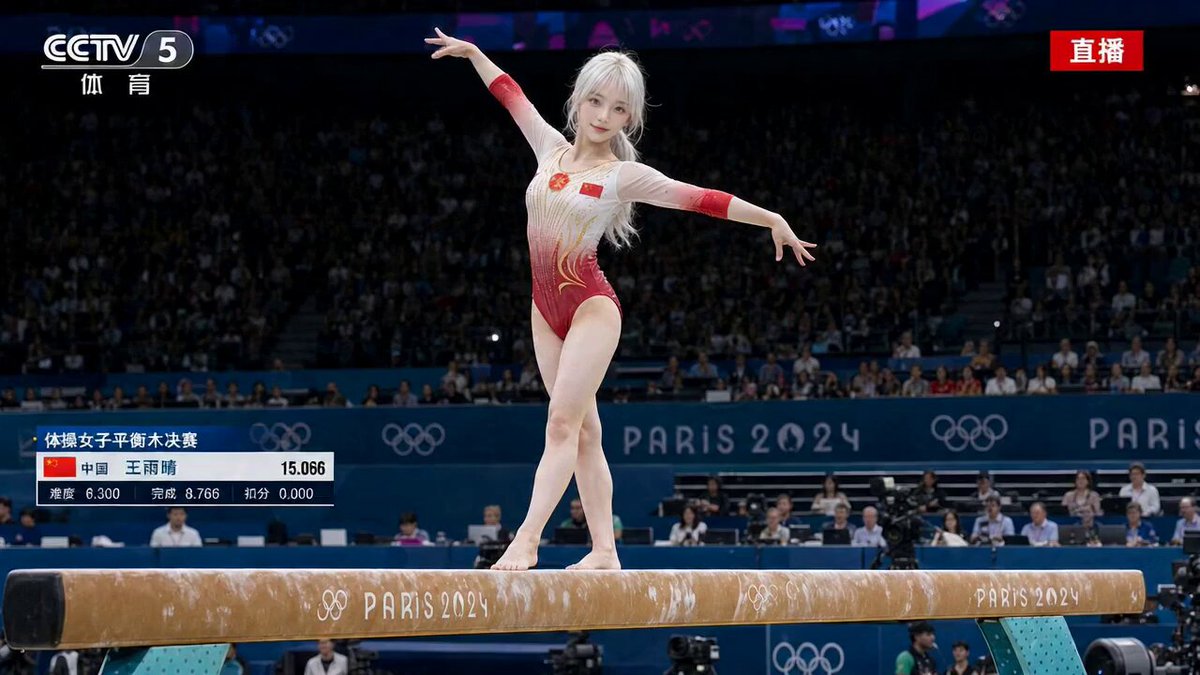
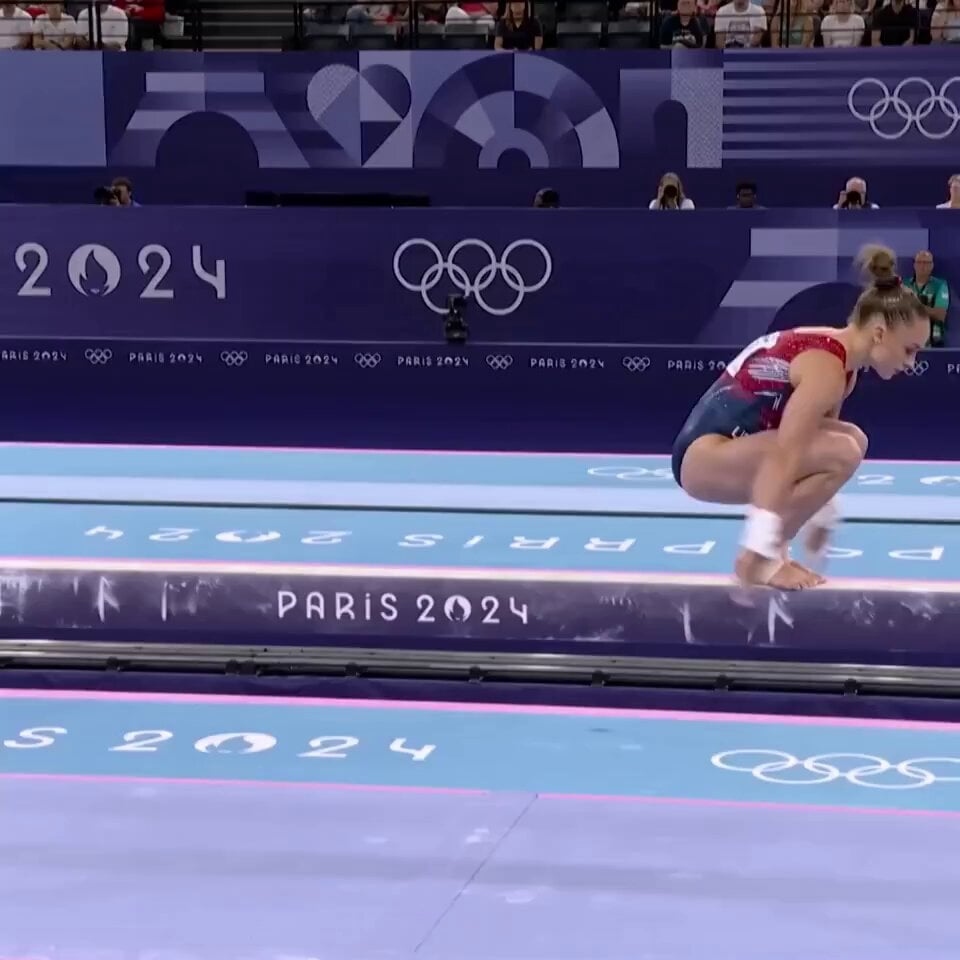
【风格】竞技体操平衡木大片(Artistic Gymnastics Balance Beam),电视转播+电影感混合质感(16:9 Cinematic, Photorealistic),高速摄影升格(Super Slow-mo),体操馆暖顶光+深色背景影调,国家队级动作规格 【时长】15秒 【场景】体操比赛馆:一条标准平衡木(10厘米宽木面)居于画面中央,木下铺蓝色缓冲垫,背景观众席和裁判席虚化成暗色块,顶棚射灯把木面照得发亮,空气中有镁粉微尘 【角色】主角 [00:00-00:02] 镜头1:上木前(The Chalk) 近景:主角站在平衡木一端下方,双手互搓镁粉,白色粉尘在射灯光柱里缓缓飘散;她抬眼望向木面,下颌收紧,向裁判方向举手示意。 【音效】全场安静,只有镁粉摩擦的沙沙声和一次深呼吸。 [00:02-00:04] 镜头2:上木(The Mount) 侧面中景:她助跑两步踏跳板腾起,双手撑木顺势成直角支撑再立起,稳稳站上10厘米宽的木面,双臂展开成一条直线,脚尖绷直。 【音效】踏板一声闷响,落木后木身轻微的震颤声。 [00:04-00:08] 镜头3:木上翻腾串(The Acro Series, Super Slow-mo) 升格慢动作,机位沿木侧平行跟移:她在木上完成后手翻接直体后空翻的连接串,双脚每次都精准落回巴掌宽的木面正中,落木瞬间脚踝微调、双臂快速展开控制平衡,发髻甩出的碎发悬在空中,镁粉从脚下炸起一小团白雾。 【音效】升格段每次手掌和脚掌拍在木面上的"砰"声被拉长放大,木身震颤的嗡声清晰可闻。 [00:08-00:10.5] 镜头4:跳步与转体(Leap + Turn) 恢复常速,正侧面机位:她起跳完成一个交换腿大跳,双腿在空中劈成一条直线,落木后紧接单脚立转两周,另一条腿盘于膝侧,转速均匀,裙摆式的动作线条干净利落。 【音效】跳起落木两声轻响,转体时只有脚掌与木面的摩擦声。 [00:10.5-00:13] 镜头5:下法(The Dismount) 侧面机位微仰拍:她朝木端连接两个后手翻加速,从木端腾空而起,完成直体后空翻转体720度,身体在空中拧成一条紧绷的线,落地双脚砸进垫子——纹丝不动,一步未挪,双臂瞬间上举亮相。 【音效】腾空后风声,落垫一声厚实的闷响,随后全场爆发出掌声与欢呼。 [00:13-00:15] 镜头6:亮相定格(The Salute) 正面中景缓慢推近:她保持亮相姿势,胸口快速起伏,额角有汗珠反光,随后转向裁判席再次举手行礼,嘴角上扬,画面在她的笑容上定格。 【音效】掌声持续,定格配一声上扬收束音。 【备注】所有木上动作双脚必须始终落在木面上,落木瞬间允许小幅手臂调整但身体不摇晃;下法落地必须"钉"在垫上纹丝不动(Stuck Landing),这是全片最重要的记忆点
【风格】竞技体操平衡木大片(Artistic Gymnastics Balance Beam),电视转播+电影感混合质感(16:9 Cinematic, Photorealistic),高速摄影升格(Super Slow-mo),体操馆暖顶光+深色背景影调,国家队级动作规格 【时长】15秒 【场景】体操比赛馆:一条标准平衡木(10厘米宽木面)居于画面中央,木下铺蓝色缓冲垫,背景观众席和裁判席虚化成暗色块,顶棚射灯把木面照得发亮,空气中有镁粉微尘 【角色】主角 [00:00-00:02] 镜头1:上木前(The Chalk) 近景:主角站在平衡木一端下方,双手互搓镁粉,白色粉尘在射灯光柱里缓缓飘散;她抬眼望向木面,下颌收紧,向裁判方向举手示意。 【音效】全场安静,只有镁粉摩擦的沙沙声和一次深呼吸。 [00:02-00:04] 镜头2:上木(The Mount) 侧面中景:她助跑两步踏跳板腾起,双手撑木顺势成直角支撑再立起,稳稳站上10厘米宽的木面,双臂展开成一条直线,脚尖绷直。 【音效】踏板一声闷响,落木后木身轻微的震颤声。 [00:04-00:08] 镜头3:木上翻腾串(The Acro Series, Super Slow-mo) 升格慢动作,机位沿木侧平行跟移:她在木上完成后手翻接直体后空翻的连接串,双脚每次都精准落回巴掌宽的木面正中,落木瞬间脚踝微调、双臂快速展开控制平衡,发髻甩出的碎发悬在空中,镁粉从脚下炸起一小团白雾。 【音效】升格段每次手掌和脚掌拍在木面上的"砰"声被拉长放大,木身震颤的嗡声清晰可闻。 [00:08-00:10.5] 镜头4:跳步与转体(Leap + Turn) 恢复常速,正侧面机位:她起跳完成一个交换腿大跳,双腿在空中劈成一条直线,落木后紧接单脚立转两周,另一条腿盘于膝侧,转速均匀,裙摆式的动作线条干净利落。 【音效】跳起落木两声轻响,转体时只有脚掌与木面的摩擦声。 [00:10.5-00:13] 镜头5:下法(The Dismount) 侧面机位微仰拍:她朝木端连接两个后手翻加速,从木端腾空而起,完成直体后空翻转体720度,身体在空中拧成一条紧绷的线,落地双脚砸进垫子——纹丝不动,一步未挪,双臂瞬间上举亮相。 【音效】腾空后风声,落垫一声厚实的闷响,随后全场爆发出掌声与欢呼。 [00:13-00:15] 镜头6:亮相定格(The Salute) 正面中景缓慢推近:她保持亮相姿势,胸口快速起伏,额角有汗珠反光,随后转向裁判席再次举手行礼,嘴角上扬,画面在她的笑容上定格。 【音效】掌声持续,定格配一声上扬收束音。 【备注】所有木上动作双脚必须始终落在木面上,落木瞬间允许小幅手臂调整但身体不摇晃;下法落地必须"钉"在垫上纹丝不动(Stuck Landing),这是全片最重要的记忆点
Edit the prompt in the box under the preview — the template's model and format are already selected — and press Generate. Your version appears right on this page.
Yes. You can change the subject, setting, lighting, mood, format, and available model controls before creating your video.
Opening and editing this template is free. Generating uses credits, shown on the Generate button when you are signed in.
Start with Seedance 2.0, which is the model associated with this template. You can compare another compatible model for a different finish.
Follow a topic to a crawlable collection of related PicX Studio templates.