How do I use the Cinematic B&W Urban Hip Hop Montage template?
Edit the prompt in the box under the preview — the template's model and format are already selected — and press Generate. Your version appears right on this page.
A high-contrast black and white cinematic prompt for an urban hip hop music video montage with raw realism.
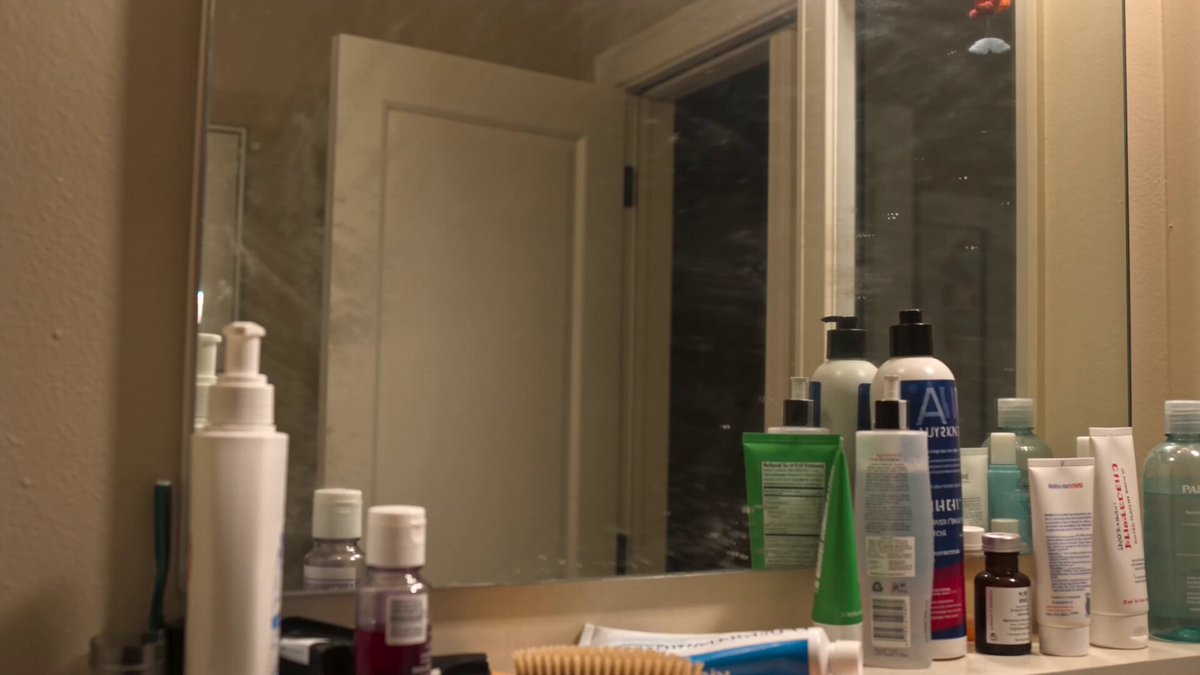
Generate a highly realistic 15 second cinematic black and white video montage in a 16 to 9 aspect ratio synchronized to a heavy rhythmic underground hip hop music track. The sequence opens with a medium close up of a gritty shirtless young man with a buzz cut looking aggressively into a bathroom mirror and forming a gun shape with his hand while pointing at his own reflection. Cut rapidly to an extreme close up of a young man with curly hair staring intensely directly into the camera lens with a desolate urban concrete housing project out of focus behind him. The video features fast paced dynamic cuts matching the beat of the music. Transition to an extreme low angle shot looking straight up the center of a spiraling architectural concrete staircase. Cut to a wide deep focus shot of two men in vintage leather bomber jackets leaning on a wrought iron balcony railing overlooking a sprawling overcast Paris city street. Cut to a dark movie theater where a man turns around sharply illuminated only by the harsh beam of a film projector. Cut to an urban street at night where three silhouetted figures look out over a glowing city skyline. The cinematography mimics authentic 35mm film stock with heavy organic film grain deep shadows and blinding highlights. The lighting is exclusively high contrast monochrome emphasizing the raw textures of brick concrete and leather. The final shot is a symmetrical wide angle of a lone silhouetted figure standing in an abandoned warehouse illuminated by a single flickering overhead fluorescent light bulb. The overall aesthetic is raw urban realism
Generate a highly realistic 15 second cinematic black and white video montage in a 16 to 9 aspect ratio synchronized to a heavy rhythmic underground hip hop music track. The sequence opens with a medium close up of a gritty shirtless young man with a buzz cut looking aggressively into a bathroom mirror and forming a gun shape with his hand while pointing at his own reflection. Cut rapidly to an extreme close up of a young man with curly hair staring intensely directly into the camera lens with a desolate urban concrete housing project out of focus behind him. The video features fast paced dynamic cuts matching the beat of the music. Transition to an extreme low angle shot looking straight up the center of a spiraling architectural concrete staircase. Cut to a wide deep focus shot of two men in vintage leather bomber jackets leaning on a wrought iron balcony railing overlooking a sprawling overcast Paris city street. Cut to a dark movie theater where a man turns around sharply illuminated only by the harsh beam of a film projector. Cut to an urban street at night where three silhouetted figures look out over a glowing city skyline. The cinematography mimics authentic 35mm film stock with heavy organic film grain deep shadows and blinding highlights. The lighting is exclusively high contrast monochrome emphasizing the raw textures of brick concrete and leather. The final shot is a symmetrical wide angle of a lone silhouetted figure standing in an abandoned warehouse illuminated by a single flickering overhead fluorescent light bulb. The overall aesthetic is raw urban realism
Edit the prompt in the box under the preview — the template's model and format are already selected — and press Generate. Your version appears right on this page.
Yes. You can change the subject, setting, lighting, mood, format, and available model controls before creating your video.
Opening and editing this template is free. Generating uses credits, shown on the Generate button when you are signed in.
Start with Seedance 2.0, which is the model associated with this template. You can compare another compatible model for a different finish.
Follow a topic to a crawlable collection of related PicX Studio templates.