How do I use the Post-Apocalyptic Donut Comedy template?
Edit the prompt in the box under the preview — the template's model and format are already selected — and press Generate. Your version appears right on this page.
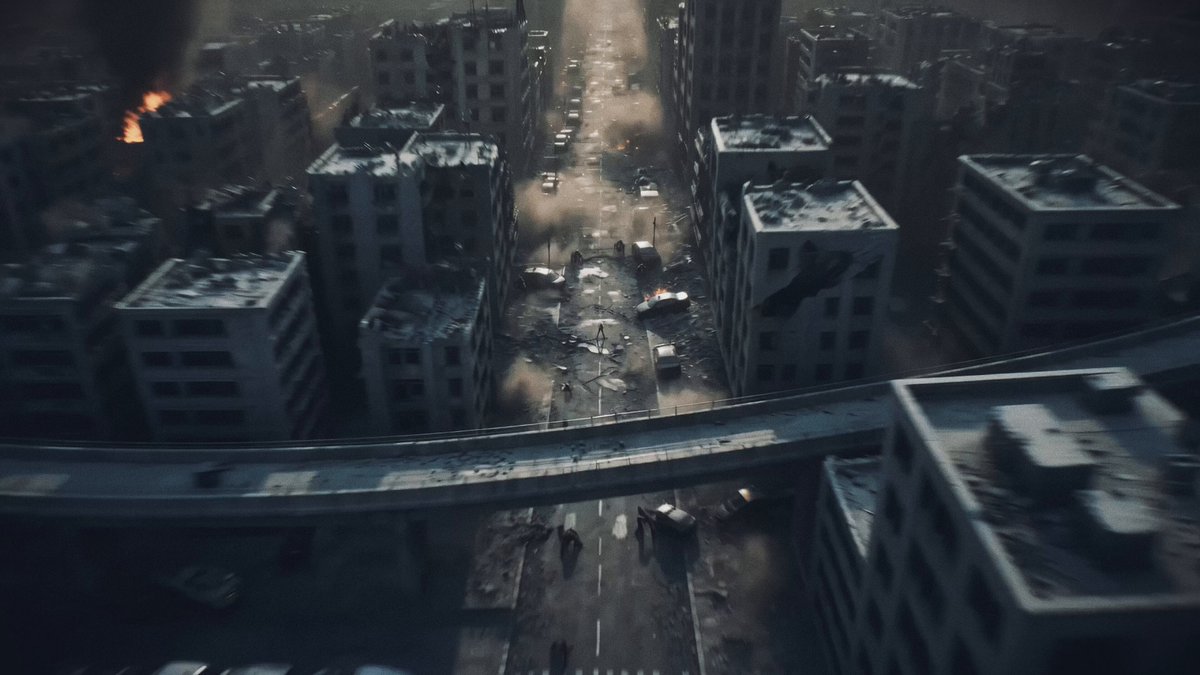
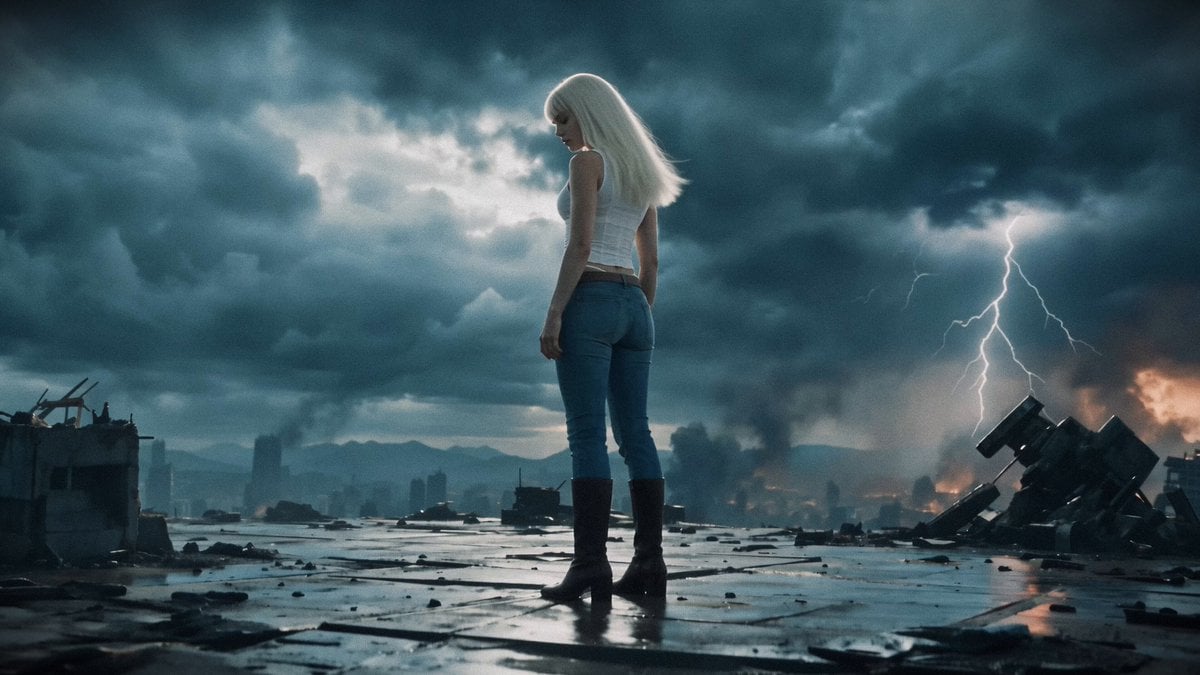
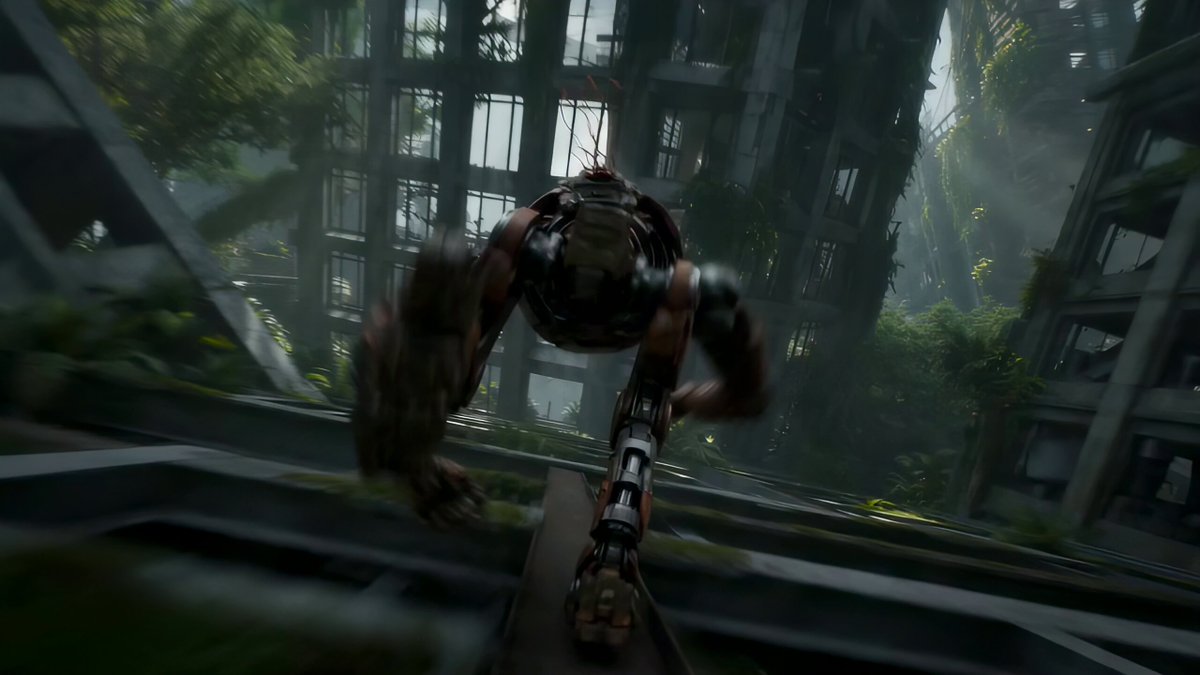
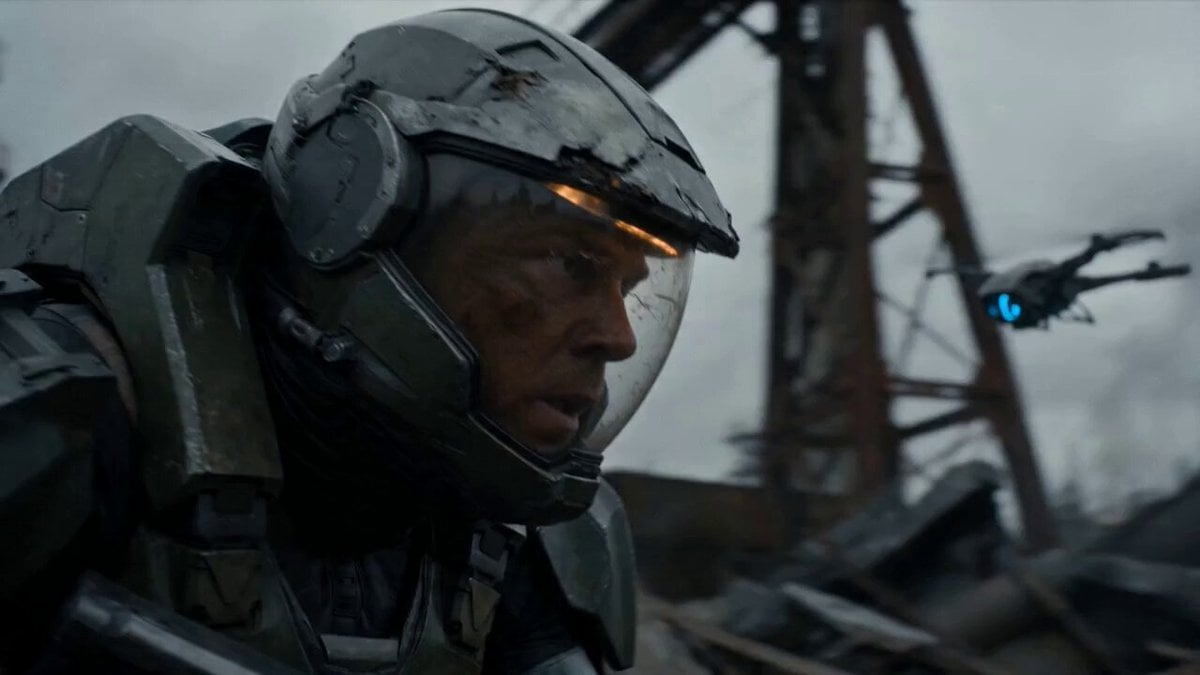
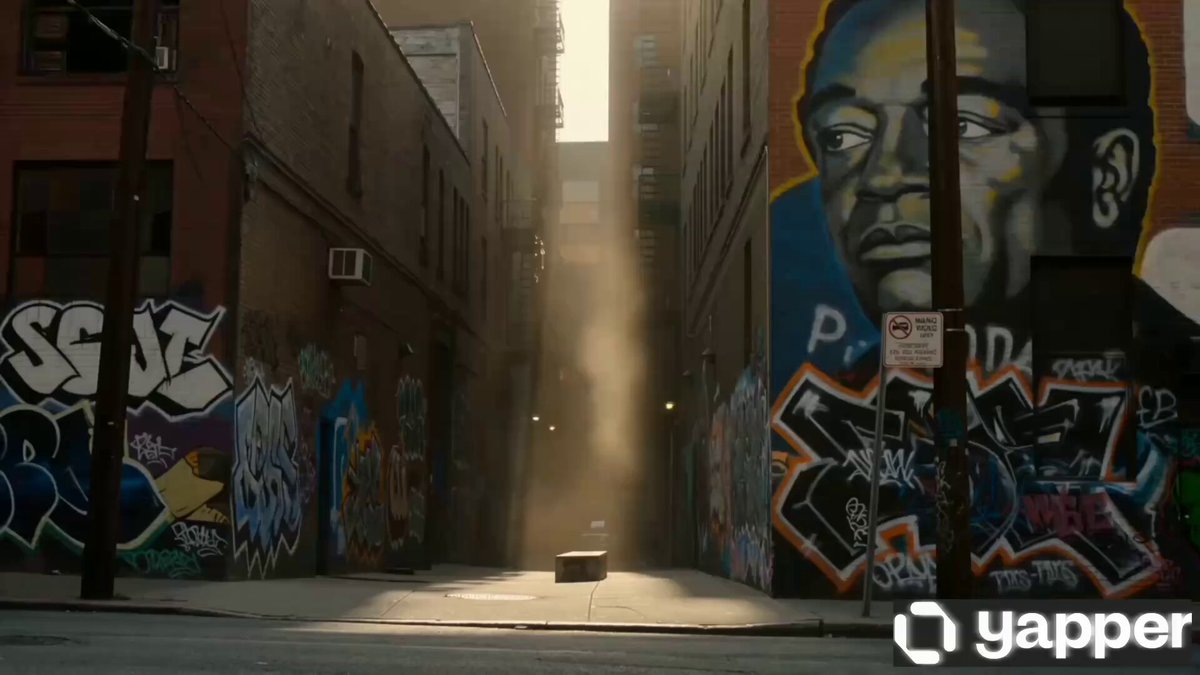
A hyper-realistic cinematic comedy sequence set in a ruined city where a survivor fiercely protects the last donut.
10-second cinematic comedy sequence, hyper-realistic, 16:9. In a ruined post-apocalyptic city street at sunrise, a scruffy lone survivor in improvised armor crouches behind a broken car, fiercely protecting one perfect pink-frosted donut on a small metal plate. Dust blows through the street. The survivor clutches the donut like the most valuable treasure on Earth and scans the area with paranoid intensity. Suddenly, two ragged scavengers spot the donut and charge toward it. The survivor gasps, grabs the plate, and scrambles away in panic. A wild chaotic chase begins around rubble and burned-out vehicles as the survivor dodges, shields the donut with their body, and almost loses it several times. One scavenger reaches for it, but the survivor spins away dramatically. In the final moment, the survivor thinks they are safe, lifts the donut triumphantly toward their mouth, and a small dog darts in from nowhere and snatches it clean away. The survivor freezes in devastated silence. Fast physical comedy, exaggerated seriousness over something ridiculous, clear continuous action, one survivor, one donut, strong contrast between harsh apocalypse and absurd snack protection, no dialogue, no text on screen, no captions, no famous celebrity faces, no recognizable actor faces, no public-figure likenesses. Keep proportions. Keep style and features. Aspect ratio 16:9.
10-second cinematic comedy sequence, hyper-realistic, 16:9. In a ruined post-apocalyptic city street at sunrise, a scruffy lone survivor in improvised armor crouches behind a broken car, fiercely protecting one perfect pink-frosted donut on a small metal plate. Dust blows through the street. The survivor clutches the donut like the most valuable treasure on Earth and scans the area with paranoid intensity. Suddenly, two ragged scavengers spot the donut and charge toward it. The survivor gasps, grabs the plate, and scrambles away in panic. A wild chaotic chase begins around rubble and burned-out vehicles as the survivor dodges, shields the donut with their body, and almost loses it several times. One scavenger reaches for it, but the survivor spins away dramatically. In the final moment, the survivor thinks they are safe, lifts the donut triumphantly toward their mouth, and a small dog darts in from nowhere and snatches it clean away. The survivor freezes in devastated silence. Fast physical comedy, exaggerated seriousness over something ridiculous, clear continuous action, one survivor, one donut, strong contrast between harsh apocalypse and absurd snack protection, no dialogue, no text on screen, no captions, no famous celebrity faces, no recognizable actor faces, no public-figure likenesses. Keep proportions. Keep style and features. Aspect ratio 16:9.
Edit the prompt in the box under the preview — the template's model and format are already selected — and press Generate. Your version appears right on this page.
Yes. You can change the subject, setting, lighting, mood, format, and available model controls before creating your video.
Opening and editing this template is free. Generating uses credits, shown on the Generate button when you are signed in.
Start with Seedance 2.0, which is the model associated with this template. You can compare another compatible model for a different finish.
Follow a topic to a crawlable collection of related PicX Studio templates.