How do I use the Korean Woman Market Walk template?
Edit the prompt in the box under the preview — the template's model and format are already selected — and press Generate. Your version appears right on this page.
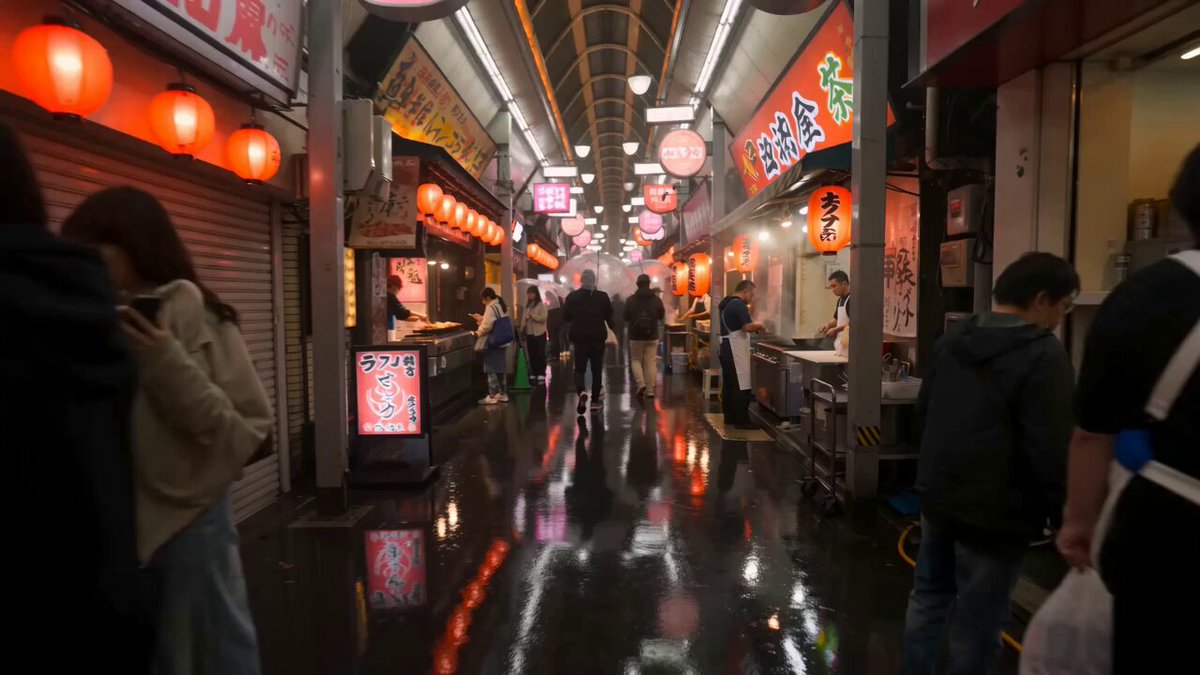
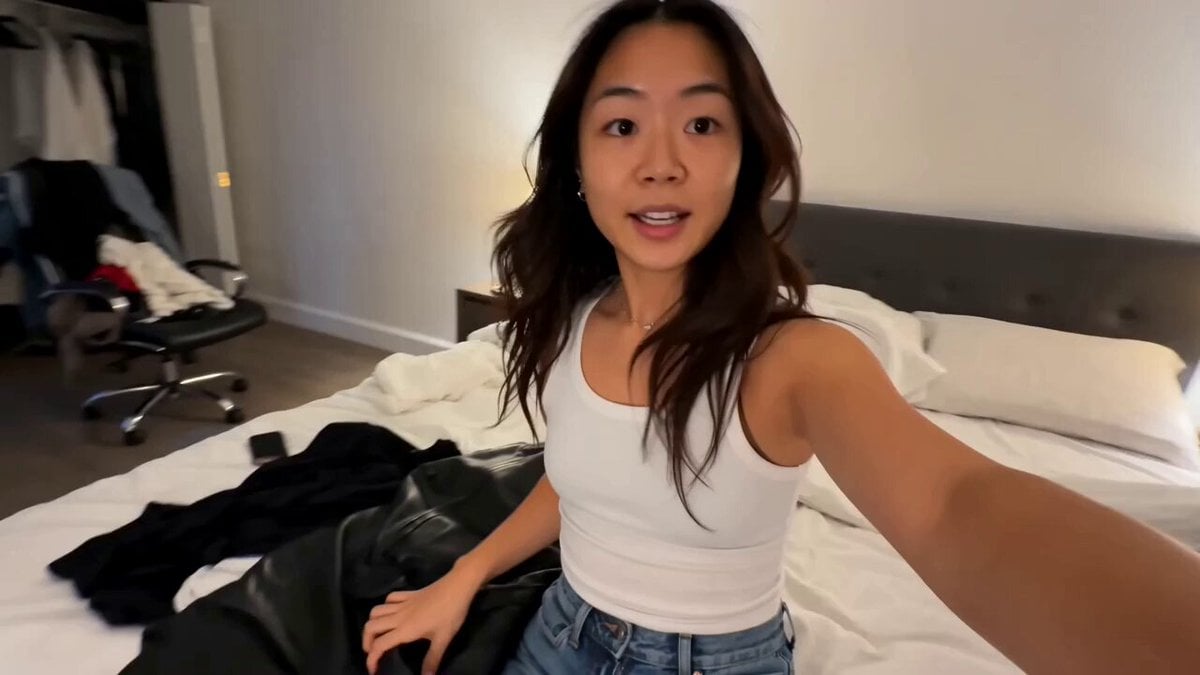
A cinematic video prompt for a 15-second sequence of a Korean woman walking through a neighborhood produce market in the morning.
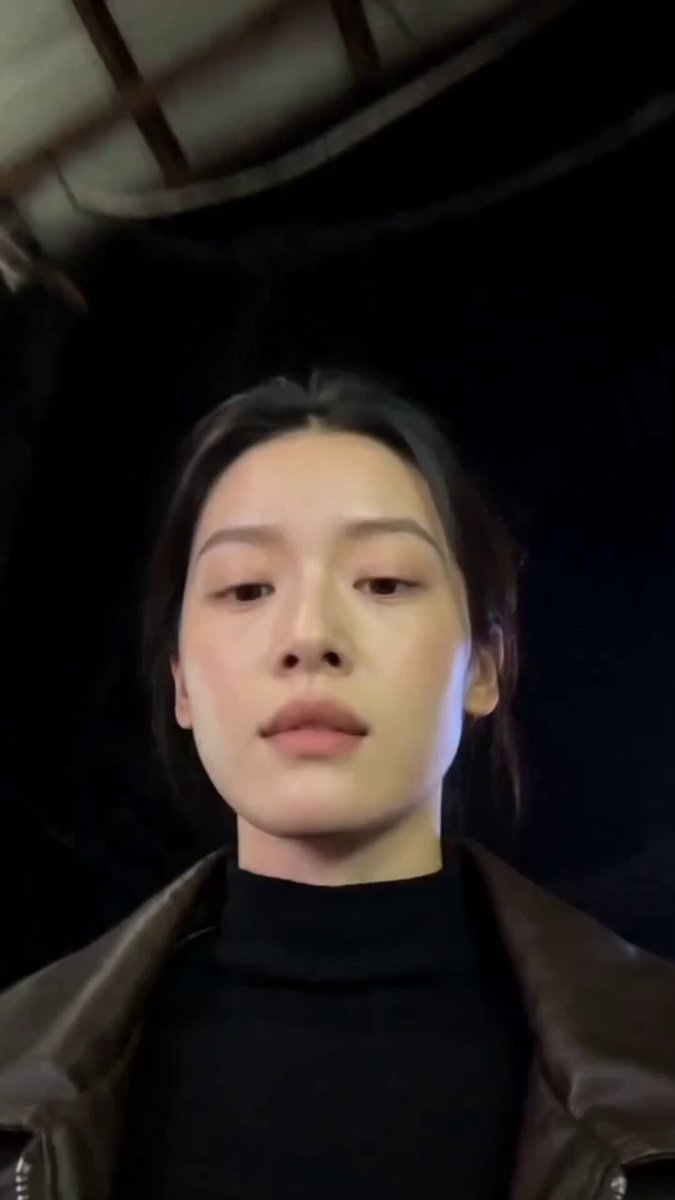
Main Subject: Young Korean woman, early 20s, natural everyday appearance, faded charcoal-grey sleeveless crop top, loose high-waisted light-wash jeans, black canvas sneakers, black cord necklace, black wavy hair in a messy side ponytail with wispy bangs. Realistic skin texture, minimal makeup, warm and approachable personality. \n\nMaintain identical identity, clothing, hairstyle, and appearance throughout.\n\nNeighborhood Market Morning\nLocation: Small local produce market tucked between residential streets.\n\n00:00–00:03 She walks through the market carrying a reusable shopping bag.\n\n00:03–00:06 Examining fresh fruit while chatting briefly with the vendor.\n\n00:06–00:09 She pays in cash and laughs at something off-camera.\n\n00:09–00:12 Walking home with groceries swinging gently.\n\n00:12–00:15 She looks back, smiles naturally, and disappears into her alley.
Main Subject: Young Korean woman, early 20s, natural everyday appearance, faded charcoal-grey sleeveless crop top, loose high-waisted light-wash jeans, black canvas sneakers, black cord necklace, black wavy hair in a messy side ponytail with wispy bangs. Realistic skin texture, minimal makeup, warm and approachable personality. \n\nMaintain identical identity, clothing, hairstyle, and appearance throughout.\n\nNeighborhood Market Morning\nLocation: Small local produce market tucked between residential streets.\n\n00:00–00:03 She walks through the market carrying a reusable shopping bag.\n\n00:03–00:06 Examining fresh fruit while chatting briefly with the vendor.\n\n00:06–00:09 She pays in cash and laughs at something off-camera.\n\n00:09–00:12 Walking home with groceries swinging gently.\n\n00:12–00:15 She looks back, smiles naturally, and disappears into her alley.
Edit the prompt in the box under the preview — the template's model and format are already selected — and press Generate. Your version appears right on this page.
Yes. You can change the subject, setting, lighting, mood, format, and available model controls before creating your video.
Opening and editing this template is free. Generating uses credits, shown on the Generate button when you are signed in.
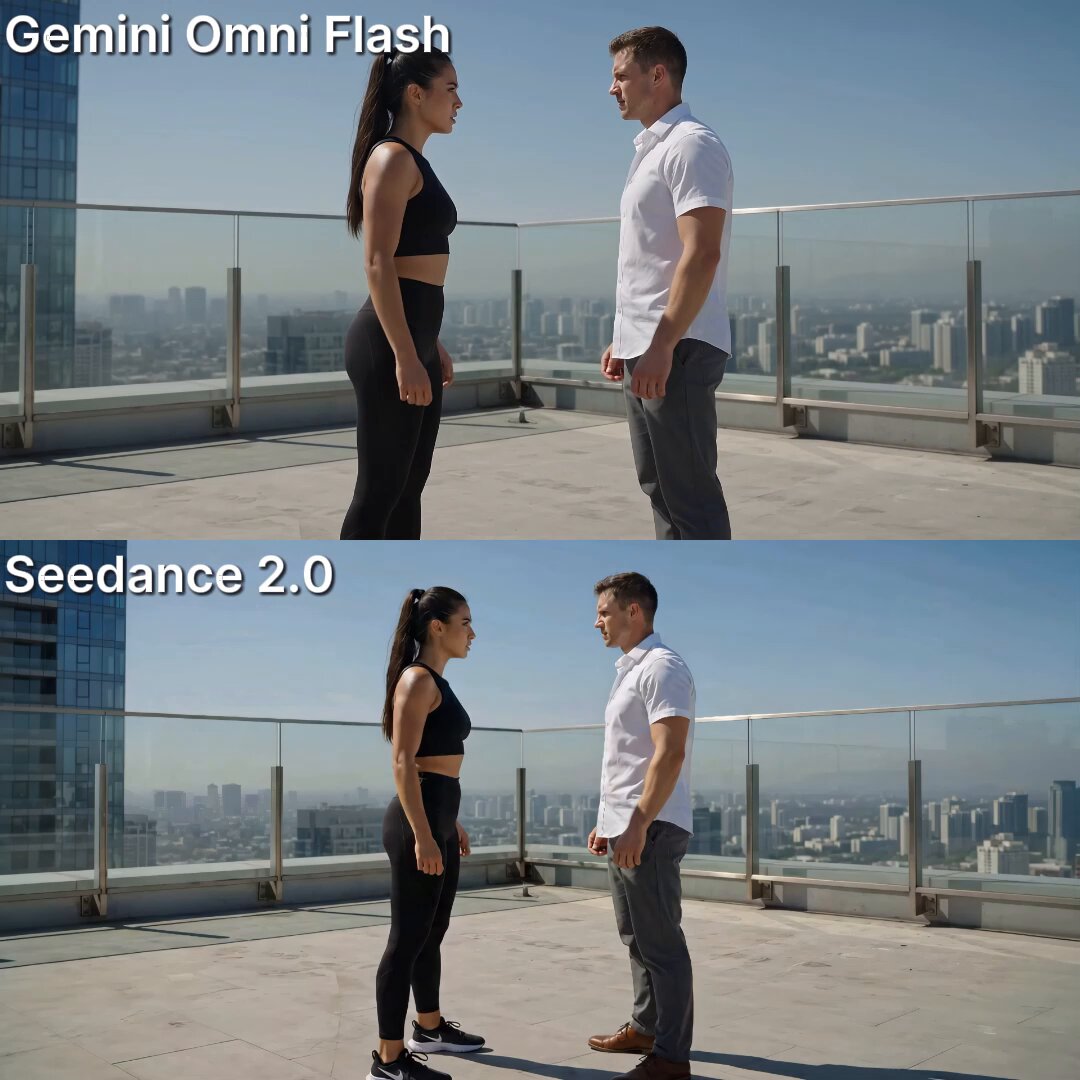
Start with Seedance 2.0, which is the model associated with this template. You can compare another compatible model for a different finish.
Follow a topic to a crawlable collection of related PicX Studio templates.