
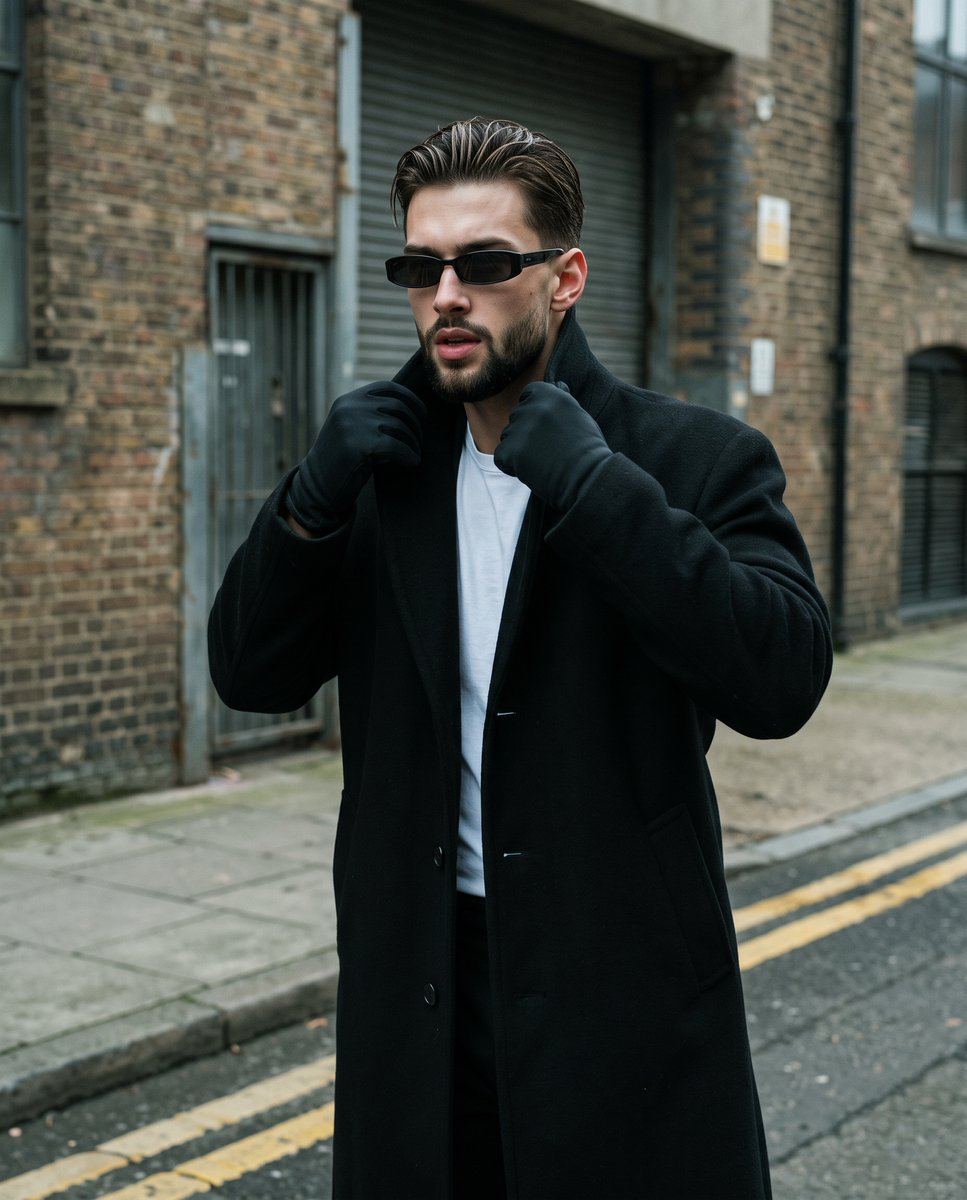
90s Streetwear Editorial Portrait
A cinematic fashion photography prompt capturing a male model in 90s minimalist streetwear with a Matrix-inspired aesthetic.
- Prompt included
- Model and format preset
- Premium template
The prompt behind this image
Copy the exact prompt behind 90s Streetwear Editorial Portrait, or open it in the studio and make it yours.
A {argument name="subject" default="young male model"} is captured mid-stride with a confident, energetic swagger in a 90s minimalist streetwear editorial style. His slicked-back hair features a distinct wet look with subtle highlights catching the texture, while narrow, dark rectangular 90s sunglasses obscure his eyes, which gaze slightly to the viewer's left beneath neutral eyebrows. His mouth is caught slightly open with relaxed lips, suggesting mid-speech or purposeful motion. He wears a {argument name="clothing" default="heavy, long black wool overcoat over a starkly contrasting crisp white t-shirt"}. His body is angled slightly to his right with his weight shifted forward, shoulders hunched inward as both hands, clad in matte black gloves, are raised symmetrically to his upper chest. His hands tense with engaged muscles, tightly gripping and adjusting the thick fabric of the overcoat's wide collar. He walks along a light concrete grey sidewalk that transitions into a dark grey asphalt road in the foreground, where slightly faded, worn painted double yellow parallel lines ground the bottom right of the frame. The background falls into a medium spatial depth, slightly blurred to isolate the subject in an asymmetric composition. To the right, a {argument name="background" default="weathered, exposed brick building exterior"} dominates, characterized by dark warm brown and deep red tones with charcoal variations, a rough matte finish, patchy soot weathering, uneven brick alignment, and prominent dark mortar lines. To the left, a worn metal-framed doorway creates a deep, shadow-filled recess. The scene is bathed in a cool, moody, and mysterious atmosphere under natural overcast outdoor lighting acting as a large diffused softbox from above and the front. Subtle highlights graze his cheekbones and forehead, while short, gray, soft-edged shadows fall beneath his chin, under the thick collar, and cast gently onto the concrete. The split-complementary color palette relies on desaturated cool neutral greys and stark blacks and whites, contrasting against the warm earthy red-browns of the background masonry. Shot on a 50mm lens at f/2.8, 1/500s, and ISO 400, this candid digital street fashion photograph embraces a cinematic Matrix aesthetic with a slightly soft focus, medium depth of field, straight-on perspective, and visible digital noise grain, finalized with cooled shadow tones and lifted blacks for a flat matte finish that preserves the dynamic range in the dark coat, all beautifully framed in a 4:5 vertical format.
How to use 90s Streetwear Editorial Portrait in 3 steps
- 1
Open
The prompt is already in the box next to the preview, with the template's model and format selected.
- 2…a portrait of your subject in softgolden-hour light, 85mm…
Personalize
Edit the subject and creative details for your destination.
- 3Generate
Generate
Press Generate — your image is created in PicX Studio, so you can compare it with the original and refine one variable at a time.
More like this
Templates with the same subject, style or setup. Open one to see its prompt.
untitled

Caution Tape Fashion — Industrial Editorial
90s Minimalist Editorial Fashion Portrait
90s Streetwear Car Portrait Prompt
Nano Banana Pro Photoreal Playful Couple

Couture Fashion Editorial Woman and Drag

Nano Banana 2 Editorial Fashion Portrait

Found Photograph: Us, 1970

80s Couple Studio Portrait

1988 Mall Style

80s Bollywood Star

80s Golden Hour Cinema
Make it yours
90s Streetwear Editorial Portrait works as-is. These are the safest ways to change it without losing the look.
Change one field
Copy a single group, rewrite it, and generate again so you can see what that field is doing.
Keep the frame, change the subject
Hold the composition and light of 90s Streetwear Editorial Portrait, then swap wardrobe, props or the person for a new take.
| If the result… | Why | Fix |
|---|---|---|
| The result drifts from the preview | Too many fields changed at once. | Reuse 90s Streetwear Editorial Portrait as-is first, then change one group — subject, light, or setting. |
| The model over-stylizes the scene | The prose prompt leaves finish and camera underspecified. | Add one camera or lighting sentence and stay on Gemini 3 Pro Image Preview. |
More Gemini 3 Pro Image Preview templates
Other prompts made for Gemini 3 Pro Image Preview.

Underwater Macro Face Portrait
Water-level Bridge Modification
Noir Punk Street Portrait
High Contrast Cinematic Face Portrait
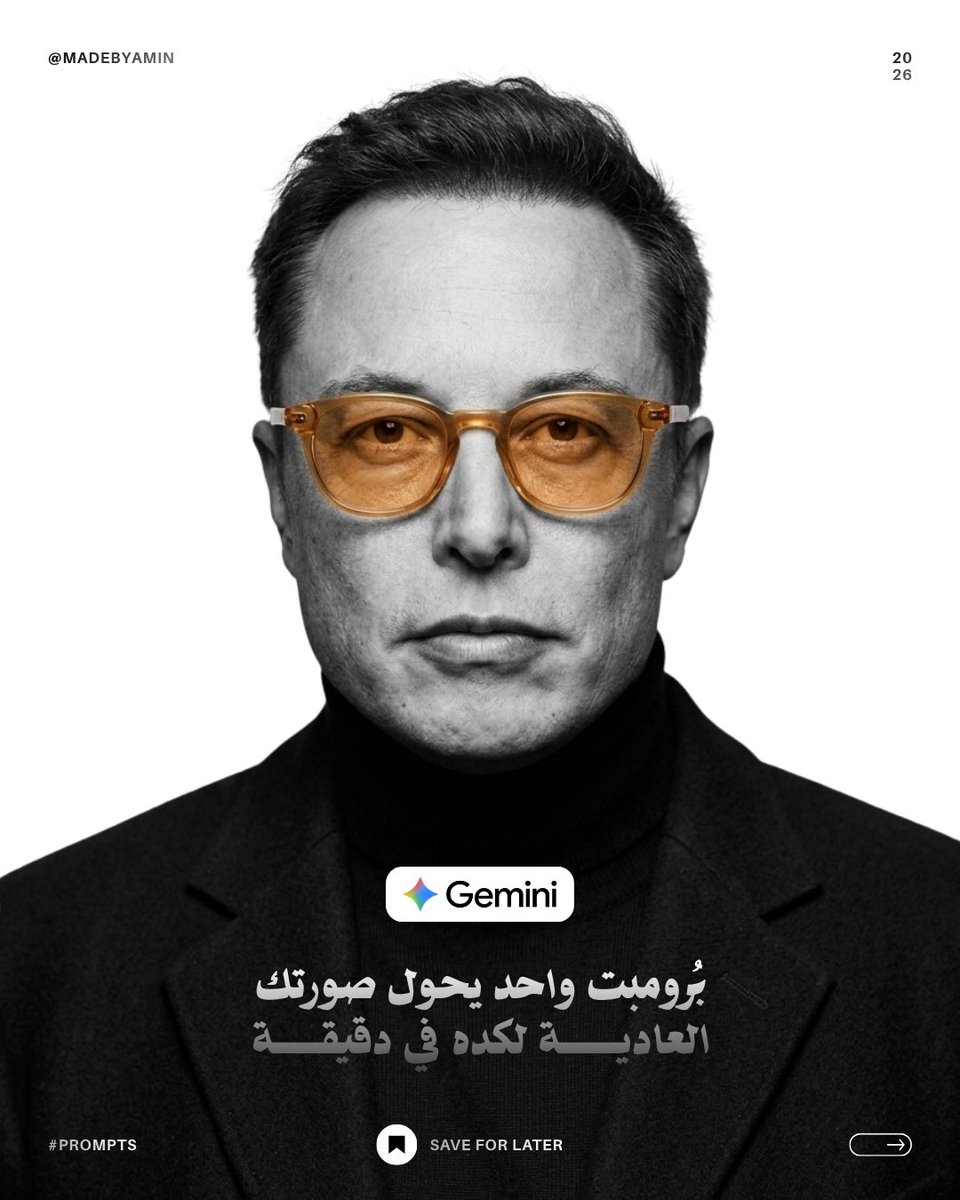
Monochrome Studio Portrait with Colored Lens
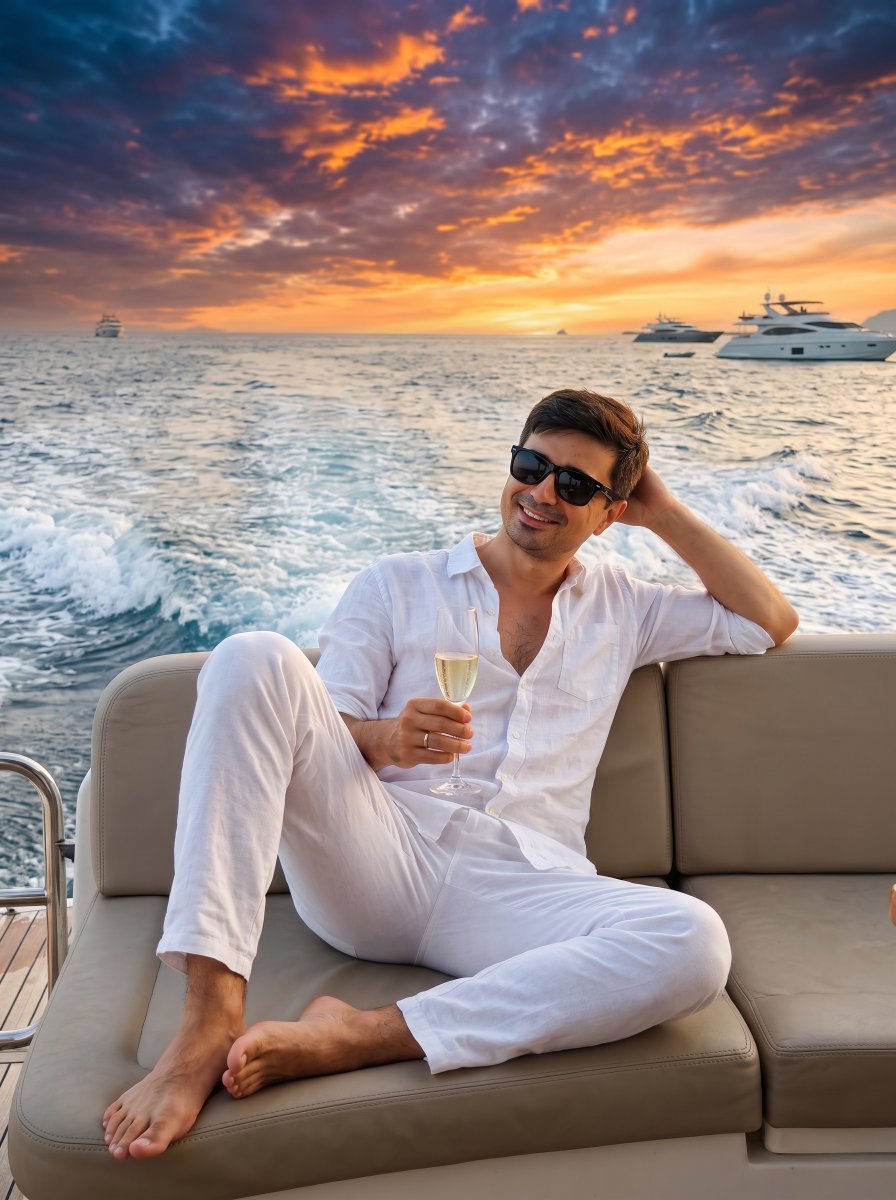
Ultra-Realistic Yacht Sunset Portrait

Mushroom Still Life Composition
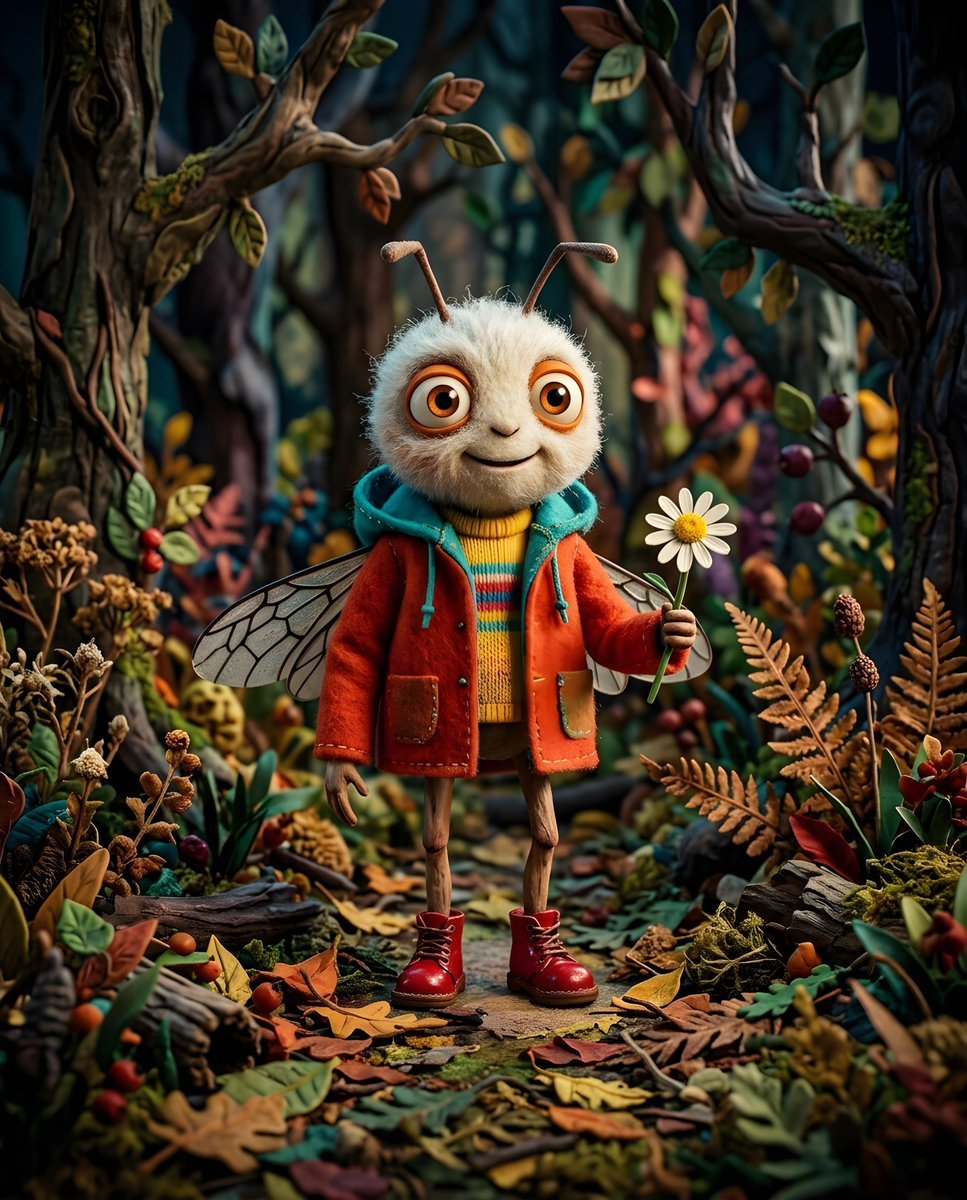
Whimsical Anthropomorphic Friendly Insect
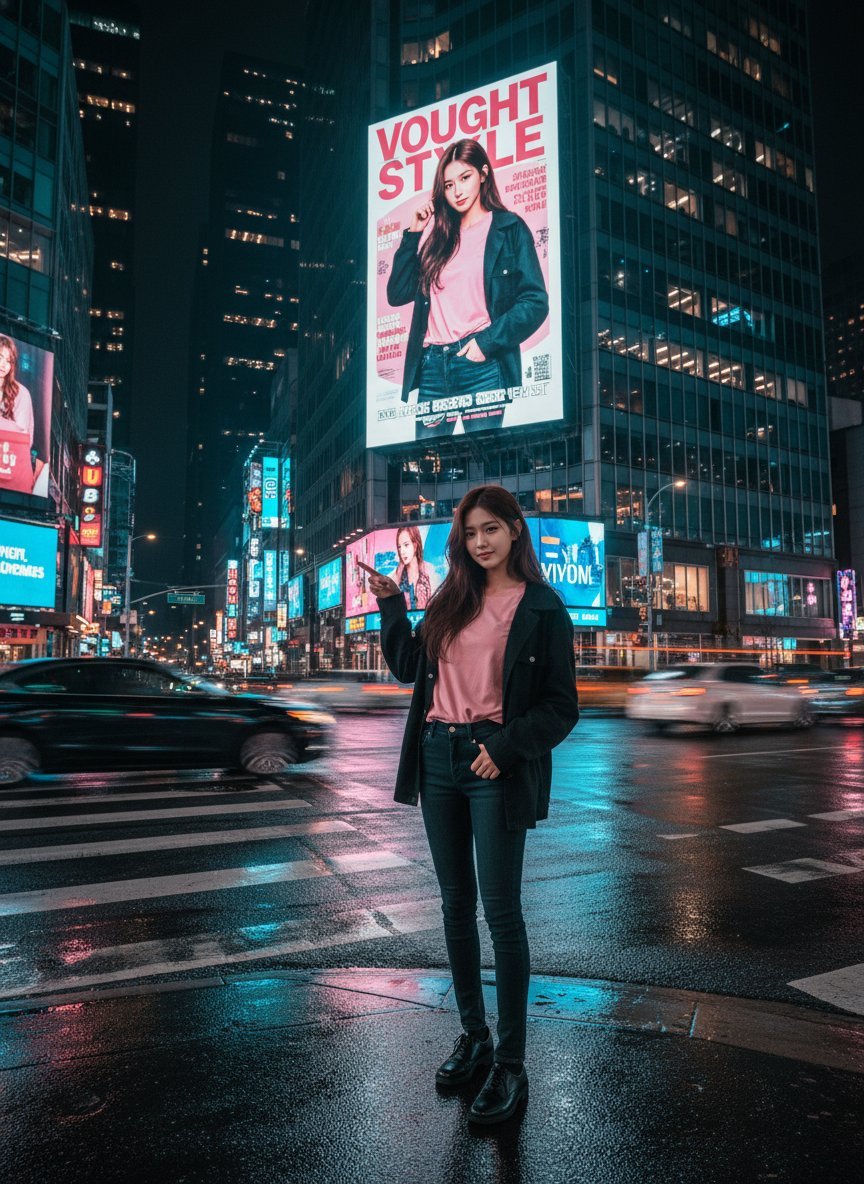
Cinematic Urban Night Billboard Portrait
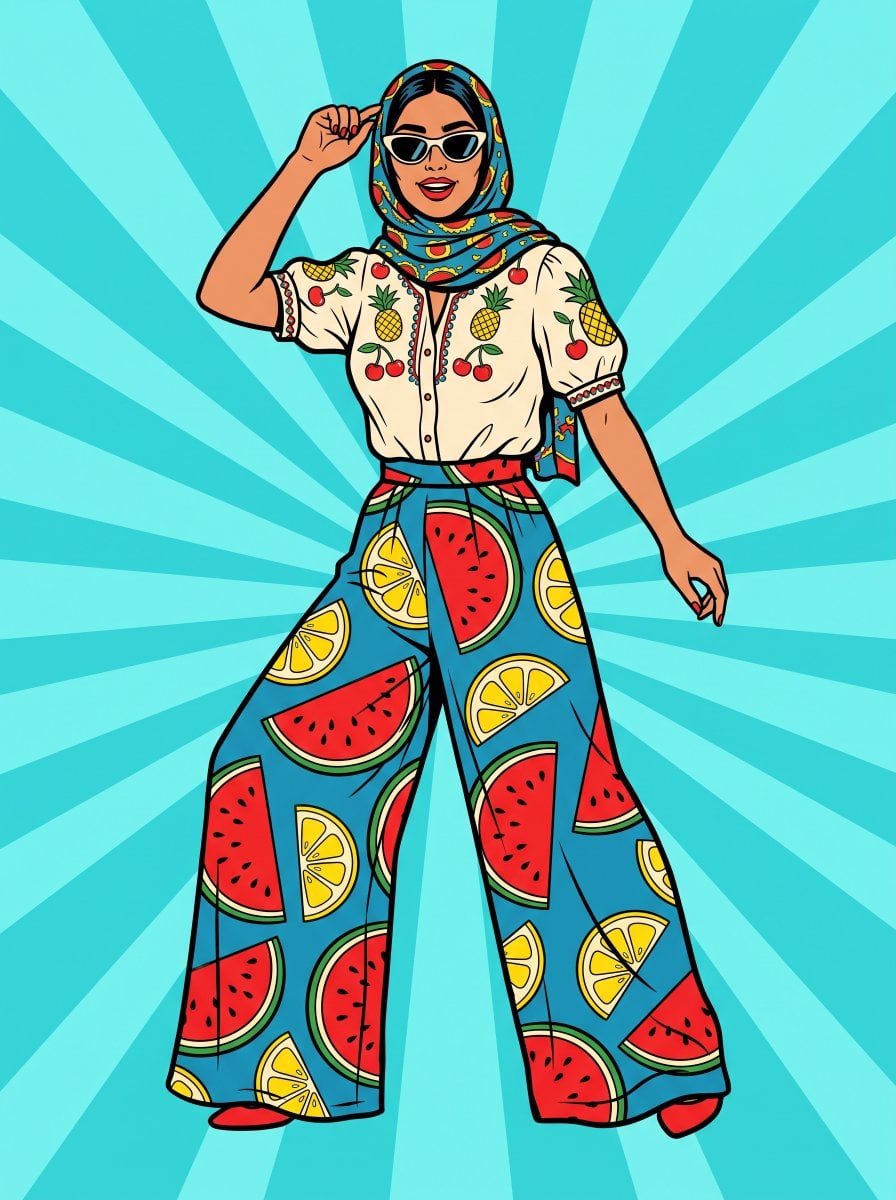
Pop Art Summer Fruit Fashion Illustration
More image prompts
Fresh picks from across the catalog.
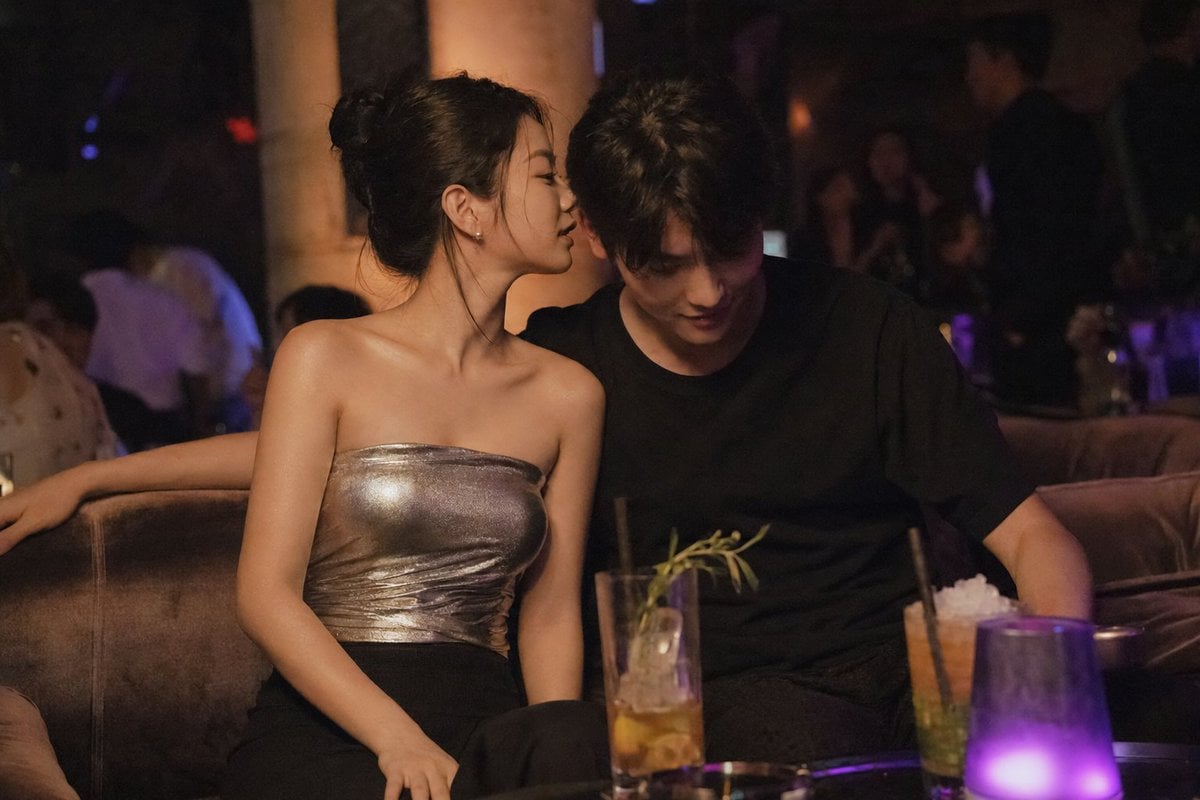
Intimate Club VIP Lounge Moment
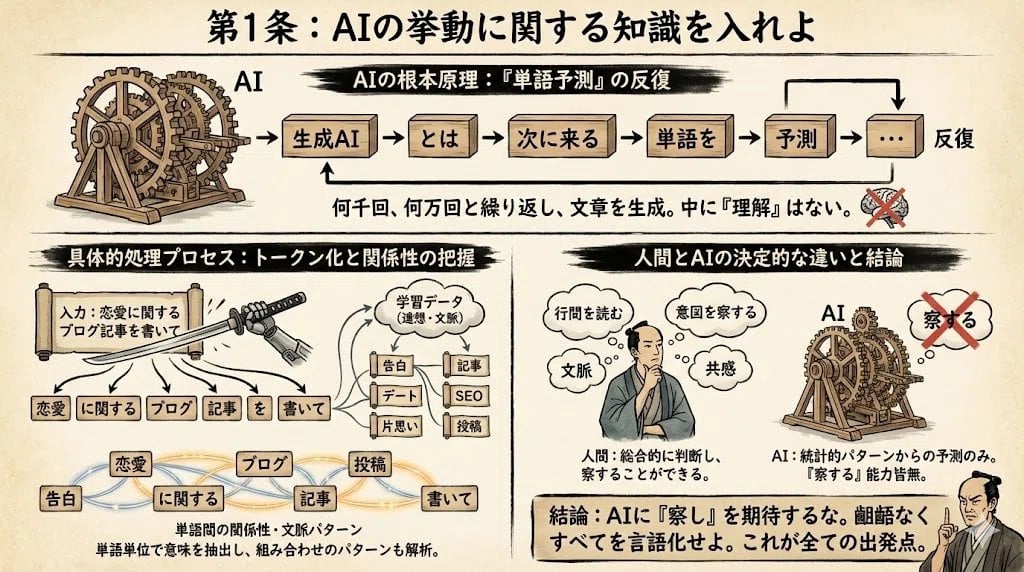
Infographic from reference info with classic Japanese font
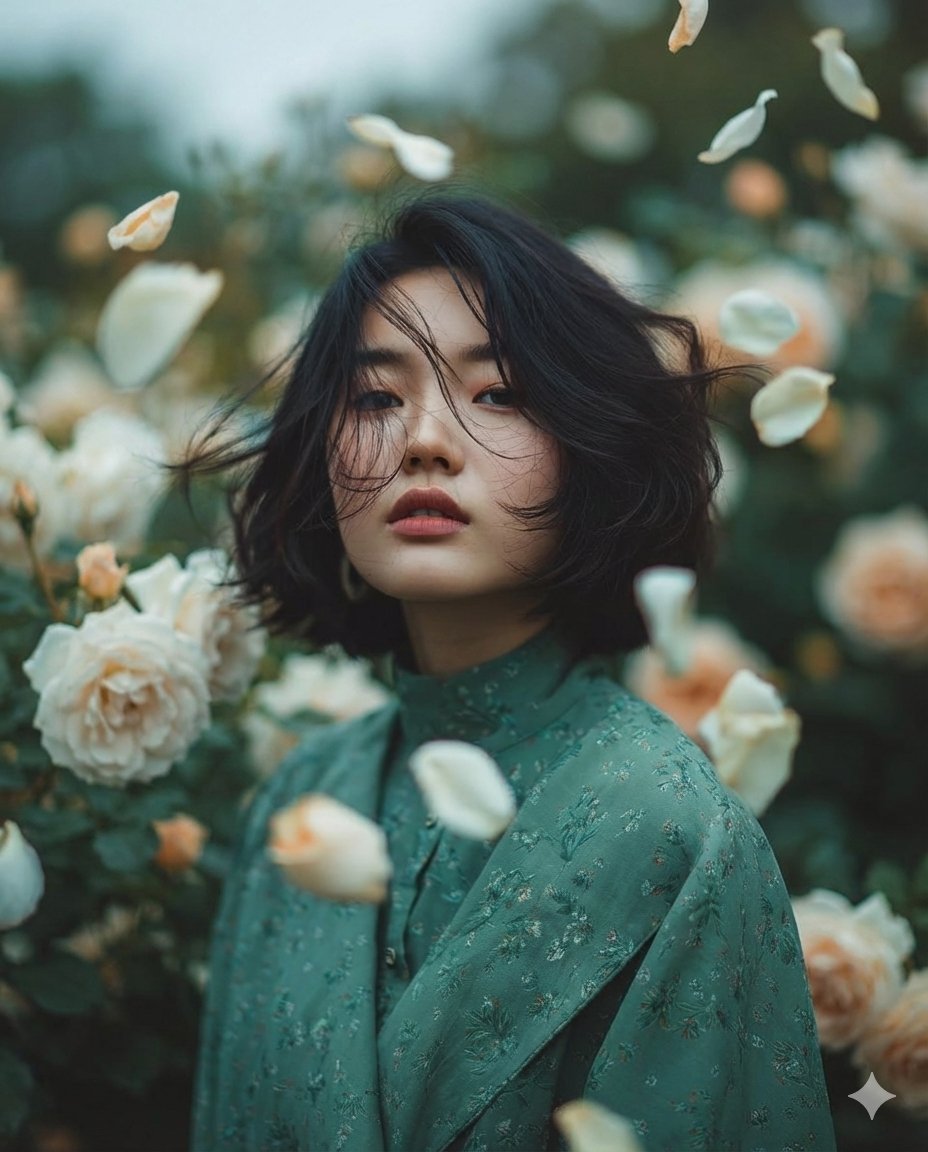
Dreamy Fine-Art Portrait in Ethereal Garden
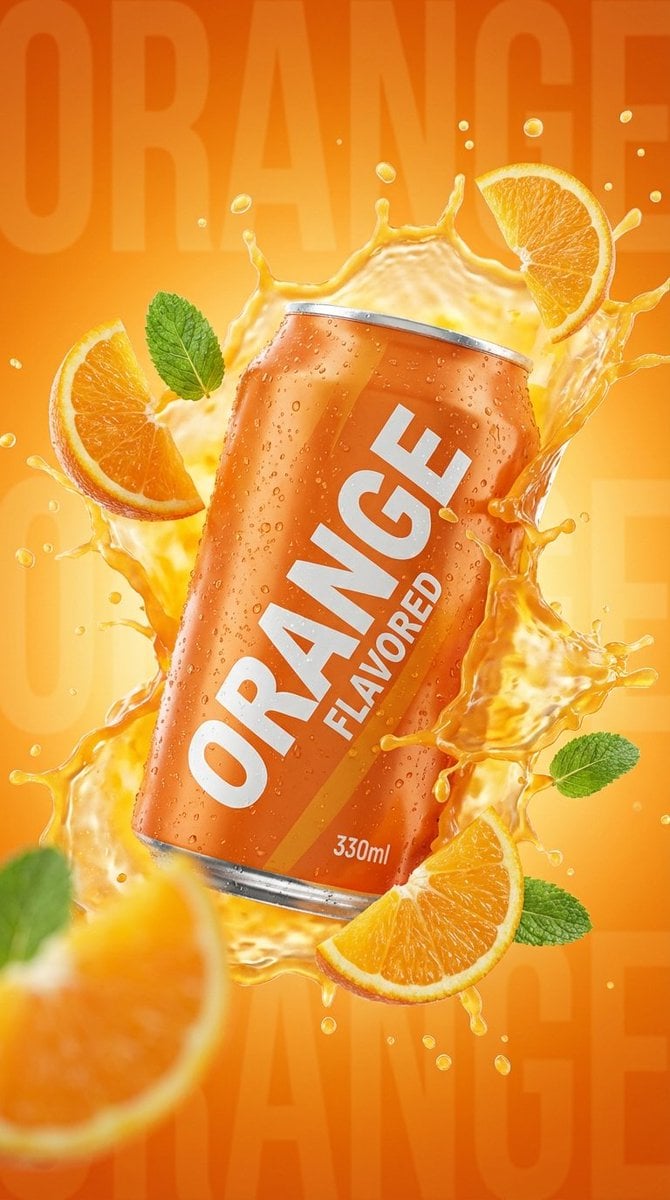
Commercial Product Photography: Orange Soda Can Splash
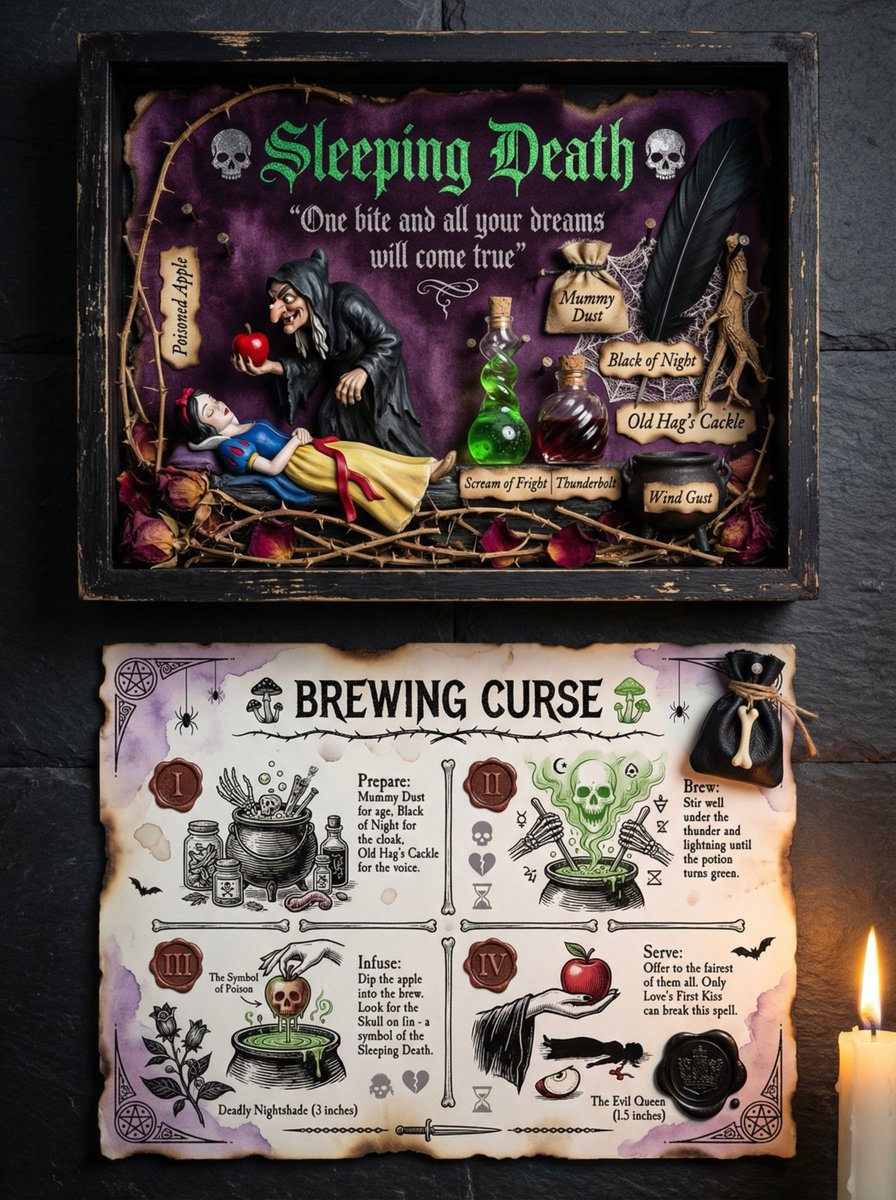
Themed Worldview Visual Construction Engine Prompt
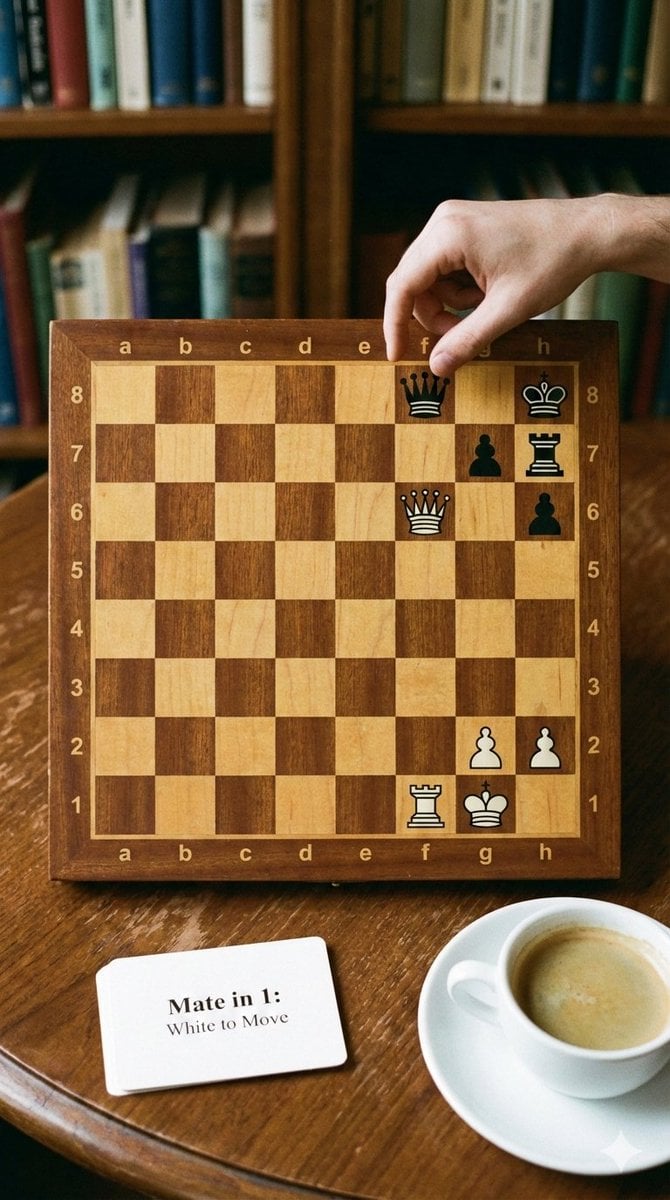
Phone-friendly mate-in-one chess puzzle image
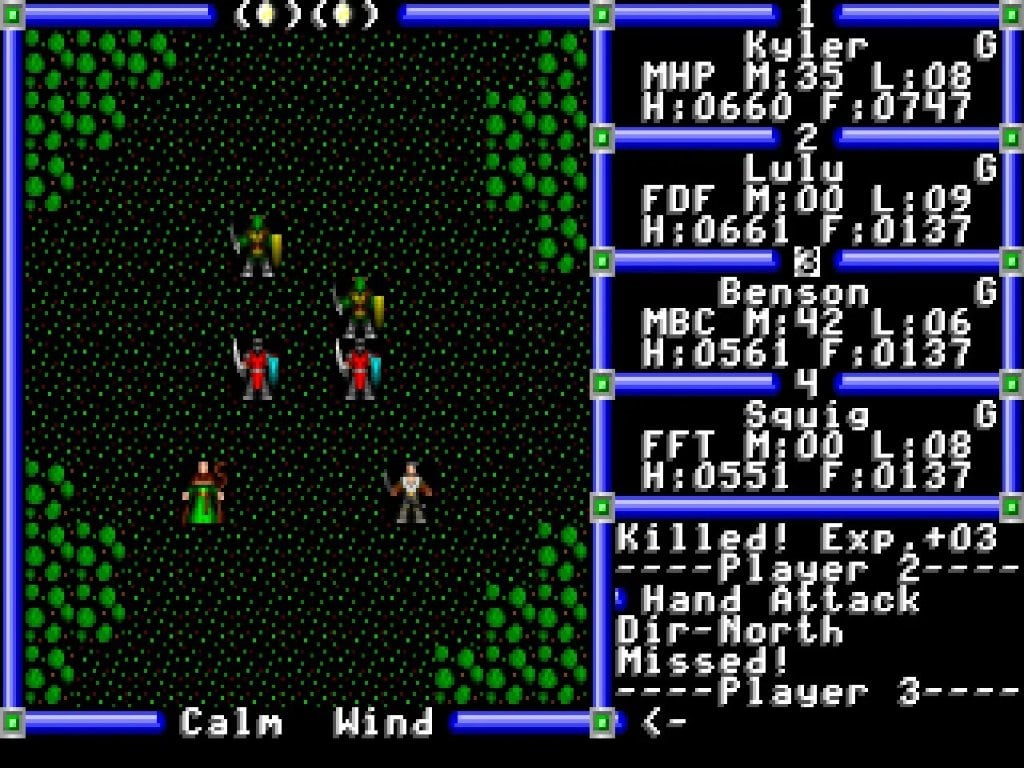
Ultra-realistic photo from retro game interface
Romantic Beach Couple Closeup with Identity Preservation
Beach Selfie Portrait
Storyboard Collage Prompt
Browse template categories
90s Streetwear Editorial Portrait questions
How do I use the 90s Streetwear Editorial Portrait template?
Add your photo if the template asks for one, edit the prompt if you like — the template's model and format are already selected — and press Generate. Your version opens in PicX Studio.
Can I customize the 90s Streetwear Editorial Portrait template?
Yes. You can change the subject, setting, lighting, mood, format, and available model controls before creating your image.
Is the 90s Streetwear Editorial Portrait template free?
Opening and editing this template is free. Generating uses credits, shown on the Generate button when you are signed in.
Which AI model should I use?
Start with Gemini 3 Pro Image Preview, which is the model associated with this template. You can compare another compatible model for a different finish.
Looking for something else? Browse all templates.

Your photo, any look
Thousands of ready templates for every top image and video model, from one credit balance.