
Luxury Fashion Editorial Portrait
A high-fashion menswear campaign prompt featuring a monochrome subject against a vivid yellow backdrop for a striking pop-art aesthetic.
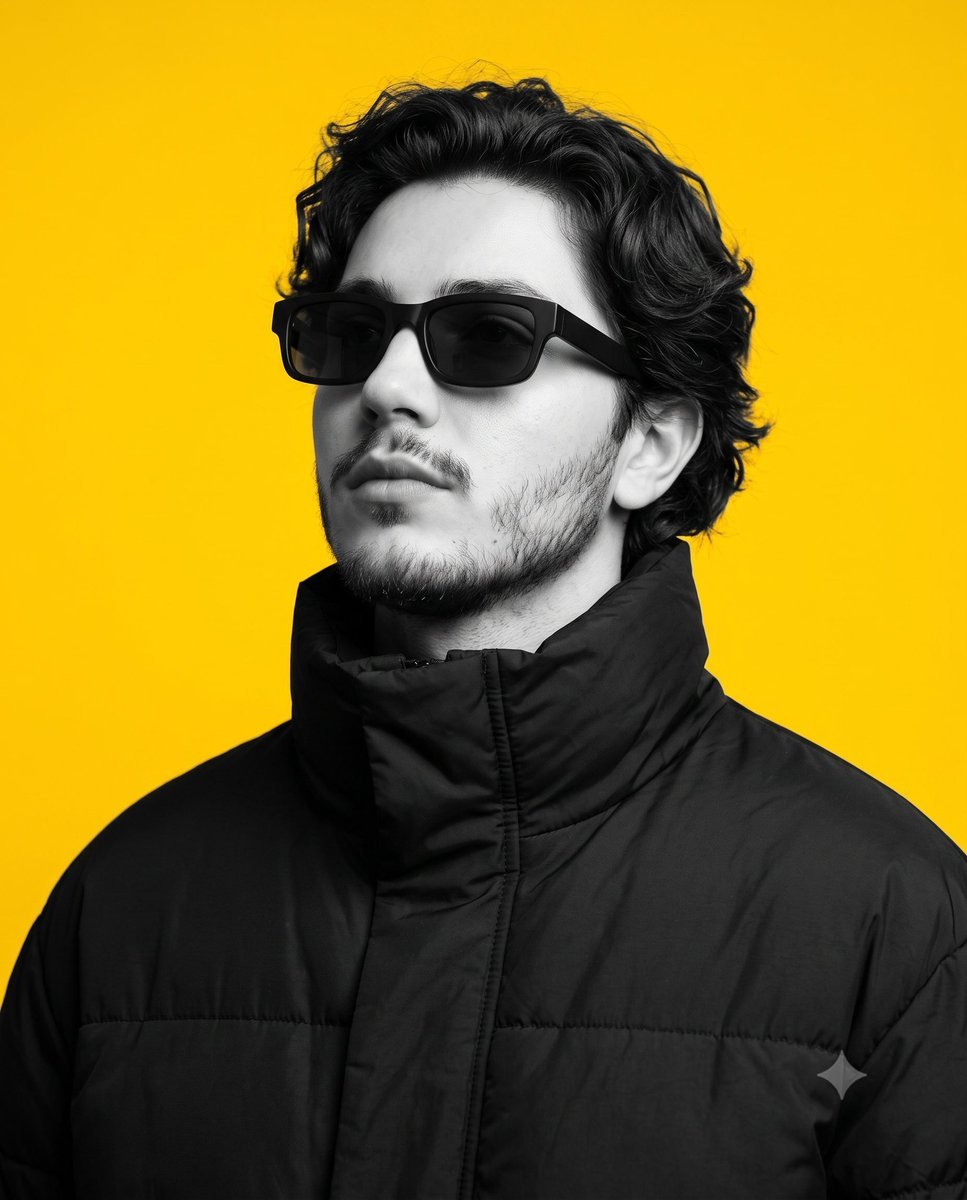
- Prompt included
- Model and format preset
- Free template
The prompt behind this image
Copy the exact prompt behind Luxury Fashion Editorial Portrait, or open it in the studio and make it yours.
Create an ultra-realistic luxury fashion editorial portrait of a {argument name="subject" default="lean athletic Mediterranean man in his mid-20s"}, photographed in a premium graphic studio for a high-fashion menswear campaign. He stands with his shoulders angled slightly away from the camera, his head lifted about 30 degrees upward, looking into the distance behind matte black rectangular designer sunglasses with dark smoke polarized lenses. His expression is calm, confident, and effortlessly stylish. He has a strong oval face with a sculpted jawline, light olive skin rendered entirely in monochrome with a natural matte finish, realistic skin texture, dense naturally shaped eyebrows, a straight masculine nose, medium-full neutral lips, and a neatly groomed designer short beard connected to a mustache. His hair is deep black, medium length, naturally curly, thick, voluminous, and softly matte. He wears an oversized premium {argument name="outerwear" default="black insulated puffer jacket"} made from technical matte nylon with a fully raised high stand-up collar, creating a bold luxury silhouette inspired by Moncler, Prada, Saint Laurent, Balenciaga, Off-White, and Vogue Hommes editorials. The portrait is set against a perfectly smooth, seamless, {argument name="background color" default="vibrant saturated yellow"} studio backdrop, creating a striking selective-color effect. The subject remains completely monochrome while the yellow background retains its full, vivid saturation, resulting in a bold pop-art-inspired editorial aesthetic. Light the scene with a professional studio softbox setup using a large diffused key light positioned 45 degrees camera-left, complemented by subtle fill lighting, medium contrast, clean fashion shadows, and evenly illuminated high-key background lighting. Compose the image as a tight chest-up portrait in a 4:5 aspect ratio, photographed from a slightly below eye-level angle, emphasizing the subject's face, sunglasses, and dramatic jacket collar with minimal negative space. Capture the image using a Canon EOS R5 Mark II with an RF 85mm f/1.2L USM lens at f/2.2, 1/200 second shutter speed, ISO 100, producing exceptional sharpness with soft background separation. Apply premium commercial editorial retouching while preserving natural skin texture, realistic facial details, and fabric textures. Use high clarity, wide dynamic range, deep rich blacks, clean highlights, and high-contrast editorial color grading. The subject should remain fully monochrome while the background stays vividly yellow, creating a modern graphic composition suitable for a luxury fashion campaign. Ultra-realistic, 8K resolution, commercial-ready, minimal editorial styling, selective color, yellow backdrop, luxury puffer jacket, designer sunglasses, modern menswear, bold graphic composition.
How to use Luxury Fashion Editorial Portrait in 3 steps
- 1
Open
The prompt is already in the box next to the preview, with the template's model and format selected.
- 2…a portrait of your subject in softgolden-hour light, 85mm…
Personalize
Edit the subject and creative details for your destination.
- 3Generate
Generate
Press Generate — your image is created in PicX Studio, so you can compare it with the original and refine one variable at a time.
More like this
Templates with the same subject, style or setup. Open one to see its prompt.

Caution Tape Fashion — Industrial Editorial

Couture Fashion Editorial Woman and Drag

Nano Banana 2 Editorial Fashion Portrait

19 Luxury Helicopter Travel — California Series

08 Rodeo Drive Luxury Exit — California Series
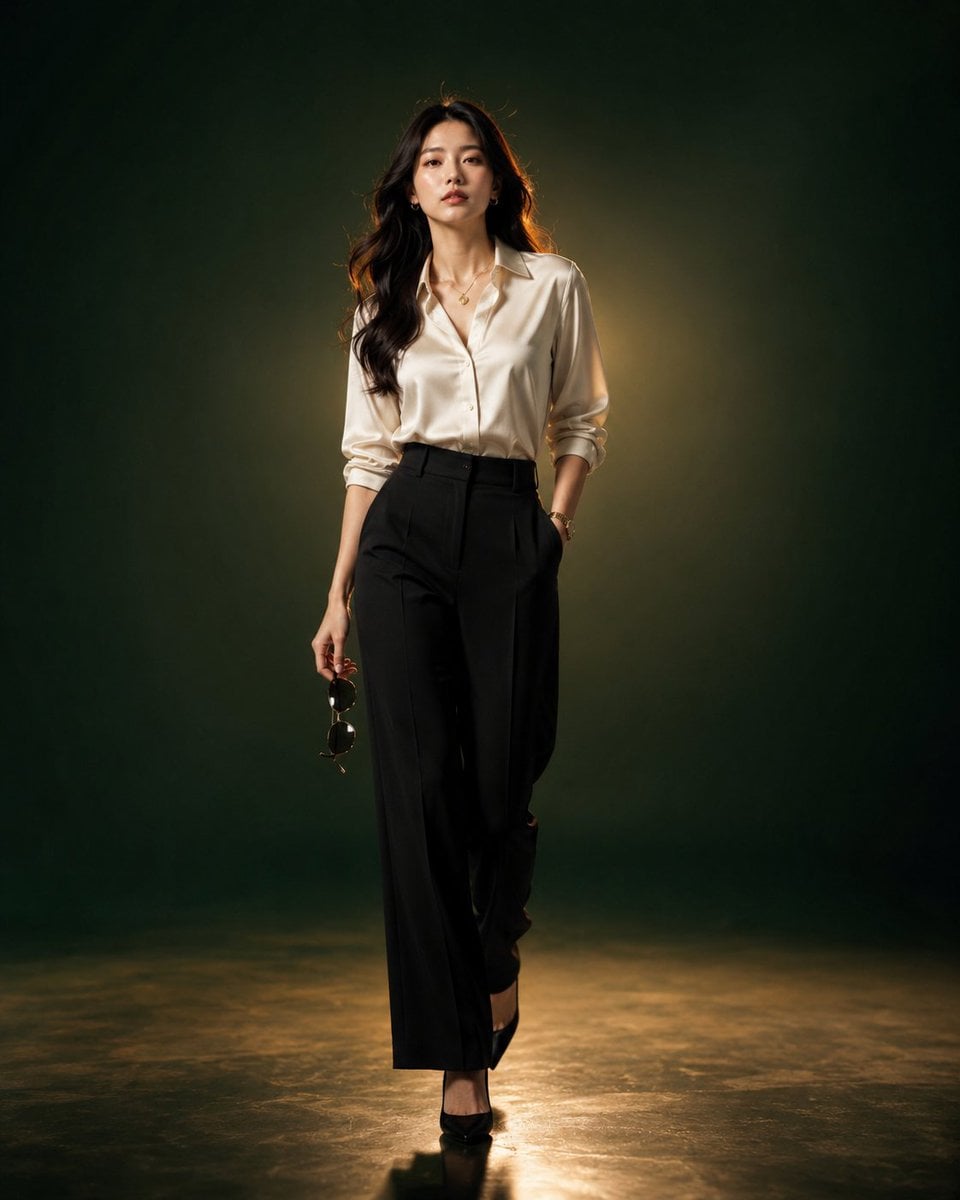
Luxury Fashion Editorial Portrait
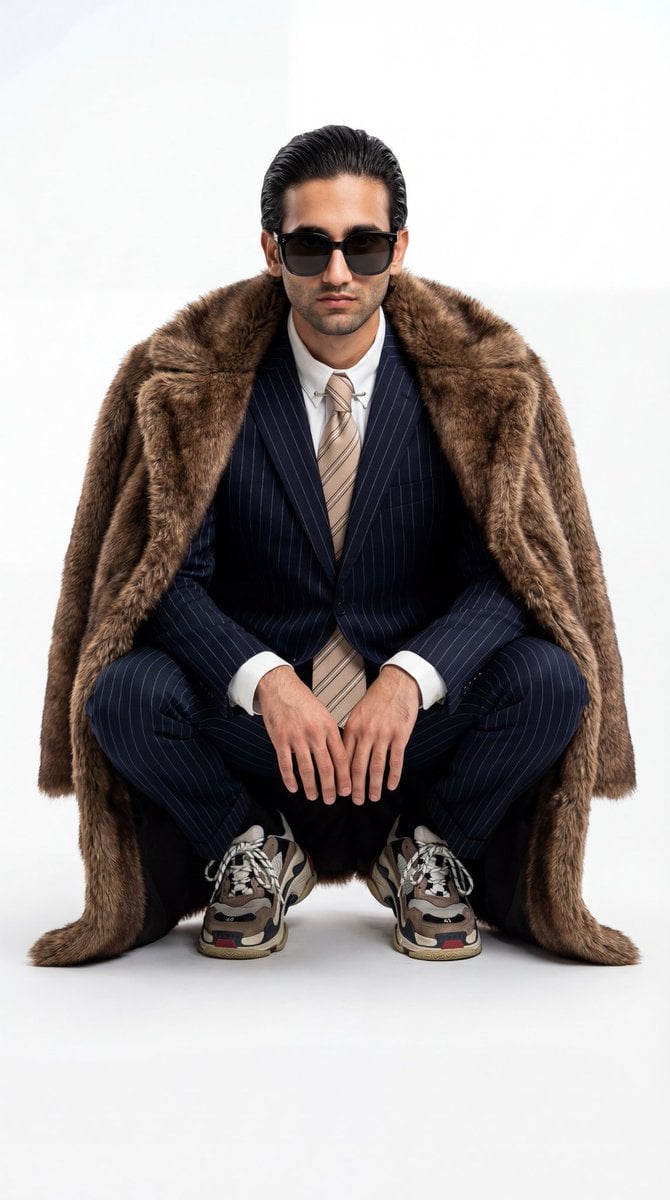
Ultra-Realistic Luxury Fashion Editorial Portrait
untitled

Nano Banana 2 High Fashion Sports Campai
Ive Yujin Fashion Portrait in Blue
21 Glass Floor Skyscraper — California Series
03 Beverly Hills Convertible — California Series
Make it yours
Luxury Fashion Editorial Portrait works as-is. These are the safest ways to change it without losing the look.
Change one field
Copy a single group, rewrite it, and generate again so you can see what that field is doing.
Keep the frame, change the subject
Hold the composition and light of Luxury Fashion Editorial Portrait, then swap wardrobe, props or the person for a new take.
| If the result… | Why | Fix |
|---|---|---|
| The result drifts from the preview | Too many fields changed at once. | Reuse Luxury Fashion Editorial Portrait as-is first, then change one group — subject, light, or setting. |
| The model over-stylizes the scene | The prose prompt leaves finish and camera underspecified. | Add one camera or lighting sentence and stay on Gemini 3 Pro Image Preview. |
More Gemini 3 Pro Image Preview templates
Other prompts made for Gemini 3 Pro Image Preview.
Creative Character in Pink Office
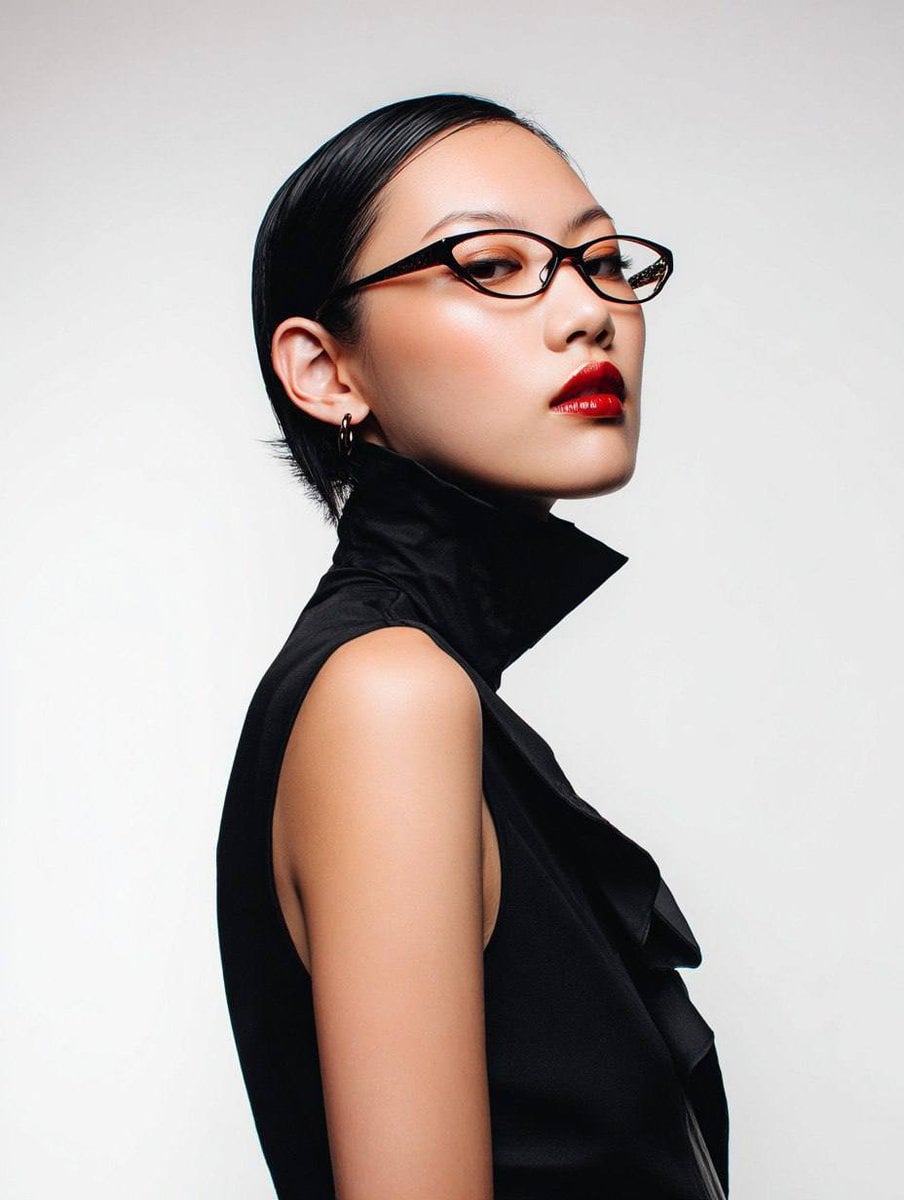
Avant-Garde Asian Fashion Model

Underwater Macro Face Portrait
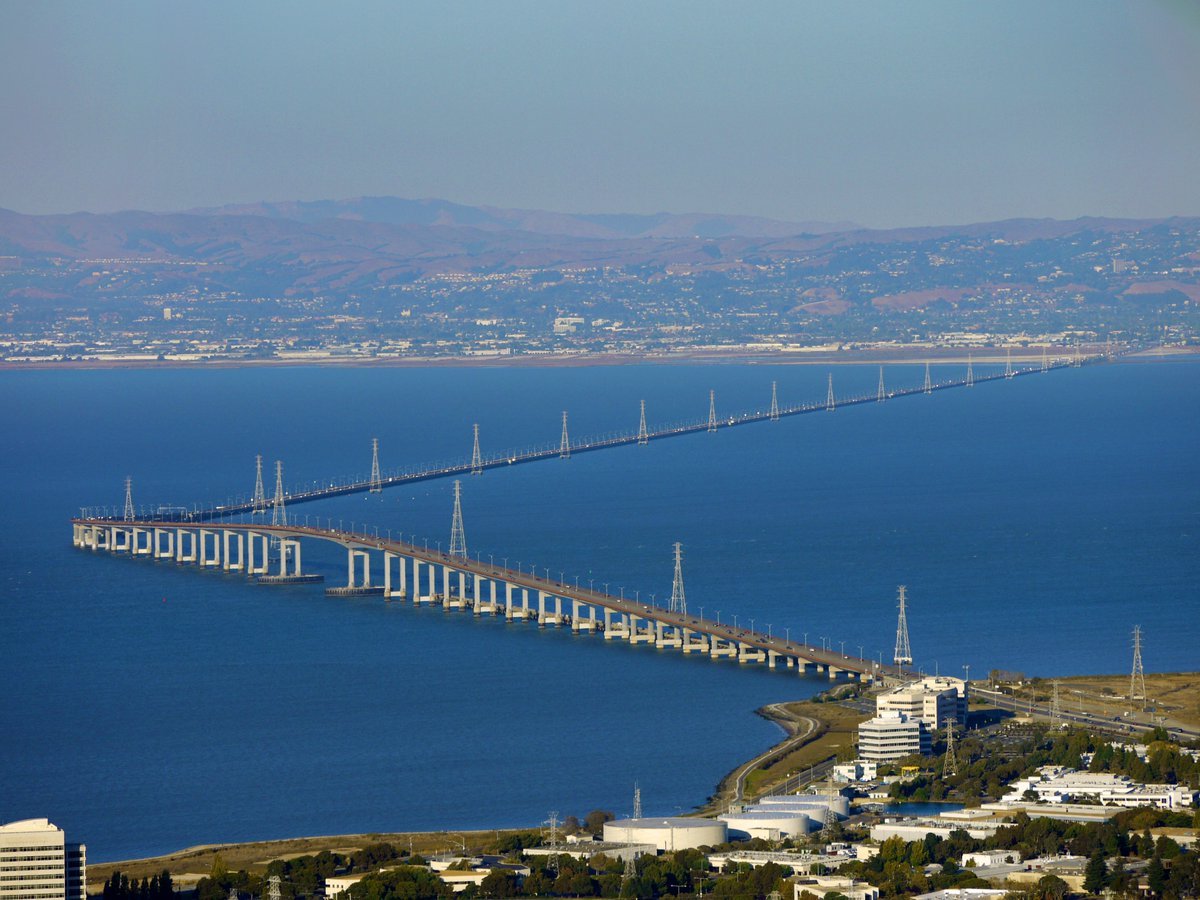
Water-level Bridge Modification
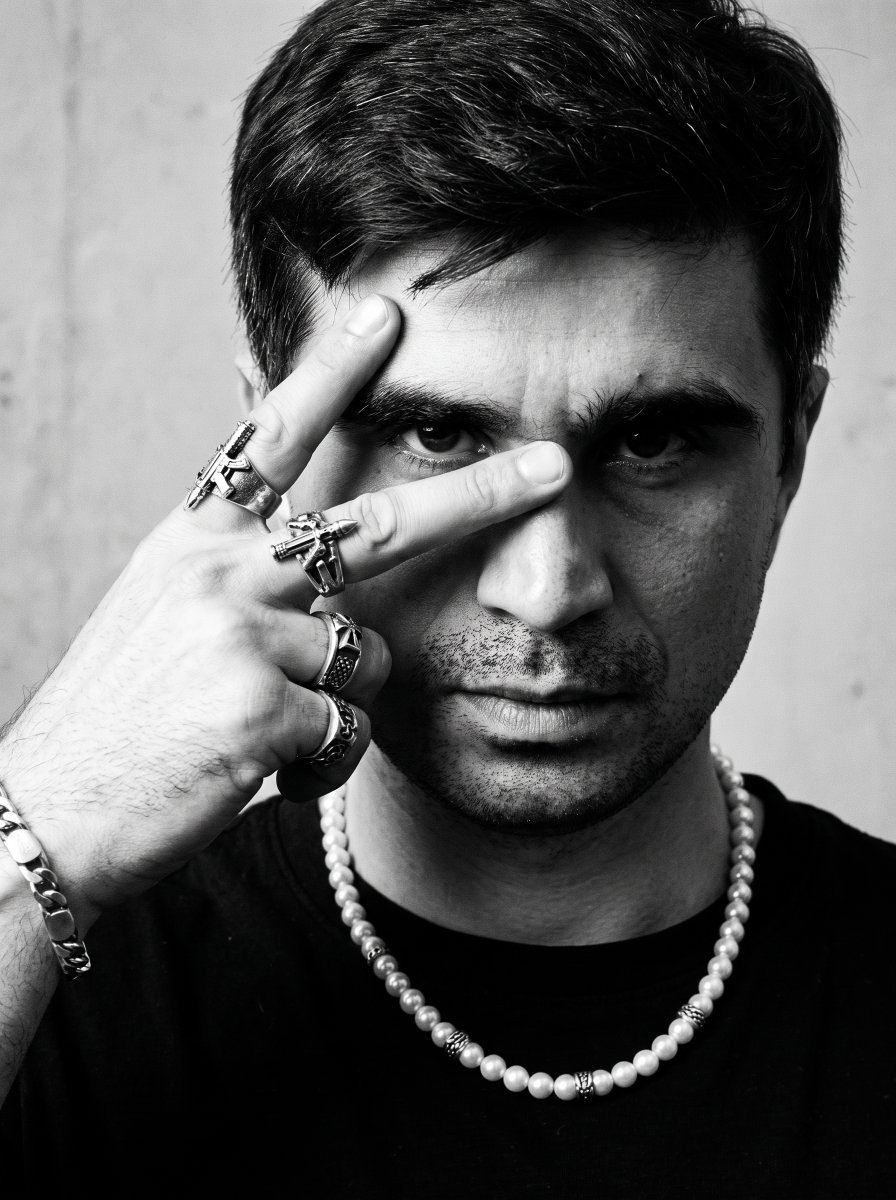
Noir Punk Street Portrait
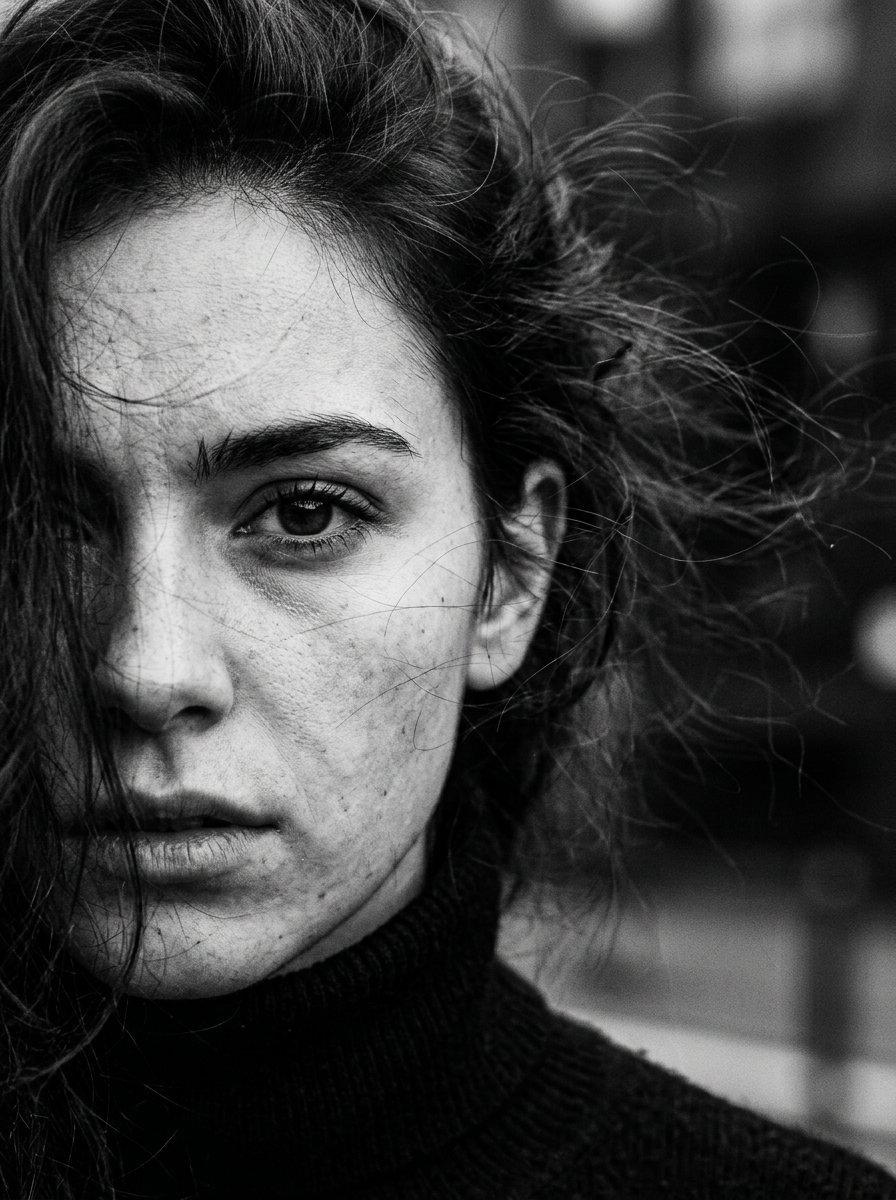
High Contrast Cinematic Face Portrait
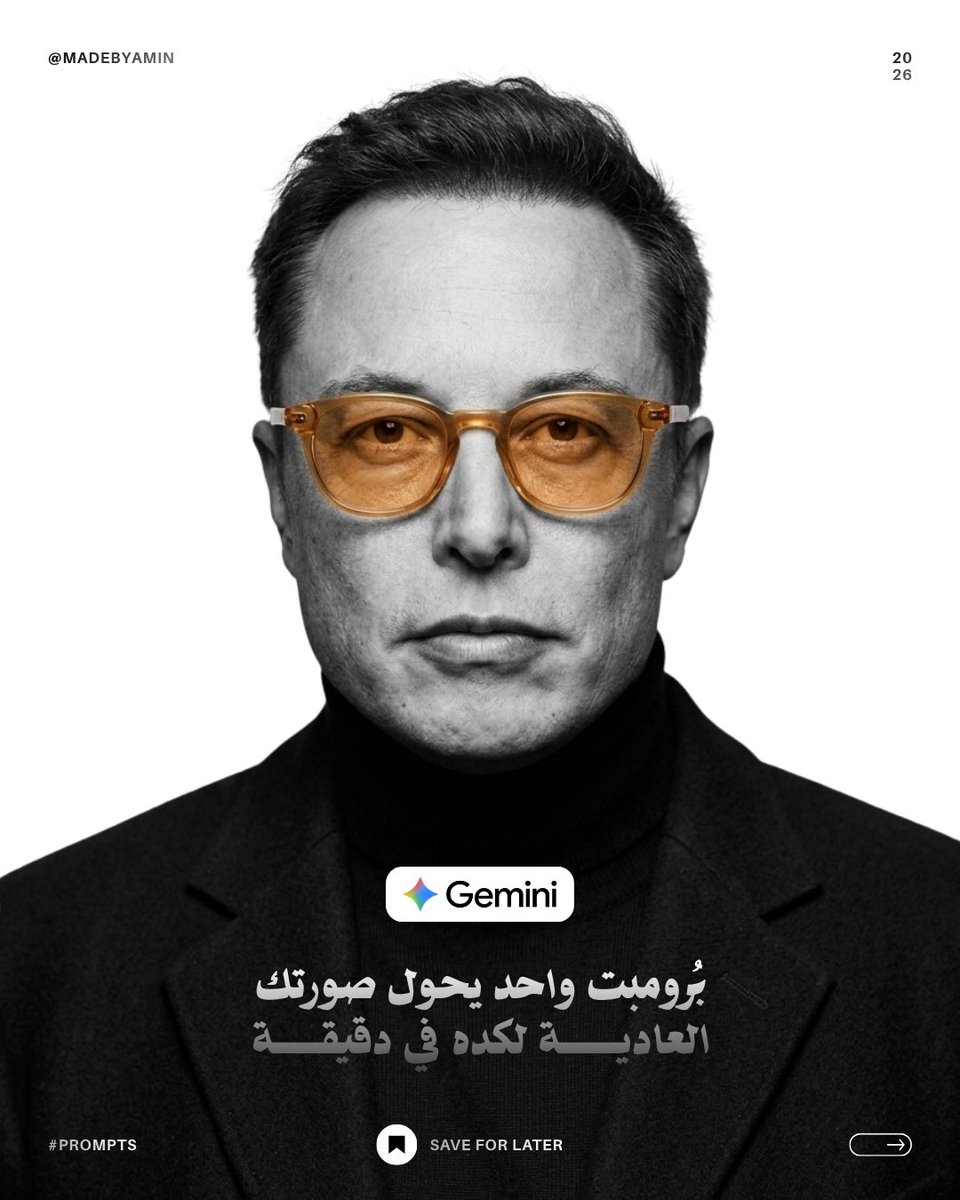
Monochrome Studio Portrait with Colored Lens
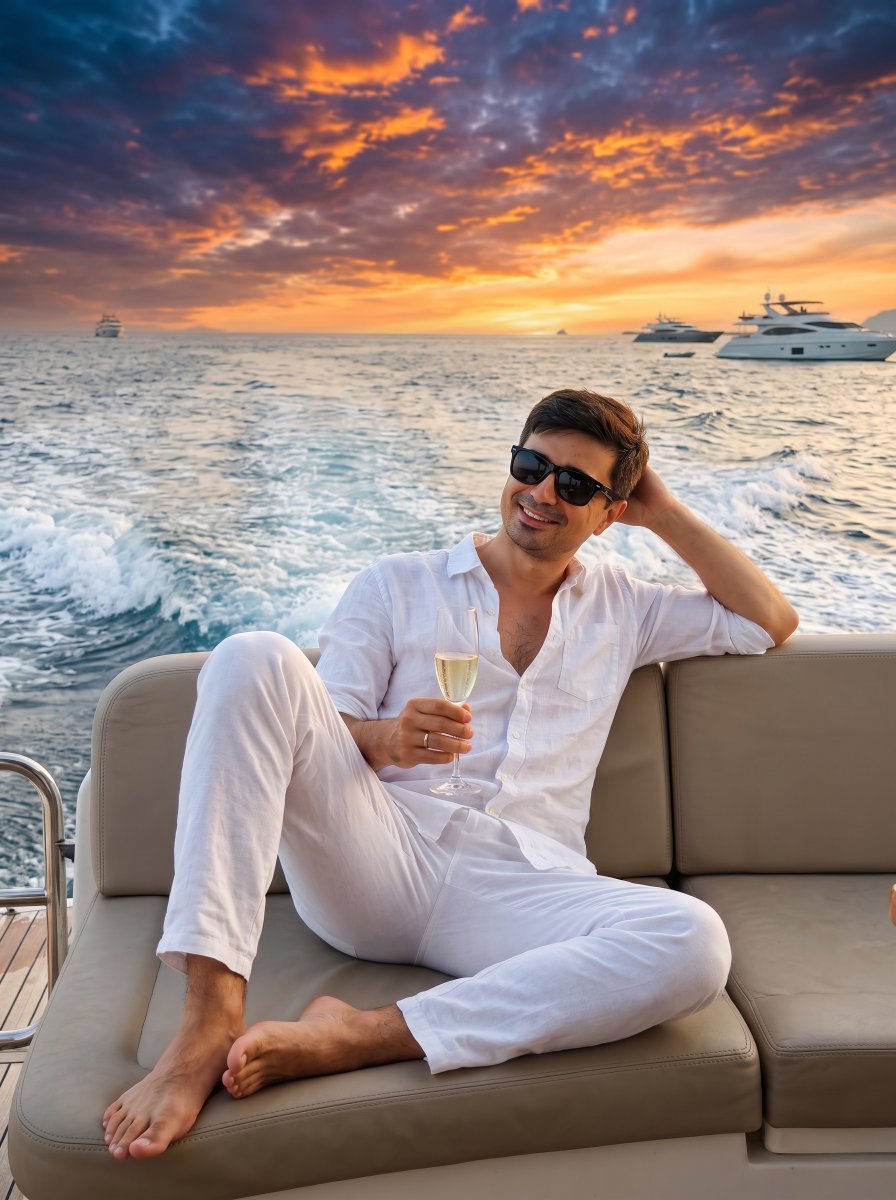
Ultra-Realistic Yacht Sunset Portrait

Mushroom Still Life Composition
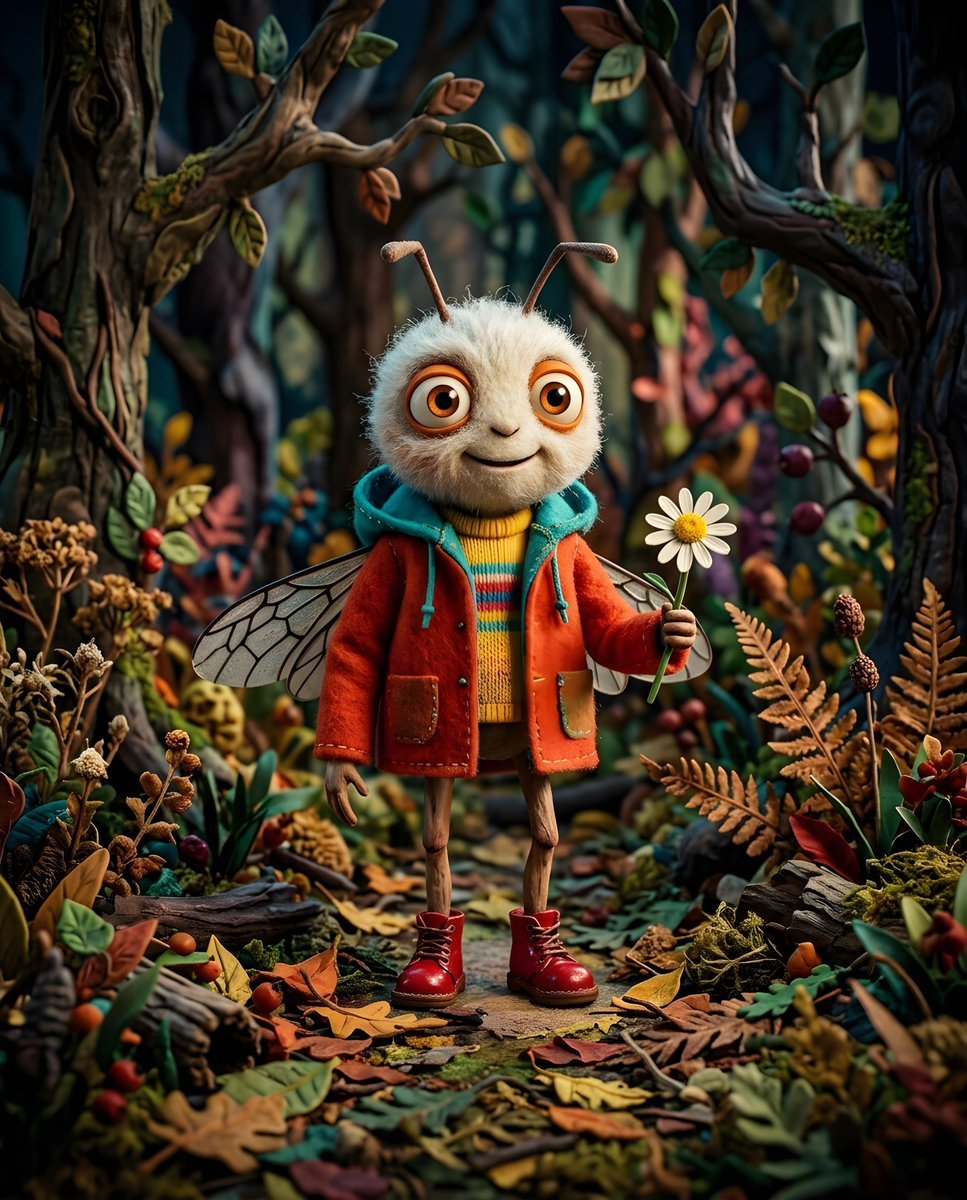
Whimsical Anthropomorphic Friendly Insect
More image prompts
Fresh picks from across the catalog.
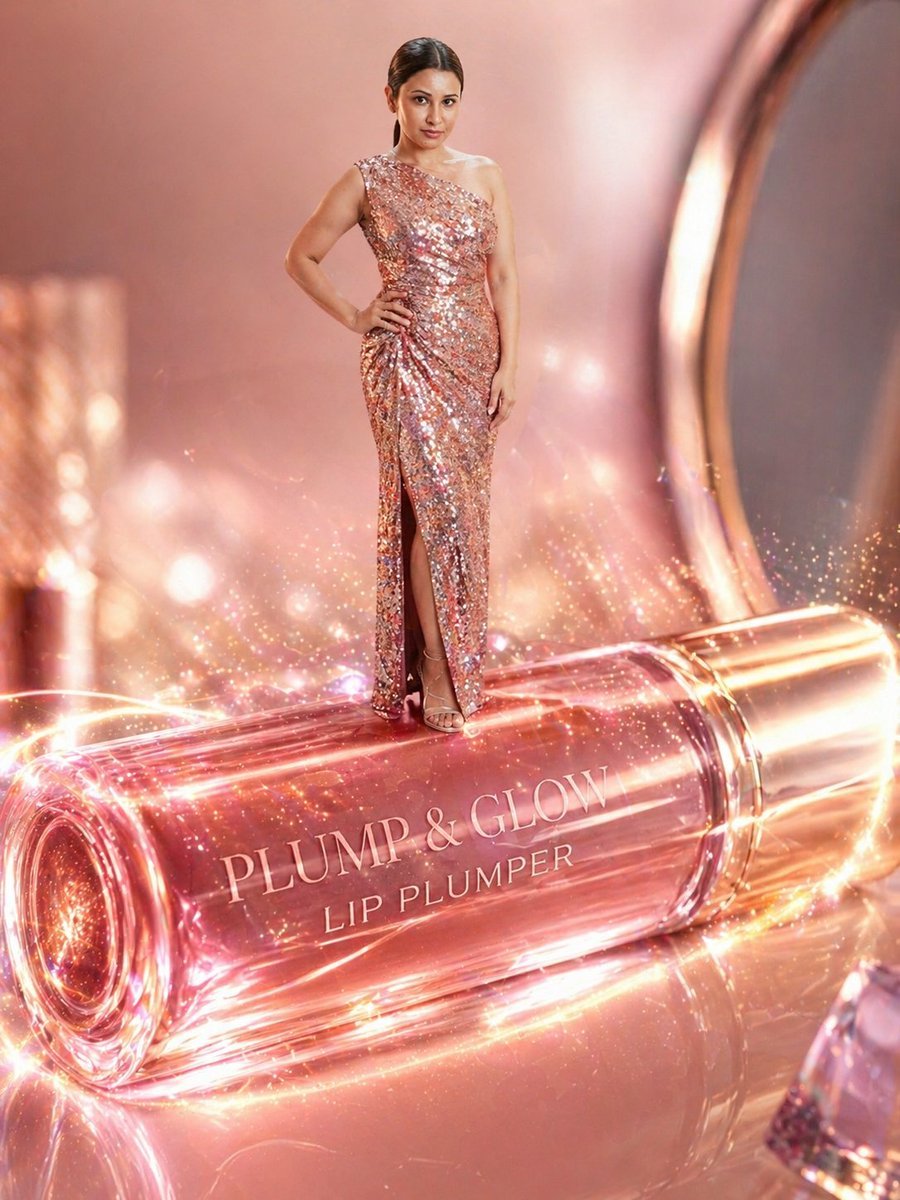
Surreal Beauty Ad with Face Reference
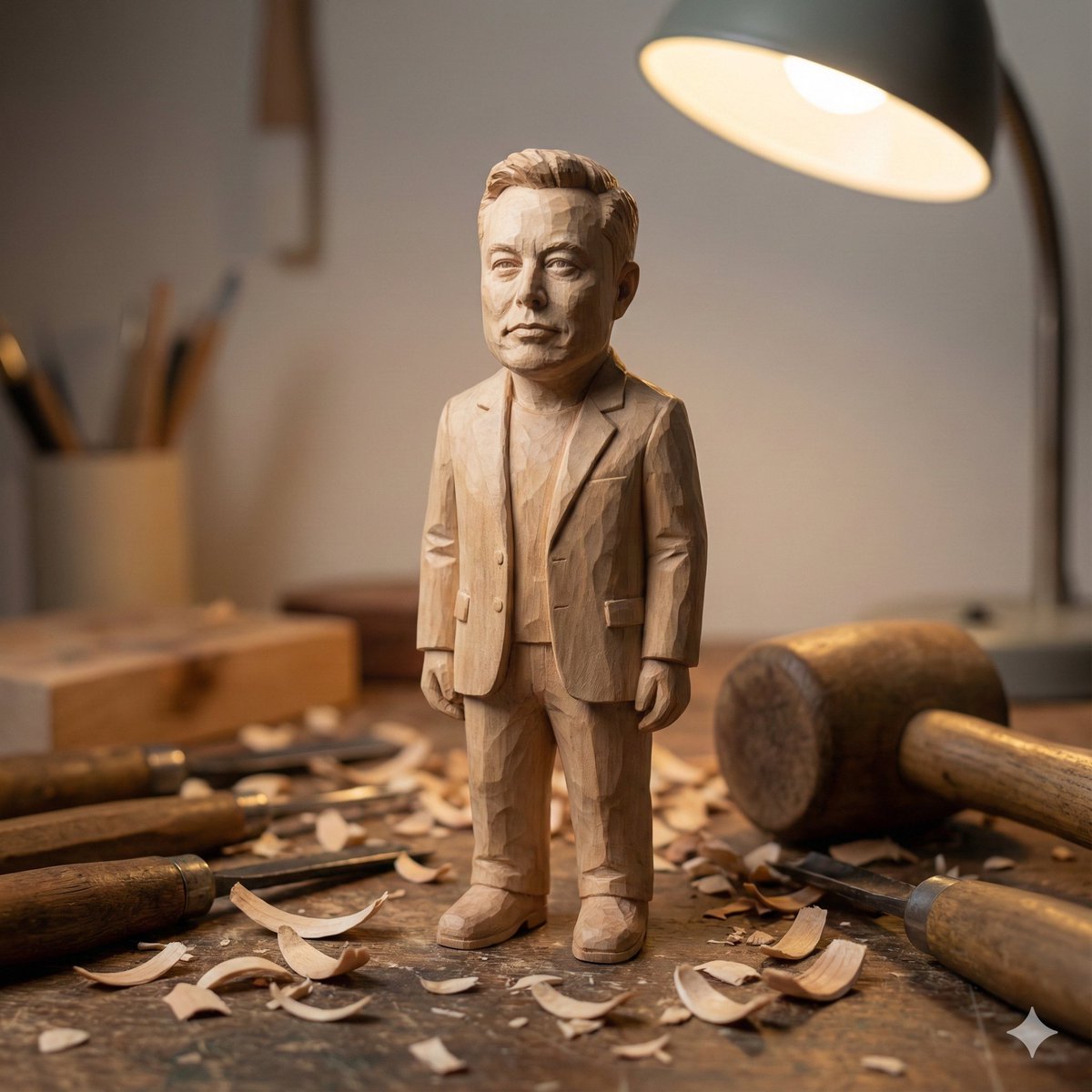
Hand-carved wooden miniature figure prompt
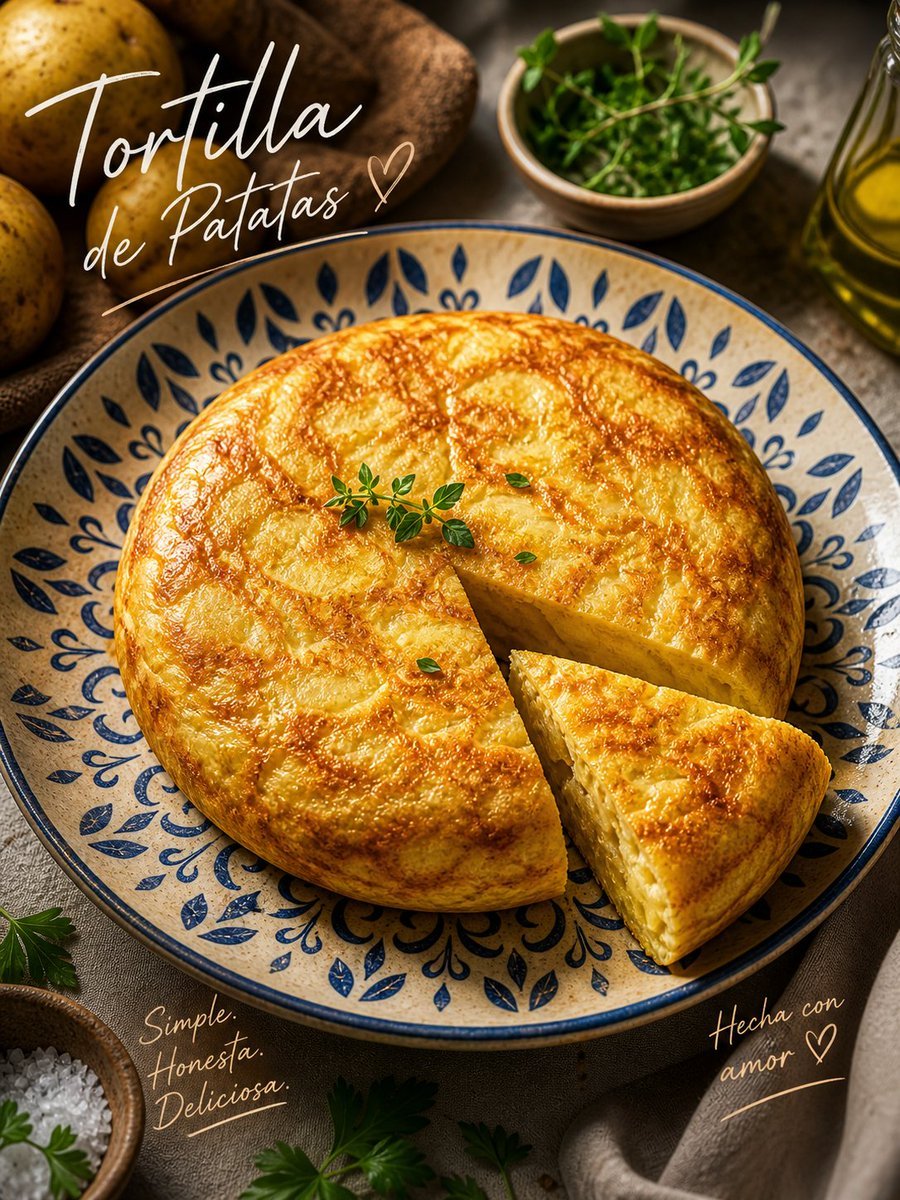
Rustic Tortilla de Patatas Poster
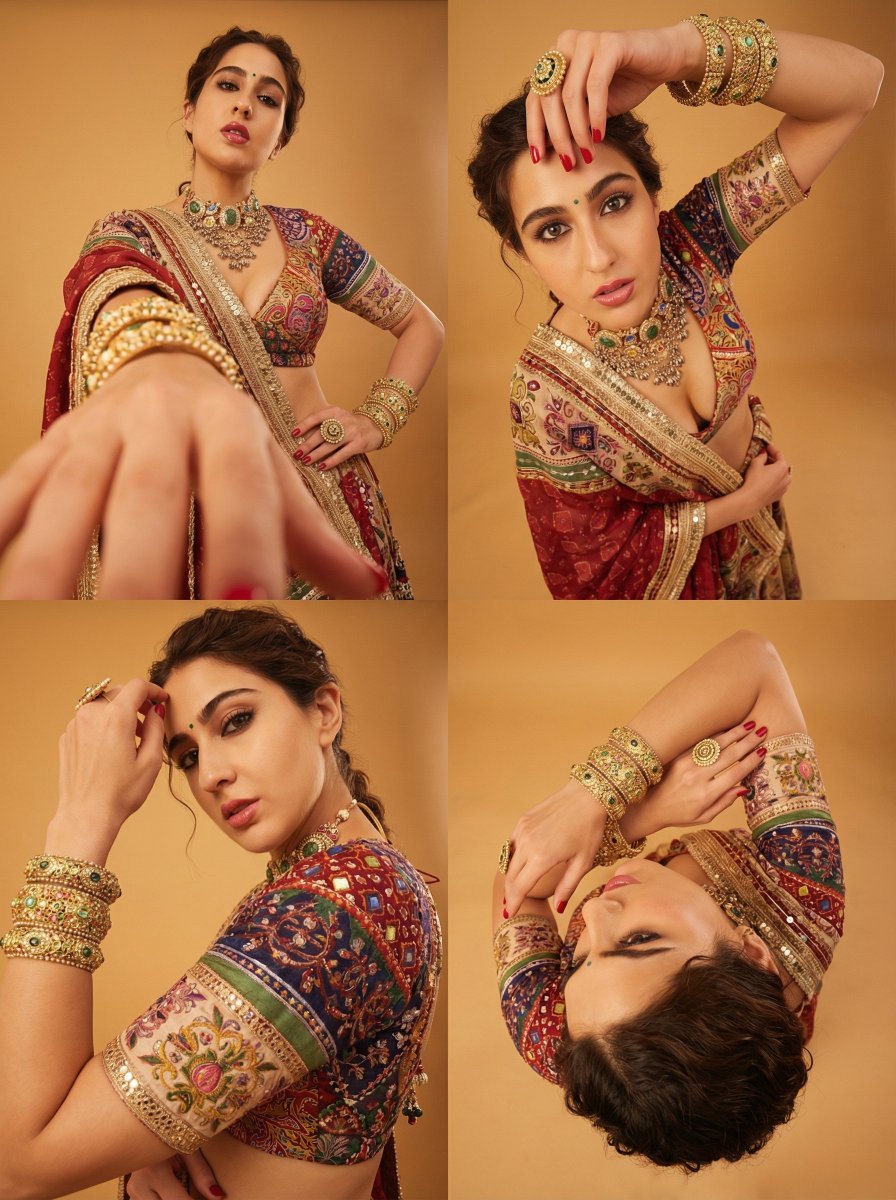
Dramatic Photorealistic Portrait with Lens Emphasis
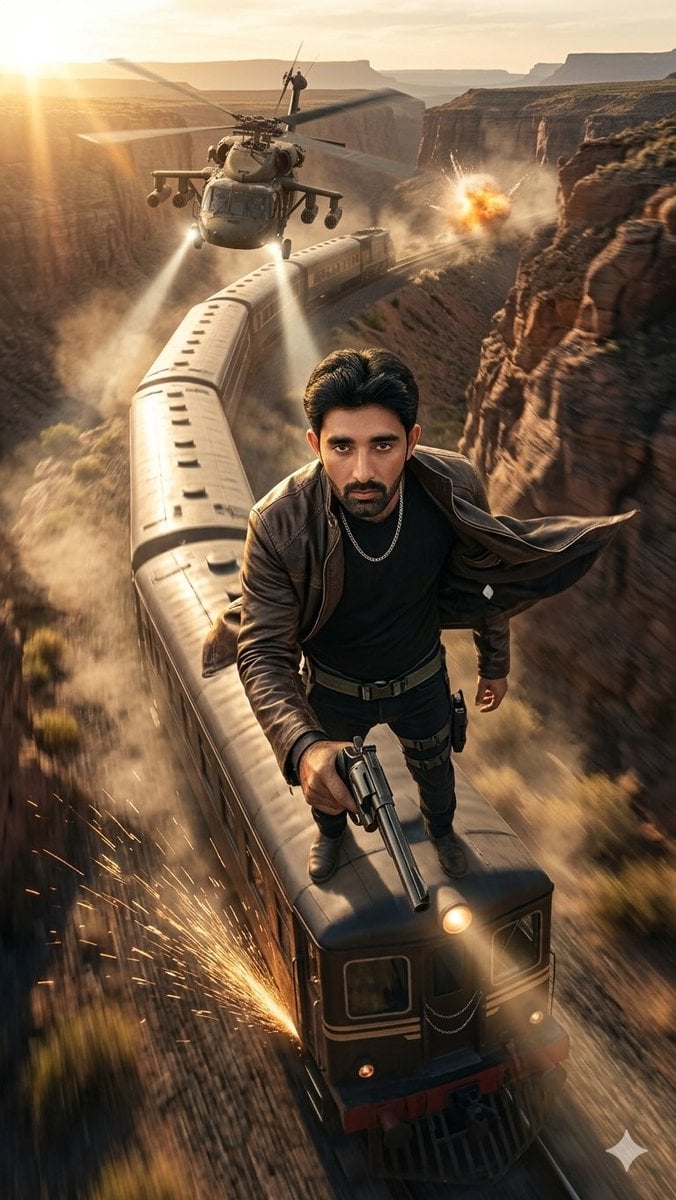
Canyon Train Action Hero
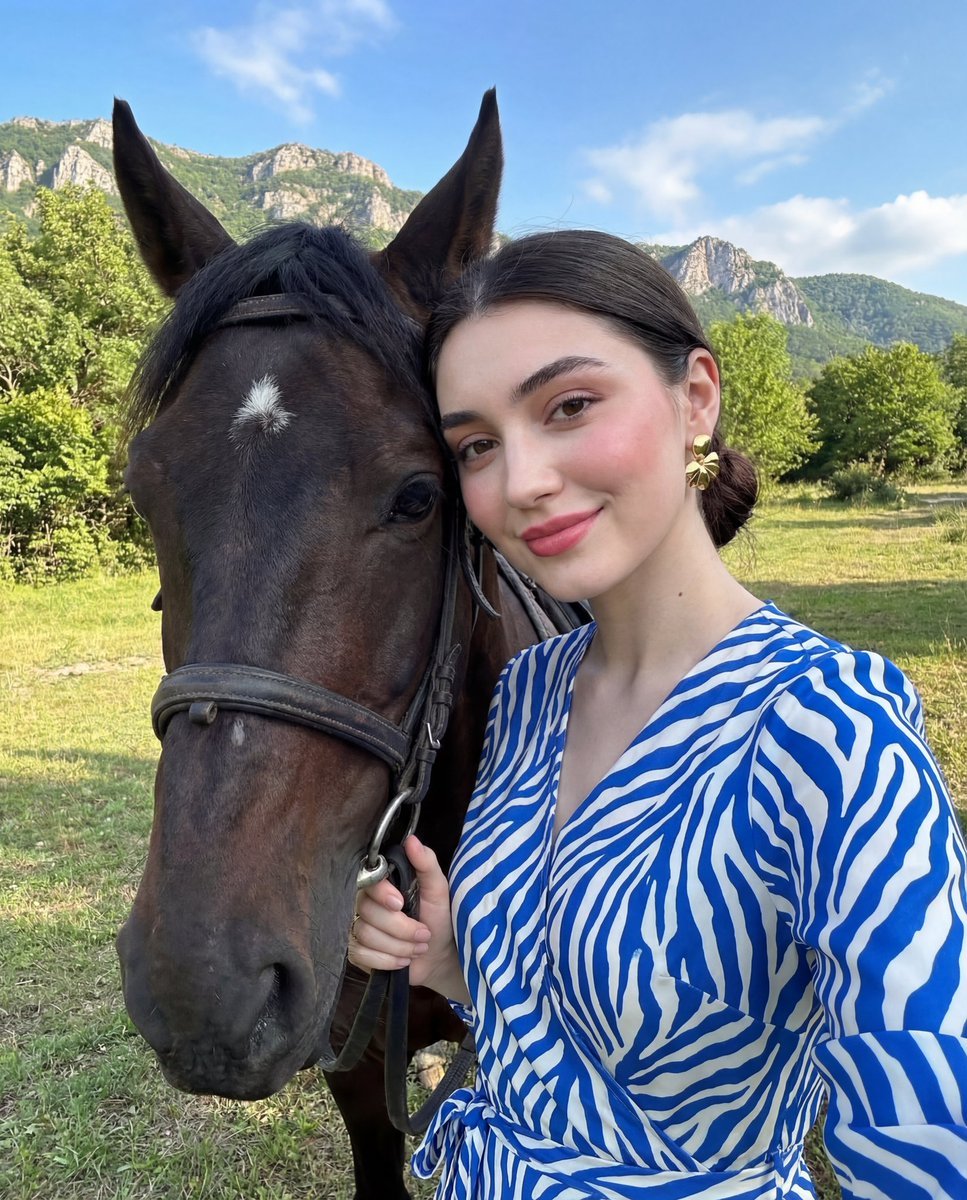
Luxury Lifestyle Portrait Prompt with Horse for Gemini Nano Banana Pro

Flashy Japanese AI Thumbnail
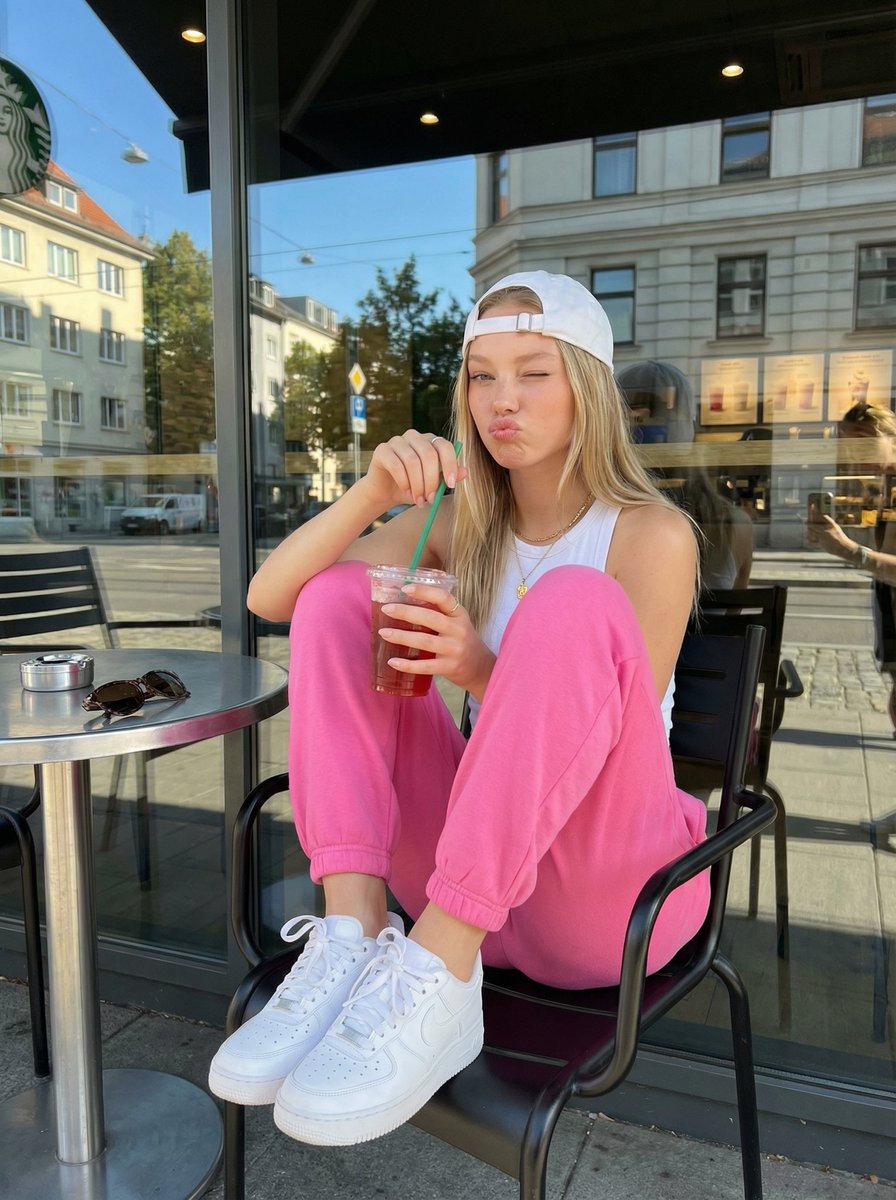
Candid Outdoor Cafe Lifestyle Photo
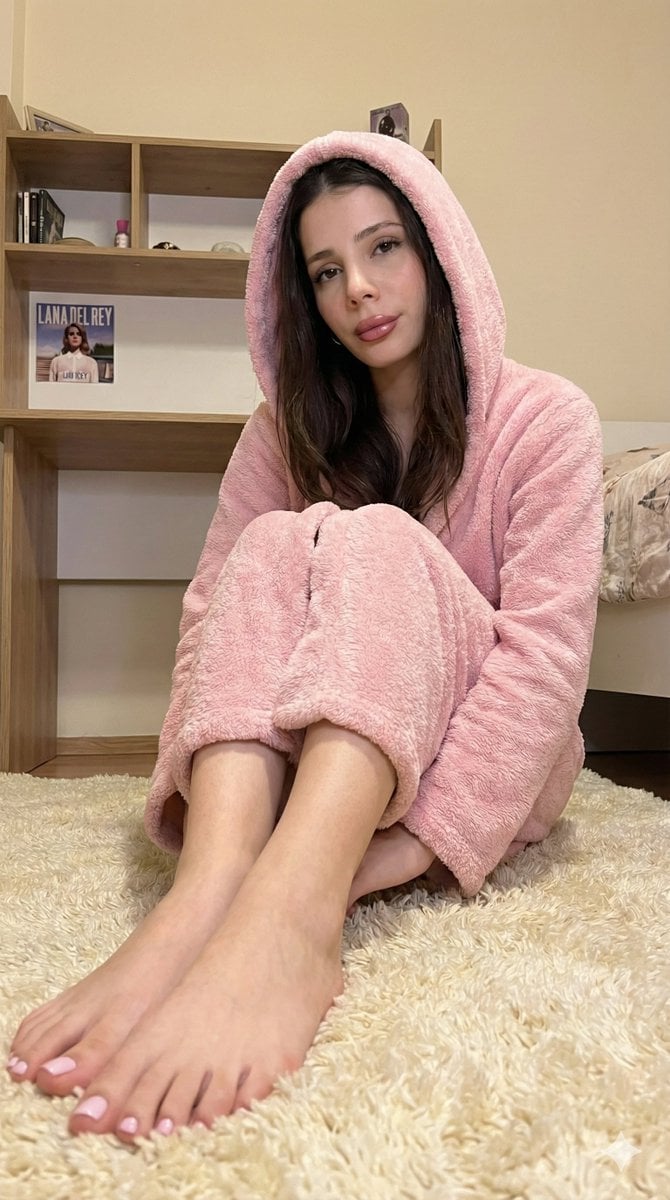
Full-Body Shot of Woman in Pink Robe with Bare Feet
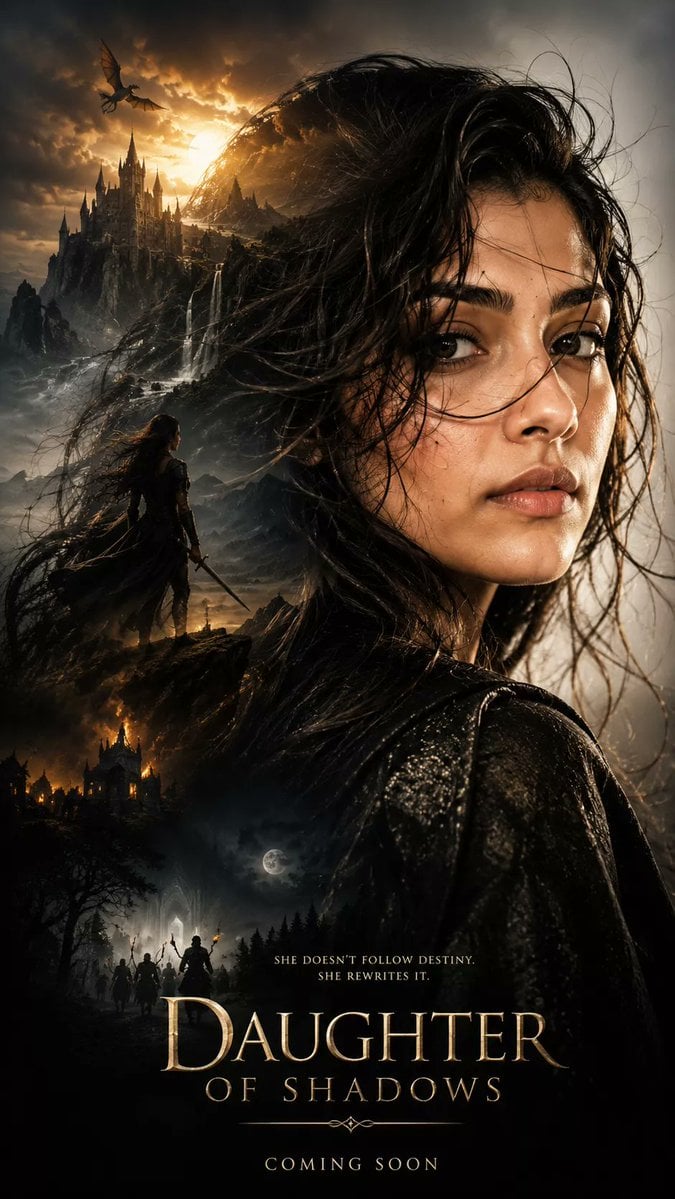
Dark Fantasy Double Exposure Poster
Browse template categories
Luxury Fashion Editorial Portrait questions
How do I use the Luxury Fashion Editorial Portrait template?
Add your photo if the template asks for one, edit the prompt if you like — the template's model and format are already selected — and press Generate. Your version opens in PicX Studio.
Can I customize the Luxury Fashion Editorial Portrait template?
Yes. You can change the subject, setting, lighting, mood, format, and available model controls before creating your image.
Is the Luxury Fashion Editorial Portrait template free?
Opening and editing this template is free. Generating uses credits, shown on the Generate button when you are signed in.
Which AI model should I use?
Start with Gemini 3 Pro Image Preview, which is the model associated with this template. You can compare another compatible model for a different finish.
Looking for something else? Browse all templates.

Your photo, any look
Thousands of ready templates for every top image and video model, from one credit balance.