
Golden Hour Crimson Portrait Template
Golden Hour Crimson Portrait Template is a ready photo look.
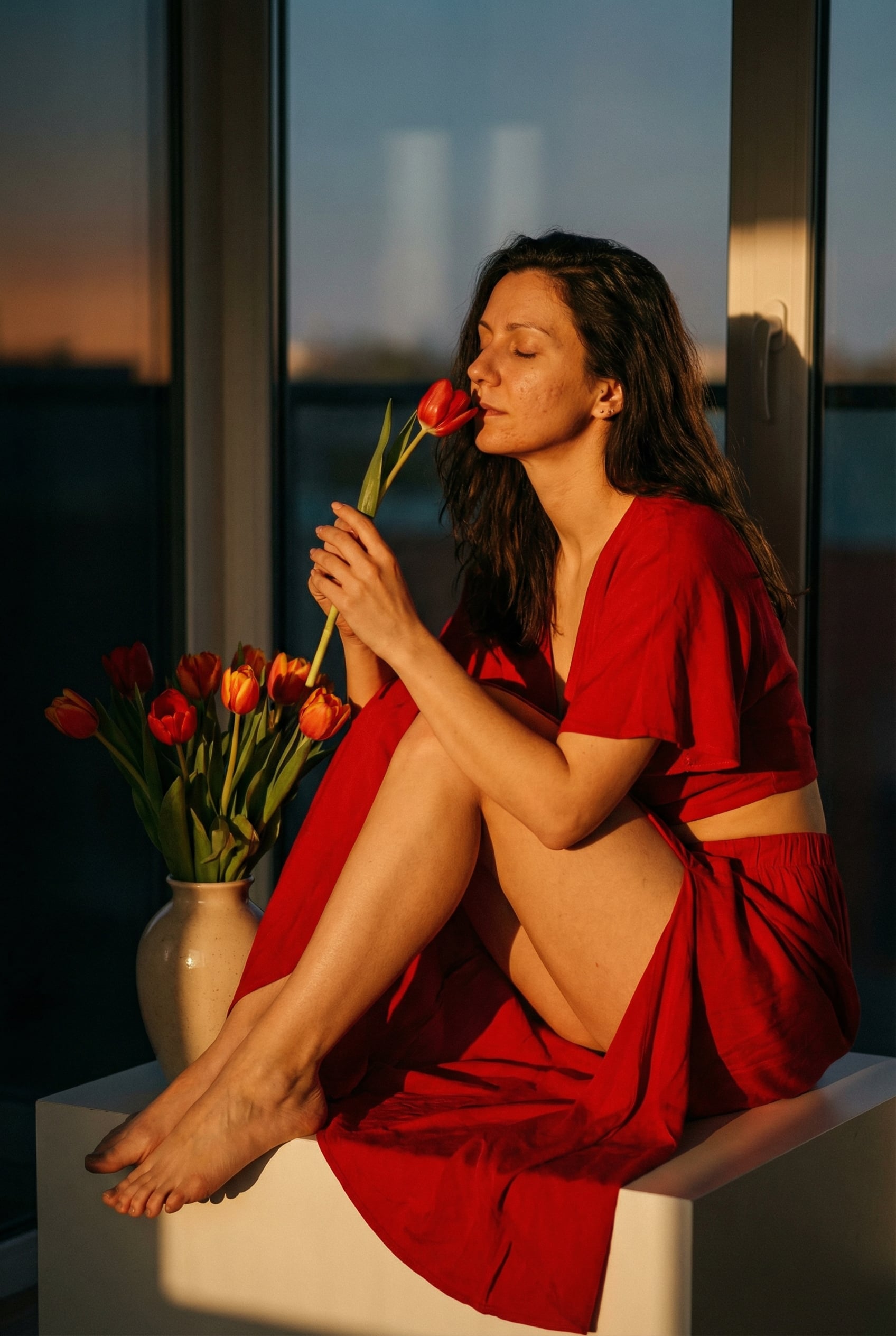
- Prompt included
- Model and format preset
- Premium template
The prompt behind this image
Copy the exact prompt behind Golden Hour Crimson Portrait Template, or open it in the studio and make it yours.
Ultra-realistic studio lifestyle photograph, taking reference from the uploaded image (exact facial features, skin tone, hair color and wave pattern, body proportions, pose, and expression). A woman seated on a white studio platform near a large window during golden hour, wearing a coordinated red two-piece outfit — a cropped top and high-waisted pants with soft, flowing fabric. She gently holds a single red tulip close to her face, eyes softly closed, immersed in the warmth of the moment. A white ceramic vase filled with fresh red tulips rests beside her. Warm golden-hour sunlight streaming through the window, creating long, soft shadows and subtle highlights on skin, hair, and fabric. Natural color falloff, realistic sun warmth, gentle contrast, no harsh highlights. True-to-life skin texture with visible pores, natural glow from sunlight (not makeup), realistic hair shine with soft rim light, subtle flyaways. Accurate deep red tones without clipping, translucent tulip petals glowing slightly in backlight, realistic fabric folds and shadows. Shot on a full-frame DSLR, 85mm lens, f/2.8, window-lit golden hour realism, RAW photo look. Feels like a quiet, intimate sunset moment — warm, elegant, timeless, and completely real. NEGATIVE PROMPT: AI-generated look, CGI, illustration, artificial sunlight, orange color cast, HDR glow, overexposed highlights, plastic skin, beauty filters, over-smoothing, fake shadows, distorted anatomy, painterly textures, cinematic grading, uncanny valley.
How to use Golden Hour Crimson Portrait Template in 3 steps
- 1Upload ImagePNG, JPG or paste
Add your photo
Upload the photo the template builds on. The prompt, model and format are already set.
- 2…a portrait of your subject in softgolden-hour light, 85mm…
Personalize
Edit the subject and creative details for your destination.
- 3Generate
Generate
Press Generate — your image is created in PicX Studio, so you can compare it with the original and refine one variable at a time.
More like this
Templates with the same subject, style or setup. Open one to see its prompt.

80s Golden Hour Cinema

Rooftop Fisheye — Cat-Ear Balaclava at Golden Hour
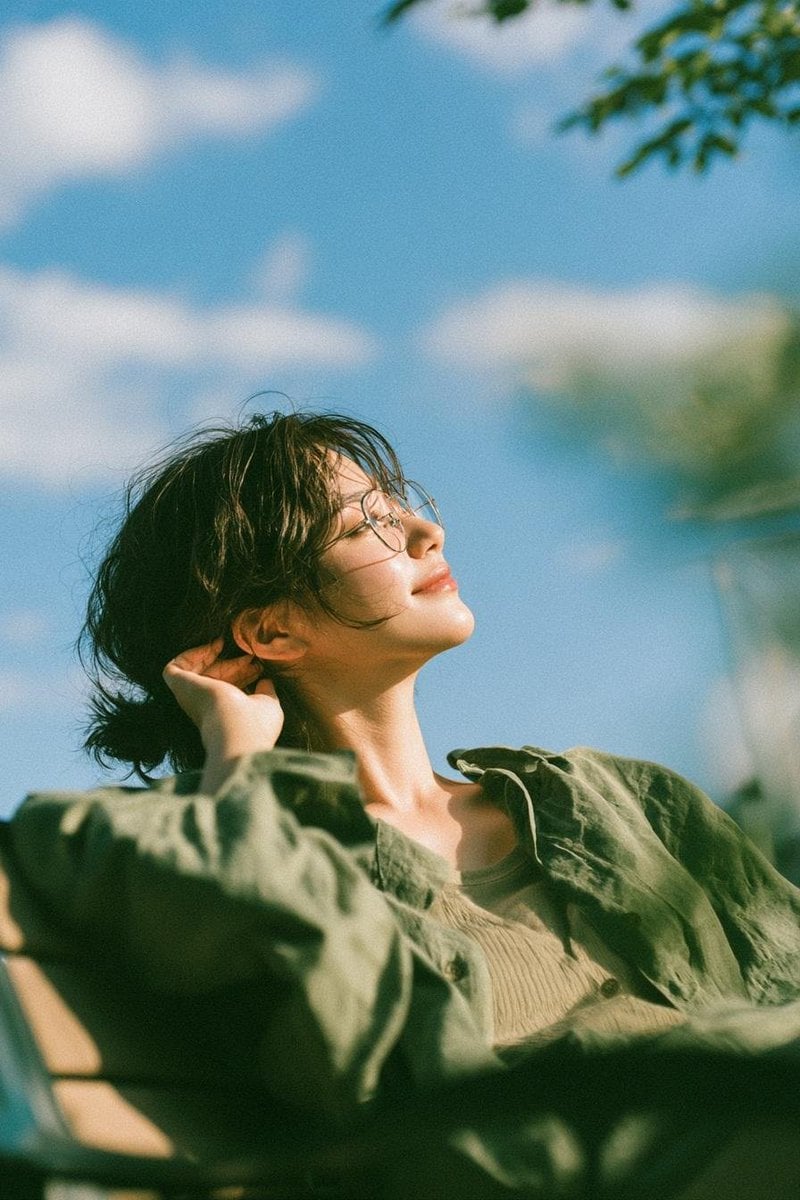
Cinematic Golden Hour Garden Portrait
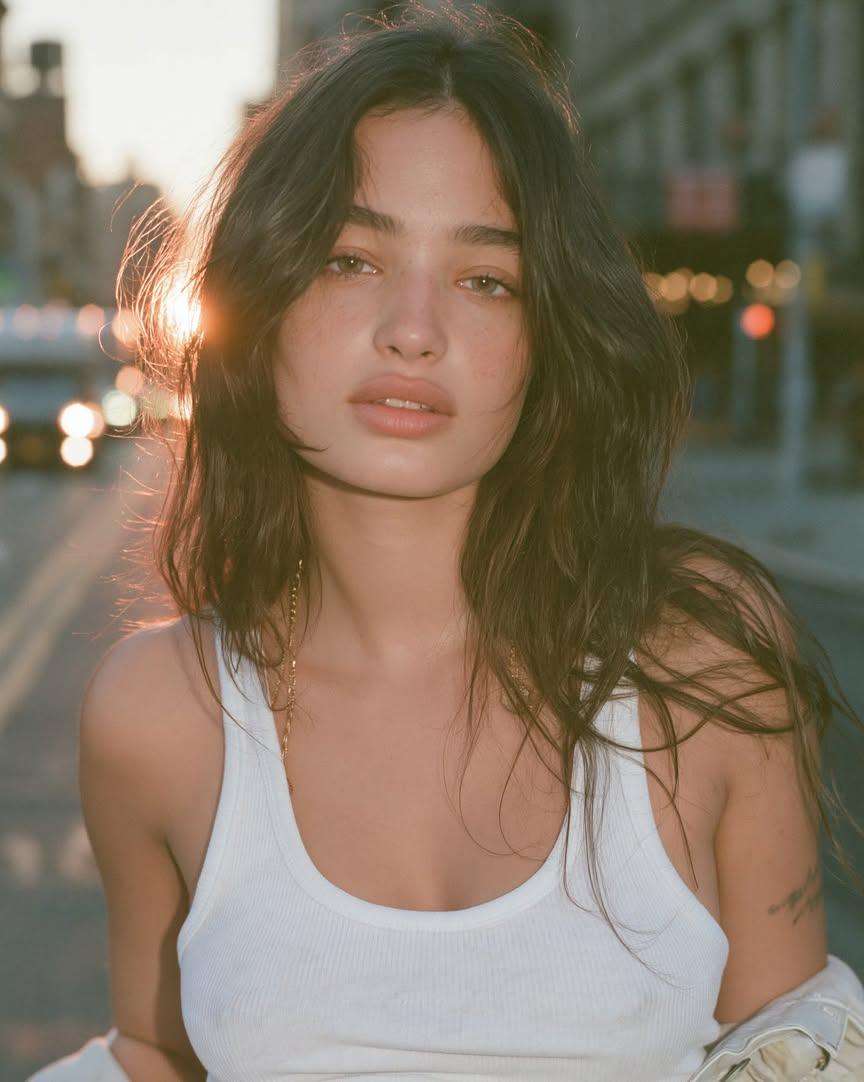
Cinematic Golden Hour Urban Portrait
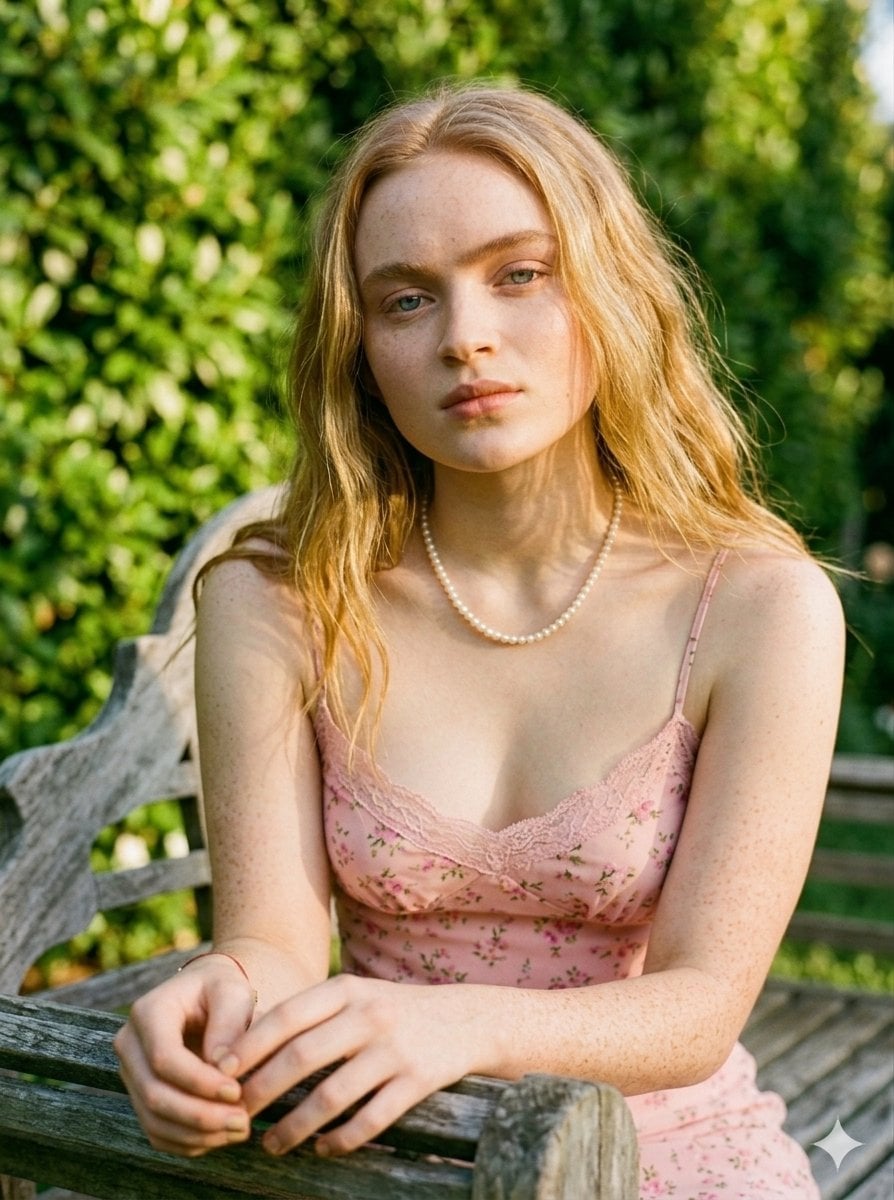
Golden Hour Redhead Portrait
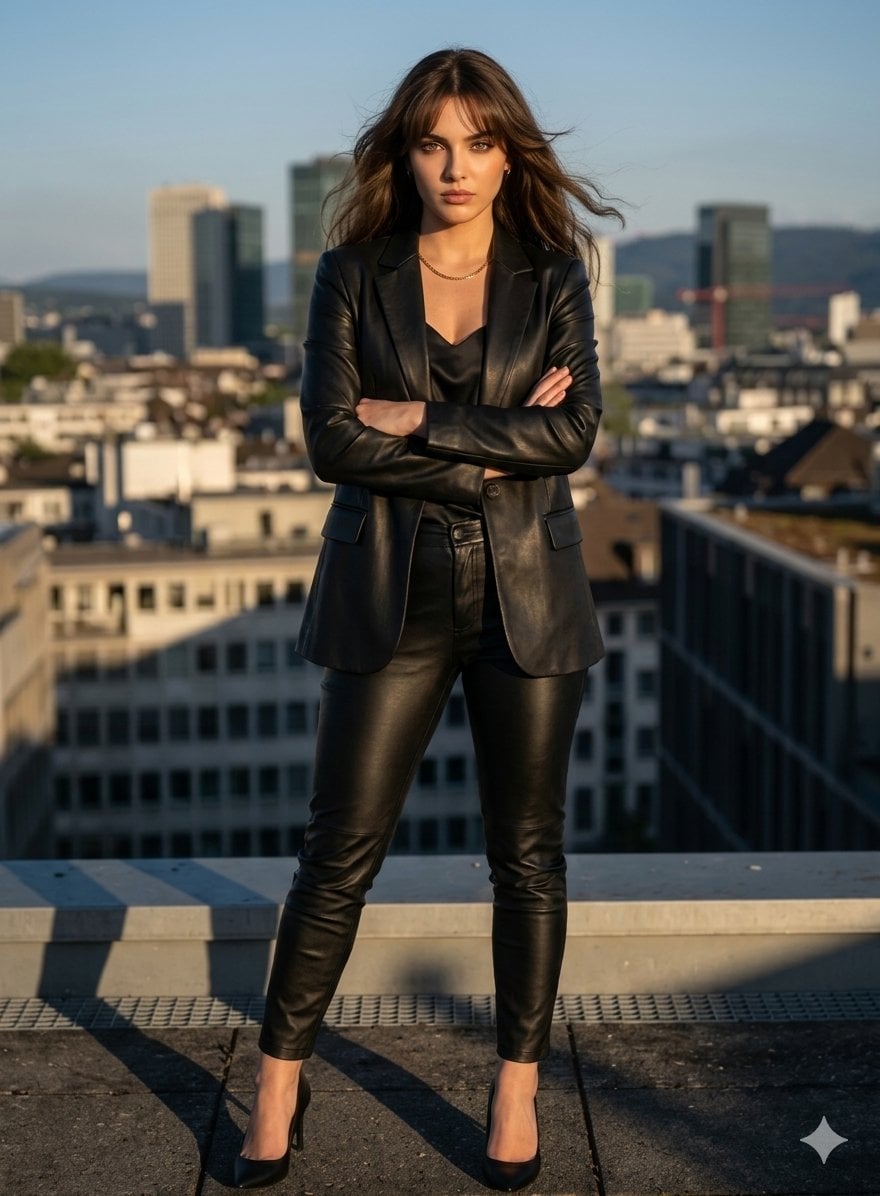
Golden Hour Cinematic Boss Energy Portrait
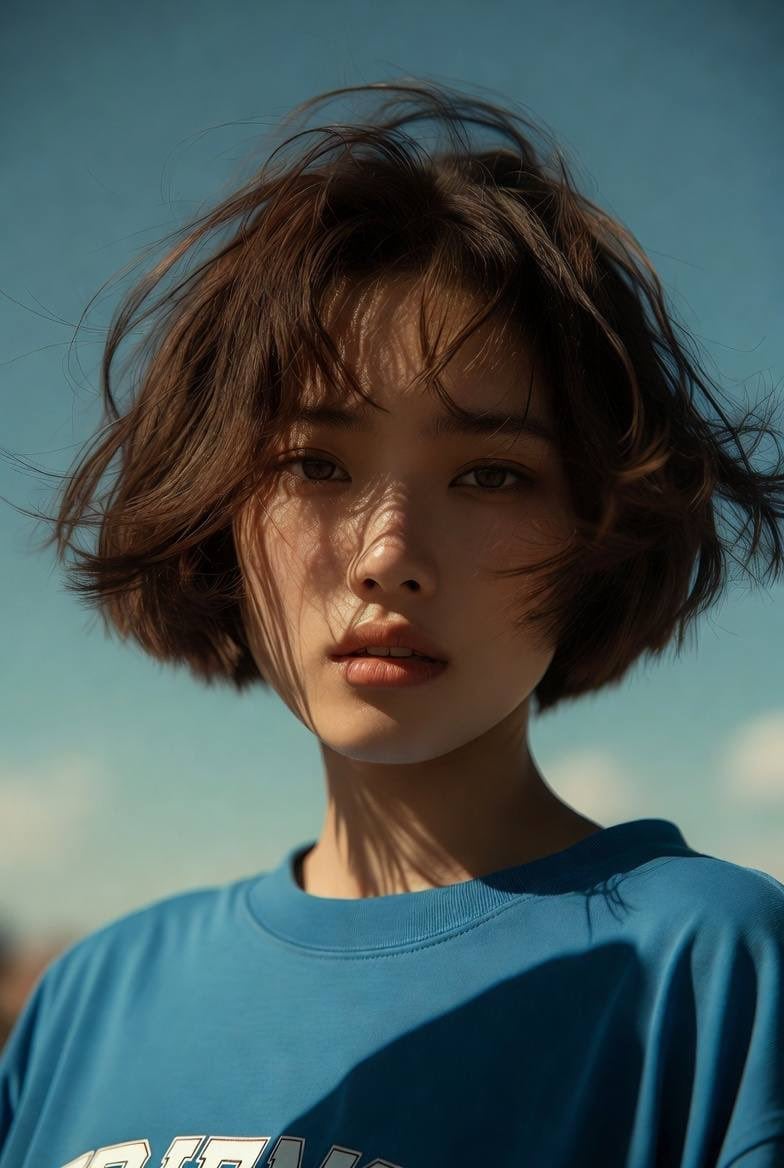
Golden Hour Cinematic Portrait
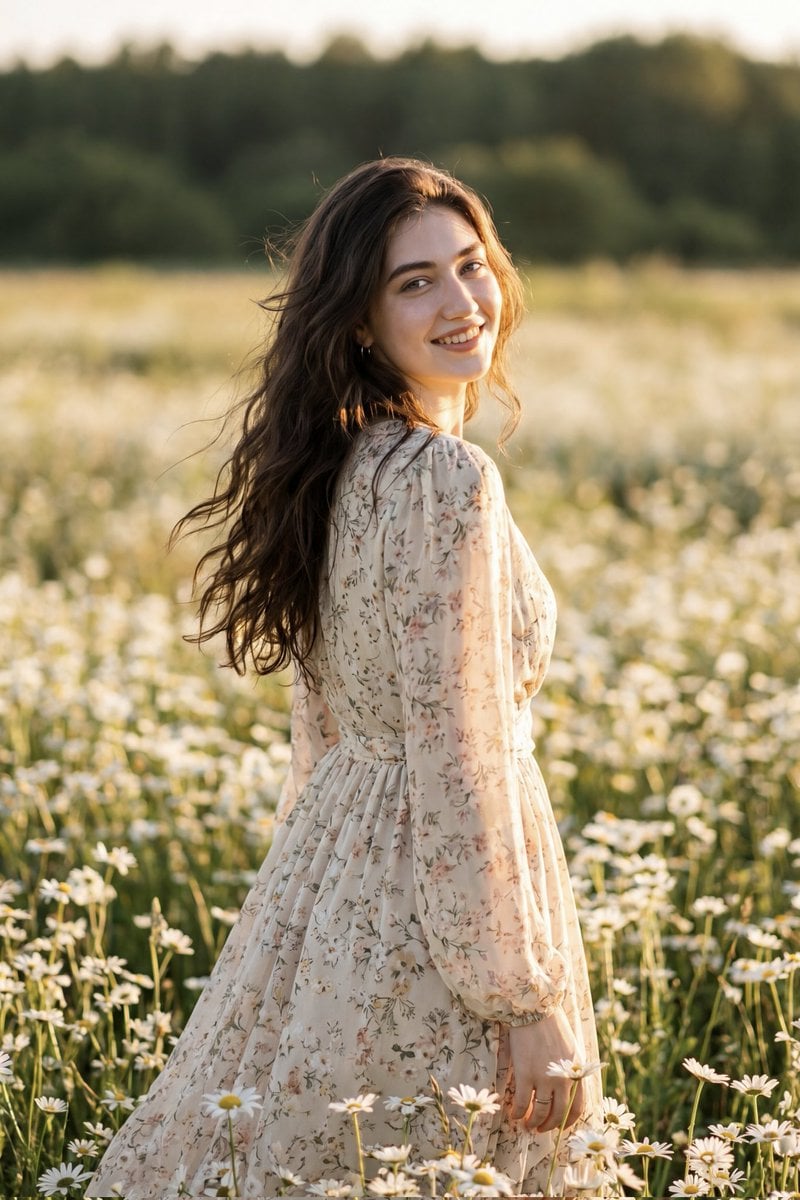
Golden Hour Daisy Field Portrait
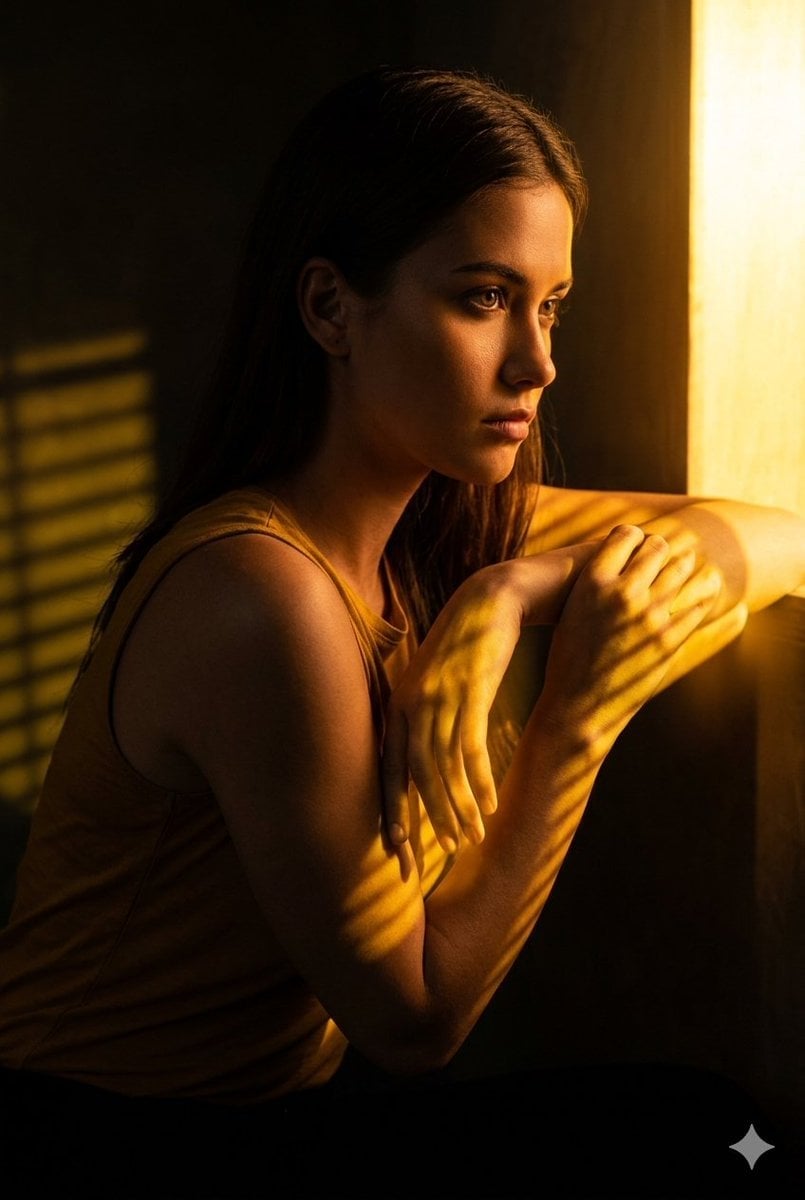
Golden Hour Window Reflection Portrait
Golden Hour Rose Portrait

Golden Hour Korean Classroom Portrait
Golden Hour Rooftop Portrait
Make it yours
Golden Hour Crimson Portrait Template works as-is. These are the safest ways to change it without losing the look.
Change one field
Copy a single group, rewrite it, and generate again so you can see what that field is doing.
Keep the frame, change the subject
Hold the composition and light of Golden Hour Crimson Portrait Template, then swap wardrobe, props or the person for a new take.
| If the result… | Why | Fix |
|---|---|---|
| The result drifts from the preview | Too many fields changed at once. | Reuse Golden Hour Crimson Portrait Template as-is first, then change one group — subject, light, or setting. |
| The model over-stylizes the scene | The prose prompt leaves finish and camera underspecified. | Add one camera or lighting sentence and stay on PicX Studio. |
More image prompts
Fresh picks from across the catalog.
Toko Inui and Lize Helesta Illustration
Summer Beverage Commercial Photography

Mirror Selfie in Pink Lounge Set with Identity Anchor
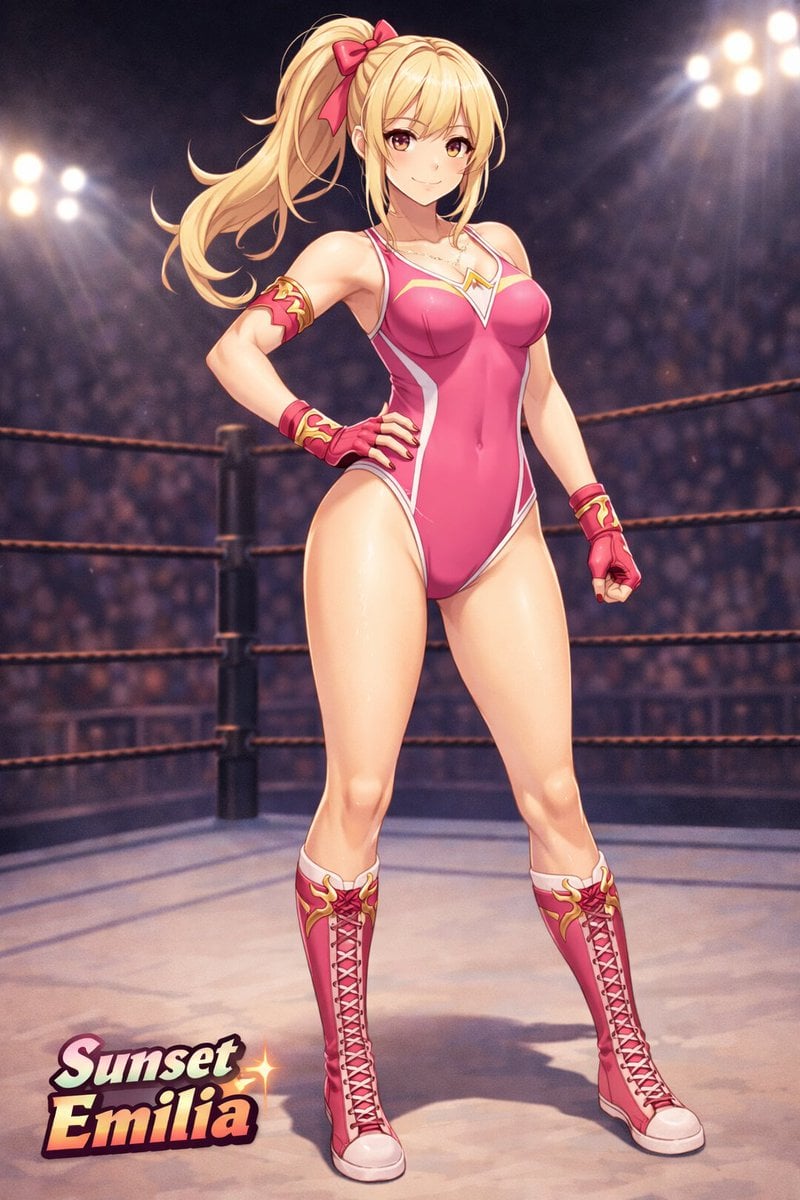
Anime Female Wrestler in Arena

Fisheye View from Inside a Cup
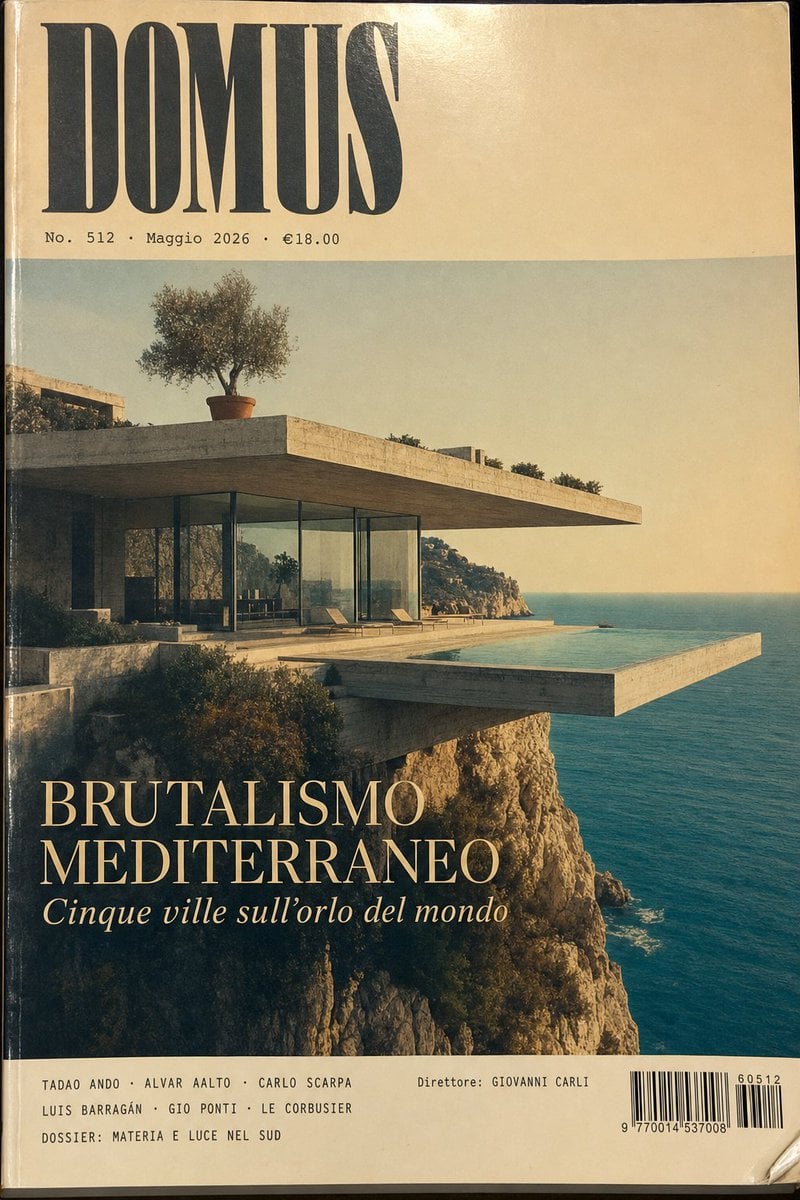
1970s Architecture Magazine Cover
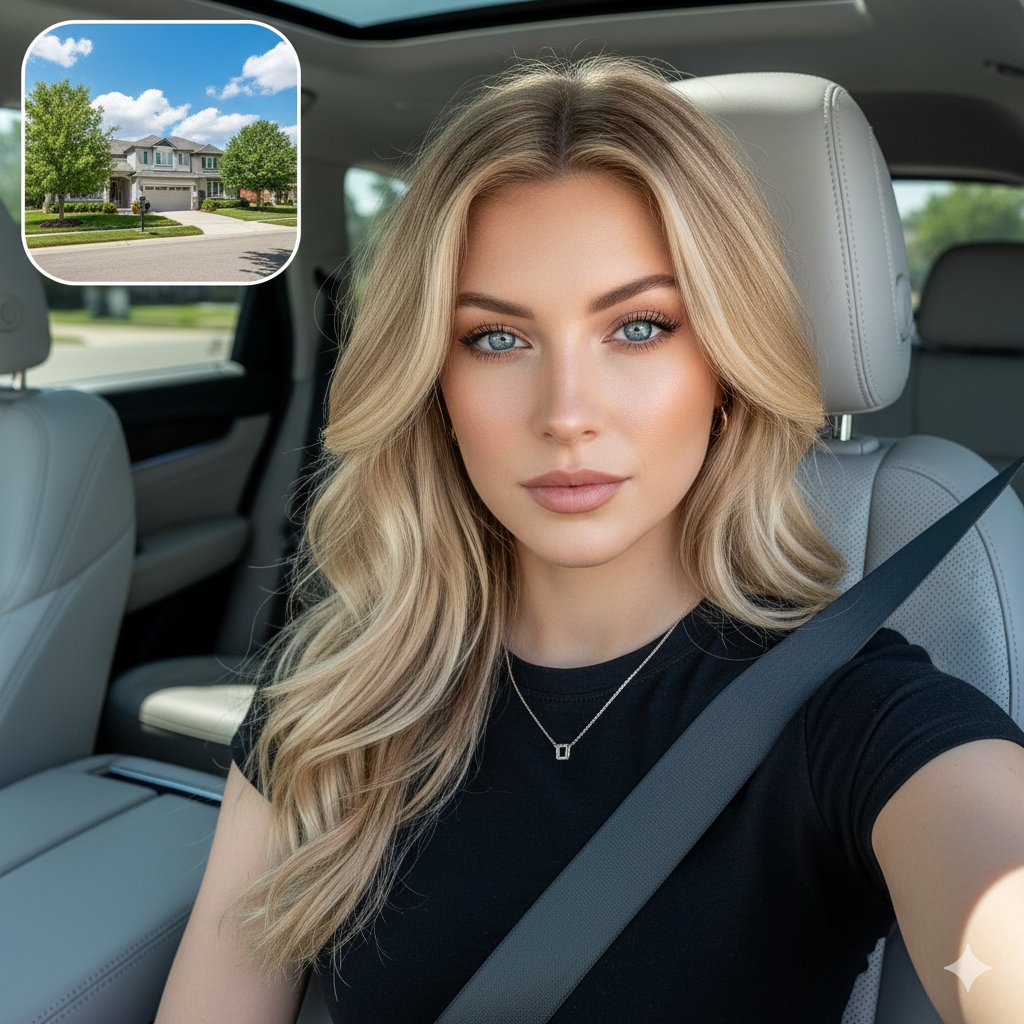
Cinematic SUV Selfie Portrait with Lifestyle Inset
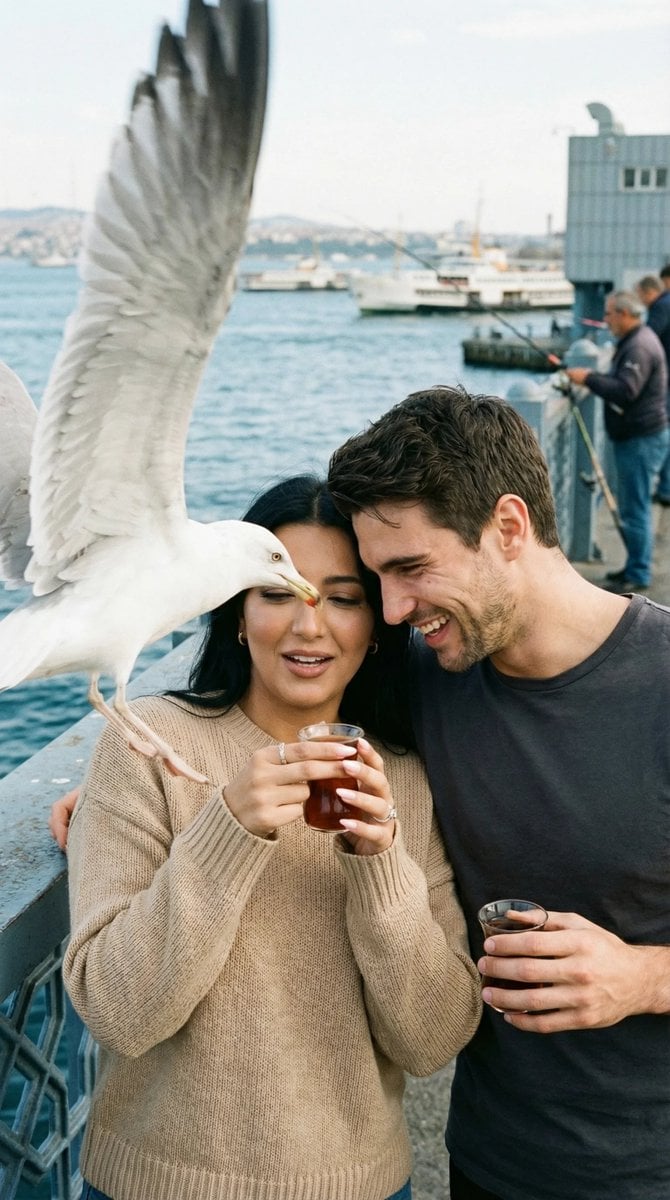
Photorealistic Candid Street Romance Prompt (Galata Bridge)
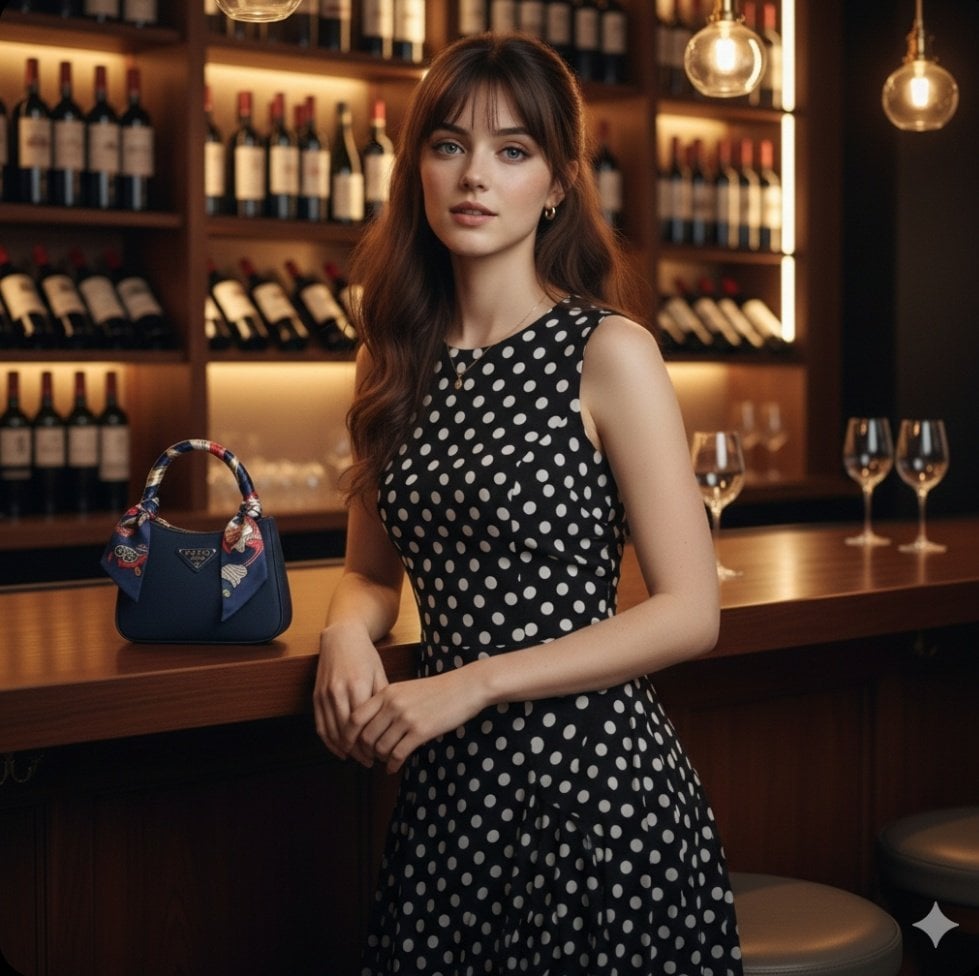
Ultra Realistic Fashion Portrait
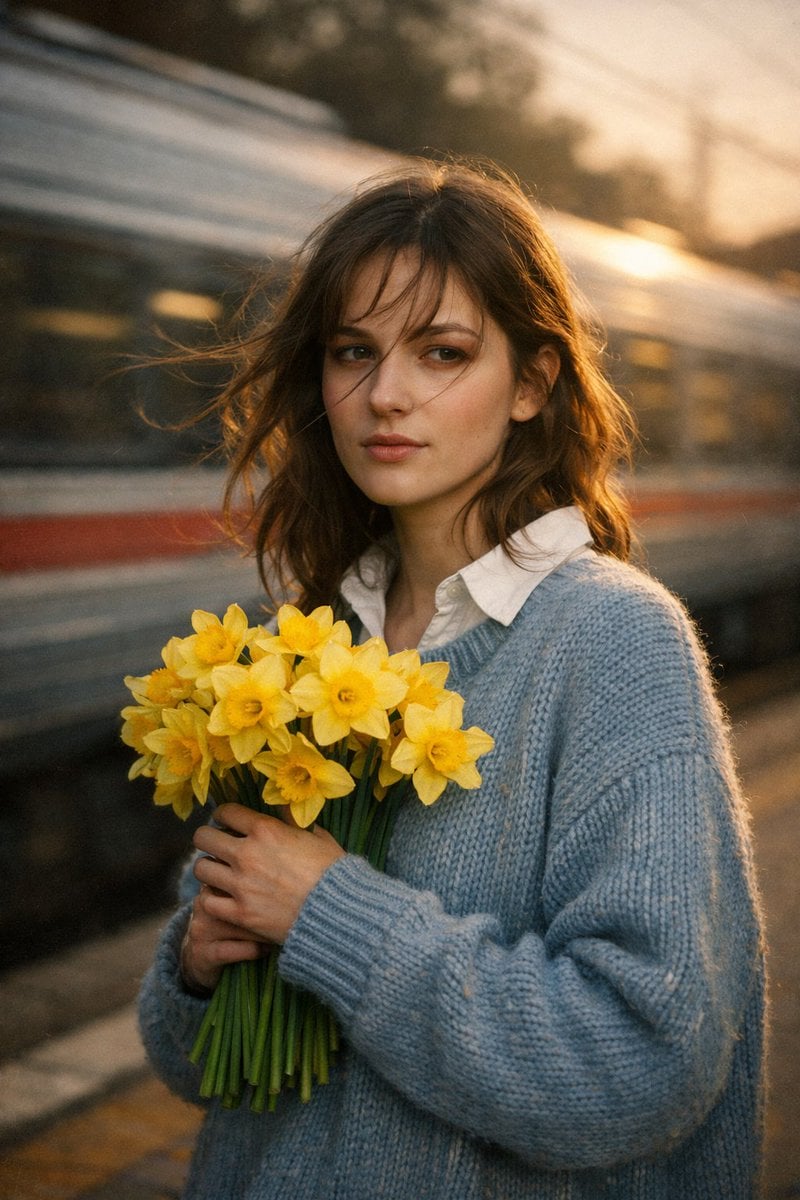
Cinematic Portrait at Railway Platform with Daffodils
Browse template categories
Golden Hour Crimson Portrait Template questions
How do I use the Golden Hour Crimson Portrait Template template?
Add your photo if the template asks for one, edit the prompt if you like — the template's model and format are already selected — and press Generate. Your version opens in PicX Studio.
Can I customize the Golden Hour Crimson Portrait Template template?
Yes. You can change the subject, setting, lighting, mood, format, and available model controls before creating your image.
Is the Golden Hour Crimson Portrait Template template free?
Opening and editing this template is free. Generating uses credits, shown on the Generate button when you are signed in.
Which AI model should I use?
Choose a compatible model in PicX Studio based on the style, speed, and output controls your project needs.
Looking for something else? Browse all templates.

Your photo, any look
Thousands of ready templates for every top image and video model, from one credit balance.