
Pharaoh Storyboard Layout
A cinematic 9-panel storyboard layout depicting an ancient pharaoh awakening in a modern world with energetic tracking shots.
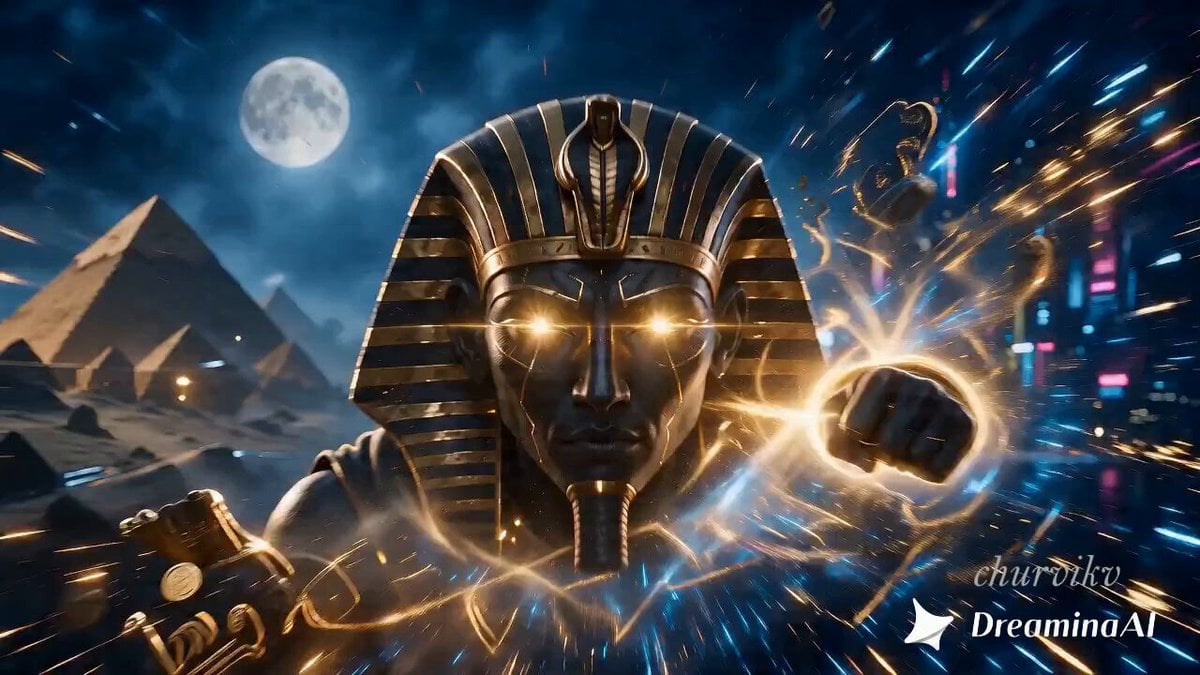
- Prompt included
- Model and format preset
- Free template
The prompt behind this video
Copy the exact prompt behind Pharaoh Storyboard Layout, or open it in the studio and make it yours.
A 9-panel cinematic storyboard layout, 3 rows x 3 columns grid. Genre: River of Time. Arc: An ancient pharaoh awakens in the modern world, battling shadows of the past to forge a new reality.. Use one cohesive visual treatment throughout, guided by the reference's painterly material and surface detail. Let panel 01 introduce the uploaded reference world, then continue its location, season, color grade, and story through the remaining panels. When the brief includes a recurring character or animal, keep its identity and appearance consistent across the sequence. Do not invent extra bystanders. World card: natural environment only - landscapes, water, sky, plants, wildlife, seasons, and natural light. Keep physical motion plausible and preserve the reference's medium, palette, light, and texture. Lighting: cool moonlight through mist, silver-blue night atmosphere, soft glow. Camera: energetic tracking shot following the subject with readable speed and direction. Mood: energetic forward momentum, active movement, vivid physical action. Tone: energetic, vivid, and forward-moving. ENERGY DIRECTIVE: every panel shows decisive action, speed, force or impact. Use strong verbs, acceleration, readable motion blur and debris; no passive drifting. Panel 01: The camera aggressively zooms into the pharaoh's face, his eyes igniting with golden light as particles of golden dust begin to swirl around him. Frame: bold wide action frame with strong leading lines and immediate momentum. Panel 02: The pharaoh sharply turns his head, his gaze fixed forward through fracturing visions of ancient pyramids and modern metropolises, creating a sense of clashing worlds. Frame: dynamic mid-shot with diagonal energy and visible motion blur. Panel 03: The camera rapidly tracks the pharaoh as he lunges forward, striking at an unseen threat, leaving a trail of golden light, with spectral battle imagery flashing by. Frame: tight impact close-up at the peak of the movement. Panel 04: The camera makes a sharp orbit around the pharaoh, showing him at the center of a raging vortex of sand, gold coins, and fragments of ancient artifacts, symbolizing the chaos of time. Frame: low or high angle chase framing with speed cues in the foreground. Panel 05: The pharaoh punches through a wall of light and shadow, tearing the fabric of reality, his figure instantly moving forward, leaving only shimmering particles behind. Frame: sweeping high-energy reveal of the full arena of action. Panel 06: The camera rapidly zooms into the pharaoh's face, his eyes still glowing, but now reflecting a calm new, unknown world, hinting at the battle's end. Frame: dynamic mid-shot with diagonal energy and visible motion blur. Panel 07: The shadow of a giant, spectral opponent momentarily engulfs the pharaoh, creating tension and hinting the fight is not over
How to use Pharaoh Storyboard Layout in 3 steps
- 1Upload ImagePNG, JPG or paste
Add your photo
Upload the photo the template builds on. The prompt, model and format are already set.
- 2…a portrait of your subject in softgolden-hour light, 85mm…
Personalize
Edit the subject and creative details for your destination.
- 3Generate
Generate
Press Generate — your video is created in PicX Studio, so you can compare it with the original and refine one variable at a time.
More like this
Templates with the same subject, style or setup. Open one to see its prompt.
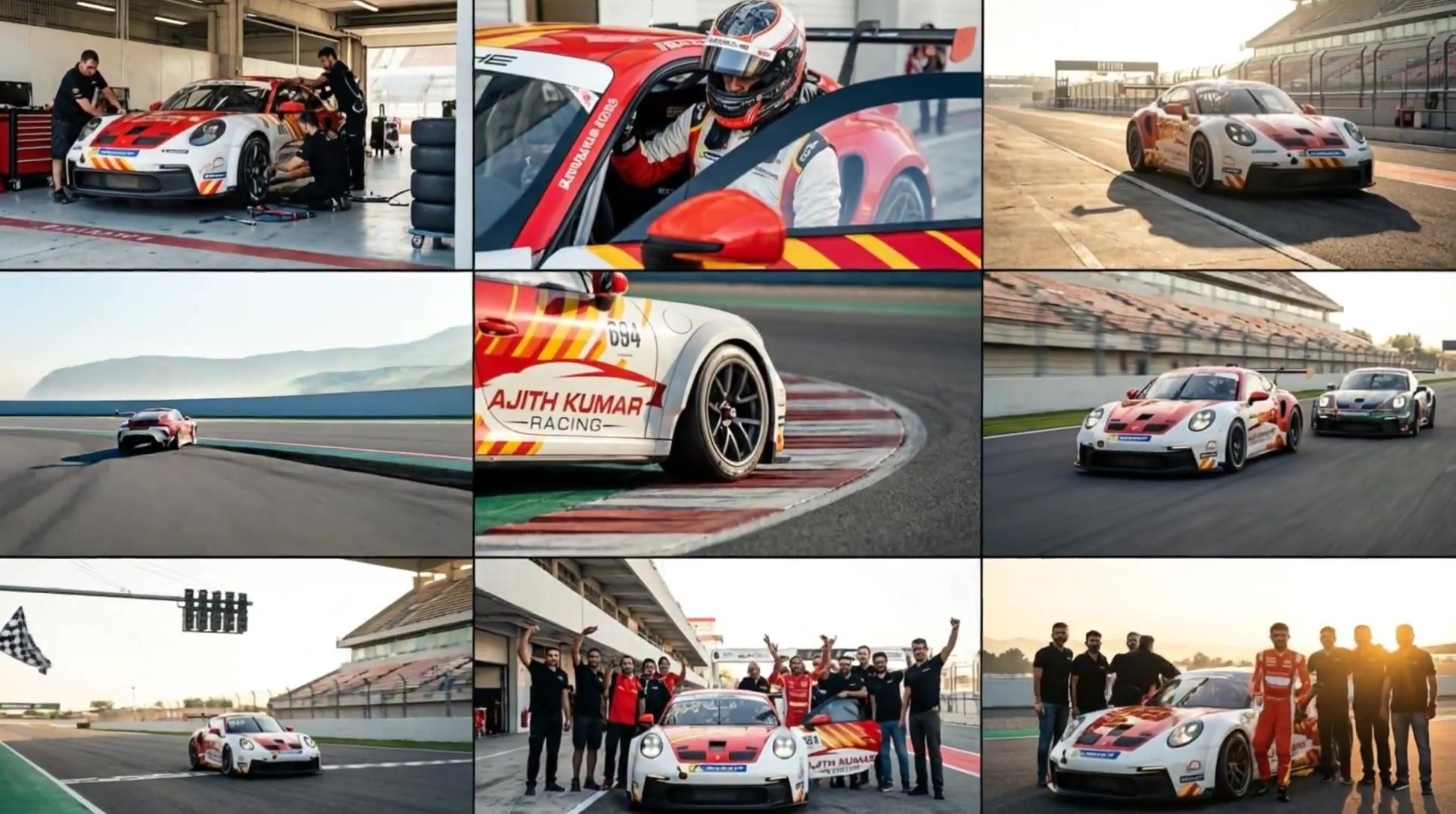
3x3 Grid Storyboard Racing — Kling 3.0 O3 Pro
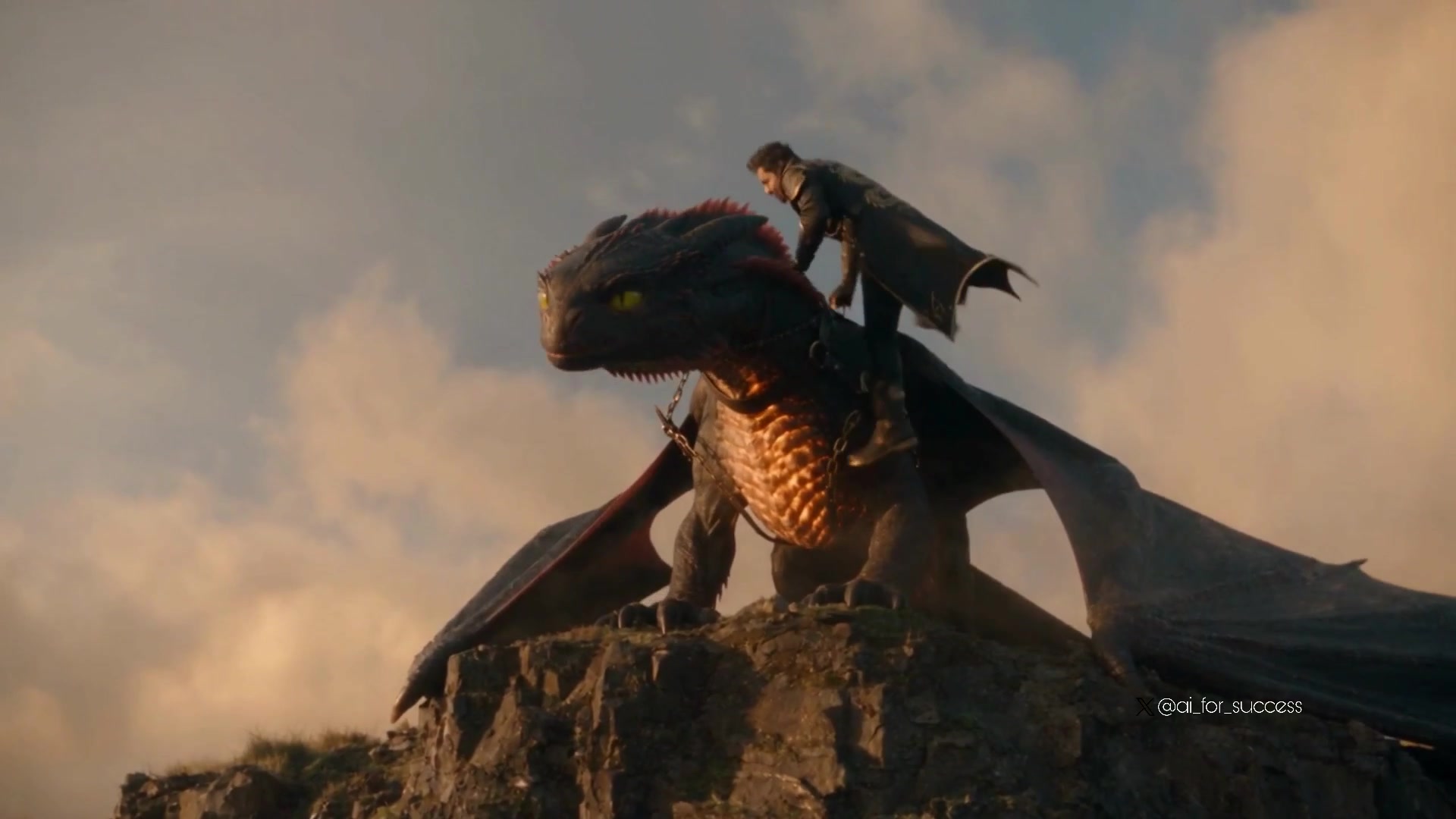
Dragon Rider Cinematic Flight — Seedance 2.5
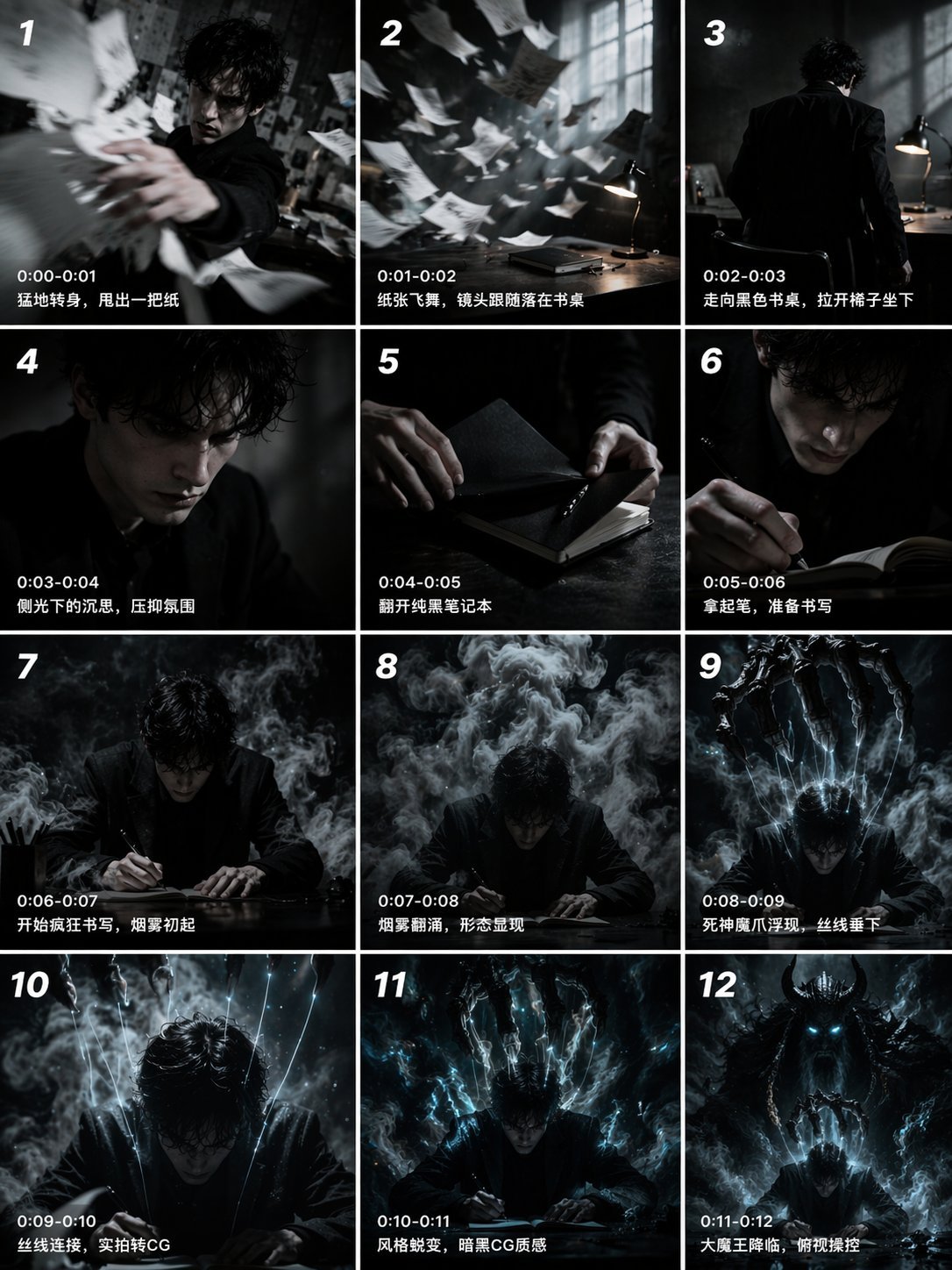
Gpt2 Gpt2 Seedance Storyboard to Video
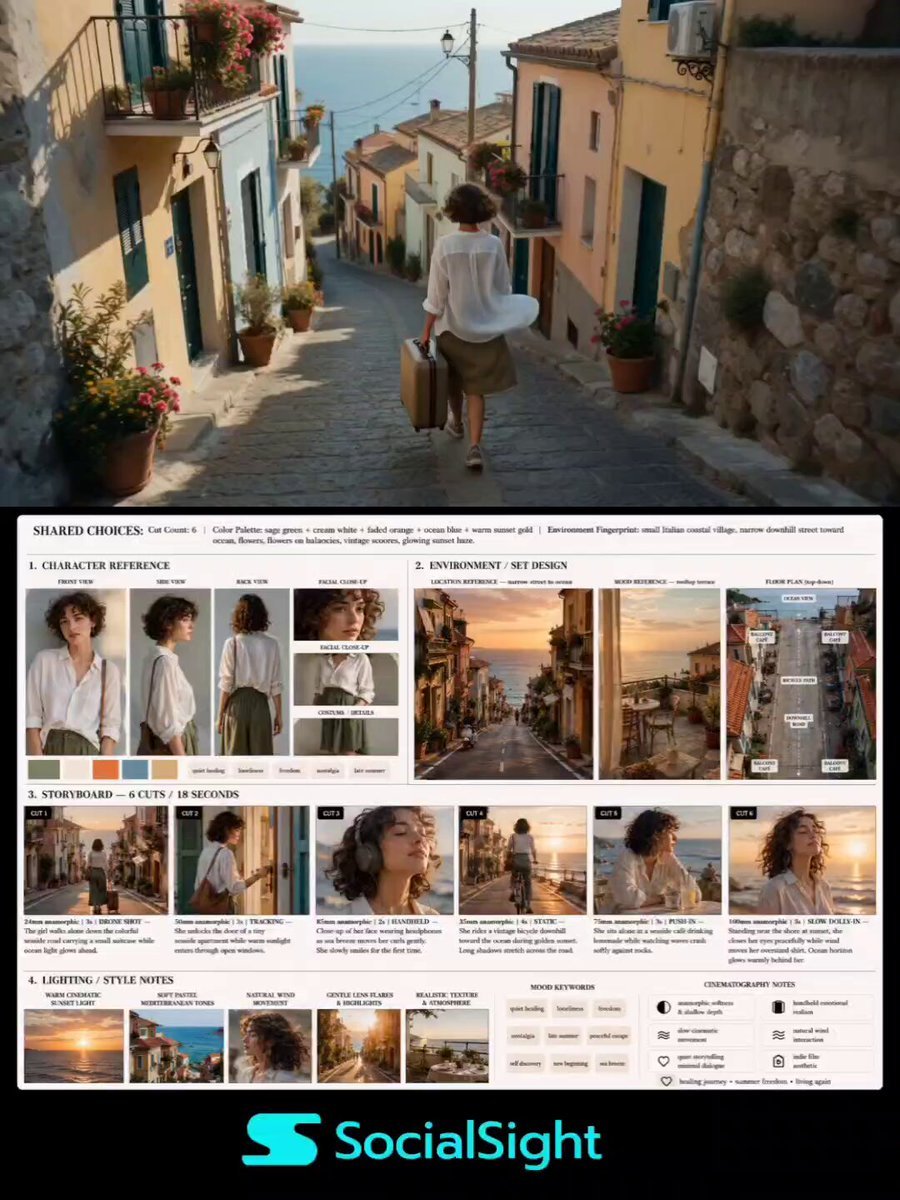
Indie Film Storyboard Layout
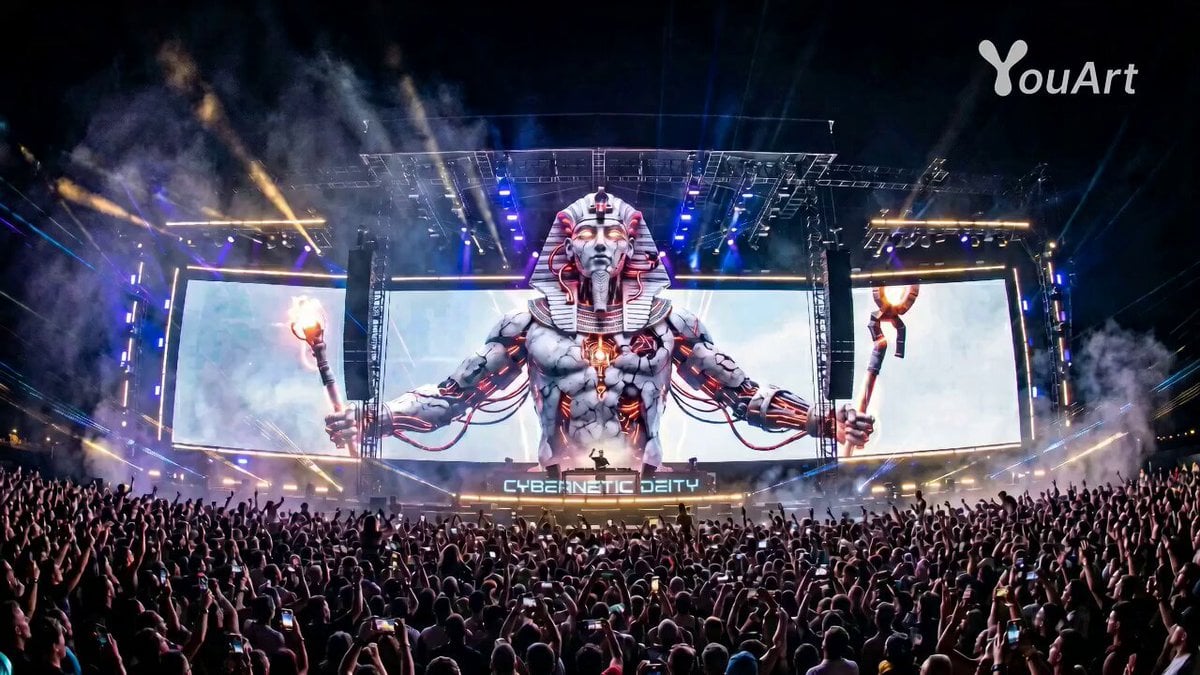
Pharaoh EDM Live Performance
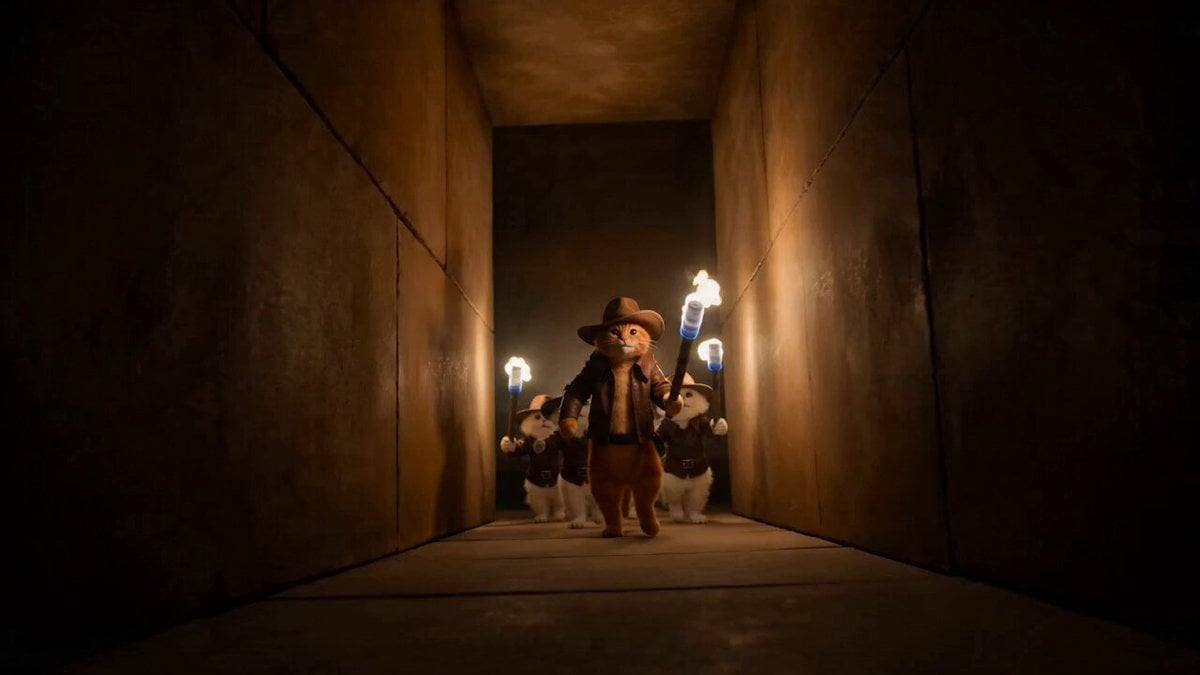
Cat Master and Bear Pharaoh Cinematic Comedy
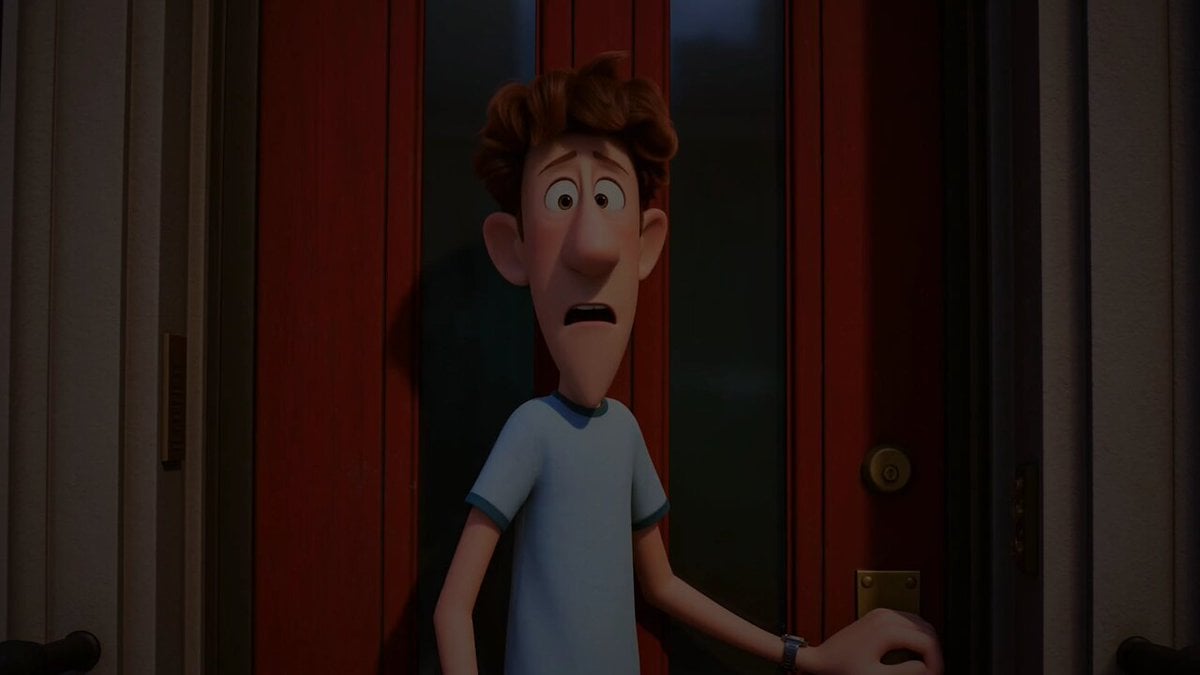
Pigeon Nemesis Pixar Animation Storyboard
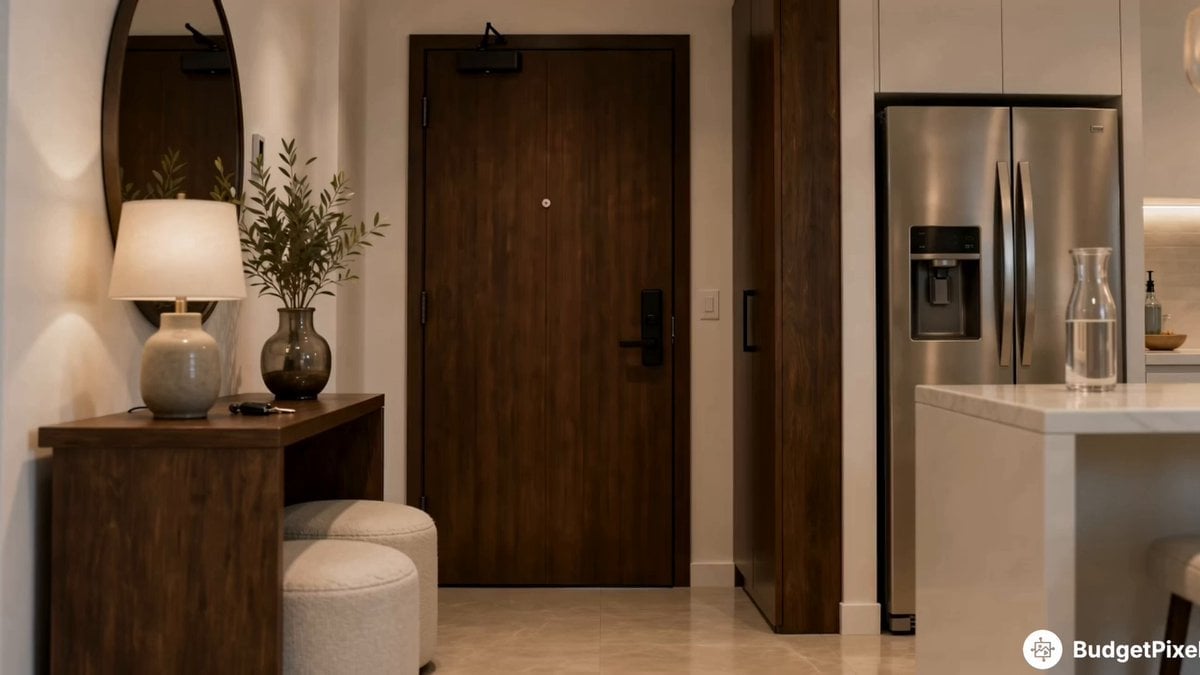
Apartment Arrival Storyboard Animation
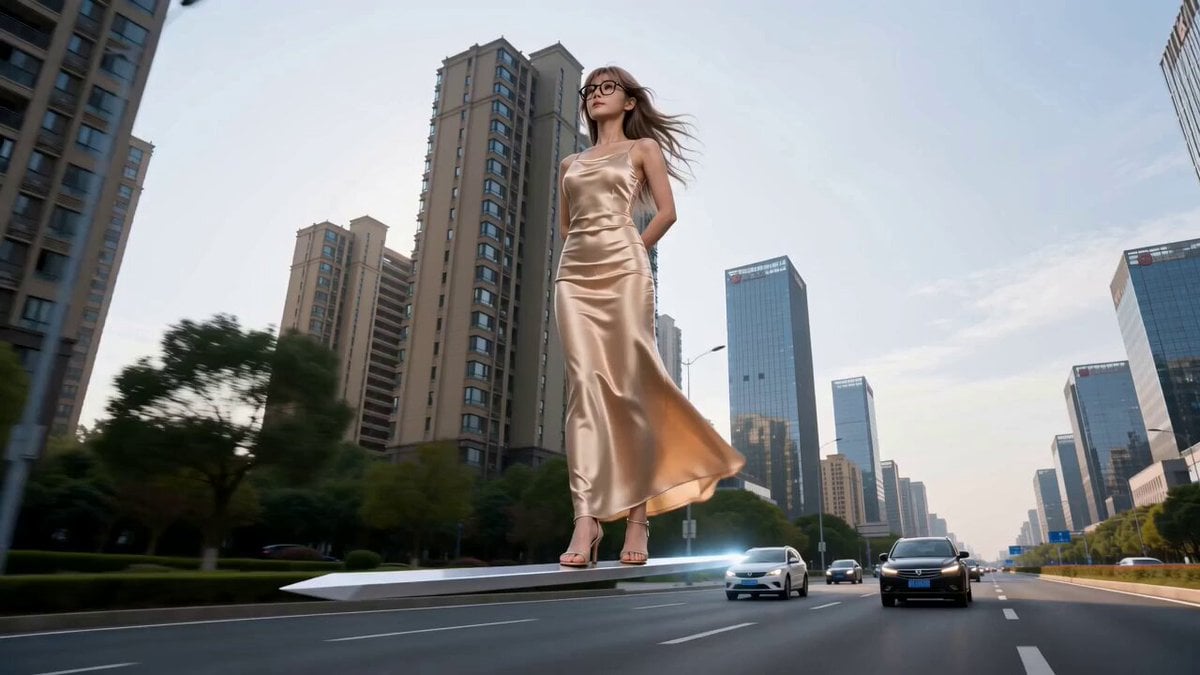
Modern Urban Fantasy Comedy Storyboard
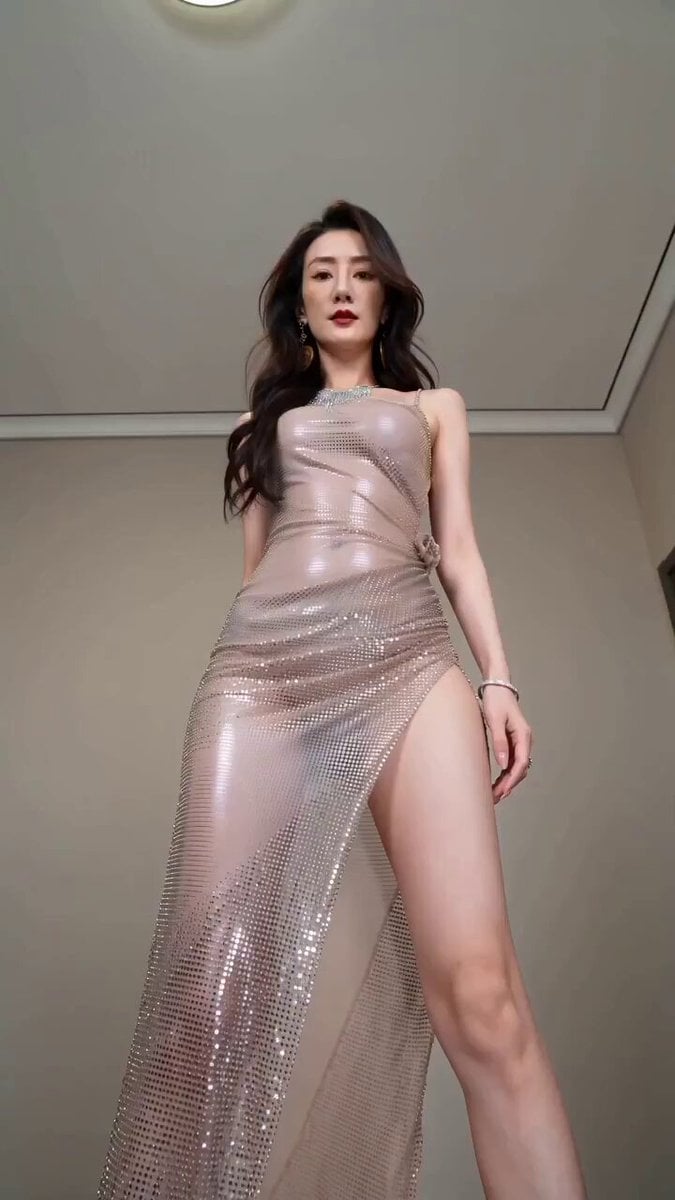
Realistic Fashion Quick Change Storyboard
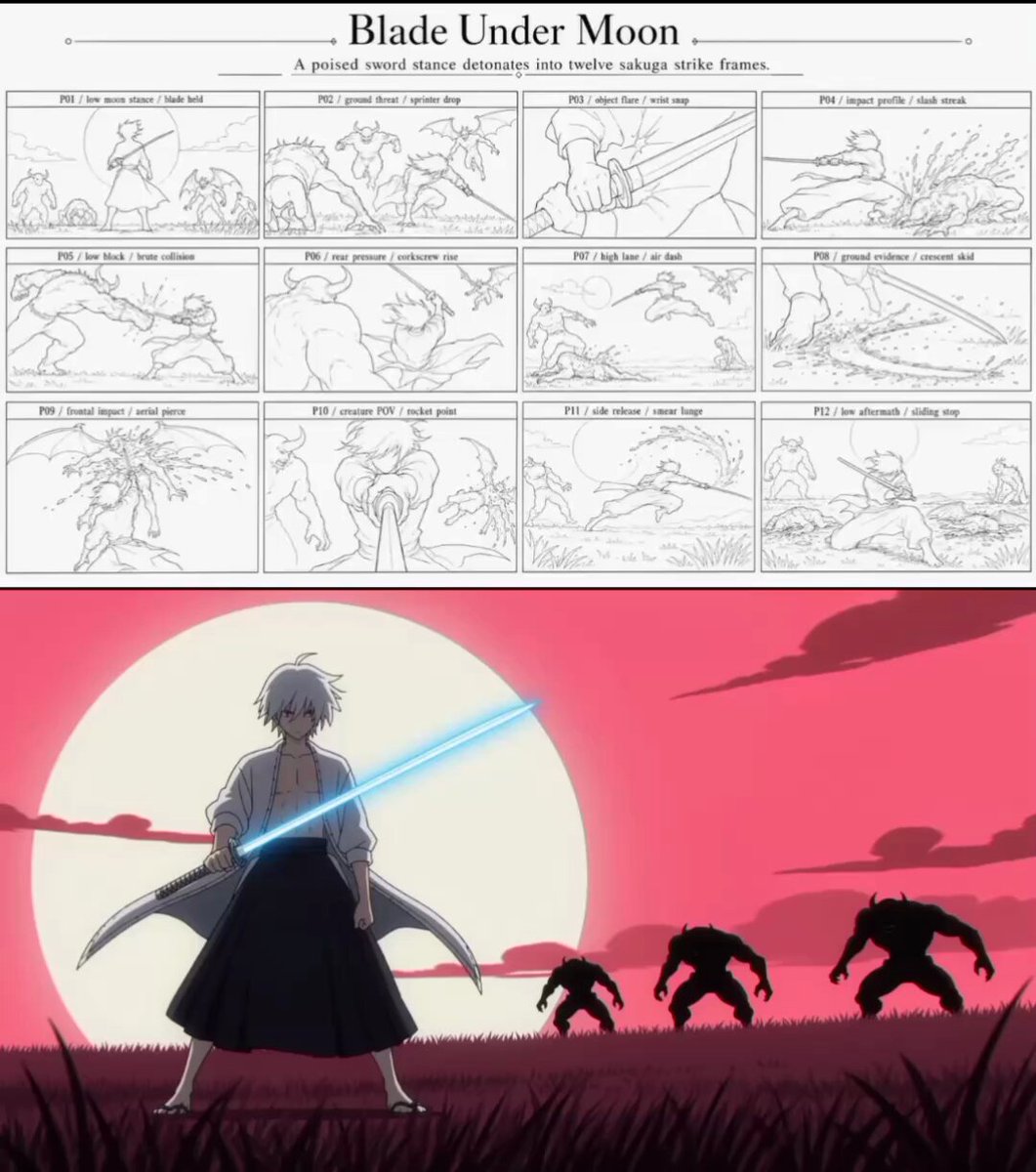
Sakuga Anime Action Storyboard
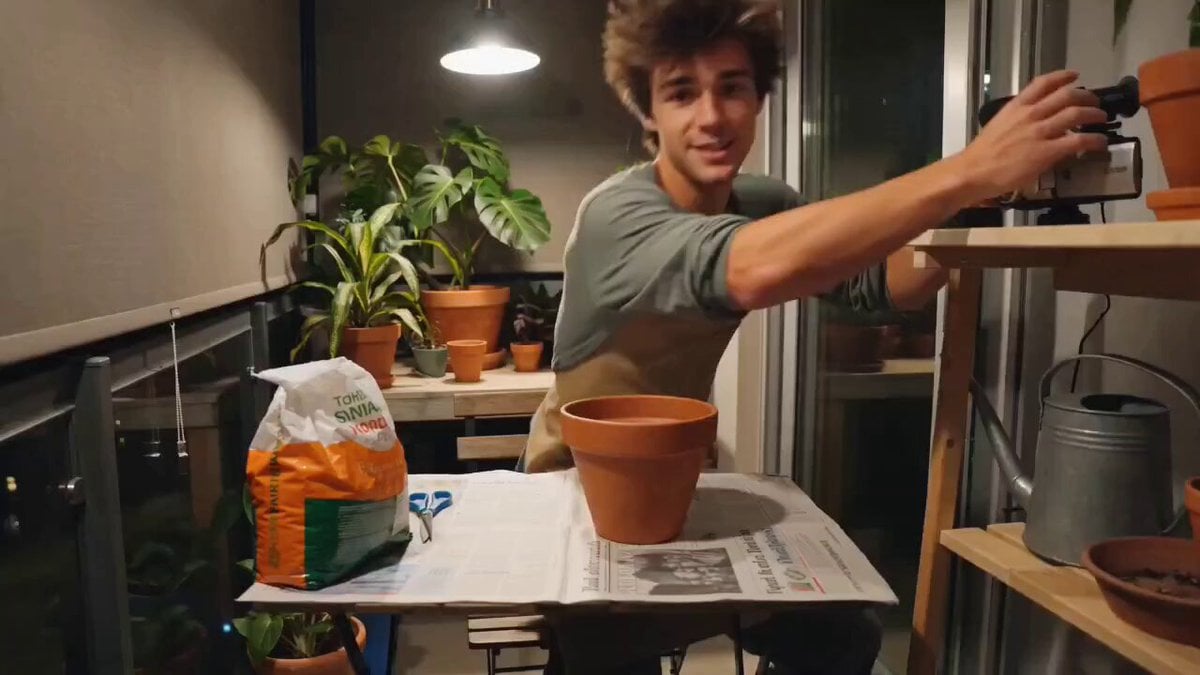
Cozy Evening Plant Repotting Vlog Storyboard
Make it yours
Pharaoh Storyboard Layout works as-is. These are the safest ways to change it without losing the look.
Change one field
Copy a single group, rewrite it, and generate again so you can see what that field is doing.
Keep the frame, change the subject
Hold the composition and light of Pharaoh Storyboard Layout, then swap wardrobe, props or the person for a new take.
| If the result… | Why | Fix |
|---|---|---|
| The result drifts from the preview | Too many fields changed at once. | Reuse Pharaoh Storyboard Layout as-is first, then change one group — subject, light, or setting. |
| The model over-stylizes the scene | The prose prompt leaves finish and camera underspecified. | Add one camera or lighting sentence and stay on Seedance 2.0. |
More Seedance 2.0 templates
Other prompts made for Seedance 2.0.

Comical Martial Arts Punch Scene

Maglev Train Action Sequence

Martial Arts Fight Sequence

Wuxia Protection and Trust Script

Vintage Korean Arcade MiniDV Vlog

Mercedes 190 SL Luxury Ad

Rainy Night Supernatural Reverse Comedy Video Script

Amazon Civilization Discovery

Futuristic South Asian City Transformation

Cozy Luxury Cafe Commercial
More video prompts
Fresh picks from across the catalog.
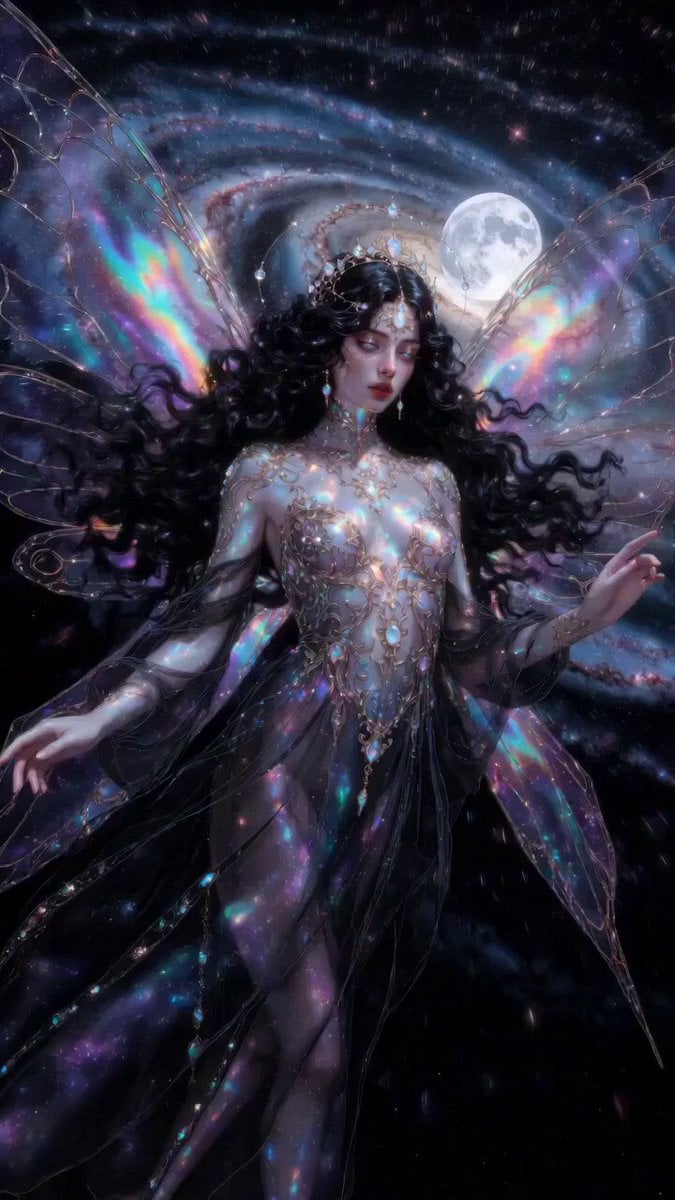
Ethereal dark fairy goddess cosmic video
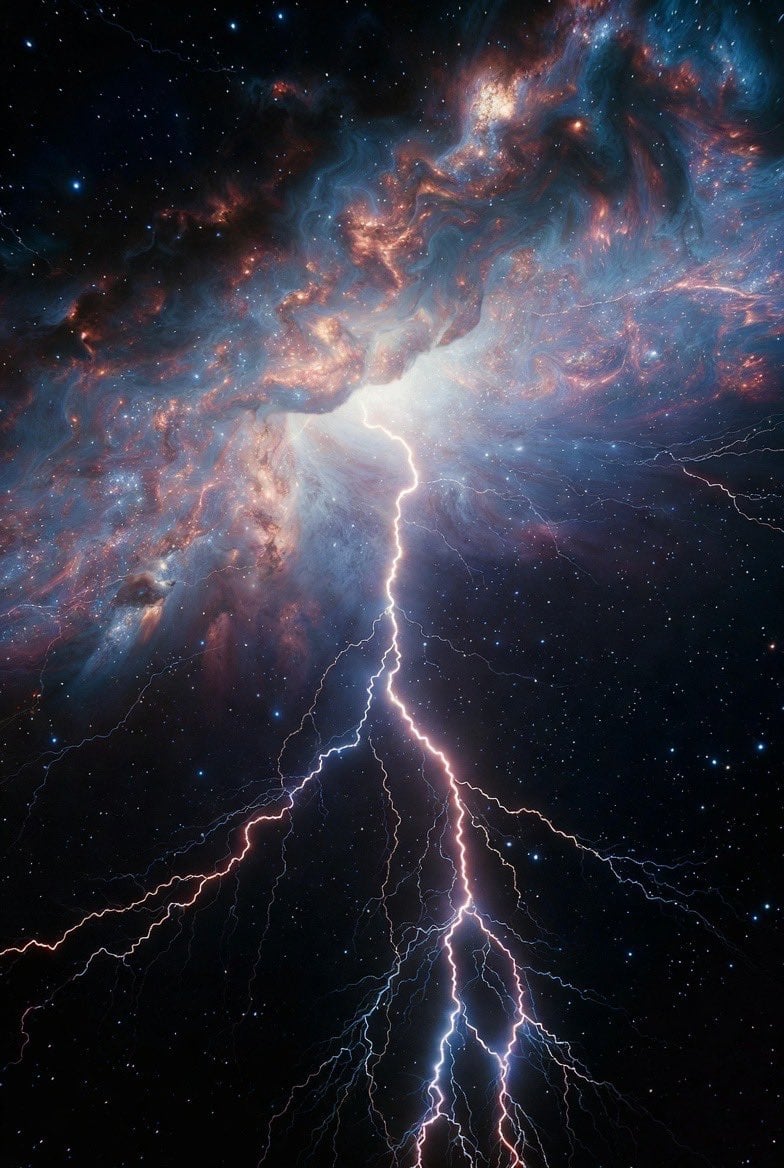
Ethereal Living Artworks Filigree
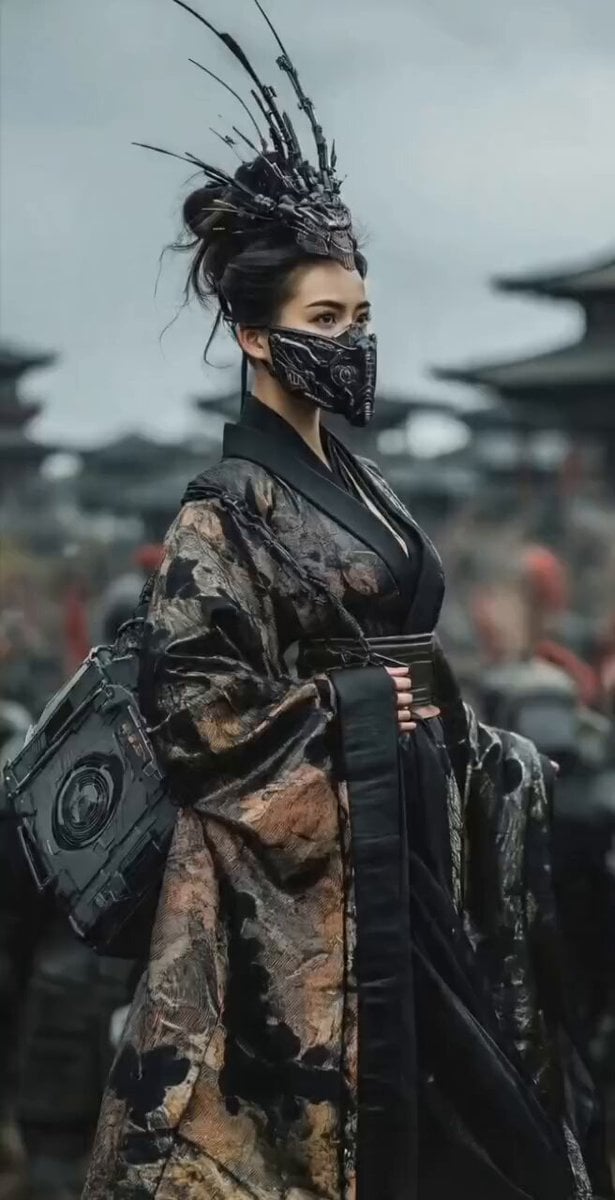
Mysterious Japanese Warrior
Electric Bike Urban Commercial
Ethereal Ballerina Garden Dance
Cinematic Gymnastics Balance Beam
Supernatural Horror: Monster Emerging from a Poster

Adorable 3D Animated Kitten Rescue Story

Luxury Grocery Run Lifestyle Vlog Prompt

Live-Action Style Dancing Girl Video Prompt
Browse template categories
Pharaoh Storyboard Layout questions
How do I use the Pharaoh Storyboard Layout template?
Add your photo if the template asks for one, edit the prompt if you like — the template's model and format are already selected — and press Generate. Your version opens in PicX Studio.
Can I customize the Pharaoh Storyboard Layout template?
Yes. You can change the subject, setting, lighting, mood, format, and available model controls before creating your video.
Is the Pharaoh Storyboard Layout template free?
Opening and editing this template is free. Generating uses credits, shown on the Generate button when you are signed in.
Which AI model should I use?
Start with Seedance 2.0, which is the model associated with this template. You can compare another compatible model for a different finish.
Looking for something else? Browse all templates.

Your photo, any look
Thousands of ready templates for every top image and video model, from one credit balance.