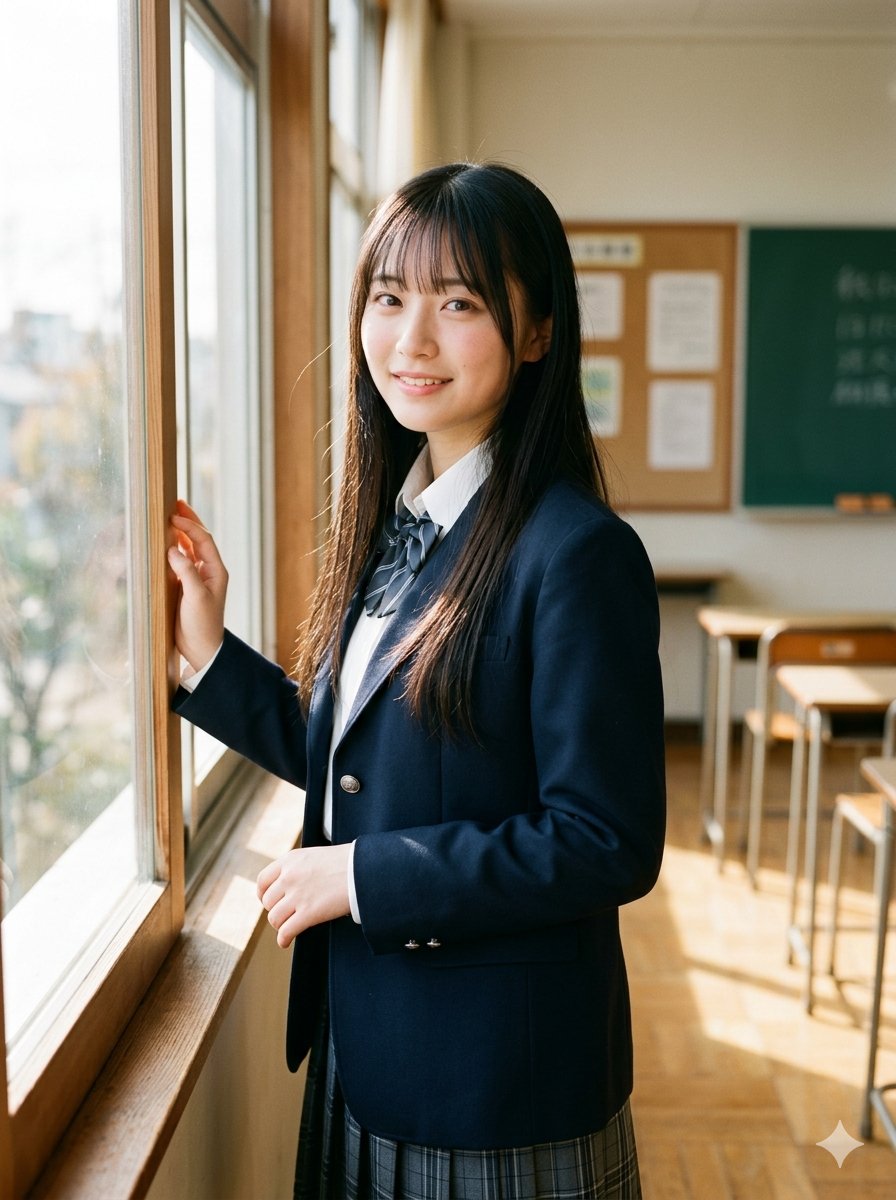
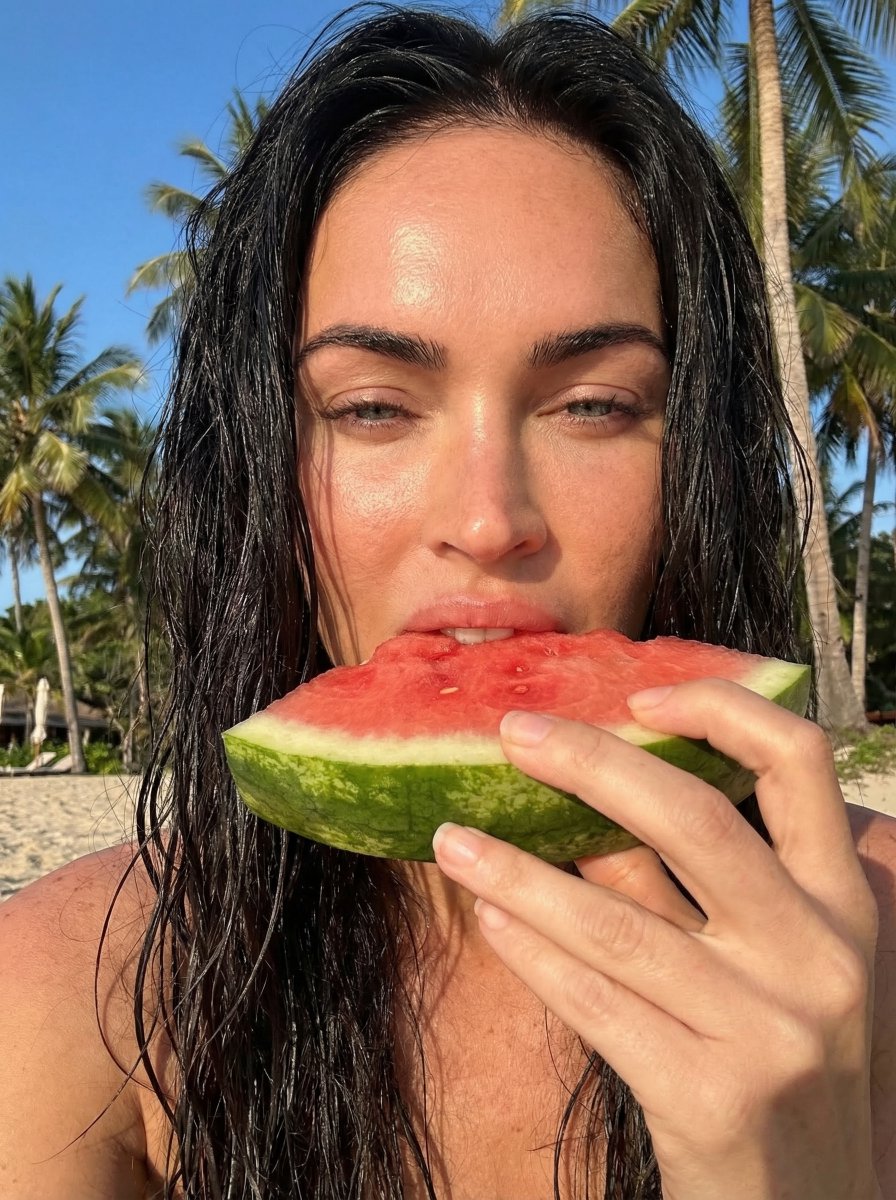
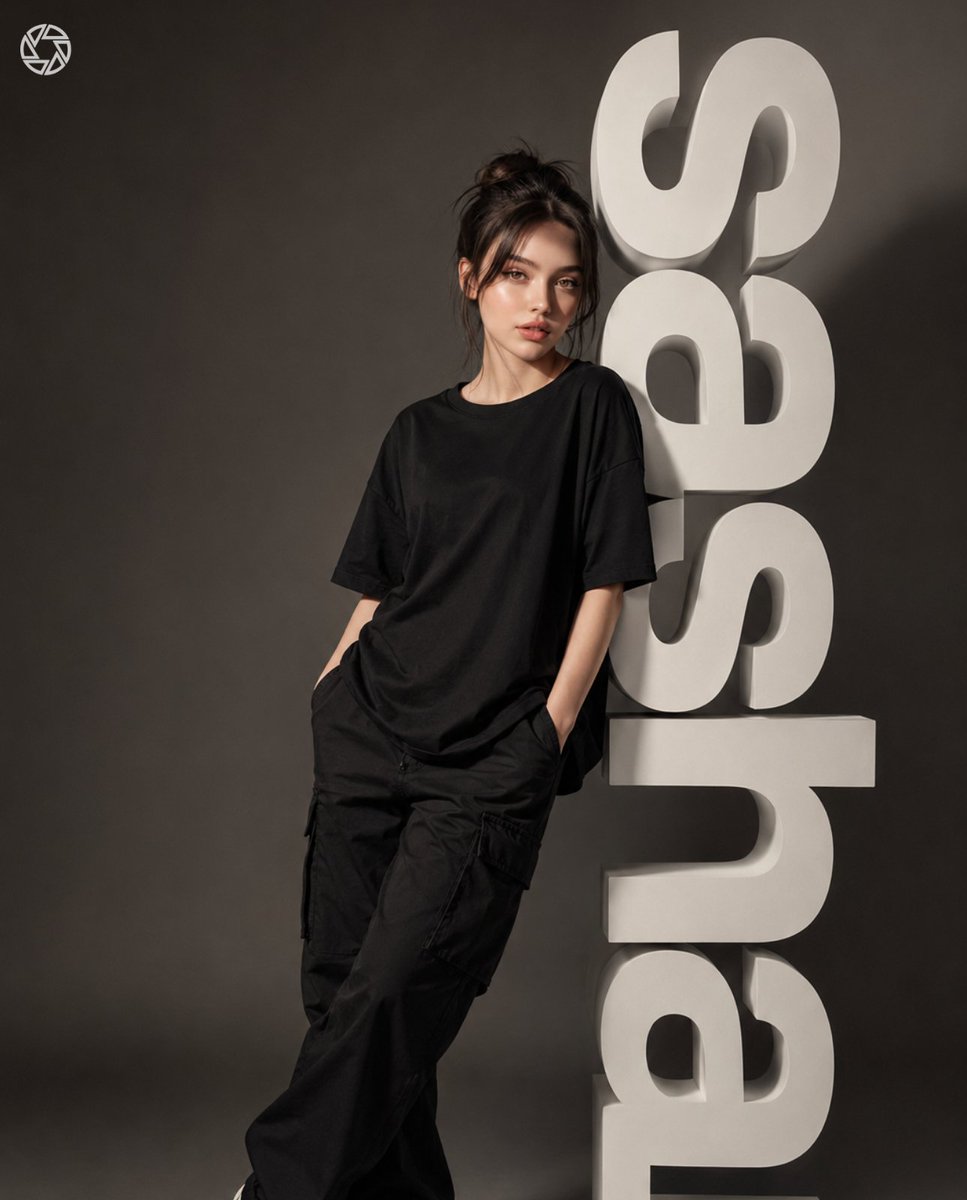
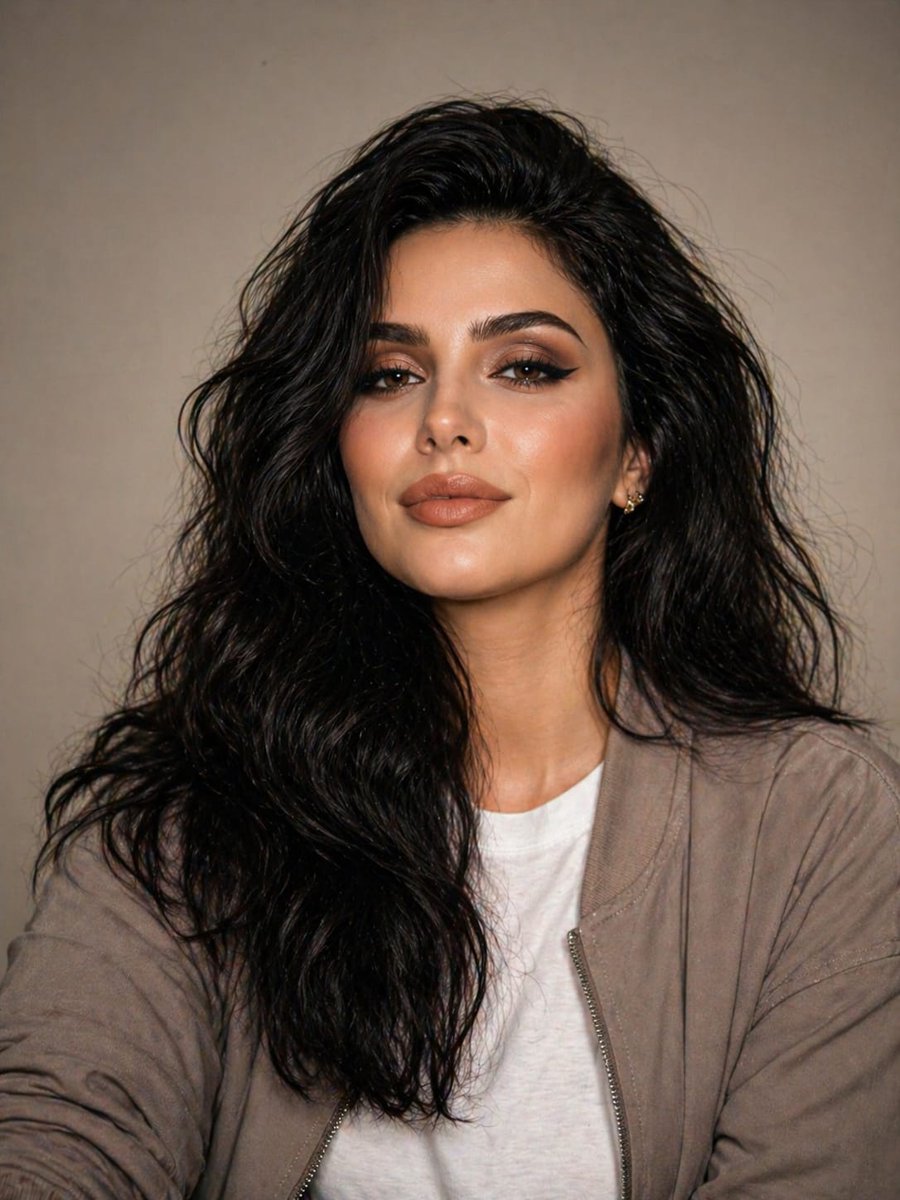
Ultra-Realistic Fashion Portrait of Ana de Armas on the French Riviera
{
"style": "Ultra-realistic cinematic fashion portrait",
"theme": "Luxury French Riviera editorial",
"composition": {
"orientation": "Vertical",
"framing": "Three-quarter crop from waist to knee"
},
"resolution": "RAW 8K",
"aesthetic": "Maximum photorealism, refined high-fashion magazine aesthetic",
"identity_preservation": {
"facial_identity": "100% identical",
"body_proportions": "Exact match",
"features": [
"No face change",
"No body reshaping",
"No stylization",
"Natural anatomy",
"Real posture",
"Real proportions",
"Skin tone, facial structure, and body alignment match exactly"
]
},
"subject": {
"name": "Ana de Armas",
"identity": "Exact likeness",
"pose": {
"position": "Seated on stone balustrade",
"location": "French Riviera terrace",
"posture": "Torso subtly angled to the left, shoulders relaxed, chin gently toward the camera",
"gaze": "Confident, calm, subtly seductive, editorial",
"body_language": "Natural, feminine, controlled",
"arms": {
"hands": "Resting on mini handbag, fingers relaxed",
"elbows": "Soft, natural"
}
},
"outfit": {
"dress": {
"style": "Structured corset mini dress",
"color": "Neutral light tone",
"details": [
"Cap sleeves",
"Deep neckline",
"Corset boning visible through bodice",
"Delicate covered buttons",
"Sculptural skirt subtly flaring",
"Fabric: matte satin-cotton blend, zero shine, crisp texture, realistic folds and seams"
]
}
},
"accessories": [
{
"type": "Mini padded handbag",
"details": "Held with both hands, fine chain strap, subtle diamond-like speckle detailing"
},
{
"type": "Minimalist tennis bracelet and refined rings",
"details": "Realistic scale and weight, no exaggerated sparkle"
}
]
},
"environment": {
"setting": "Elegant French Riviera terrace",
"foreground": "Stone balustrade",
"additional_elements": [
"Classical white cherub statue",
"Softly defocused background suggesting coastal luxury, Mediterranean architecture"
]
},
"lighting": {
"type": "Bright natural daylight",
"shadows": "Soft, realistic",
"highlights": "Clean, defining form, fabric structure, and skin texture",
"exposure": "Balanced, editorial contrast, no harsh clipping"
},
"camera": {
"capture_type": "DSLR aesthetic",
"lens": "85mm",
"depth_of_field": "Shallow",
"focus": "Torso, hands, corset structure, fabric details",
"lens_compression": "Natural",
"color_grading": "Cinematic yet realistic"
},
"rendering_constraints": {
"ultra_realism": true,
"prohibited_artifacts": [
"AI artifacts",
"Plastic skin",
"Waxy textur


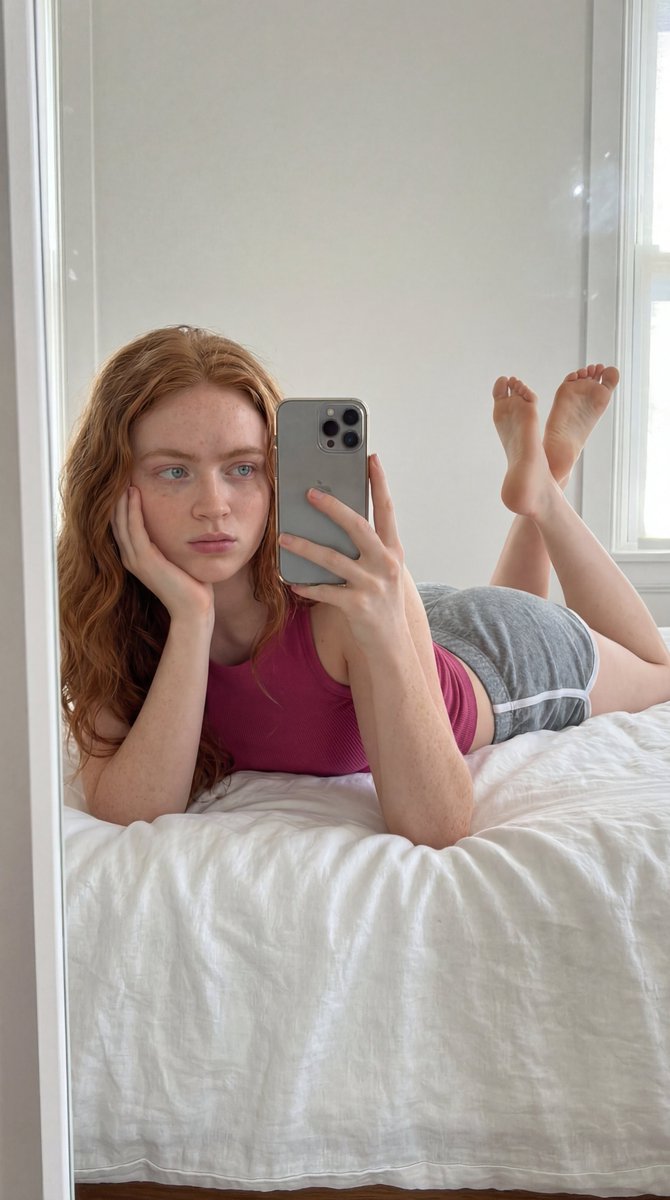





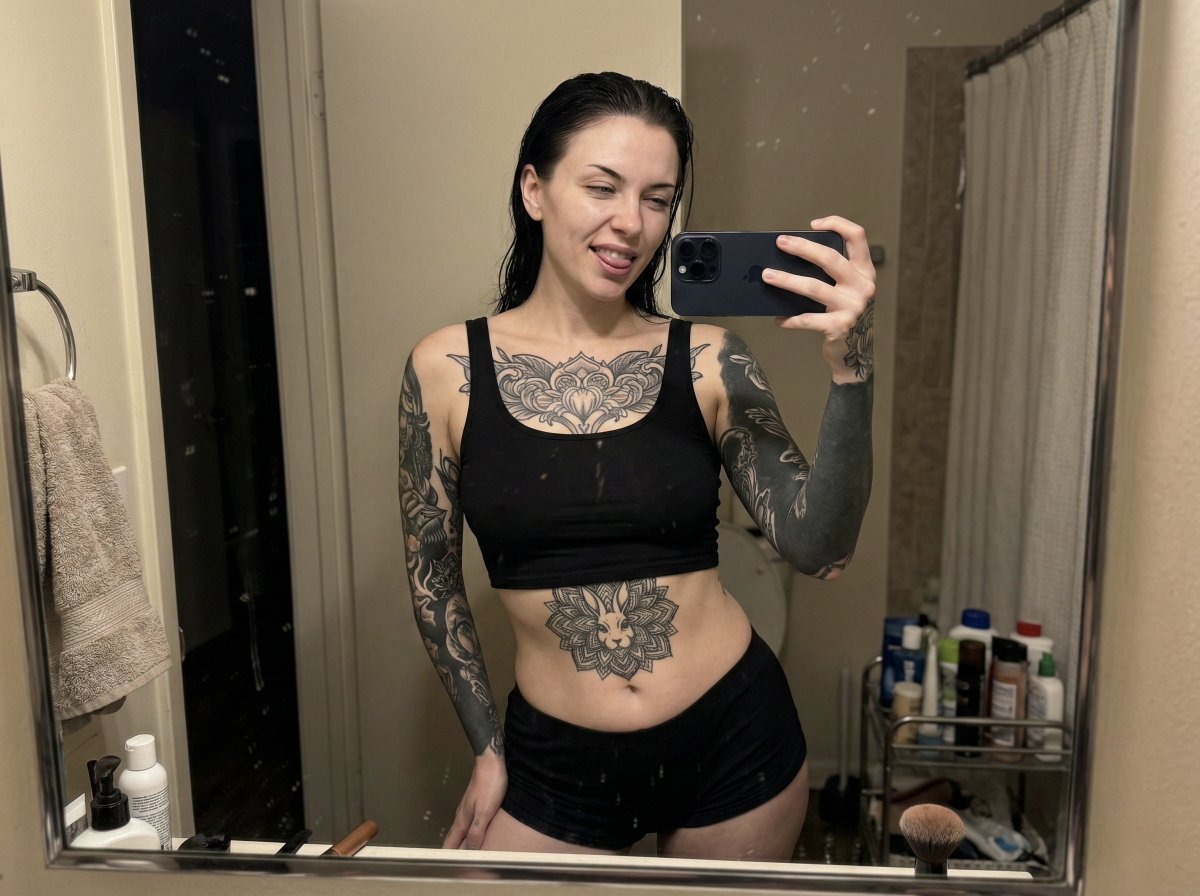
![Hyper-Detailed Prone Selfie with Anatomical Realism — (Vertical 9:16 smartphone aspect ratio). A raw, high-contrast [Mirror Capture] taken with an iPhone 17 Pro](https://pbs.twimg.com/media/G-UpvcKXAAAMYMT.jpg)





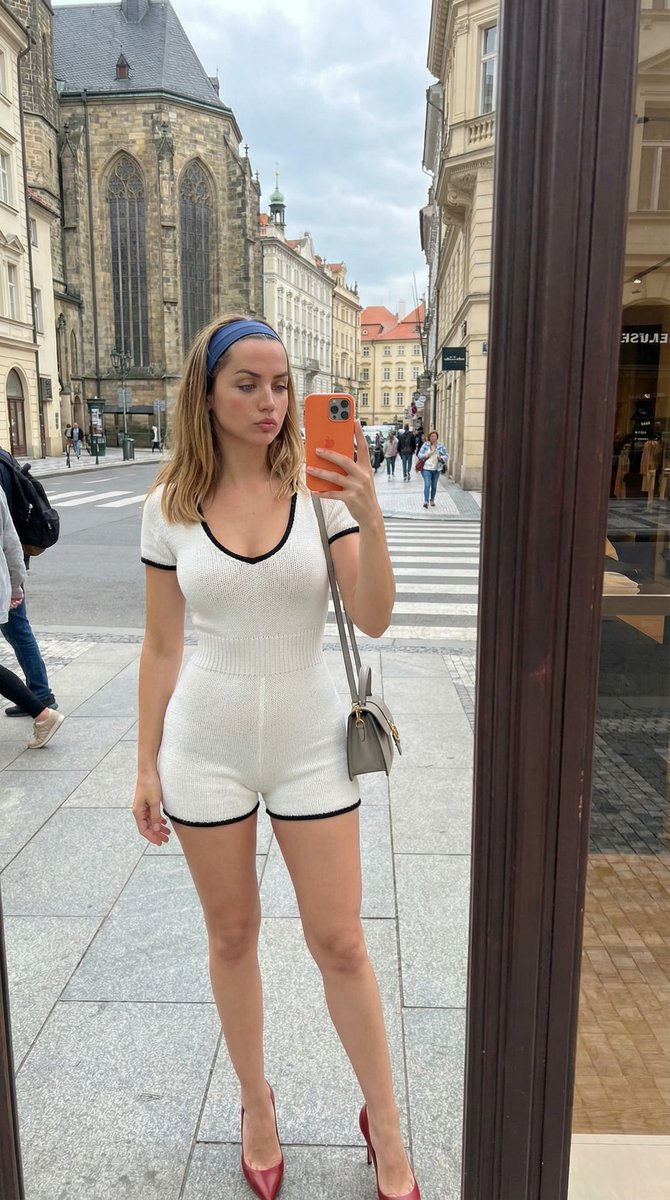
![nano-banana-grwm-mirror-selfie-pink — Nano Banana 2
Prompt (JSON):
{
"type": "image_prompt",
"description": {
"subject": {
"main": "[NAME] com o](/_next/image?url=https%3A%2F%2Fcdn.picxstudio.com%2Fuploads%2Ftweet_img_10a_612da6f9-cf6d-417e-bdd5-cc1300d1d830.jpg&w=828&q=100)



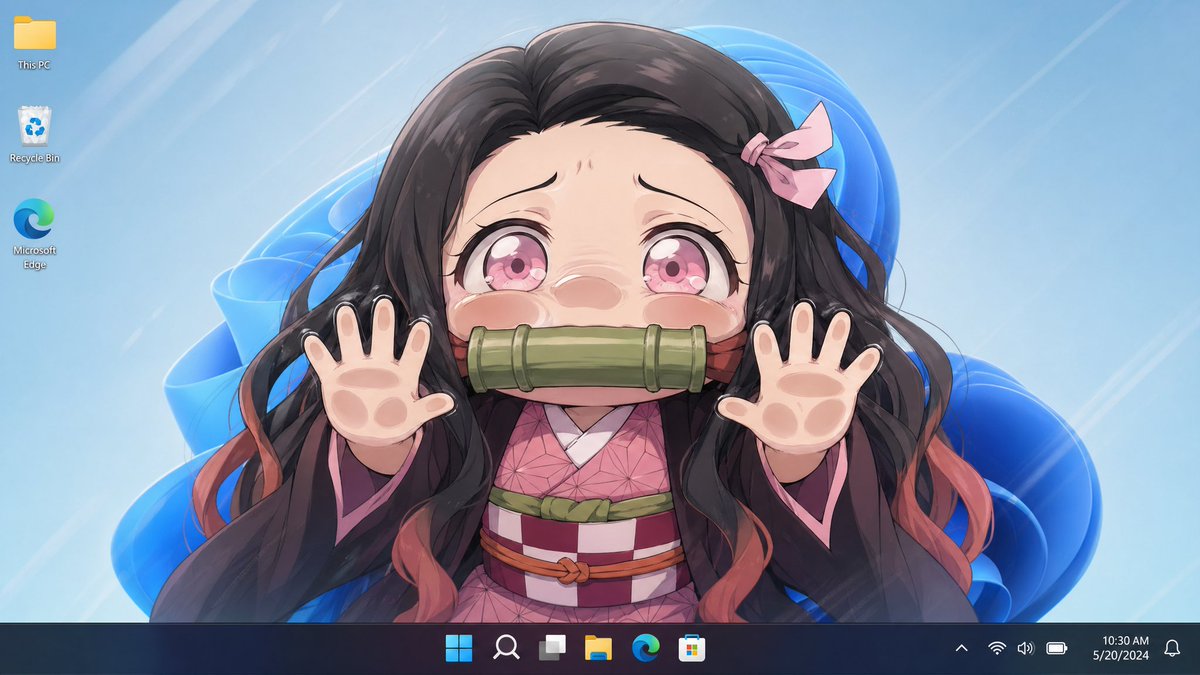
![Naive doodle-style subject illustration — A doodle-style {argument name="subject" default="[subject]"}, naive lines, humorous shape exaggeration](https://pbs.twimg.com/media/G6Wl2YxbsAARB2b.jpg)












![Macro Photography Prompt Template — A {argument name="mood" default="[MOOD]"} macro photograph of a {argument name="subject" default="[TINY SUBJECT]"} in a {arg](https://cms-assets.youmind.com/media/1778315761653_tsbi3c_HH0FB54WEAEZLr2.jpg)
![Soft UI Style Illustration Generator — Soft minimal illustration of {argument name="subject" default="[SUBJECT]"}, rounded shapes, gentle gradients, calming ton](https://pbs.twimg.com/media/G_BPu_1WAAAASVe.jpg)








![Limestone Sculpture with Neon Glow Prompt — Close-up three-quarter bust sculpture of {argument name="character name" default="[Character Name]"} carved from gre](https://pbs.twimg.com/media/HBxIh1IaAAA9uvF.jpg)