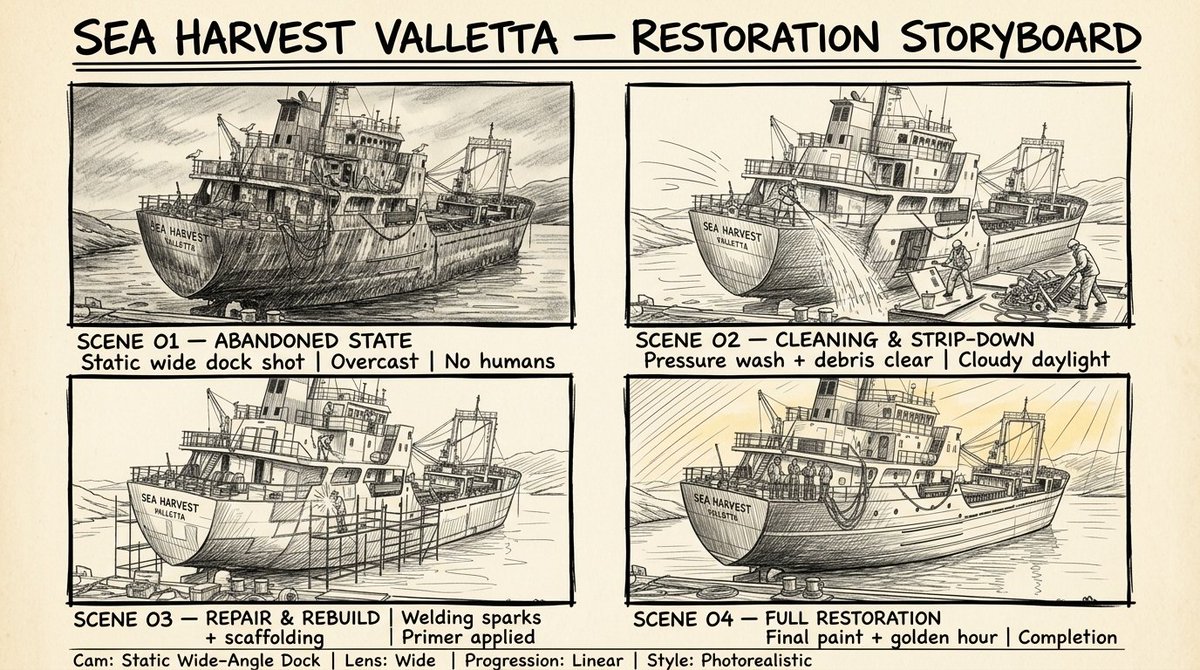
Sydney Sweeney and Ana de Armas Beach Pose
{
"subject": {
"identities": [
{
"biometric_reference": "Sydney Sweeney",
"facial_structure": {
"shape": "oval with defined cheekbones",
"eye_morphology": "almond-shaped, hooded eyelid characteristic",
"dentition": "natural alignment, bright white",
"iris_pattern": "light blue-grey with radial stroma fibers"
},
"body_morphology": {
"somatotype": "hourglass mesomorph, slightly shorter frame relative to subject_2",
"waist_to_hip_ratio": "0.68",
"skin_physics": {
"tone_hex": "#F8D1B4",
"texture": "dewy, high specular highlights, subsurface scattering enabled",
"details": "opaque white lacquer on toenails, anatomical bone structure of feet clearly visible"
}
},
"wardrobe": {
"item": "two-piece ribbed bikini",
"material": "textured elastane/nylon blend",
"color_hex": "#191970",
"fit": "low-rise bottom, secure top with thin straps"
}
},
{
"biometric_reference": "Ana de Armas",
"facial_structure": {
"shape": "oval/heart blend with distinct high cheekbones and balanced jawline",
"dentition": "natural alignment, bright white",
"iris_pattern": "complex green/hazel with detailed gold flecks and dark limbal rings",
"lip_morphology": "balanced cupid's bow, full lower lip"
},
"body_morphology": {
"somatotype": "slim hourglass mesomorph somatotype, average height frame, proportional dimensions",
"waist_to_hip_ratio": "0.71",
"skeletal_proportions": "proportional femur and torso lengths",
"skin_physics": {
"tone_hex": "#FAD6A5",
"texture": "pores visible, high specular highlights on solar-exposed areas, natural light olive complexion texture",
"details": "opaque white lacquer on toenails, natural skin texture on soles of feet"
}
},
"wardrobe": {
"item": "one-piece scoop-neck swimsuit",
"material": "honeycomb waffle-knit texture",
"color_hex": "#FFFFFF",
"fit": "high-cut leg, form-fitting body contour"
}
}
]
},
"pose_action": {
"description": "Propped up on forearms in a semi-recumbent position, leaning on elbows with upper torso elevated",
"interaction": "Both subjects facing forward, looking directly into the camera lens with soft expressions",
"arm_placement": "Forearms resting on towels to support body weight, hands resting naturally",
"leg_position": "Legs extended straight forward toward the lower edge of the frame, showcasing white pedicures",
"symmetry": "Side-by-side alignment with subject_1 on the left (white towel) and subject_2 on the right (red towel)"
},
"scene": {
"en"
}
}











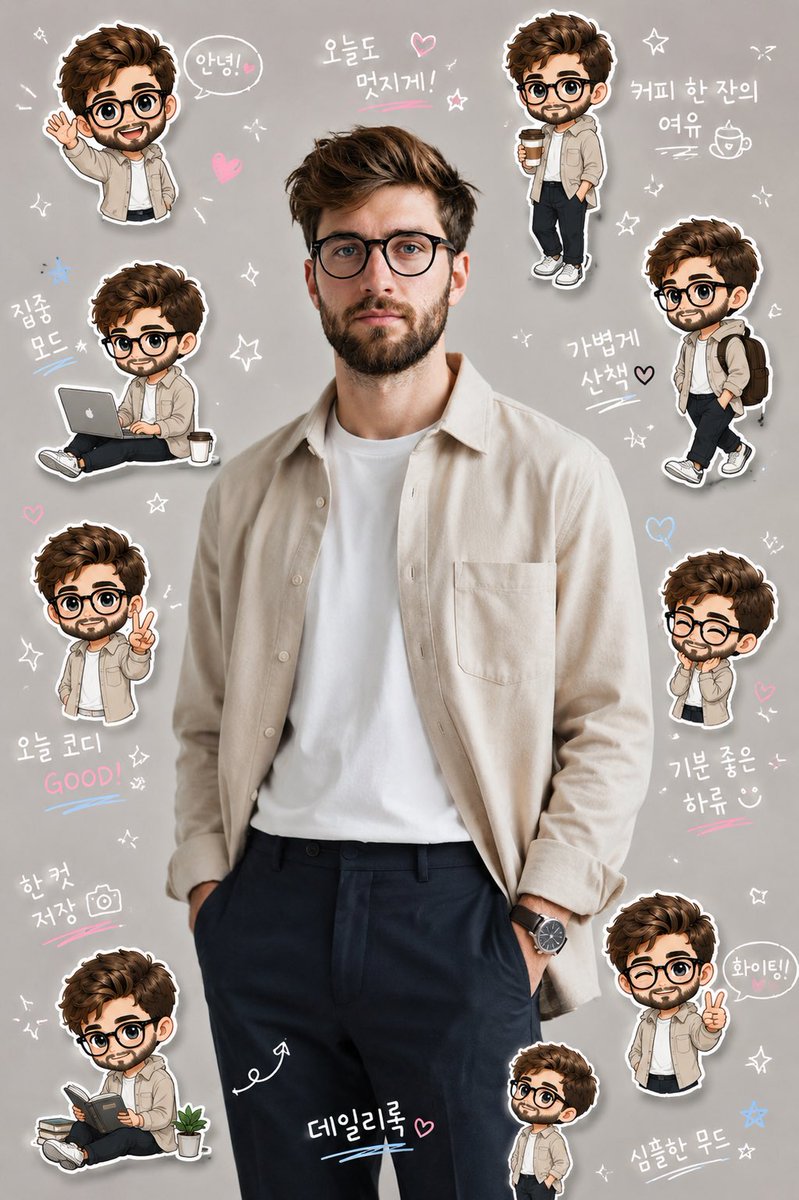
![Naive doodle-style subject illustration — A doodle-style {argument name="subject" default="[subject]"}, naive lines, humorous shape exaggeration](https://pbs.twimg.com/media/G6Wl2YxbsAARB2b.jpg)