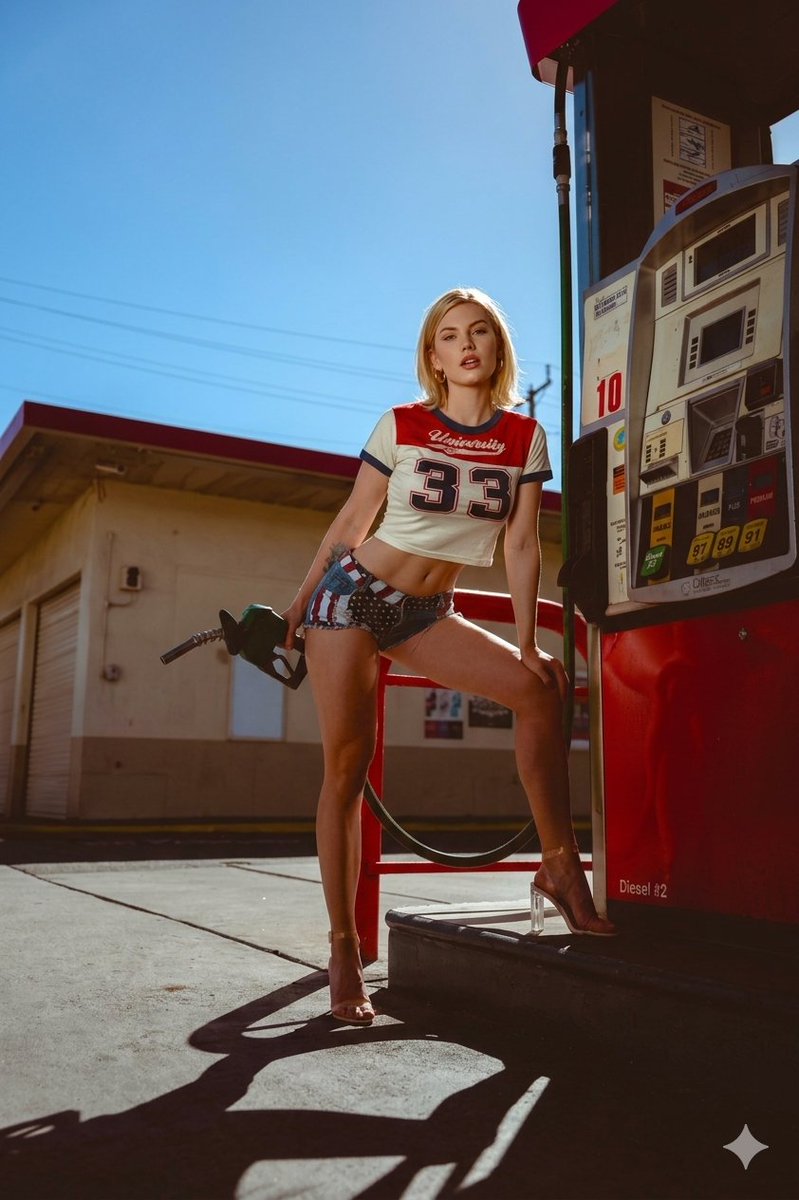
How do I use the Neon Pink Gas Station Portrait (Fisheye Lens) template?
Choose the primary action to open PicX Studio with the available template settings. Review the model and format, personalize the creative direction, and generate when ready.
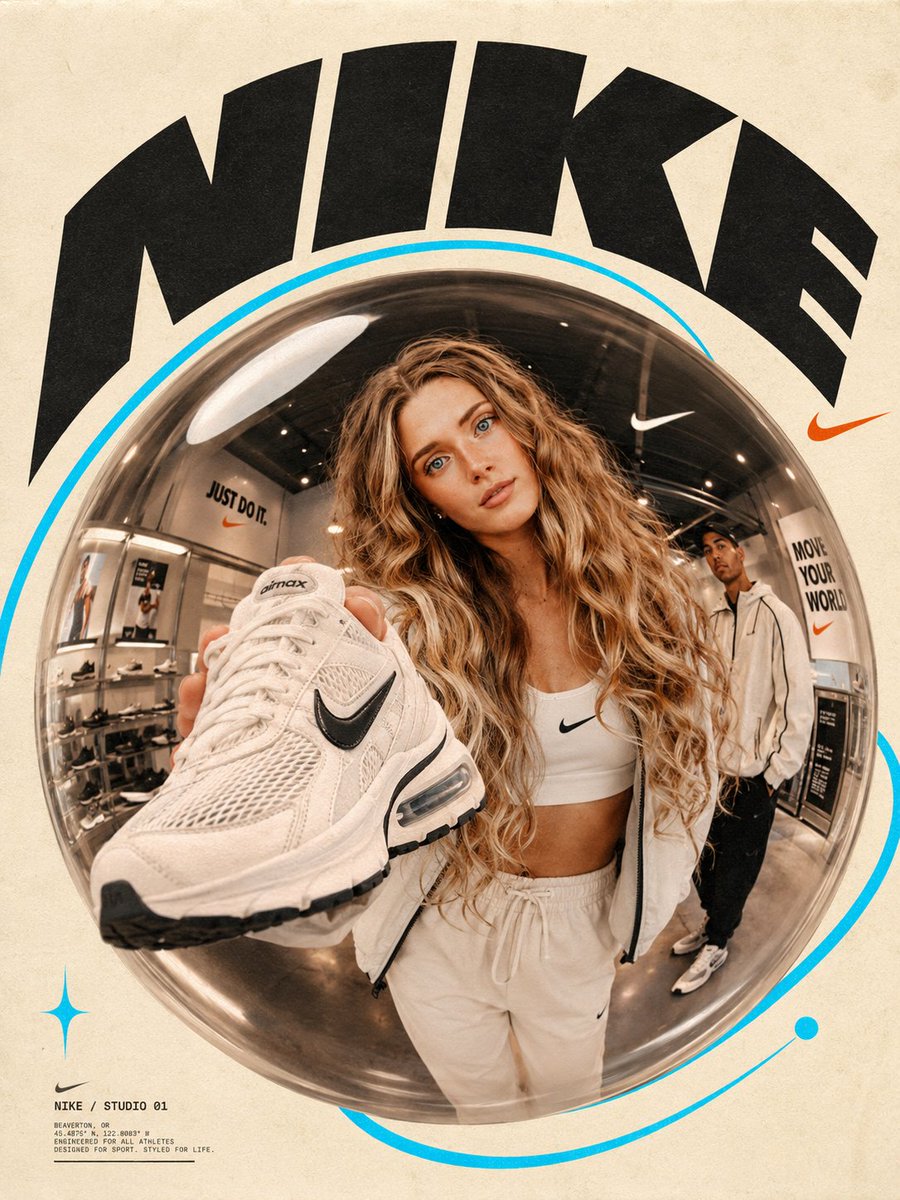
A structured prompt for generating a vibrant, high-contrast image of Madison Beer at a wet asphalt gas station at night, illuminated by bright pink neon lights. Change the subject, setting, or lighting one variable at a time.

{ "subject": { "identity": "Pop singer {argument name="subject name" default="Madison Beer"}, smiling confidently.", "body": "Hourglass figure with athletic definition. Broad shoulders tapering to a narrow, cinched waist, contrasting with prominent, curvy hips and well-developed glutes (high waist-to-hip ratio). Muscular legs and calves are visible in socks.", "wardrobe": { "top": "Plain pink crop top", "bottom": "White pleated mini skirt.", "footwear": "White knee-high socks with pink stripes, pink and white sneakers.", "accessories": "Large hoop earrings, long pink manicured nails. NO necklace.", "props": "Holding a white styrofoam cup with a straw in right hand, making a middle finger gesture with left hand." } }, "scene": { "location": "Wet asphalt gas station at night under a large, triangular canopy illuminated by bright pink neon lights and overhead fixtures.", "elements": "A pink sports car parked behind her, gas pumps, convenience store building in the background with an 'OPEN 24 HRS' sign.", "atmosphere": "Vibrant, neon-lit, rainy, reflections on wet pavement." }, "camera": { "lens": "Wide-angle fisheye lens, creating a distinct circular distortion and perspective.", "lighting": "Mixed artificial light: bright pink neon from the canopy, white overhead lights, creating strong highlights and colorful reflections on the wet ground and car.", "angle": "Slightly low angle, looking up at the subject.", "focus": "Sharp focus on the subject and the immediate foreground, with the background slightly distorted by the lens." }, "aspect_ratio": "9:16" }
Choose the primary action to open PicX Studio with the available template settings. Review the model and format, personalize the creative direction, and generate when ready.
Yes. You can change the subject, setting, lighting, mood, format, and available model controls before creating your image.
This template is free to open and customize. Generation usage is shown in PicX Studio before you create.
Start with Nano Banana 2, which is the model associated with this template. You can compare another compatible model for a different finish.
Follow a topic to a crawlable collection of related PicX Studio templates.
43,474 public templates available. Verified via the PicX Studio public templates API; refreshed hourly.


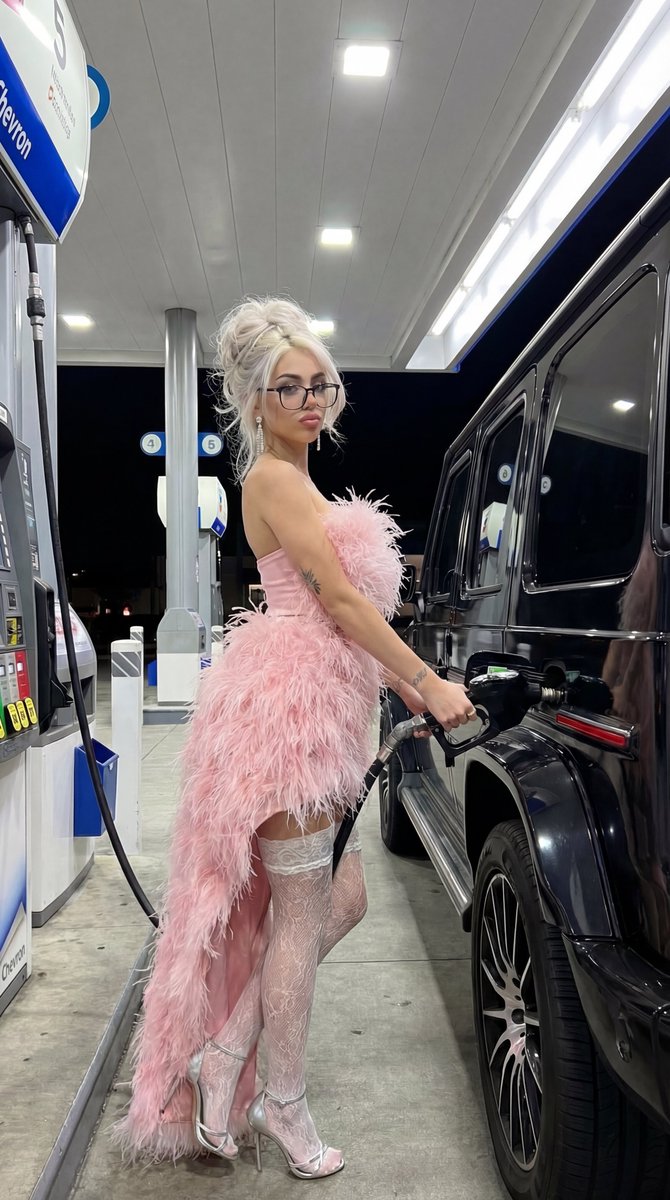

![Fisheye Lens Slushy Ice Portrait — A high-angle fisheye lens shot captures a young {argument name="ethnicity" default="[reference image ethnicity]"} woman with](https://cms-assets.youmind.com/media/1777447797190_i3xcm7_HHAj4vsbkAAf0r7.jpg)






![Naive doodle-style subject illustration — A doodle-style {argument name="subject" default="[subject]"}, naive lines, humorous shape exaggeration](https://pbs.twimg.com/media/G6Wl2YxbsAARB2b.jpg)
















![Glowing Text Fireworks — Fireworks spelling [{argument name="text" default="TEXT"}] in glowing spark trails, elegant handwritten typography, smooth curves, deep](https://pbs.twimg.com/media/G9fg518bgAEgo-B.jpg)


![Cleopatra High-Fashion Editorial Prompt — [Meta]
Description={argument name="description" default="Ultra realistic 8K UHD DSLR photo of a modern woman as Cleopa](https://pbs.twimg.com/media/G8mJT20XAAA5kvW.jpg)