
Japanese AI Conversation Slide
Generates a polished Japanese presentation slide explaining why AI is easy to ask questions, suitable for business or educational decks.
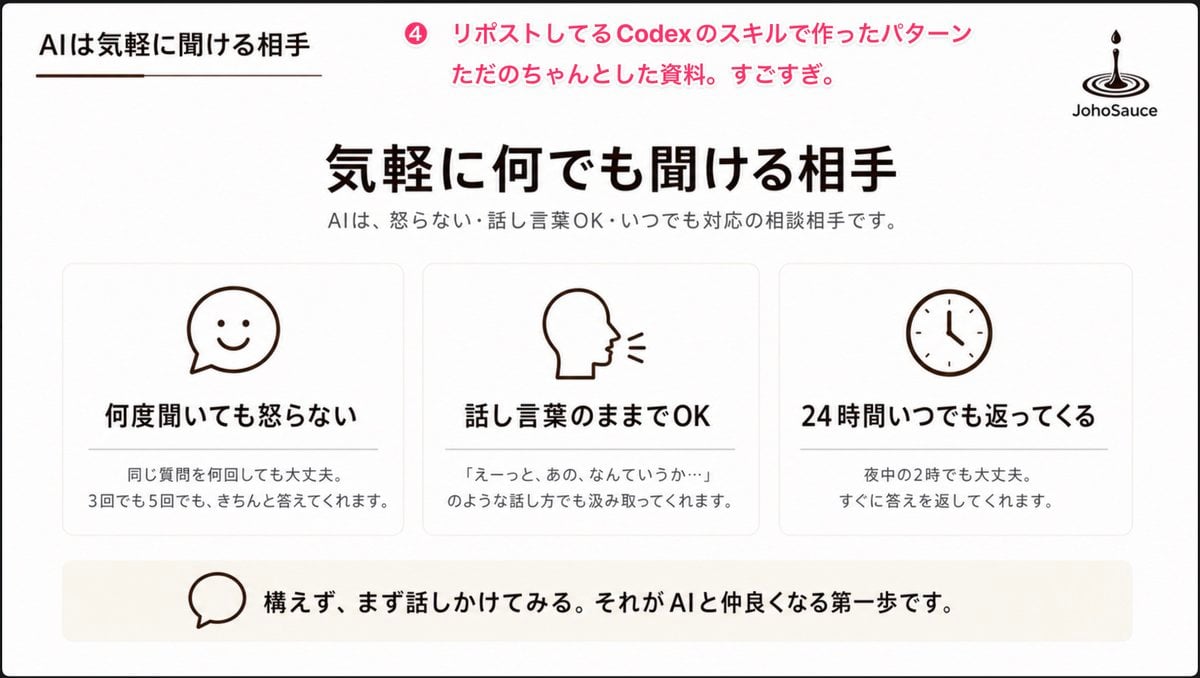
- Prompt included
- Model and format preset
- Free template
The prompt behind this image
Copy the exact prompt behind Japanese AI Conversation Slide, or open it in the studio and make it yours.
Goal: Create a clean Japanese presentation slide about AI as an approachable conversation partner, in a polished PowerPoint-style corporate/educational layout. Canvas: 16:9 widescreen slide, white background with very subtle warm beige accents, thin black outer border, generous margins, minimalist and calm. Header: Top-left small section title in Japanese: 「AIは気軽に聞ける相手」 with a short thin brown underline beneath it. Near the top center-left, add a pink circular badge containing 「4」 followed by pink annotation text: 「リポストしてるCodexのスキルで作ったパターン ただのちゃんとした資料。すごすぎ。」 Top-right place a simple black JohoSauce-style logo: a droplet falling into ripple rings, with the word 「JohoSauce」 underneath. Main title area: Centered large bold Japanese headline: 「{argument name="main headline" default="気軽に何でも聞ける相手"}」. Beneath it, smaller gray subtitle: 「AIは、怒らない・話し言葉OK・いつでも対応の相談相手です。」 Main content: Use exactly 3 equal rounded rectangular cards in one horizontal row, each with a thin light-gray border, white fill, soft shadow, and centered dark-brown line icon at the top. Card 1 icon: smiling chat bubble. Card 1 title: 「何度聞いても怒らない」. Card 1 body: 「同じ質問を何回しても大丈夫。\n3回でも5回でも、きちんと答えてくれます。」 Card 2 icon: side profile head speaking with two short sound lines. Card 2 title: 「話し言葉のままでOK」. Card 2 body: 「『えーっと、あの、なんていうか…』\nのような話し方でも汲み取ってくれます。」 Card 3 icon: simple analog clock. Card 3 title: 「24時間いつでも返ってくる」. Card 3 body: 「夜中の2時でも大丈夫。\nすぐに答えを返してくれます。」 Use exactly these three cards and no additional cards. Bottom message bar: Add one wide pale beige rounded rectangle spanning most of the slide width. On the left inside it, place a simple outlined speech-bubble icon. To the right, bold Japanese message: 「{argument name="bottom message" default="構えず、まず話しかけてみる。それがAIと仲良くなる第一歩です。"}」 Visual style: Minimal Japanese business deck aesthetic, black and dark brown typography, pink accent only in the top annotation, simple monoline icons, lots of whitespace, balanced alignment, crisp vector-like rendering, no photos, no gradients except extremely subtle warm background shading, no extra decorative elements.
How to use Japanese AI Conversation Slide in 3 steps
- 1Upload ImagePNG, JPG or paste
Add your photo
Upload the photo the template builds on. The prompt, model and format are already set.
- 2…a portrait of your subject in softgolden-hour light, 85mm…
Personalize
Edit the subject and creative details for your destination.
- 3Generate
Generate
Press Generate — your image is created in PicX Studio, so you can compare it with the original and refine one variable at a time.
More like this
Templates with the same subject, style or setup. Open one to see its prompt.

Minecraft Japanese Research Lab Exploration

Japanese Architectural Concrete Studio Fashion Campaign

Japanese Minimalist Concrete Studio Fashion Editorial

Blue Backdrop Luxury Fashion Portrait Campaign

Japanese Film Reflection Idol
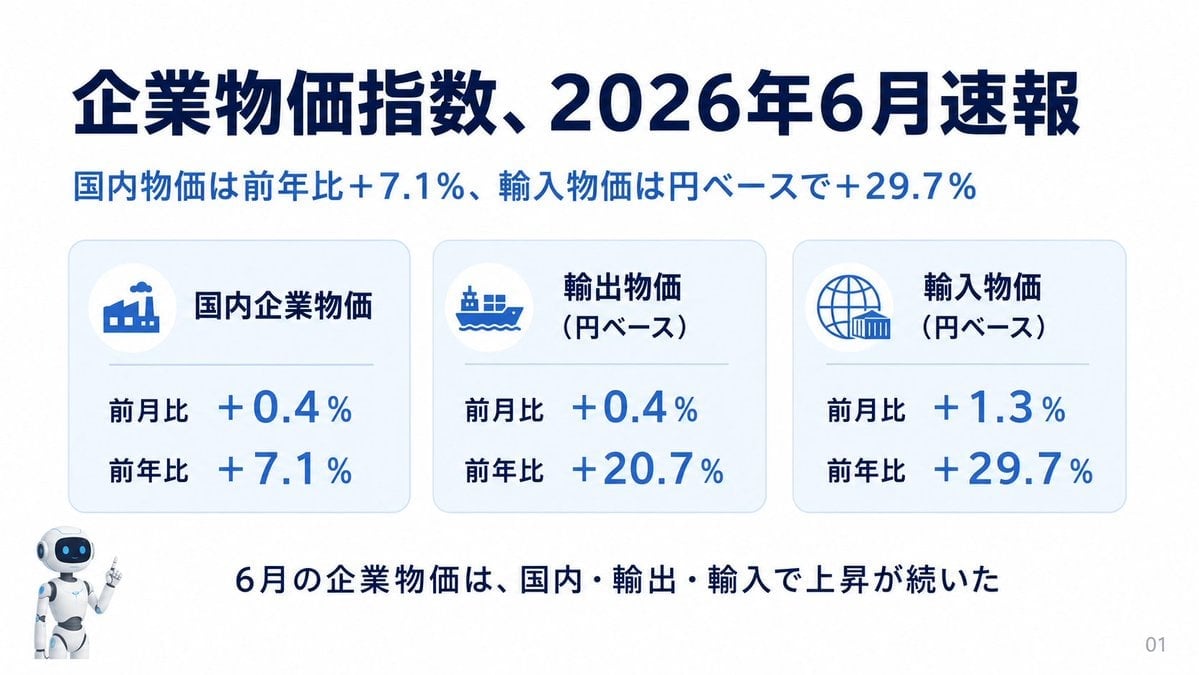
Japanese Corporate Price Index Slide
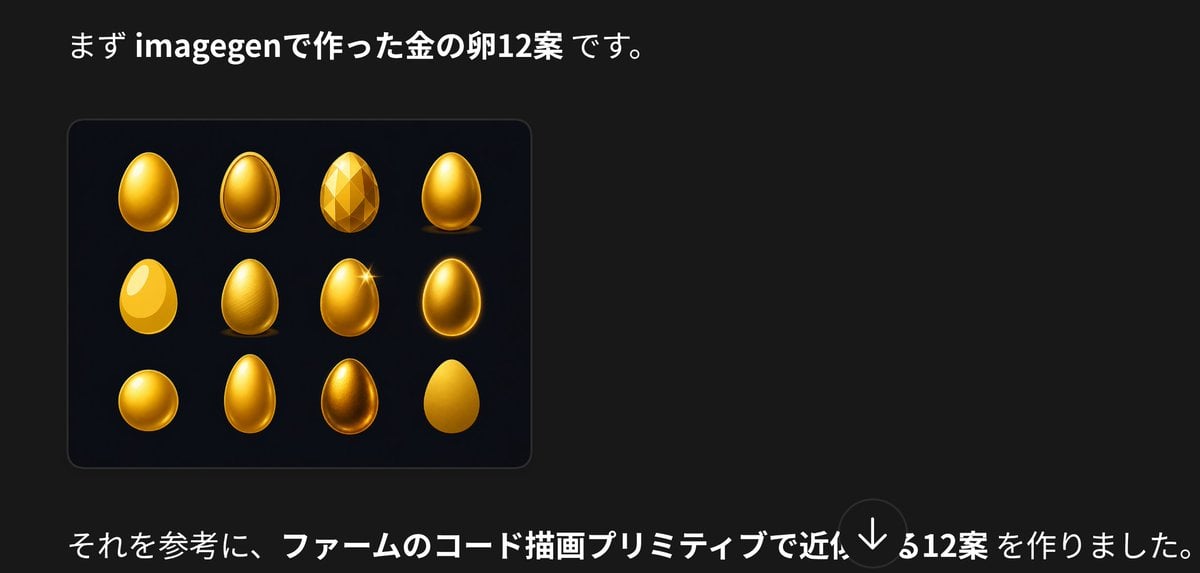
Japanese Golden Egg Design Slide
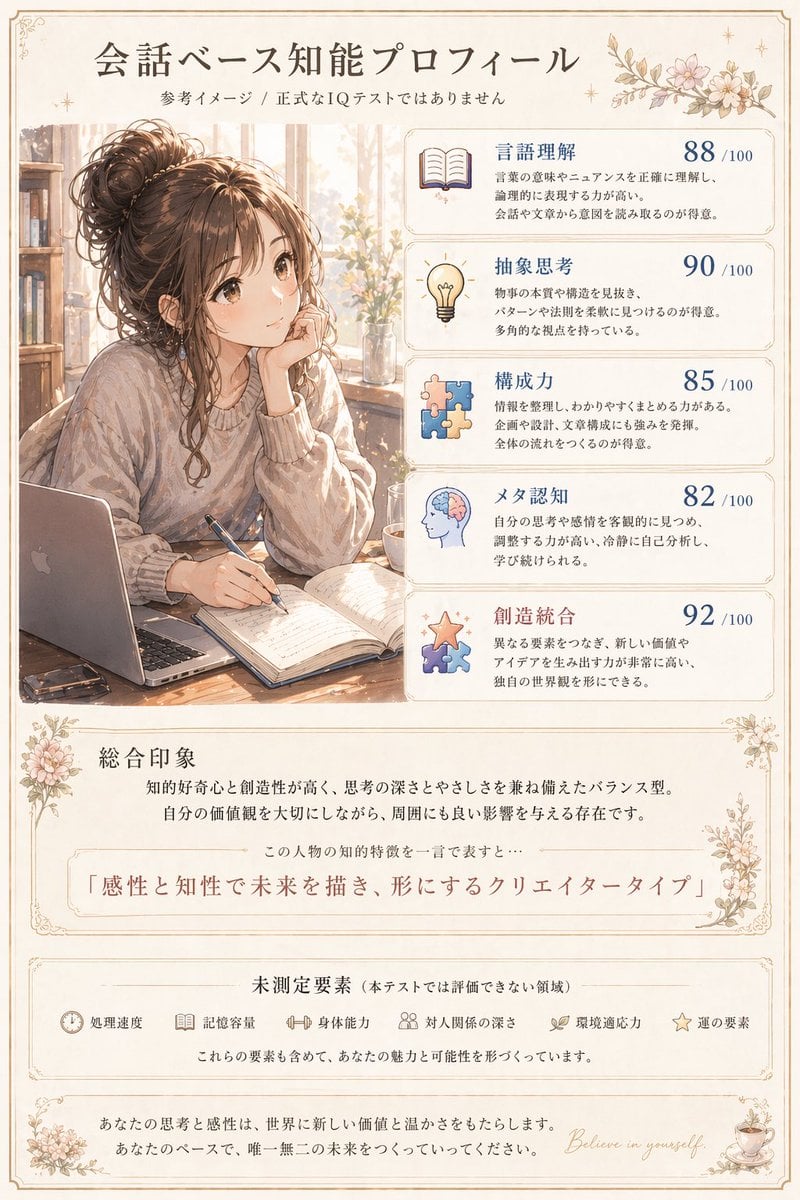
Japanese Conversation Intelligence Profile
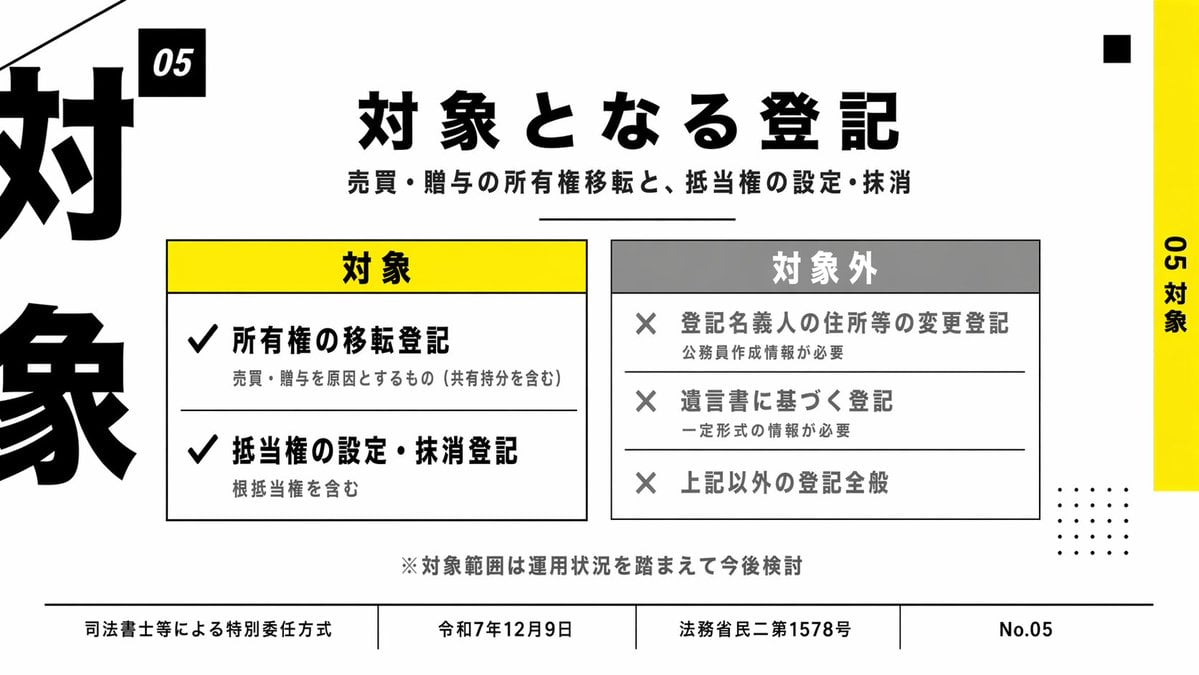
Japanese Corporate Scope Slide
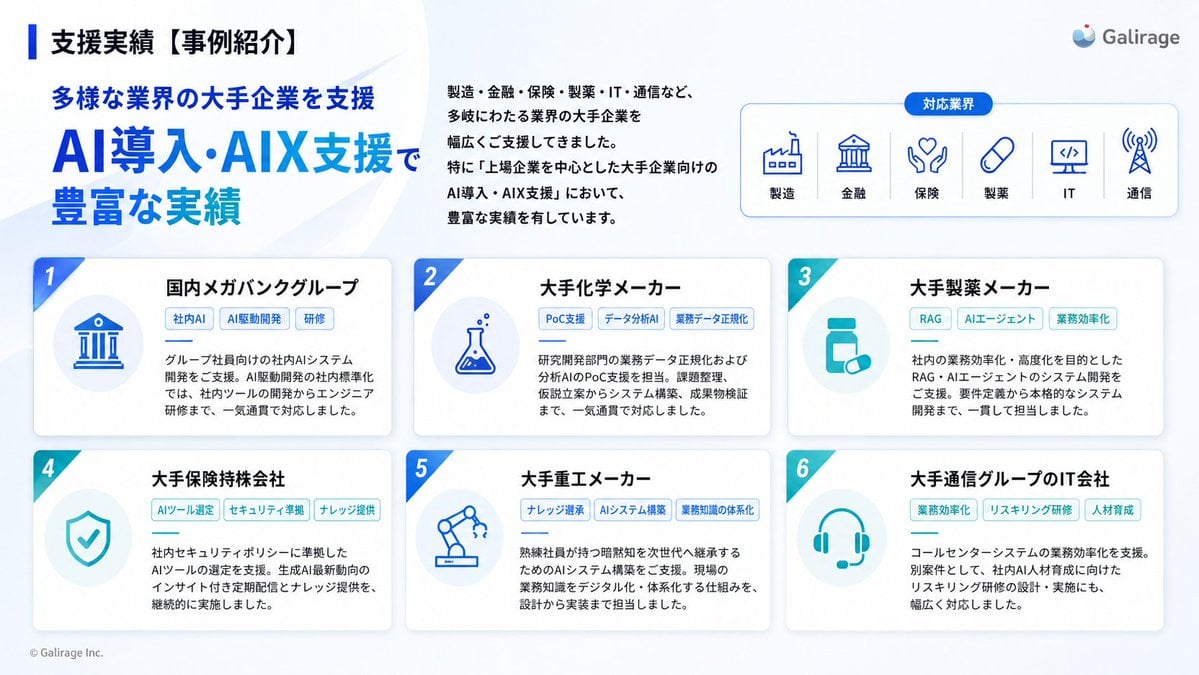
Japanese AI Case Study Slide
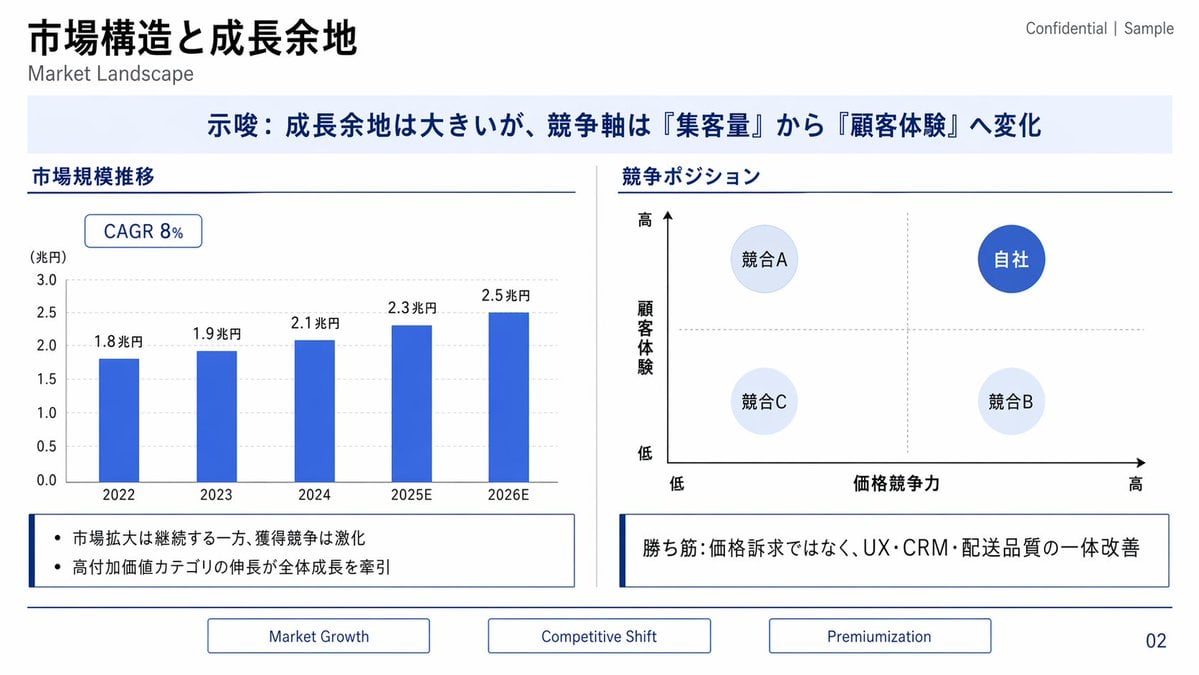
Japanese Market Landscape Slide
Japanese Codex Workshop Slide Deck Grid
Make it yours
Japanese AI Conversation Slide works as-is. These are the safest ways to change it without losing the look.
Change one field
Copy a single group, rewrite it, and generate again so you can see what that field is doing.
Keep the frame, change the subject
Hold the composition and light of Japanese AI Conversation Slide, then swap wardrobe, props or the person for a new take.
| If the result… | Why | Fix |
|---|---|---|
| The result drifts from the preview | Too many fields changed at once. | Reuse Japanese AI Conversation Slide as-is first, then change one group — subject, light, or setting. |
| The model over-stylizes the scene | The prose prompt leaves finish and camera underspecified. | Add one camera or lighting sentence and stay on GPT Image 2. |
More GPT Image 2 templates
Other prompts made for GPT Image 2.

Six VTuber Japanese Logo Sheet

Realistic Portrait of Woman and Deer

The Vista Modular Condo Poster

AI Model Routing Comparison Infographic

2.5D Anime Art Board

Isometric Productivity Desk Scene

New York Double Exposure Poster

Four-Panel AI Landscape Comparison

Japanese Tatami Lifestyle Magazine Cover

NESCAFÉ Coffee Map Poster
More image prompts
Fresh picks from across the catalog.
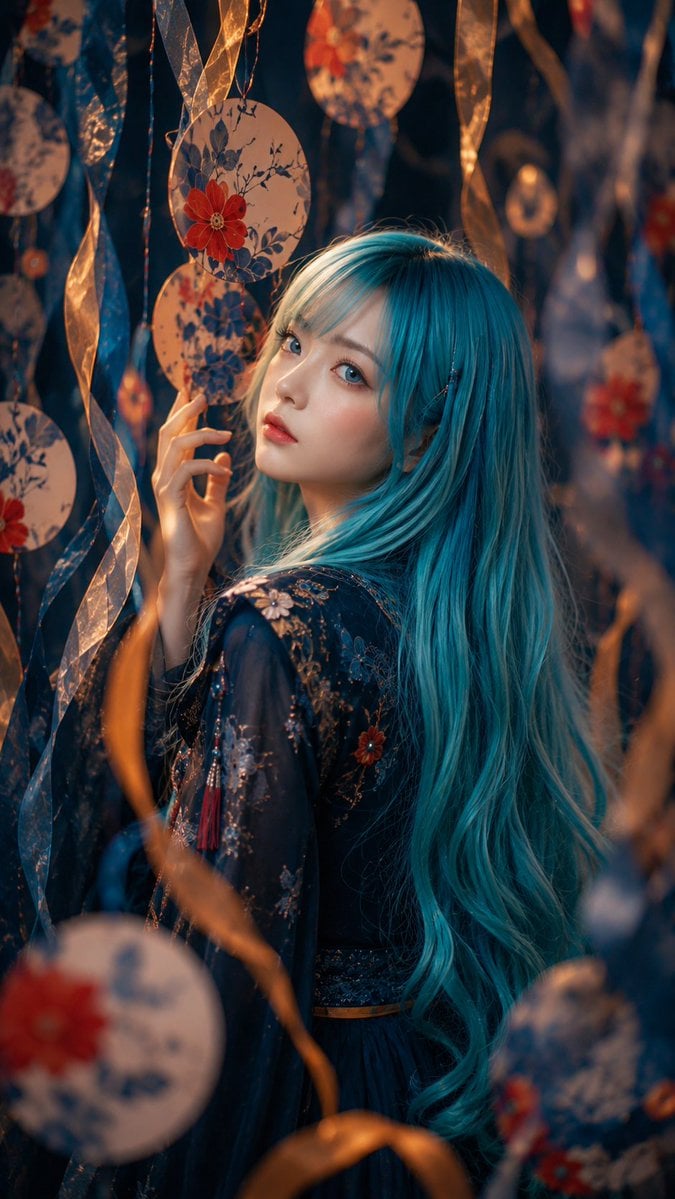
Blue-Haired Festival Portrait
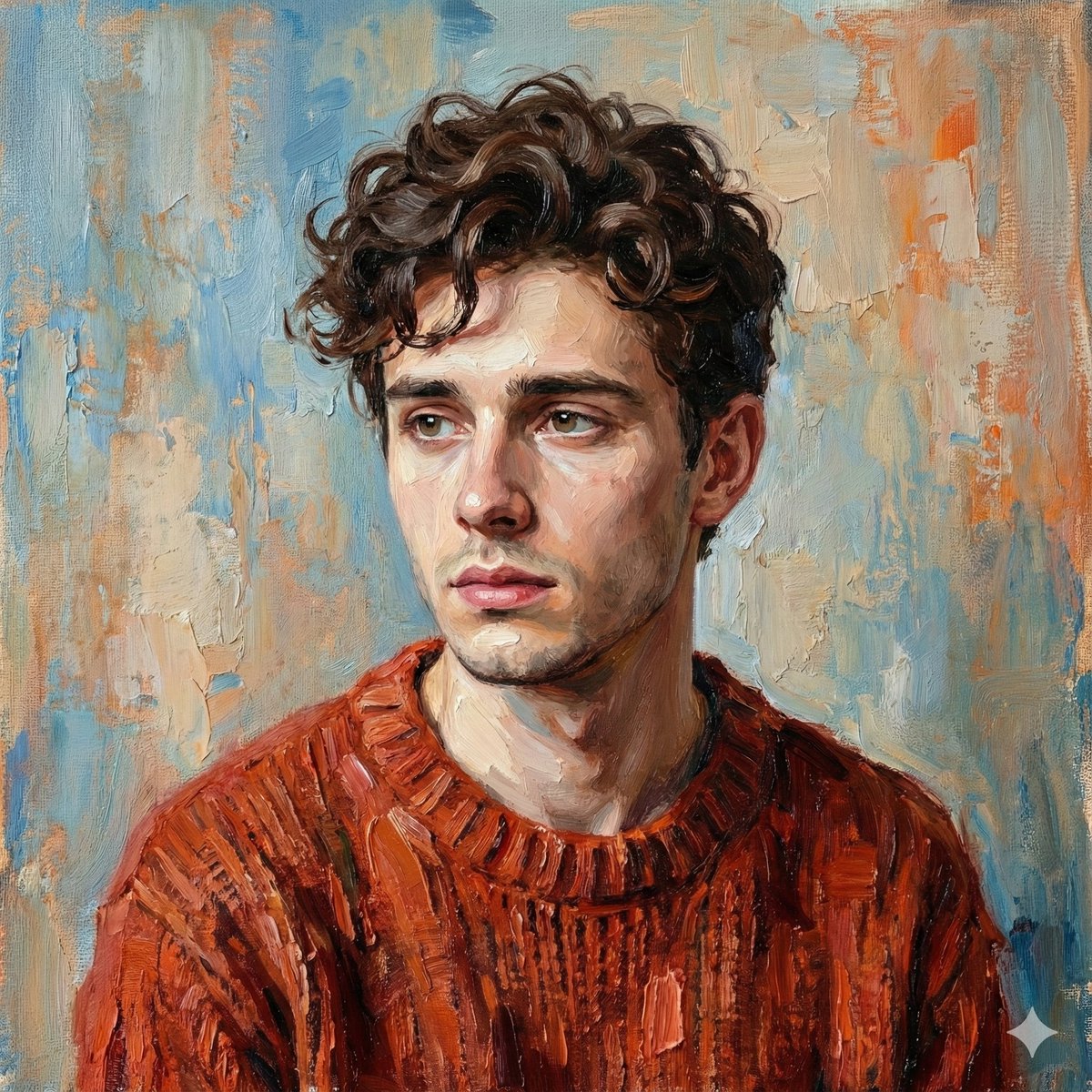
Digital Oil-Painted Bust Portrait
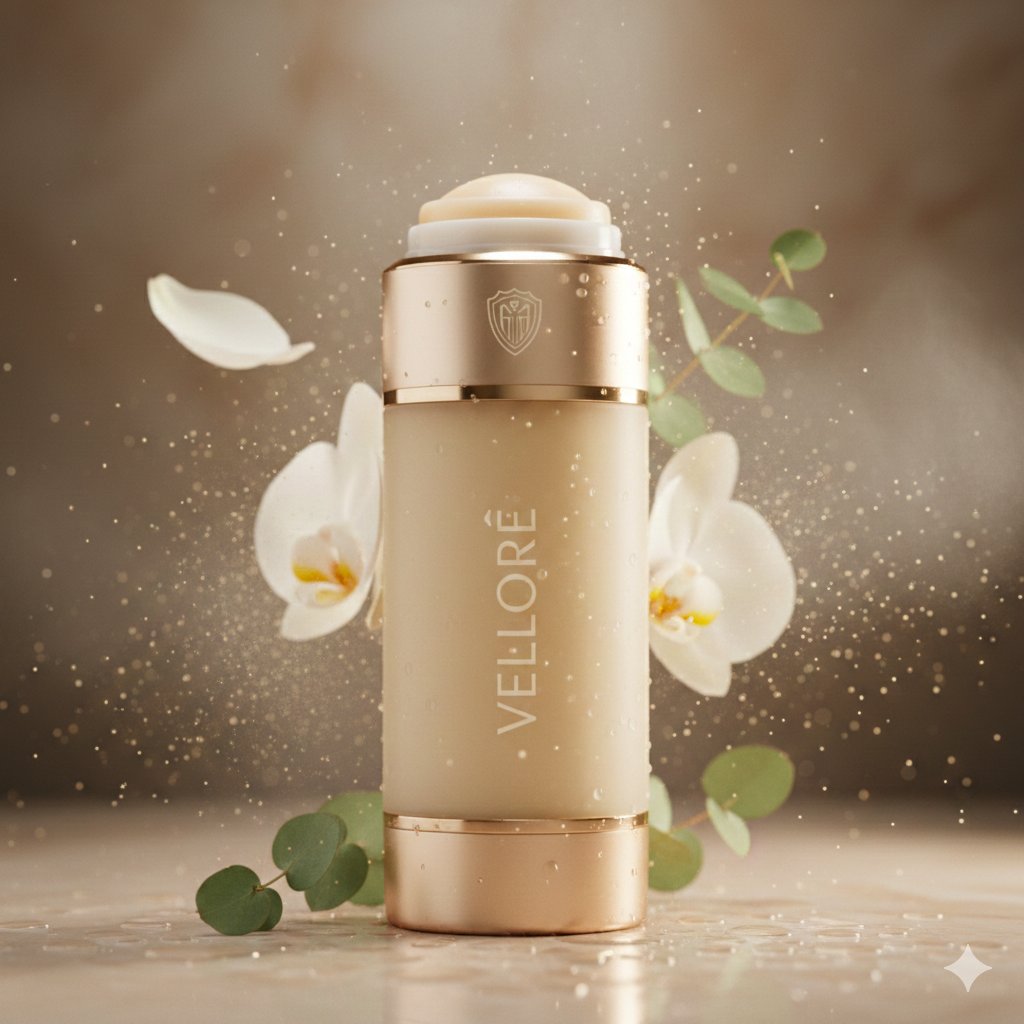
Luxury Deodorant Product Ad Prompt (VELORÉ)

Ultra-Photorealistic Race Event Portrait (9:16)
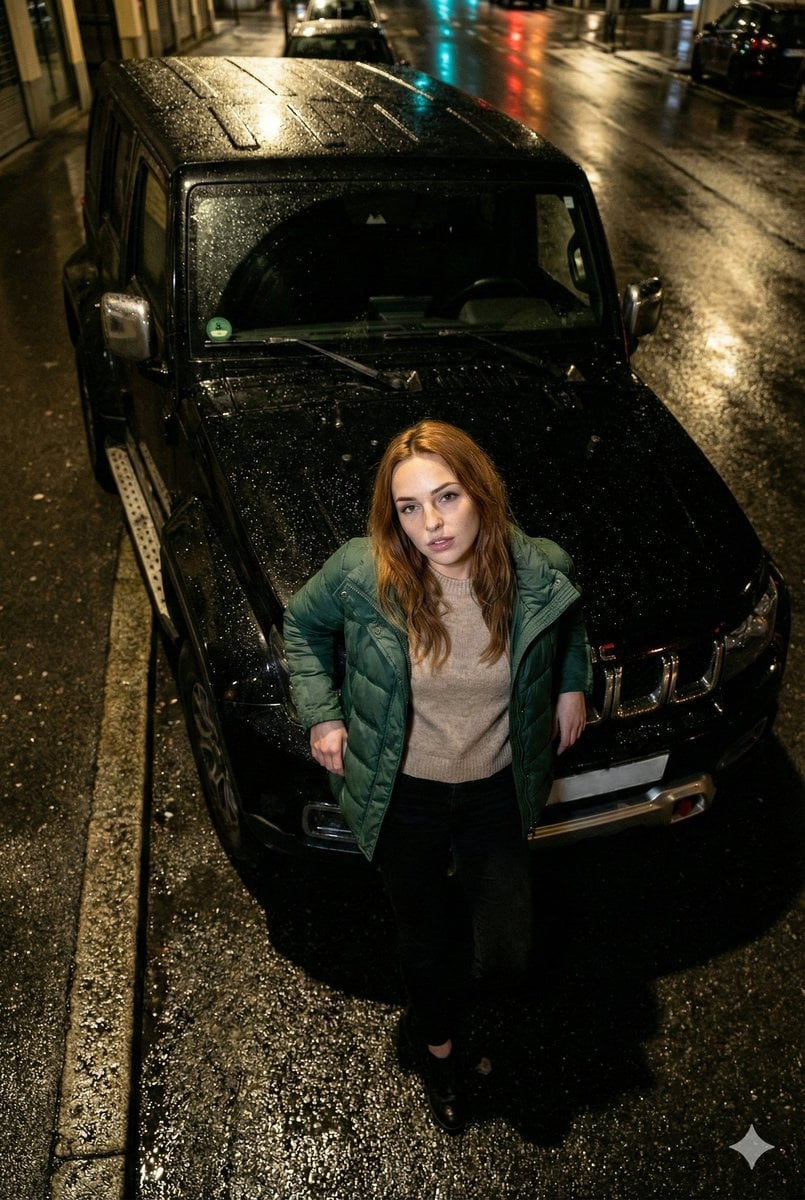
High-Angle Flash Photo on SUV Hood at Night
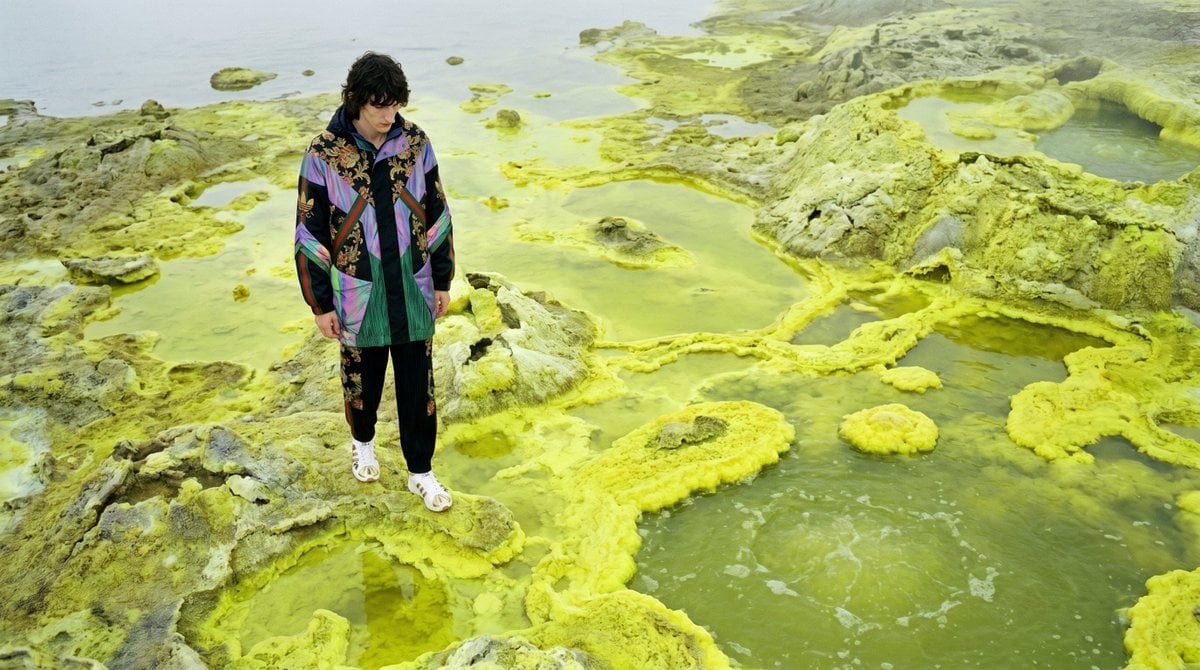
Surreal Sulfur Hot Spring Explorer

Bali Rice Field Photography
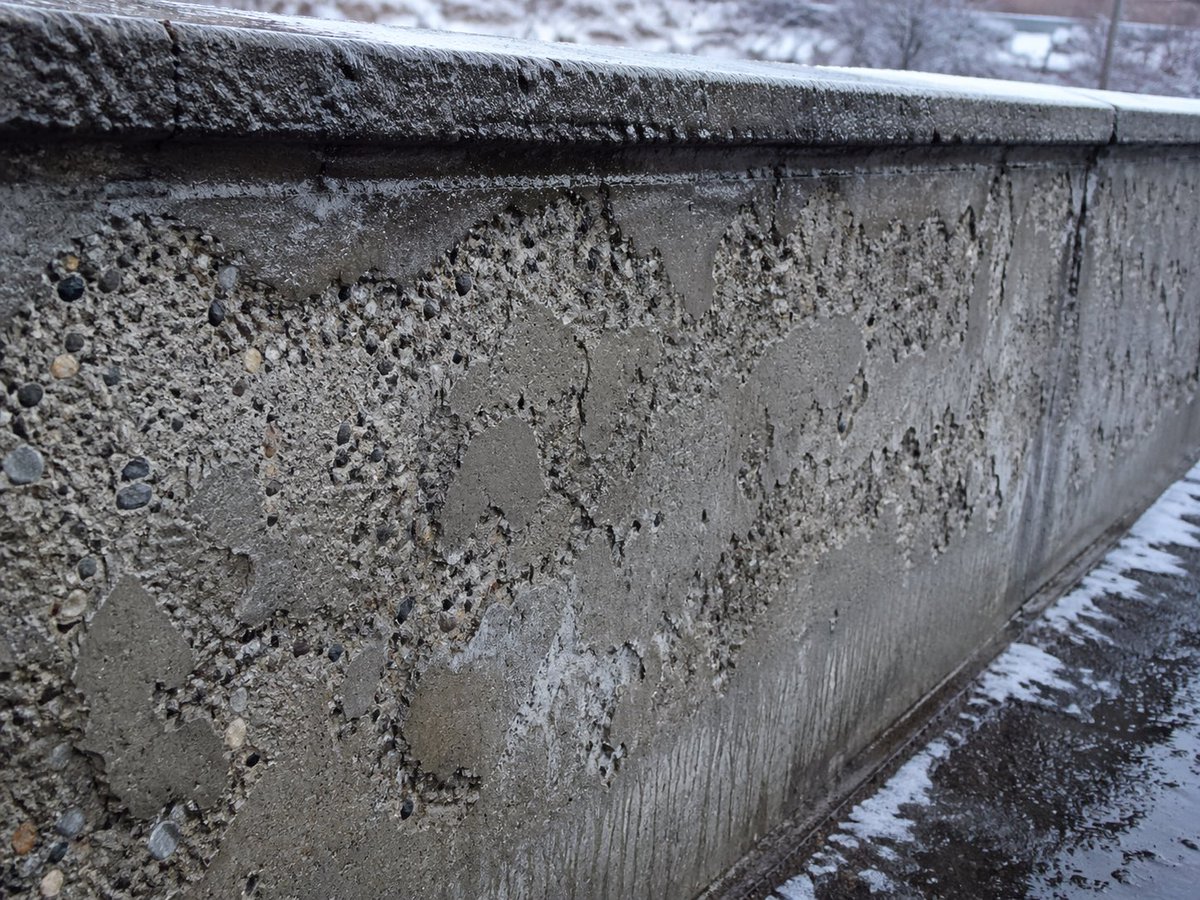
Winter Concrete Salt Damage Close-Up
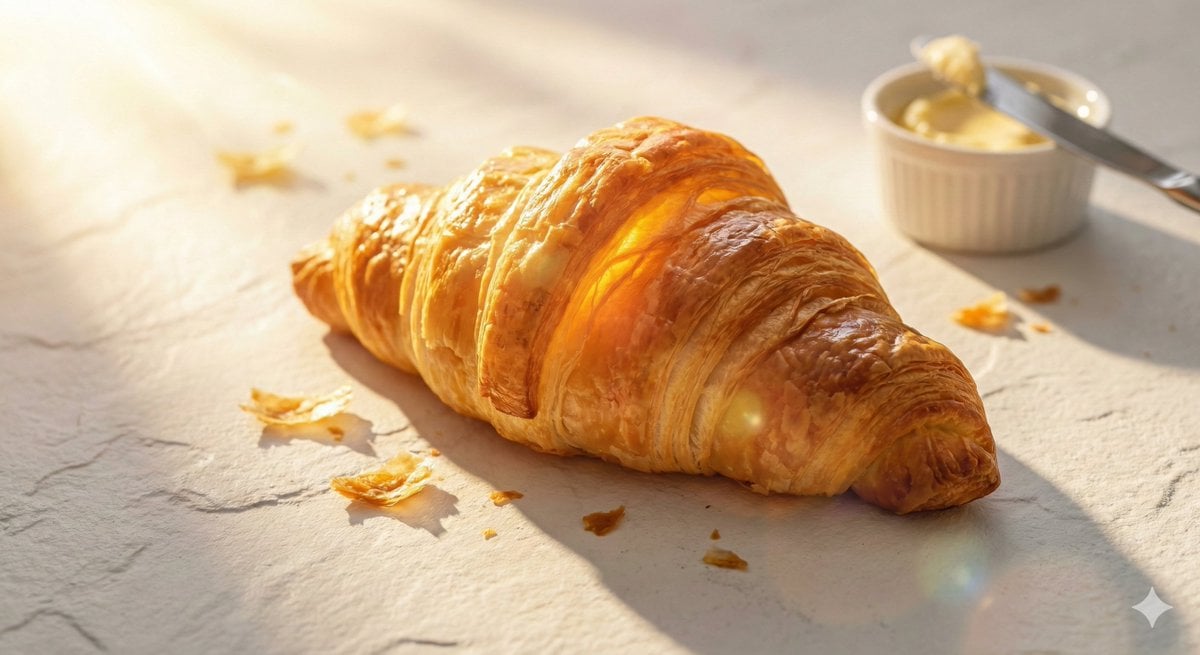
Golden Hour Food Advertisement Prompt
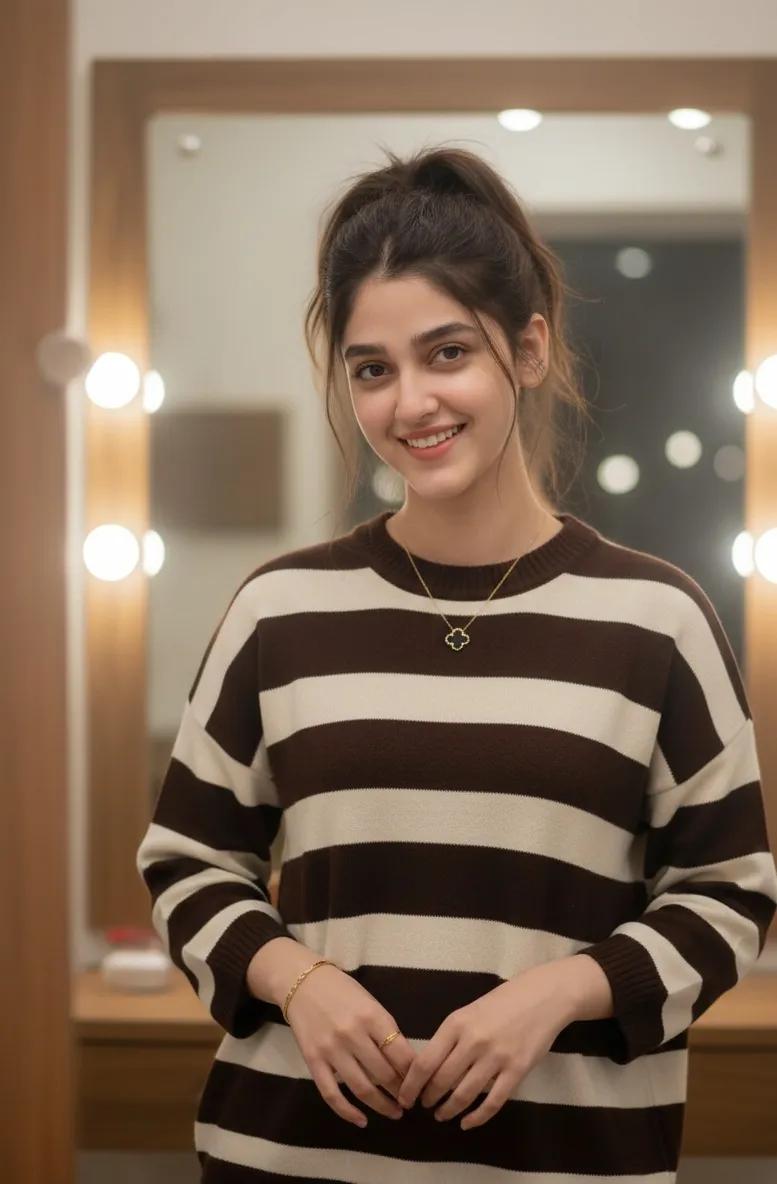
Cozy Indoor Lifestyle Portrait with Vanity Mirror
Browse template categories
Japanese AI Conversation Slide questions
How do I use the Japanese AI Conversation Slide template?
Add your photo if the template asks for one, edit the prompt if you like — the template's model and format are already selected — and press Generate. Your version opens in PicX Studio.
Can I customize the Japanese AI Conversation Slide template?
Yes. You can change the subject, setting, lighting, mood, format, and available model controls before creating your image.
Is the Japanese AI Conversation Slide template free?
Opening and editing this template is free. Generating uses credits, shown on the Generate button when you are signed in.
Which AI model should I use?
Start with GPT Image 2, which is the model associated with this template. You can compare another compatible model for a different finish.
Looking for something else? Browse all templates.

Your photo, any look
Thousands of ready templates for every top image and video model, from one credit balance.