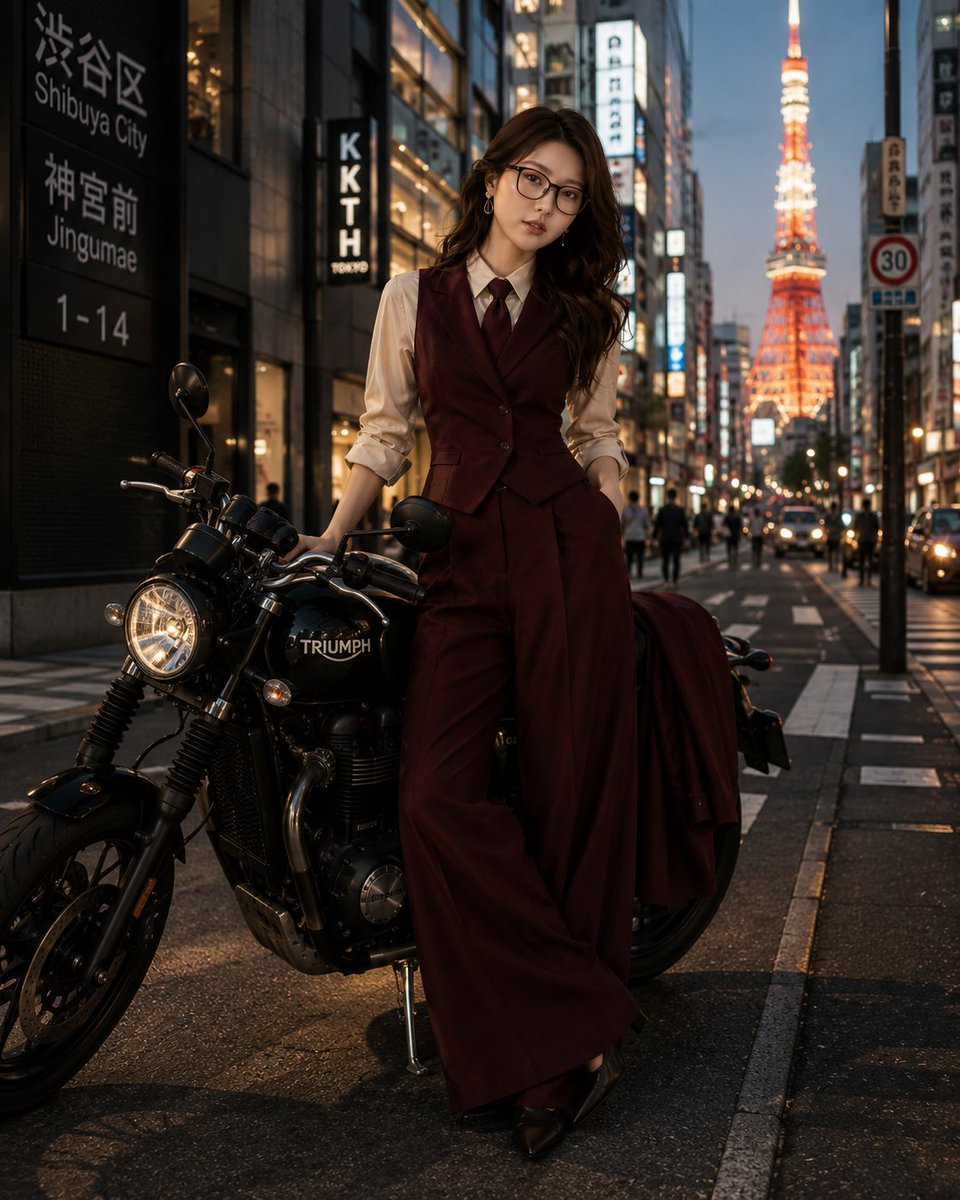
How do I use the Post-Shower Candid in Oversized Hoodie template?
Choose the primary action to open PicX Studio with the available template settings. Review the model and format, personalize the creative direction, and generate when ready.
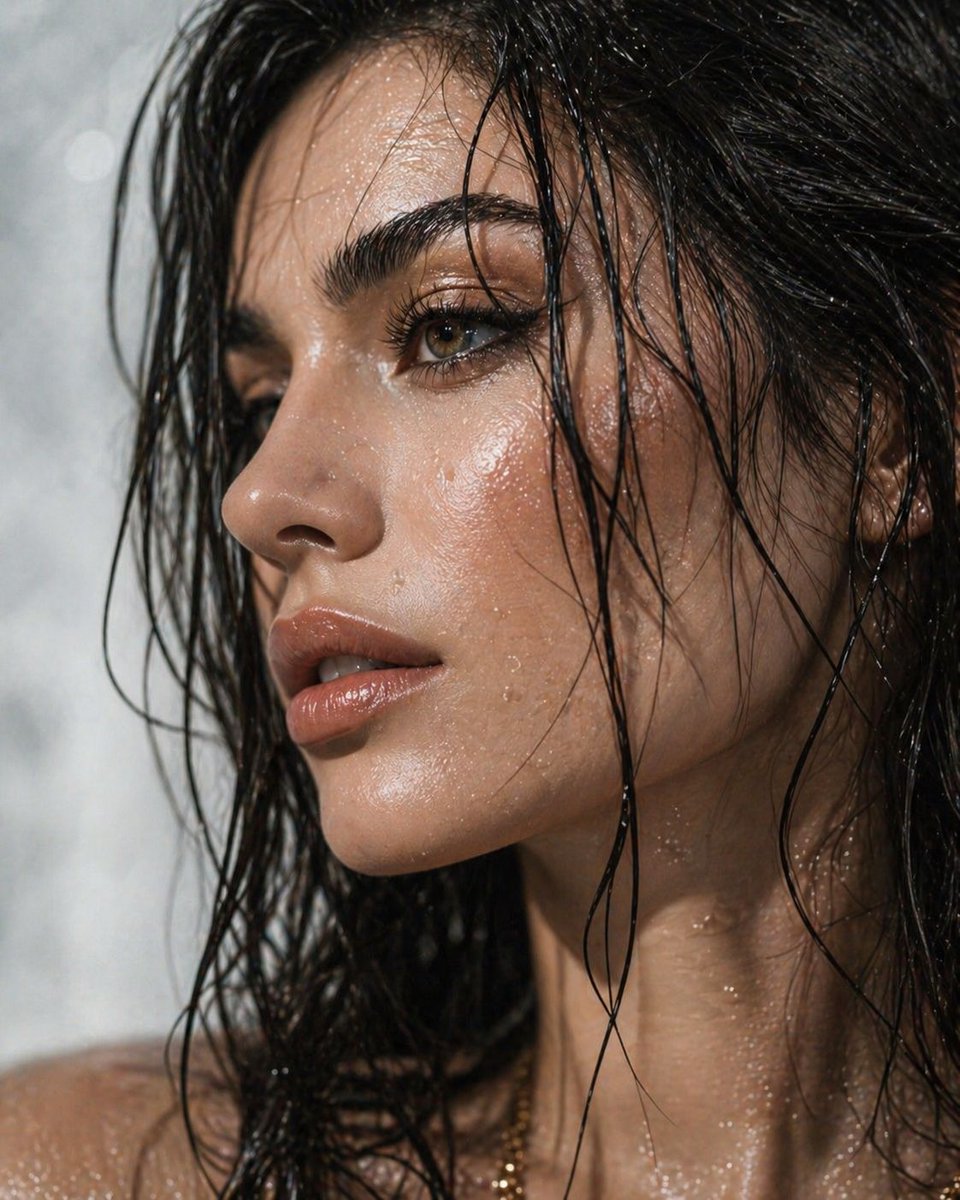
A detailed prompt for Nano Banana Pro aiming for an ultra-photorealistic, candid iPhone photo aesthetic. Change the subject, setting, or lighting one variable at a time.

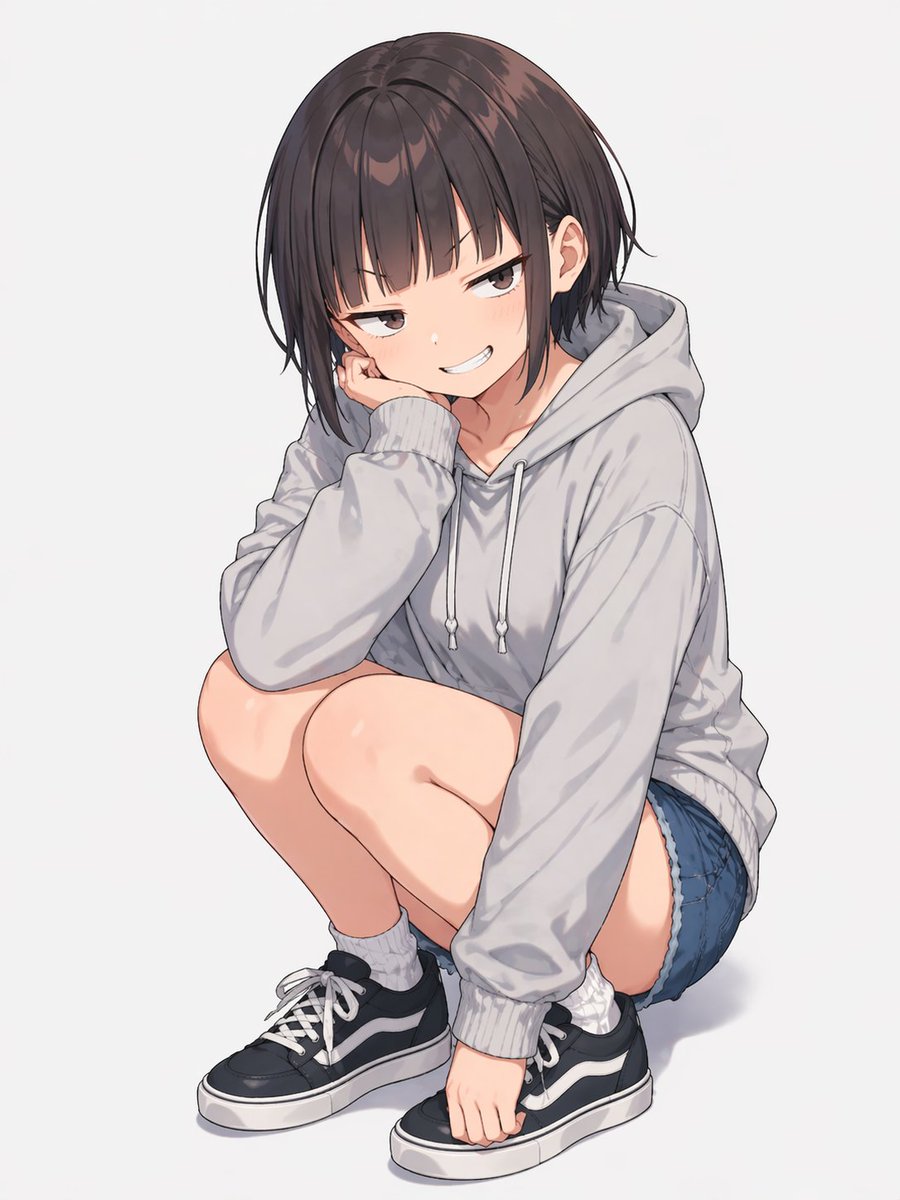
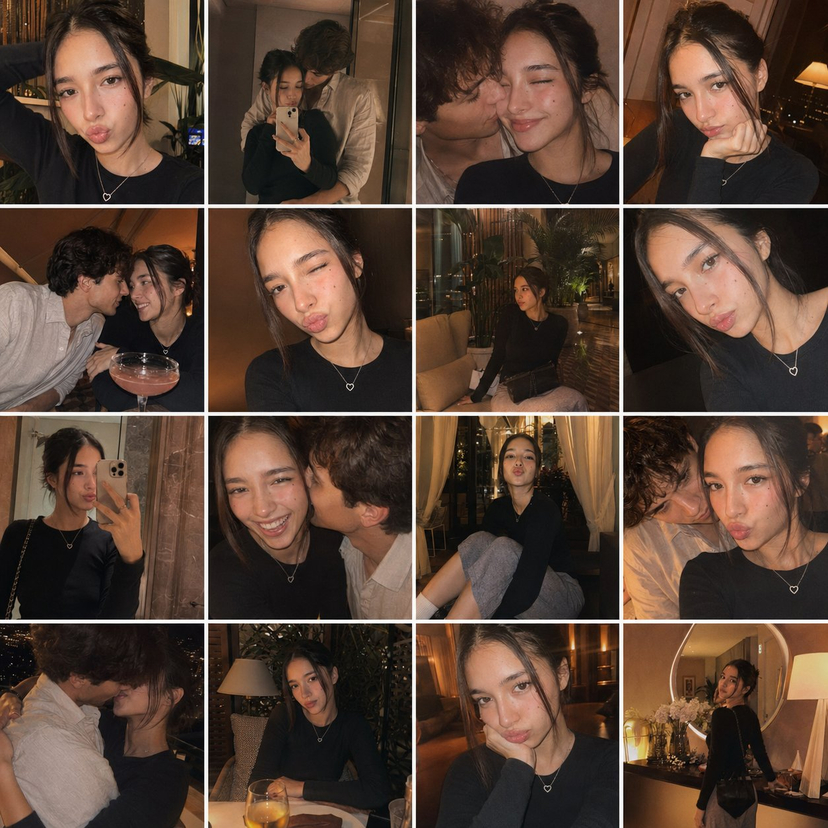
{ "meta": { "camera": "iPhone 17 Pro", "lens": "35mm", "aspect_ratio": "4:3", "style": "post-shower iphone candid, soft indoor realism", "quality": "ultra photorealistic", "time_of_day": "11:36 PM", "lighting_temperature": "warm bedside lamp 3200K", "natural_mobile_hdr": true, "slight_handheld_motion": true, "realistic_depth_of_field": true, "authentic_iphone_color_science": true }, "character_lock": { "face": "natural beauty, hazel eyes, soft feminine features", "body": "curvy hourglass, full chest, small defined waist, round hips", "hair": "dark brunette, damp loose waves from shower" }, "scene": { "location": "bedroom near unmade bed", "atmosphere": "quiet, warm, intimate night air" }, "pose": { "position": "standing near bed, one hand lightly holding hoodie hem", "body_alignment": "hip slightly shifted, relaxed posture", "expression": "calm confident eye contact" }, "outfit": { "top": "oversized light grey hoodie, worn without bra, soft cotton slightly clinging to damp skin", "bottom": "bare legs visible under hoodie, no underwear lines visible" }, "details": { "fabric_behavior": "natural drape with subtle tension across chest from posture", "skin_texture": "real pores, soft shower glow on shoulders", "subtle_moisture": "slight damp sheen on collarbones" } }
Choose the primary action to open PicX Studio with the available template settings. Review the model and format, personalize the creative direction, and generate when ready.
Yes. You can change the subject, setting, lighting, mood, format, and available model controls before creating your image.
This template is free to open and customize. Generation usage is shown in PicX Studio before you create.
Start with Nano Banana 2, which is the model associated with this template. You can compare another compatible model for a different finish.
© 2026 PicX Studio. All rights reserved.

Follow a topic to a crawlable collection of related PicX Studio templates.
43,474 public templates available. Verified via the PicX Studio public templates API; refreshed hourly.













![Naive doodle-style subject illustration — A doodle-style {argument name="subject" default="[subject]"}, naive lines, humorous shape exaggeration](https://pbs.twimg.com/media/G6Wl2YxbsAARB2b.jpg)