How do I use the Y2K Inspired Snapshot of a Young Woman template?
Choose the primary action to open PicX Studio with the available template settings. Review the model and format, personalize the creative direction, and generate when ready.
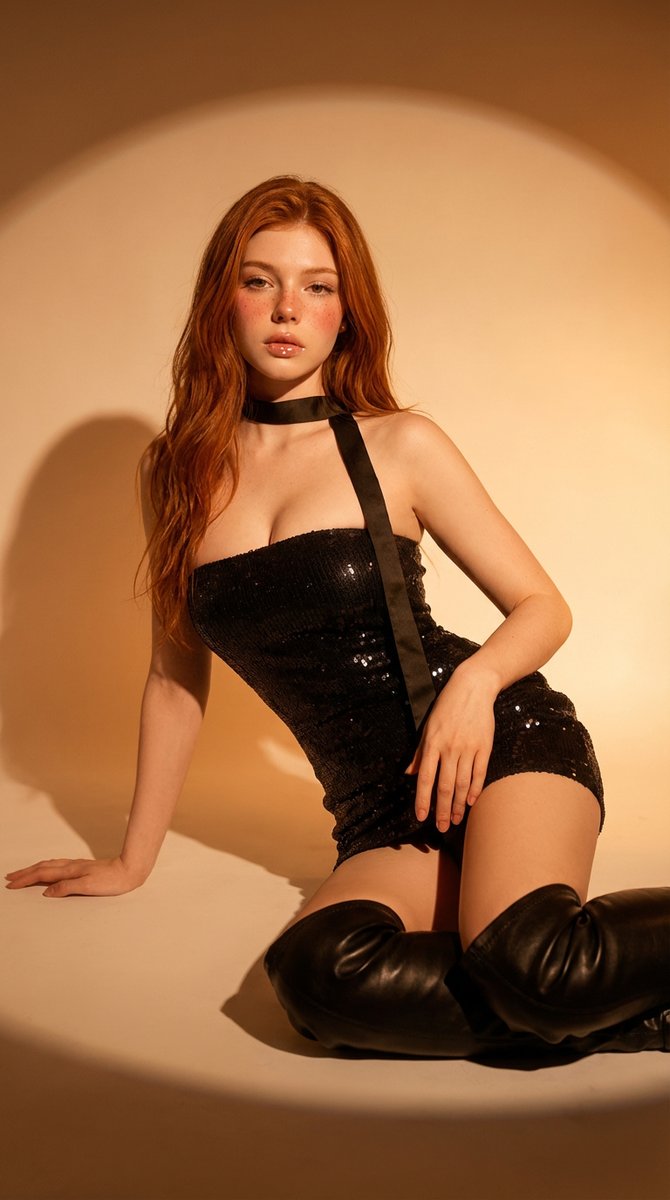
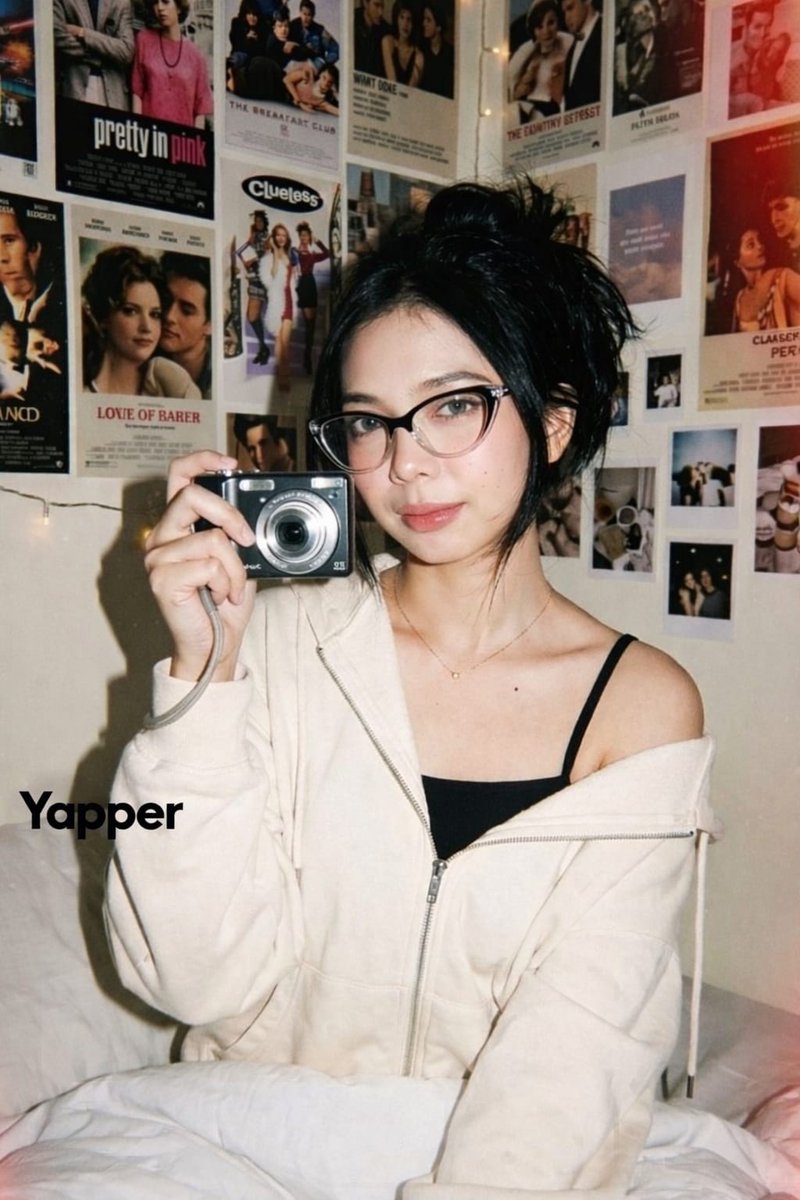
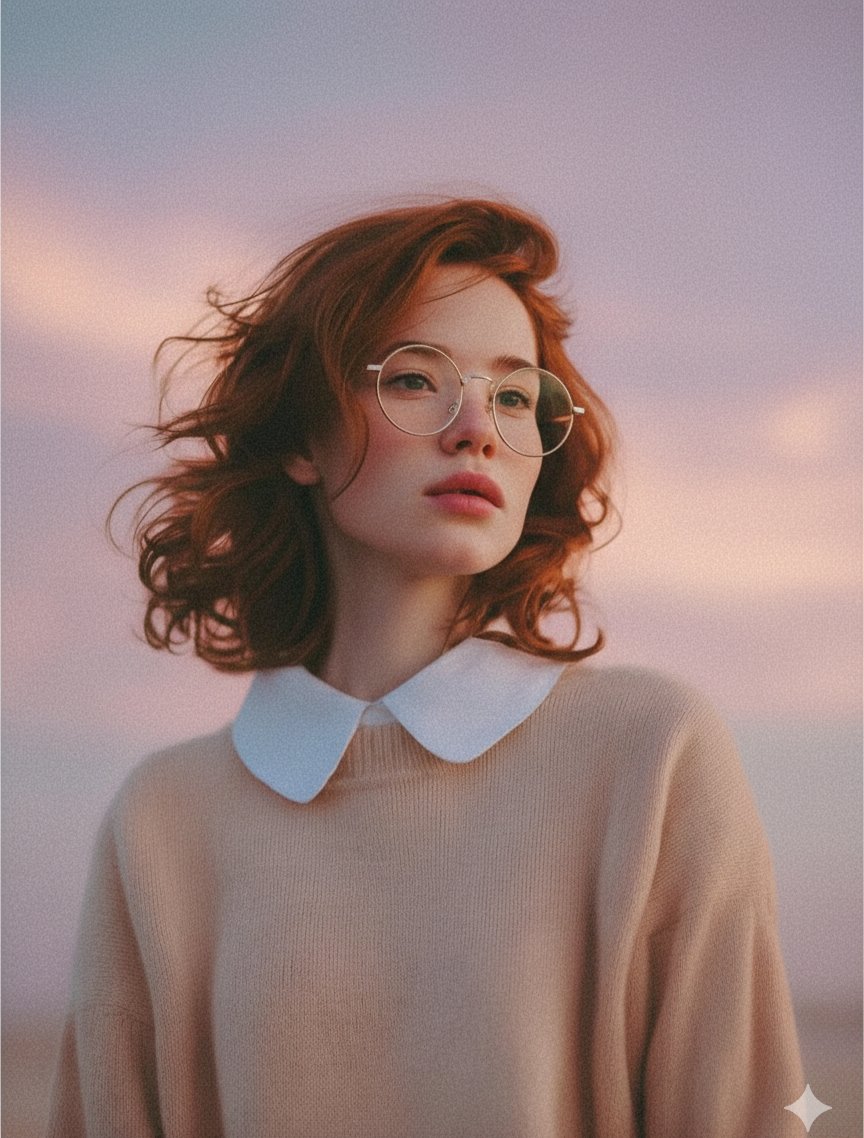
A detailed JSON prompt for generating an image of a young woman, inspired by Y2K candid photography. Change the subject, setting, or lighting one variable at a time.

{ "subject": { "description": "Young woman with long, wavy ginger-red hair", "pose": { "stance": "Leaning back against a metallic wall", "arms": "Right arm hanging straight down by side, left hand tucked into the front pocket of the bottoms", "expression": "Calm, confident, chin slightly lifted, direct gaze at the camera" }, "appearance": "Pale complexion, minimal natural makeup" }, "outfit": { "top": { "type": "Cropped ringer t-shirt (baby tee)", "color": "White body with bright mustard yellow short sleeves and neckline trim", "design": { "text": "{argument name="t-shirt text" default="born to be fast"}", "font_style": "Bold, lowercase sans-serif text in matching mustard yellow", "graphics": "Three yellow stars positioned above the text, yellow stylized lightning bolt symbol (resembling the Opel logo) below the text" } }, "bottom": { "type": "Denim jeans or shorts", "color": "Faded mustard yellow", "details": "Button fly, front pockets, visible stitching, mid-rise fit" }, "accessories": { "bag": "Small black quilted leather shoulder bag with a silver chain strap carried over the right shoulder" } }, "setting": { "location": "Indoor hallway or elevator area", "background": { "left_side": "Large brushed stainless steel metal panel (elevator doors) reflecting the subject slightly", "right_side": "Plain light grey painted wall", "details": "Small dark rectangular control panel or sensor on the upper right wall" } }, "photography_style": { "lighting": "Direct on-camera flash", "shadows": "Hard drop shadow visible behind the subject on the metal and painted walls", "aesthetic": "Candid, Y2K inspired, snapshot style, film grain texture", "angle": "Eye-level, medium shot capturing from mid-thigh up" } }
Choose the primary action to open PicX Studio with the available template settings. Review the model and format, personalize the creative direction, and generate when ready.
Yes. You can change the subject, setting, lighting, mood, format, and available model controls before creating your image.
This template is free to open and customize. Generation usage is shown in PicX Studio before you create.
Start with Nano Banana 2, which is the model associated with this template. You can compare another compatible model for a different finish.
© 2026 PicX Studio. All rights reserved.

Follow a topic to a crawlable collection of related PicX Studio templates.
43,474 public templates available. Verified via the PicX Studio public templates API; refreshed hourly.












![Naive doodle-style subject illustration — A doodle-style {argument name="subject" default="[subject]"}, naive lines, humorous shape exaggeration](https://pbs.twimg.com/media/G6Wl2YxbsAARB2b.jpg)