How do I use the Playful Fashion Photoshoot in a Grocery Store template?
Choose the primary action to open PicX Studio with the available template settings. Review the model and format, personalize the creative direction, and generate when ready.
A prompt for generating an ultra-realistic editorial photograph of a playful fashion shoot. Change the subject, setting, or lighting one variable at a time.

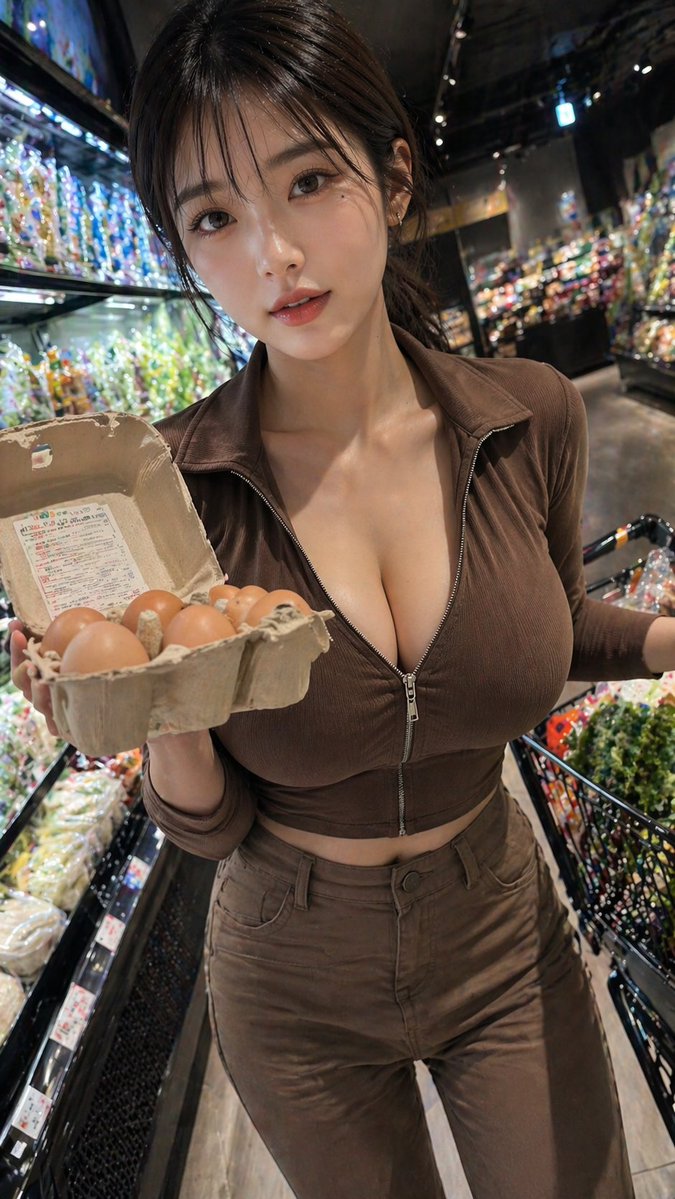
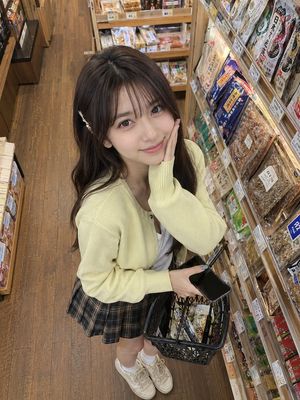
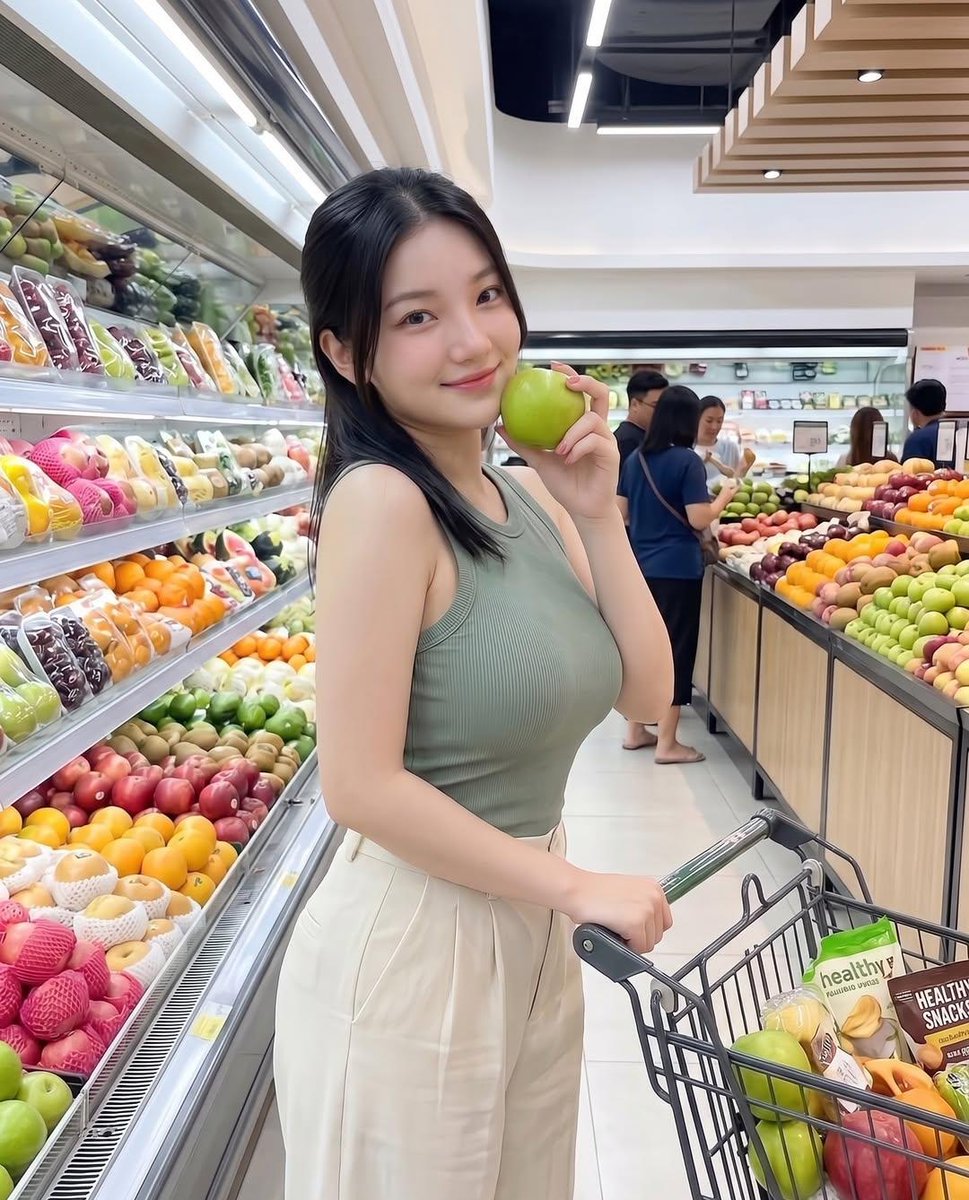
{ "prompt": "A playful fashion photoshoot inside a modern grocery store. A young blonde woman sits confidently inside a metal shopping cart in the produce aisle, surrounded by colorful fruits and vegetables. She wears a {argument name="top color" default="lime green"} strapless crop top, high-waisted denim shorts, white socks, and bright {argument name="shoe color" default="neon green"} sneakers. Her pose is flirty and relaxed, one leg bent and lifted, with a teasing expression. Bright supermarket lighting, vibrant colors, shallow depth of field, high-detail, editorial photography style, ultra-realistic, 4k quality.", "style": "photorealistic", "lighting": "bright indoor commercial lighting", "mood": "playful, confident, bold", "camera": "DSLR, wide aperture, sharp focus", "quality": "high resolution, ultra-detailed" }
Choose the primary action to open PicX Studio with the available template settings. Review the model and format, personalize the creative direction, and generate when ready.
Yes. You can change the subject, setting, lighting, mood, format, and available model controls before creating your image.
This template is free to open and customize. Generation usage is shown in PicX Studio before you create.
Start with Nano Banana 2, which is the model associated with this template. You can compare another compatible model for a different finish.
Follow a topic to a crawlable collection of related PicX Studio templates.
43,474 public templates available. Verified via the PicX Studio public templates API; refreshed hourly.














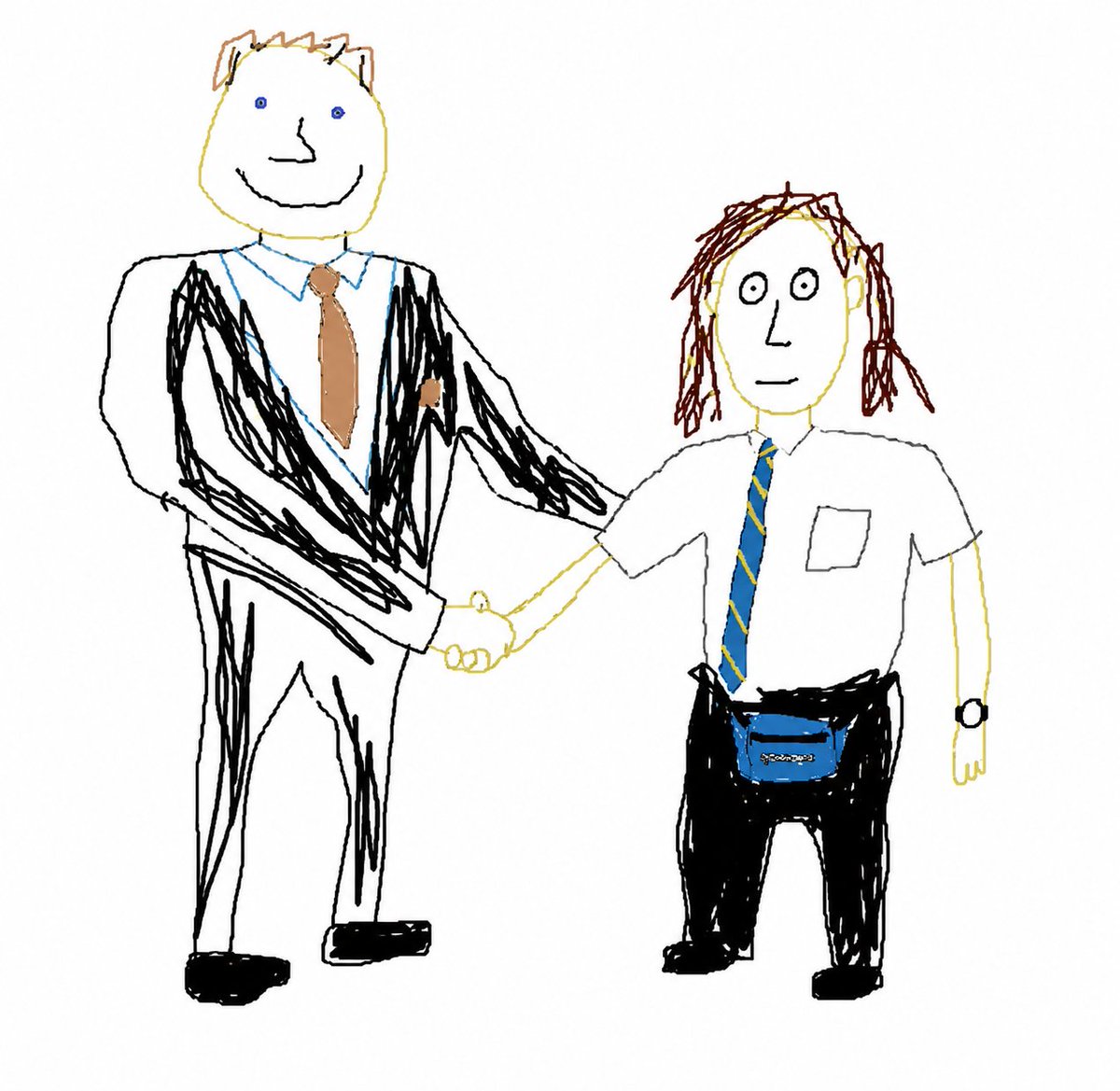
![Naive doodle-style subject illustration — A doodle-style {argument name="subject" default="[subject]"}, naive lines, humorous shape exaggeration](https://pbs.twimg.com/media/G6Wl2YxbsAARB2b.jpg)