How do I use the Kawaii Cosplay Bedroom Kiss Scene Prompt template?
Choose the primary action to open PicX Studio with the available template settings. Review the model and format, personalize the creative direction, and generate when ready.
A detailed JSON prompt for generating a warm, playful, and affectionate scene featuring three young women (Ana de Armas, Sabrina Carpenter, Emma Myers lookalikes) sitting on a bed in a pastel pink kawaii cosplay bedroom, with two subjects kissing the middle subject on the cheek. Change the subject, setting, or lighting one variable at a time.

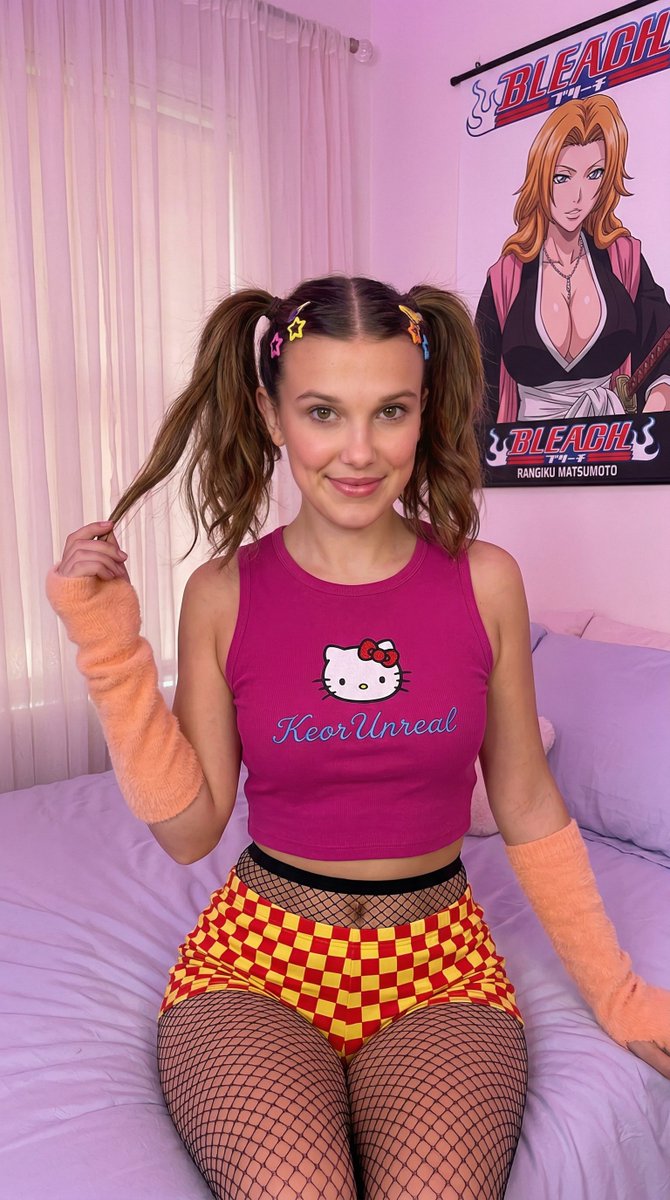
{ "prompt_type": "photo-based description", "language": "English", "scene": { "environment": "Cozy cosplay bedroom in pastel pink tones", "background_elements": [ "Light pink plush bedding", "Sheer dreamy backdrop", "Manga posters on walls", "Glowing neon 'KeorUnreal'" ], "lighting": "Warm soft pinkish ambient light" }, "subjects": { "number": "Three young women ({argument name="subject one name" default="Ana de Armas"}, {argument name="subject two name" default="Sabrina Carpenter"}, {argument name="subject three name" default="Emma Myers"}) sitting together on bed", "subject_one": { "role": "Kissing middle girl on one cheek", "appearance": { "skin": "light", "hair": "long dark brown high pigtails with colorful clips", "makeup": "cute: winged eyeliner, rosy blush, glossy pink lips, heart sticker", "expression": "eyes slightly closed, leaning warmly, sweet affectionate smile" }, "outfit": { "top": "sleeveless cropped pastel yellow tank with Nami graphic", "bottom": "low-rise pink/green checkerboard shorts", "armwear": "soft pink ribbed arm warmers", "accessories": "thin pastel choker, colorful hair clips/pins, stickers" } }, "subject_two": { "role": "Middle woman being kissed on both cheeks", "appearance": { "skin": "light", "hair": "long soft pastel pink/light blonde, loose with cute clips/bows", "makeup": "kawaii: rosy blush, glossy pink lips, star sticker near eye", "expression": "playful surprised bright smile, cheerful happy reaction", "gaze": "direct eye contact with camera, smiling" }, "outfit": { "top": "sleeveless cropped pastel lavender/blue camisole with kawaii print", "bottom": "soft pastel pink/white lounge shorts/mini skirt", "accessories": "thin pastel ribbon choker, cute pastel bow clips/pins, star/heart sticker" } }, "subject_three": { "role": "Kissing middle girl on other cheek", "appearance": { "skin": "light", "hair": "long blonde loose waves with cute pastel clips/bow accessories", "makeup": "kawaii: rosy blush, glossy pink lips, small star sticker near eye", "expression": "eyes slightly closed, leaning warmly to kiss, sweet affectionate friendly" }, "outfit": { "top": "sleeveless cropped pastel orange camisole with Dragonball spheres graphic", "bottom": "soft pastel pink/white lounge shorts/mini skirt", "accessories": "thin pastel ribbon choker, cute pastel bow clips/pins, star/heart sticker" } } }, "interaction": { "action": "Subject one and subject three leaning in to gently kiss subject two on both cheeks", "energy": "Warm playful sweet friendly affection, innocent cute best friend" } }
Choose the primary action to open PicX Studio with the available template settings. Review the model and format, personalize the creative direction, and generate when ready.
Yes. You can change the subject, setting, lighting, mood, format, and available model controls before creating your image.
This template is free to open and customize. Generation usage is shown in PicX Studio before you create.
Start with Nano Banana 2, which is the model associated with this template. You can compare another compatible model for a different finish.
Follow a topic to a crawlable collection of related PicX Studio templates.
43,474 public templates available. Verified via the PicX Studio public templates API; refreshed hourly.








![Naive doodle-style subject illustration — A doodle-style {argument name="subject" default="[subject]"}, naive lines, humorous shape exaggeration](https://pbs.twimg.com/media/G6Wl2YxbsAARB2b.jpg)












![Ultra-Wide Candid Mirror Capture with Bio-Fidelity — (Vertical 9:16 smartphone aspect ratio). A raw, high-contrast [Candid Mirror Capture] taken with an…](https://pbs.twimg.com/media/G_CaakSWUAA8Uuk.jpg)

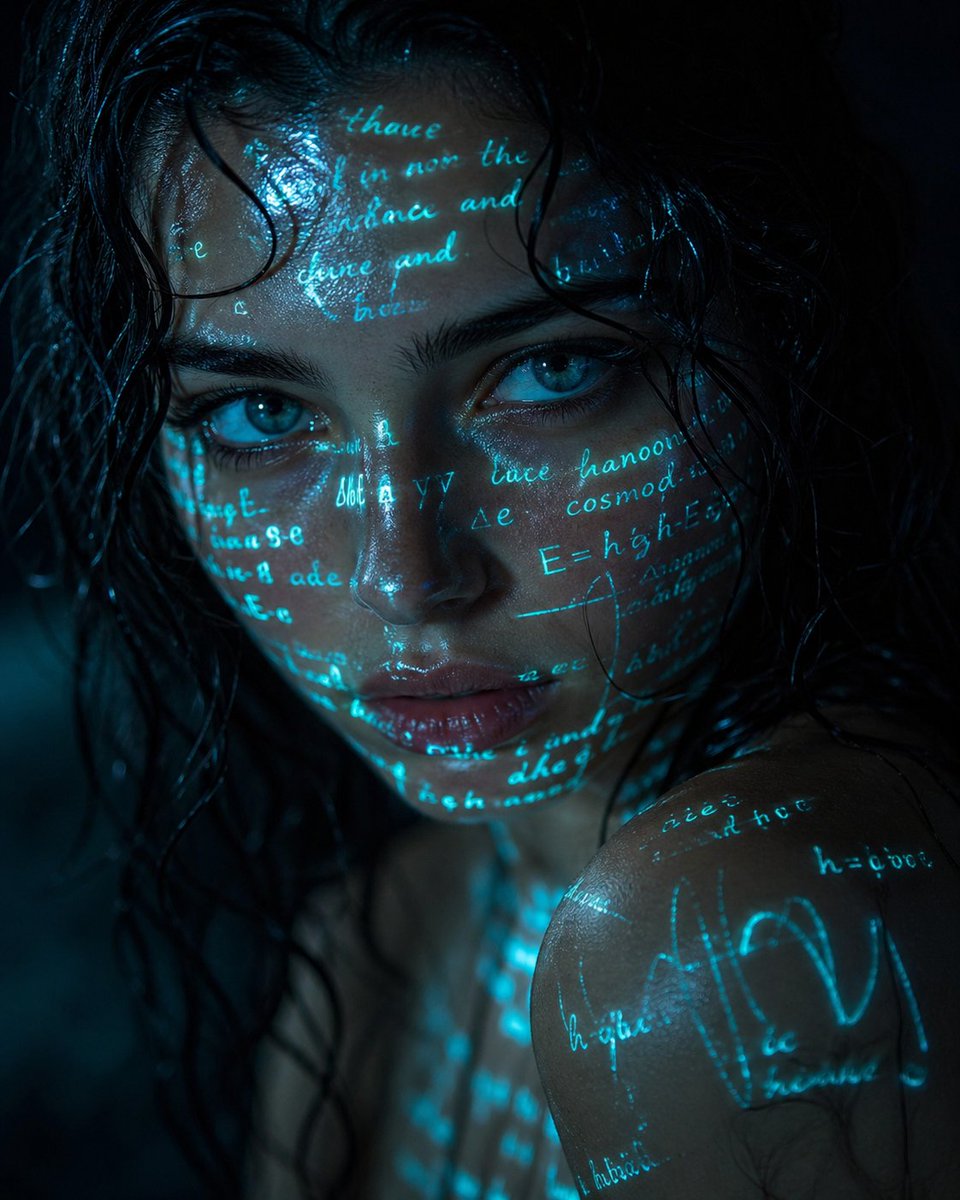
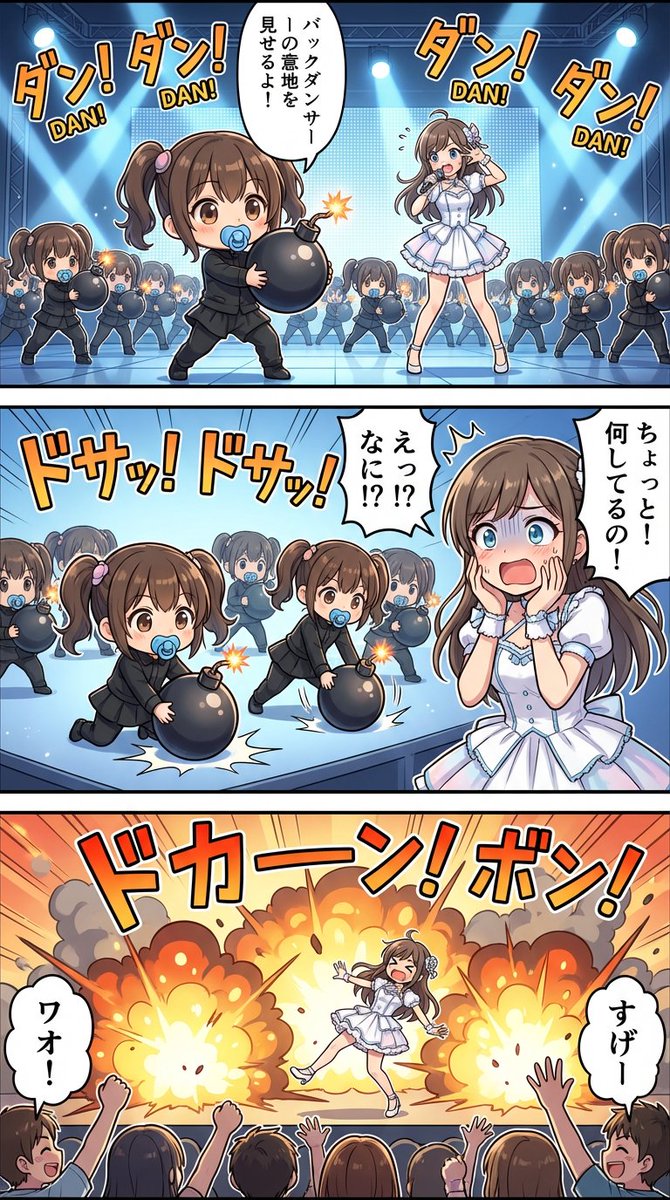
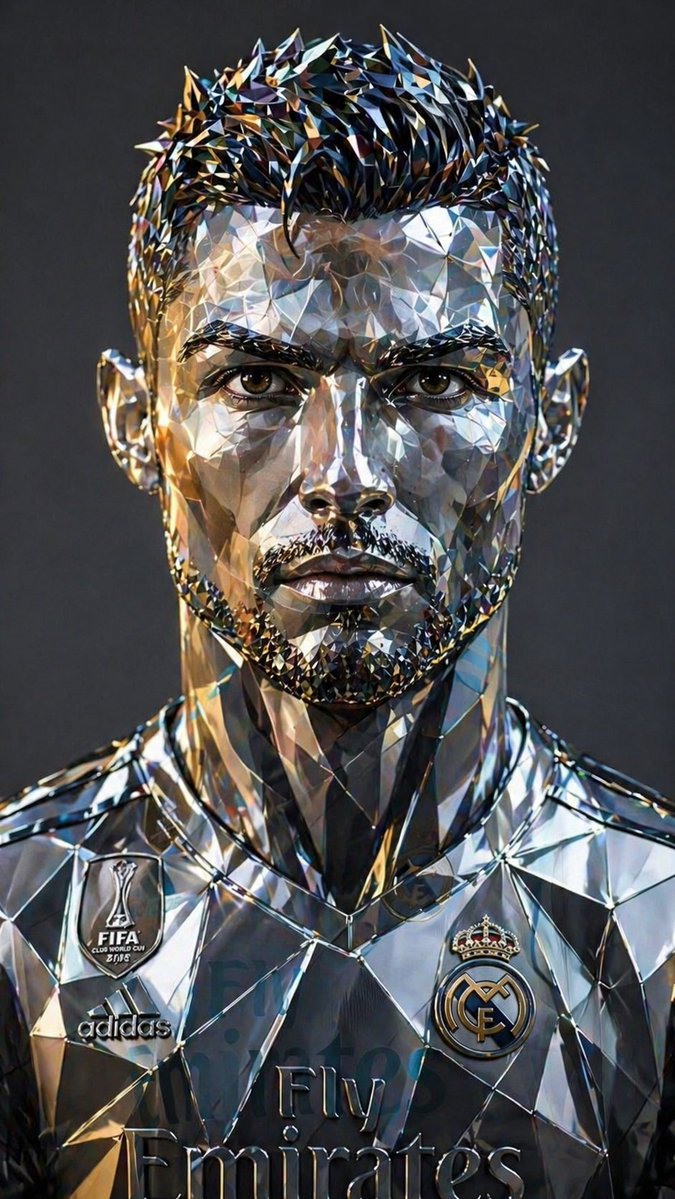
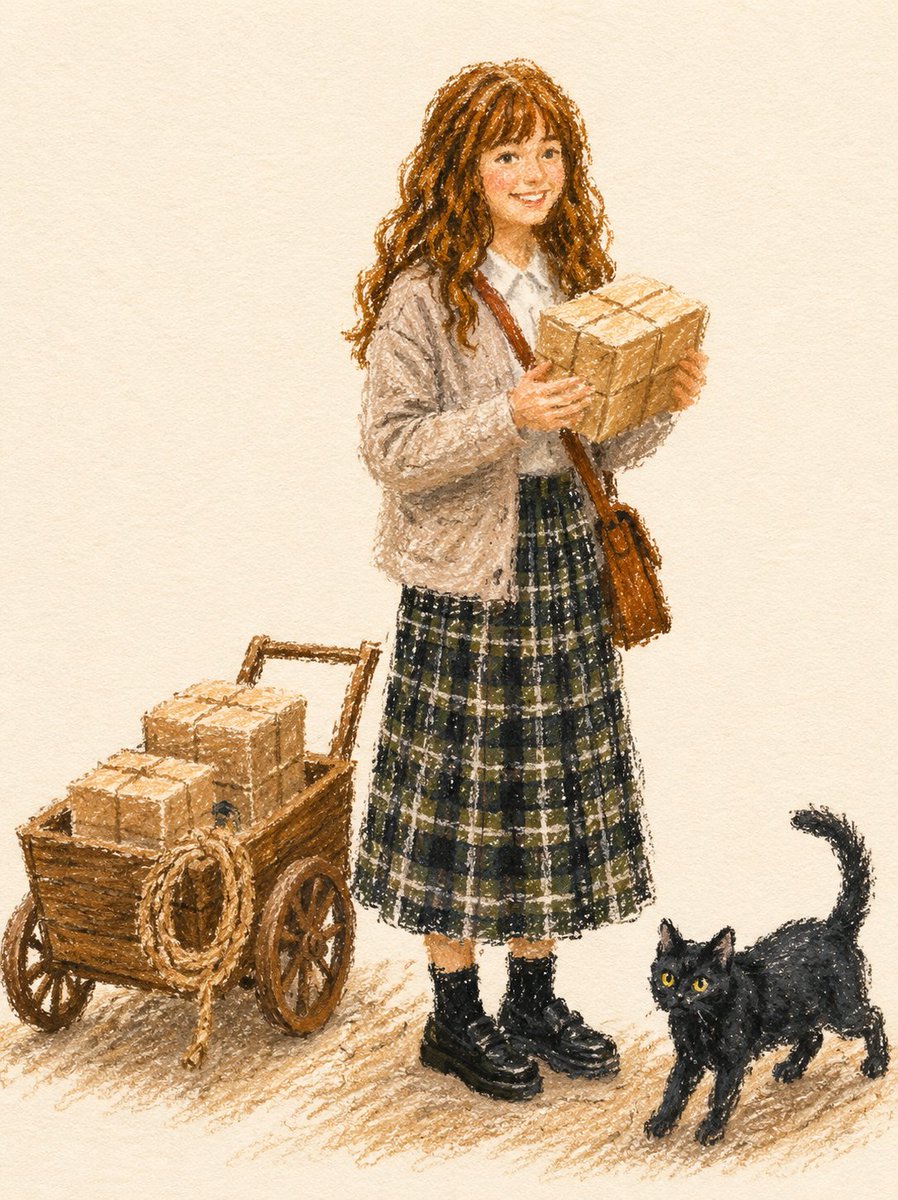



![Photorealistic Omikuji (Fortune Slip) Design — [Purpose]
Based on the attached image, generate a completely original visual of a Japanese “omikuji” fortune slip](https://pbs.twimg.com/media/G-NGPIhawAAkAtw.jpg)