
Urban Plaid Chic Editorial
Urban Plaid Chic Editorial is a ready photo look.
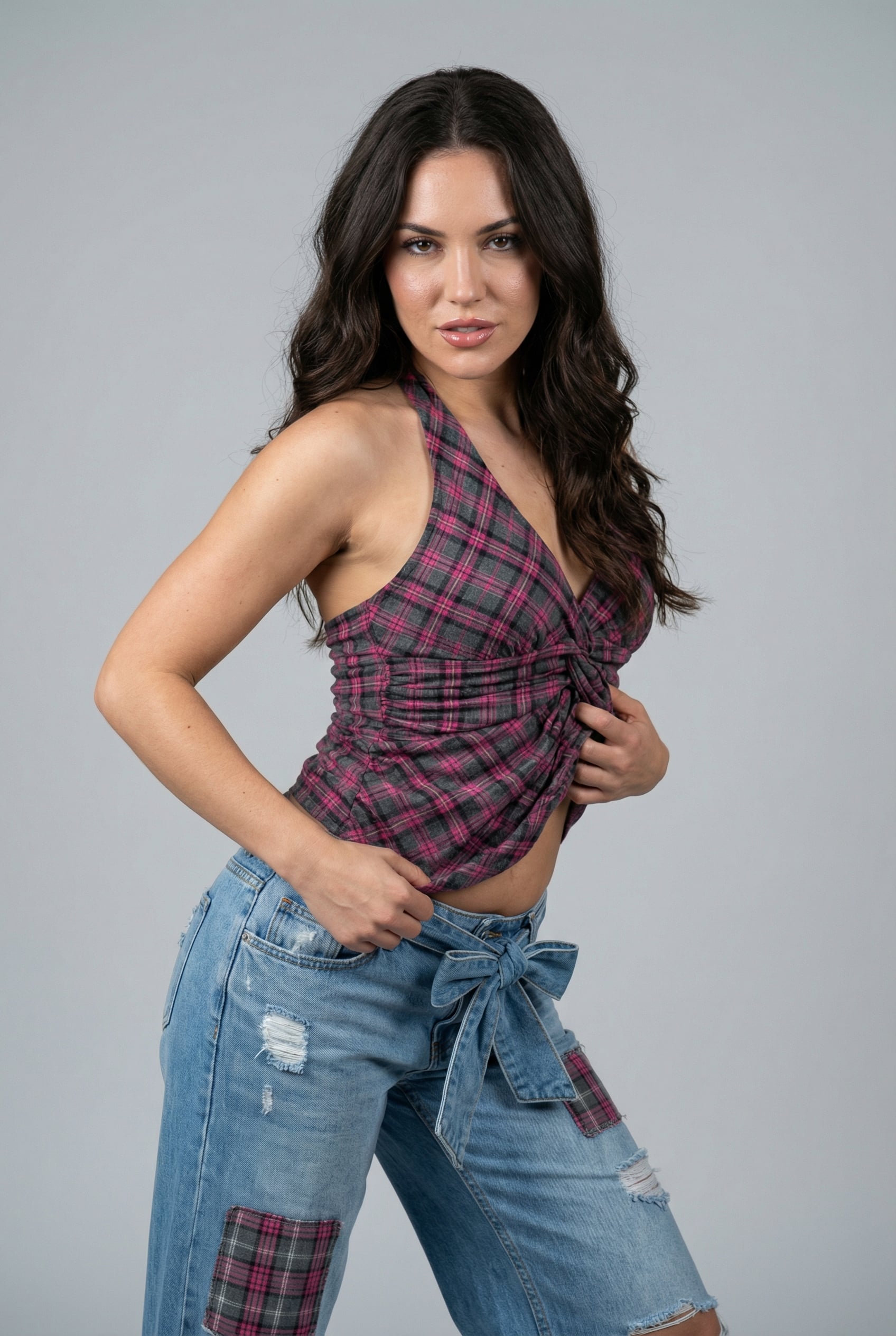
- Prompt included
- Model and format preset
- Free template
The prompt behind this image
Copy the exact prompt behind Urban Plaid Chic Editorial, or open it in the studio and make it yours.
- Type
- image_prompt
- Description › Style › Genre
- ultra-sharp hyperrealistic sensual realism with artistic restraint
- Description › Style › Mood
- intimate, bold, seductive, high-fashion energy
- Description › Style › Inspiration
- high-end studio fashion editorial blended with provocative contemporary portraiture
- Description › Style › Color Palette
- soft light gray backdrop, warm skin glow, dark pink tones, faded denim blues, subtle champagne highlights
- Description › Identity Details › Subject
- reference image character
- Description › Identity Details › Age
- mid-20s (clearly adult)
- Description › Identity Details › Ethnicity
- match reference image
- Description › Identity Details › Skin Tone
- match reference image with natural realistic glow
- Description › Identity Details › Body Type
- match reference image proportions and structure exactly
- Description › Character › Persona
- a confident woman radiating bold sensual presence and playful control
- Description › Character › Emotional State
- teasing, seductive, self-assured
- Description › Character › Narrative
- captured in a striking studio moment where her body language and gaze create an intense, intimate connection with the viewer
- Description › Face Structure › Face Shape
- match reference image
- Description › Face Structure › Cheekbones
- match reference image definition
- Description › Face Structure › Jawline
- match reference image structure
- Description › Face Structure › Forehead
- match reference image proportions
- Description › Face Structure › Chin
- match reference image shape
- Description › Signature Features › Eyes
- match reference image eye shape, size, and depth
- Description › Signature Features › Lips
- match reference image lip volume and contour
- Description › Signature Features › Nose
- match reference image nose structure
- Description › Signature Features › Brows
- match reference image brow density and shape
- Description › Facial Details › Skin Texture
- visible pores with natural realism matching reference image
- Description › Facial Details › Makeup
- match reference image makeup style and intensity
Raw JSON
{ "type": "image_prompt", "description": { "style": { "genre": "ultra-sharp hyperrealistic sensual realism with artistic restraint", "mood": "intimate, bold, seductive, high-fashion energy", "inspiration": "high-end studio fashion editorial blended with provocative contemporary portraiture", "color_palette": "soft light gray backdrop, warm skin glow, dark pink tones, faded denim blues, subtle champagne highlights" }, "identity_details": { "subject": "reference image character", "age": "mid-20s (clearly adult)", "ethnicity": "match reference image", "skin_tone": "match reference image with natural realistic glow", "body_type": "match reference image proportions and structure exactly" }, "character": { "persona": "a confident woman radiating bold sensual presence and playful control", "emotional_state": "teasing, seductive, self-assured", "narrative": "captured in a striking studio moment where her body language and gaze create an intense, intimate connection with the viewer" }, "face_structure": { "face_shape": "match reference image", "cheekbones": "match reference image definition", "jawline": "match reference image structure", "forehead": "match reference image proportions", "chin": "match reference image shape" }, "signature_features": { "eyes": "match reference image eye shape, size, and depth", "lips": "match reference image lip volume and contour", "nose": "match reference image nose structure", "brows": "match reference image brow density and shape" }, "facial_details": { "skin_texture": "visible pores with natural realism matching reference image", "makeup": "match reference image makeup style and intensity", "imperfections": "preserve natural asymmetry and realistic skin details from reference" }, "hair": { "style": "match reference image hairstyle exactly", "color": "match reference image hair color", "texture": "match reference image hair texture and volume" }, "accessories": { "jewelry": "match reference image if present, otherwise minimal", "additional": "match reference image accessories if any" }, "expression": { "eyes": "direct locked gaze into camera with seductive intensity", "mouth": "slightly parted lips with a teasing smirk", "emotion": "flirty, confident, intimate" }, "pose": { "body_position": "standing with a strong S-curve posture, hips pushed to one side", "torso_angle": "upper body slightly leaned forward creating engagement", "leg_position": "one leg forward bent slightly, the other straight supporting weight", "arm_placement": "one hand gripping the waistline of the jeans pulling slightly inward, the other hand sliding up along the side of her torso toward the neckline", "posture": "arched lower back, lifted chest, relaxed shoulders emphasizing natural curves and creating a bold sensual silhouette" }, "clothing": { "outfit_type": "casual street-chic sensual fashion", "top": "dark pink and gray plaid halter-style sleeveless top with asymmetrical neckline, ruched detailing, and tied knot accentuating the waist", "bottom": "light blue high-waisted ripped wide-leg jeans with plaid fabric patches and a large matching bow at the waist", "fabric": "lightweight plaid fabric with soft sheen, textured denim with frayed distressing", "fit": "body-skimming halter top paired with loose but curve-enhancing jeans" }, "camera": { "camera_type": "full-frame DSLR", "lens": "85mm prime lens", "aperture": "f/1.8", "focus": "sharp focus on eyes and facial features", "angle": "slightly low-angle frontal perspective enhancing presence and intimacy", "framing": "medium shot from upper-thigh upward", "distance": "intimate framing with subject dominating the frame" }, "lighting": { "key_light": "soft frontal key light with slight side angle creating gentle highlights on face and torso", "fill_light": "subtle diffused fill maintaining contrast", "shadow": "soft sculpted shadows enhancing curves and textures", "practical_lighting": "studio controlled lighting only", "color_temperature": "neutral daylight (5500K) with warm skin highlights" }, "background": { "environment": "plain solid light gray studio backdrop", "details": "minimal clean background with no distractions", "depth": "flat backdrop isolating subject", "atmosphere": "clean, controlled, intimate studio setting" }, "composition": { "rule_of_thirds": "subject centered with slight dynamic offset", "leading_lines": "body curves and arm movement guiding attention toward face and waist", "depth_layers": "subject sharply isolated from flat background", "visual_focus": "eyes, lips, waistline, and torso", "balance": "contrast between dark pink tones, denim blues, and neutral backdrop" }, "micro_details": { "skin": "fine pores, subtle highlights on cheekbones, collarbone, and arms", "fabric": "detailed plaid texture, visible denim weave, frayed edges", "lighting_effects": "soft reflections on accessories, subtle sheen on fabric and skin", "realism": "ultra-detailed textures with natural imperfections preserved" }, "quality": { "resolution": "8K ultra high resolution", "rendering": "photorealistic", "dynamic_range": "high dynamic range preserving highlights and shadows", "color_grading": "cinematic clean tones with soft contrast", "sharpness": "ultra-sharp detail on eyes, skin texture, fabric, and accessories", "aspect_ratio": "9:16" } } }How to use Urban Plaid Chic Editorial in 3 steps
- 1Upload ImagePNG, JPG or paste
Add your photo
Upload the photo the template builds on. The prompt, model and format are already set.
- 2…a portrait of your subject in softgolden-hour light, 85mm…
Personalize
Edit the subject and creative details for your destination.
- 3Generate
Generate
Press Generate — your image is created in PicX Studio, so you can compare it with the original and refine one variable at a time.
More like this
Templates with the same subject, style or setup. Open one to see its prompt.

Urban Fashion Editorial Collage Streetwear Poster

Korean Streetwear Minimalist Campaign Portrait

Cinematic Korean Streetwear Street Portrait

Urban Fashion Editorial Collage Poster
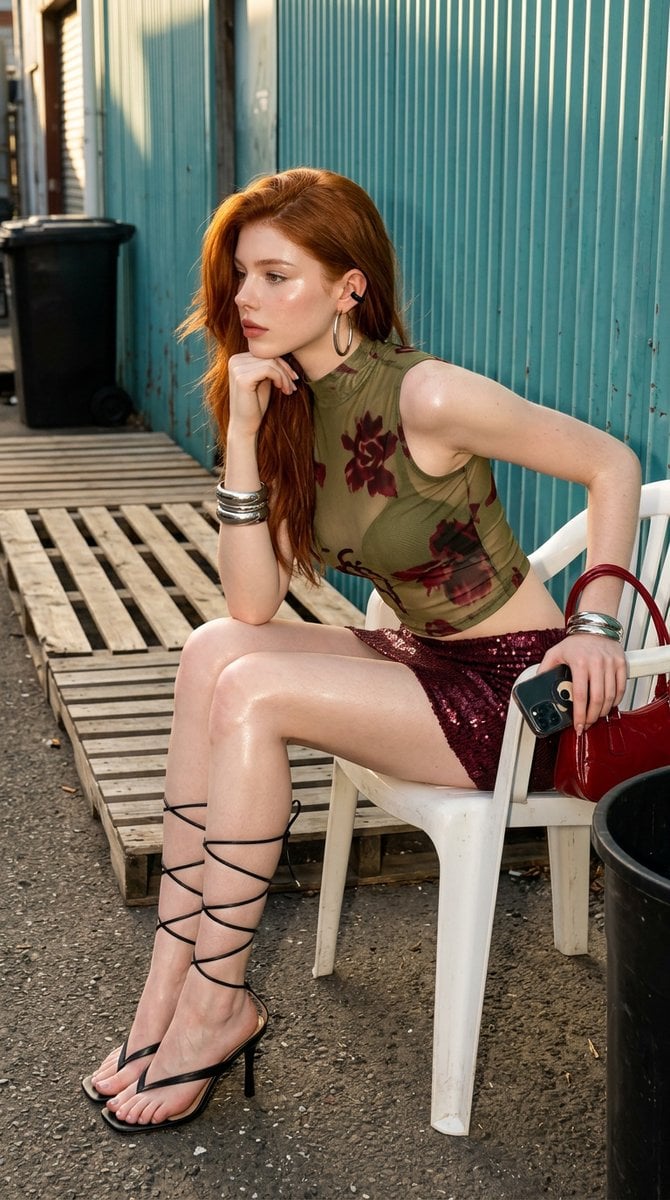
Urban Chic Fashion Editorial in an Alleyway
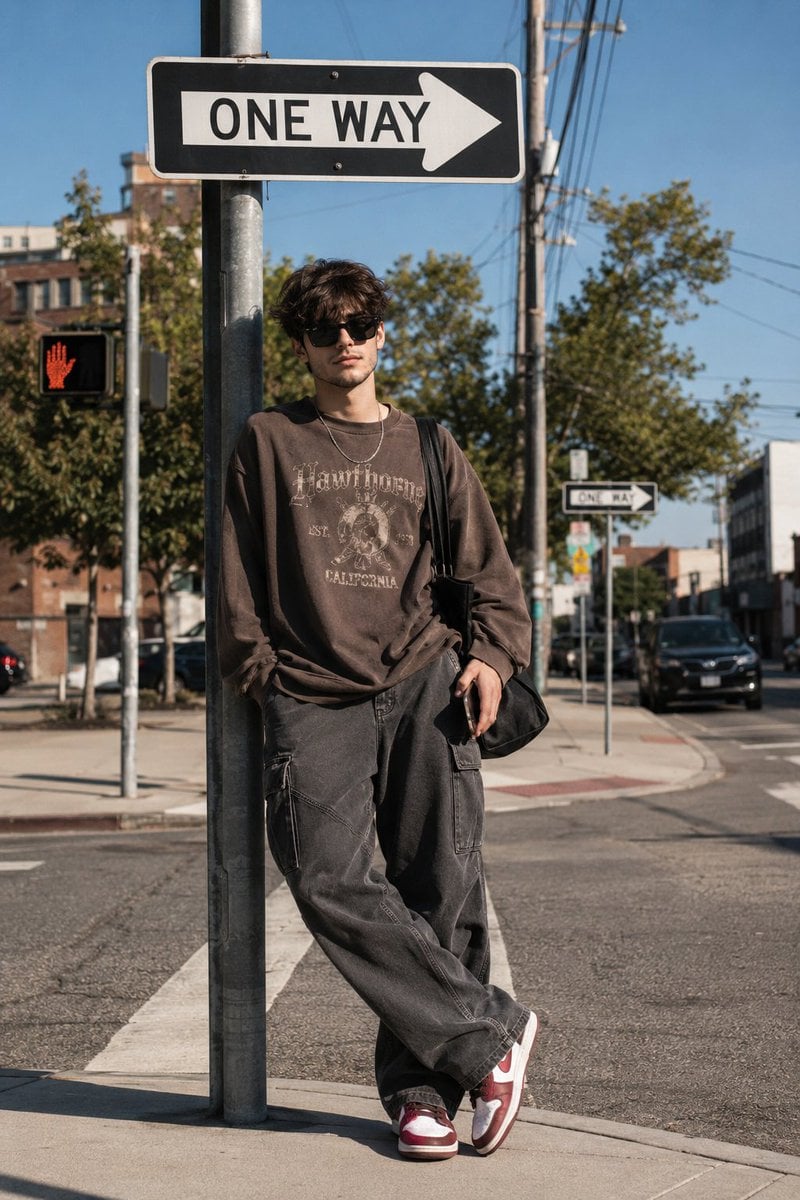
Korean Streetwear Urban Editorial
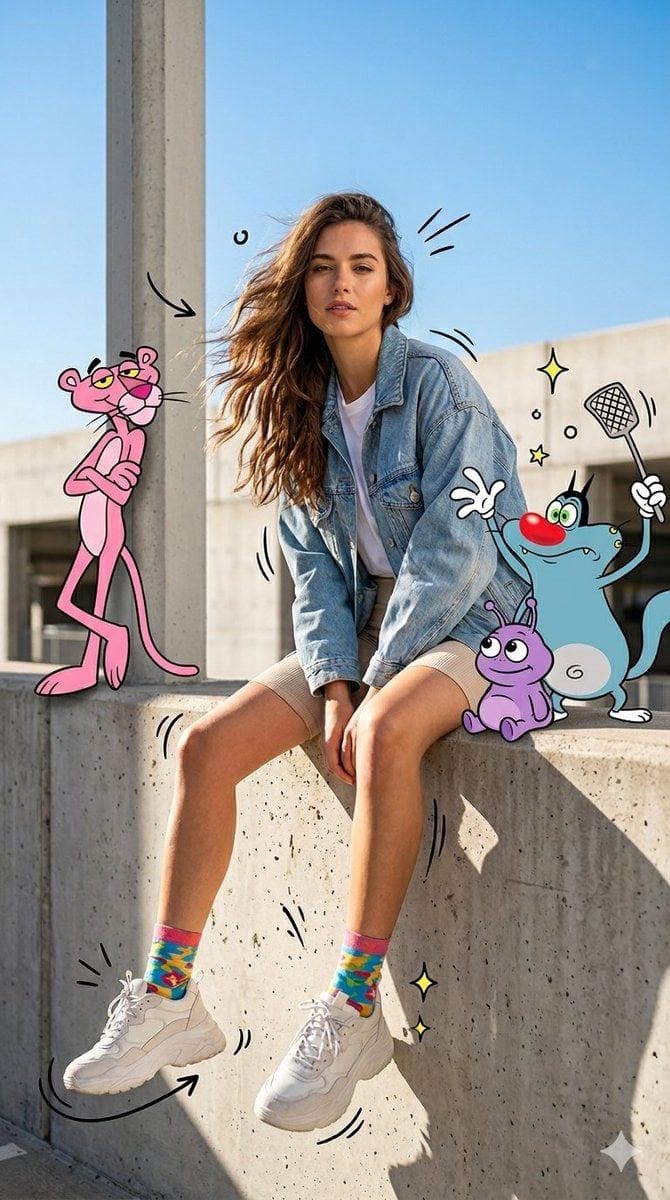
Mixed Media Urban Fashion Editorial
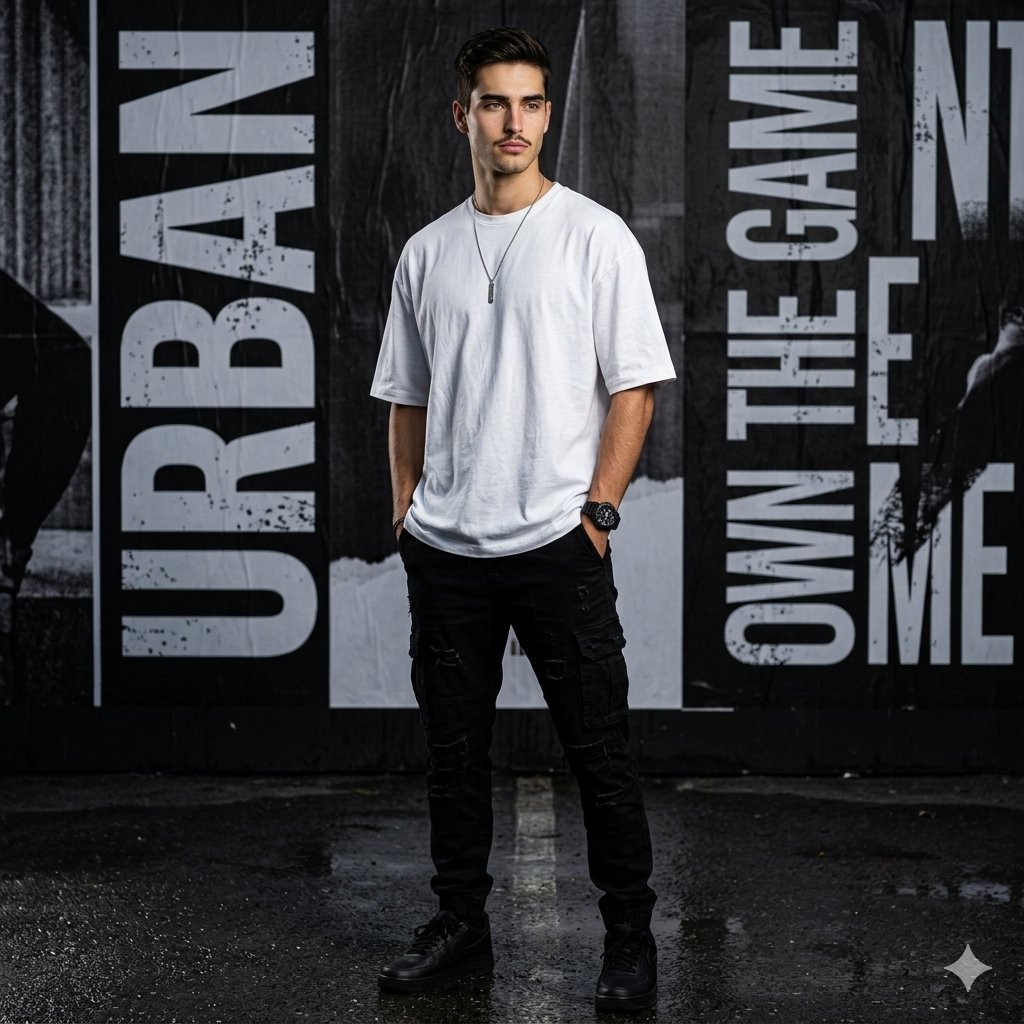
Urban Noir Fashion Editorial

Monochrome Hypebeast Street Fashion Editorial Motion

Elegant Green Evening Gown Studio Fashion Portrait

Artistic Patchwork Fashion Portrait Spring Festival

Japanese Architectural Concrete Studio Fashion Campaign
Make it yours
Urban Plaid Chic Editorial works as-is. These are the safest ways to change it without losing the look.
Swap the setting
Keep the rest of the prompt and replace the location block. The current setting is “plain solid light gray studio backdrop”.
Swap the light
One lighting change is enough to compare takes. Current light: “soft frontal key light with slight side angle creating gentle highlights on face”.
Change one field
Copy a single group, rewrite it, and generate again so you can see what that field is doing.
| If the result… | Why | Fix |
|---|---|---|
| The result drifts from the preview | Too many fields changed at once. | Reuse Urban Plaid Chic Editorial as-is first, then change one group — subject, light, or setting. |
| PicX Studio ignores part of the JSON | Some models flatten or skip nested keys. | Keep the same values and paste them as a short paragraph instead. |
More image prompts
Fresh picks from across the catalog.
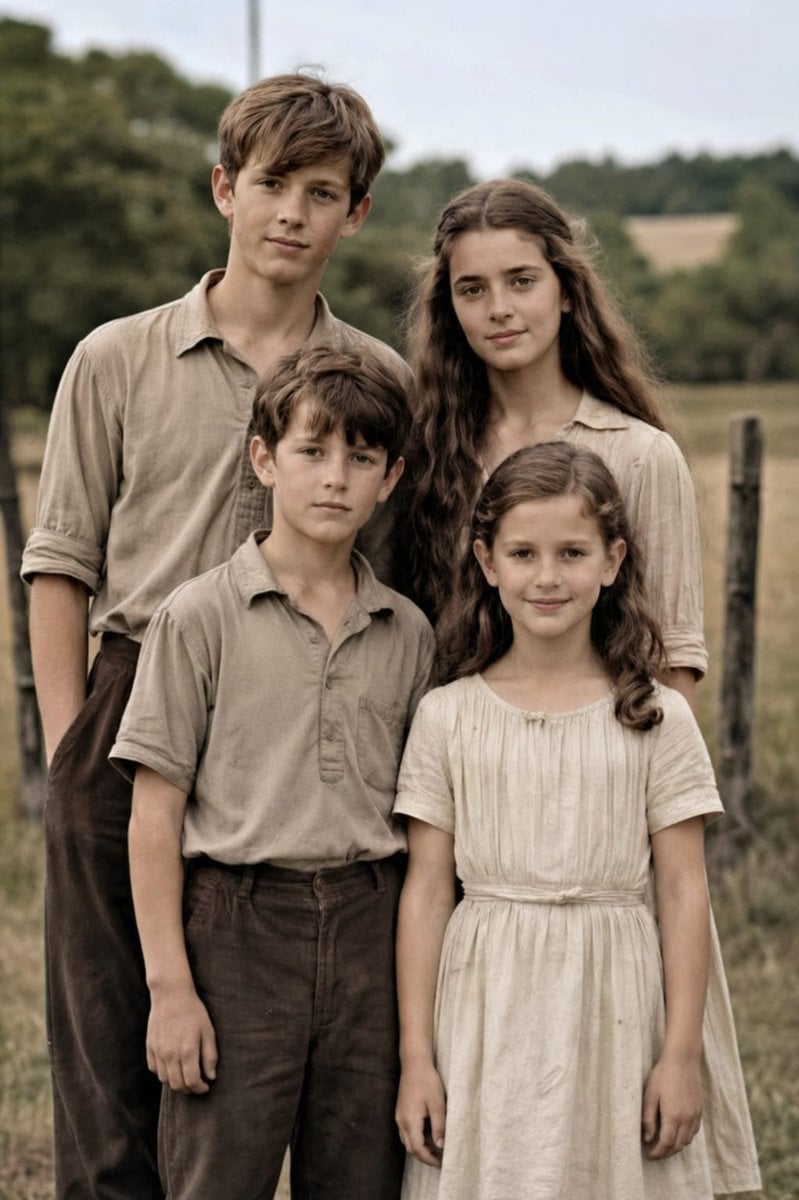
Professional Old Photo Restoration
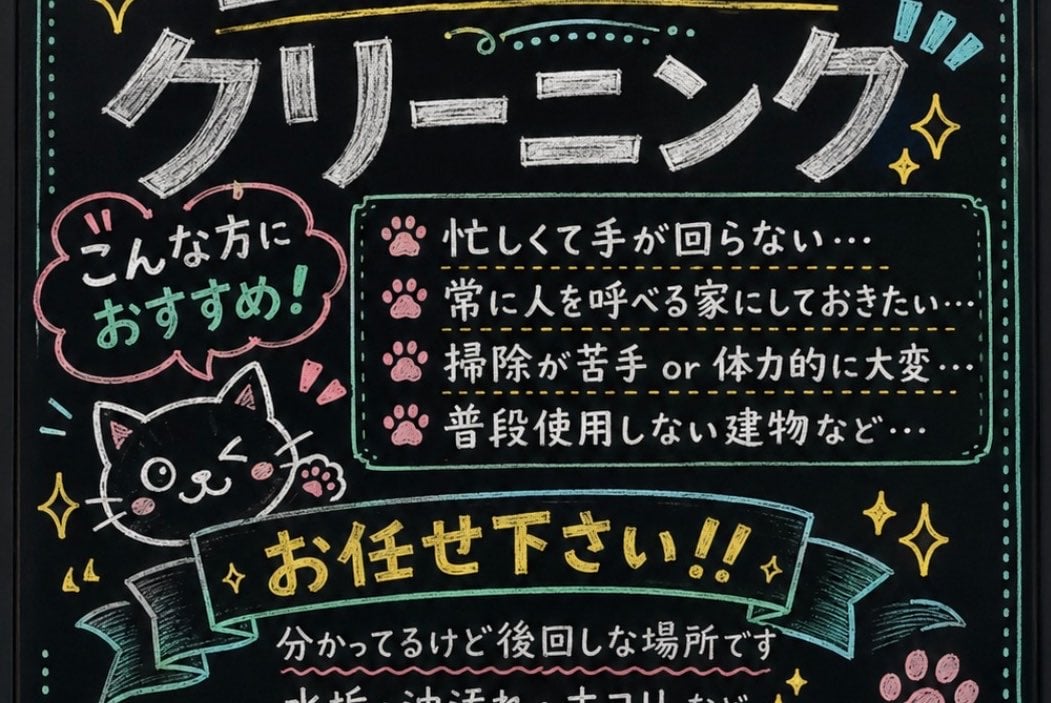
Japanese Chalkboard Cleaning Sign
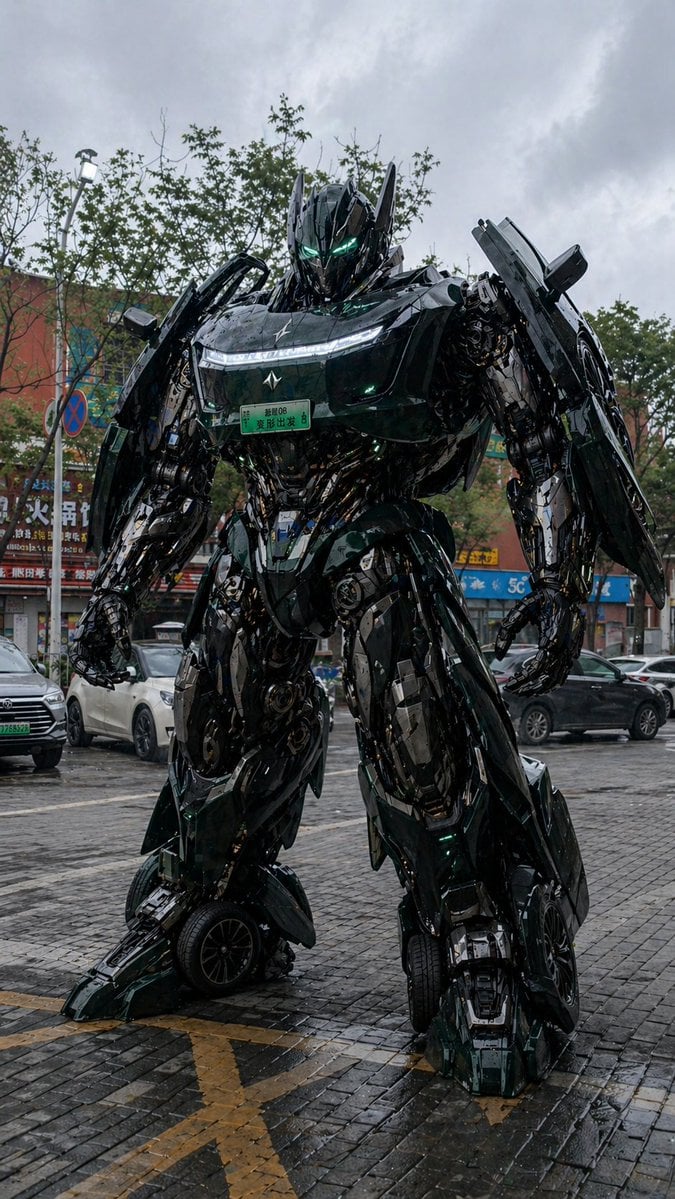
Car Transformation Prompt
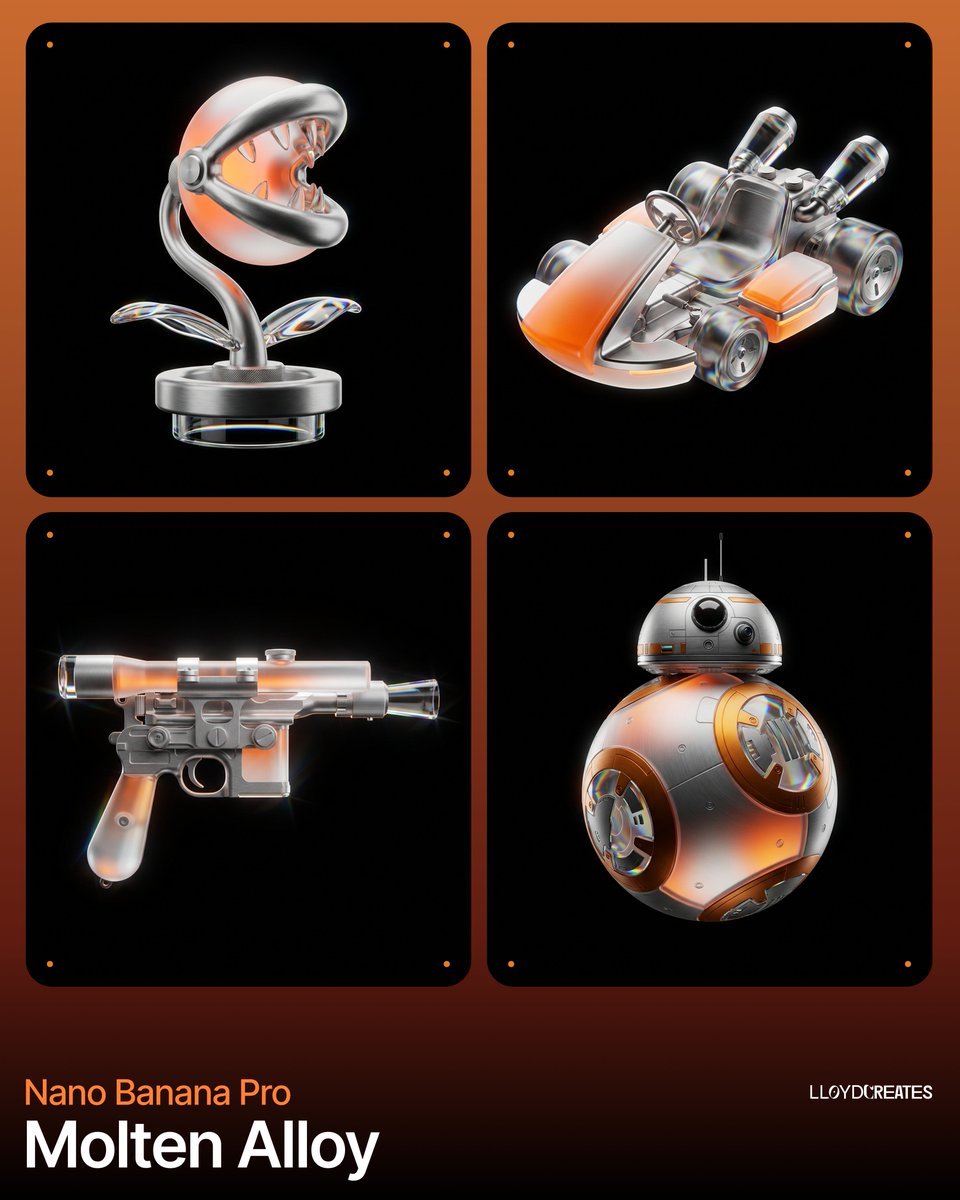
Molten Alloy Product Photography Prompt (JSON)
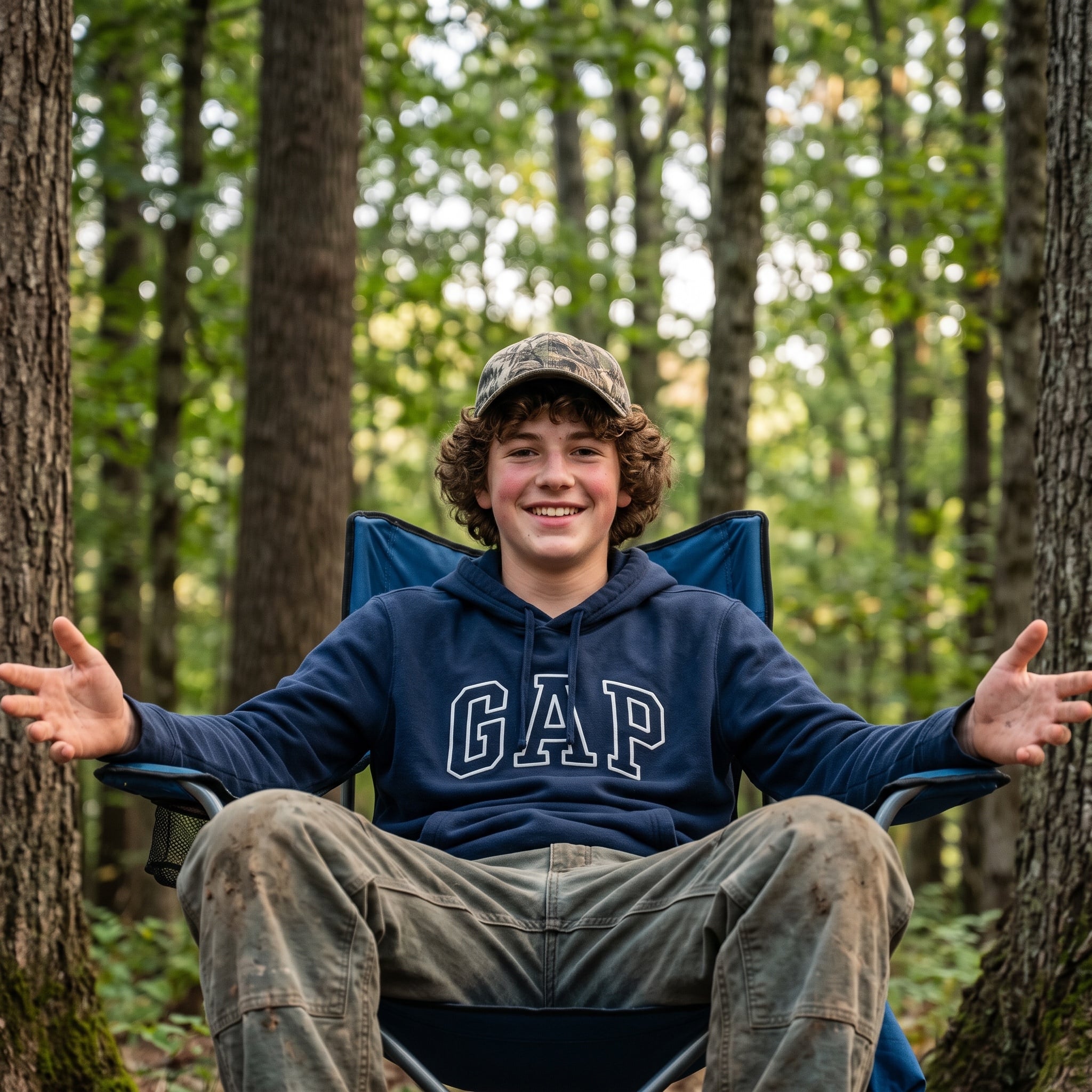
Candid Teenage Boy Camping Photo Prompt
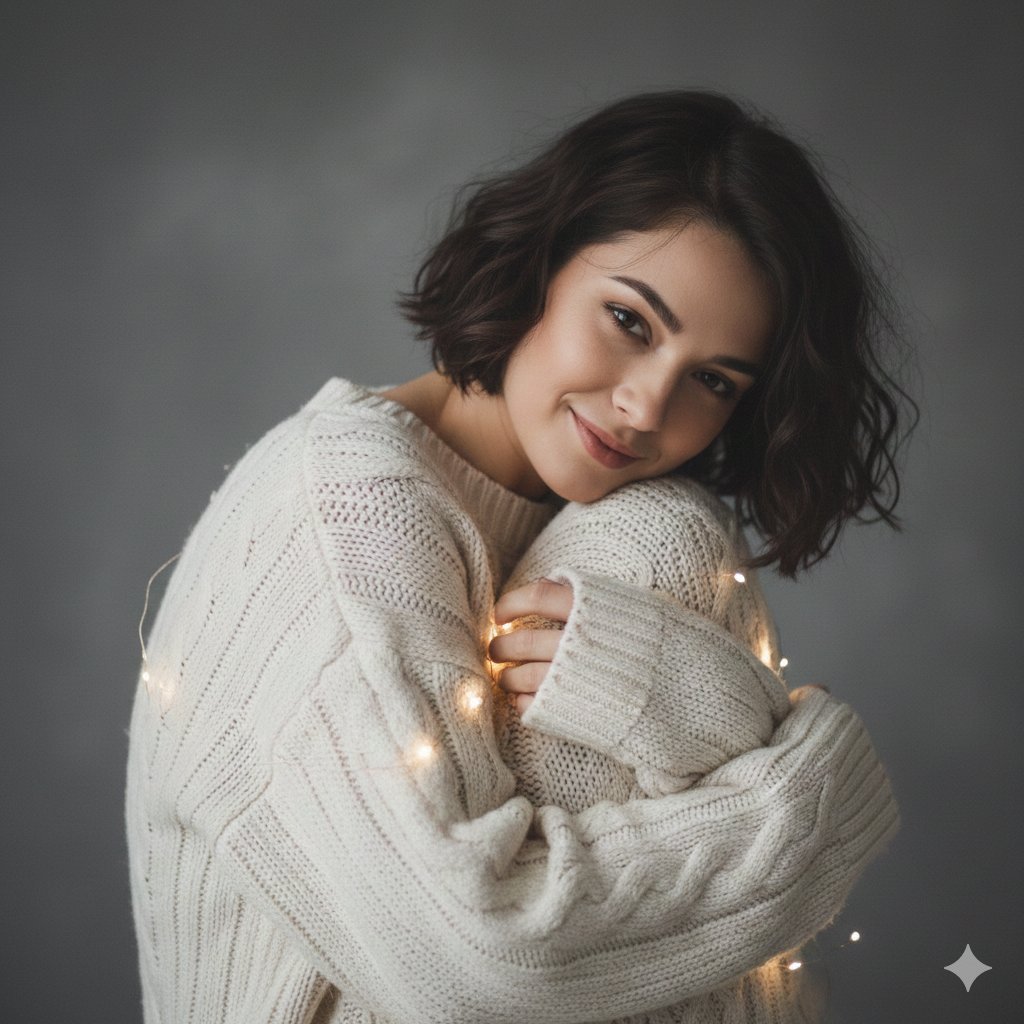
Intimate Studio Portrait with Fairy Lights Prompt
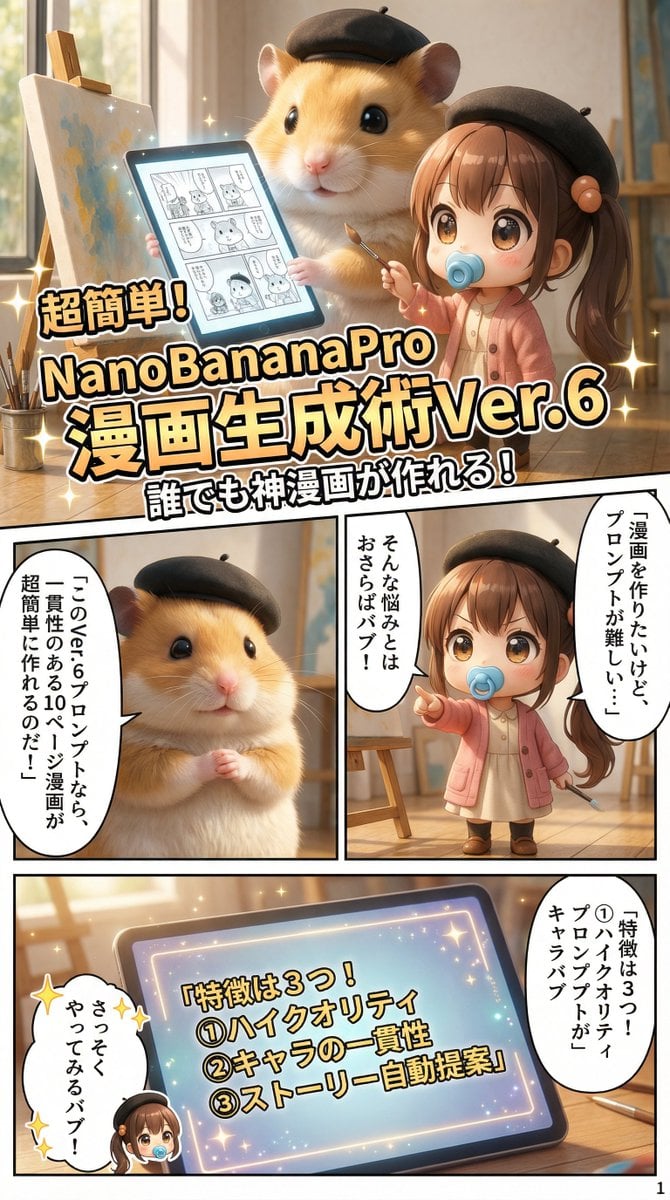
10+ Page Manga Creation Prompt
Ethereal Fantasy Portrait with Swans and Golden Hour Light
Luxury Austria Travel Poster
3x3 Cinematic Fashion Collage on a Rooftop at Sunset
Featured in prompt roundups
Hand-picked collections that include this template.
Browse template categories
Urban Plaid Chic Editorial questions
How do I use the Urban Plaid Chic Editorial template?
Add your photo if the template asks for one, edit the prompt if you like — the template's model and format are already selected — and press Generate. Your version opens in PicX Studio.
Can I customize the Urban Plaid Chic Editorial template?
Yes. You can change the subject, setting, lighting, mood, format, and available model controls before creating your image.
Is the Urban Plaid Chic Editorial template free?
Opening and editing this template is free. Generating uses credits, shown on the Generate button when you are signed in.
Which AI model should I use?
Choose a compatible model in PicX Studio based on the style, speed, and output controls your project needs.
Looking for something else? Browse all templates.

Your photo, any look
Thousands of ready templates for every top image and video model, from one credit balance.