
Kawaii Anime LINE Sticker Sheet
Generates a nine-piece chibi anime girl and penguin LINE sticker sheet with Japanese greetings for messaging sticker concepts.
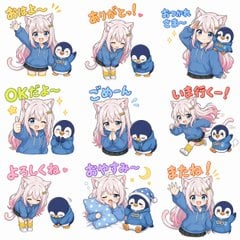
- Prompt included
- Model and format preset
- Free template
The prompt behind this image
Copy the exact prompt behind Kawaii Anime LINE Sticker Sheet, or open it in the studio and make it yours.
Goal: Create a cute LINE sticker sheet featuring {argument name="character name" default="a chibi cat-eared girl"} and a small penguin mascot, arranged as nine separate transparent-style stickers on a clean white background. Canvas: Square 1:1 image, high resolution, white background, sticker-pack preview layout with a 3 by 3 grid. Each sticker has soft pastel colors, thick clean outlines, subtle white sticker edging, tiny sparkles or hearts, and rounded kawaii proportions. Character details: The main character is a small chibi anime girl with fluffy long {argument name="hair color" default="white hair with pale pink tips"}, cat ears, large blue eyes, a cozy oversized {argument name="outfit" default="blue hoodie"}, short skirt or shorts, and small shoes. She appears with a round dark-blue penguin mascot with a white face and yellow beak/feet. Expressions are cheerful, shy, apologetic, excited, sleepy, and affectionate. Sticker count and labels: Include exactly 9 discrete stickers, each with handwritten Japanese text in bright pastel colors above or near the characters: 1. Top left: Girl waving happily beside penguin, text 「おはよ〜」 in yellow-orange. 2. Top center: Girl bowing or nodding with penguin at her side, text 「ありがとう!」 in orange. 3. Top right: Girl hugging or holding penguin close, text 「なかよくしよ」 in blue. 4. Middle left: Girl making an OK gesture with penguin, text 「OKだよ〜」 in green. 5. Middle center: Girl looking sleepy or relaxed with penguin, text 「ごめん〜」 in blue. 6. Middle right: Girl and penguin running or moving energetically, text 「いま行く〜!」 in red-orange. 7. Bottom left: Girl bowing politely with penguin nearby, text 「よろしくね」 in pink. 8. Bottom center: Girl lying or sitting cozily under a blue blanket with penguin, text 「おやすみ〜」 in purple. 9. Bottom right: Girl jumping excitedly with penguin, text 「またね!」 in orange. Visual style: Polished Japanese kawaii LINE sticker style, soft watercolor-like shading, pastel blue and pink palette, expressive faces, playful hand-lettering, compact sticker compositions, no background scenery. Constraints: Keep all nine stickers clearly separated and evenly spaced in a 3x3 grid. Preserve the Japanese text exactly as written. Do not add extra stickers, captions, logos, watermark, borders, or UI elements.
How to use Kawaii Anime LINE Sticker Sheet in 3 steps
- 1Upload ImagePNG, JPG or paste
Add your photo
Upload the photo the template builds on. The prompt, model and format are already set.
- 2…a portrait of your subject in softgolden-hour light, 85mm…
Personalize
Edit the subject and creative details for your destination.
- 3Generate
Generate
Press Generate — your image is created in PicX Studio, so you can compare it with the original and refine one variable at a time.
More like this
Templates with the same subject, style or setup. Open one to see its prompt.
Chibi Anime Ninja Sticker Sheet
Brand Sticker Sheet Monoline Vector
Kawaii Chibi Sticker Sheet
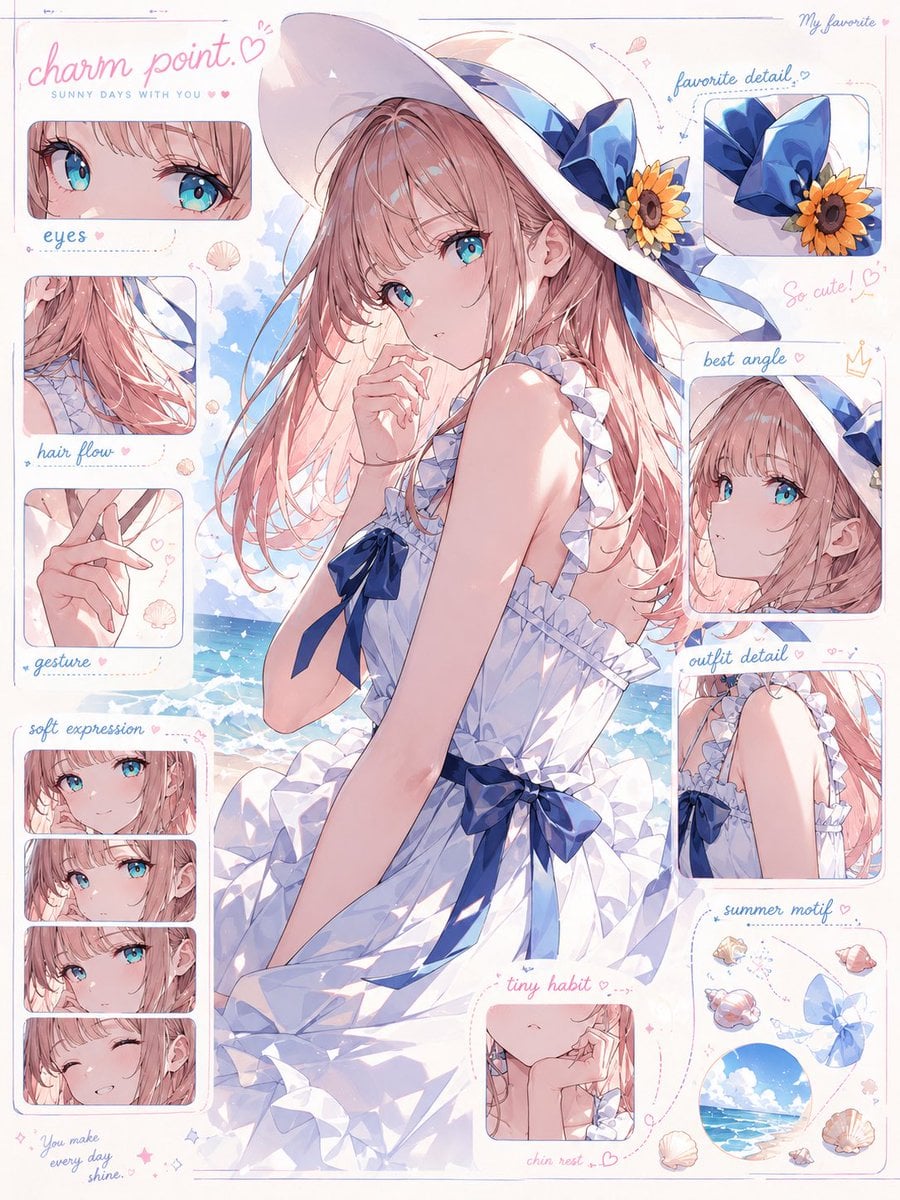
Anime Character Charm Analysis Sheet
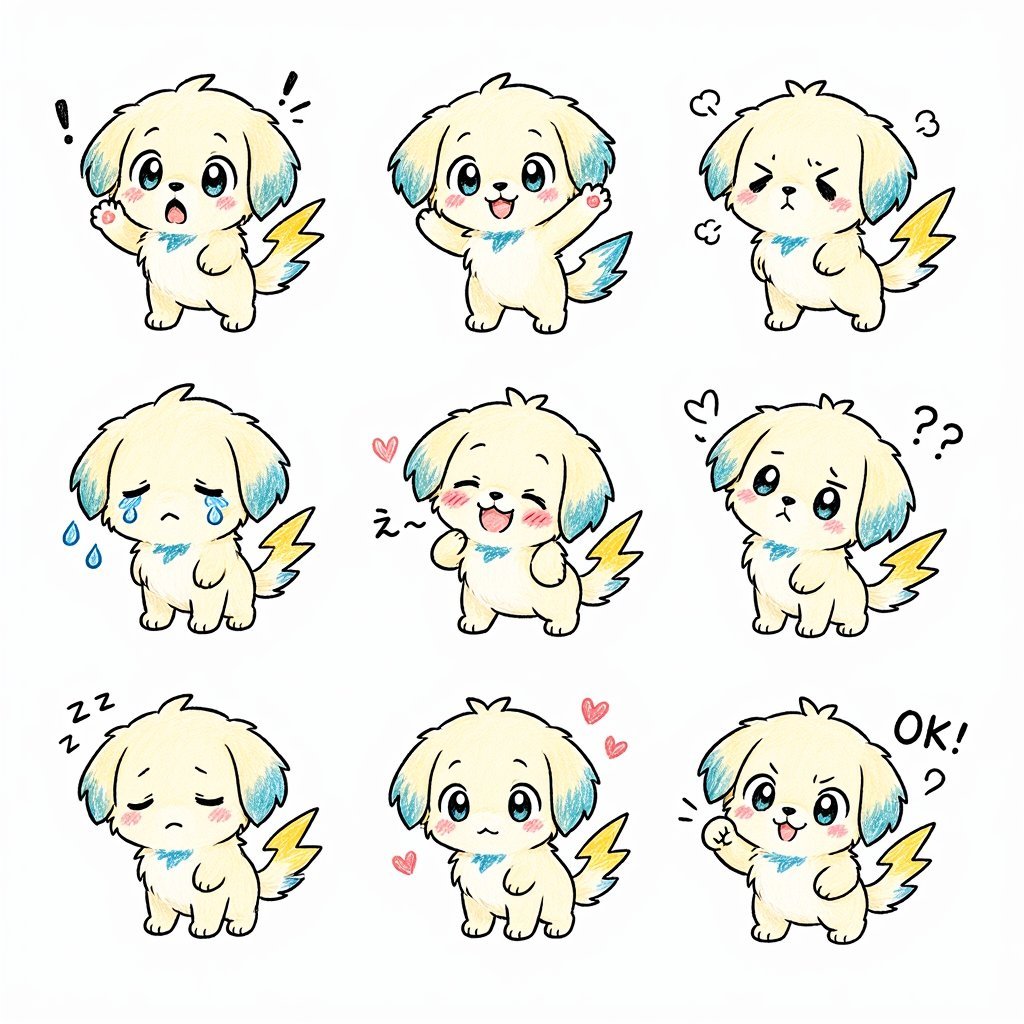
Kawaii Puppy Emotion Sticker Sheet
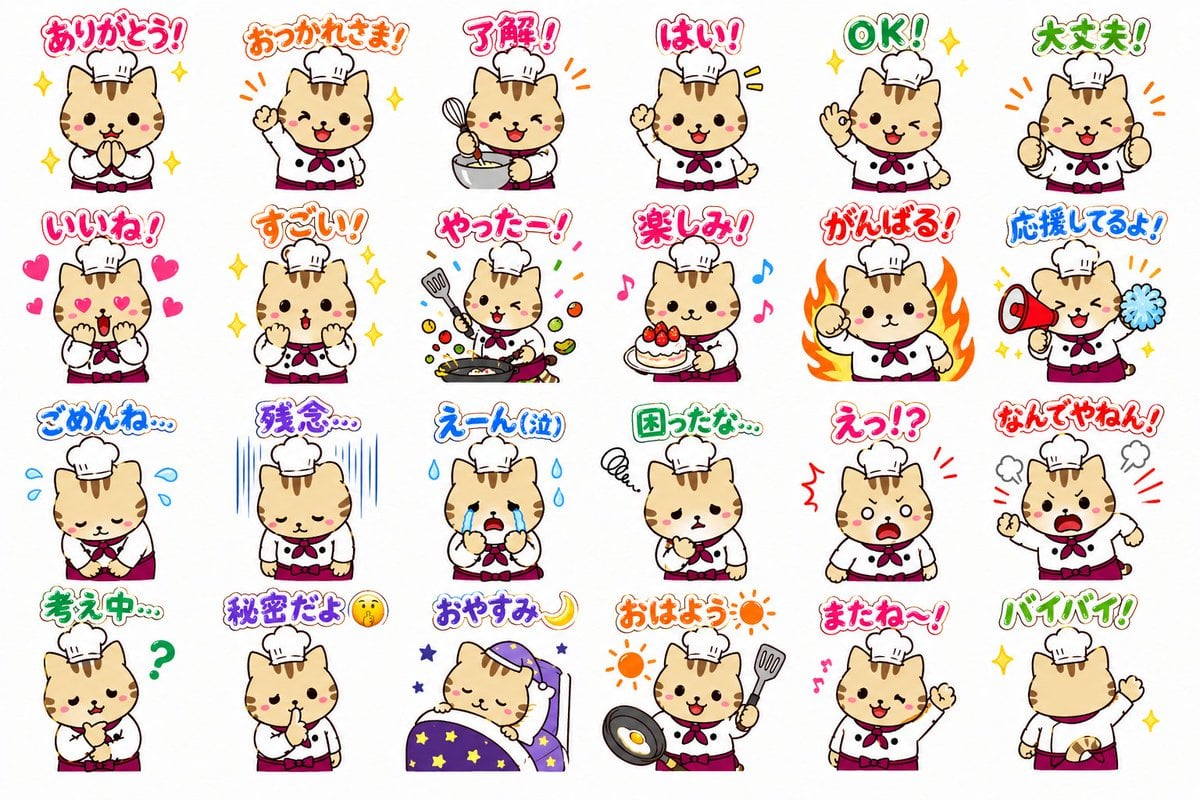
Chef Cat LINE Sticker Sheet
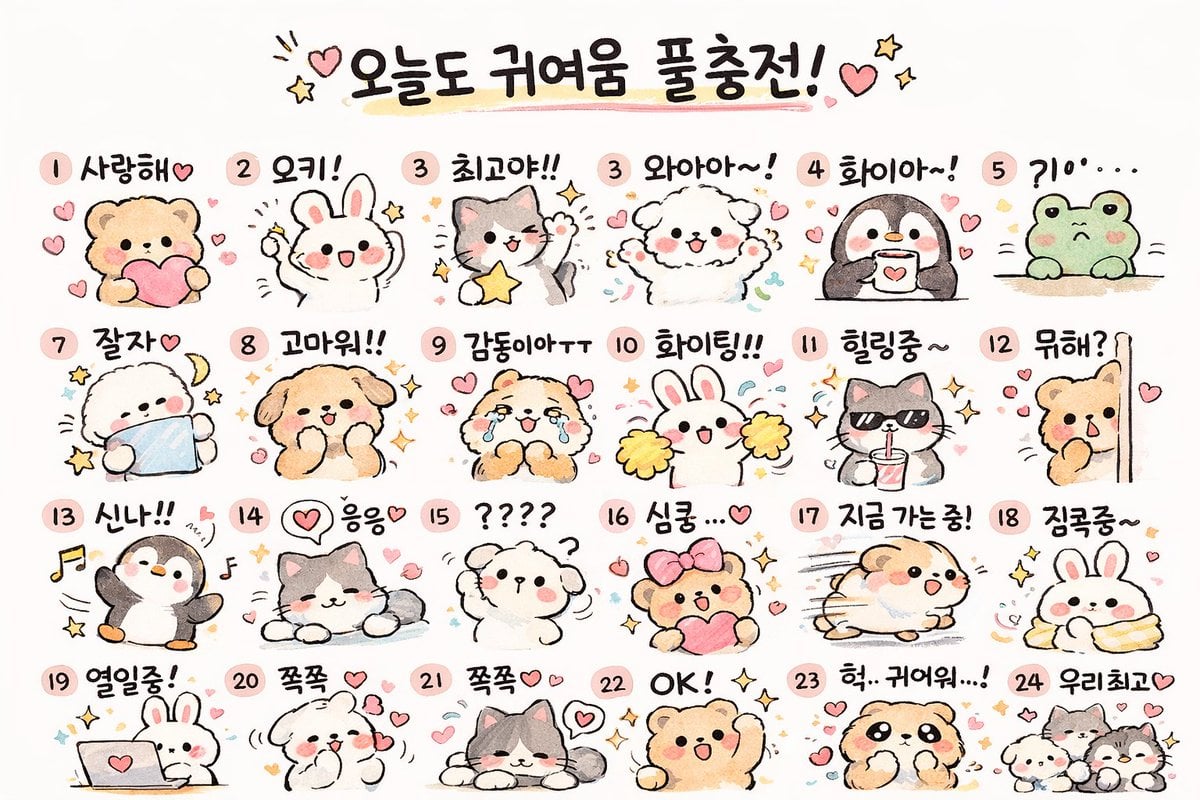
Kawaii Animal Sticker Sheet Generator
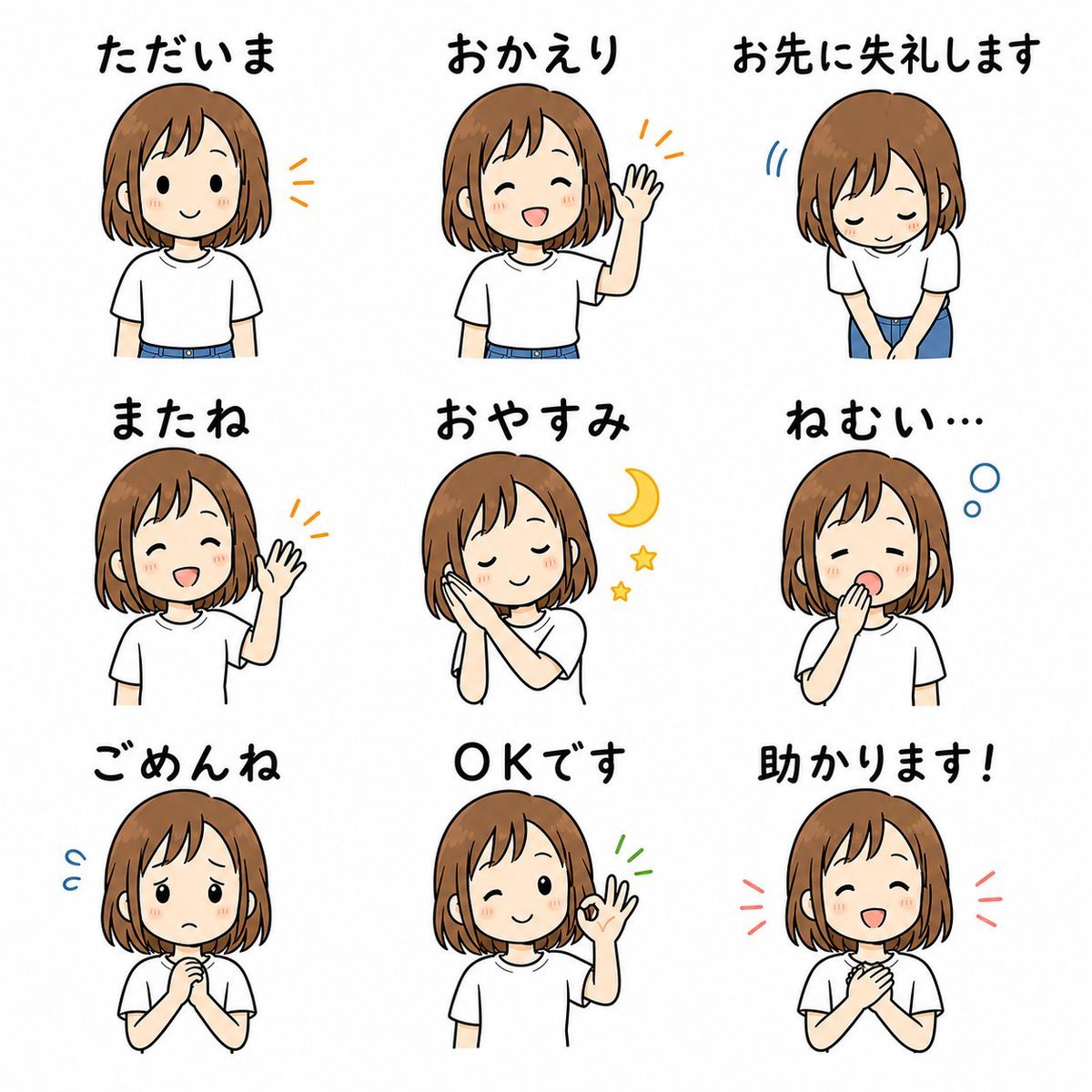
Cute Japanese LINE Sticker Sheet
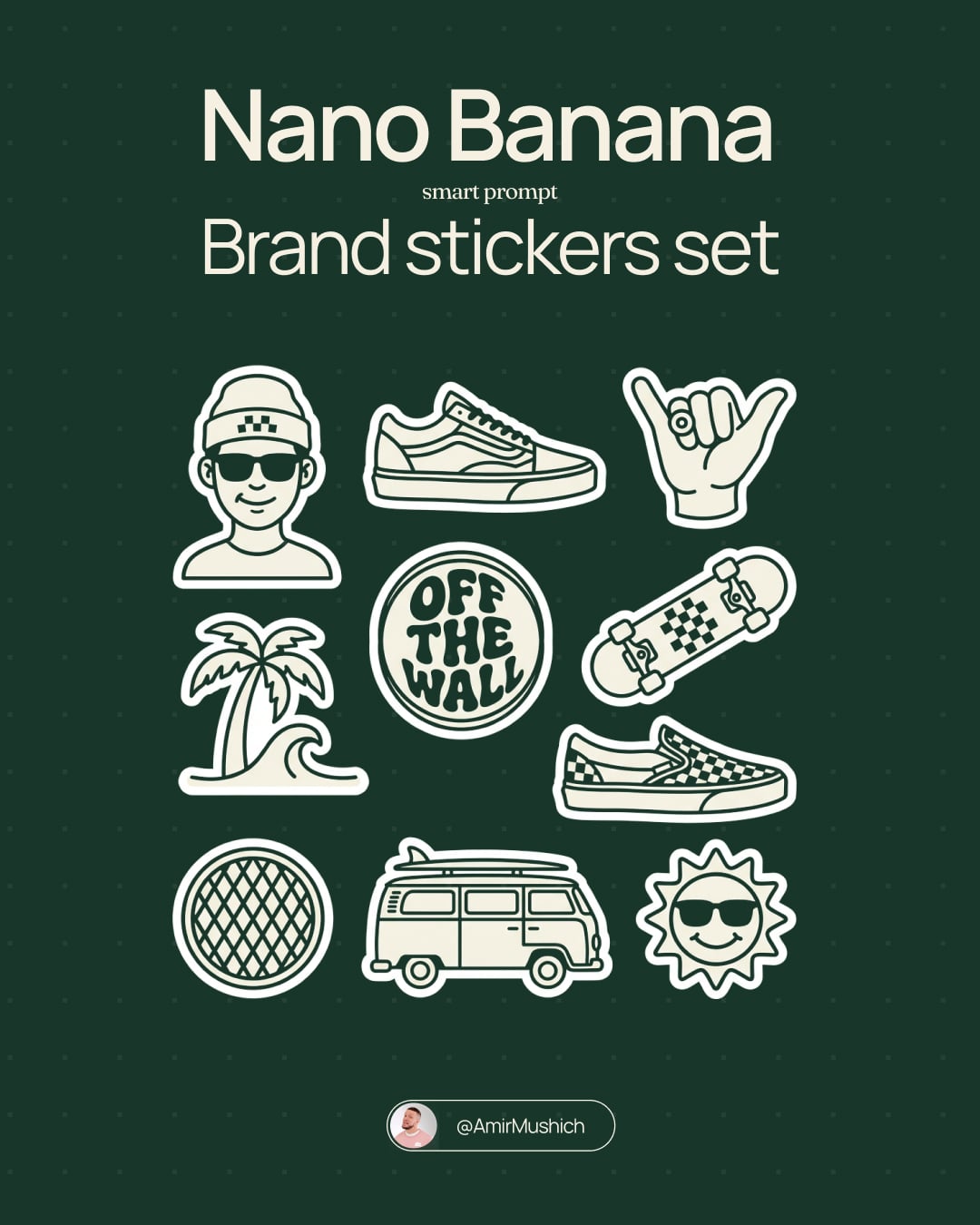
A trendy, high-end Sticker Sheet set
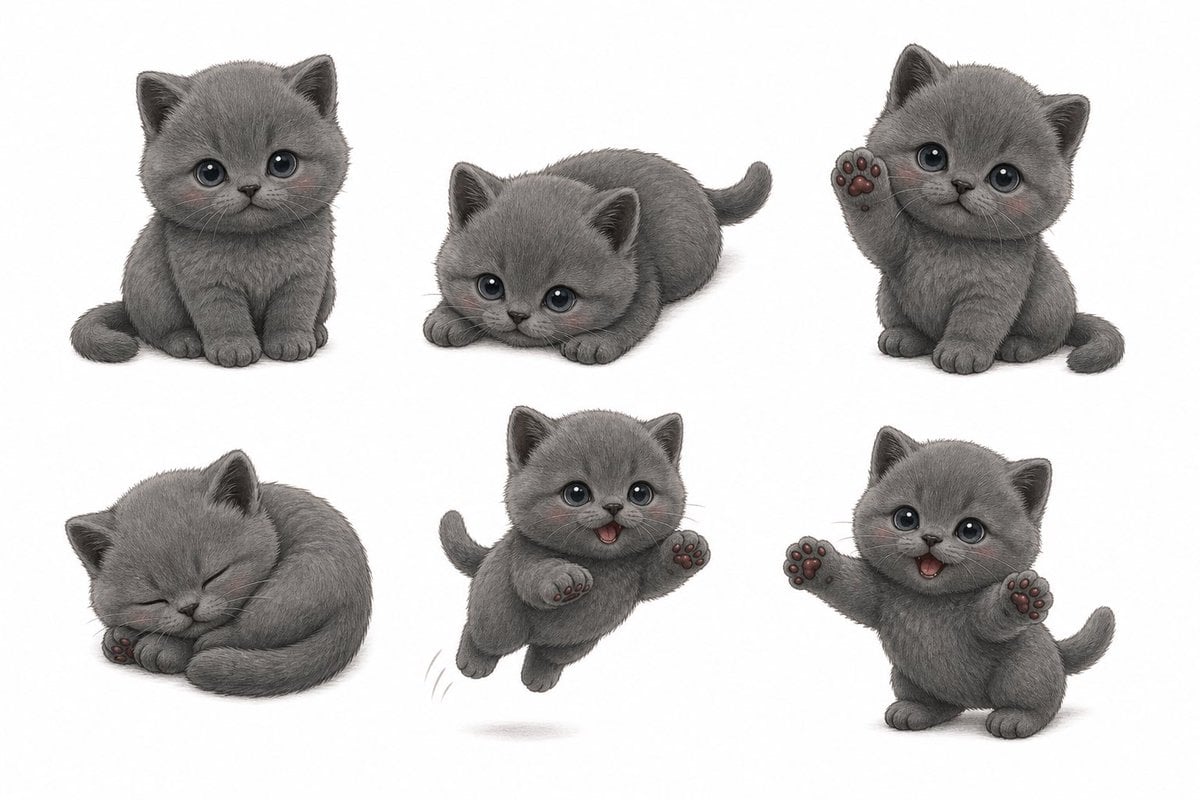
Gray Kitten Sticker Pack Sheet
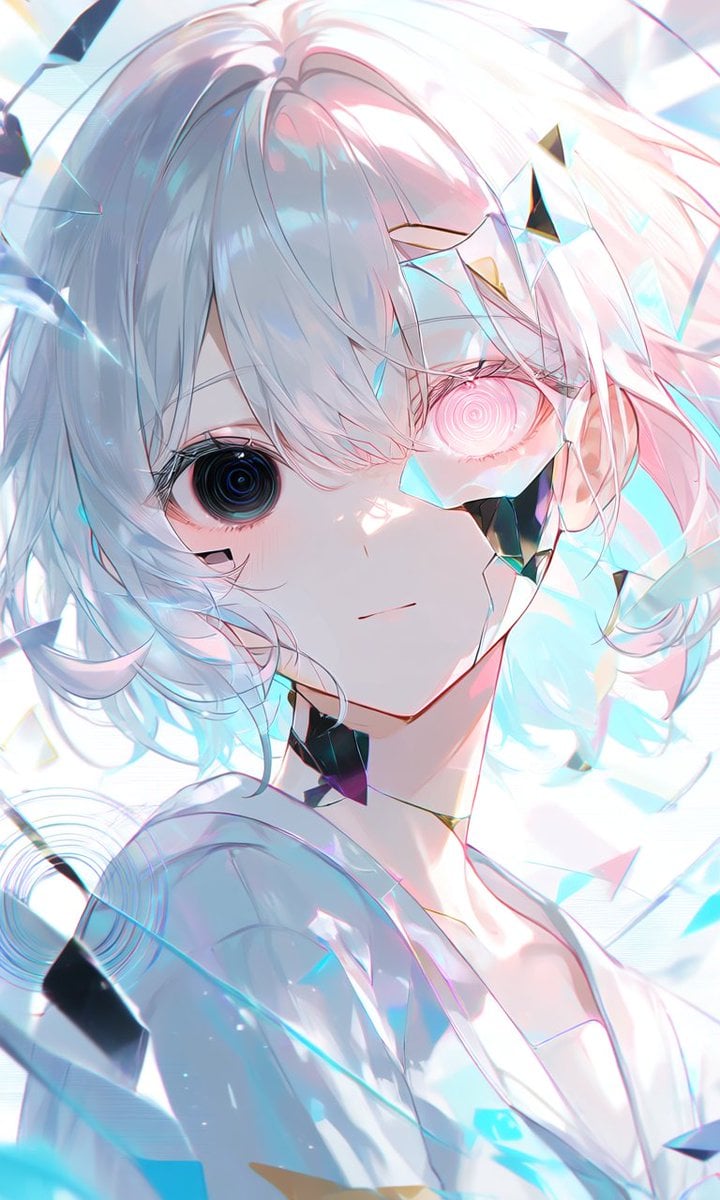
Crystalline Cybernetic Anime Girl
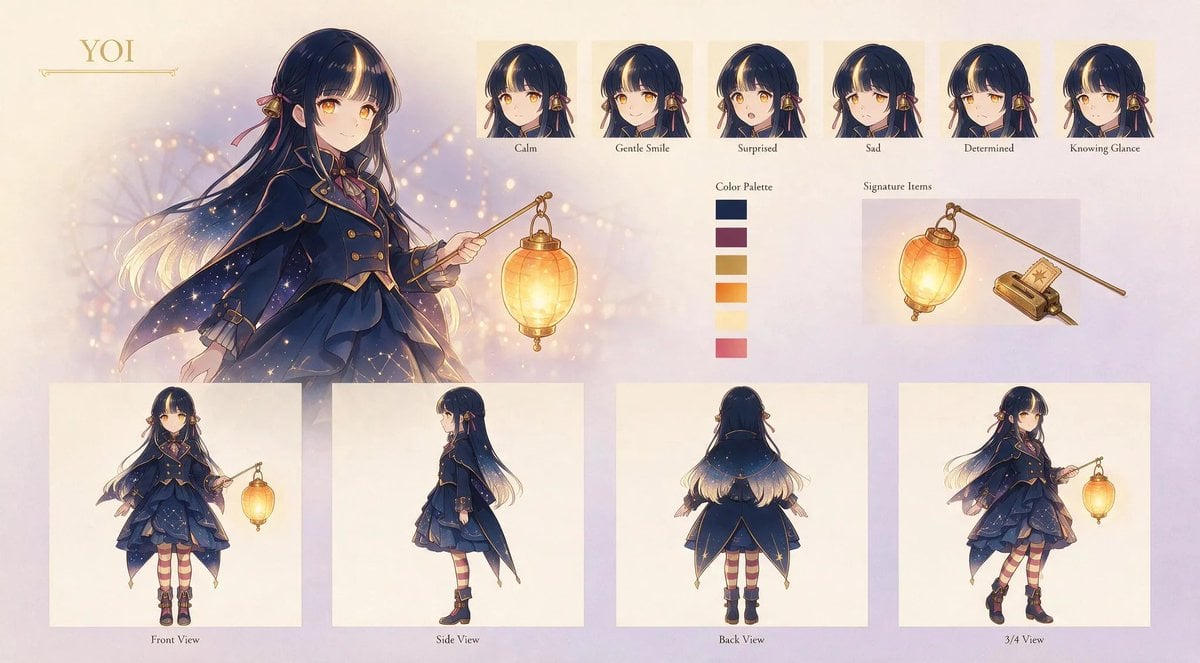
Anime Lantern Girl Character Sheet
Make it yours
Kawaii Anime LINE Sticker Sheet works as-is. These are the safest ways to change it without losing the look.
Change one field
Copy a single group, rewrite it, and generate again so you can see what that field is doing.
Keep the frame, change the subject
Hold the composition and light of Kawaii Anime LINE Sticker Sheet, then swap wardrobe, props or the person for a new take.
| If the result… | Why | Fix |
|---|---|---|
| The result drifts from the preview | Too many fields changed at once. | Reuse Kawaii Anime LINE Sticker Sheet as-is first, then change one group — subject, light, or setting. |
| The model over-stylizes the scene | The prose prompt leaves finish and camera underspecified. | Add one camera or lighting sentence and stay on GPT Image 2. |
More GPT Image 2 templates
Other prompts made for GPT Image 2.

Six VTuber Japanese Logo Sheet

Realistic Portrait of Woman and Deer

The Vista Modular Condo Poster

AI Model Routing Comparison Infographic

2.5D Anime Art Board

Isometric Productivity Desk Scene

New York Double Exposure Poster

Four-Panel AI Landscape Comparison

Japanese Tatami Lifestyle Magazine Cover

NESCAFÉ Coffee Map Poster
More image prompts
Fresh picks from across the catalog.
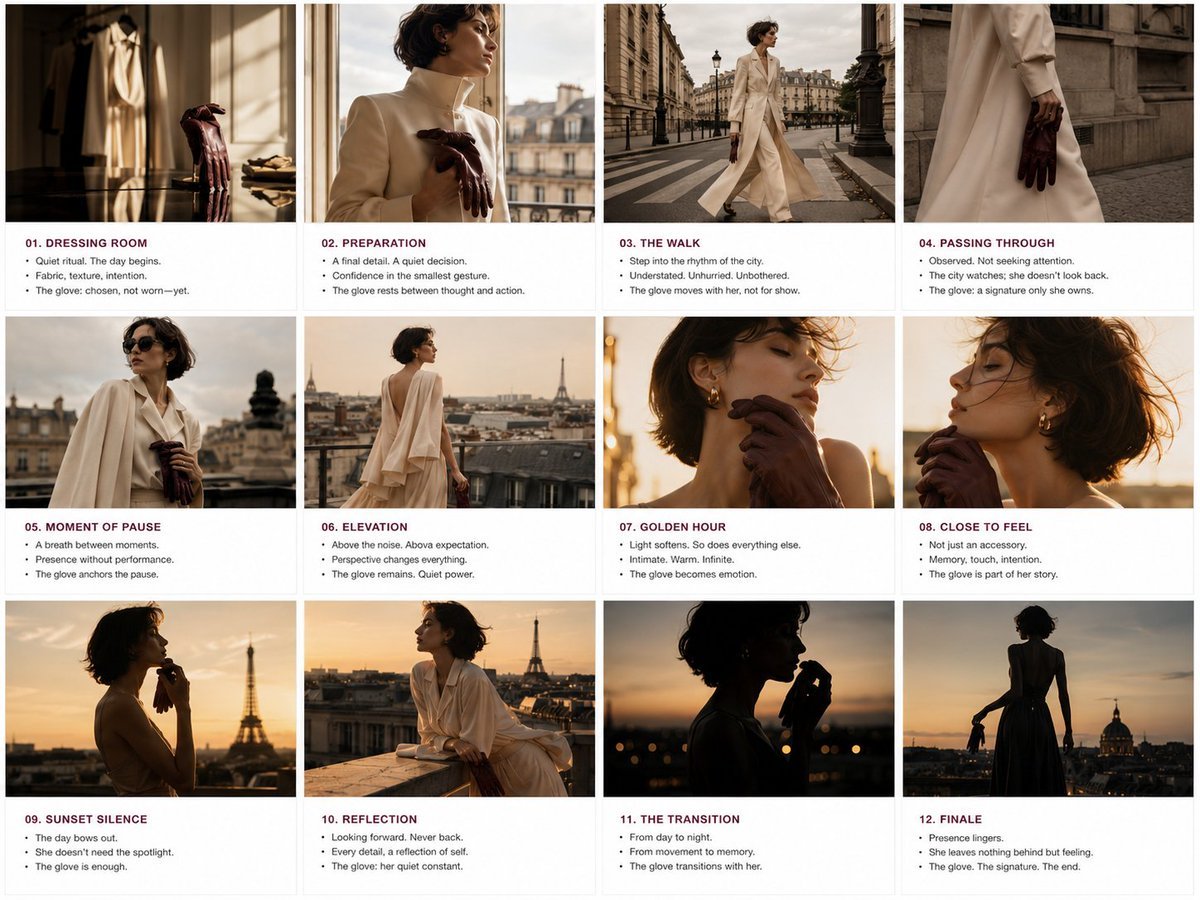
Luxury Fashion Editorial Storyboard
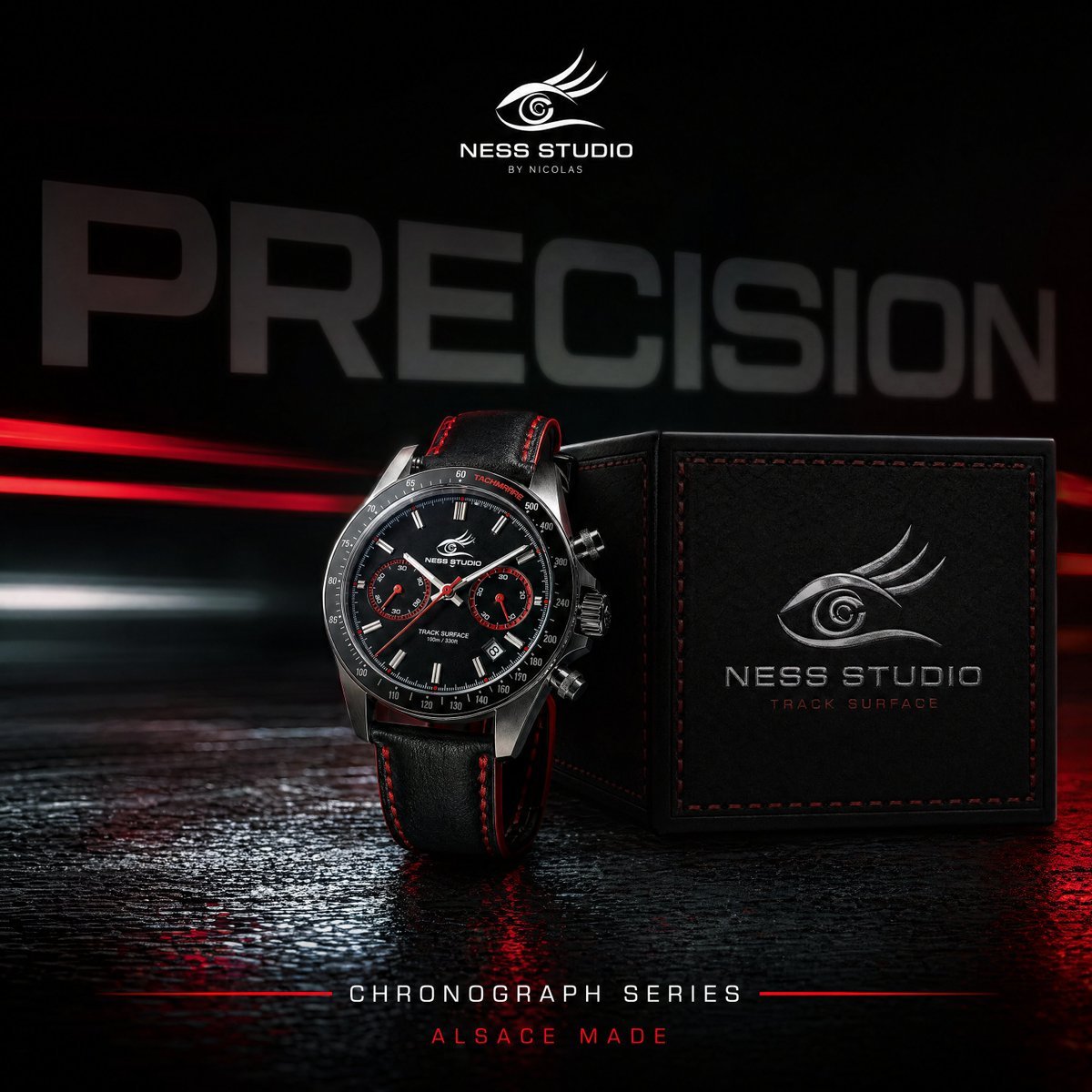
Gpt2 Product Marketing Luxury Chronograph Watch Ad
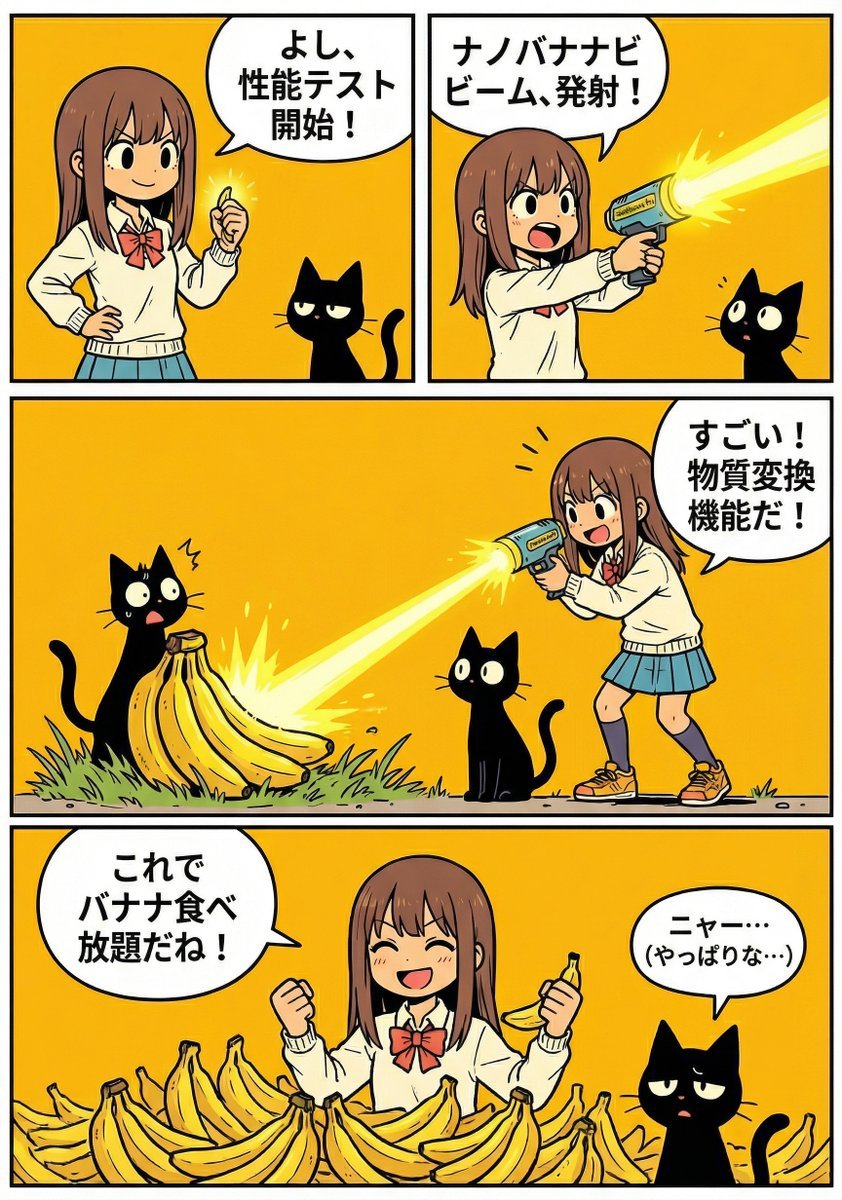
A4 manga about how amazing Nano Banana Pro is
Nanako Nana's Stew Recipe Reconstruction
Luxury Red Lipstick Ad Poster
Cinematic Soccer Storyboard
Sleepy Cat Hoodie Anime Girl in Bed
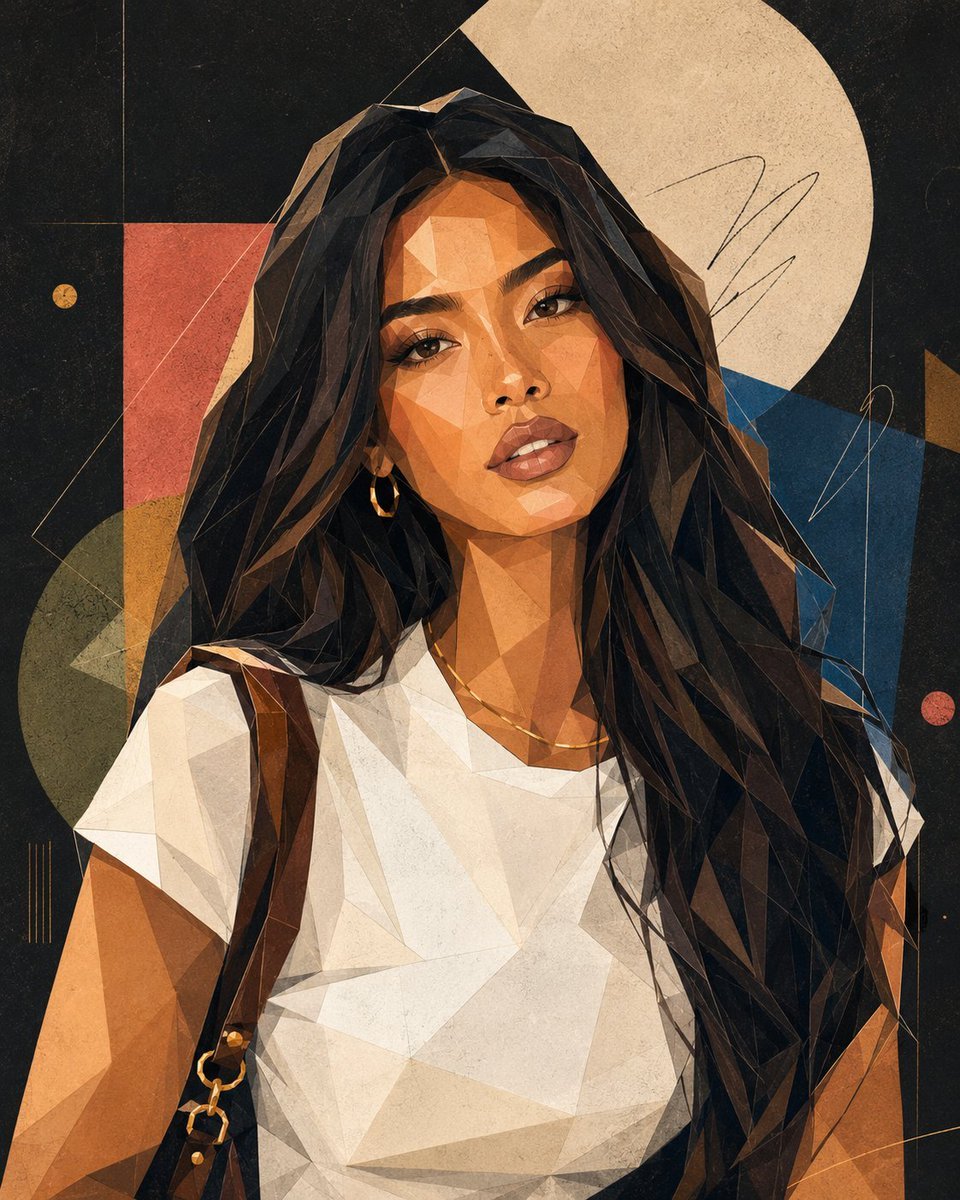
Modern Geometric Polygon Portrait
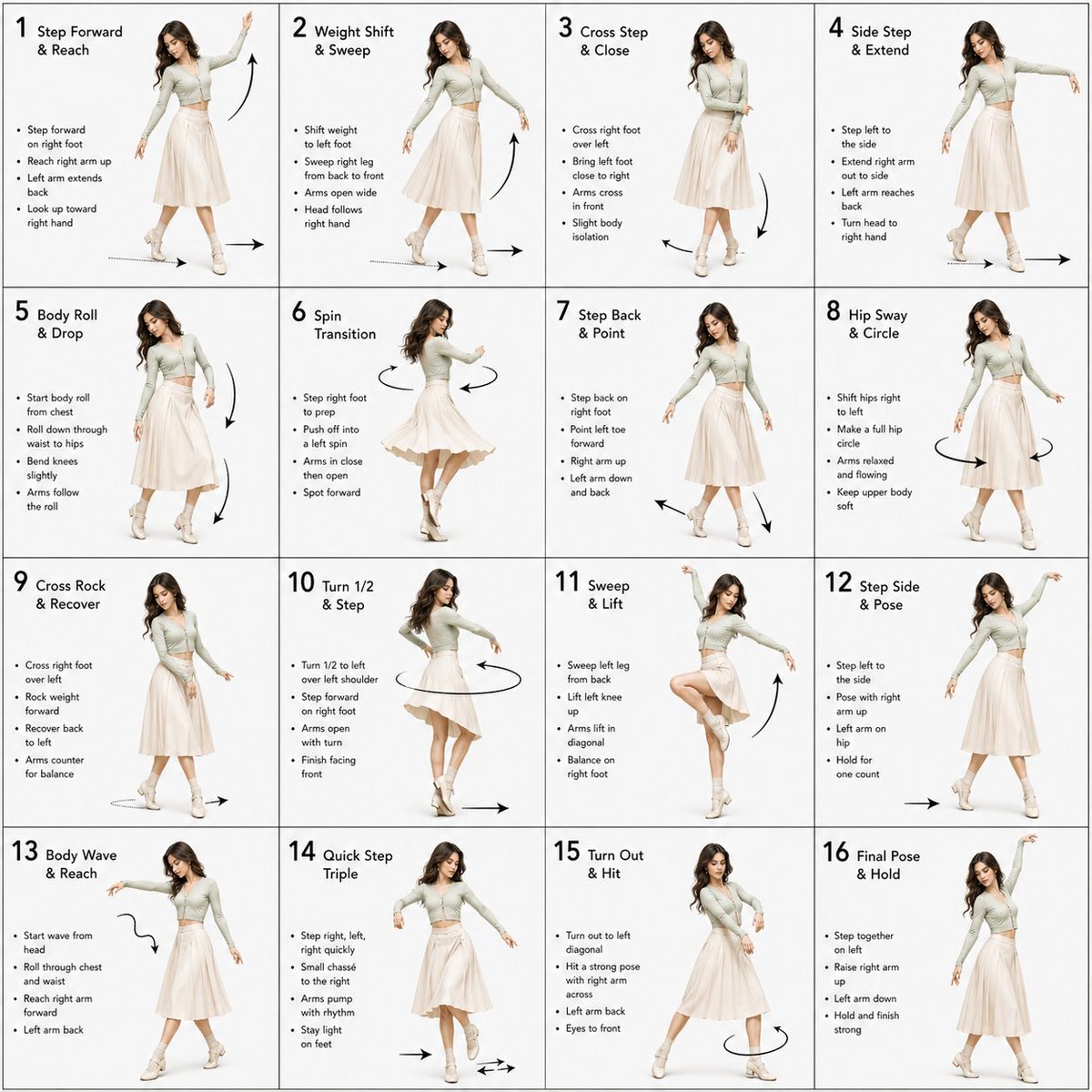
Dance Choreography Instruction Sheet Prompt

Cinematic Short Video Prompt for Close-up ASMR Scene
Browse template categories
Kawaii Anime LINE Sticker Sheet questions
How do I use the Kawaii Anime LINE Sticker Sheet template?
Add your photo if the template asks for one, edit the prompt if you like — the template's model and format are already selected — and press Generate. Your version opens in PicX Studio.
Can I customize the Kawaii Anime LINE Sticker Sheet template?
Yes. You can change the subject, setting, lighting, mood, format, and available model controls before creating your image.
Is the Kawaii Anime LINE Sticker Sheet template free?
Opening and editing this template is free. Generating uses credits, shown on the Generate button when you are signed in.
Which AI model should I use?
Start with GPT Image 2, which is the model associated with this template. You can compare another compatible model for a different finish.
Looking for something else? Browse all templates.

Your photo, any look
Thousands of ready templates for every top image and video model, from one credit balance.