
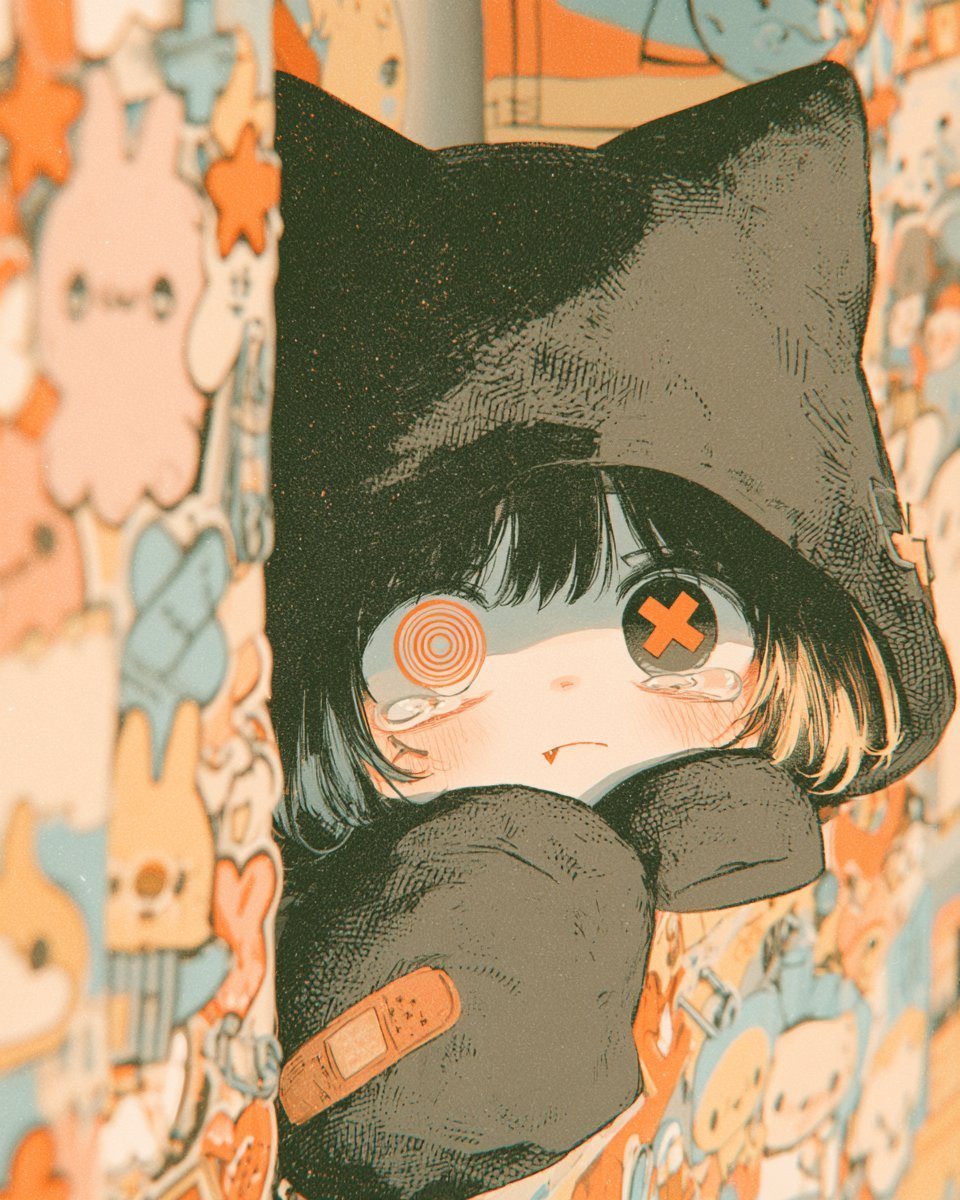
Gothic Kawaii Cat-Girl Curtain Peek
A close-up gothic-kawaii anime illustration of a tearful cat-hooded girl peeking through patterned curtains, ideal for character art or moody AI art generation.
- Prompt included
- Model and format preset
- Free template
The prompt behind this image
Copy the exact prompt behind Gothic Kawaii Cat-Girl Curtain Peek, or open it in the studio and make it yours.
Create a vertical close-up anime illustration of a small shy gothic cat-girl peeking out from between two hanging curtains covered in cute pastel character patterns. The character has a black cat-eared hood with tall pointed ears, short messy {argument name="hair color" default="black hair with pale orange-tipped strands"}, very pale skin, flushed cheeks, and a tiny fang visible in a worried pout. Her eyes are mismatched: the left eye is an orange concentric spiral target, and the right eye is a dark button-like eye with a large orange X. She has watery tears pooled under both eyes and a sleepy, anxious expression. Her oversized black sleeves or mitten-like paws are held up in front of her mouth and chest, one paw showing exactly one orange adhesive bandage patch. Frame her tightly from head to upper body, centered in the narrow gap between the curtains, with the curtains blurred in the foreground on both sides. The curtain pattern should include many small cute doodle characters in cream, peach, orange, and muted blue, including ghosts, rabbits, skulls, stars, hearts, and candy shapes, but no readable text. Use a warm nostalgic color palette of {argument name="accent color" default="orange"}, cream, muted teal-blue, charcoal black, and faded peach. Render in detailed Japanese manga/anime style with fine ink hatching, halftone grain, subtle paper texture, soft bloom, shallow depth of field, vintage film dust, and slightly overexposed warm lighting. Mood: cute, melancholic, sleepy, and eerie, like a bedtime gothic-kawaii snapshot. No watermark, no signature, no extra characters.
How to use Gothic Kawaii Cat-Girl Curtain Peek in 3 steps
- 1Upload ImagePNG, JPG or paste
Add your photo
Upload the photo the template builds on. The prompt, model and format are already set.
- 2…a portrait of your subject in softgolden-hour light, 85mm…
Personalize
Edit the subject and creative details for your destination.
- 3Generate
Generate
Press Generate — your image is created in PicX Studio, so you can compare it with the original and refine one variable at a time.
More like this
Templates with the same subject, style or setup. Open one to see its prompt.

Cute Layered Paper Cut Chibi Girl

Teen Girl Alpine Lake Mountain View
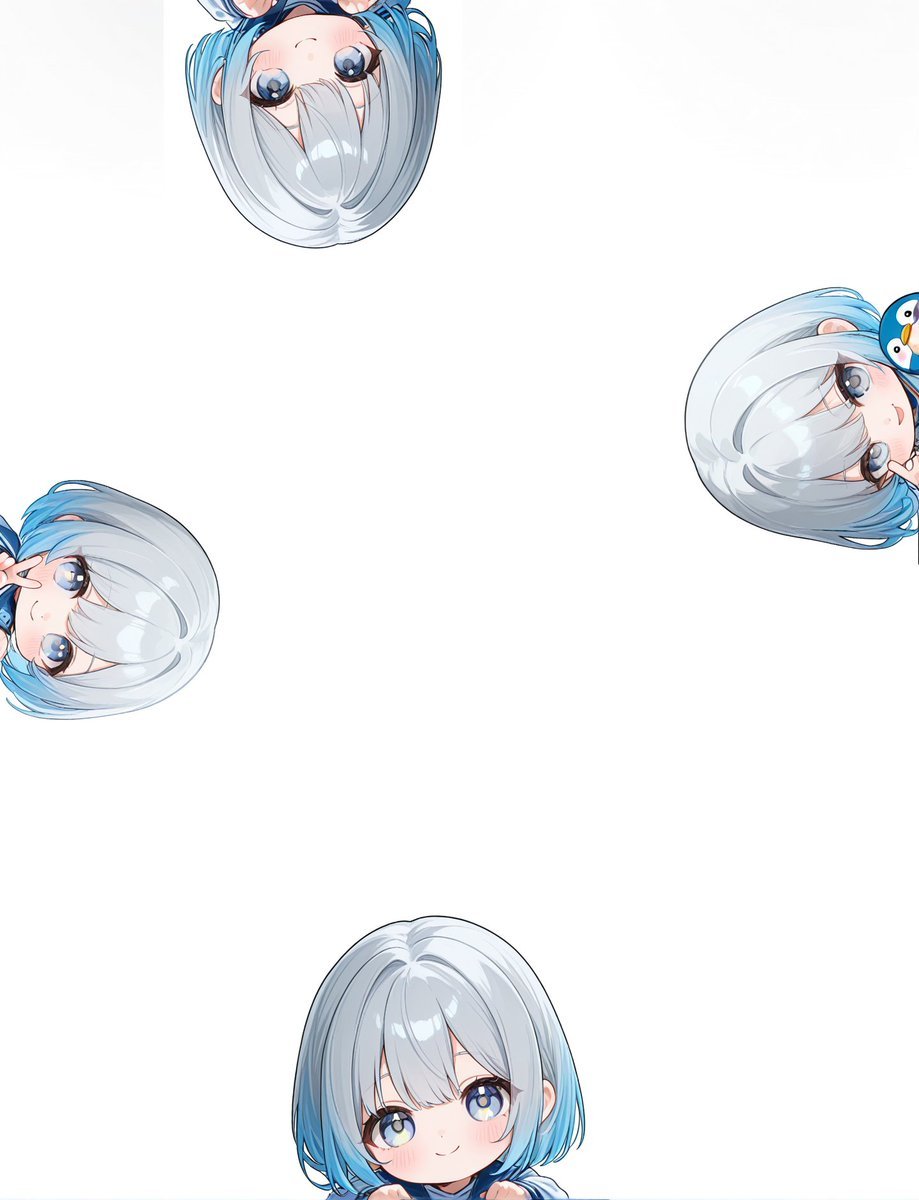
Peeking Chibi Penguin Girl Wallpaper

Anime Catgirl in Chinese Ink Landscape

Cat-Eared Kimono Girl

Gothic Girl Character Turnaround Sheet

Cat Photobomb Selfie — 0.5x Wide Angle Café Chaos

Surreal Cat Astronaut — Humanoid Face Freefall

Low Angle Floor Selfie With Upside Down Cat
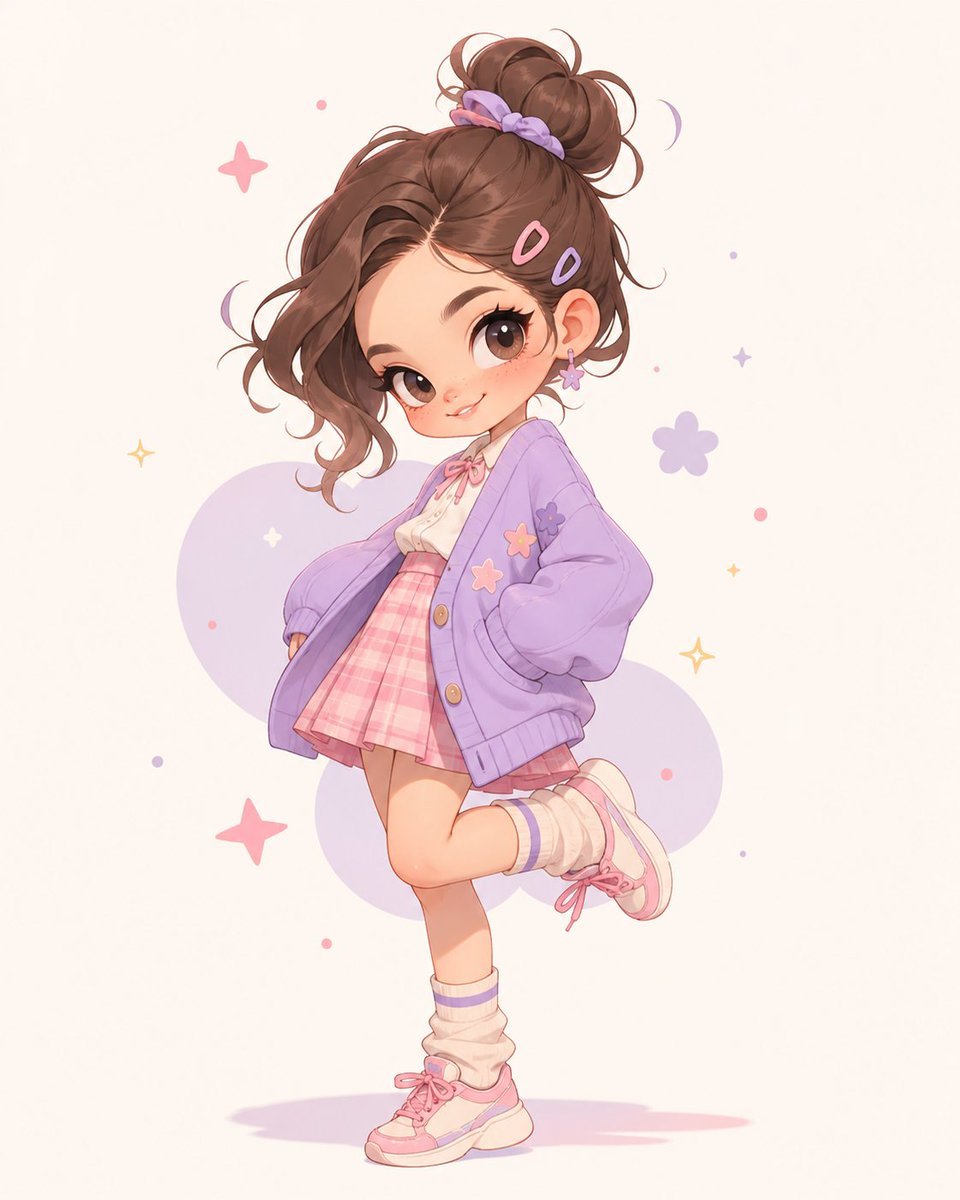
Pastel Kawaii Girl Fashion Portrait
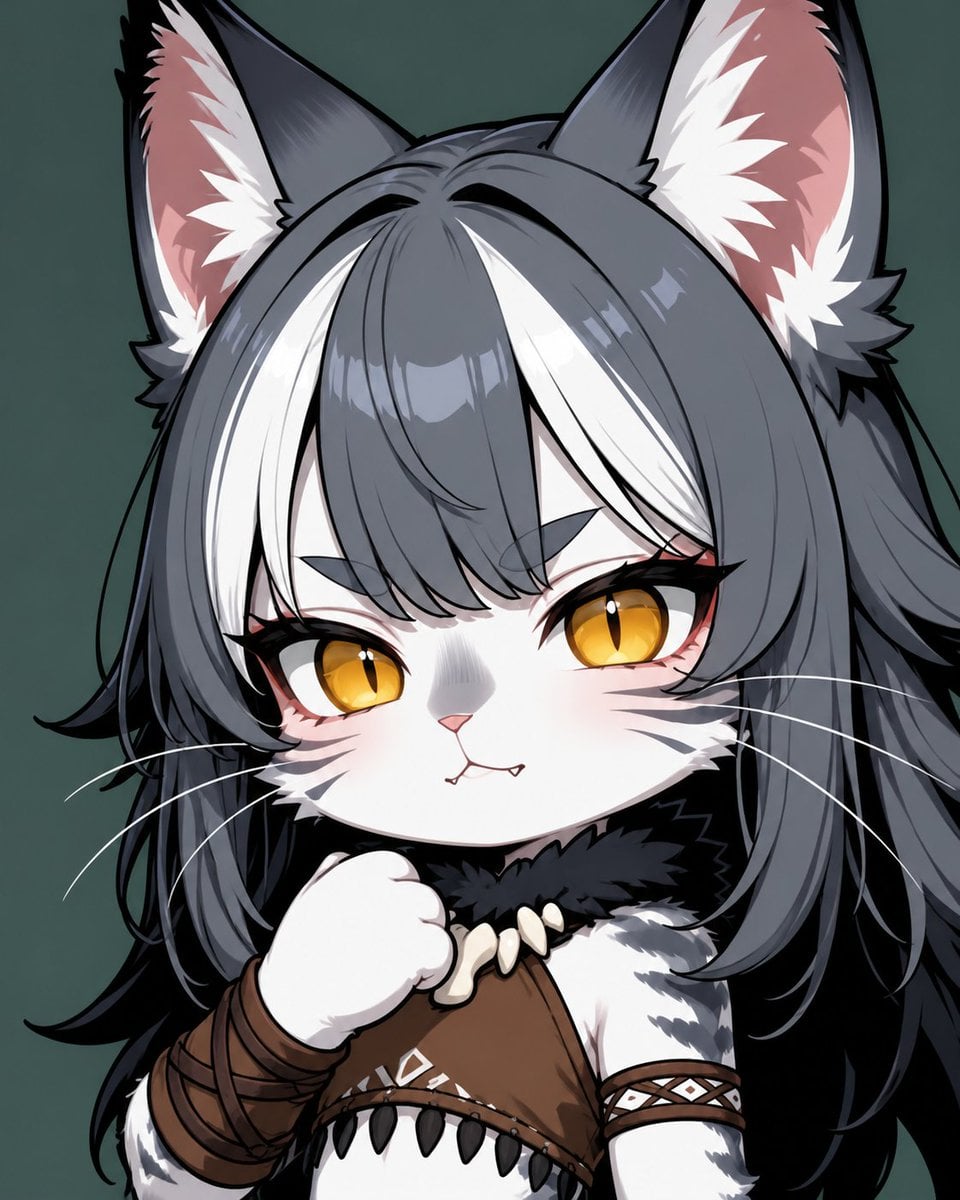
Chibi Cat-Girl Portrait
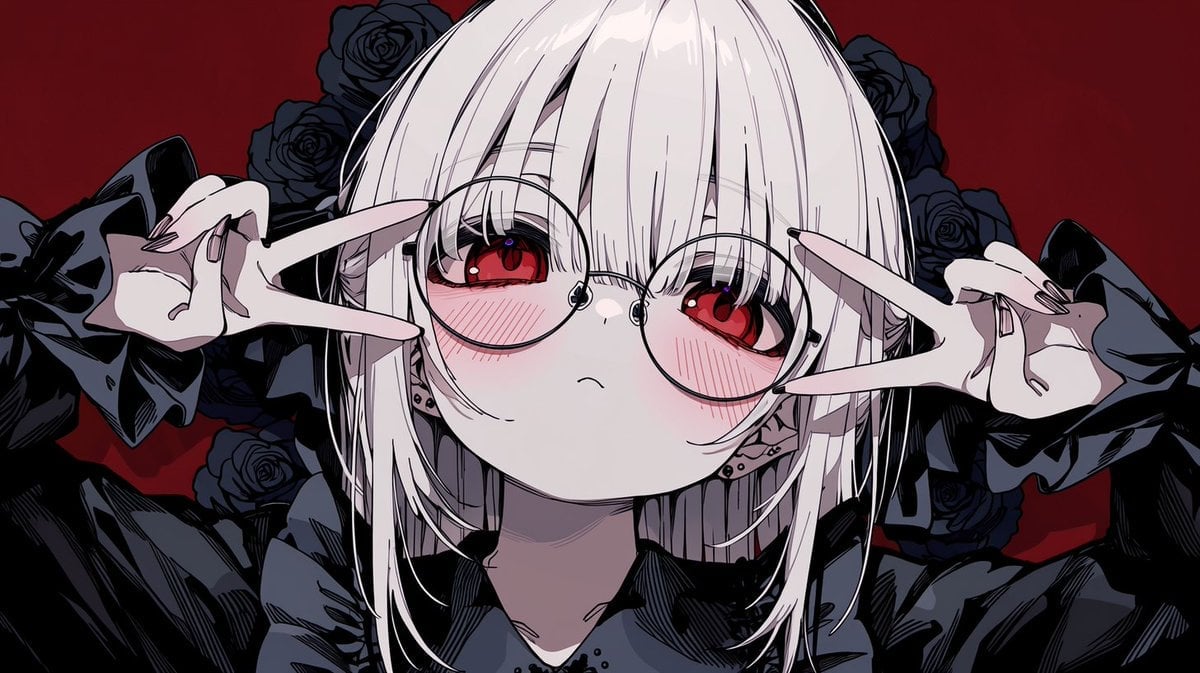
Gothic Anime Girl with Black Roses
Make it yours
Gothic Kawaii Cat-Girl Curtain Peek works as-is. These are the safest ways to change it without losing the look.
Change one field
Copy a single group, rewrite it, and generate again so you can see what that field is doing.
Keep the frame, change the subject
Hold the composition and light of Gothic Kawaii Cat-Girl Curtain Peek, then swap wardrobe, props or the person for a new take.
| If the result… | Why | Fix |
|---|---|---|
| The result drifts from the preview | Too many fields changed at once. | Reuse Gothic Kawaii Cat-Girl Curtain Peek as-is first, then change one group — subject, light, or setting. |
| The model over-stylizes the scene | The prose prompt leaves finish and camera underspecified. | Add one camera or lighting sentence and stay on GPT Image 2. |
More GPT Image 2 templates
Other prompts made for GPT Image 2.

Six VTuber Japanese Logo Sheet

Realistic Portrait of Woman and Deer

The Vista Modular Condo Poster

AI Model Routing Comparison Infographic

2.5D Anime Art Board

Isometric Productivity Desk Scene

New York Double Exposure Poster

Four-Panel AI Landscape Comparison

Japanese Tatami Lifestyle Magazine Cover

NESCAFÉ Coffee Map Poster
More image prompts
Fresh picks from across the catalog.

3D printed Corinthian netrunner helmet
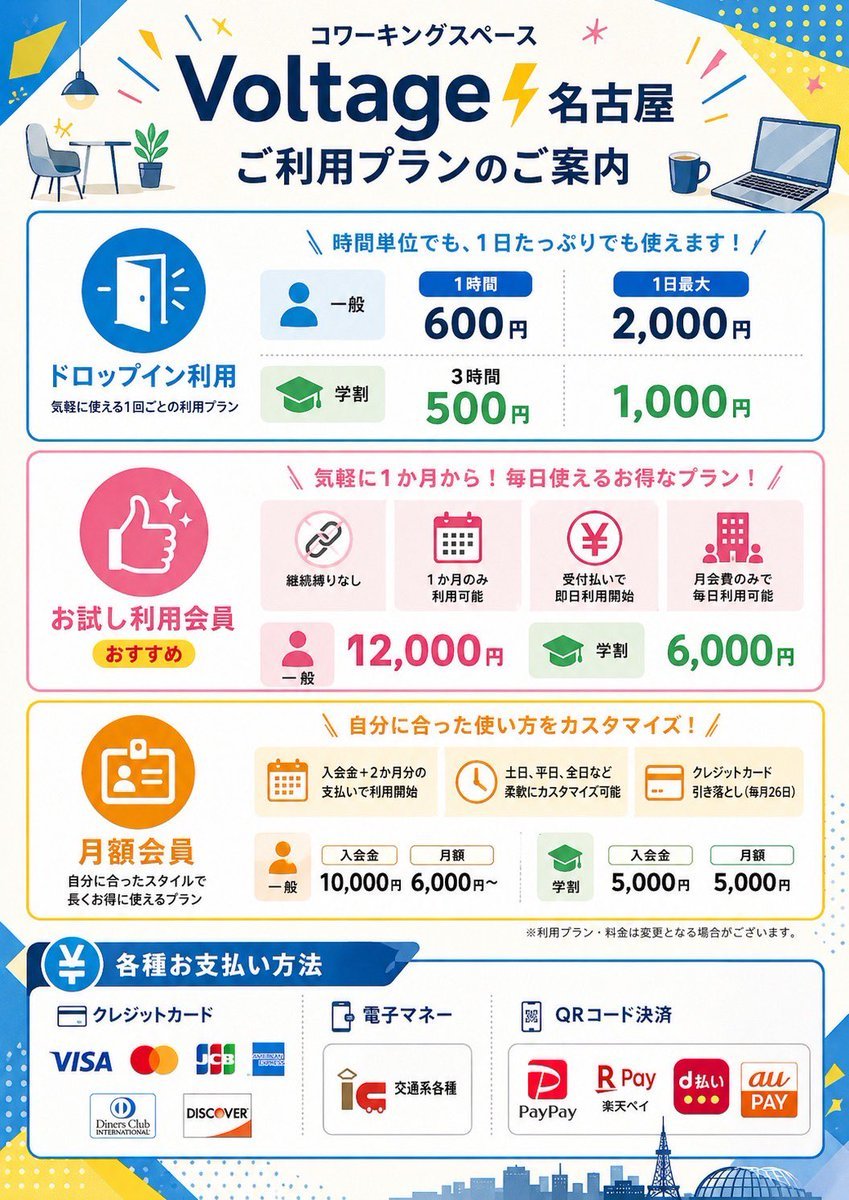
Japanese Coworking Pricing Flyer

Kpop Summer World Cup Photoshoot
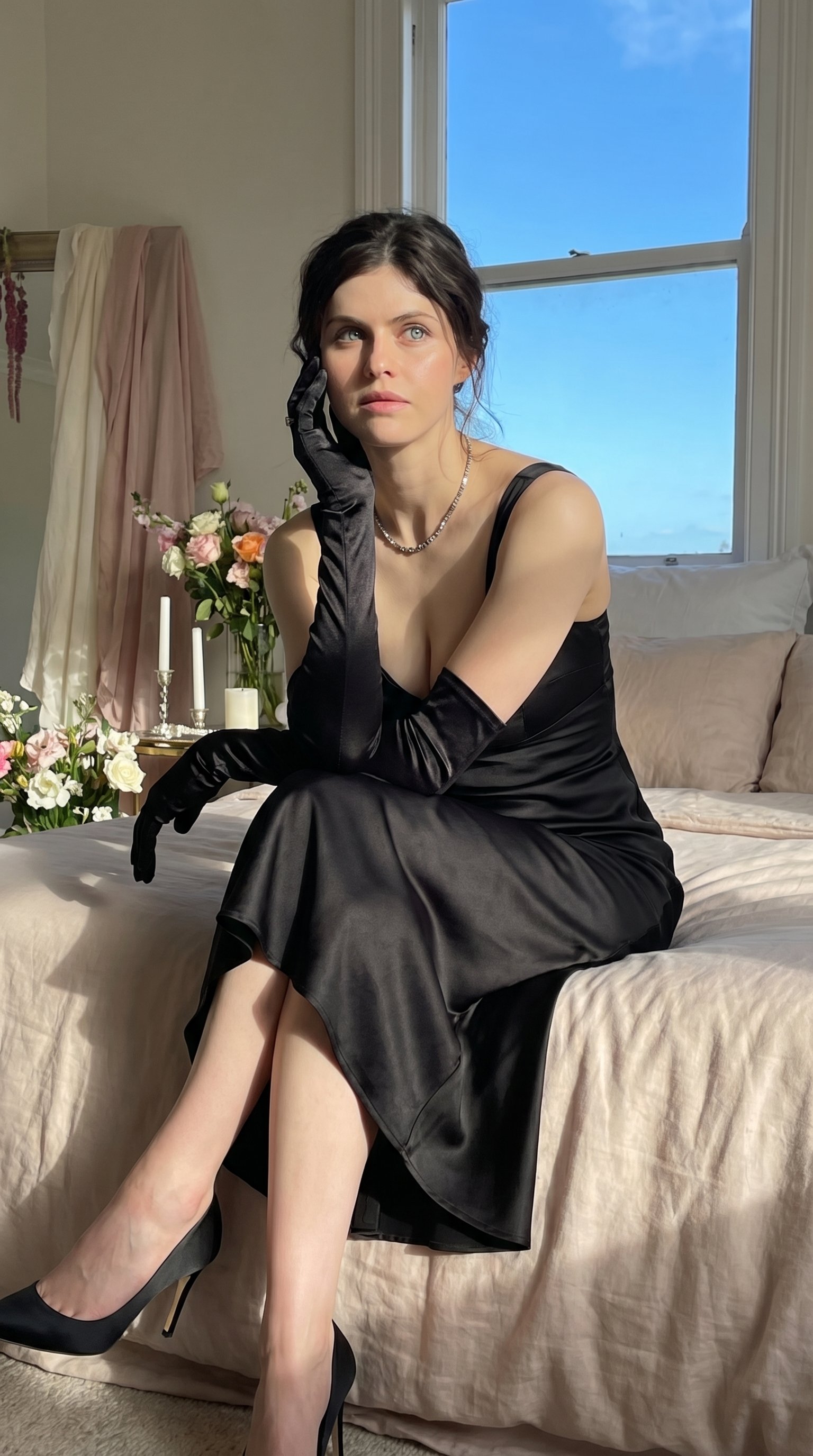
Quiet Luxury - Alexandra Daddario (Nano Banana)
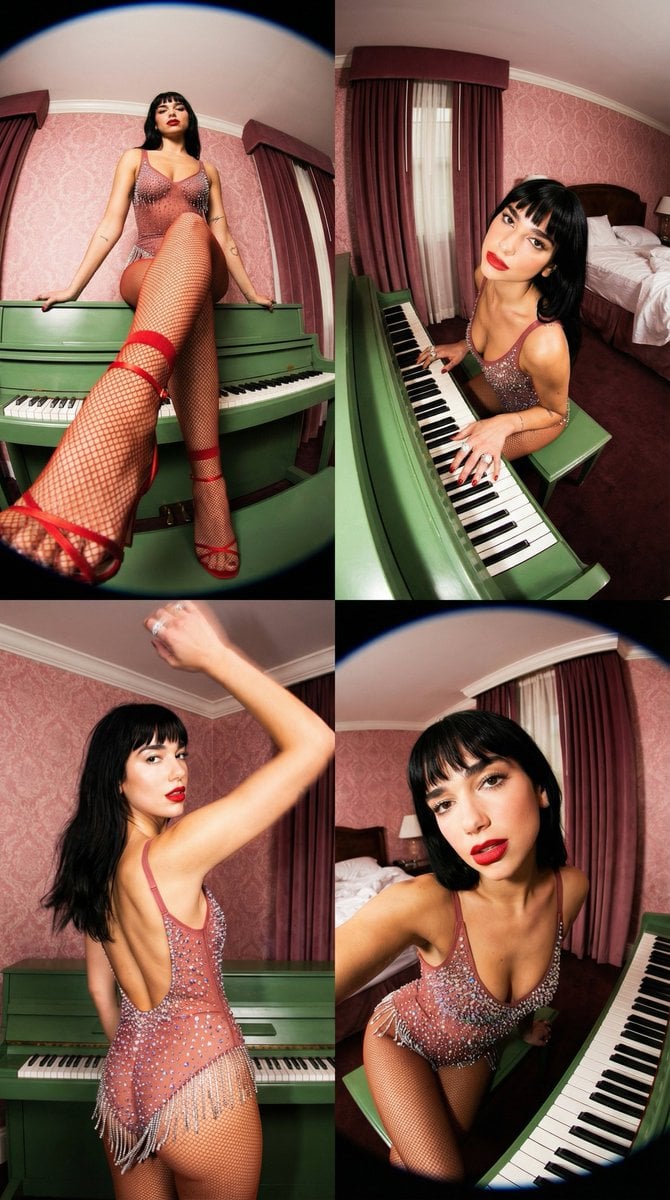
Vintage Glamour Piano Series Prompt
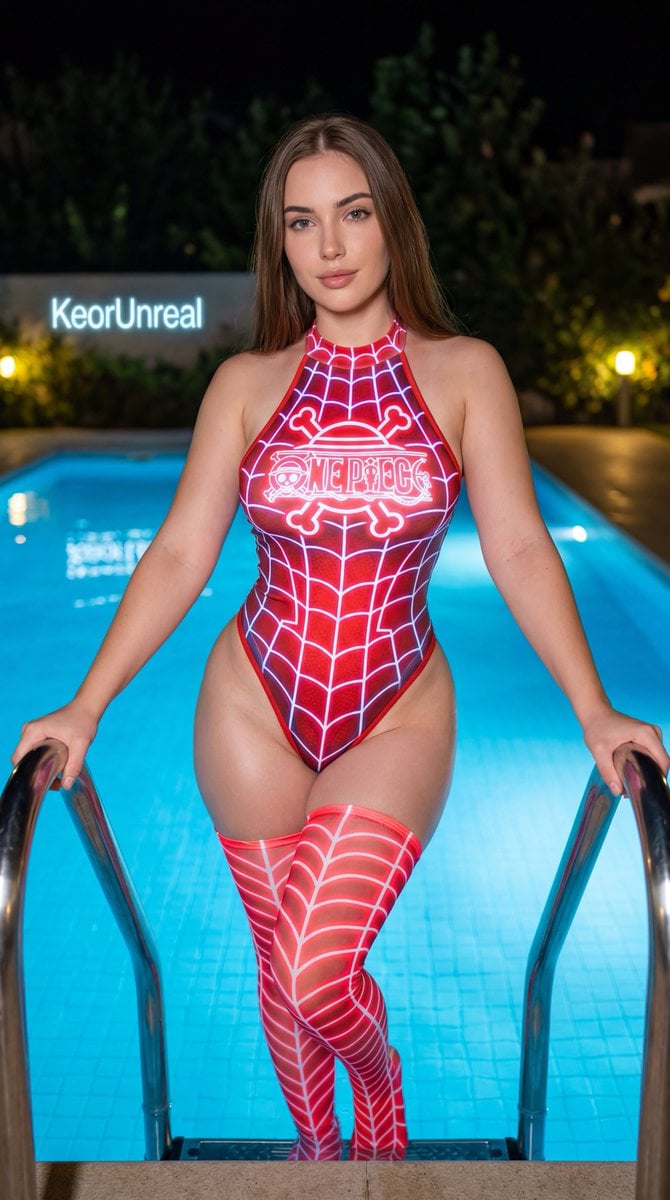
Neon Red One Piece Bodysuit at Night Pool
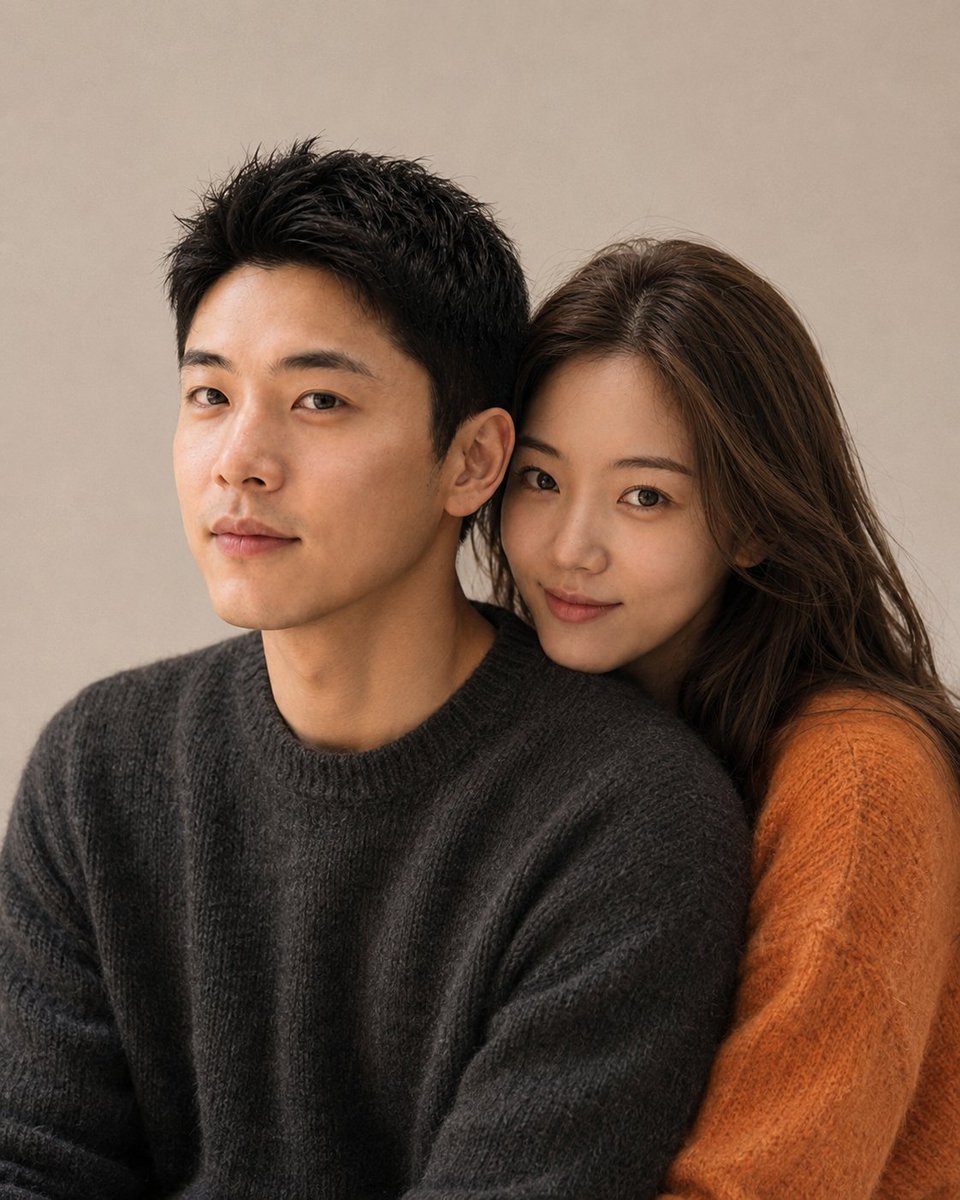
Korean Magazine Style Couple Portrait
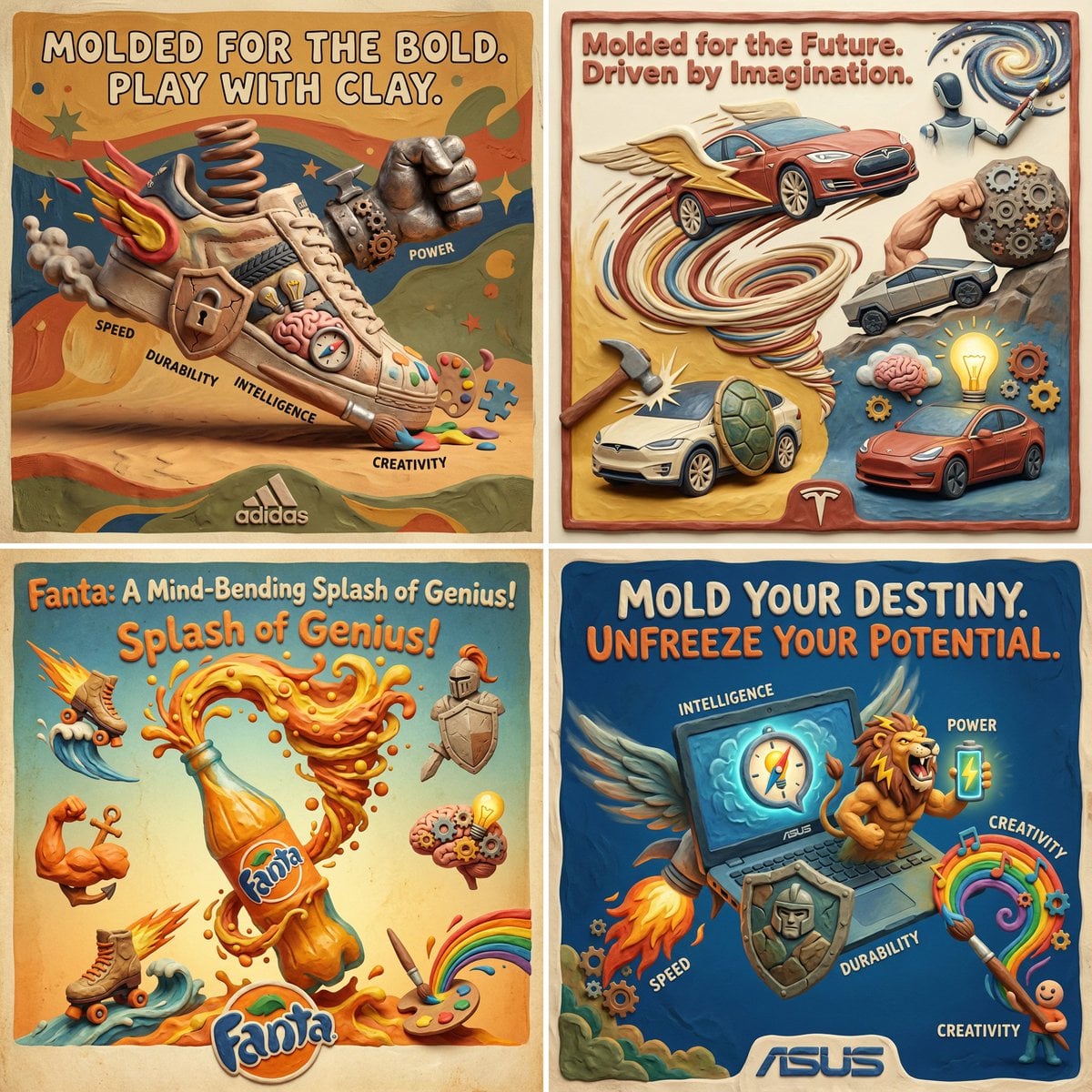
Clay Velocity Product Ad
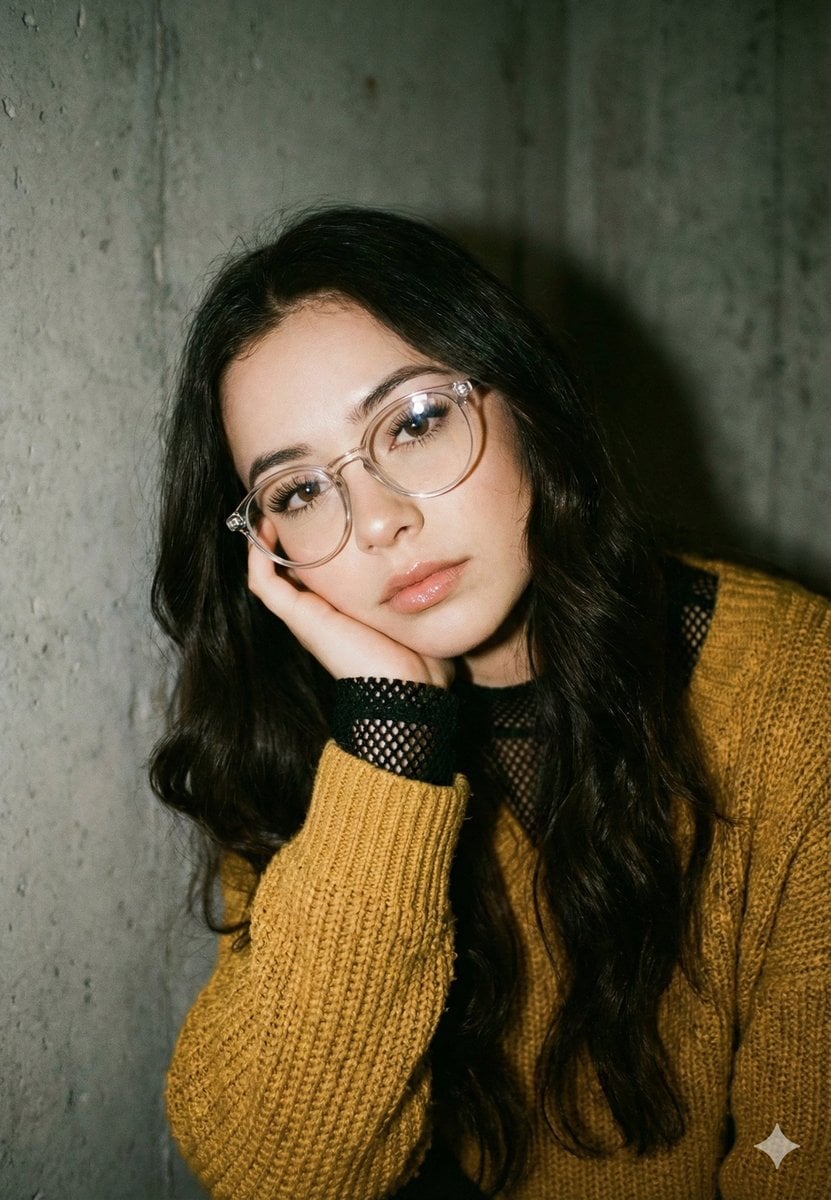
Mustard Sweater Aesthetic Portrait Prompt
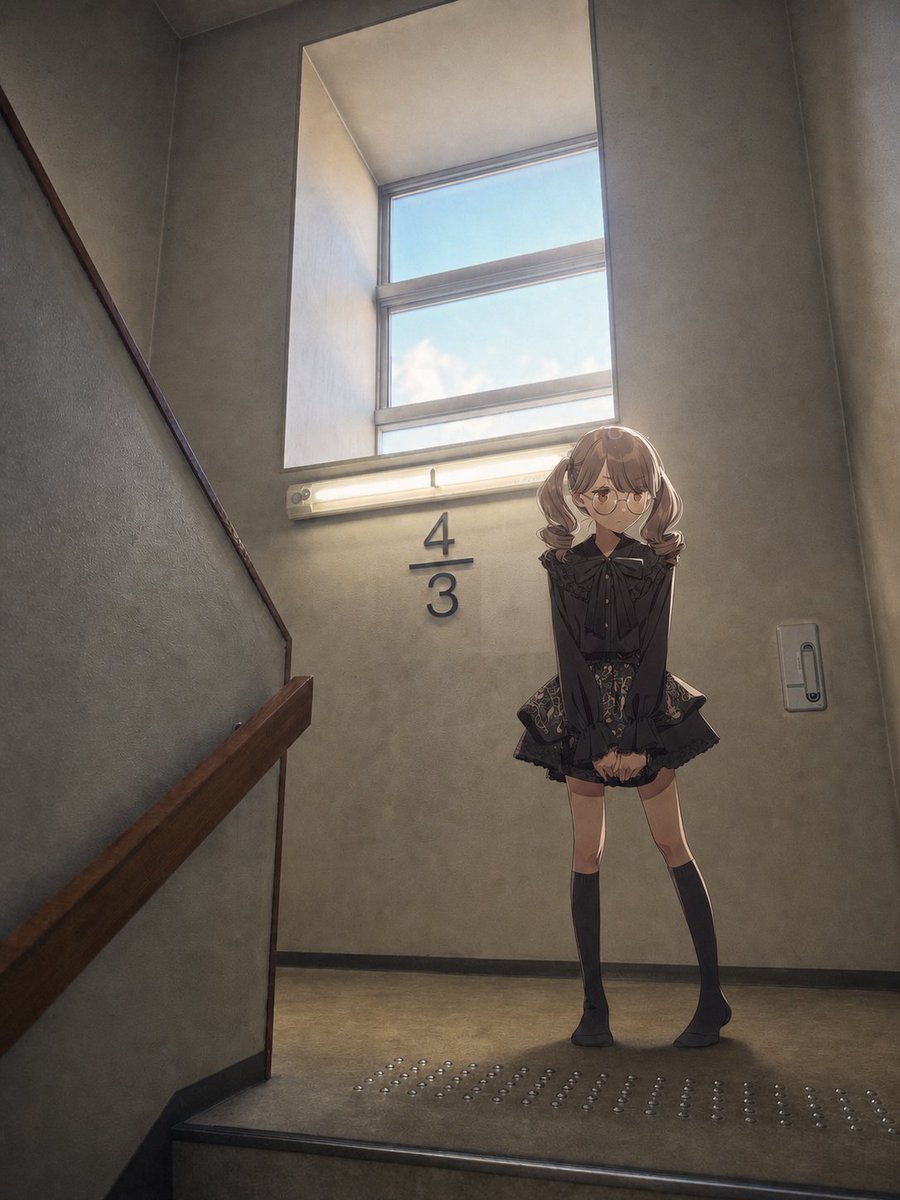
Anime Girl Stairwell Composite
Browse template categories
Gothic Kawaii Cat-Girl Curtain Peek questions
How do I use the Gothic Kawaii Cat-Girl Curtain Peek template?
Add your photo if the template asks for one, edit the prompt if you like — the template's model and format are already selected — and press Generate. Your version opens in PicX Studio.
Can I customize the Gothic Kawaii Cat-Girl Curtain Peek template?
Yes. You can change the subject, setting, lighting, mood, format, and available model controls before creating your image.
Is the Gothic Kawaii Cat-Girl Curtain Peek template free?
Opening and editing this template is free. Generating uses credits, shown on the Generate button when you are signed in.
Which AI model should I use?
Start with GPT Image 2, which is the model associated with this template. You can compare another compatible model for a different finish.
Looking for something else? Browse all templates.

Your photo, any look
Thousands of ready templates for every top image and video model, from one credit balance.