
Cute Cat Cosplay Bedroom Portrait
A detailed professional cosplay portrait prompt for a character with cat ears in a cozy bedroom setting, featuring specific camera settings and lighting.
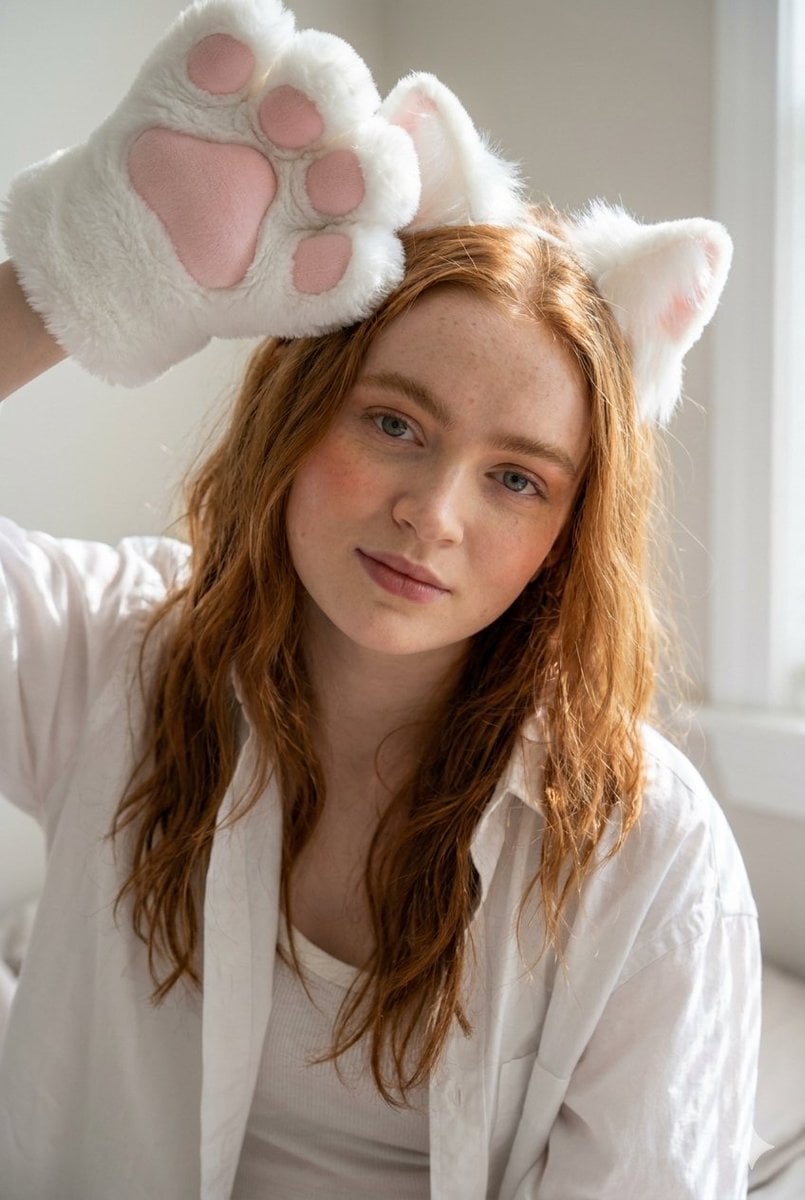
- Prompt included
- Model and format preset
- Free template
The prompt behind this image
Copy the exact prompt behind Cute Cat Cosplay Bedroom Portrait, or open it in the studio and make it yours.
A photorealistic, professional cosplay portrait featuring {argument name="subject" default="a slender, fit woman"} with delicate curves, reclining casually on a bed in a cozy, well-lit bedroom. She is lying partially on her side and back, with her torso tilted towards the camera, maintaining direct eye contact with a soft, inviting, relaxed expression and a subtle, gentle smile. Her hair is loose and slightly messy, and she wears light, natural makeup with soft peach blush and lightly tinted lips. She is wearing a {argument name="accessory" default="white fluffy headband with cat ears"}. Her outfit consists of an oversized white long-sleeve shirt worn casually with the top buttons undone, revealing a white tank top underneath, paired with small black dolphin-style shorts with white trim. On her legs, she wears opaque, smooth white 7/8 (thigh-high) socks. Her hands are covered by large, fluffy white cat paw gloves with pink pads, and her right arm is raised playfully above her head near her ear with the paw facing out, while her left arm rests comfortably on a pillow next to her chest. Her right leg is bent at the knee and raised, crossing over her lower body. A faux white fluffy cat tail is visible behind her on the bed. The {argument name="setting" default="bed is covered in light sheets and a decorative throw blanket with a geometric bohemian pattern"} in shades of teal, white, and terracotta orange, surrounded by pillows including a large, soft rust-terracota velvet pillow and a textured white pillow. Translucent white curtains are visible in the background. The scene is illuminated by bright natural daylight coming from a window to the right, casting perfect, natural striped shadows from blinds across her legs, body, and the bedsheets, creating a soft luminous glow on her face and highlighting the textures of her skin, the fabrics, and the faux fur. The mood is playful, cozy, intimate, and relaxed, capturing a sunny weekend morning. This is a medium-shot composition captured from a slightly high angle looking down at the model. Shot on a full-frame camera with a 50mm lens, aperture f/1.8 for shallow depth of field and subject isolation, shutter speed 1/200s, ISO 100. The image has a bright and airy aesthetic with sharp, precise focus on the eyes and face. Aspect Ratio 9:16.
How to use Cute Cat Cosplay Bedroom Portrait in 3 steps
- 1
Open
The prompt is already in the box next to the preview, with the template's model and format selected.
- 2…a portrait of your subject in softgolden-hour light, 85mm…
Personalize
Edit the subject and creative details for your destination.
- 3Generate
Generate
Press Generate — your image is created in PicX Studio, so you can compare it with the original and refine one variable at a time.
More like this
Templates with the same subject, style or setup. Open one to see its prompt.

Rooftop Fisheye — Cat-Ear Balaclava at Golden Hour

Snowy Locations Views Winter Special

Found Photograph: Us, 1970

80s Couple Studio Portrait

80s Bollywood Star

80s Golden Hour Cinema

Me in 1985

1985 Studio Portrait

Hyper-Realistic Minecraft POV Portrait

Surreal Cat Astronaut — Humanoid Face Freefall
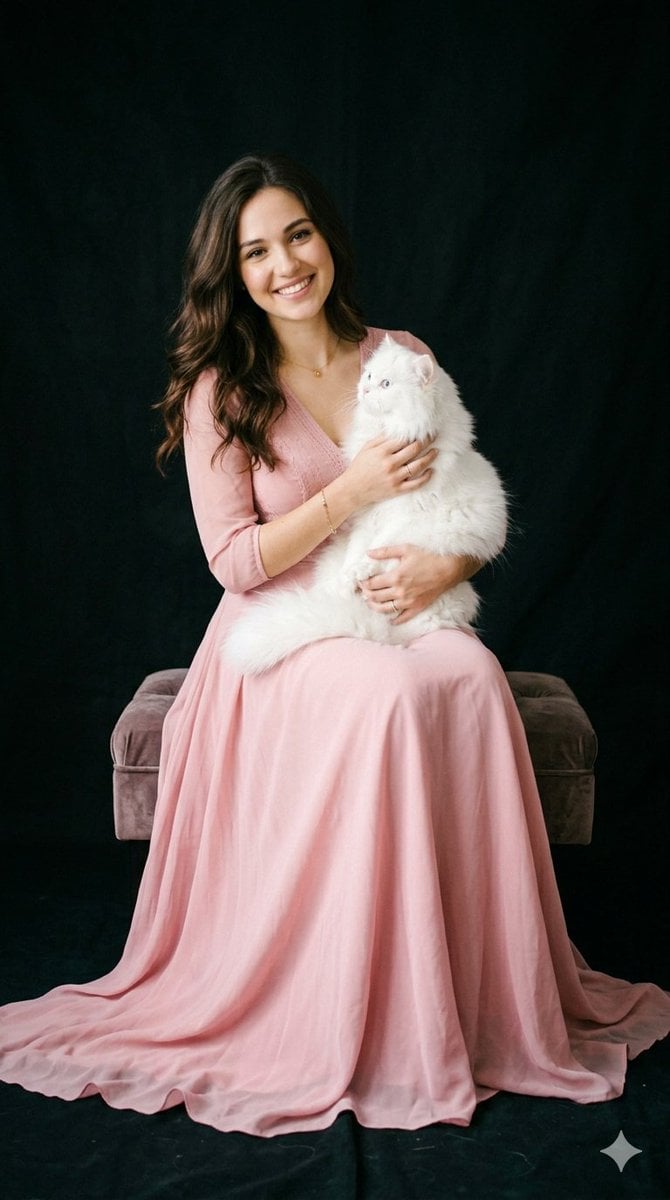
Studio Portrait with Persian Cat
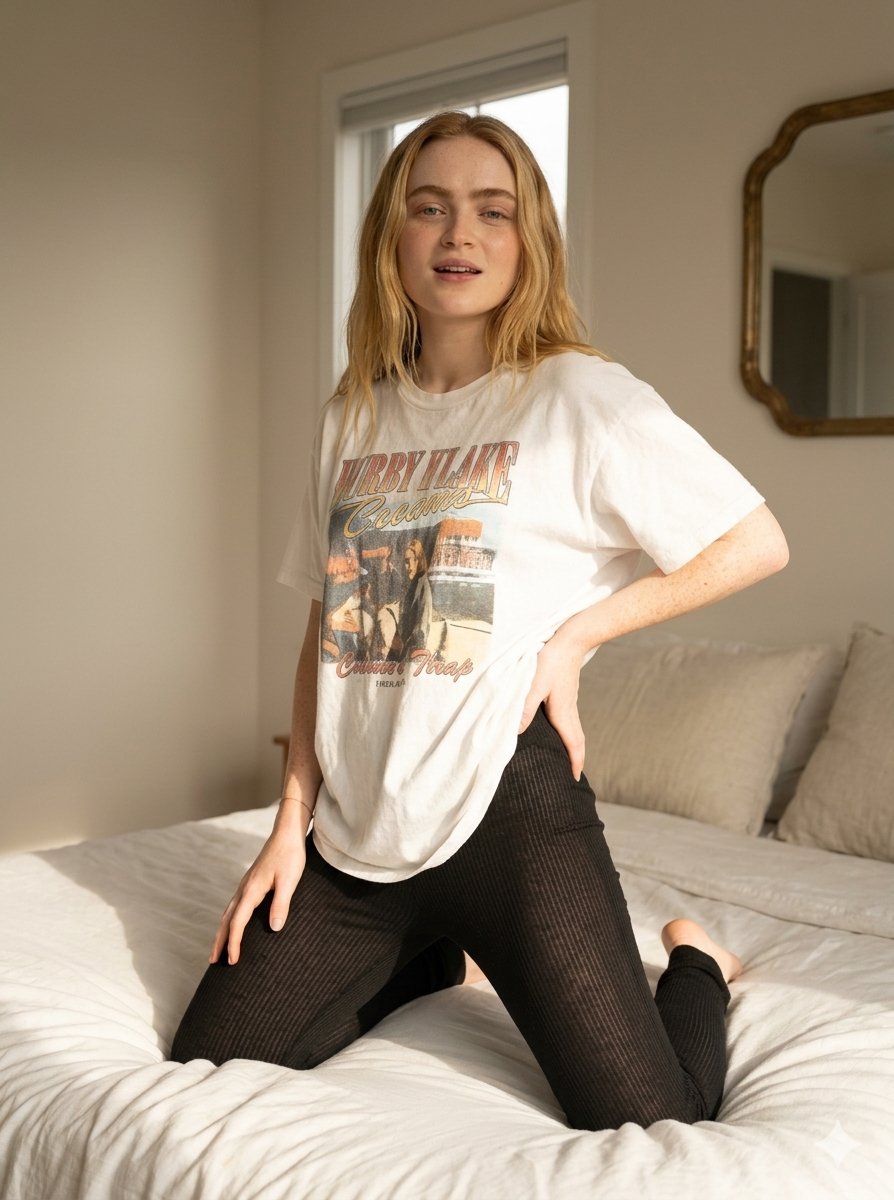
Cozy Indoor Bedroom Lifestyle Portrait
Make it yours
Cute Cat Cosplay Bedroom Portrait works as-is. These are the safest ways to change it without losing the look.
Change one field
Copy a single group, rewrite it, and generate again so you can see what that field is doing.
Keep the frame, change the subject
Hold the composition and light of Cute Cat Cosplay Bedroom Portrait, then swap wardrobe, props or the person for a new take.
| If the result… | Why | Fix |
|---|---|---|
| The result drifts from the preview | Too many fields changed at once. | Reuse Cute Cat Cosplay Bedroom Portrait as-is first, then change one group — subject, light, or setting. |
| The model over-stylizes the scene | The prose prompt leaves finish and camera underspecified. | Add one camera or lighting sentence and stay on Nano Banana 2. |
More Nano Banana 2 templates
Other prompts made for Nano Banana 2.

Photorealistic Leaf Shaped Like a Dragon

K-Pop Idol Portrait Grid for Rapid Selection

Poetic Rain Forest Portrait During Golden Hour

Urban Street Portrait with Cartoon Inner Self Duo

Candid Nighttime Photo with Cat Prompt

High-Concept 3D Diorama Generation Prompt

Cinematic Futuristic Studio Portrait Template

Skincare Editorial Photography Collage Prompt

Hyper-Realistic Commercial Product Photography (Splash Effect)

Hyper-Realistic Nightclub Portrait Prompt
More image prompts
Fresh picks from across the catalog.

Juicy Mango Explosion Product Shot
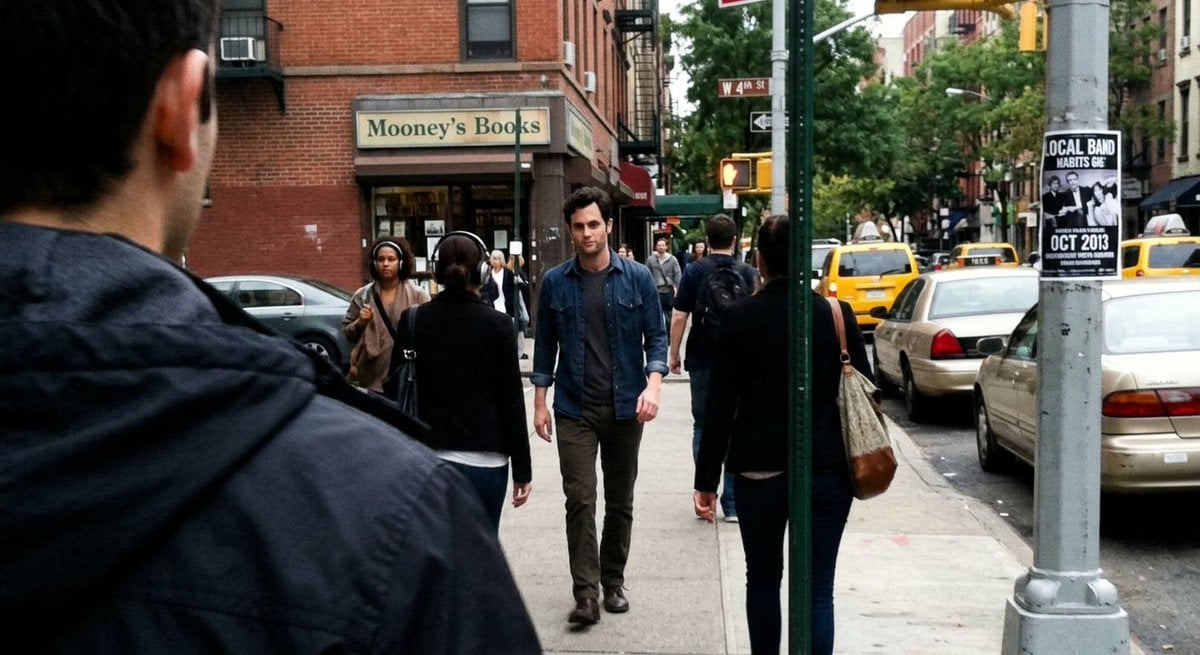
Fleeing Joe Goldberg Photo
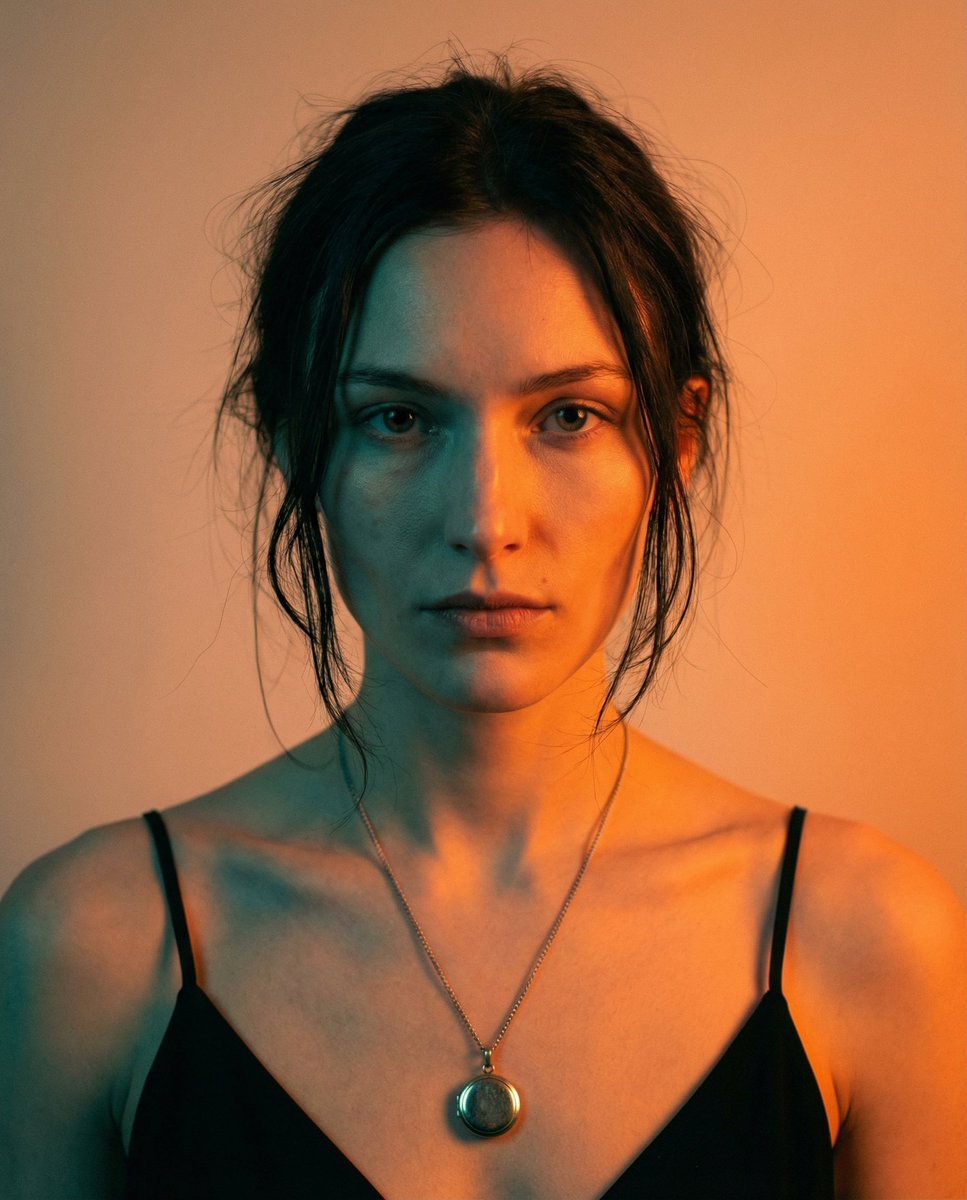
High-Contrast Cinematic Portrait Prompt
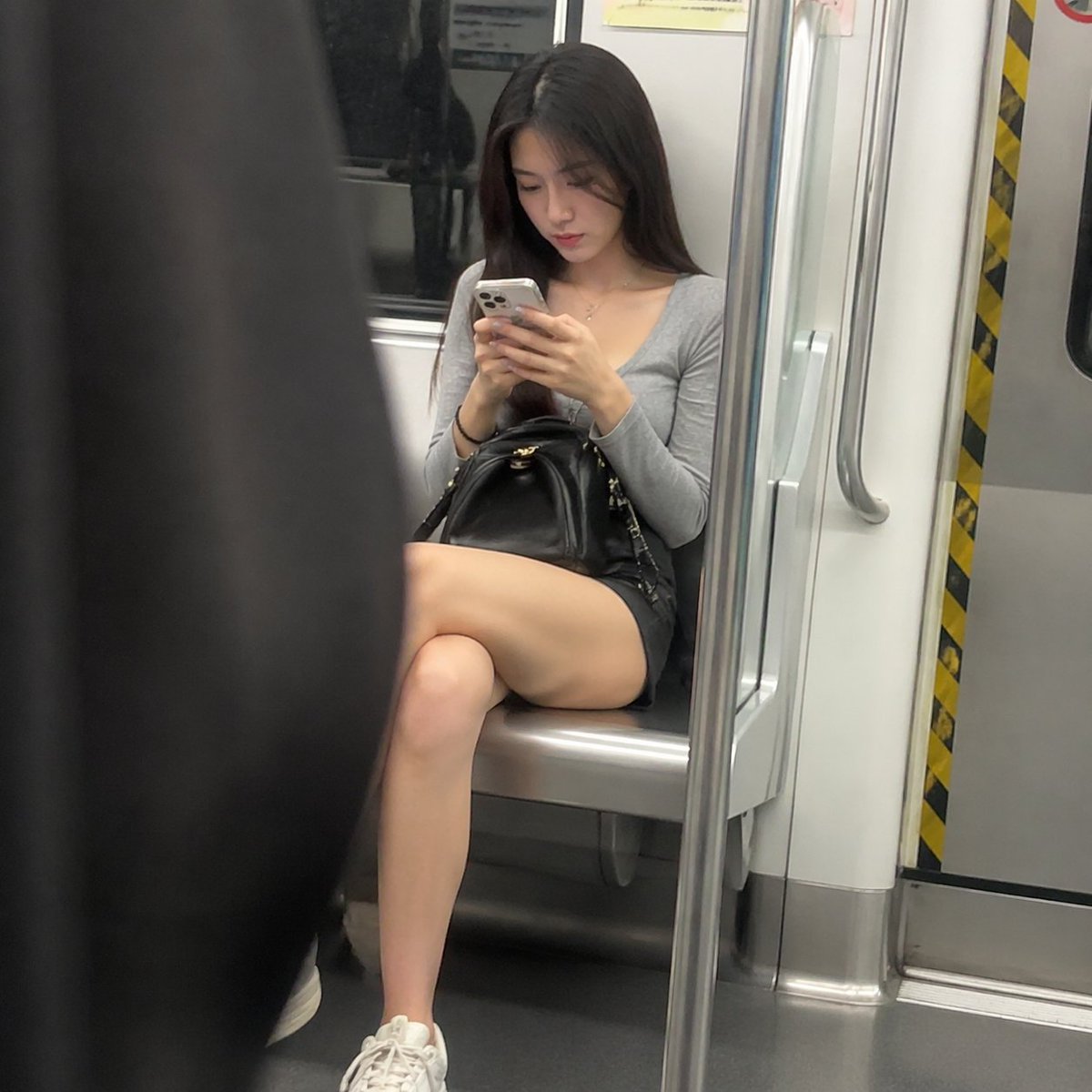
Candid Subway Commuter Prompt
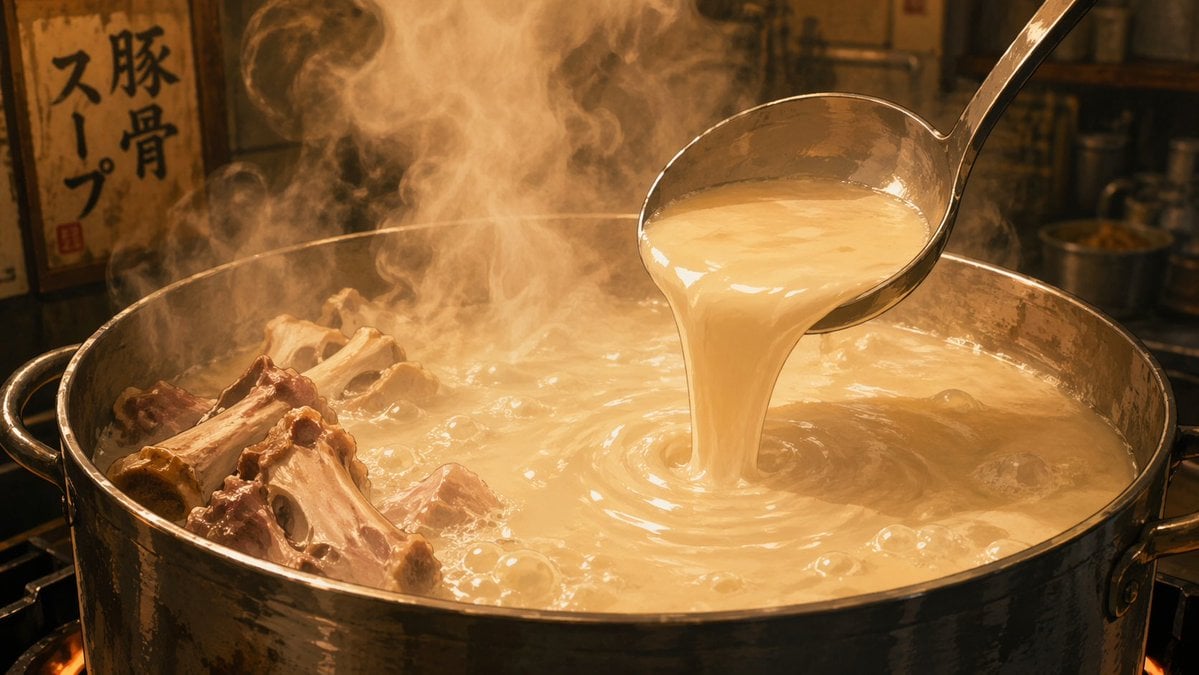
Anime Food: Tonkotsu Broth

Cinematic Sunset Water Splash Portrait
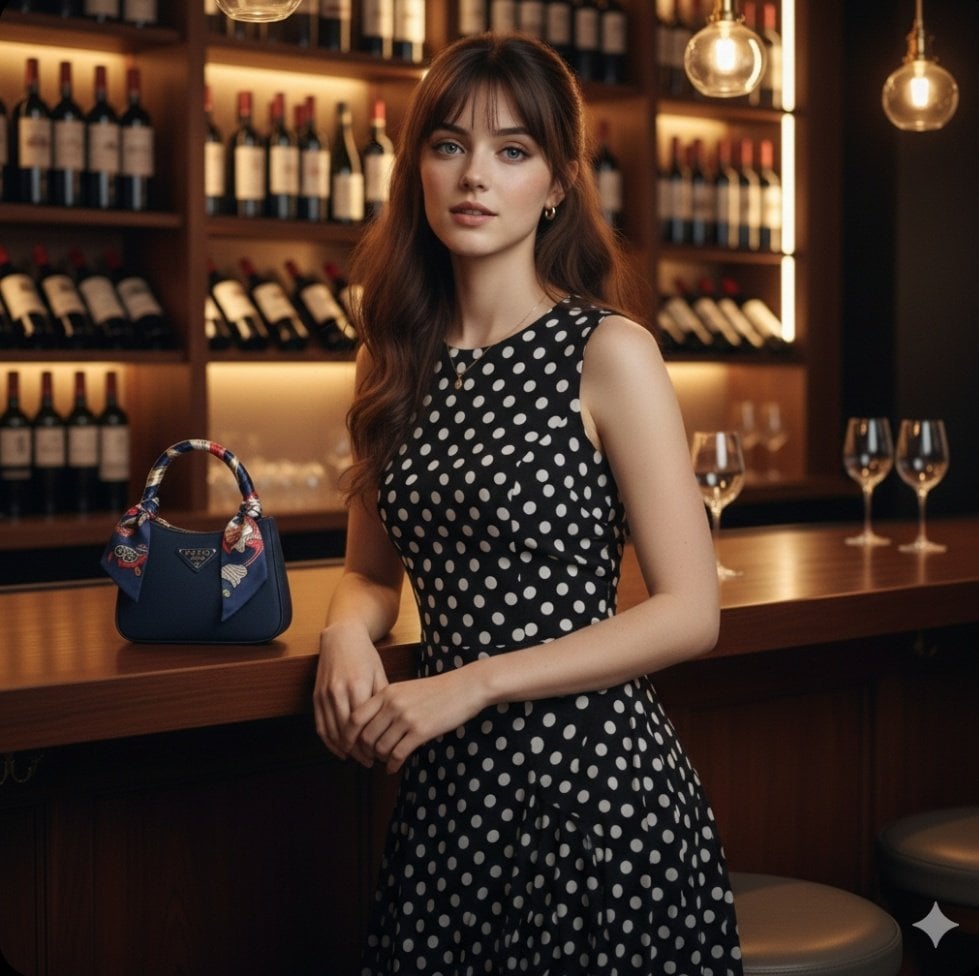
Ultra Realistic Fashion Portrait
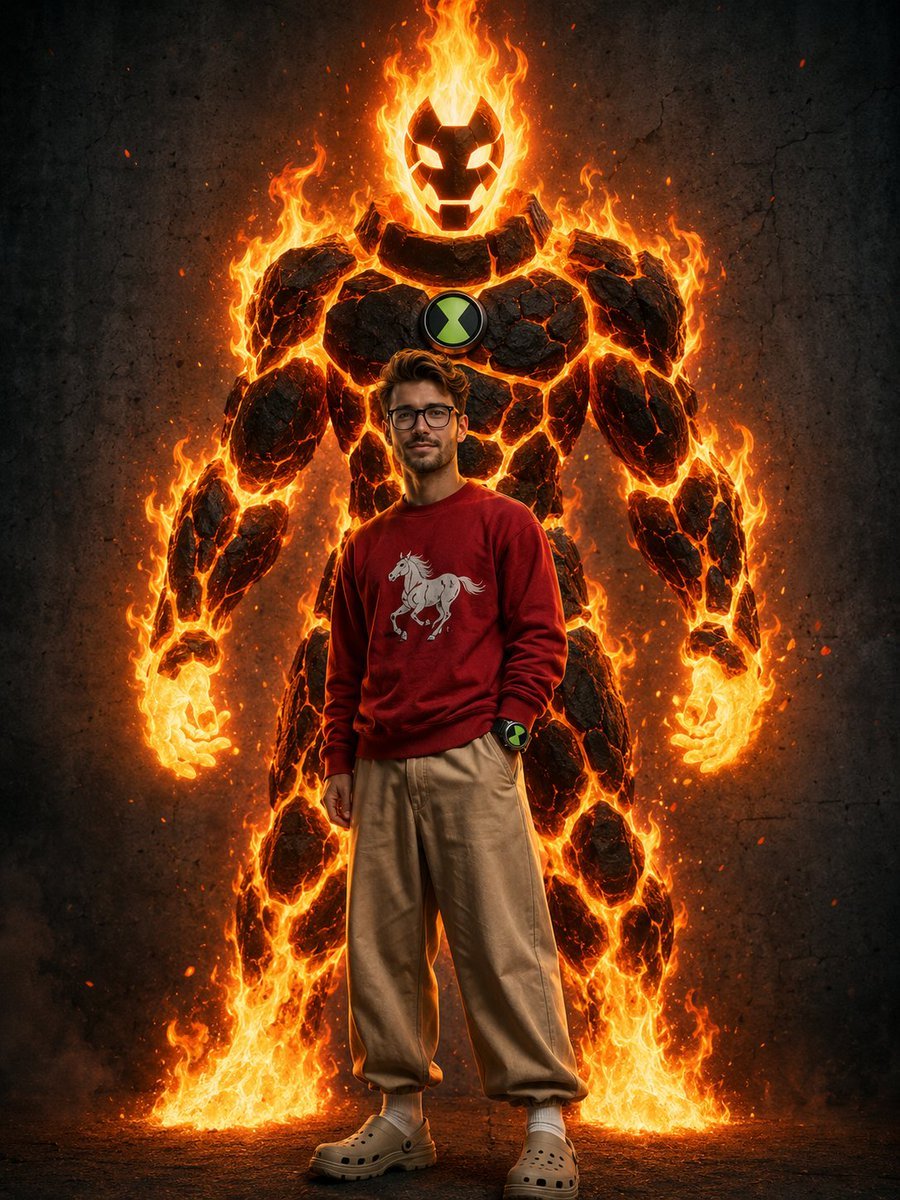
Heatblast Ben 10 Streetwear Portrait
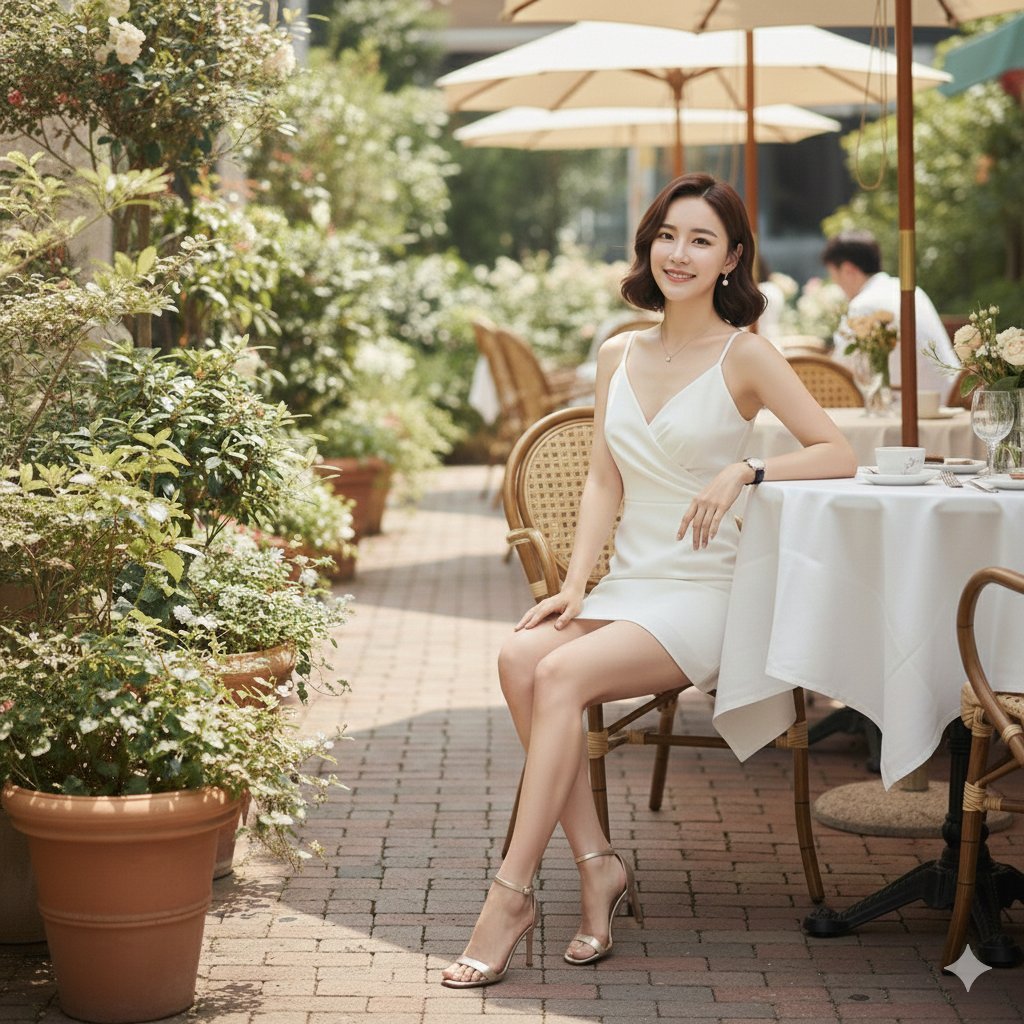
Hyper-Realistic High-Fashion Seated Portrait Prompt
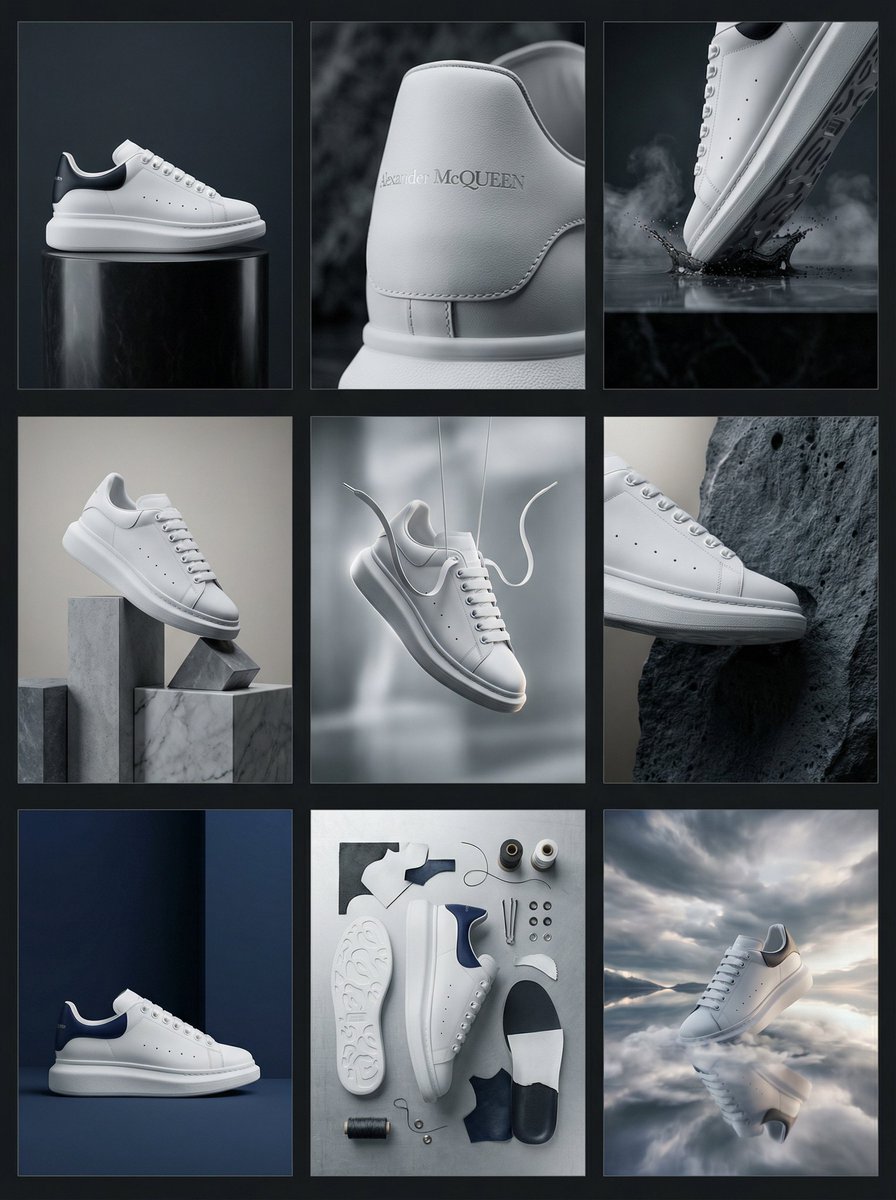
Alexander McQueen Sneaker Commercial Grid Prompt (3x3)
Browse template categories
Cute Cat Cosplay Bedroom Portrait questions
How do I use the Cute Cat Cosplay Bedroom Portrait template?
Add your photo if the template asks for one, edit the prompt if you like — the template's model and format are already selected — and press Generate. Your version opens in PicX Studio.
Can I customize the Cute Cat Cosplay Bedroom Portrait template?
Yes. You can change the subject, setting, lighting, mood, format, and available model controls before creating your image.
Is the Cute Cat Cosplay Bedroom Portrait template free?
Opening and editing this template is free. Generating uses credits, shown on the Generate button when you are signed in.
Which AI model should I use?
Start with Nano Banana 2, which is the model associated with this template. You can compare another compatible model for a different finish.
Looking for something else? Browse all templates.

Your photo, any look
Thousands of ready templates for every top image and video model, from one credit balance.