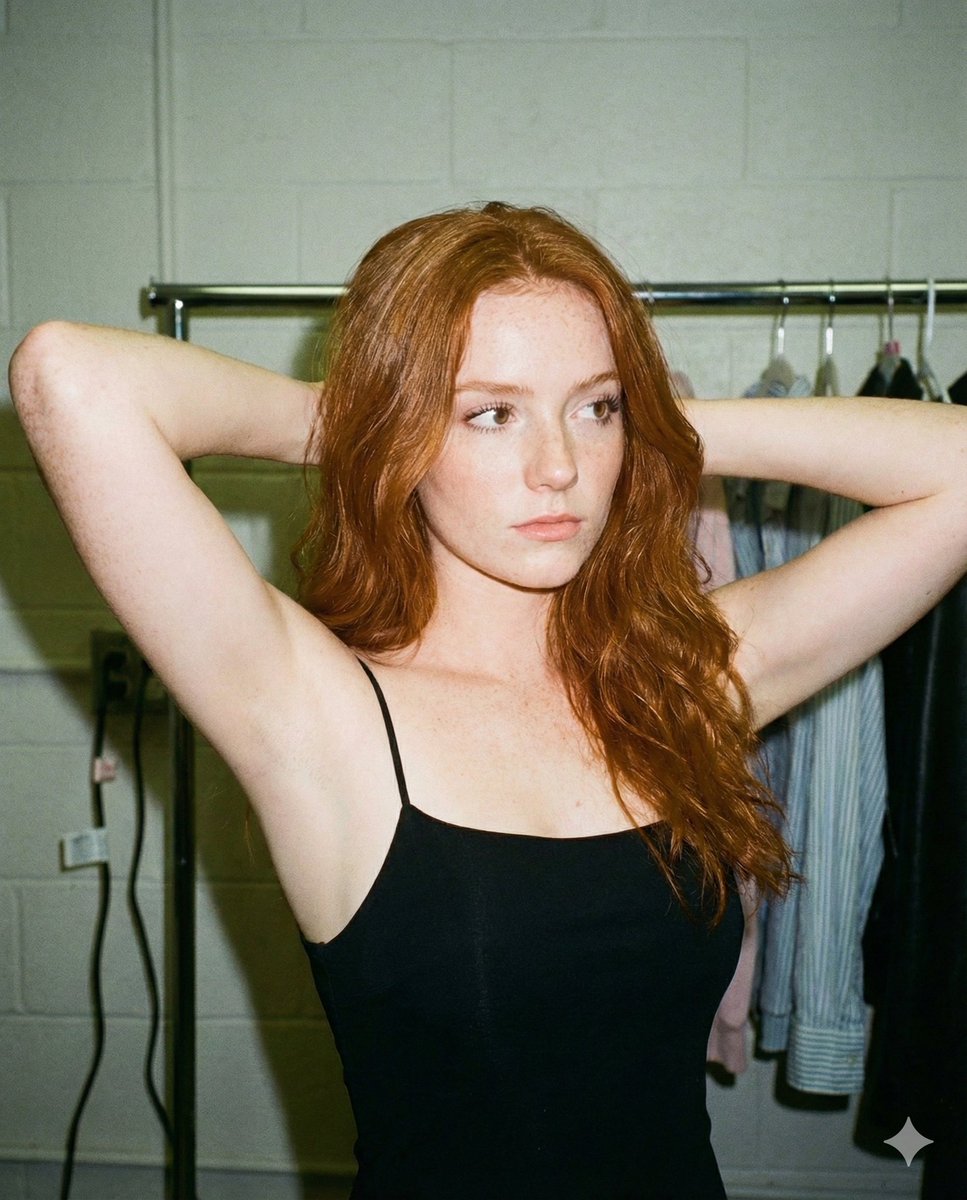
How do I use the Winter Vibes Rear-View Portrait Prompt template?
Choose the primary action to open PicX Studio with the available template settings. Review the model and format, personalize the creative direction, and generate when ready.
A highly detailed JSON prompt for generating a photorealistic winter portrait of a young woman viewed from the rear, wearing a tight black bodysuit and a fluffy white trapper hat, emphasizing realistic body contours, diffused lighting, and a shallow depth of field in a snowy landscape. Change the subject, setting, or lighting one variable at a time.

{ "subject": { "description": "Young female subject, appearing in her early 20s, with fair skin and long, straight blonde hair cascading down her back.", "attire": { "headwear": "Oversized, fluffy {argument name="hat color" default="white"} faux-fur trapper hat (ushanka) with ear flaps down, adding volume and texture framing the face.", "body": "Tight-fitting, matte {argument name="bodysuit color" default="black"} bodysuit covering the torso, arms, and legs; fabric creates tension across curves, exhibiting realistic stretch and varying opacity based on lighting.", "fit": "Form-fitting, highlighting natural body contours and physical volume without artificial smoothing." }, "physicality": { "body_type": "Curvy and fit; significant prominence in the gluteal region relative to the waist, emphasized by the rear-view angle.", "skin_details": "Natural fair complexion with slight winter flush on cheeks, visible skin texture including pores and minor imperfections, soft natural lighting on the face.", "hair_texture": "Smooth, straight strands with natural movement, contrasting against the dark fabric of the bodysuit." } }, "pose": { "orientation": "Rear-facing, standing 3/4 turn away from the camera.", "head_position": "Turned back over the left shoulder, looking directly at the viewer with a soft, engaging smile.", "body_language": "Relaxed but accentuated posture; weight shifted to emphasize the curve of the hips and glutes; back slightly arched.", "arms": "Arms held close to the body, elbows slightly bent, blending naturally into the silhouette." }, "environment": { "setting": "Outdoor winter landscape with deep snow cover.", "background_elements": [ "Tall evergreen/pine trees heavily laden with white snow on branches.", "Modern wooden structure or cabin on the left with vertical timber siding and large glass windows reflective of the winter light." ], "ground": "Thick, uneven layer of snow, showing soft shadows and texture.", "atmosphere": "Cold, crisp, daytime winter ambiance." }, "camera": { "type": "Digital SLR or Mirrorless Professional Body (e.g., Sony A7R or Canon R5).", "lens": "85mm prime lens to compress the background slightly while keeping the subject proportional.", "aperture": "f/2.8 or f/4, creating a shallow depth of field where the subject is sharp and the background trees are softly blurred (bokeh).", "angle": "Eye-level or slightly lower, focused on the subject's upper body and hips.", "focus_point": "Sharp focus on the subject's face and eyes." }, "lighting": { "source": "Natural daylight, overcast or diffused sunlight typical of a snowy day.", "quality": "Soft, omnidirectional light with the snow acting as a giant natural reflector (fill light), minimizing harsh shadows on the face and body.", "highlights": "Subtle sheen on the black bodysuit fabric where light hits the curves; bright, clean highlights on the white fur hat.", "shadows": "Soft, cool-toned shadows in the folds of the clothing and environmental recesses." }, "mood_and_expression": { "emotion": "Playf
Choose the primary action to open PicX Studio with the available template settings. Review the model and format, personalize the creative direction, and generate when ready.
Yes. You can change the subject, setting, lighting, mood, format, and available model controls before creating your image.
This template is free to open and customize. Generation usage is shown in PicX Studio before you create.
Start with Nano Banana 2, which is the model associated with this template. You can compare another compatible model for a different finish.
© 2026 PicX Studio. All rights reserved.

Follow a topic to a crawlable collection of related PicX Studio templates.
43,474 public templates available. Verified via the PicX Studio public templates API; refreshed hourly.








![69-untitled — FORMAT: 15s / 145 BPM / 14 SHOTS
SUBJECT: @[image1]
WARDROBE: Clean modern outfit
ENVIRONMENT: Street / indoor transitions
MOOD: Discovery → contr](/_next/image?url=https%3A%2F%2Fcdn.picxstudio.com%2Fuploads%2Fpost69_img0_d45faecf-38c3-4bcb-81a4-f6eb1cf42bb2.jpg&w=828&q=100)








![118-google-nano-banana-pro-skincare-product- — A professional skincare shot of a [product container] with [cap/lid], labeled [brand, product, descriptor, volume](/_next/image?url=https%3A%2F%2Fcdn.picxstudio.com%2Fuploads%2Fpost118_img0_332898b8-29ea-42a9-87ab-9ed746a3f944.jpg&w=828&q=100)

![Naive doodle-style subject illustration — A doodle-style {argument name="subject" default="[subject]"}, naive lines, humorous shape exaggeration](https://pbs.twimg.com/media/G6Wl2YxbsAARB2b.jpg)













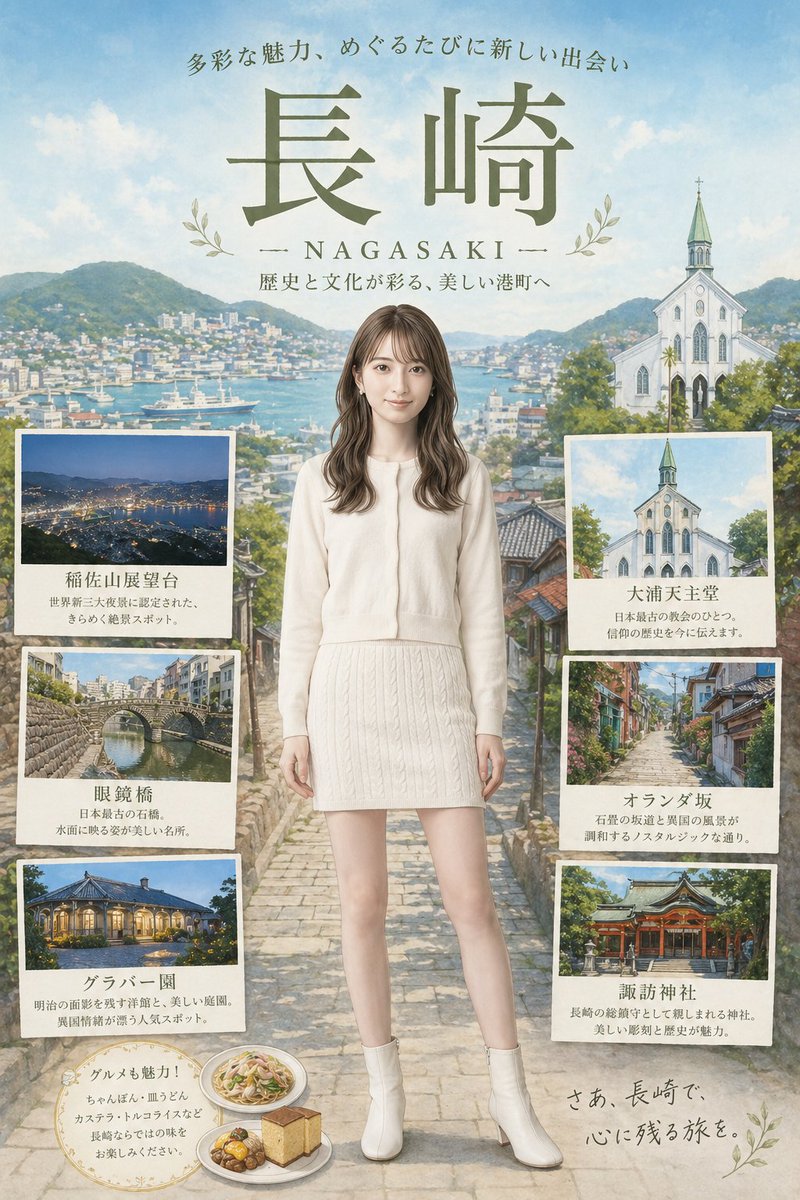


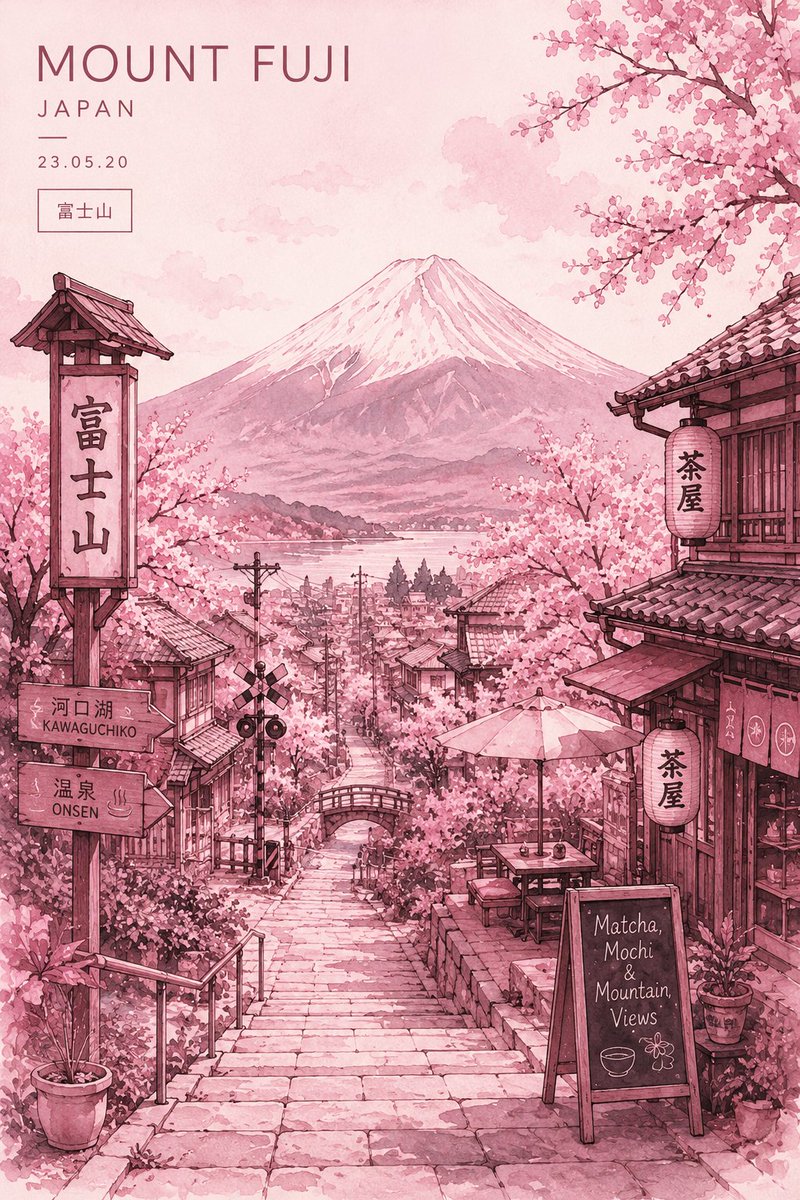


![Minimalist Mid-Century Travel Poster — Create a vertical mid-century travel poster for {argument name="city" default="[CITY NAME]"} featuri…](https://cms-assets.youmind.com/media/1778575488661_5gliec_HIAYHpyakAA4X8C.jpg)


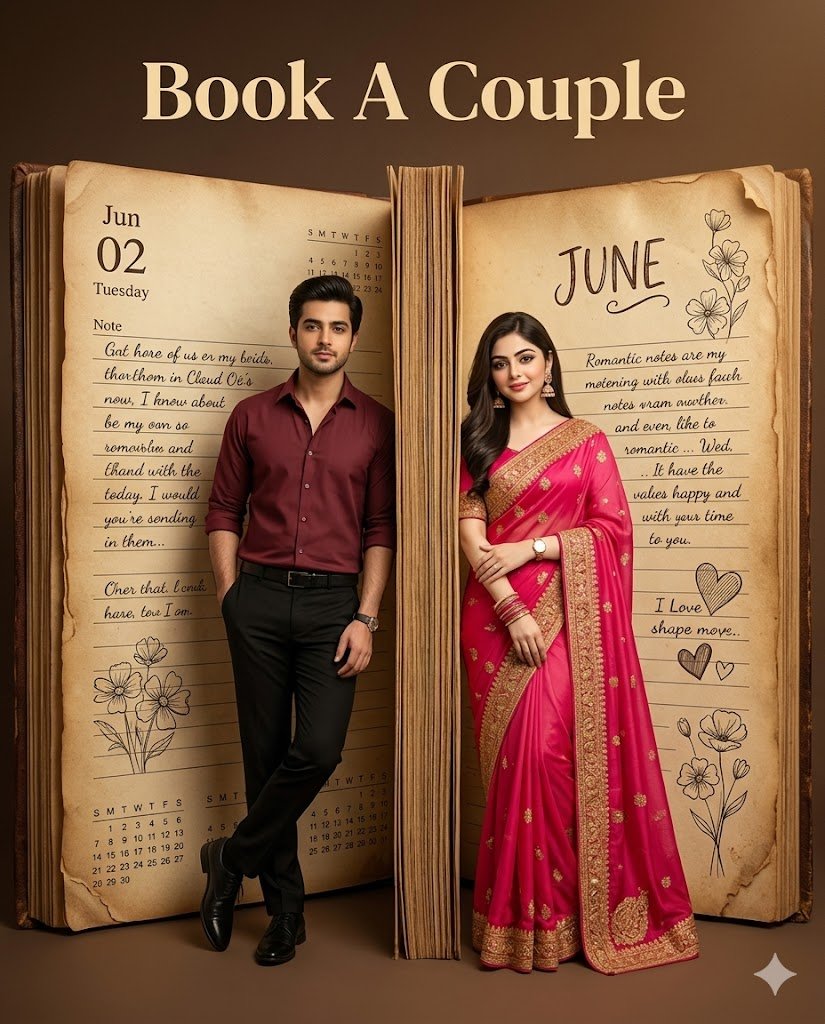


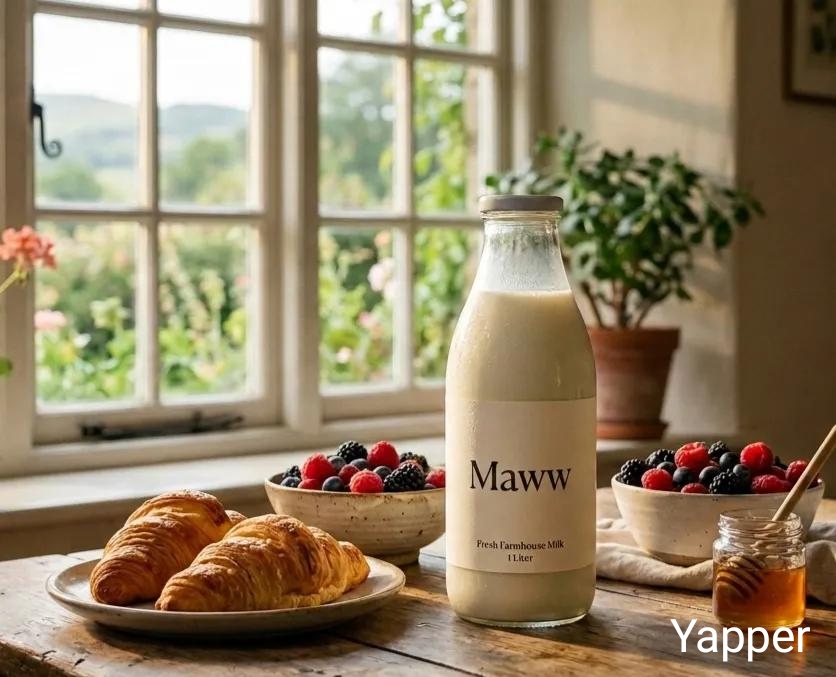



![Urban Street Portrait with Cartoon Inner Self Duo — Transform this image [Upload Your Image] into a 64K DSLR shot resolution of A creative urban street portrait](https://pbs.twimg.com/media/G-MH5fIbMAAmHyw.jpg)