How do I use the Fashion Magazine Cover Portrait template?
Choose the primary action to open PicX Studio with the available template settings. Review the model and format, personalize the creative direction, and generate when ready.
Generates a photorealistic fashion magazine cover featuring a stylish portrait and customizable typography. Change the subject, setting, or lighting one variable at a time.
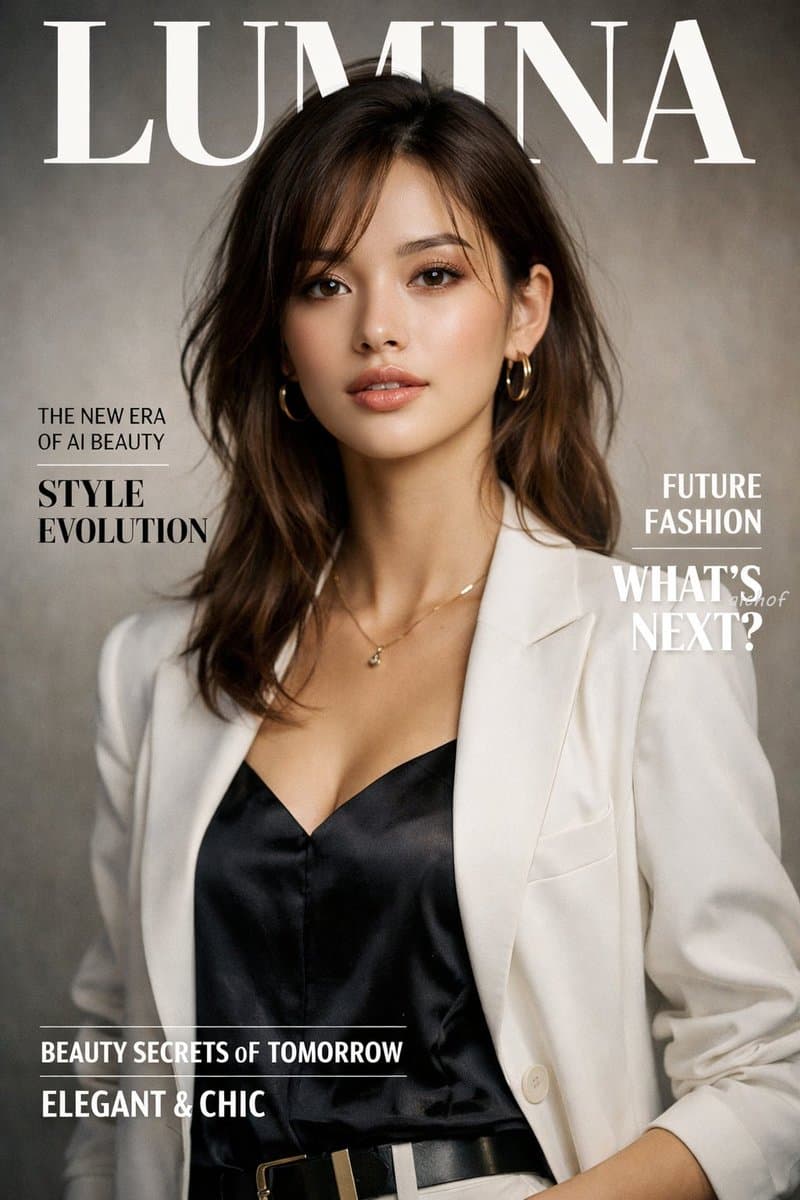
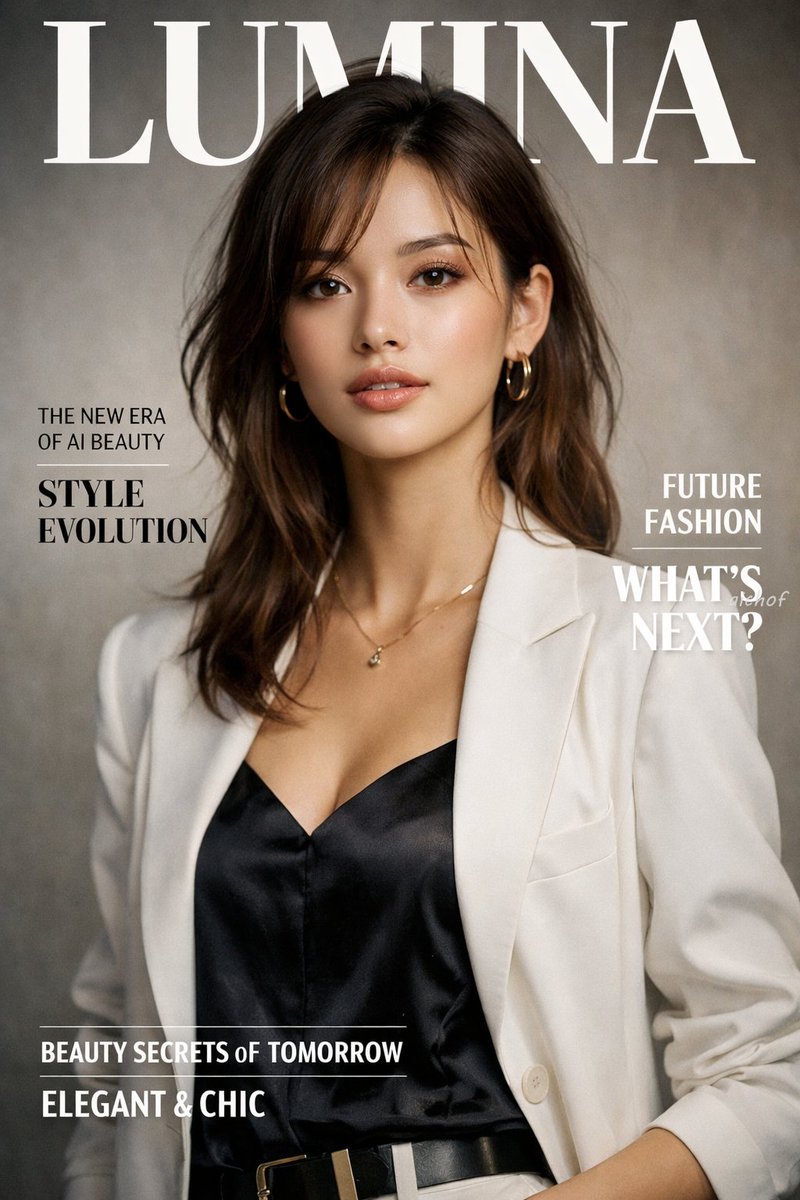
A photorealistic high-end fashion magazine cover titled "{argument name="magazine title" default="LUMINA"}" in large white serif letters at the top. The cover features a portrait of a {argument name="subject description" default="beautiful young woman with shoulder-length wavy brown hair"}, wearing a {argument name="outfit" default="white blazer over a black silk camisole"}, accessorized with gold hoop earrings and a delicate gold necklace. She is looking directly at the camera with a confident, elegant expression against a textured warm grey studio backdrop. On the left side, black text reads "THE NEW ERA OF AI BEAUTY" and a larger headline "{argument name="main headline" default="STYLE EVOLUTION"}". On the right side, white text reads "FUTURE FASHION" and "WHAT'S NEXT?". At the bottom, white text reads "BEAUTY SECRETS OF TOMORROW" and "{argument name="bottom text" default="ELEGANT & CHIC"}". Professional studio lighting, soft shadows, highly detailed.
Fashion Magazine Cover Portrait needs input media to work. Open it in the studio and these load alongside the prompt — pick whichever ones your chosen model can take.
Choose the primary action to open PicX Studio with the available template settings. Review the model and format, personalize the creative direction, and generate when ready.
Yes. You can change the subject, setting, lighting, mood, format, and available model controls before creating your image.
This template is free to open and customize. Generation usage is shown in PicX Studio before you create.
Start with GPT Image 2, which is the model associated with this template. You can compare another compatible model for a different finish.
© 2026 PicX Studio. All rights reserved.

Follow a topic to a crawlable collection of related PicX Studio templates.
43,474 public templates available. Verified via the PicX Studio public templates API; refreshed hourly.
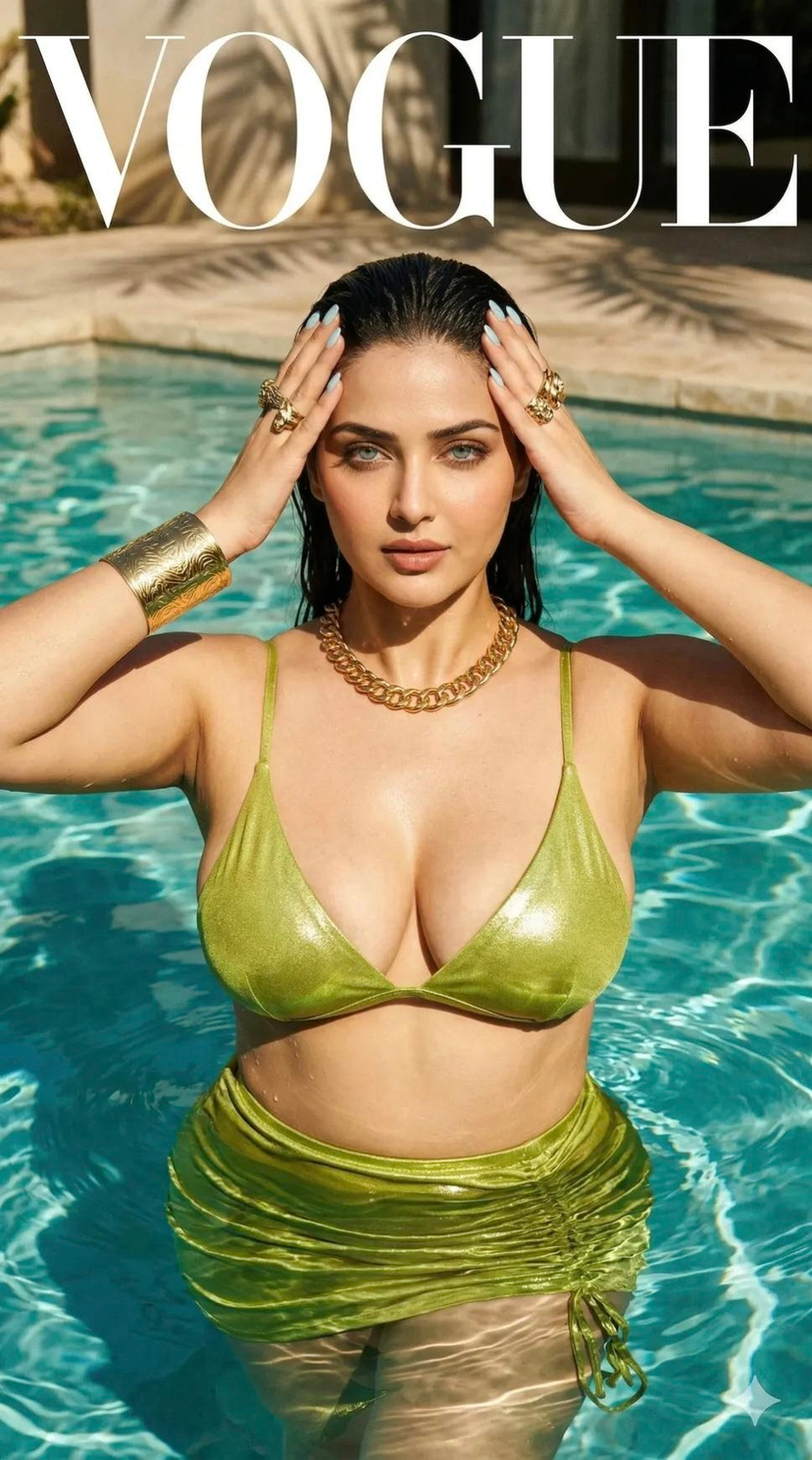




![Luxury Streetwear Magazine Cover — [Reference Image] Ultra-realistic luxury streetwear editorial magazine cover featuring a commanding {argument name="subject"](https://cms-assets.youmind.com/media/1784104893056_x33stm_HNKEdJnaQAAAulH-300x530.jpg)













![Minimalist Flat Vector Travel Poster — Premium minimalist flat-vector travel poster for {argument name="city name" default="[CITY_NAME]"}, 3:4 vertical format.](https://cms-assets.youmind.com/media/1787917359711_3ug846_HQX205cbMAA6F6S-300x400.jpg)

































![Child's Crayon Drawing Style Generator — Draw {argument name="visual subject" default="[VISUAL]"} as if created by a cheerful 6-year-old on white notebook paper](https://pbs.twimg.com/media/G94o52_akAEVjjz.jpg)