
Kawaii Anime Emotion Collage Poster
Generates a dense colorful anime character collage with a central flustered girl, 20 chibi reaction stickers, UI popups, and a bold Japanese logo.
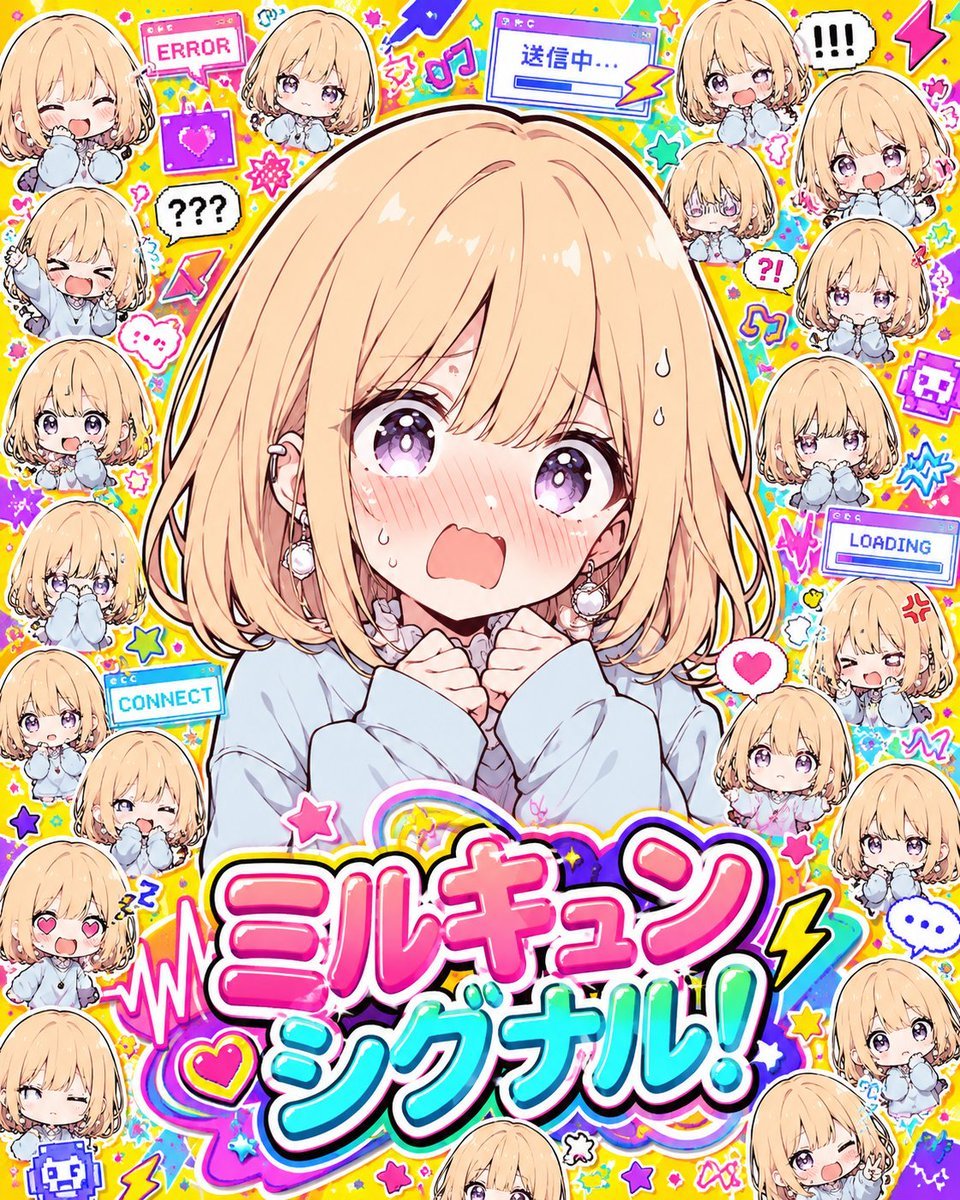
- Prompt included
- Model and format preset
- Free template
The prompt behind this image
Copy the exact prompt behind Kawaii Anime Emotion Collage Poster, or open it in the studio and make it yours.
Goal: Create a high-energy kawaii anime “emotion explosion collage” poster centered on {argument name="character name" default="Milkyun"}, a cute blonde bob-haired girl, surrounded by many tiny chibi reaction stickers and colorful digital pop graphics. Canvas: Square 4:5-ish social media illustration, packed edge-to-edge with no empty space. Use a bright {argument name="background color" default="lemon yellow"} background filled with confetti, stars, hearts, lightning bolts, music notes, speech bubbles, UI windows, pixel icons, sparkles, and doodle outlines. Overall look should be glossy, sticker-like, saturated, and chaotic but readable. Main subject: One large central anime girl from the chest up, occupying most of the middle. She has {argument name="hair color" default="warm blonde"} chin-length bob hair with soft bangs, large sparkling lavender-purple eyes, pale skin, flushed cheeks, sweat drops, tiny tears, and an overwhelmed open-mouth expression. Her hands are clenched near her collar as if flustered or panicking. Outfit: oversized pale blue sweater with soft ruffled white collar, small earrings, delicate line art, thick white sticker outline and bold dark outer stroke. Surrounding sticker elements: Add exactly 20 smaller chibi versions of the same girl around the border and corners, each with a thick white cutout outline and different expressions. Count and include these 20 chibis: 1 top-left cropped laughing chibi, 2 top-center shy neutral chibi, 3 upper-right shocked chibi near an exclamation bubble, 4 far-right upper crying-open-mouth chibi, 5 right-upper tiny blank-faced chibi, 6 right-middle anxious chibi biting sleeves, 7 right-middle sad chibi with hands near face, 8 right-lower angry winking chibi near a loading window, 9 lower-right small neutral chibi, 10 far-right mid small shy chibi, 11 bottom-right shy chibi, 12 bottom-right cropped winking chibi, 13 bottom-center cropped chibi peeking up, 14 lower-left winking chibi, 15 lower-left heart-eyes chibi, 16 left-lower small winking chibi near CONNECT, 17 left-middle neutral surprised chibi, 18 left-middle crying chibi, 19 left-upper laughing chibi with raised arm, 20 upper-left cropped smiling chibi. Text and graphic labels: Use a huge two-line Japanese logo at the bottom reading {argument name="title text" default="ミルキュン シグナル!"}. Make the top word hot pink with white highlights and black shadow, and the lower word cyan/turquoise with white highlights and black shadow; add rainbow swooshes, hearts, stars, and lightning around it. Include visible UI pop-up graphics with readable text: “ERROR” near the top-left, “送信中...” in a blue window near the top center, “LOADING” on the right, “CONNECT” on the left-lower side, plus speech bubbles reading “!!!”, “???”, “?!”, and a small ellipsis bubble. Add pixel heart and pixel face icons. Visual style: Japanese anime idol sticker collage, ultra-cute moe style, bold outlines, glossy gradients, dense decoration, neon pink/cyan/purple accents, energetic manga reaction marks. The emotional theme is {argument name="emotion theme" default="flustered panic and overloaded cuteness"}. Keep everything crisp and bright, like a promotional character sticker sheet mixed with a pop music single cover. Constraints: No realism, no muted colors, no empty background, no watermark. Keep the central character dominant, all chibis recognizable as the same character, and the title large enough to read.
How to use Kawaii Anime Emotion Collage Poster in 3 steps
- 1Upload ImagePNG, JPG or paste
Add your photo
Upload the photo the template builds on. The prompt, model and format are already set.
- 2…a portrait of your subject in softgolden-hour light, 85mm…
Personalize
Edit the subject and creative details for your destination.
- 3Generate
Generate
Press Generate — your image is created in PicX Studio, so you can compare it with the original and refine one variable at a time.
More like this
Templates with the same subject, style or setup. Open one to see its prompt.

Gpt2 Youtube Thumbnail Anime Music Bootcamp Promo Poster

Japan Travel Brochure Poster

Pastel Anime Summer Beach Collage

Nice Day Anime Poster

Six-Panel Retro Japanese Poster Collage

Paper Cut Finale Fireworks

Paper Cut Garden Maze

Paper Cut Rooftop Concert

Paper Cut Bicycle Coast

Paper Cut Castle Gate

Paper Cut Kitchen Chaos

Paper Cut Carnival Ride
Make it yours
Kawaii Anime Emotion Collage Poster works as-is. These are the safest ways to change it without losing the look.
Change one field
Copy a single group, rewrite it, and generate again so you can see what that field is doing.
Keep the frame, change the subject
Hold the composition and light of Kawaii Anime Emotion Collage Poster, then swap wardrobe, props or the person for a new take.
| If the result… | Why | Fix |
|---|---|---|
| The result drifts from the preview | Too many fields changed at once. | Reuse Kawaii Anime Emotion Collage Poster as-is first, then change one group — subject, light, or setting. |
| The model over-stylizes the scene | The prose prompt leaves finish and camera underspecified. | Add one camera or lighting sentence and stay on GPT Image 2. |
More GPT Image 2 templates
Other prompts made for GPT Image 2.

Six VTuber Japanese Logo Sheet

Realistic Portrait of Woman and Deer

The Vista Modular Condo Poster

AI Model Routing Comparison Infographic

2.5D Anime Art Board

Isometric Productivity Desk Scene

New York Double Exposure Poster

Four-Panel AI Landscape Comparison

Japanese Tatami Lifestyle Magazine Cover

NESCAFÉ Coffee Map Poster
More image prompts
Fresh picks from across the catalog.
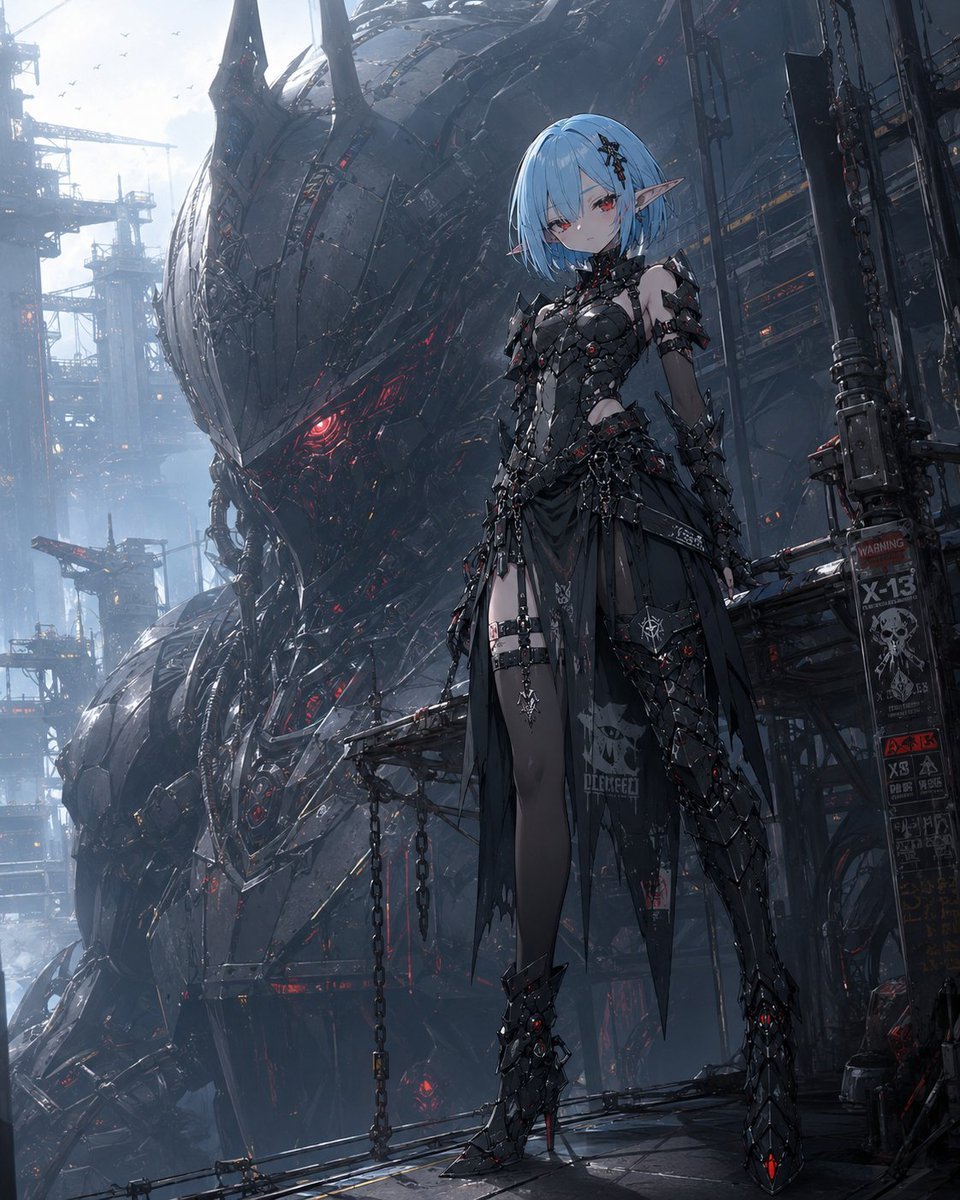
Cyberpunk Elf and War Machine

Cinematic London Morning Restaurant Portrait
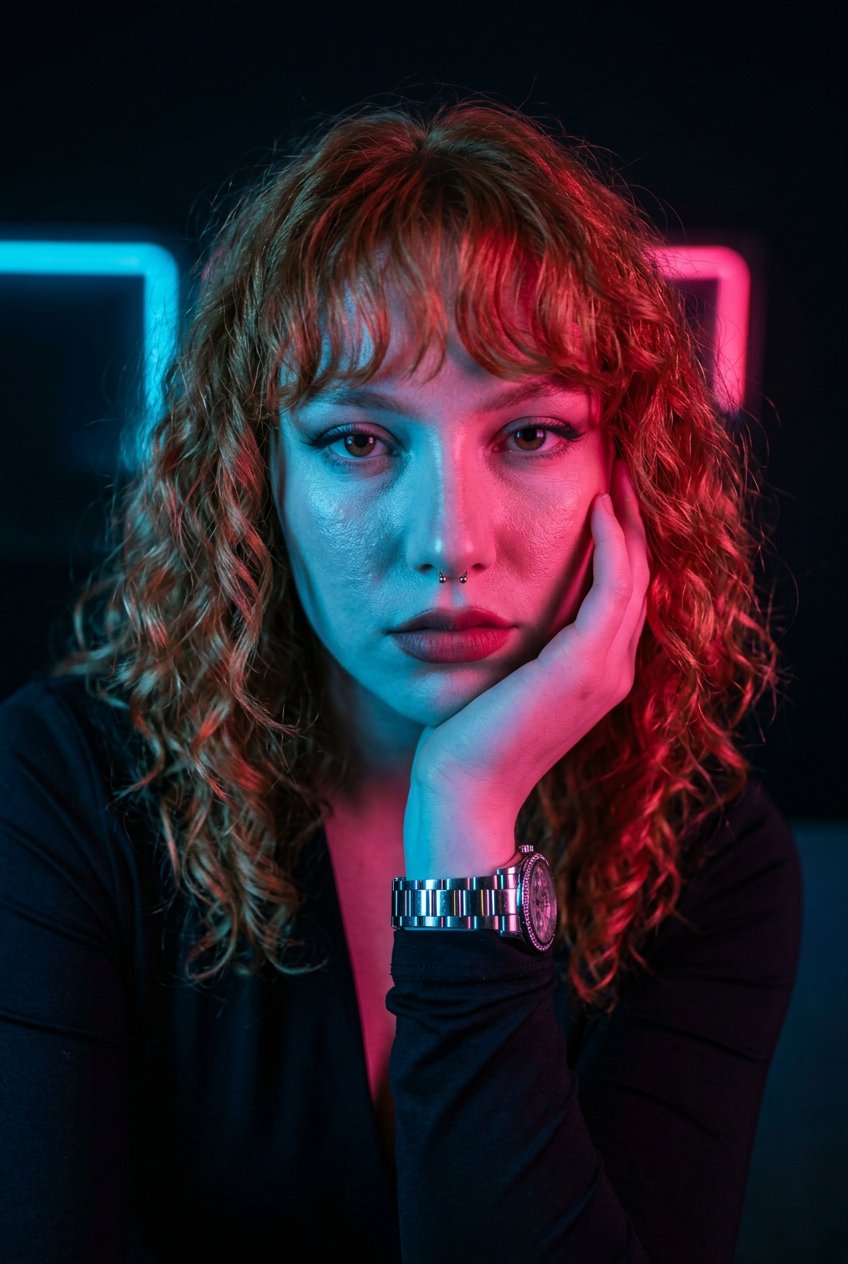
Neon Noir Dual Tone Portrait
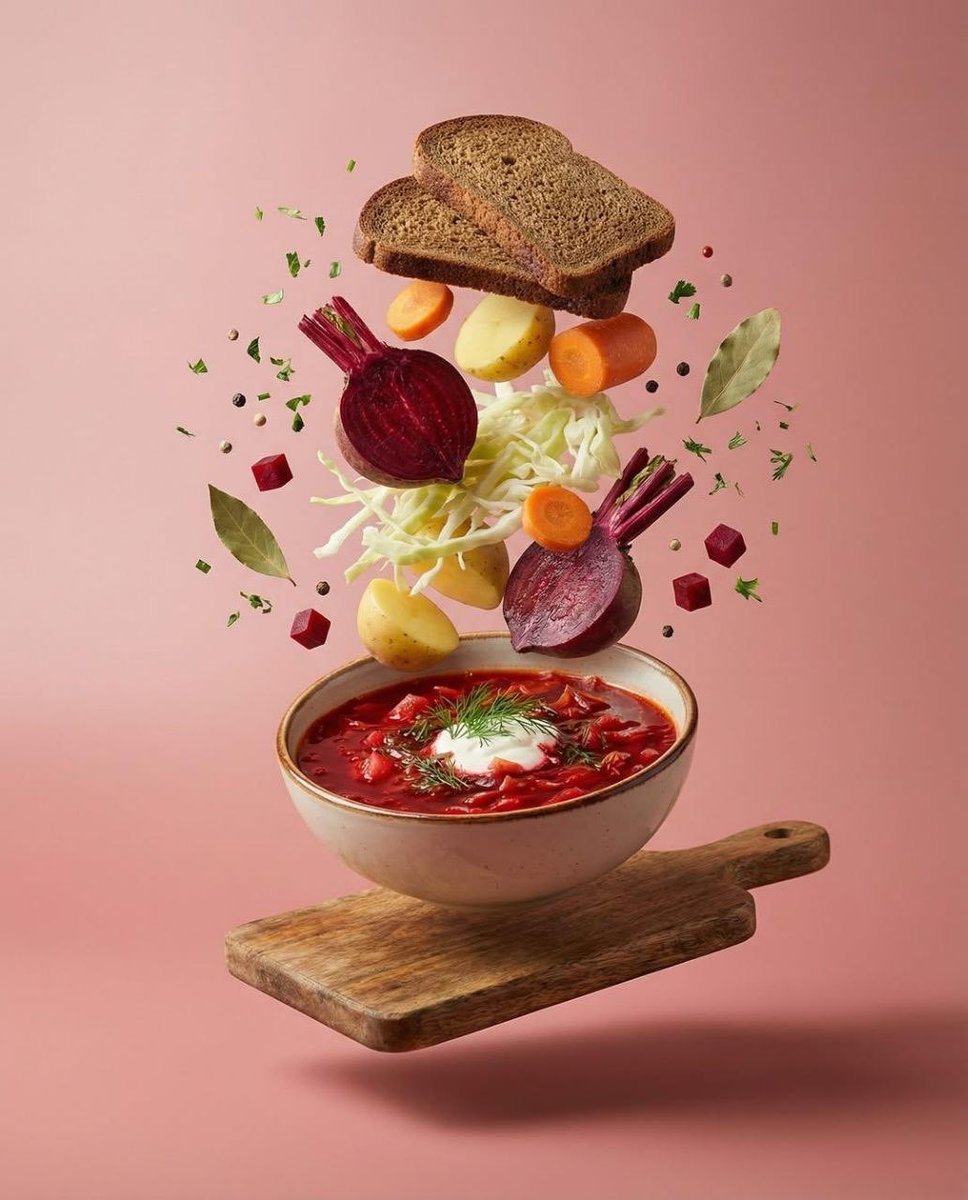
Surreal Levitation Food Photography of Traditional Beet Soup (Borscht)
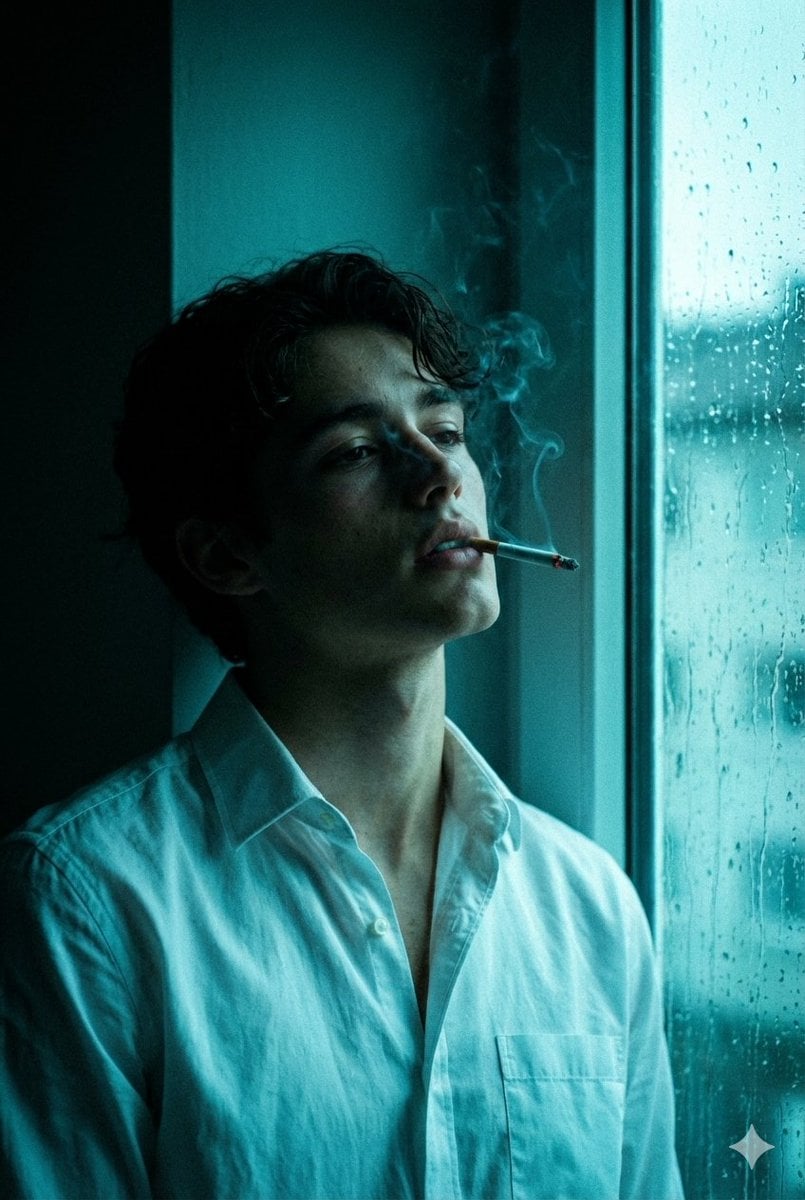
Cinematic Melancholy Portrait in Turquoise
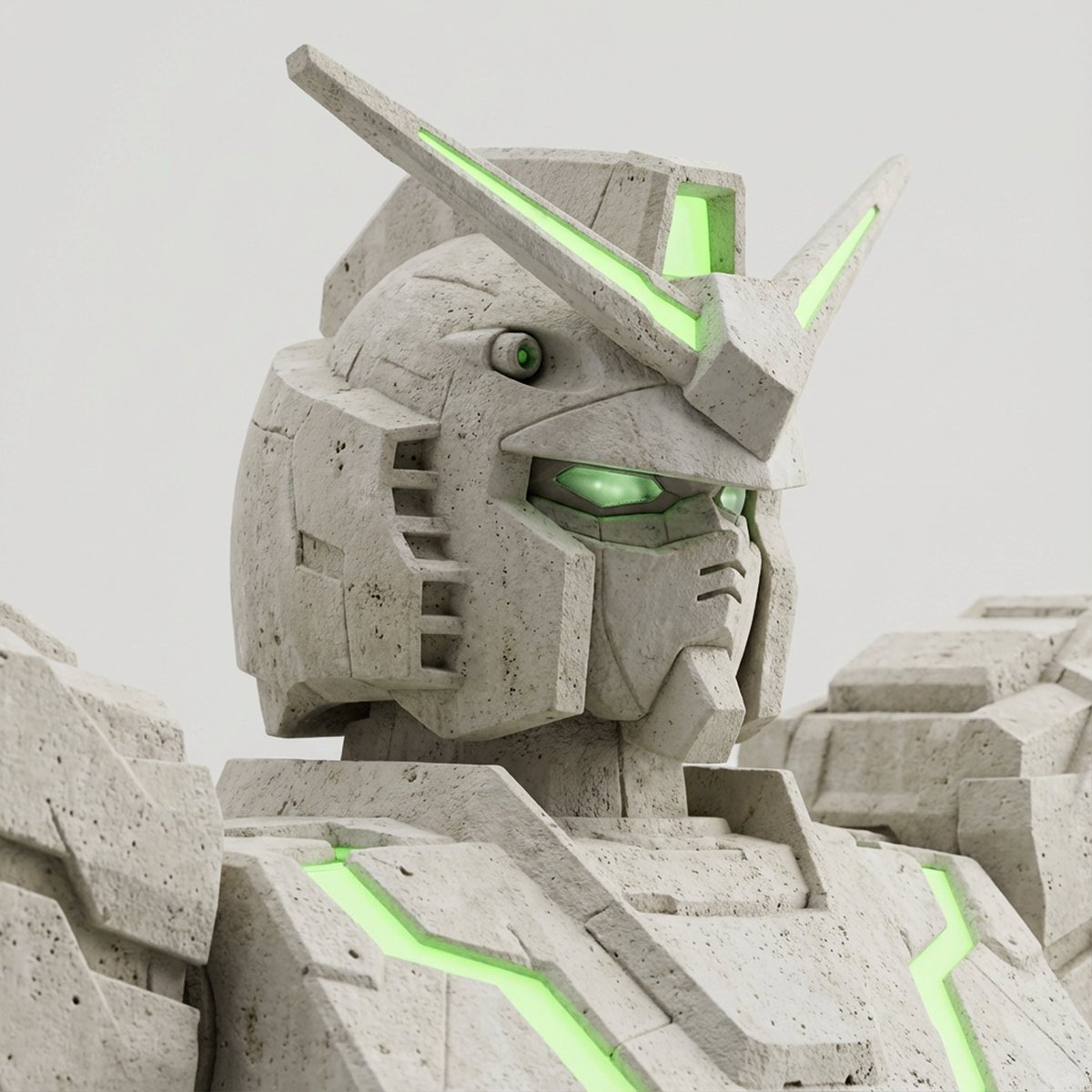
Limestone Sculpture with Neon Glow Prompt
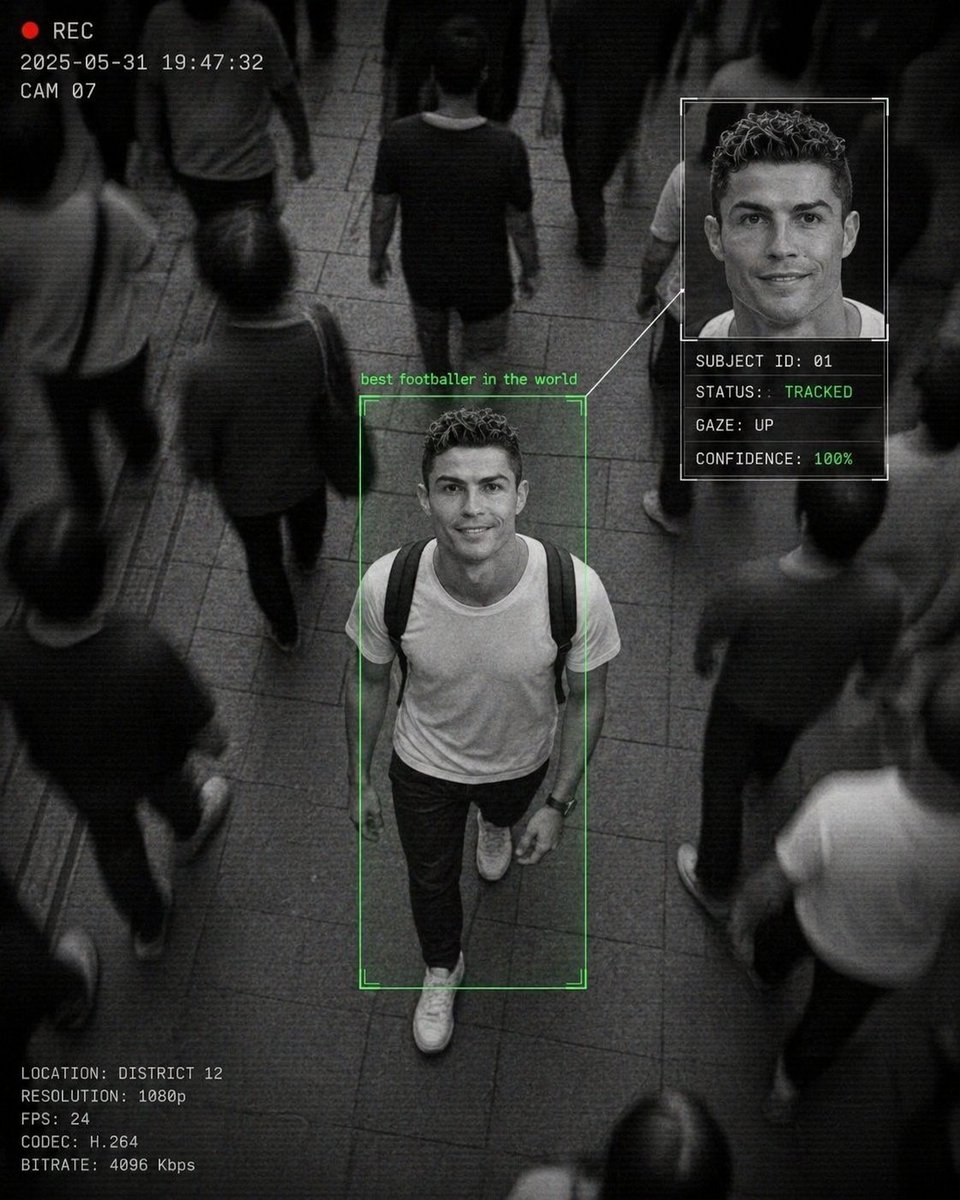
Cinematic Surveillance Interface Aesthetic
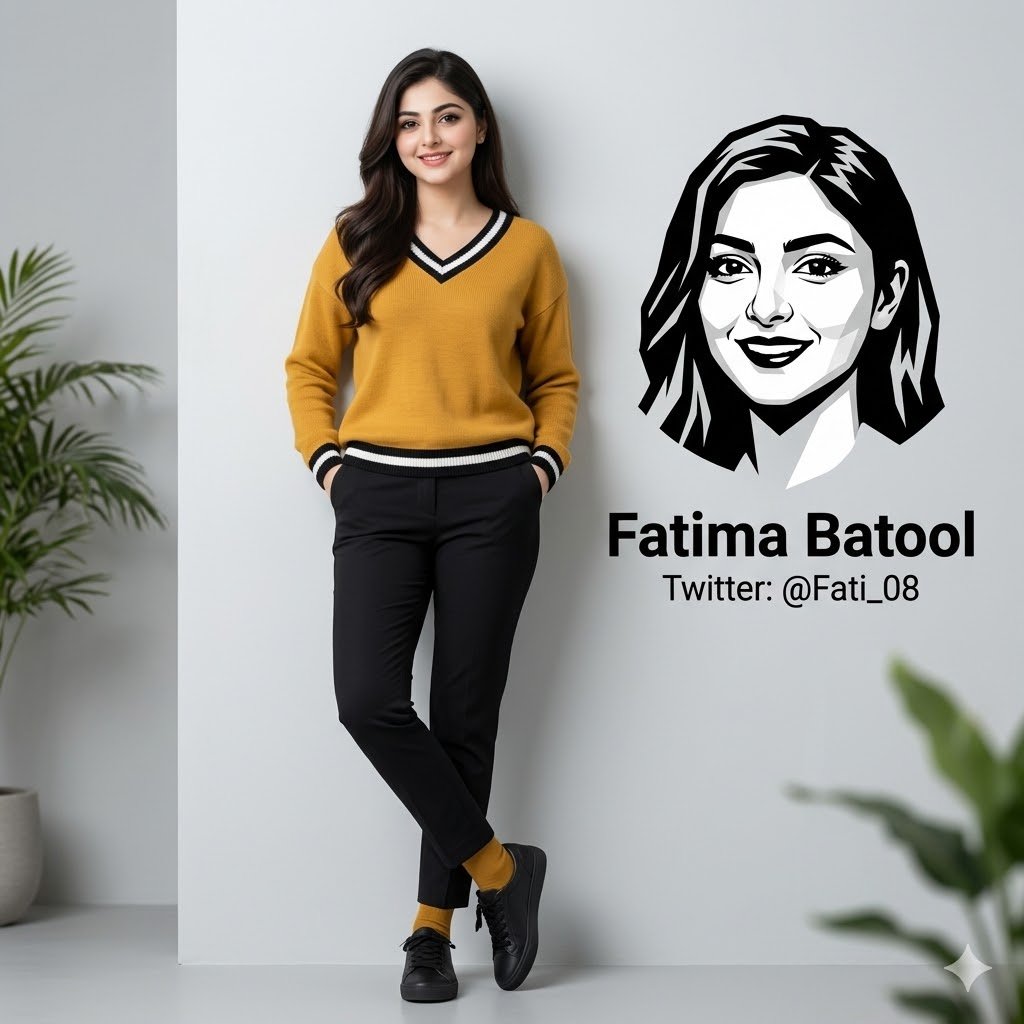
Minimalist Personal Branding Portrait
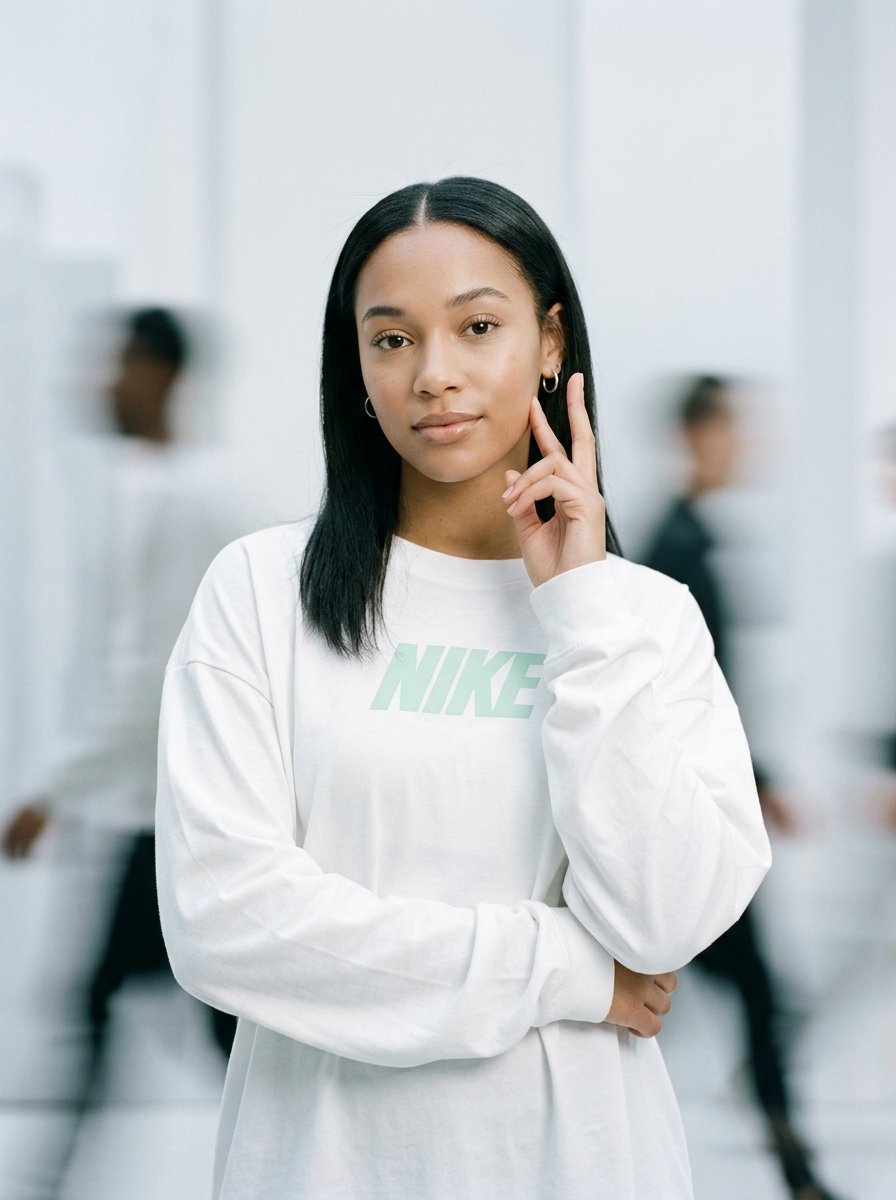
Static Motion Editorial
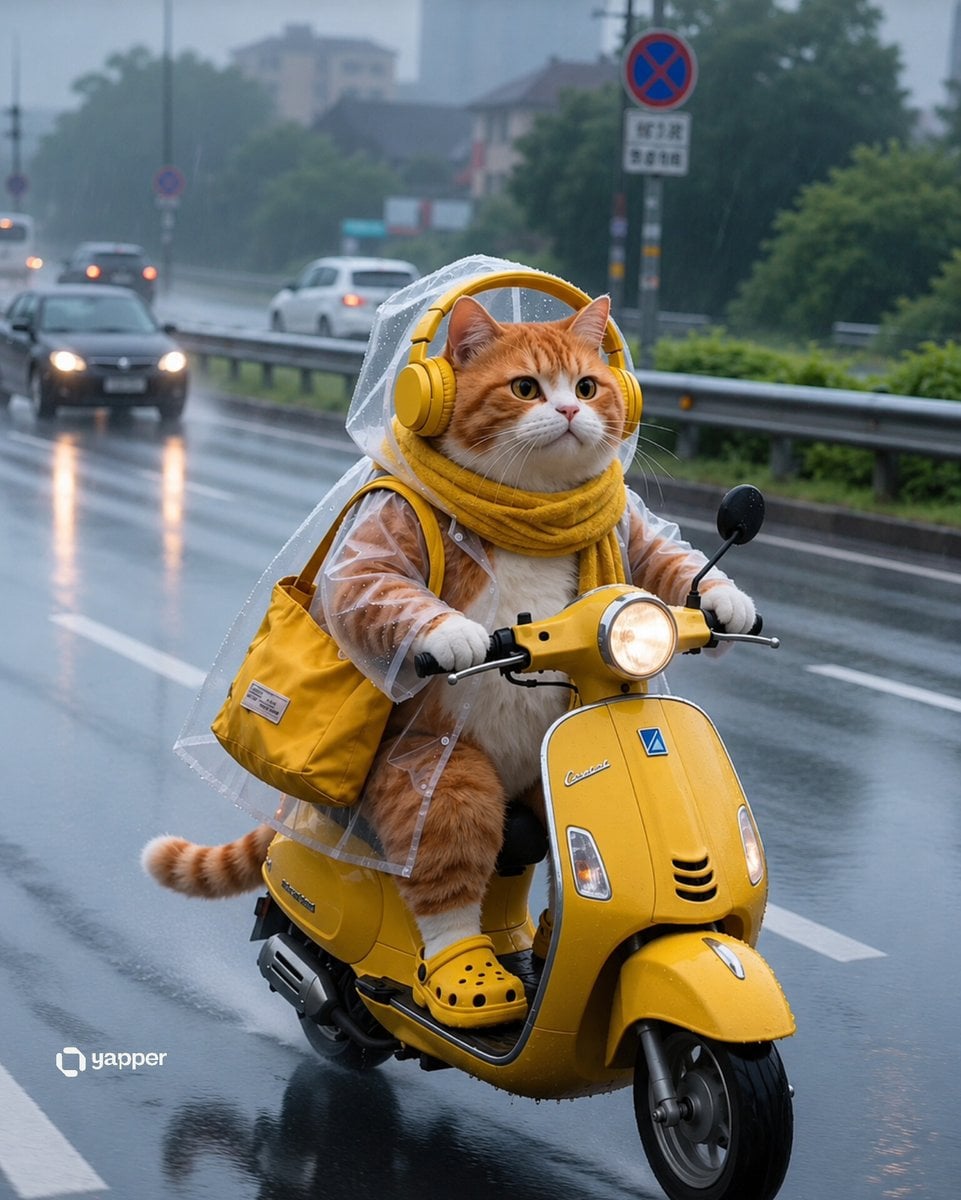
Rainy Tabby Scooter Ride
Browse template categories
Kawaii Anime Emotion Collage Poster questions
How do I use the Kawaii Anime Emotion Collage Poster template?
Add your photo if the template asks for one, edit the prompt if you like — the template's model and format are already selected — and press Generate. Your version opens in PicX Studio.
Can I customize the Kawaii Anime Emotion Collage Poster template?
Yes. You can change the subject, setting, lighting, mood, format, and available model controls before creating your image.
Is the Kawaii Anime Emotion Collage Poster template free?
Opening and editing this template is free. Generating uses credits, shown on the Generate button when you are signed in.
Which AI model should I use?
Start with GPT Image 2, which is the model associated with this template. You can compare another compatible model for a different finish.
Looking for something else? Browse all templates.

Your photo, any look
Thousands of ready templates for every top image and video model, from one credit balance.