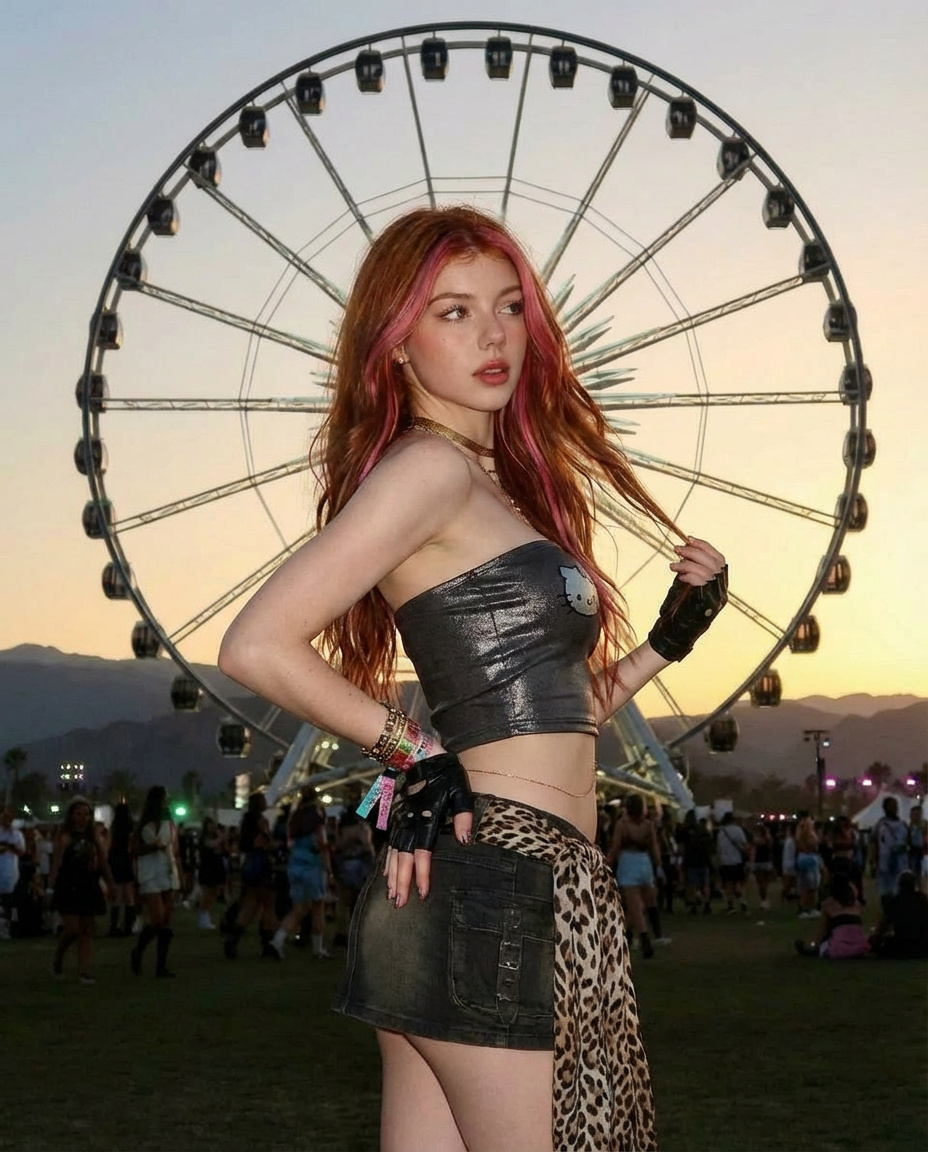
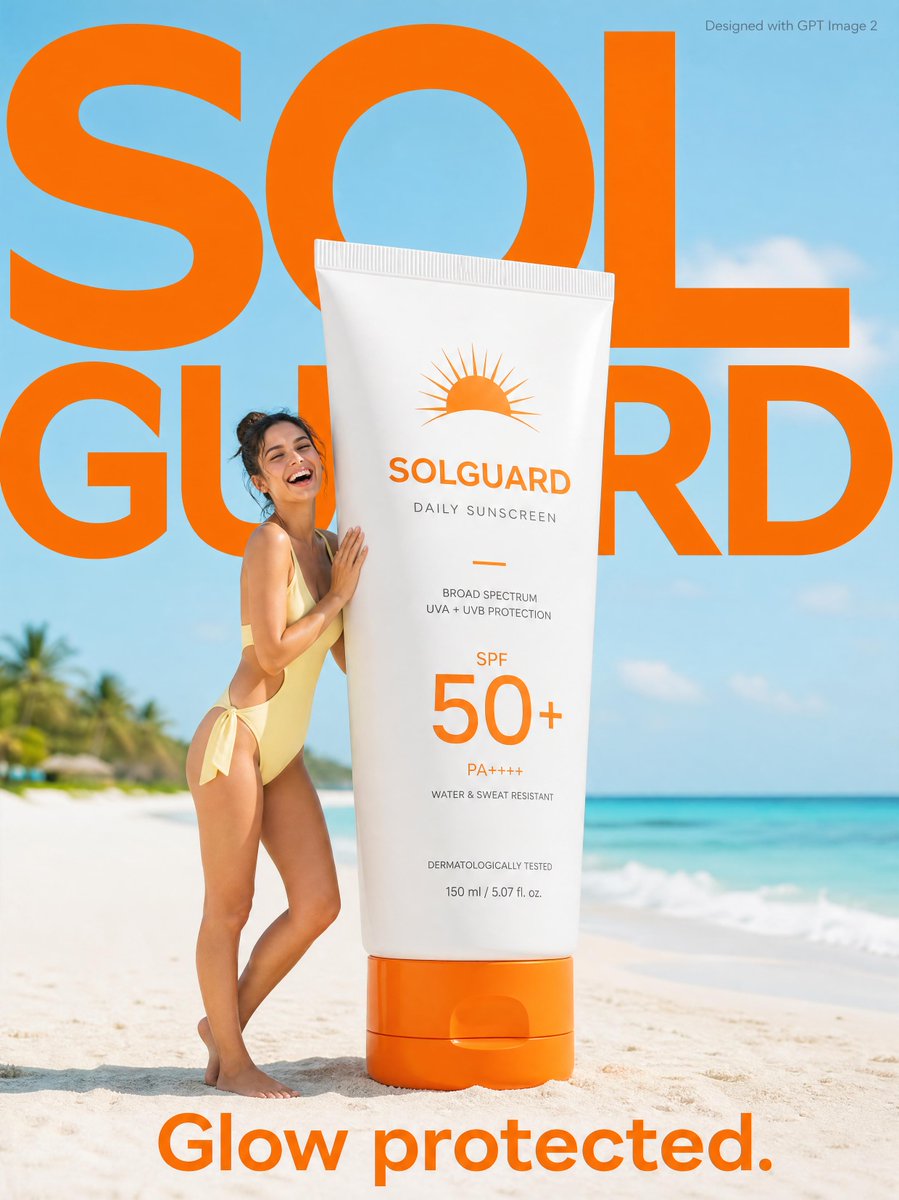
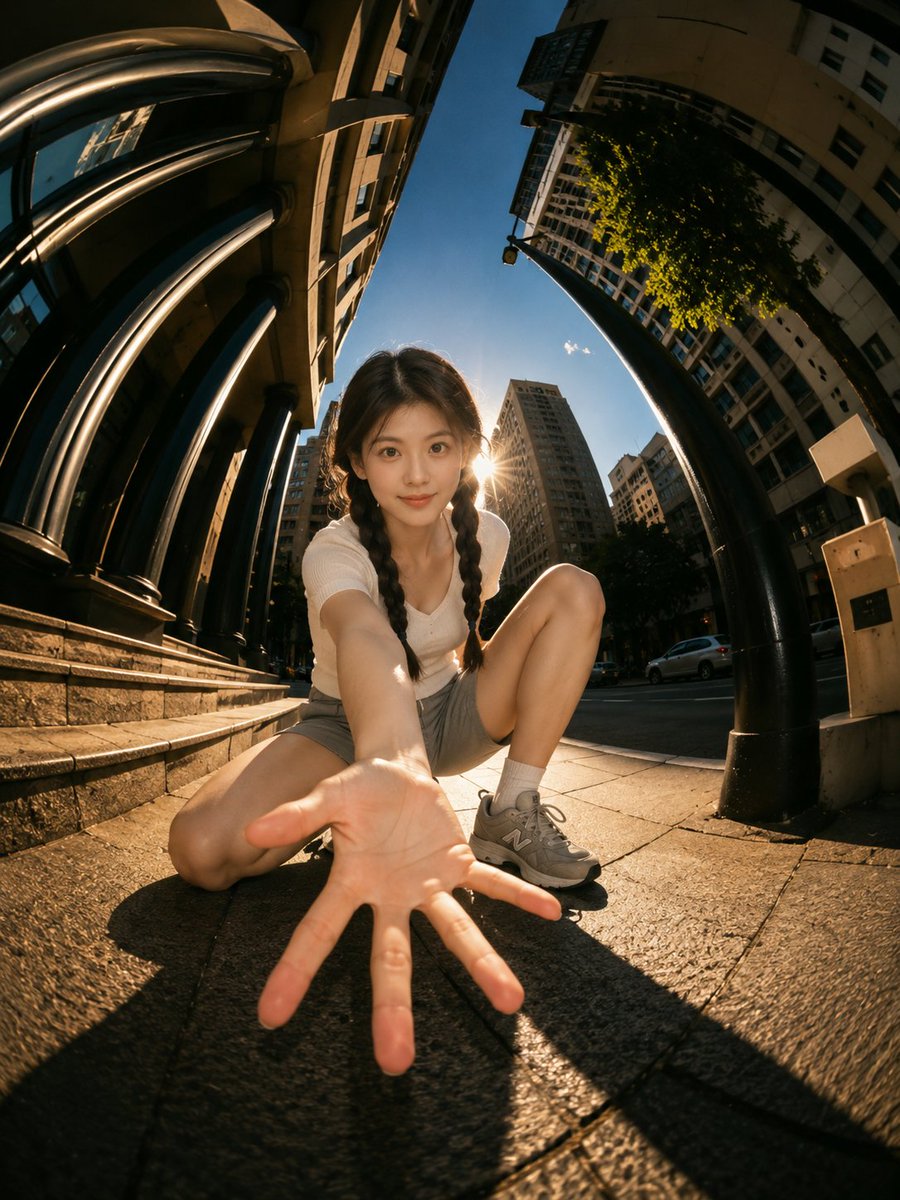
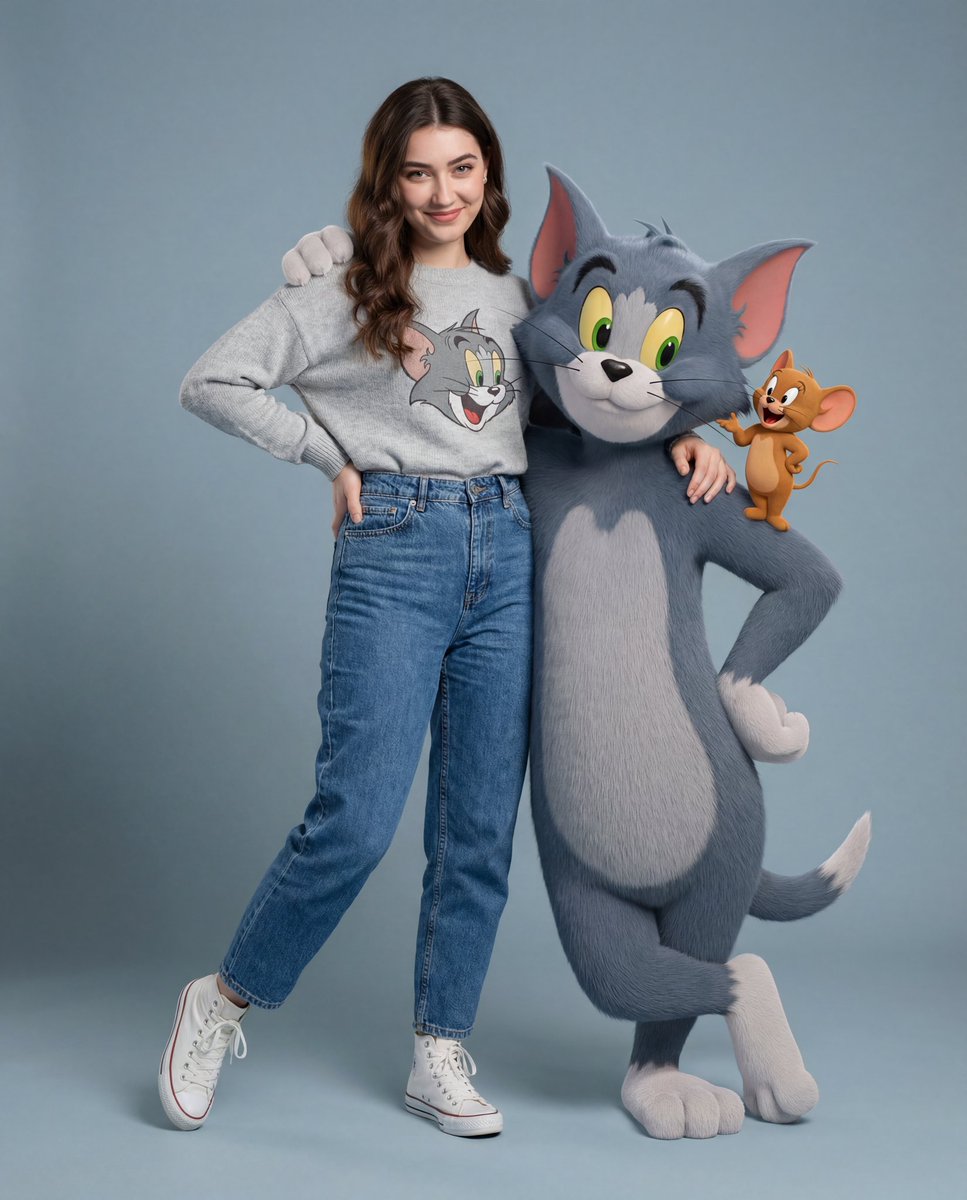
How do I use the Four-Panel Celebrity Aesthetic Analysis Prompt template?
Choose the primary action to open PicX Studio with the available template settings. Review the model and format, personalize the creative direction, and generate when ready.
A complex, structured prompt designed to generate a four-panel collage or aesthetic analysis of a celebrity resembling Ana de Armas during a high-fashion event. Change the subject, setting, or lighting one variable at a time.

{ "project_title": "Detailed Celebrity Aesthetic Analysis", "subject_information": { "name": "{argument name="subject name" default="Ana de Armas"}", "event_context": "High-fashion event preparation / Red Carpet glam", "visual_theme": "Soft Glamour and Shimmer" }, "detailed_panels": { "panel_1_top_left": { "shot_type": "Close-up Mirror Selfie", "pose": "Direct engagement with the camera", "features": "Clear view of the sequin texture, neutral pink lipstick, and defined eyelashes", "props": "White iPhone with a MagSafe case" }, "panel_2_top_right": { "shot_type": "Behind-the-scenes (BTS)", "action": "Makeup touch-up (Lipstick application)", "composition": "Side profile view with a photographer visible in the background", "lighting": "Natural window lighting highlighting the skin texture" }, "panel_3_bottom_left": { "shot_type": "Medium shot", "pose": "Over-the-shoulder smile", "dress_details": "Deep cowl-back design with delicate cross-over straps", "mood": "Playful and candid" }, "panel_4_bottom_right": { "shot_type": "Full length / Side view", "setting": "Outdoor balcony overlooking a city (likely Los Angeles)", "background_elements": ["Palm trees", "City buildings", "Golden hour lighting"], "aesthetic": "High-fashion editorial look" } }, "technical_fashion_specs": { "dress_fabric": "Tulle base with heavy silver and iridescent sequin embroidery", "embroidery_pattern": "Organic feather or leaf-like swirling motifs", "jewelry_specs": { "material": "White gold or Platinum", "design": "Multi-layered coiled bracelet (Serpenti style)" }, "hair_color": "Chestnut brown with honey-blonde balayage highlights" }, "color_analysis": { "dominant_colors": ["#C0C0C0 (Silver)", "#E6E6FA (Lavender Mist)"], "accent_colors": ["#8B4513 (Saddle Brown)", "#FFB6C1 (Light Pink)"] } }
Choose the primary action to open PicX Studio with the available template settings. Review the model and format, personalize the creative direction, and generate when ready.
Yes. You can change the subject, setting, lighting, mood, format, and available model controls before creating your image.
This template is free to open and customize. Generation usage is shown in PicX Studio before you create.
Start with Nano Banana 2, which is the model associated with this template. You can compare another compatible model for a different finish.
Follow a topic to a crawlable collection of related PicX Studio templates.
43,449 public templates available. Verified via the PicX Studio public templates API; refreshed hourly.







![This image into a 64K DSLR shot resolution of A four-panel fashion — Transform this image [UPLOAD YOU'RE IMAGE] into a 64K DSLR shot resolution of A four-panel](https://images.meigen.ai/tweets/2011438513569337757/0.jpg)


![Pose and Lighting Analysis Sheet Transformer — [CORE TASK]
Transform the provided input image into a pose-and-light analysis sheet.
This is NOT a finished char](https://cms-assets.youmind.com/media/1776756778810_dclrin_HGYS0HYakAAO1Kt-300x200.jpg)
![Naive doodle-style subject illustration — A doodle-style {argument name="subject" default="[subject]"}, naive lines, humorous shape exaggeration](https://pbs.twimg.com/media/G6Wl2YxbsAARB2b.jpg)