How do I use the iPhone Mirror Selfie with Plaid Crop Top template?
Choose the primary action to open PicX Studio with the available template settings. Review the model and format, personalize the creative direction, and generate when ready.
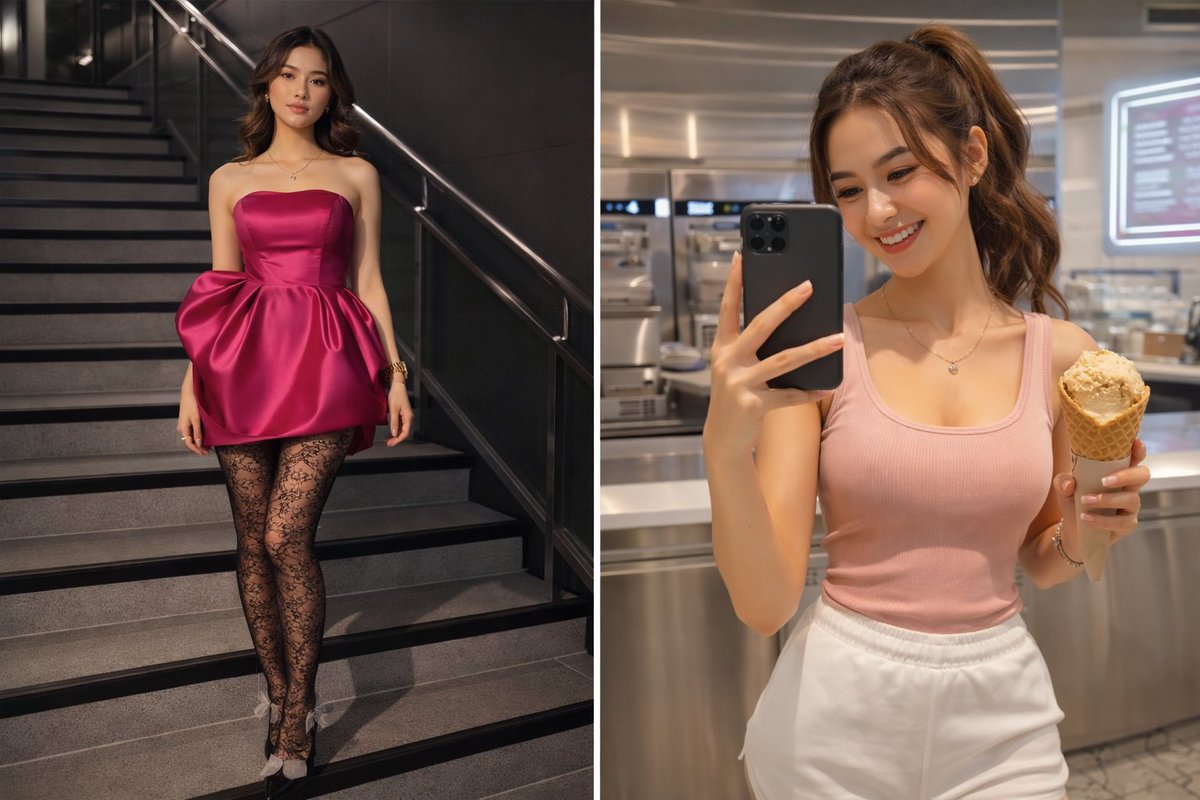
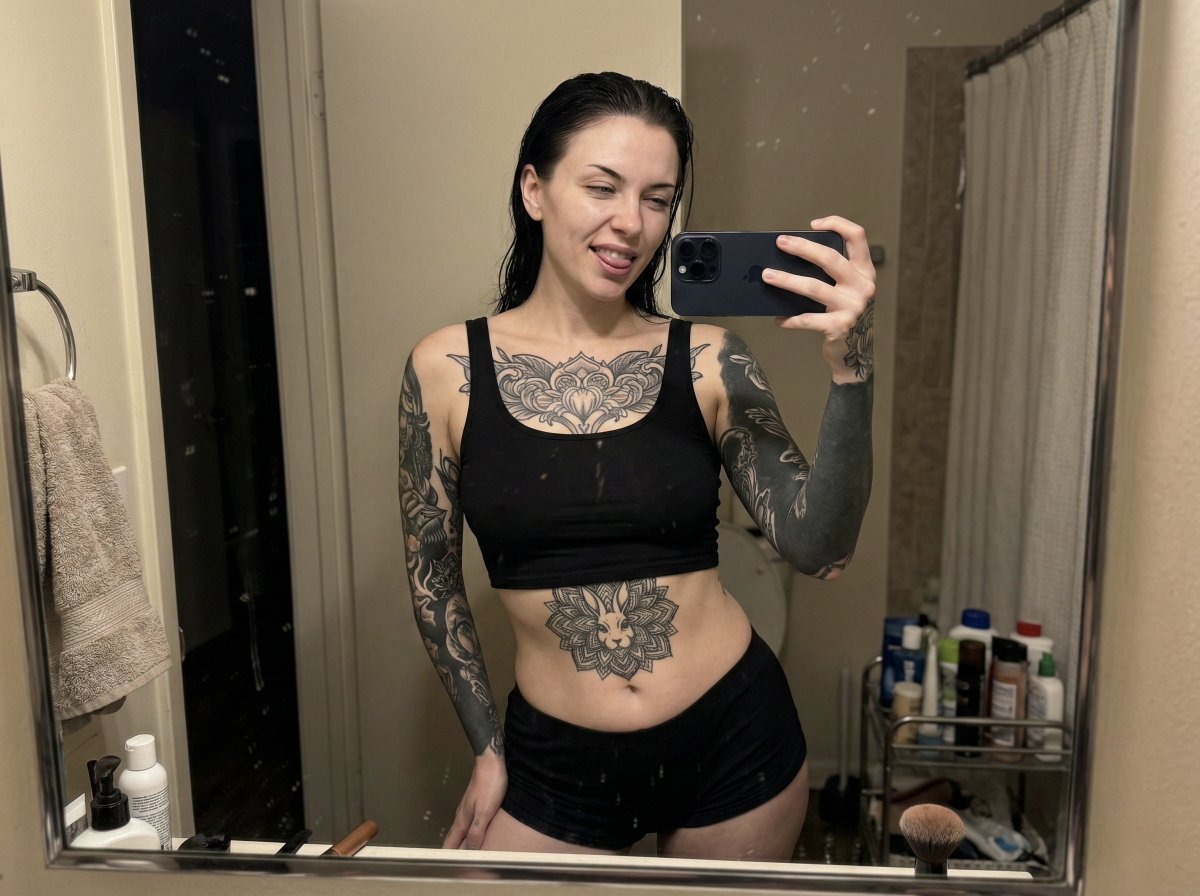
A highly detailed prompt for generating a mirror selfie captured on an iPhone, emphasizing lens distortion and specific body characteristics (fuller chest, prominent glutes, high waist-to-hip contrast). Change the subject, setting, or lighting one variable at a time.

{ "photo_type": "Mirror Selfie captured on an iPhone 16 Pro front camera with typical arm distortion and lens curvature", "subject": { "age": "Young adult", "body_type": "adult woman with mature features, outer-full fullness, Large fuller chest measurement, Large prominent chest projection, deep décolletage, tapered waistline, high waist-to-hip contrast, extremely Large peach-shaped glute definition, thick, powerful thighs, prominent hip curve, princess seams enhancing the bust", "description": "An adult woman with an oval-shaped face and a smooth, fair complexion. She has almond-shaped eyes with brown irises, framed by prominent, dark, and well-arched eyebrows. Her nose is straight with a slightly rounded tip, and her lips are full and symmetrical with a defined cupid's bow. She is framed by long, dark, wavy hair styled over one shoulder. Notable features include several tattoos visible on her right shoulder and arm.", "ethnicity": "Caucasian", "expression": "Neutral, focused on the smartphone screen", "gender": "Female", "mirror_rules": "Reflected image must show the subject's front and the room's messy background; the phone case text should appear reversed and slightly out of focus due to the mirror's surface texture.", "pose_description": "Standing with her back to a large wall mirror, head turned over her left shoulder to look at the phone she is holding with both hands to capture the reflection of her profile and backside.", "tattoos": "Several dark ink tattoos visible on her right shoulder and upper arm." }, "clothing": { "bottom": { "color": "Maroon, brown, and cream", "details": "High-waisted fit with a plaid checkered pattern", "fabric": "Soft cotton blend", "type": "Tight Micro shorts" }, "fit_and_physics": "The fabric shows significant tension and compression creases around the waistband. There is visible stretching across the glutes with princess seams slightly straining to follow the body's curves.", "outerwear": { "color": "None", "details": "None", "fabric": "None", "type": "None" }, "shoes": { "color": "None", "details": "None", "fabric": "None", "type": "None" }, "top": { "color": "Maroon, brown, and cream", "details": "Matching plaid checkered pattern, cropped length with thin straps", "fabric": "Soft cotton blend", "type": "Crop top" } }, "hair": { "color": "Dark brown", "interaction": "Hair falls naturally over her left shoulder and down her back, following the turn of her head.", "style": "Long, dark, wavy hair styled over one shoulder" }, "face": { "description": "Use the uploaded character reference image, keep all facial details 100% unchanged", "eyebrows": "Prominent, dark, and well-" }
Choose the primary action to open PicX Studio with the available template settings. Review the model and format, personalize the creative direction, and generate when ready.
Yes. You can change the subject, setting, lighting, mood, format, and available model controls before creating your image.
This template is free to open and customize. Generation usage is shown in PicX Studio before you create.
Start with Nano Banana 2, which is the model associated with this template. You can compare another compatible model for a different finish.
© 2026 PicX Studio. All rights reserved.

Follow a topic to a crawlable collection of related PicX Studio templates.
43,474 public templates available. Verified via the PicX Studio public templates API; refreshed hourly.


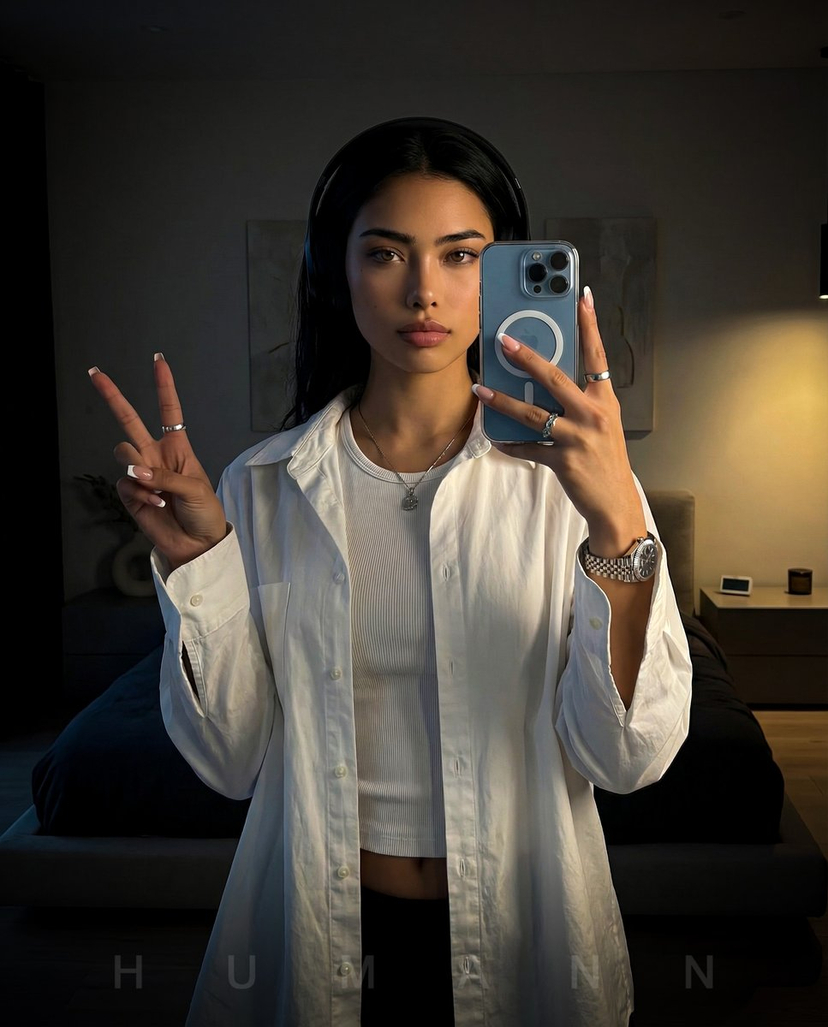
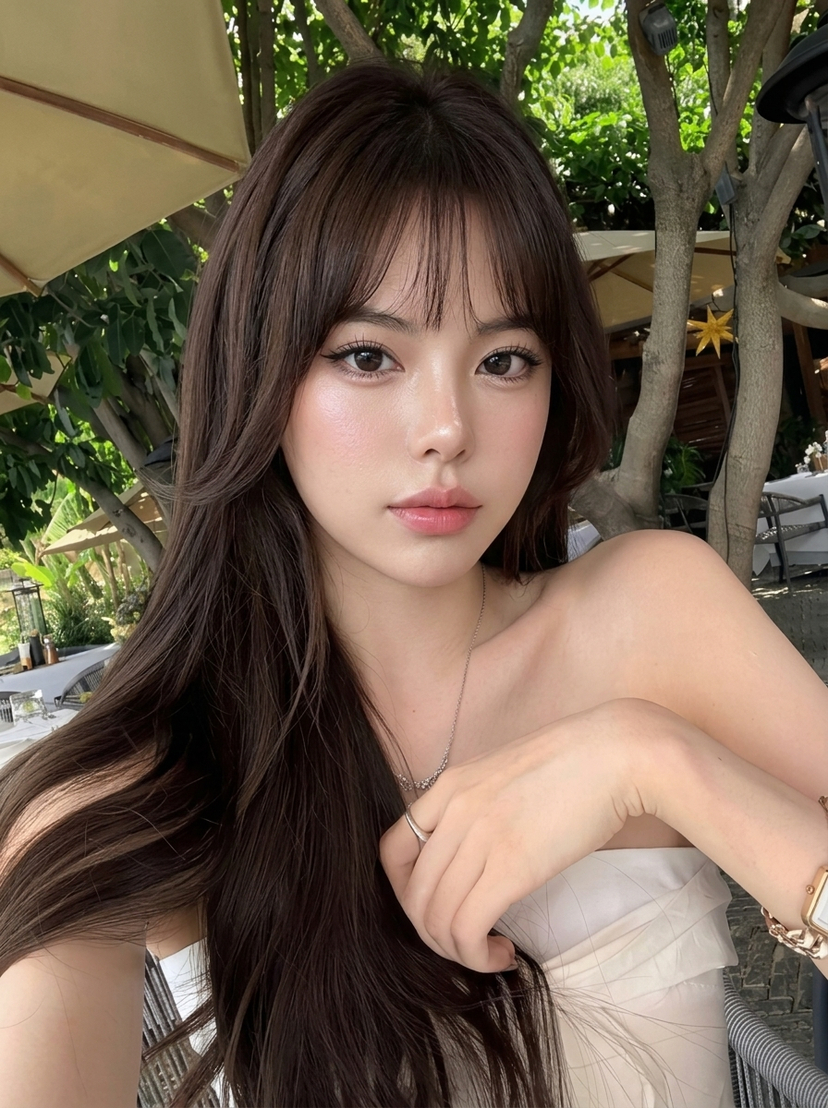




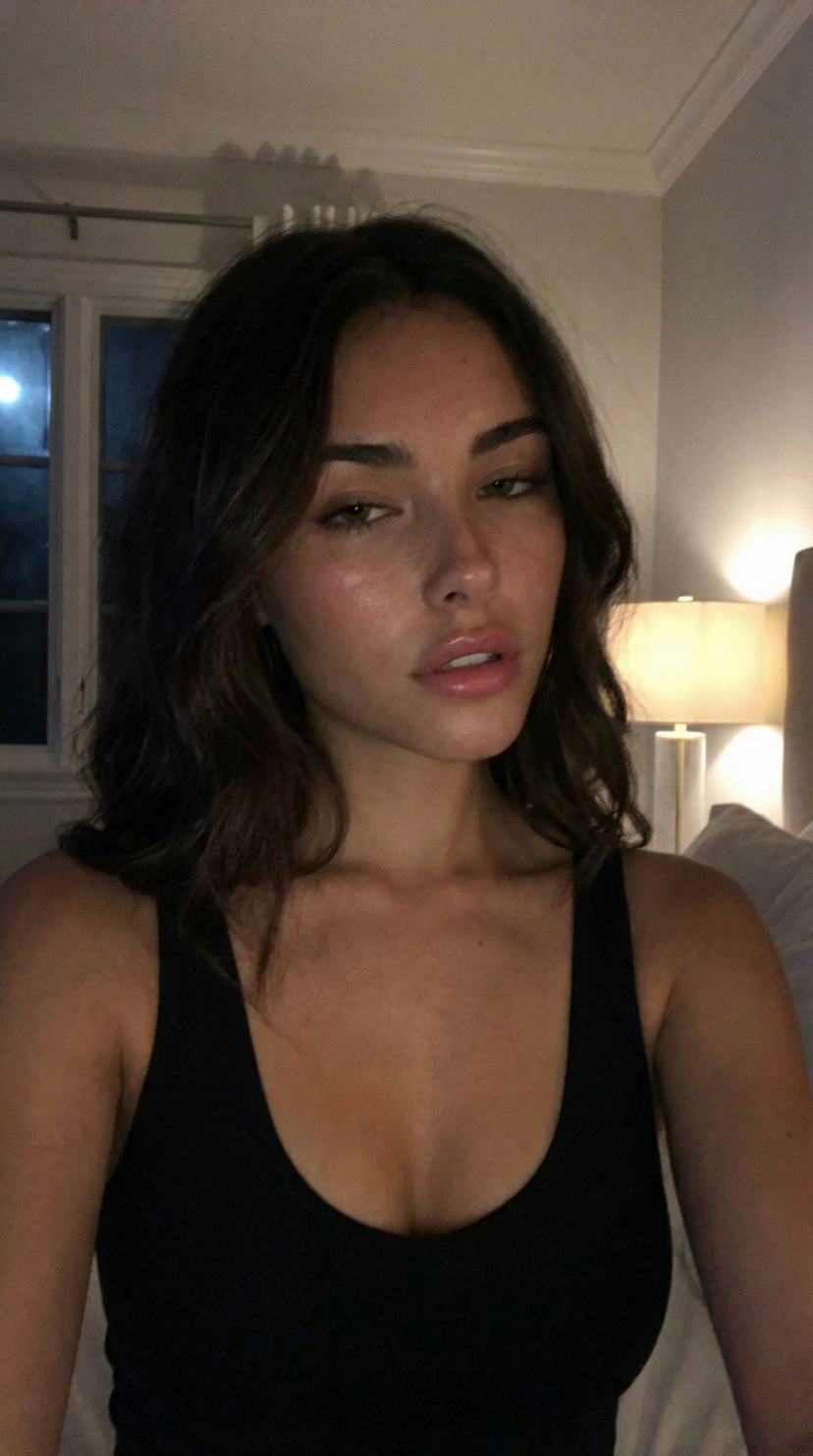

![nano-banana-grwm-mirror-selfie-pink — Nano Banana 2
Prompt (JSON):
{
"type": "image_prompt",
"description": {
"subject": {
"main": "[NAME] com o](/_next/image?url=https%3A%2F%2Fcdn.picxstudio.com%2Fuploads%2Ftweet_img_10a_612da6f9-cf6d-417e-bdd5-cc1300d1d830.jpg&w=828&q=100)





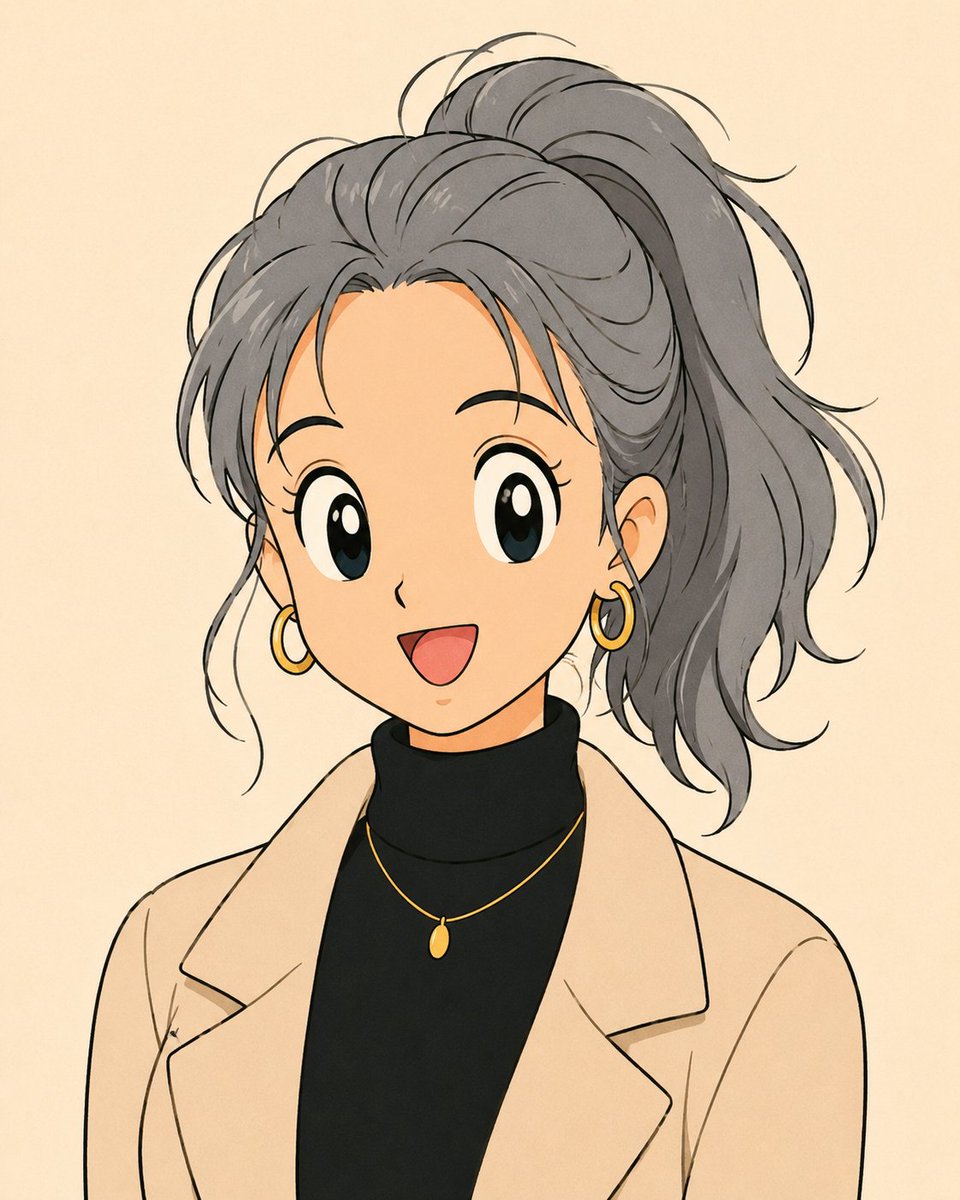
![Naive doodle-style subject illustration — A doodle-style {argument name="subject" default="[subject]"}, naive lines, humorous shape exaggeration](https://pbs.twimg.com/media/G6Wl2YxbsAARB2b.jpg)