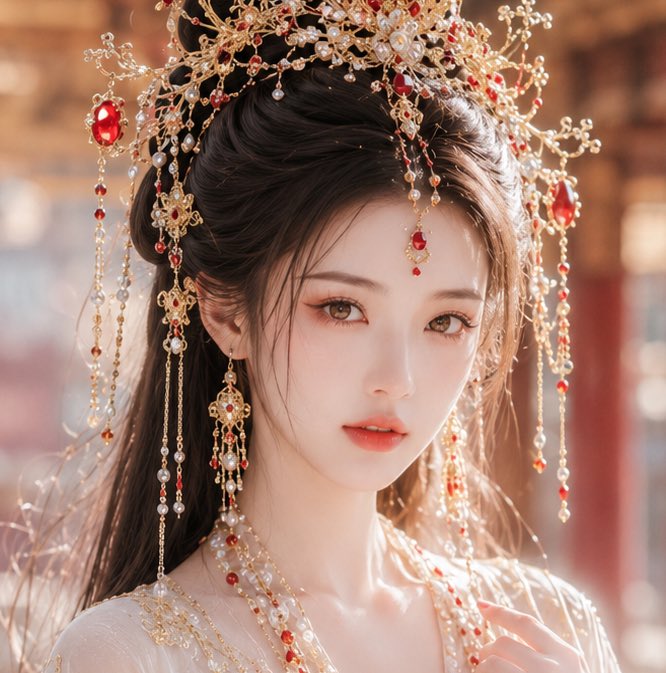
How do I use the Cinematic Forest Lakeside Fashion Portrait template?
Choose the primary action to open PicX Studio with the available template settings. Review the model and format, personalize the creative direction, and generate when ready.

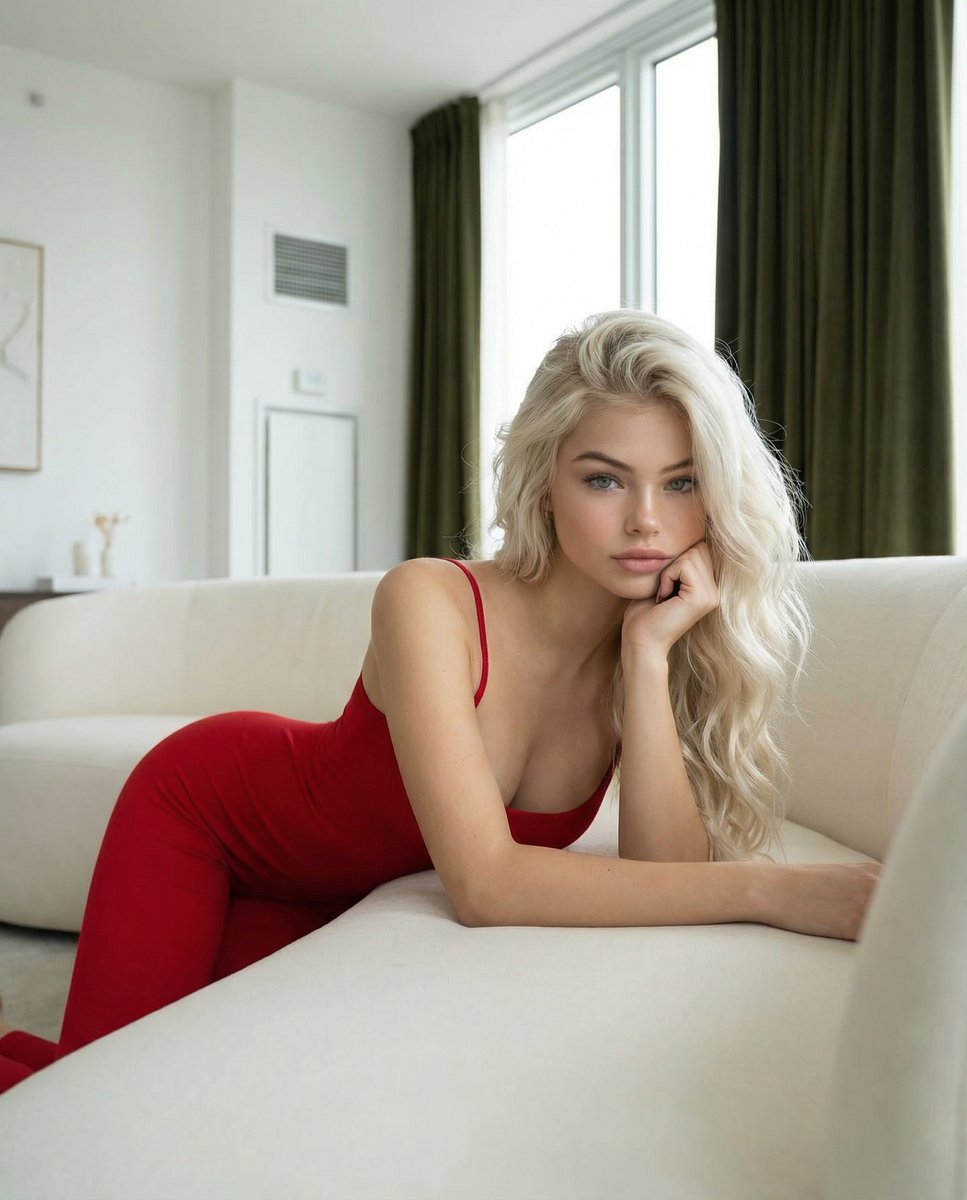
A highly structured prompt for generating a cinematic, photorealistic fashion editorial portrait of a woman in a deep red satin gown kneeling by a forest pond. The prompt includes detailed constraints for style, lighting (soft natural daylight), and technical specifications, emphasizing real skin texture and a dreamy, romantic mood. (free to use) — Free AI image template on PicX Studio.
{ "generation_request": { "meta_data": { "tool": "NanoBanana Pro", "task_type": "photoreal_cinematic_forest_lakeside_fashion_portrait", "priority": "highest", "language": "en" }, "references": { "reference_image_style": { "source": "UPLOAD_REFERENCE_IMAGE (OPTIONAL)", "purpose": "STYLE_COMPOSITION_LIGHTING_ANCHOR_ONLY", "strict_lock": true, "affect_face": false, "preserve_pose": true, "preserve_composition": true, "preserve_palette": true, "preserve_lighting": true, "preserve_vibe": true } }, "global_constraints": { "rating": "PG-13", "no_nudity": true, "no_explicit_sexual_content": true, "no_logos": true, "no_watermark": true, "no_readable_text": true }, "output_settings": { "aspect_ratio": "4:5", "orientation": "portrait", "resolution_target": "ultra_high_res", "render_style": "cinematic_photoreal_editorial", "sharpness": "crisp_but_natural", "film_grain": "subtle_35mm", "color_grade": "soft_film_warm_skin_natural_greens_deep_red", "dynamic_range": "natural_not_hdr", "skin_rendering": "real_texture_zero_retouch" }, "creative_prompt": { "scene_summary": "Photoreal cinematic fashion portrait by a calm forest pond. Soft green foliage and grass in the foreground, smooth water surface behind reflecting pale sky and faint tree silhouettes. Dreamy, romantic, film-like atmosphere with gentle depth of field and creamy bokeh.\n\nSubject: ONE adult woman with long, voluminous wavy black hair. Elegant pose: kneeling on grass near the pond edge, torso turned 3/4 toward camera, head slightly tilted back and to the side, eyes softly engaged with the viewer. Hands placed delicately near the collarbone and neck, graceful fingers.\n\nWardrobe: deep {argument name="dress color" default="red"} satin evening gown with a structured corset bodice and subtle draped skirt pooling on the grass. The dress is fully opaque, tasteful, and PG-13. Realistic satin sheen, folds, and tension.\n\nAccessories: delicate diamond-like stud earrings and a refined necklace with small gemstones; tasteful, premium, no visible brands.\n\nMakeup: classic cinematic glam—defined eyeliner, soft smoky eyes, warm blush, deep rose-red lips. Skin texture natural, no beauty filter.\n\nLighting: soft natural daylight (overcast or shaded), gentle highlights on cheekbones and satin fabric, no harsh shadows. Premium editorial realism, film still mood. NO TEXT." }, "negative_prompt": [ "low resolution", "face distortion", "beauty filter", "plastic skin", "over smoothing", "ai artifacts", "deformed hands", "extra fingers", "warped anatomy", "overexposed highlights", "harsh shadows", "hdr", "oversaturated greens", "cheap fabric texture", "cartoon", "illus" ] } }
Use Cinematic Forest Lakeside Fashion Portrait to plan an AI image around nano-banana-2 generation. Match the preview's composition first, then personalize the subject, setting, and mood for your own project.
Use the primary action to load the template settings in PicX Studio.
Adjust the subject and creative details for your destination.
Create the image, compare the result with the preview, and refine one variable at a time.
A continuous mix — similar concepts first, woven with same-model prompts and fresh picks from the catalog.
Choose the primary action to open PicX Studio with the available template settings. Review the model and format, personalize the creative direction, and generate when ready.
Yes. You can change the subject, setting, lighting, mood, format, and available model controls before creating your image.
This template is free to open and customize. Generation usage is shown in PicX Studio before you create.
Start with nano-banana-2, which is the model associated with this template. You can compare another compatible model for a different finish.
Follow a topic to a crawlable collection of related PicX Studio templates.
39,155 public templates available. Verified via the PicX Studio public templates API; refreshed hourly.
A continuous mix — similar concepts first, woven with same-model prompts and fresh picks from the catalog.