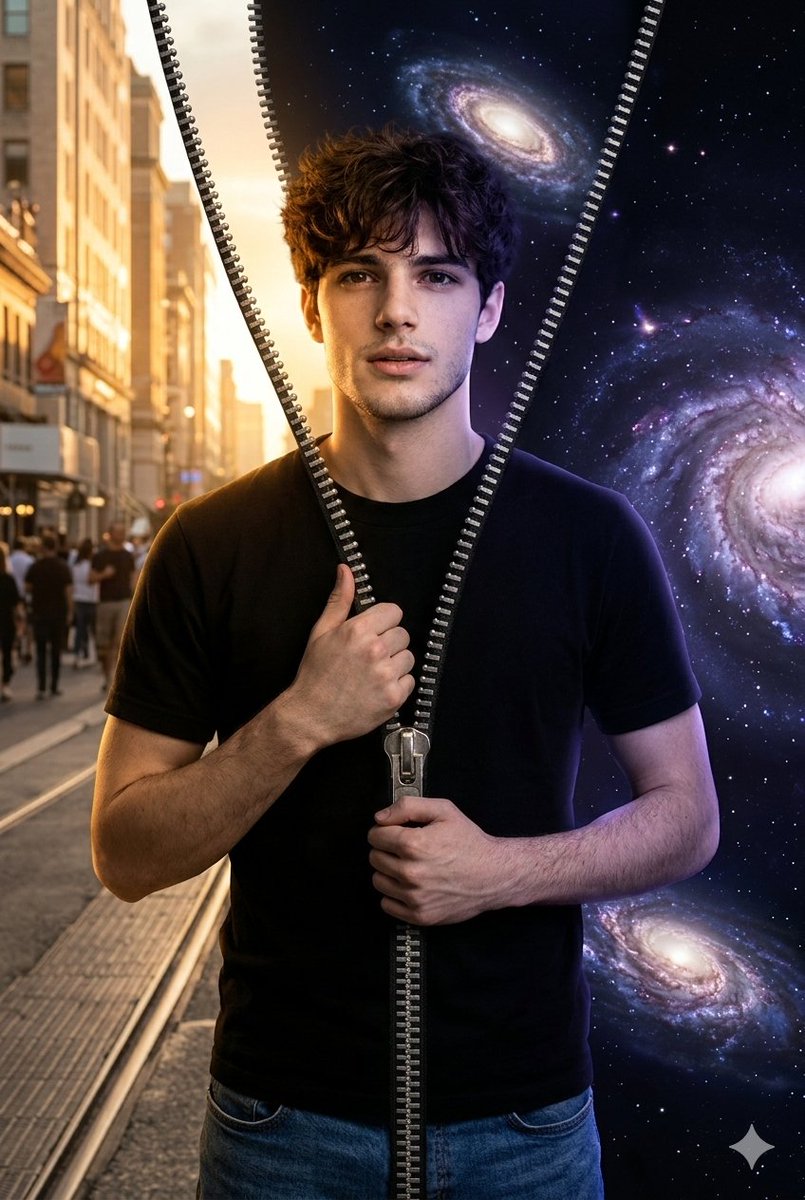
How do I use the Photorealistic Miniature Self-Interaction Scene template?
Choose the primary action to open PicX Studio with the available template settings. Review the model and format, personalize the creative direction, and generate when ready.
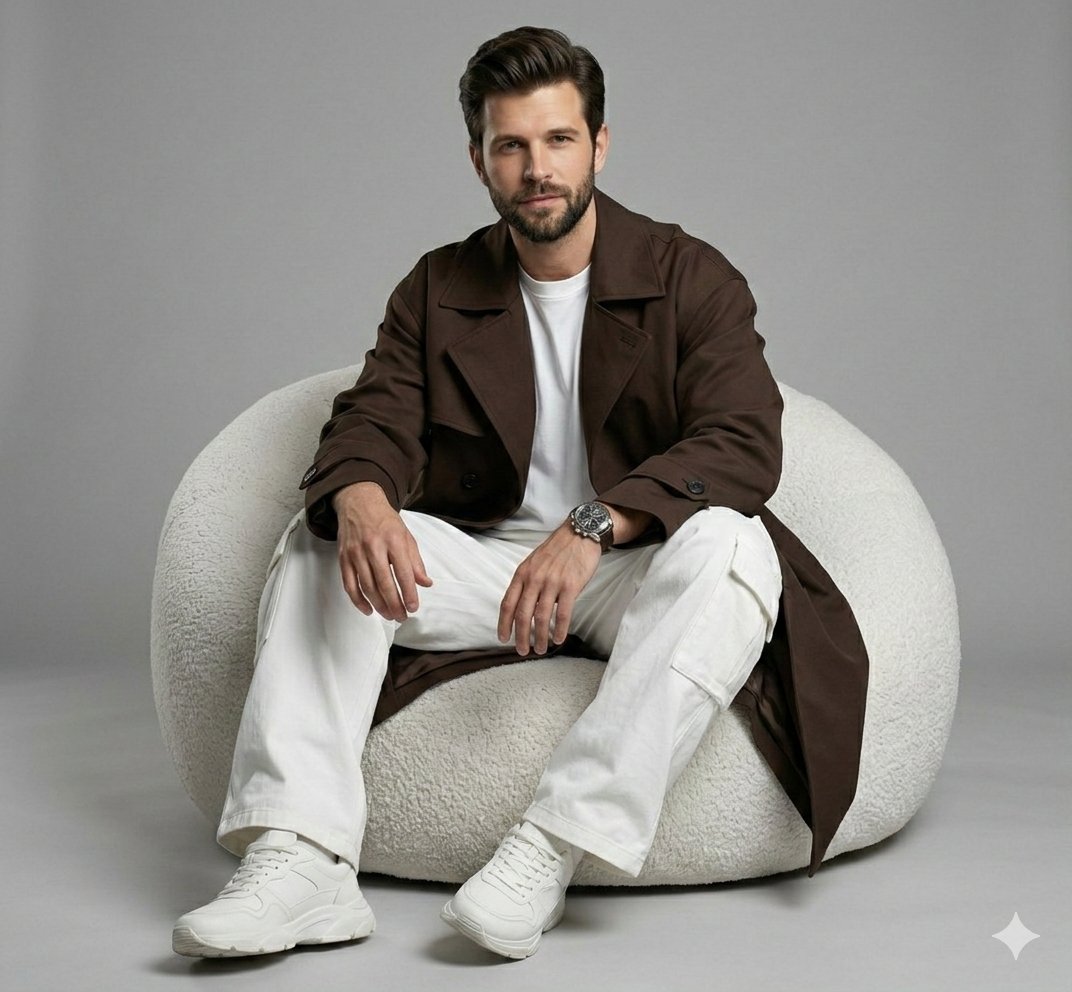
A detailed Japanese prompt for Nano Banana Pro to generate a photorealistic, surreal image where the main subject (a man in a black suit) interacts with multiple miniature versions of himself. Change the subject, setting, or lighting one variable at a time.
提供された参照画像の人物を完全に基準とする。 顔立ち、髪型、表情、体型、服装はすべて参照画像のまま変更しない。 主人公は参照画像の男性。 {argument name="服装" default="黒のスーツ、白いシャツ、赤いネクタイ"}を着用し、 髪型や全体の雰囲気も含めて、参照画像と完全に一致させる。 彼は地面に座った姿勢で写っている。 スーツ姿のまま自然に座り込み、落ち着いた存在感を保っている。 彼の周囲には、同じ人物のミニチュア版が複数体存在する。 ミニチュアたちはすべて、 顔・髪型・体型・表情・スーツ姿の服装まで含めて、 大きな彼と完全に同一の外見。 小さなミニチュアたちは、 手のひらの上に立つ 肩の上に乗る 足元の地面に立つ など、それぞれ異なるポーズで、 大きな彼と戯れるような仕草を見せている。 全体のトーンはフォトリアルでシュール。 現実の質感を保ちながら、 非現実的なスケール感による不思議さとユーマが同時に感じられる。 背景 背景は{argument name="背景色" default="シンプルでクリーンなダークライトグレー"}。 余計な小物や装飾は一切入れない。 照明と質感 照明は柔らかく、映画的。 被写体を包み込むようなライティングで、 リアルな影と自然な被写界深度を表現する。 人物とミニチュアのサイズ差が、光と影で明確に分かる。 実写写真のような質感。 CG感やイラスト調にならないようにする。
Choose the primary action to open PicX Studio with the available template settings. Review the model and format, personalize the creative direction, and generate when ready.
Yes. You can change the subject, setting, lighting, mood, format, and available model controls before creating your image.
This template is free to open and customize. Generation usage is shown in PicX Studio before you create.
Start with Nano Banana 2, which is the model associated with this template. You can compare another compatible model for a different finish.
Follow a topic to a crawlable collection of related PicX Studio templates.
43,474 public templates available. Verified via the PicX Studio public templates API; refreshed hourly.













![Isometric Brand Store Diorama — Present a clear, 45° top-down isometric miniature 3D cartoon diorama of the [BRAND], with soft refin…](/_next/image?url=https%3A%2F%2Fcdn.picxstudio.com%2Fuploads%2Fmeigen_18578a8c7cb6_25c7ccef-837d-4949-99fb-d6321dc5c72c.jpg&w=828&q=100)

![Naive doodle-style subject illustration — A doodle-style {argument name="subject" default="[subject]"}, naive lines, humorous shape exaggeration](https://pbs.twimg.com/media/G6Wl2YxbsAARB2b.jpg)