How do I use the Boho Tropical Cafe Lifestyle Photography template?
Choose the primary action to open PicX Studio with the available template settings. Review the model and format, personalize the creative direction, and generate when ready.
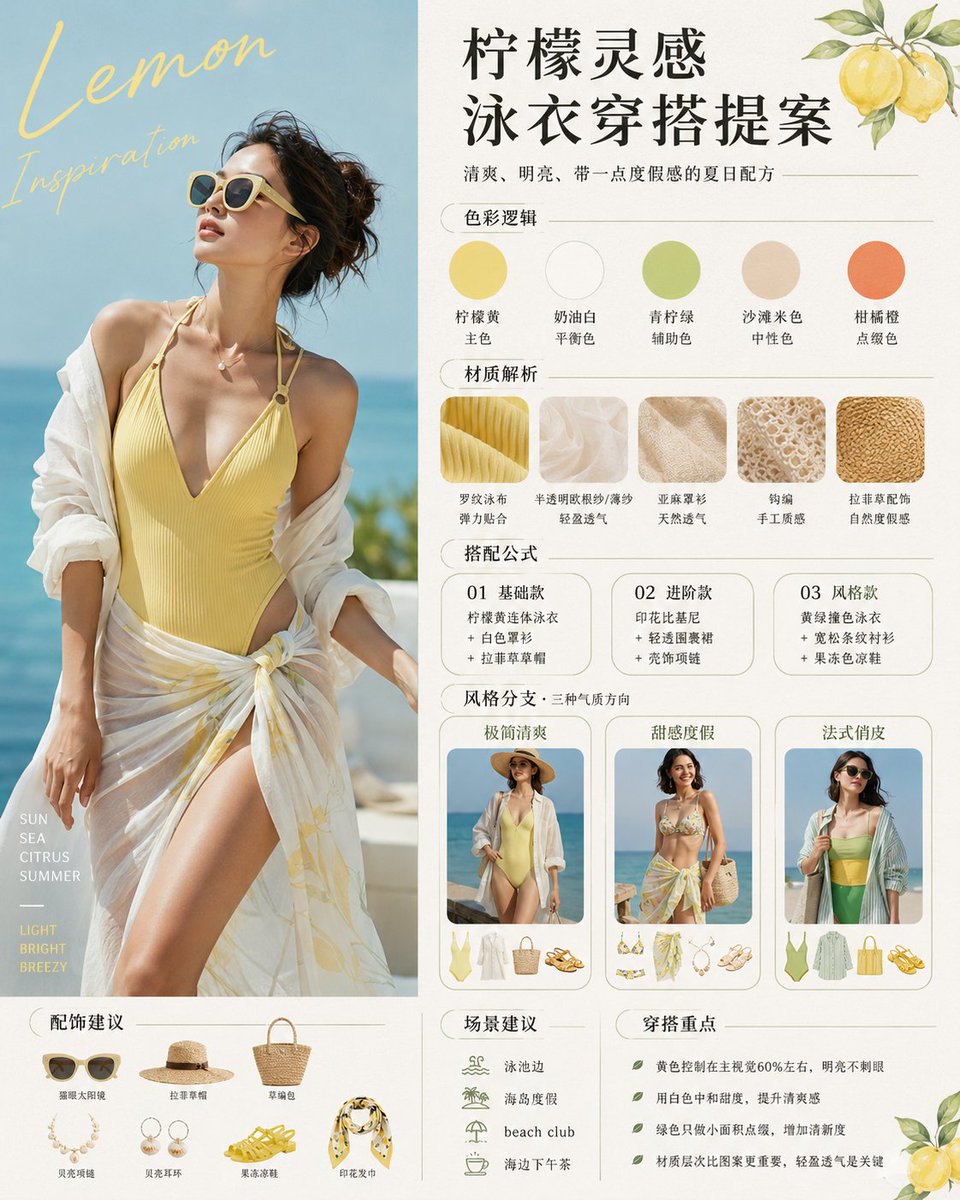
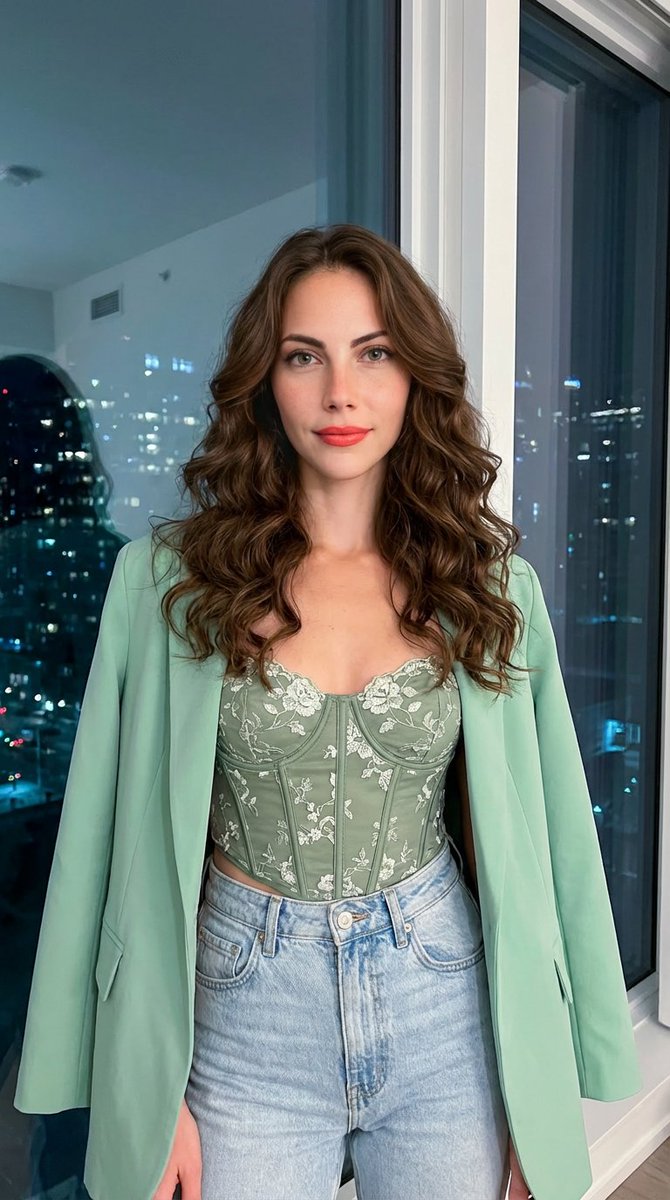
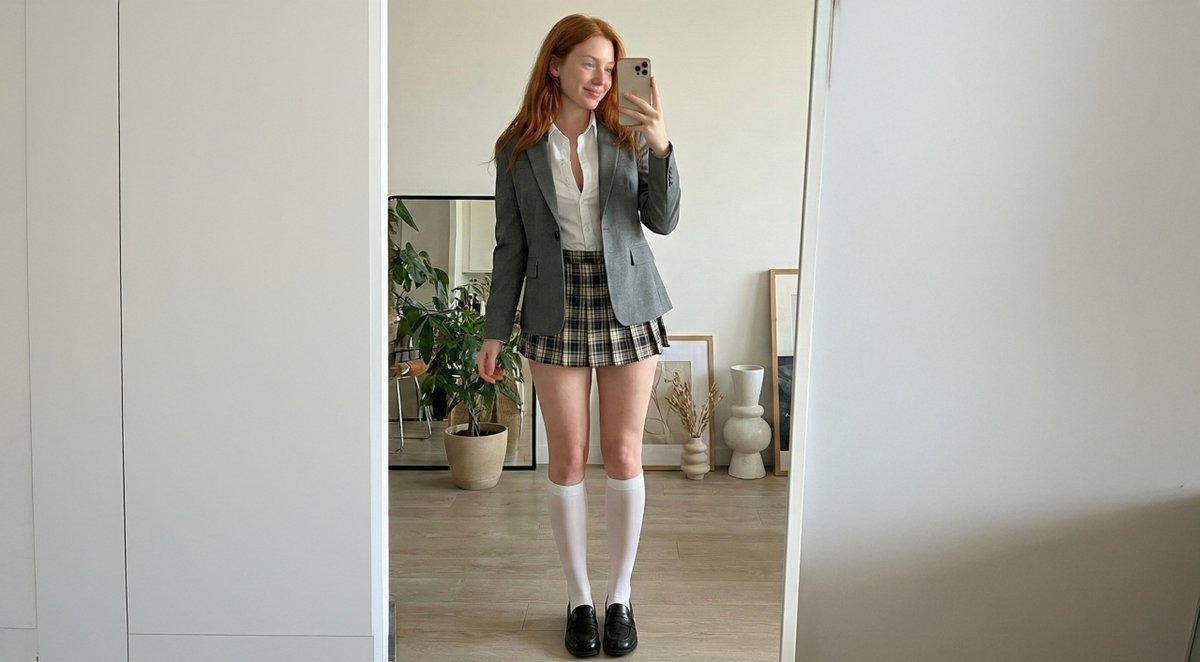
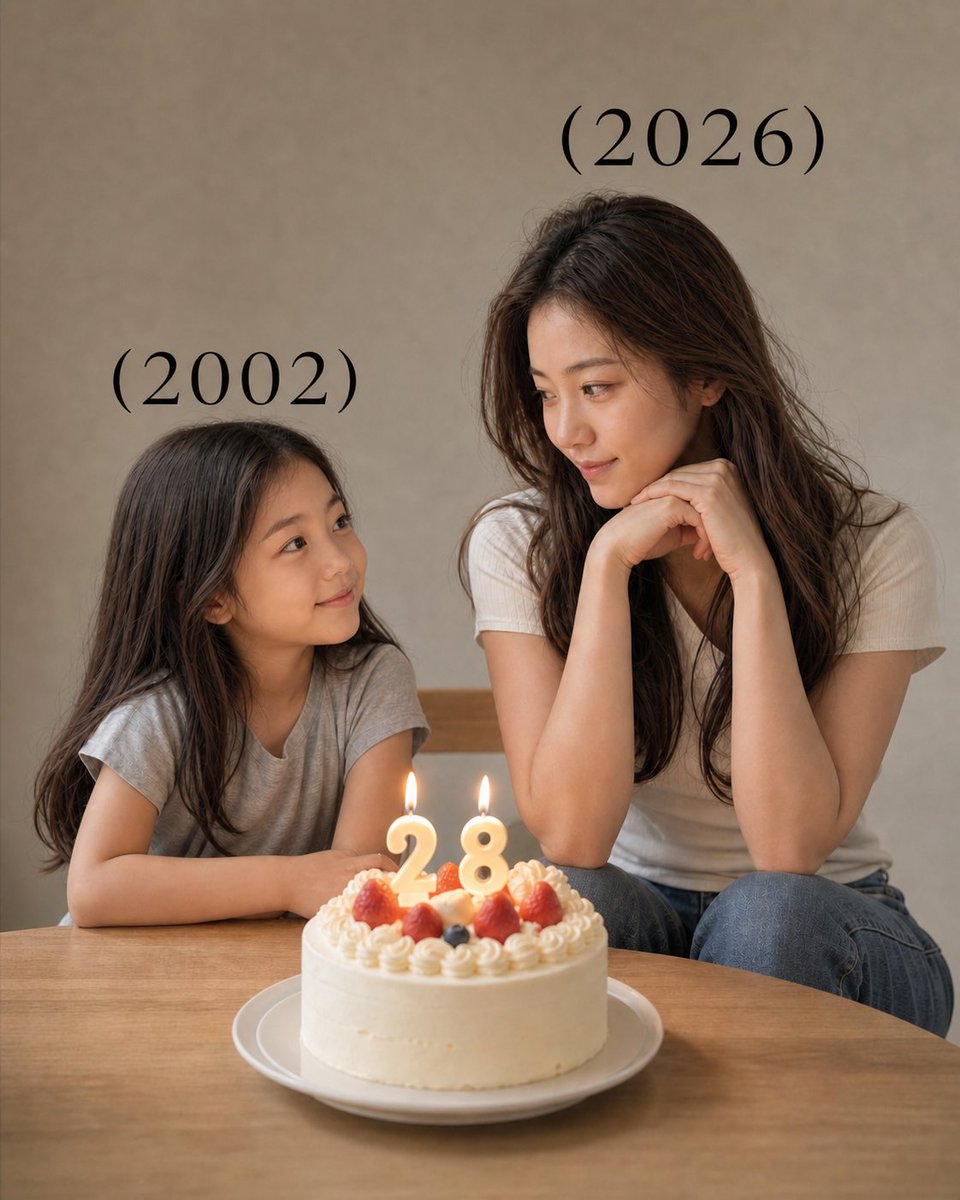
A prompt for generating a photorealistic lifestyle image set in a stylish tropical café, featuring a confident young woman with tattoos, wearing a bikini-style top and sheer wrap skirt, emphasizing soft natural daylight, bamboo furniture, and a boho aesthetic. (free to use) — Free AI image template on PicX Studio.
{ "prompt": "A stylish tropical café scene featuring a confident young adult woman with long blonde hair, visible artistic tattoos on her arms and legs, and a relaxed vacation look. She is wearing a {argument name="top color" default="light green"} bikini-style top, a sheer mint wrap skirt, and a straw hat, holding a fresh coconut drink. The setting includes bamboo furniture, wooden tables, hanging plants with purple flowers, lush greenery, and warm natural textures. Soft sunlight filters through a woven canopy, creating natural shadows. Photorealistic, lifestyle photography with a boho tropical aesthetic.", "style": "photorealistic", "lighting": "soft natural daylight, diffused sunlight", "camera": { "type": "DSLR", "lens": "50mm", "aperture": "f/2.0" }, "composition": "centered subject, shallow depth of field, cozy tropical background", "mood": "relaxed, confident, tropical escape", "quality": "ultra-detailed, high resolution, professional photography" }
Use Boho Tropical Cafe Lifestyle Photography to plan an AI image around nano-banana-2 generation. Match the preview's composition first, then personalize the subject, setting, and mood for your own project.
Use the primary action to load the template settings in PicX Studio.
Adjust the subject and creative details for your destination.
Create the image, compare the result with the preview, and refine one variable at a time.
A continuous mix — similar concepts first, woven with same-model prompts and fresh picks from the catalog.
Choose the primary action to open PicX Studio with the available template settings. Review the model and format, personalize the creative direction, and generate when ready.
Yes. You can change the subject, setting, lighting, mood, format, and available model controls before creating your image.
This template is free to open and customize. Generation usage is shown in PicX Studio before you create.
Start with nano-banana-2, which is the model associated with this template. You can compare another compatible model for a different finish.
Follow a topic to a crawlable collection of related PicX Studio templates.
39,155 public templates available. Verified via the PicX Studio public templates API; refreshed hourly.
A continuous mix — similar concepts first, woven with same-model prompts and fresh picks from the catalog.