How do I use the Golden Hour Freckled Portrait Prompt template?
Choose the primary action to open PicX Studio with the available template settings. Review the model and format, personalize the creative direction, and generate when ready.
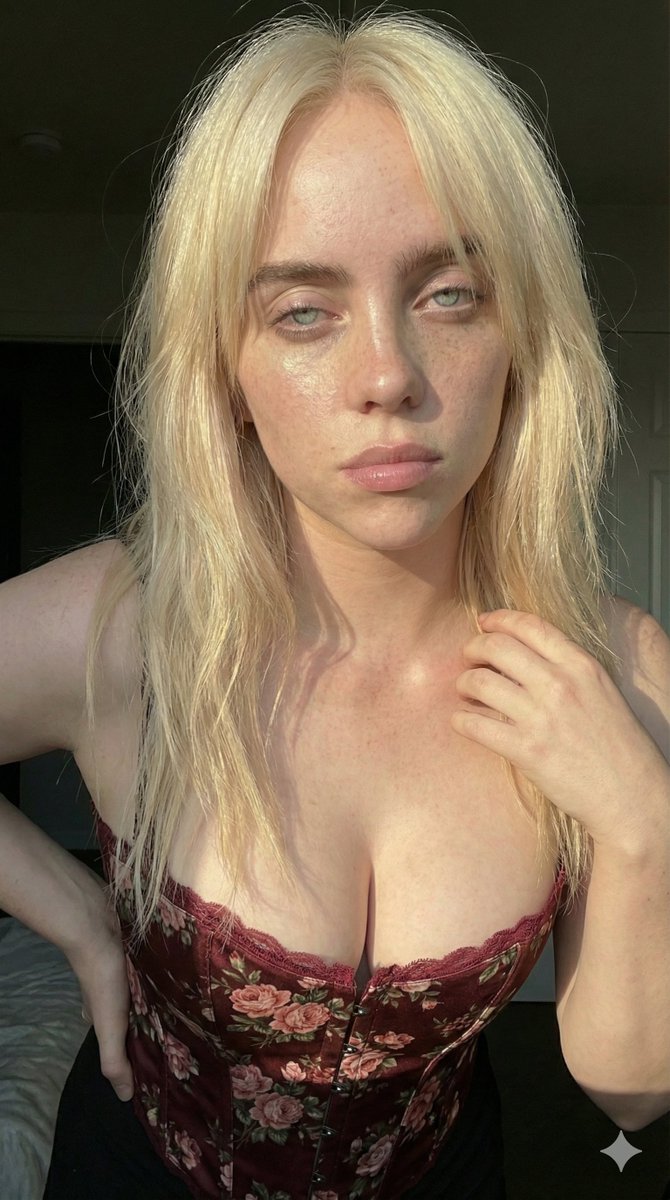
A structured JSON prompt for generating an ultra-realistic, intimate portrait of a young blonde woman in a floral corset top, emphasizing natural freckles, golden hour lighting, and a candid selfie aesthetic. Change the subject, setting, or lighting one variable at a time.

{ "prompt_data": { "subject": { "demographics": "Young woman, approximately late teens to early 20s, Caucasian", "hair": { "color": "Golden blonde with lighter platinum highlights", "style": "Long, straight to slightly wavy, loose and messy, falling over shoulders", "texture": "Silky, fine strands illuminated by sunlight" }, "face": { "skin": "Fair complexion, highly textured with prominent natural freckles across nose and cheeks, dewy and glowing", "eyes": "Piercing light blue, clear and sharp focus", "lips": "Natural pink shade, slightly parted, soft pout", "expression": "Neutral, calm, slightly bored or contemplative, direct eye contact with the lens" } }, "clothing": { "item": "Floral corset-style top or bustier", "color": "{argument name="top color" default="Pale yellow or cream"} base", "pattern": "Small vintage pink rose print with green leaves", "details": "Spaghetti straps, lace trim detailing" }, "pose": { "action": "Head resting heavily on right hand", "hand_position": "Palm supporting the jawline and cheek, fingers relaxed", "angle": "Close-up portrait, selfie angle, slight tilt of the head" }, "lighting_and_atmosphere": { "type": "Golden hour sunlight, natural direct lighting", "direction": "Side lighting coming from the left (viewer's perspective), casting distinct shadows on the right side of the face and background", "mood": "Sun-kissed, ethereal, warm, intimate, summer afternoon vibe", "shadows": "High contrast between the bright sunlit skin and the dark background shadows" }, "background": { "setting": "Indoor domestic setting", "details": "Dark, out-of-focus background, hints of a white door with vertical panels", "depth_of_field": "Shallow depth of field, blurring the background to isolate the subject" }, "technical_specs": { "quality": "4k HD, ultra-realistic, highly detailed", "style": "Portrait photography, candid selfie style", "camera_settings": "Sharp focus on eyes and freckles, high resolution, authentic skin texture (pores and imperfections visible), no heavy filtering", "color_grading": "Warm tones, high saturation in the sunlight, natural aesthetic" } } }
Choose the primary action to open PicX Studio with the available template settings. Review the model and format, personalize the creative direction, and generate when ready.
Yes. You can change the subject, setting, lighting, mood, format, and available model controls before creating your image.
This template is free to open and customize. Generation usage is shown in PicX Studio before you create.
Start with Nano Banana 2, which is the model associated with this template. You can compare another compatible model for a different finish.
Follow a topic to a crawlable collection of related PicX Studio templates.
43,474 public templates available. Verified via the PicX Studio public templates API; refreshed hourly.




















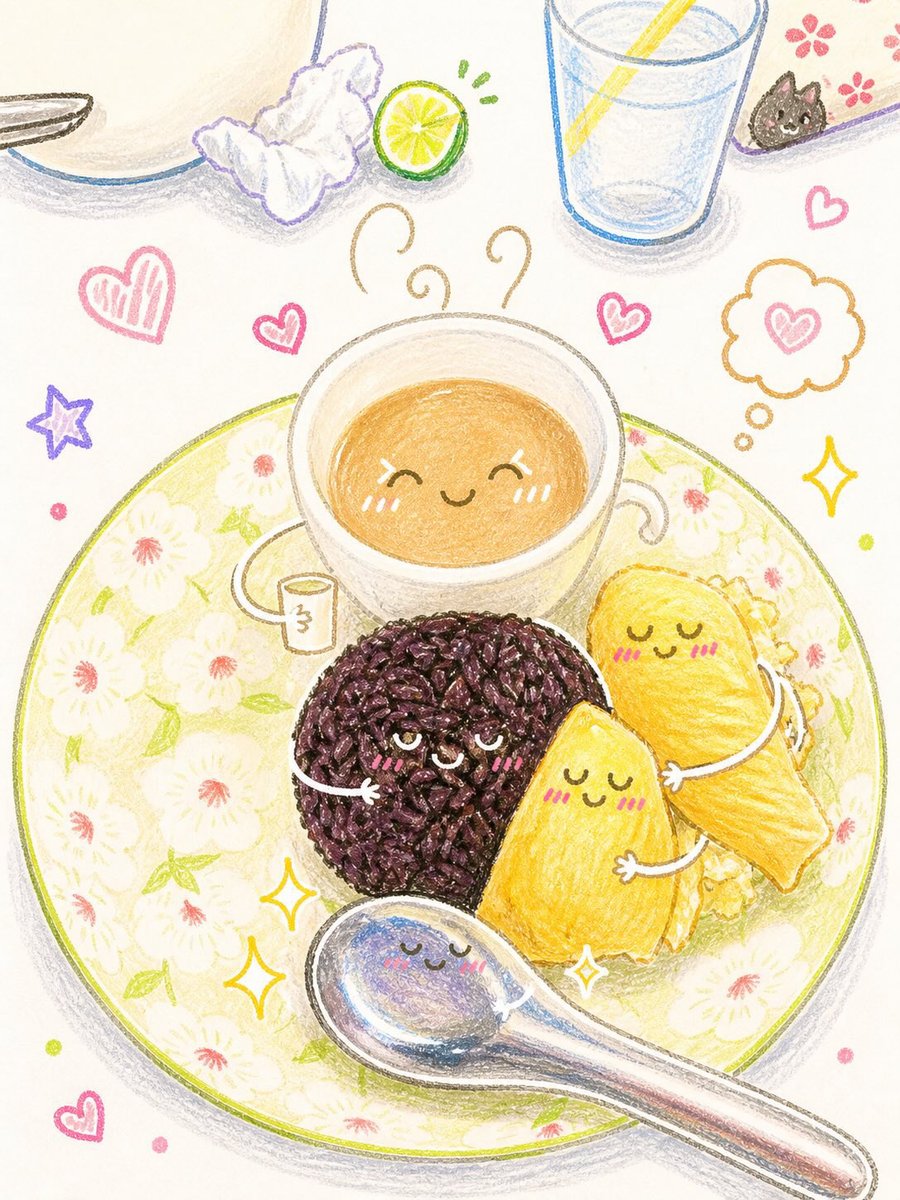
![Naive doodle-style subject illustration — A doodle-style {argument name="subject" default="[subject]"}, naive lines, humorous shape exaggeration](https://pbs.twimg.com/media/G6Wl2YxbsAARB2b.jpg)













![Uzumaki Naruto Pop-Up Book Prompt — manga <Uzumaki Naruto>
[ OUT OF FOCUS LIBRARY BACKGROUND ]
[ VERTICAL M…](https://pbs.twimg.com/media/HCp3EbTboAAg1Ba.jpg)