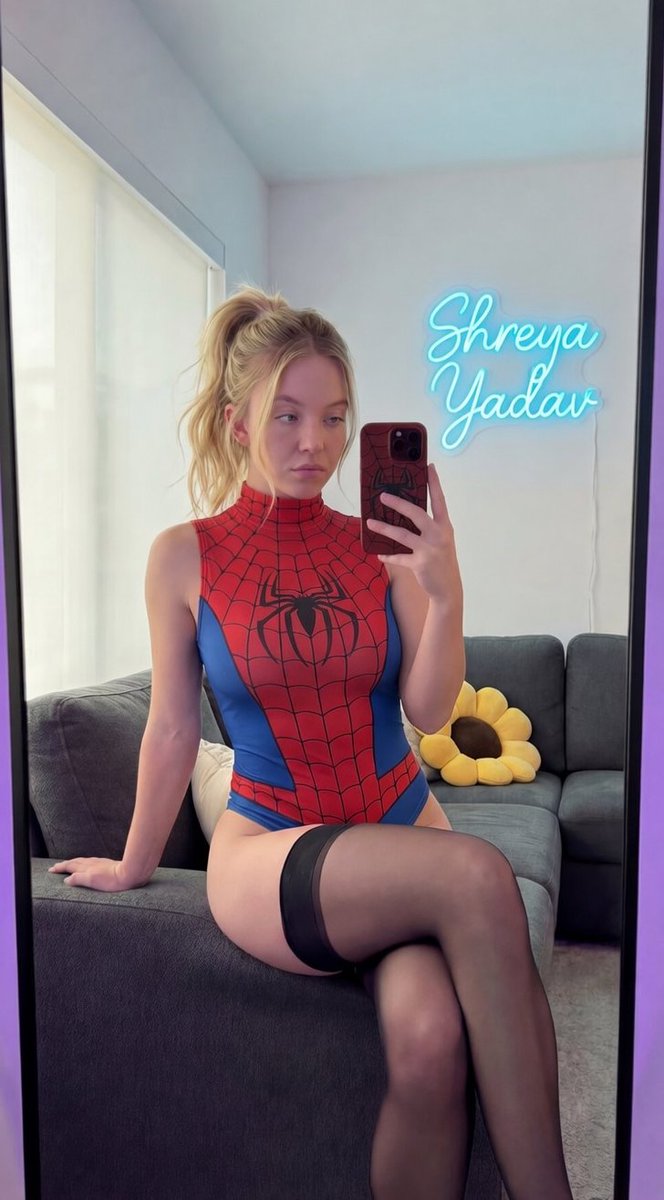
Sydney Sweeney Spiderman Bodysuit Mirror Selfie
{
"subject": {
"identity": {
"biometric_reference": "Sydney Sweeney",
"analysis": "Exact digital twin reconstruction, focusing on signature heavy-lidded blue eyes, soft facial contours, and specific philtrum shape."
},
"facial_details": {
"eyes": "Large, slightly heavy-lidded (doe-eyed aesthetic), iris color hex #A4C3D2 (clear sky blue), direct gaze into the mirror reflection.",
"mouth": "Naturally plump lips, closed mouth, neutral expression, strictly no smiling, hex #EBC2AF natural tones without cosmetics.",
"skin": "Fitzpatrick Scale Type II, luminous porcelain texture with visible fine pores, no makeup, no lipstick, subsurface scattering depth 2.0mm.",
"hair": "Natural golden blonde, hex #EEDC82, styled in a voluminous high messy ponytail with face-framing soft strands, mirroring the established pose."
},
"body": {
"morphology": "Hourglass somatotype with significantly exaggerated mammary and gluteal volume, waist-to-hip ratio 0.65.",
"anatomy": "Defined clavicles, toned abdominal wall with natural soft curves, seated posture showing realistic skin-to-fabric interaction.",
"limbs": "Right hand holding the smartphone for a mirror selfie, left hand resting for stability on the sofa, anatomical precision in finger joints."
}
},
"wardrobe": {
"main_garment": "High-neck sleeveless Spiderman-themed bodysuit, extremely high-leg cut, matte finish.",
"material_science": "Stretch spandex, hex #C62828 (primary red) and #1565C0 (secondary blue), detailed black web-line print following body contours.",
"hosiery": "Sheer black thigh-high stockings, 15 denier, matte finish, hex #1A1A1A, visible on upper thighs while seated.",
"accessories": "No necklace, no jewelry, no rings."
},
"pose_action": {
"stance": "Seated on the edge of a dark grey fabric sofa, knees together, slight forward lean for the mirror selfie perspective.",
"expression": "Neutral, analytical gaze, non-smiling, mouth closed."
},
"scene": {
"environment": "Domestic living room, mirror selfie viewpoint.",
"elements": {
"furniture": "Dark grey fabric sofa with a sunflower-shaped accent pillow.",
"phone_case": "Smartphone case in dark matte red (hex #8B0000) with a tactile black spiderweb texture.",
"neon_sign": "Small-scale custom neon sign 'Pinodi' in an elegant cursive font, emitting a soft cyan-blue glow (hex #00E5FF).",
"background": "White matte walls with secondary purple ambient light (hex #9D50BB) at the frame edges."
},
"composition": "9:16 vertical format, medium-close shot."
},
"lighting": {
"setup": "Soft diffused natural window light mixed with the cyan neon glow and purple rim lighting for depth.",
"physics": "Accurate specular highlights on the fabric and granite-like reflections, 1:1 mirror reflection integrity."
},
"camera": {
"technical_specs": "Smartphone foc


















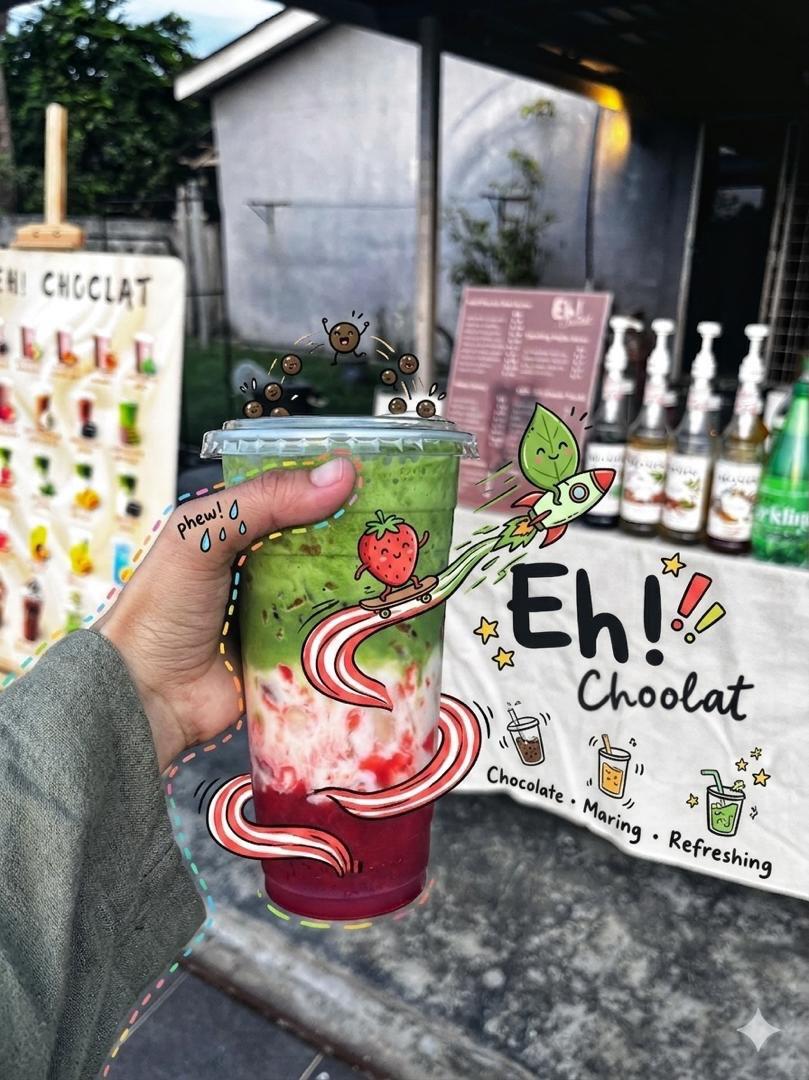
![Naive doodle-style subject illustration — A doodle-style {argument name="subject" default="[subject]"}, naive lines, humorous shape exaggeration](https://pbs.twimg.com/media/G6Wl2YxbsAARB2b.jpg)





















![High-Fashion Red Carpet Portrait with Reference Image Lock Prompt — [reference_image_instructions]
face = "Use 100% face copy of the uploaded photo as reference](https://pbs.twimg.com/media/G9ABmXtaUAACgVF.jpg)