How do I use the Cinematic Fashion Video Prompt Structure (15s) template?
Choose the primary action to open PicX Studio with the available template settings. Review the model and format, personalize the creative direction, and generate when ready.
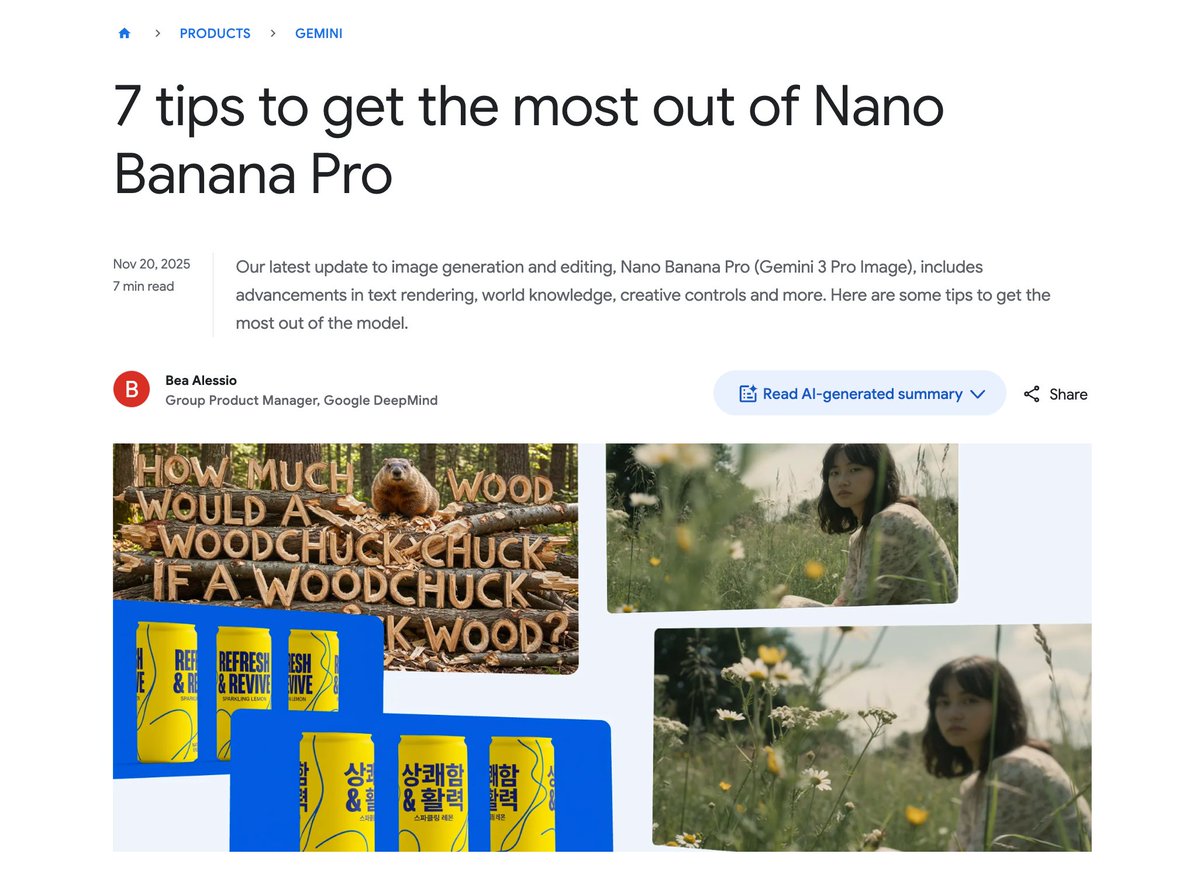
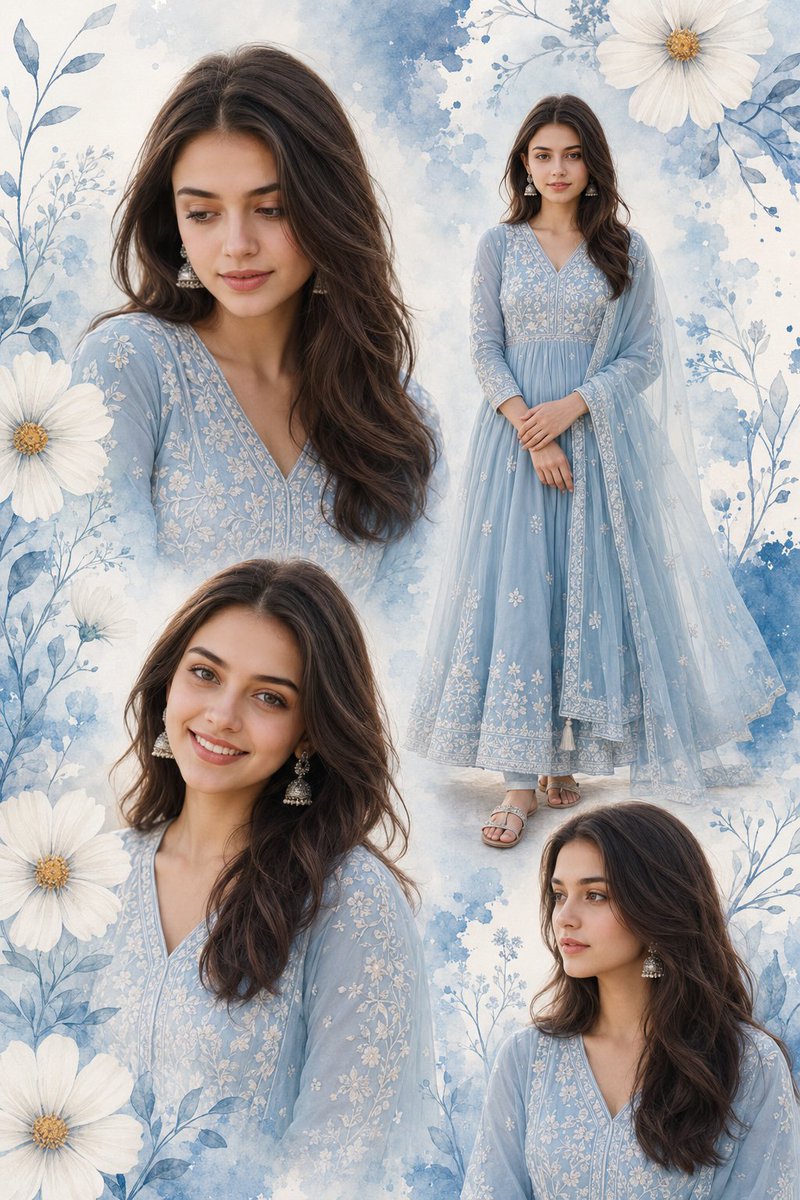
A structured video prompt for Sora 2, focusing on a cinematic fashion shoot to highlight clothing details and an outdoor atmosphere. The prompt is broken down into time segments with specific shot types and scene descriptions. (free to use) — Free AI image template on PicX Studio.
## Structure (total 15s; mode: cinematic fashion) - **0s - 5s**: [中景] 模特在阳光明媚的极简主义户外花园中自信地走向镜头,步伐轻盈,展示橄榄绿色套装的整体轮廓。 - **5s - 10s**: [近景]...
Use Cinematic Fashion Video Prompt Structure (15s) to plan an AI image around nano-banana-2 generation. Match the preview's composition first, then personalize the subject, setting, and mood for your own project.
Use the primary action to load the template settings in PicX Studio.
Adjust the subject and creative details for your destination.
Create the image, compare the result with the preview, and refine one variable at a time.
A continuous mix — similar concepts first, woven with same-model prompts and fresh picks from the catalog.
Choose the primary action to open PicX Studio with the available template settings. Review the model and format, personalize the creative direction, and generate when ready.
Yes. You can change the subject, setting, lighting, mood, format, and available model controls before creating your image.
This template is free to open and customize. Generation usage is shown in PicX Studio before you create.
Start with nano-banana-2, which is the model associated with this template. You can compare another compatible model for a different finish.
Follow a topic to a crawlable collection of related PicX Studio templates.
39,157 public templates available. Verified via the PicX Studio public templates API; refreshed hourly.
A continuous mix — similar concepts first, woven with same-model prompts and fresh picks from the catalog.