How the AI picks moments worth clipping
A good clip has a hook in the first two seconds, a payoff, and makes sense to someone who has not seen the rest of the video. The clip maker looks for exactly that, in three passes.
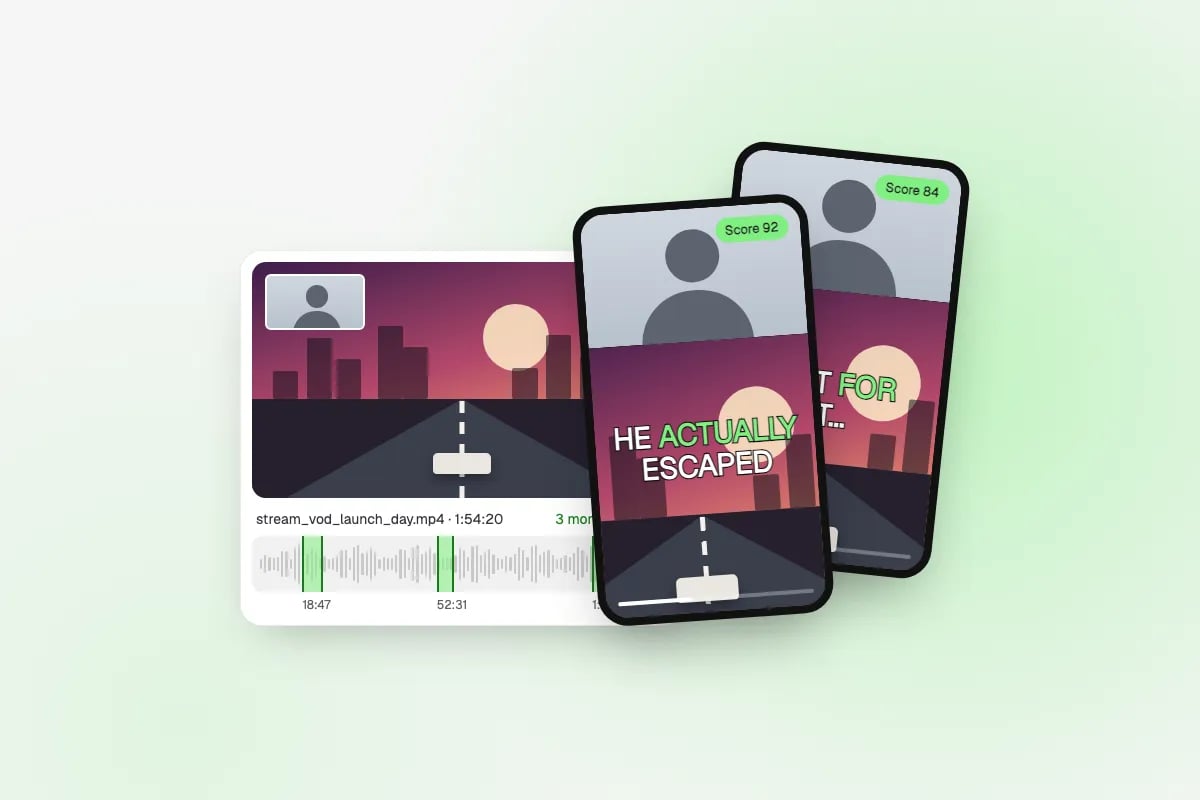
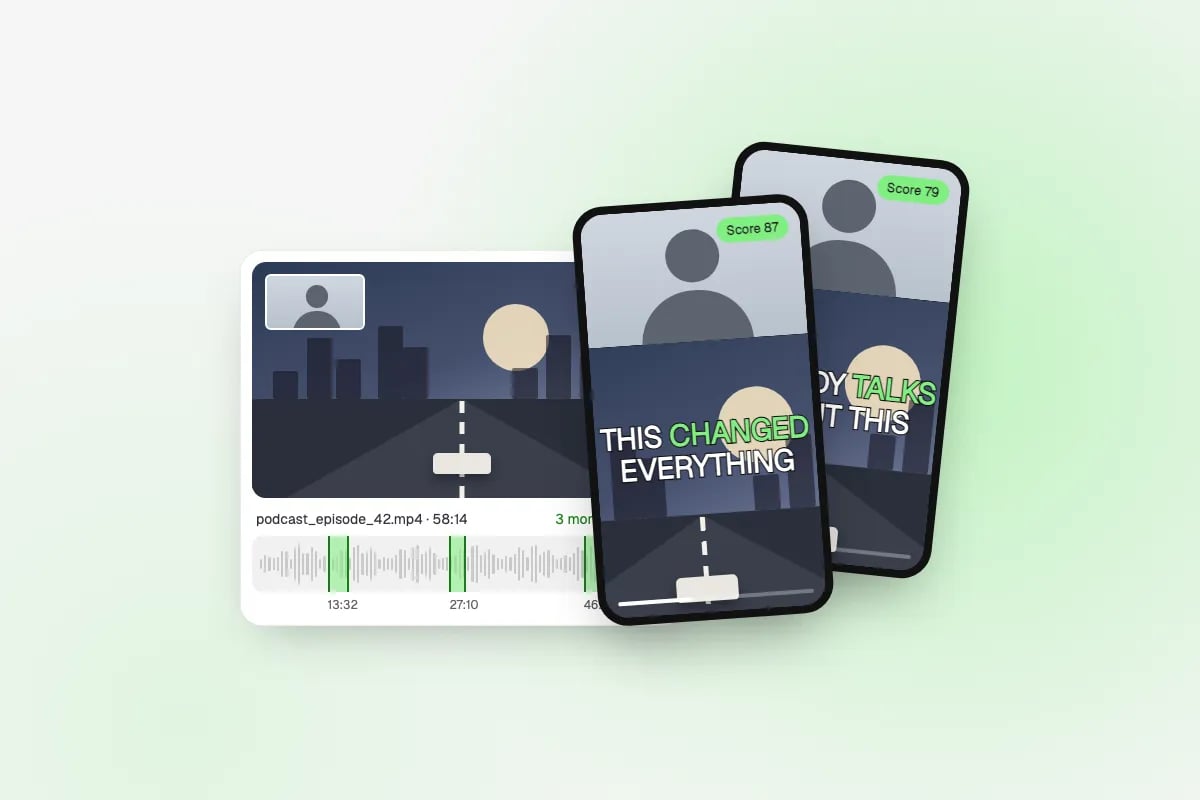
First it listens. The audio is transcribed with word-level timestamps, and the loudness is measured across the whole video, so shouting, laughter, hype and sudden noise show up as peaks. Scene cuts are marked too. Then a language model reads the transcript alongside those markers and proposes around fifteen candidate moments, each starting and ending on a sentence boundary so no clip cuts someone off mid-word.
Finally a vision model watches a low-resolution copy of the video around each candidate and scores what it sees: how much is happening on screen, how strong the opening is, and whether the clip stands on its own. That last pass is what lets the tool clip gameplay with no commentary, where a transcript alone has nothing to go on. The highest-scoring moments become your clips, ranked best first, each with its score and the reason it was picked.
The three 9:16 layouts, in pixels
Every clip is rendered at 1080×1920, the size TikTok, YouTube Shorts and Instagram Reels expect. A 16:9 source has to be rearranged to fill that frame, and there are three good ways to do it. On Auto, the clip maker picks one per clip: the facecam split when it finds a webcam overlay, otherwise a smart crop, or a blurred fit for wide cinematic shots.
- A smart crop from a 1080p source uses a 608×1080 slice of the frame, so start from the sharpest source you have; a 1440p or 4K VOD keeps far more detail.
- The facecam split needs the webcam to be a clear rectangle in a corner. A full-screen camera works better with smart crop.
| Layout | What goes where | Best for |
|---|---|---|
| Facecam split | Webcam band on top (about 1080×608), gameplay or screen in the remaining 1080×1312 below | Streams and reactions with a facecam |
| Smart crop | A 9:16 window that follows the speaker or the action, scaled to 1080×1920 | Podcasts, vlogs, one person talking |
| Blur fit | The full 16:9 frame (1080×608) centred over a blurred, zoomed copy of itself | Trailers, cinematics, anything that must not be cropped |
Captions, safe zones and the YouTube reused-content rule
Many short-form viewers scroll with the sound off, so captions do a lot of the work. The clip maker burns them in word by word, in the style you pick. Wherever text goes on a vertical video, keep it out of the areas the apps cover: the bottom strip with the description and music line, the top bar, and the right edge with the like, comment and share buttons. The middle of the frame is the safe place for anything that must be read. Every clip also comes with an SRT file, if you would rather use the platform's own captions or edit the wording first.
If you plan to earn from your clips, know YouTube's reused-content rule: channels that mostly repost other people's videos without meaningful changes can be refused or removed from the YouTube Partner Program. Clipping your own videos is fine. When you clip someone else, get their permission and add something of your own, such as commentary, a reaction or your own edit and framing. The clip maker does the finding and the formatting; the original part is yours.