PicX Studio

GTA 6 Clip Maker

Paste a GTA 6 stream or upload your gameplay. AI finds the chases, fails and reactions and cuts them into vertical clips with captions.

Twitch, Kick or YouTube VOD link, or a clip from X or TikTok

  • No watermark
  • Facecam split built in
  • Free account

GTA 6 clipping at a glance

GTA 6 launches November 19, 2026 on PS5 and Xbox Series X|S. PicX's GTA 6 Clip Maker turns a stream VOD or gameplay recording into vertical 1080×1920 clips with a facecam split and gaming captions, ranked by AI, with no watermark.

GTA 6 release
Nov 19, 2026 · PS5, Xbox Series X|S
PC / Online
PC later, no date · Online expected 2027
Input
Twitch, Kick, YouTube link or upload
Limits
Up to 120 minutes and 2 GB
Price
10 credits per minute, 50 minimum
Output
1080×1920 MP4 + SRT, no watermark

Last updated

How to clip GTA 6 with AI in 3 easy steps

  1. 1

    Add your GTA 6 video

    Paste a Twitch, Kick or YouTube VOD link, or upload a recording from your PS5, Xbox or capture card (up to 2 GB and 120 minutes).

  2. 2

    Keep the Gaming preset

    Gaming listens for the loud moments and watches the action, so wordless chases still get found. Auto layout puts a facecam on top when the stream has one.

  3. 3

    Download and post

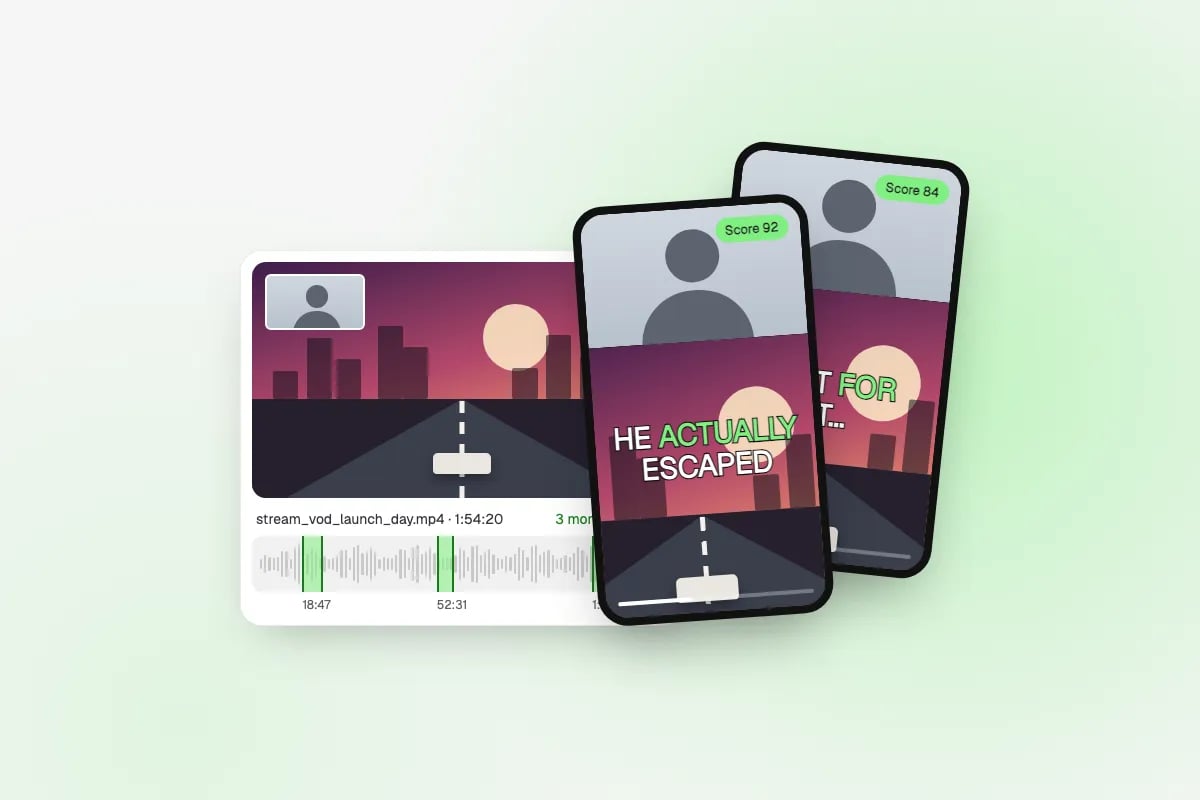
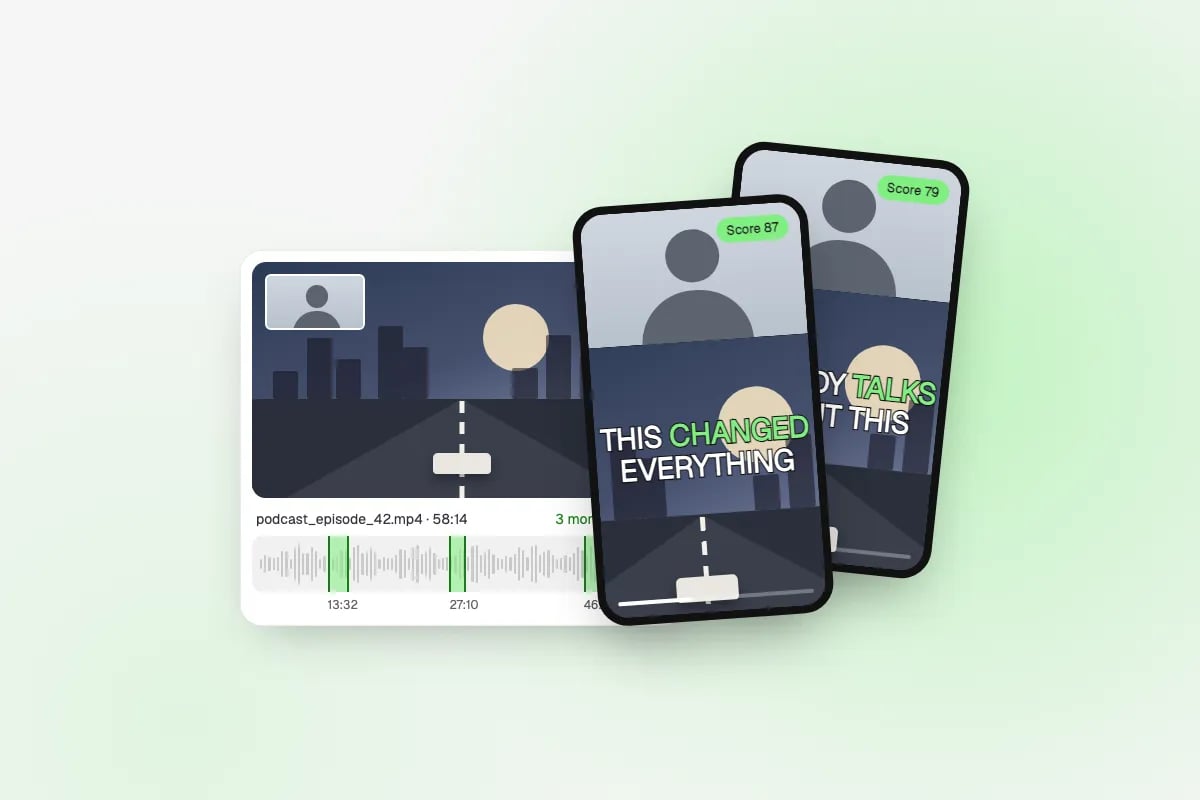
    Get ranked 9:16 clips with gaming captions, a hook and timestamps. Download the MP4 and copy a ready caption with hashtags for TikTok, Shorts and Reels.

Built for GTA 6 gameplay and streams

Open-world gameplay is hard to clip from a transcript alone: the best chase can happen in silence. This clipper watches the picture as well.

  • Finds wordless action

    Loudness peaks (crashes, sirens, gunfire, screaming chat) and a vision model that scores what is on screen, so a chase with no commentary still ranks.

  • Facecam split

    Streams with a webcam get the standard clipping layout: the facecam band on top, the gameplay underneath, at 1080×1920.

  • Gaming captions

    Big word-by-word captions in a gaming style, or Bold, Pop, Karaoke, Minimal or none, plus an SRT file for each clip.

  • Ranked moments

    Each clip has a score, a hook line, the reason it was picked and its exact timestamps in the VOD, so you can check the context fast.

  • Long VODs in one go

    Up to 120 minutes per job. For a longer stream, upload the part you want, or split it and run each half.

  • No watermark

    Clean MP4 downloads on every plan, so your Shorts look like yours, not like an app's advert.

What to clip in GTA 6

  • 01

    Police chases and escapes

    The wanted level climbs, the sirens start, and the run either ends in a perfect escape or a spectacular crash. Both make great clips.

  • 02

    Physics fails

    Cars flipping off ramps, ragdoll falls and plans going wrong in a second. Short, loud and readable without context.

  • 03

    First reactions

    The moment a streamer sees a new area, a new car or a twist for the first time. Use the Streamer reaction preset and the facecam split.

  • 04

    Trailer reaction clips

    Reaction streams to official trailers: the facecam is the content. Clip the reaction, keep the trailer part short, and leave the full trailer to Rockstar's own channel.

A launch-week GTA 6 clipping playbook

GTA 6 (Grand Theft Auto VI) launches on November 19, 2026 on PS5 and Xbox Series X|S. A PC version is coming later, without a date yet, and GTA Online for VI is expected in 2027. That means the first weeks are console gameplay and console streams, and searches for clips peak while everyone is playing the same opening hours.

Speed matters more than polish in launch week. Clip the first long session you can, post the best moments the same day, and keep going. A simple routine that works:

  • Day 1: run your stream VOD (or a streamer's, with permission) through the Gaming preset with 8–10 short clips, and post the top three.
  • Every day after: one VOD in, the best two or three clips out. Posting consistently beats posting everything at once.
  • Vary the moment types (a chase, a fail, a reaction) rather than posting three of the same thing.
  • Keep a clip to 15–30 seconds while the game is new; viewers want the moment, not the setup.
  • Check the ranked list against the timestamps before posting; the score is a guide, and you know your audience.

Which layout to use for GTA 6 clips

Leave the layout on Auto and it chooses per clip, but it helps to know what each one is for. All three render at 1080×1920.

Your sourceLayoutWhy
Stream with a webcamFacecam splitThe reaction sells the clip: face on top (about 1080×608), gameplay below
Gameplay, no facecamSmart cropA 9:16 window follows the car or character, so the action fills the screen
Trailer or cutscene reactionBlur fitShows the whole 16:9 frame without cropping out the detail

Is clipping GTA 6 allowed? The rules in plain words

Rockstar Games has a general video policy (last updated in January 2025) that allows fans to make and share non-commercial videos of its games. There is no special policy for GTA 6. Monetized gameplay videos are widely tolerated, but tolerated is not the same as licensed: Rockstar can still ask for a video to come down.

What gets videos removed is predictable. Avoid posting the ending, major story spoilers, cutscenes on their own without your gameplay or commentary, and anything leaked from before release. Clip your own play or streams you have permission to clip, add your reaction or commentary, and you are on the side of the policy that fans have used for years. On YouTube, also mind the reused-content rule: channels that mostly repost other people's footage without adding anything can be kept out of the Partner Program.
GTA 6 Clip Maker questions

Is clipping GTA 6 allowed?

For fan videos, yes. Rockstar's video policy (updated January 2025) allows non-commercial videos of its games, and there is no separate GTA 6 policy. Stay away from the ending, major story spoilers, isolated cutscenes and leaked pre-release footage, which are what Take-Two removes.

Can I make money clipping GTA 6?

Possibly, but nobody can promise it. Monetized GTA videos are tolerated by Rockstar, not licensed, so a video can still be claimed or removed. YouTube can refuse channels that mostly repost others' footage, and paid clipping campaigns set their own rules. Clip your own play or streams you have permission for, and add something of your own.

How do I clip GTA 6 with AI?

Paste the VOD link of a GTA 6 stream (Twitch, Kick or YouTube) or upload your recording, keep the Gaming preset, choose how many clips you want and press Make GTA 6 clips. The AI ranks the moments and renders them as vertical clips with captions.

How can I clip GTA 6 for free?

Both consoles can record gameplay themselves, and any free editor can cut and crop a clip by hand; that costs only time. This clip maker does the finding, framing and captions for you and uses credits: 10 per started minute of video, 50 minimum. The account is free, and downloads never have a watermark.

Do I need a PS5 capture card?

No. PS5 and Xbox Series X|S can record gameplay on the console and stream straight to Twitch or YouTube, and a stream VOD link is the easiest long source to paste here. A capture card helps if you want long, high-quality local recordings or a PC streaming setup with a facecam.

When does GTA 6 come out, and is it on PC?

GTA 6 launches on November 19, 2026 on PS5 and Xbox Series X|S. A PC version is planned for later, with no date announced, and GTA Online for VI is expected in 2027.

Can I clip other streamers' GTA 6 streams?

Only with their permission. Many streamers welcome clippers or run clipping programs with their own rules; ask first, credit them, and follow what they set. Clipping someone without permission can get your clips removed and your channel struck.

How long can the GTA 6 video be?

Up to 120 minutes and 2 GB per job, as a link or an MP4, MOV, WebM or MKV upload. For a longer stream, run the part you care about, or split it into two jobs.

Can I use the clip maker inside Claude or ChatGPT?

Yes, through the PicX connector. In Claude, open Customize → Connectors, click + Add, choose Add custom connector, paste https://mcp.picxstudio.com/ and sign in with PicX. In ChatGPT, open chatgpt.com/plugins, press +, choose Add custom MCP server and paste the same URL with OAuth. Then ask in a chat, for example "Clip this GTA 6 stream into 5 vertical Shorts with gaming captions", with a link or the file attached. If link import isn't available, attach the file instead: up to 50 MB in the chat, up to 2 GB on this page. Same clips and the same price, 10 credits per source minute.

Something else? Browse all free tools or email support.

Go beyond quick edits

Create studio-quality product photos and videos with every top AI model, from one credit balance.