
VIDEOKuaishou (Kling AI) · from 36 credits / sec
The Kling 2.6 motion transfer, in 720p or 1080p
Kling 2.6 Motion Control: your character, any move
Character image + motion clip. 3 to 30 seconds, as long as the clip. 720p or 1080p.
Give Kling 2.6 Motion Control a picture of your character and a video of someone moving. It animates your character with the same dance, walk or gesture, frame for frame, for as long as the clip runs.
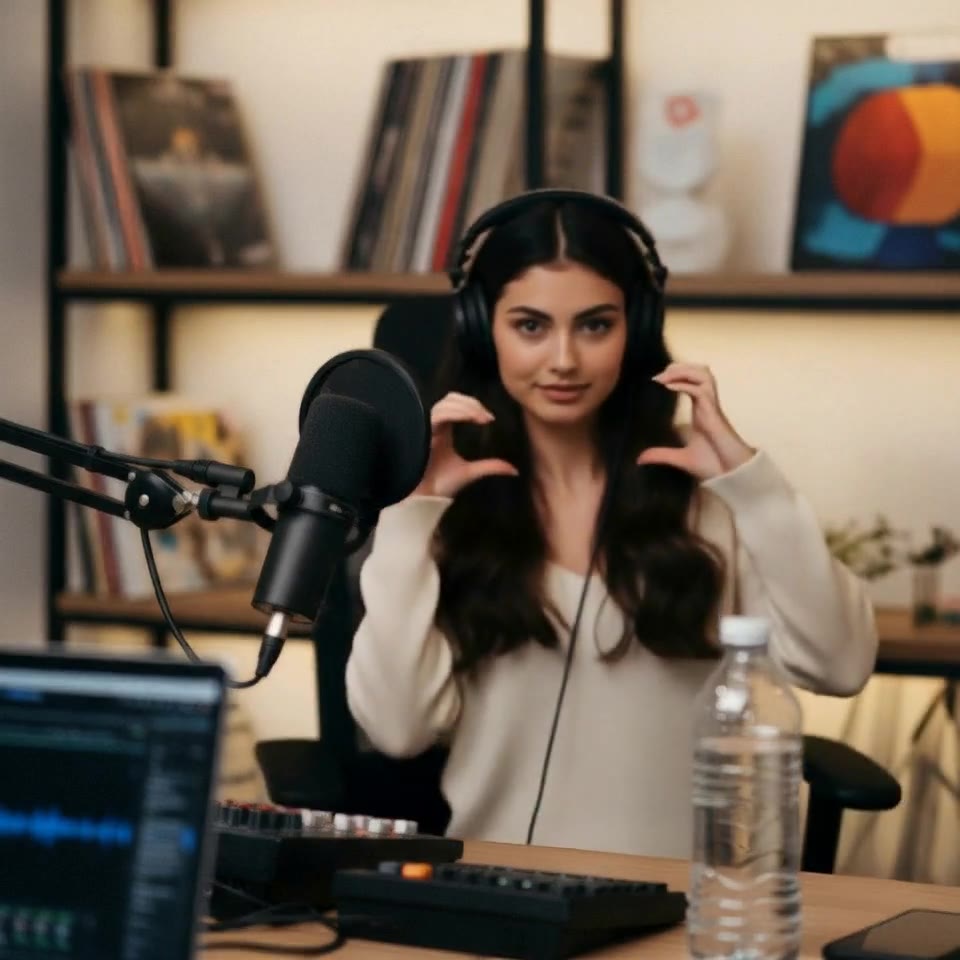
- 3–30s
- 720p–1080p
- Native audio
- Motion control
Film the move once, reuse it on anyone
Movement from the clip, look from the image
The motion clip decides the timing, body position and direction; the character image decides the face, outfit and style. The prompt can set the scene around them.
Clips up to 30 seconds
The output runs as long as your motion clip, anywhere from 3 to 30 seconds, so a full routine or a walk across a set fits in one take. You pay for the seconds of the clip.
720p drafts, 1080p finals
Run a move at 720p to check it lands, then render the keeper at 1080p for sharper faces and hands.
Kling 2.6 Motion Control
Character image + motion clip. 3 to 30 seconds, as long as the clip. 720p or 1080p.
Where Kling 2.6 motion control fits
Why pick Kling 2.6 Motion Control
- 2 inputsImage + clipNo prompt needed to get going.
- 30 sLongest clipAs long as the motion video.
- 720pOr 1080pDraft cheap, finish sharp.
- Per secondBilled on the clipMeasured before you pay.
- 2,500Prompt charactersOptional scene and style notes.
- 3.0Need the newer one?Kling 3.0 Motion is one click away.
What Kling 2.6 Motion Control costs
Billed per second of video, at the resolution you pick. The same prices the generator shows before you run it.
- 720p36credits / sec5s clip 180 creditsOn Starter≈ 16 clips / mo
- 1080p57credits / sec5s clip 285 creditsOn Starter≈ 10 clips / mo
Every model on every planCredits never expireSee plans
Pay for Kling 2.6 Motion Control with crypto
Buy credits with Bitcoin, USDT, USDC, ETH, Solana and more — no card, nothing auto-renews, packs from $5, and 5% extra credits on crypto payments.
Kling 2.6 Motion Control vs Kling 3.0 Motion
All three copy movement from a clip onto your character, on one PicX Studio credit balance.
Live credit prices are in each model's pricing table.
How to use Kling 2.6 Motion Control in 3 steps
- 1
Add the character image
Pick Kling 2.6 Motion Control in the video models and upload a clear picture where the head, shoulders and upper body are visible.
- 2
Add the motion clip
Upload an MP4 or MOV of 3 to 30 seconds with one person, a steady camera and the upper body in frame. The character turns the way the person in the clip turns.
- 3
Pick 720p or 1080p and generate
Add a short prompt for the setting if you like. The cost follows the length of your clip and shows before you run it.
Kling 2.6 Motion Control prompts to copy
Real prompts and what they made. Copy one, or open it in the generator with the model already picked.
Mascot on stage
The cartoon mascot copies the dance on a concert stage, purple spotlights, confetti falling, keep the drawn style
Catwalk
The character walks toward the camera on a fashion runway like the reference, camera flashes, polished floor reflections
Templates to start from
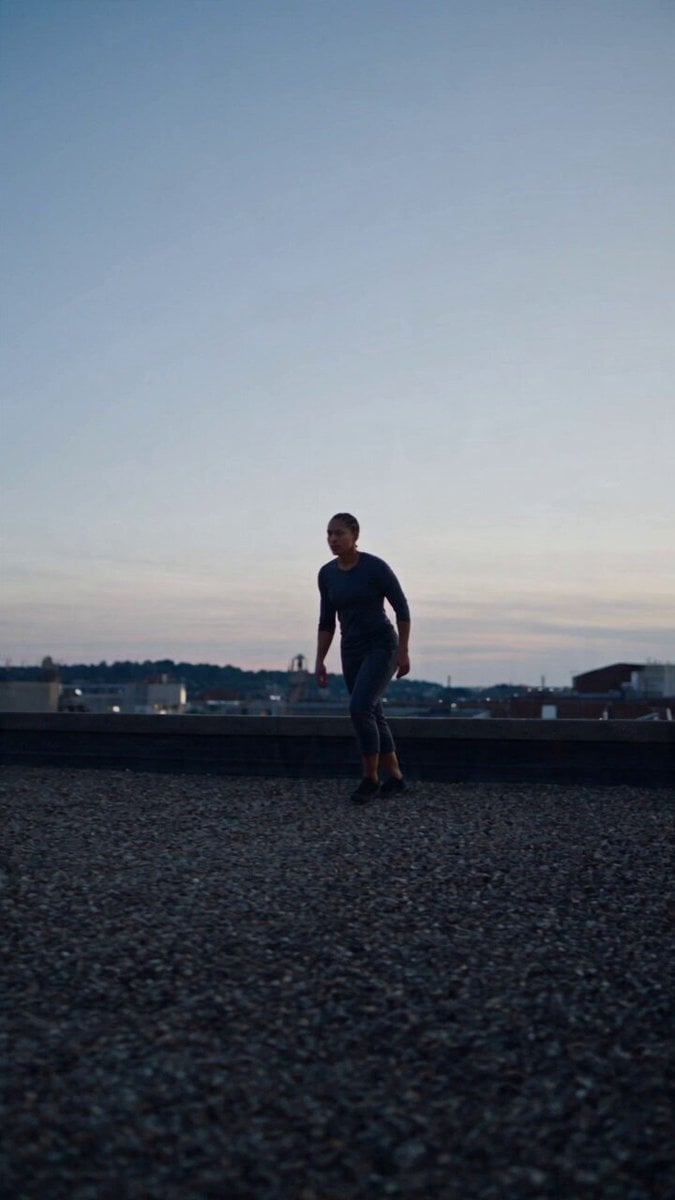
Browse all templates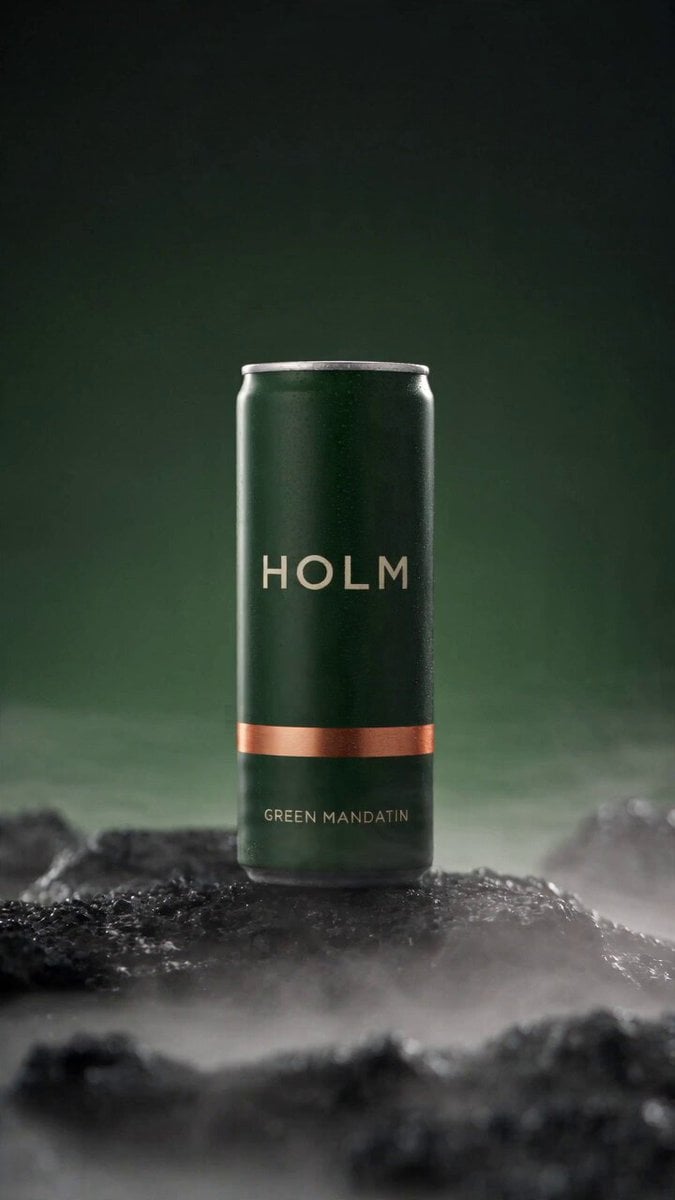 Rooftop Parkour Motion Control
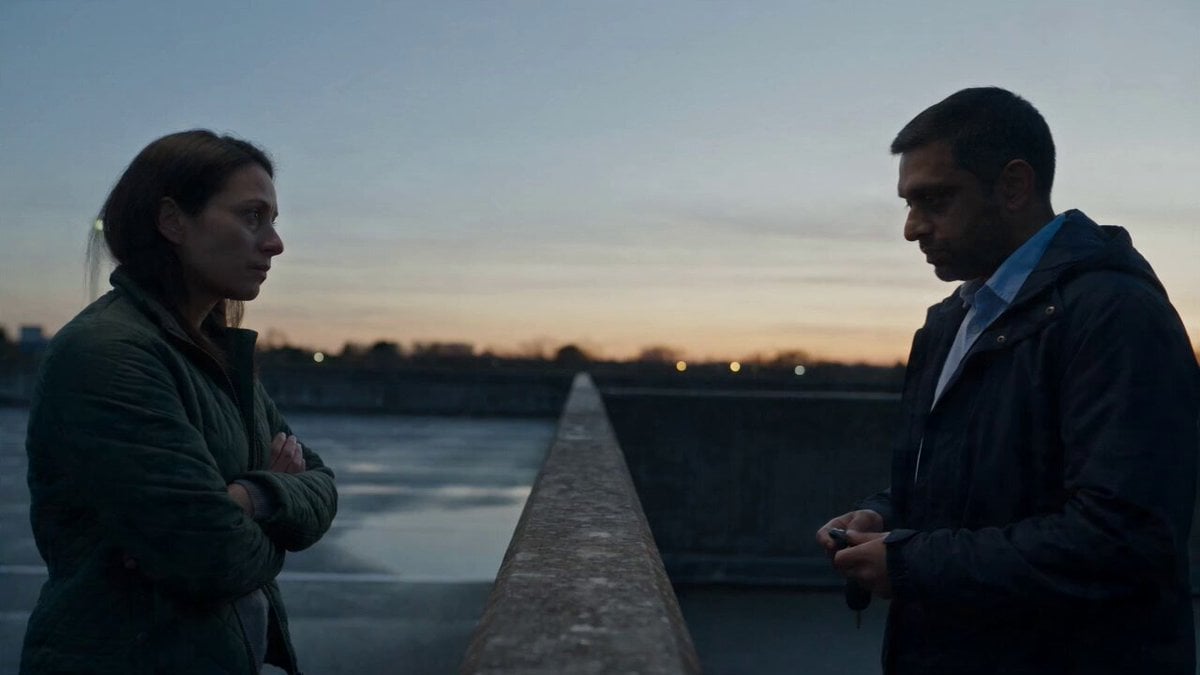 Hospital Car Park Dialogue Lip Sync
 Product Ad Drink Can 110° Orbit
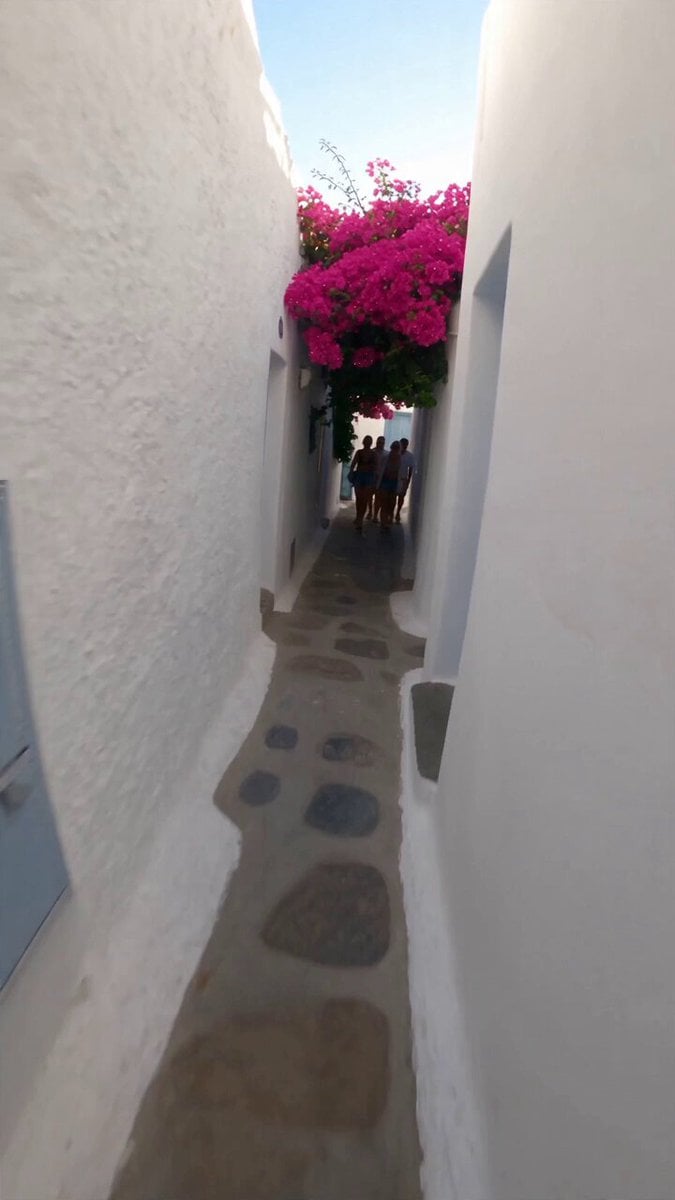 Selfie Travel Vlog Mykonos
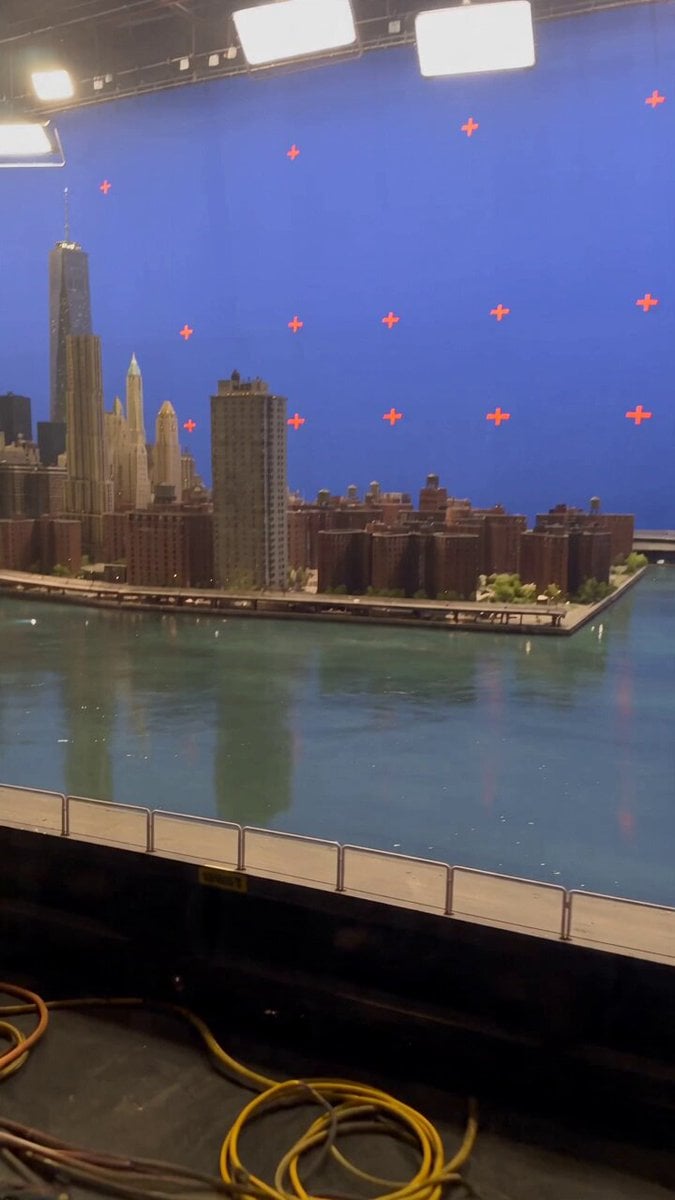 Miniature City Flood Soundstage
- Miniature City Flood Soundstage
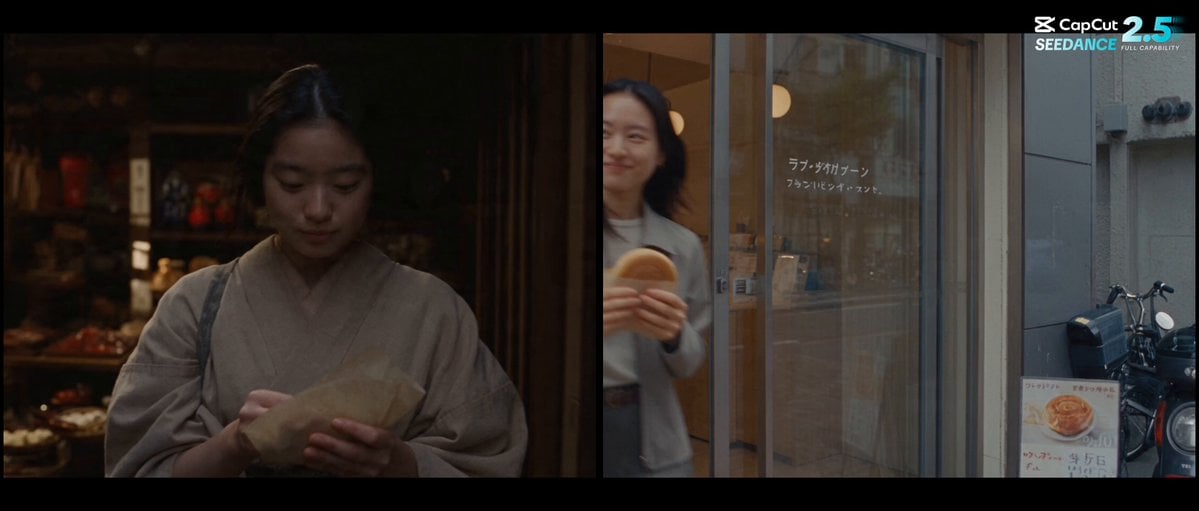 Forgotten 1980s High School Documentary Seedance
 RX-7 to Mech Transformation Cyberpunk
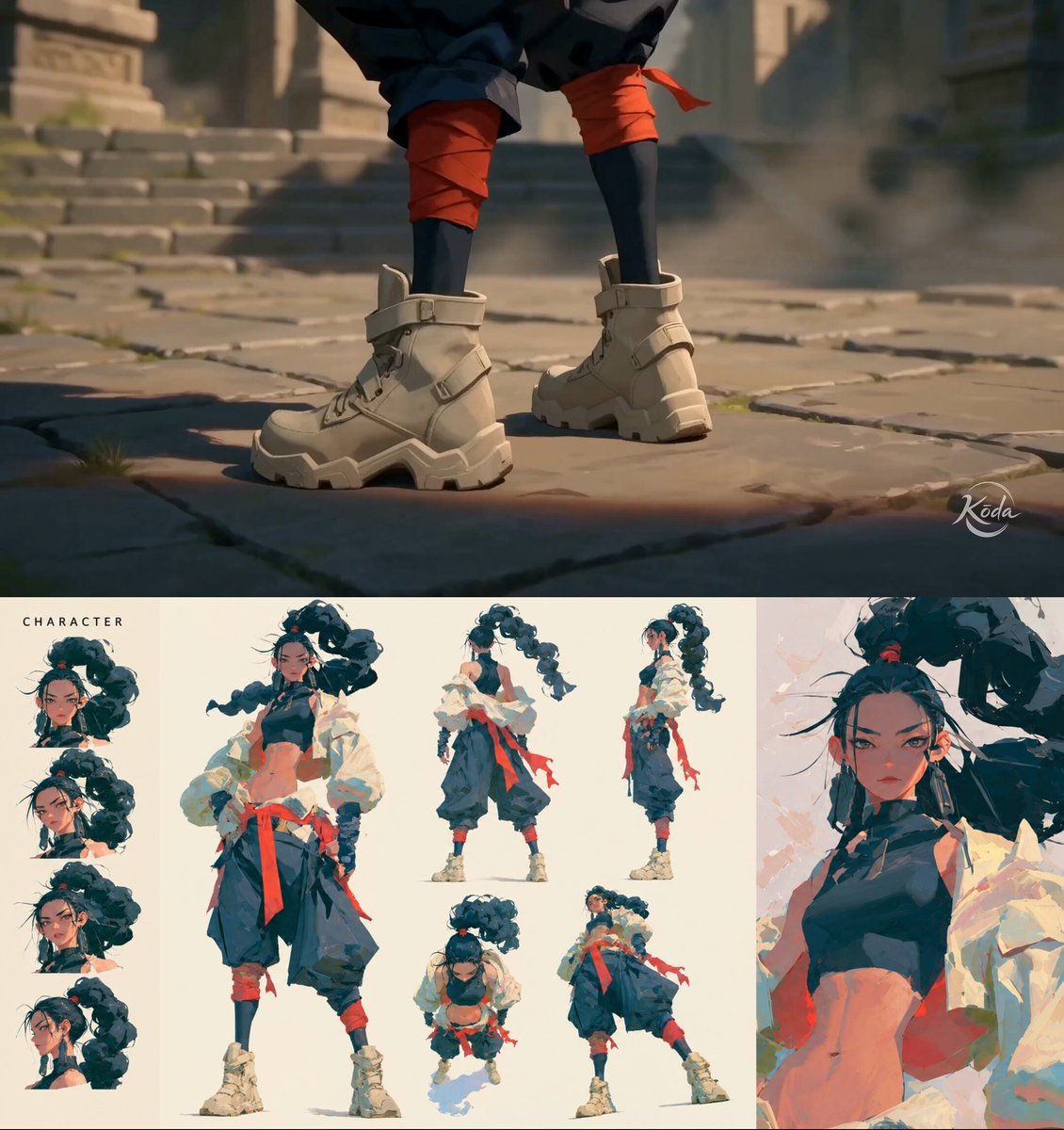 MiniMax H3 Character Introduction
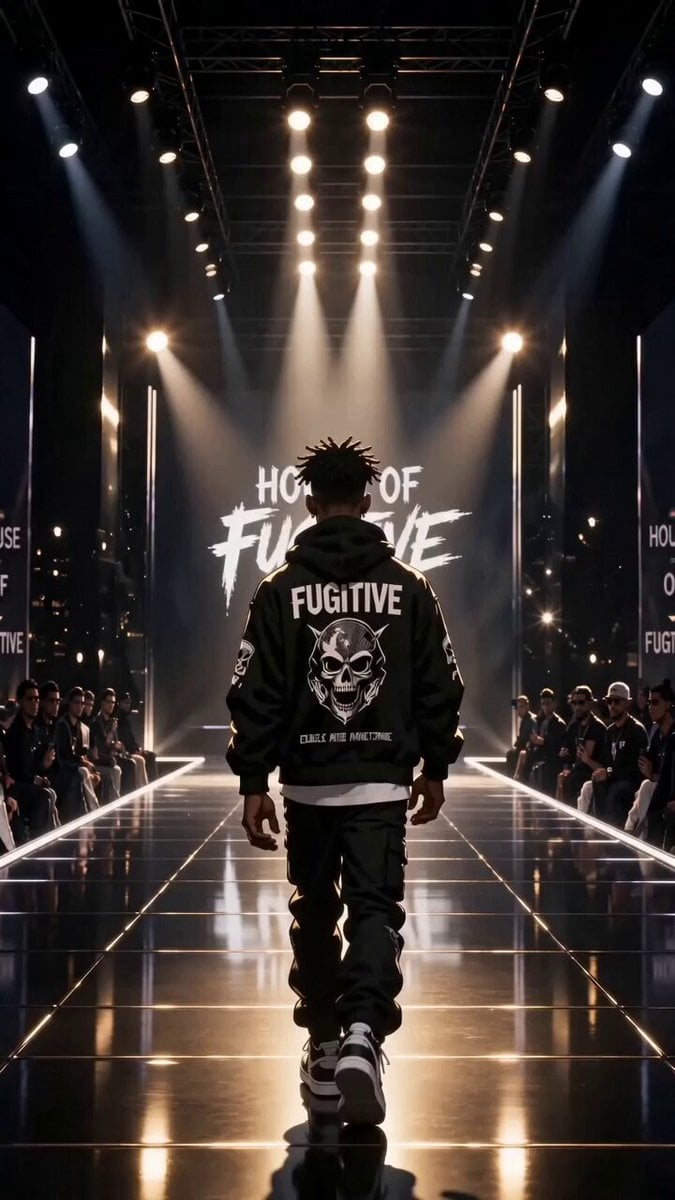 Luxury Streetwear Fashion Runway Film
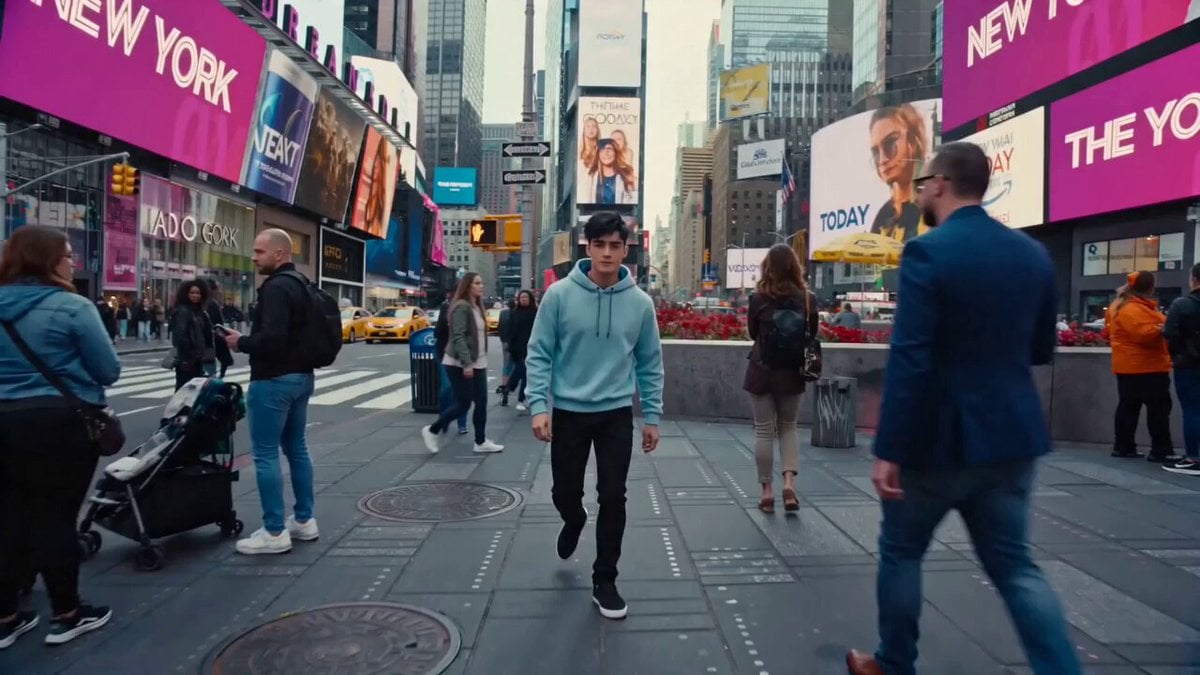 Cinematic Times Square Confidence Walk
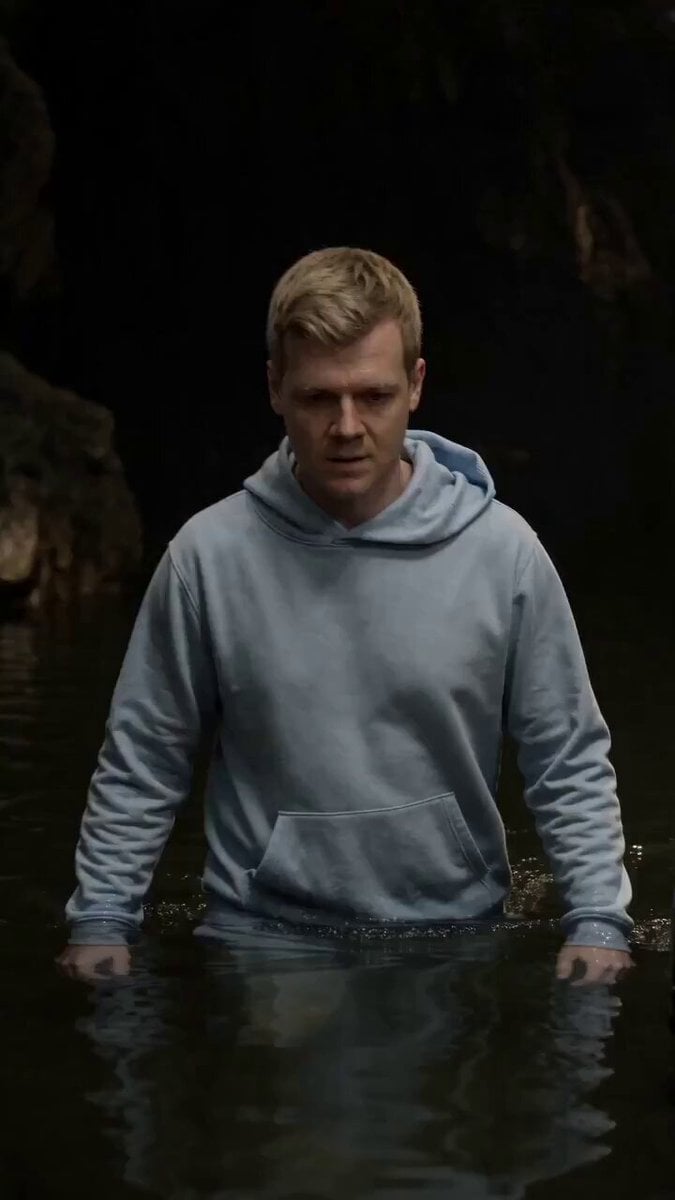 Cinematic Cave Exploration Multi-Shot Sequence
Kling 2.6 Motion Control questions
What is Kling 2.6 Motion Control?
It is the motion control mode of Kuaishou's Kling 2.6 video model. You give it a character image and a reference video, and it animates the character with the movement from the video, at 720p or 1080p, for 3 to 30 seconds.
How do I use Kling 2.6 Motion Control?
Open the video generator, pick Kling 2.6 Motion Control, upload the character image and the motion clip, optionally add a prompt for the setting, choose 720p or 1080p and generate. The video comes out as long as your clip.
Is Kling 2.6 Motion Control free?
No. It is a paid model on PicX Studio, billed per second of the motion clip, which PicX measures before charging. Video needs a plan or a one-time credit pack; credits never expire and work on every model.
Kling 2.6 vs Kling 3.0 motion control: which should I use?
Both transfer movement from a clip onto a character. Kling 3.0 is the newer model and comes as two tiers (Standard 720p, Pro 1080p); Kling 2.6 Motion Control offers both resolutions in one model and is billed on the measured length of your clip. Try one move on each and keep the better take.
What makes a good motion clip?
3 to 30 seconds, one person, a steady camera and the head, shoulders and torso clearly visible. MP4 or MOV up to 100 MB. Fast cuts, several people or a cropped body make the transfer less reliable.
Is there a Kling 2.6 Motion Control API?
Yes. PicX's developer API runs it with mode `edit`, an `image_url` for the character and a `source_video_url` for the motion clip, at 720p or 1080p.

Put any move on your character
A character image and a motion clip in, the same moves out at 720p or 1080p.