
VIDEOByteDance · from 76 credits / sec
ByteDance's most expressive talking avatar
OmniHuman 1.5: Photo and Audio to Talking Video
Photo + audio in. 720p or 1080p. Gestures, not just lips.
OmniHuman 1.5 turns a photo and an audio clip into a talking video with lip sync, expressions and body language that follow the speech, at up to 1080p. The video runs as long as your audio.
- 720p–1080p
- Video + audio
A performance, not a puppet
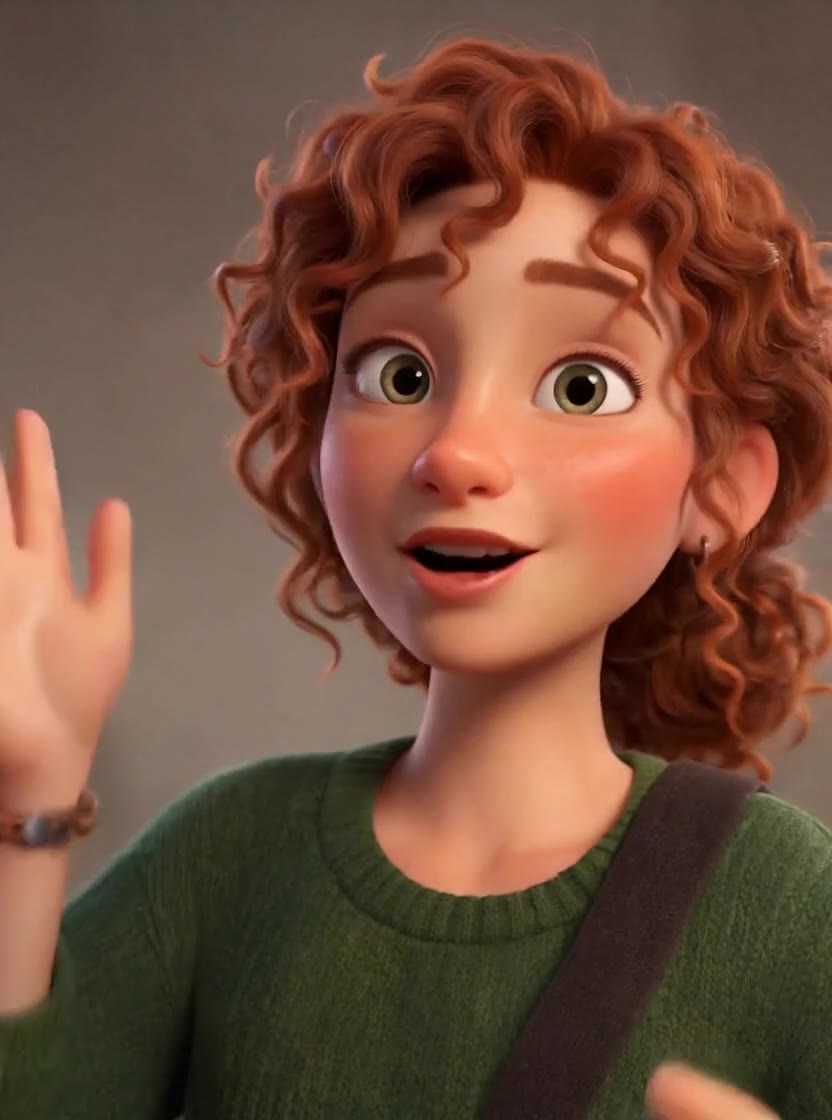
Expression that fits the words
OmniHuman 1.5 reads the rhythm and emotion of the audio and adds matching expressions, head movement and gestures, not just mouth shapes.
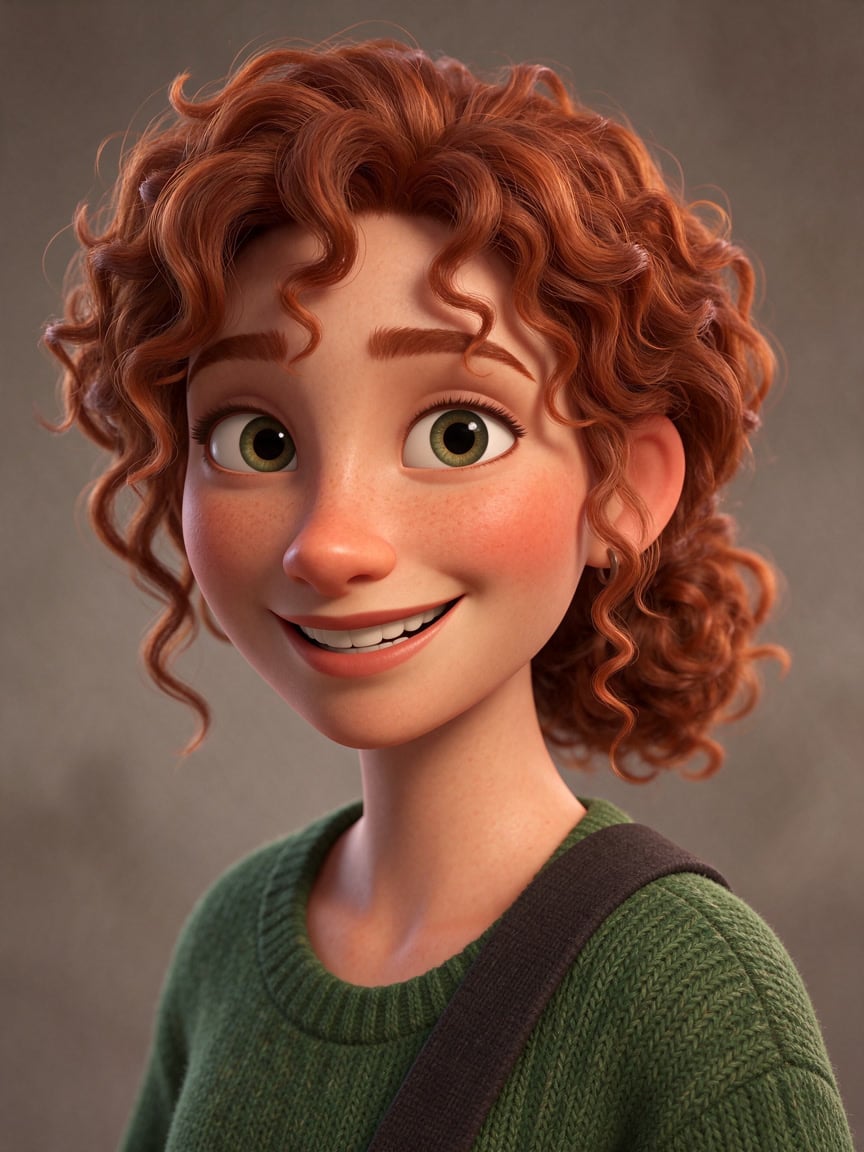
People, pets and anime
The photo can be any aspect ratio, and the subject can be a person, an illustration, an animal or an anime character. The video keeps the photo's shape.
Direct it with a short prompt
Add up to 300 characters on the mood, the gestures or the camera, in English, Chinese, Japanese, Korean, Spanish or Indonesian. The prompt is optional; the audio drives the performance.
OmniHuman 1.5, from its maker
Official release video by ByteDance
OmniHuman 1.5
Photo + audio in. 720p or 1080p. Gestures, not just lips.
Made for the work you ship
Brand presenters Short 1080p spokesperson clips from one approved photo.
Ads and testimonials Expressive to-camera lines for social ads.
Characters and mascots Give an illustrated character or mascot a voice.
Music and performance Sung audio works too, for short performance clips.
Why pick OmniHuman 1.5
- GesturesFull performanceFace, head and hands move with the speech.
- 1080p720p or 1080pSharp presenter clips.
- Any imagePeople, pets, animeAny aspect ratio.
- AudioLength follows the audioUnder 60 seconds; best under 15.
- PromptOptional directionUp to 300 characters, six languages.
- Per secondBilled by the audioYou pay for the length of your track.
What OmniHuman 1.5 costs
Billed per second of video, at the resolution you pick. The same prices the generator shows before you run it.
- 720p–1080p76credits / sec5s clip 380 creditsOn Starter≈ 7 clips / mo
Every model on every planCredits never expireSee plans
Pay for OmniHuman 1.5 with crypto
Buy credits with Bitcoin, USDT, USDC, ETH, Solana and more — no card, nothing auto-renews, packs from $5, and 5% extra credits on crypto payments.
OmniHuman 1.5 or 2.0
Both turn a photo and audio into a talking video on PicX. Credit costs are in the pricing table.
How to use OmniHuman 1.5 in 3 steps
- 1
Upload a photo
One clear photo or illustration with the face visible. The video keeps its shape.
- 2
Add the audio
An MP3, WAV, AAC, M4A or OGG file under 60 seconds and 10 MB. Clips of 15 seconds or less look best.
- 3
Add a prompt, pick 720p or 1080p, generate
Optionally describe the mood or gestures, choose the resolution, and generate.
OmniHuman 1.5 prompts to copy
Real prompts and what they made. Copy one, or open it in the generator with the model already picked.
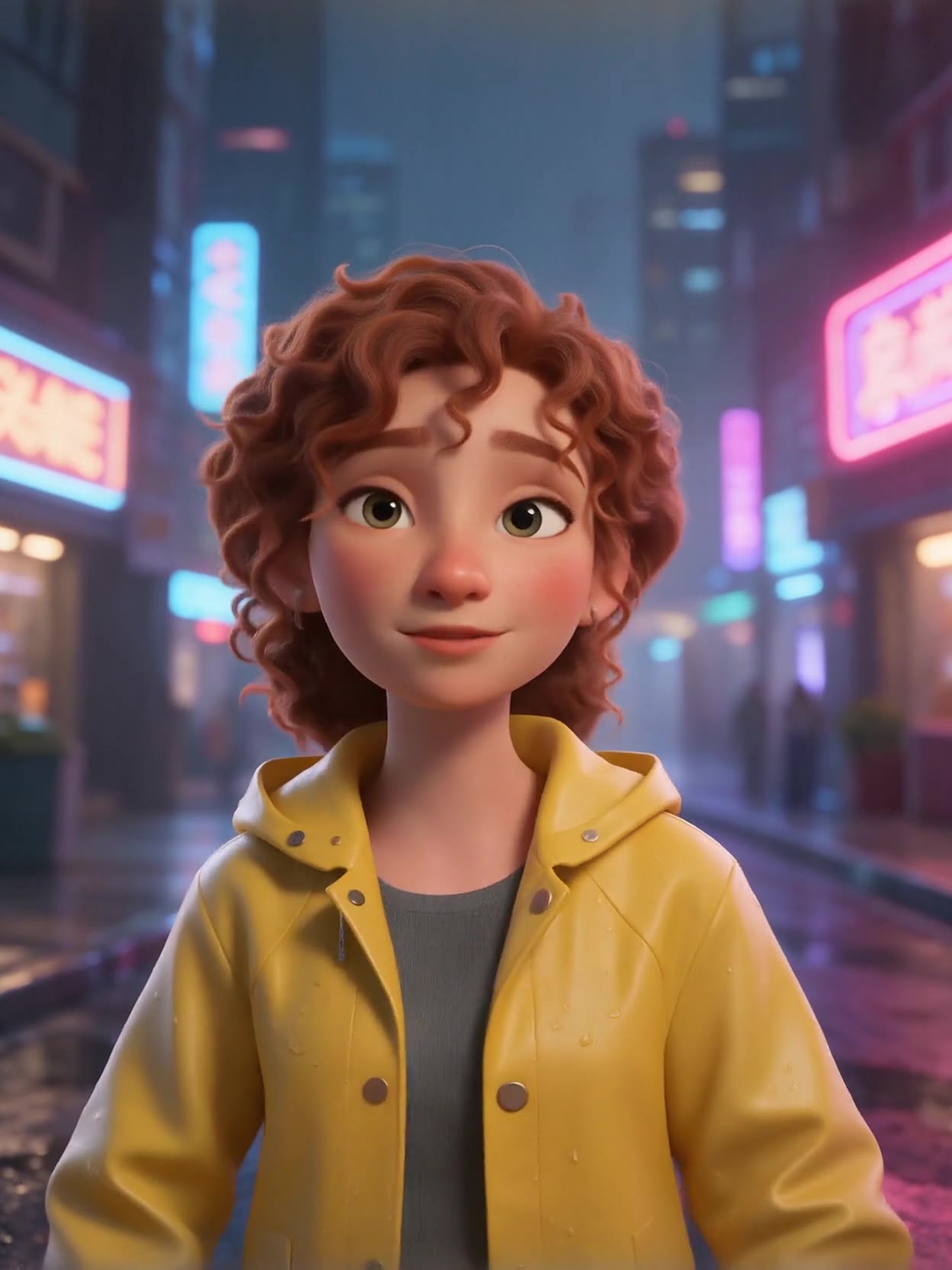
Same voice, new photo (1080p)
She talks to the camera on a rainy street at night, friendly and relaxed
Templates to start from
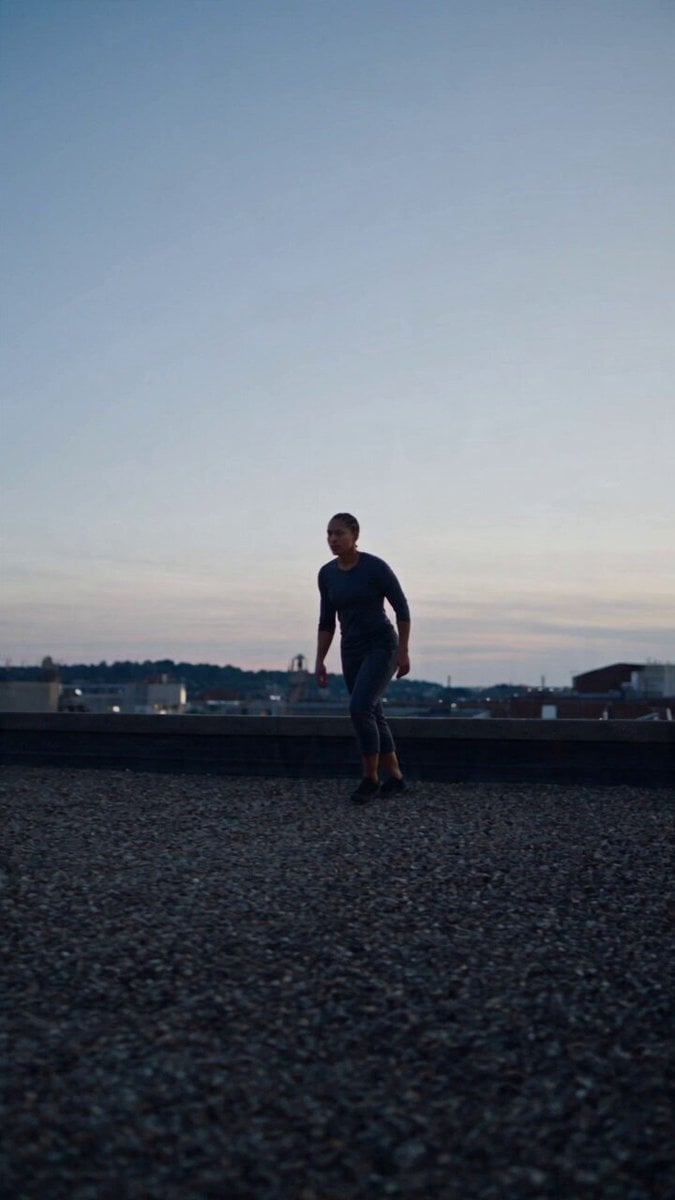
Browse all templates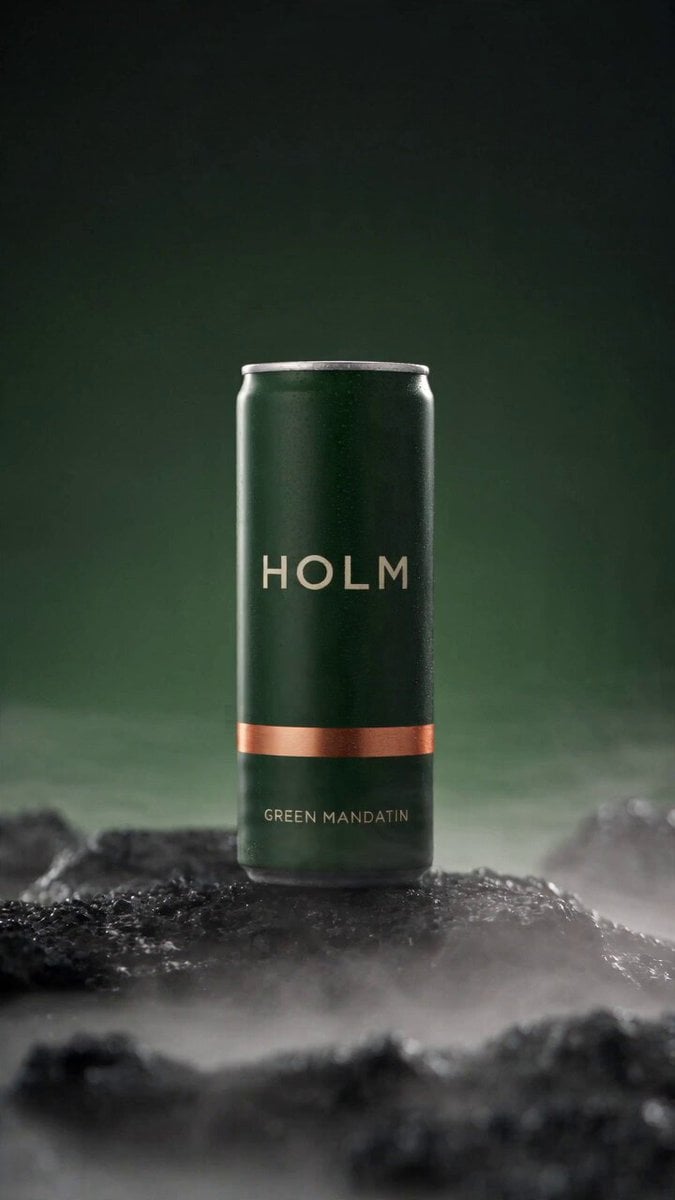 Rooftop Parkour Motion Control
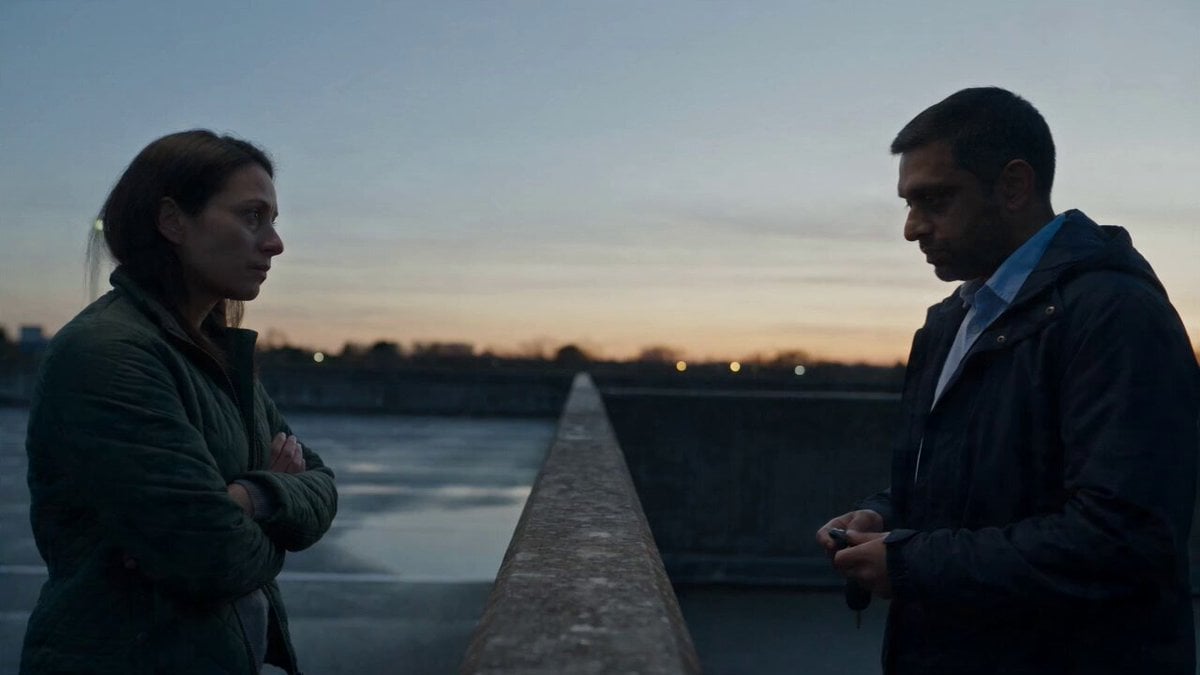 Hospital Car Park Dialogue Lip Sync
 Product Ad Drink Can 110° Orbit
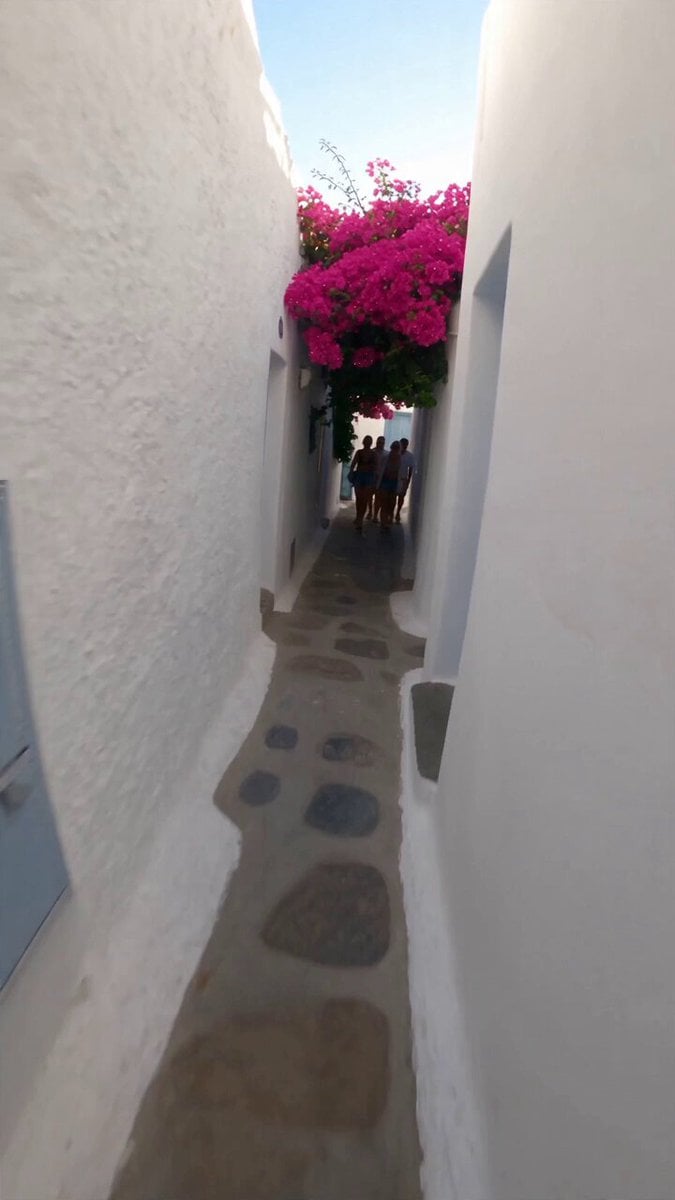 Selfie Travel Vlog Mykonos
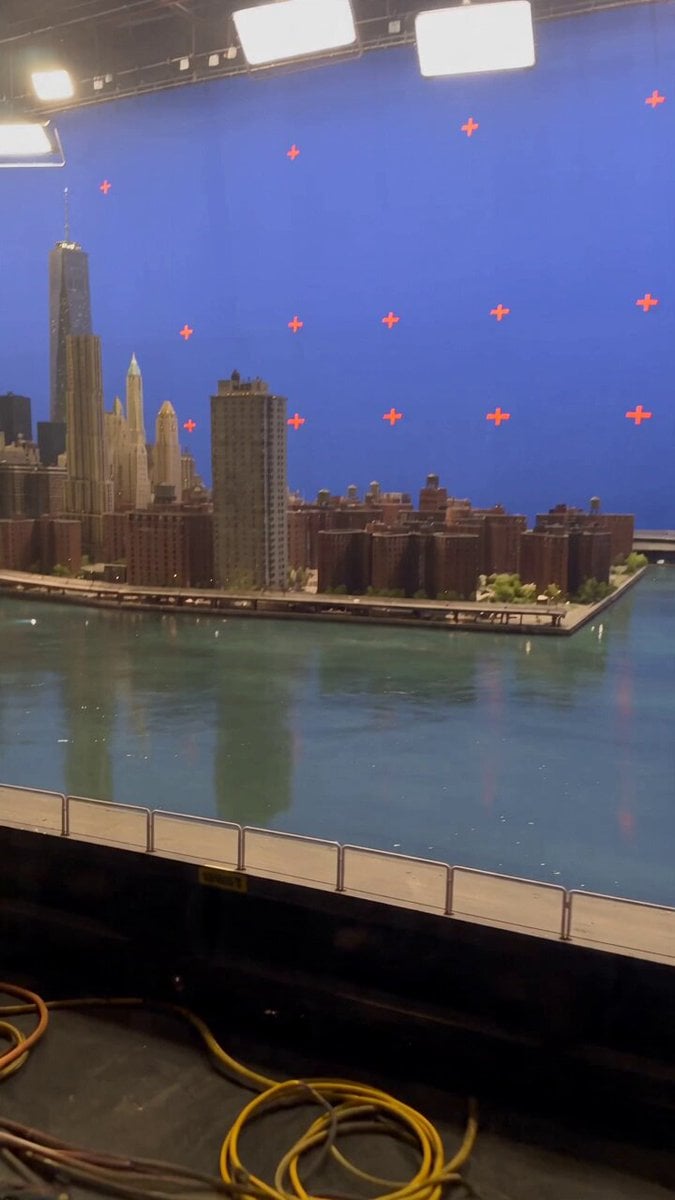 Miniature City Flood Soundstage
- Miniature City Flood Soundstage
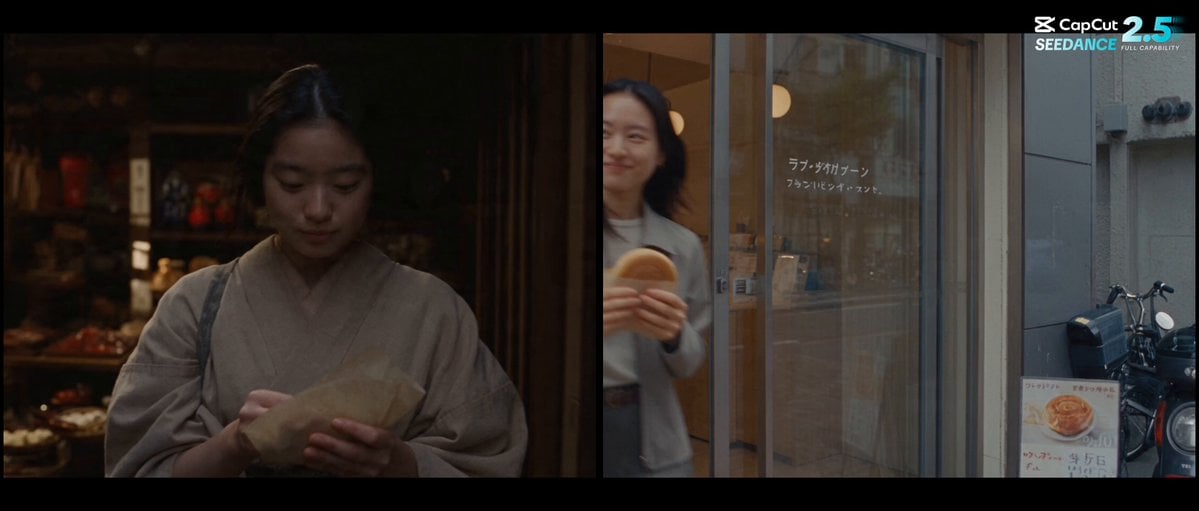 Forgotten 1980s High School Documentary Seedance
 RX-7 to Mech Transformation Cyberpunk
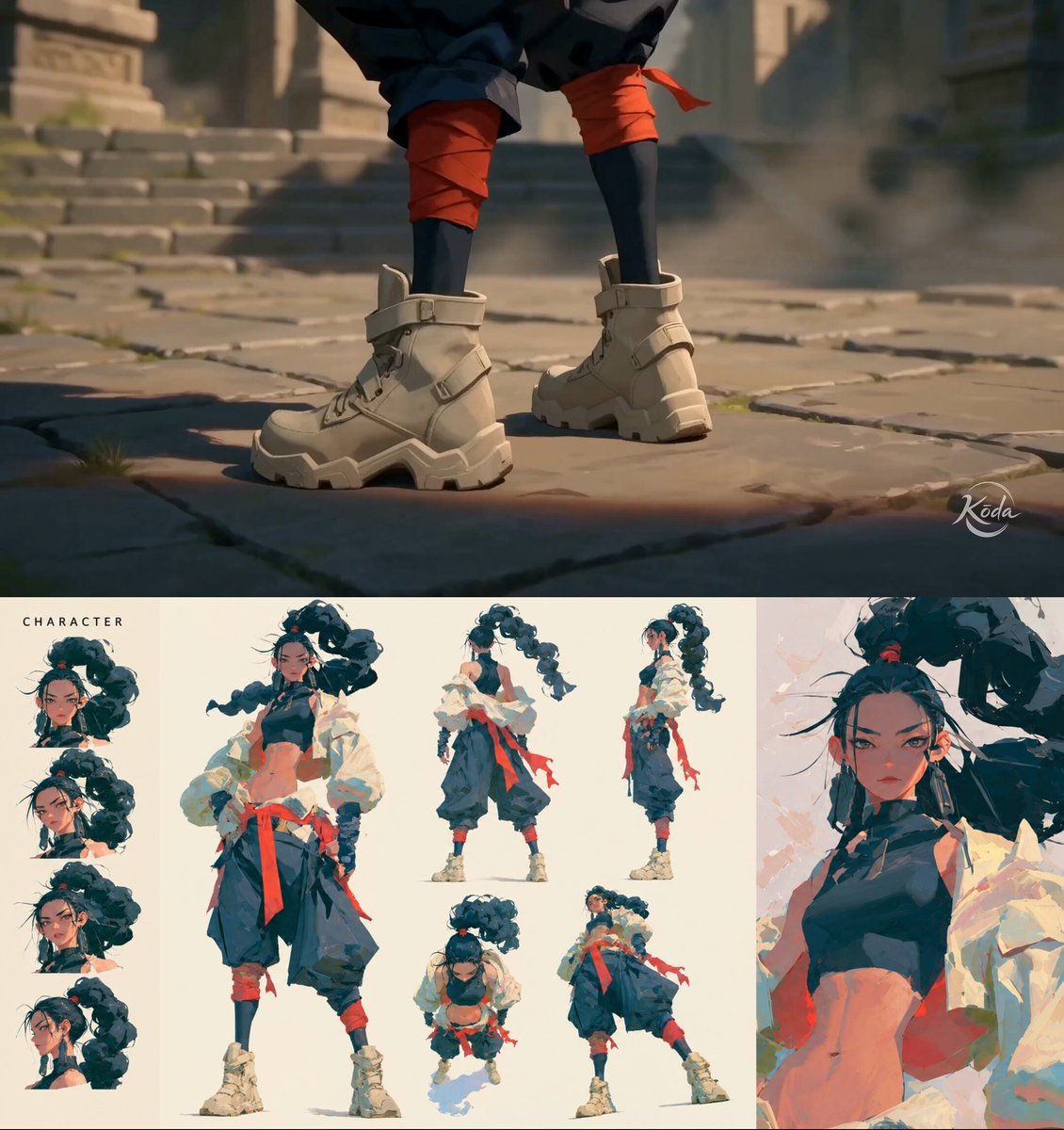 MiniMax H3 Character Introduction
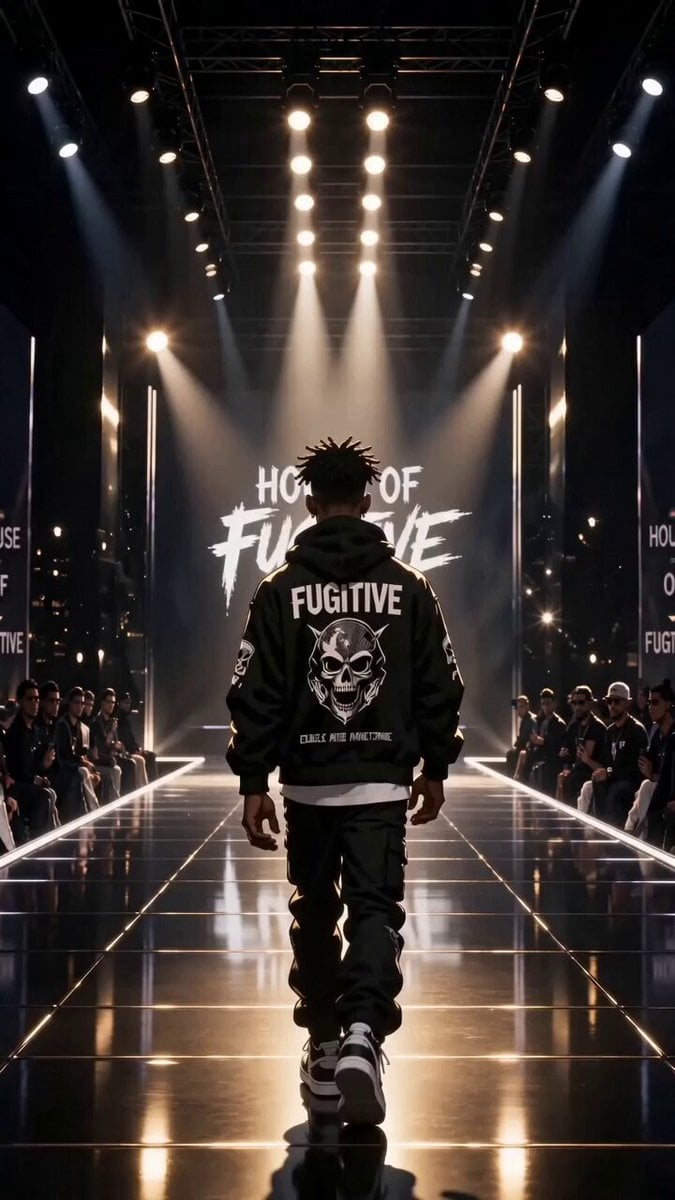 Luxury Streetwear Fashion Runway Film
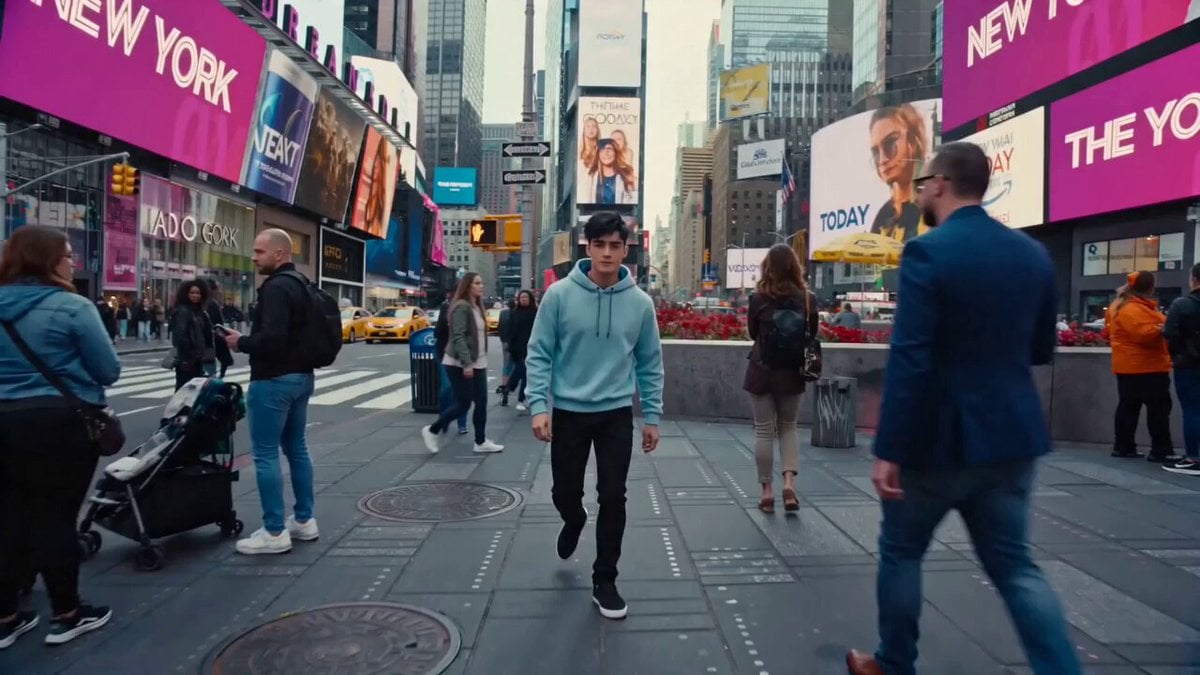 Cinematic Times Square Confidence Walk
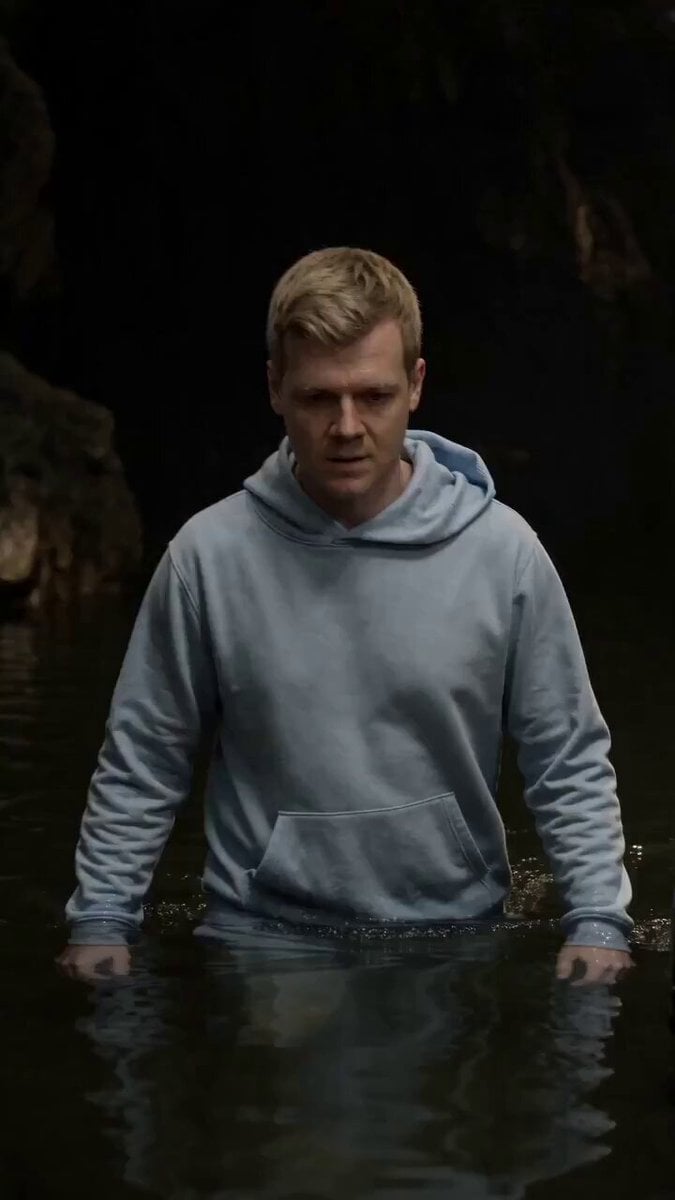 Cinematic Cave Exploration Multi-Shot Sequence
OmniHuman 1.5 questions
What is OmniHuman 1.5?
OmniHuman 1.5 is ByteDance's audio-driven human animation model. It turns a single image and an audio clip into a video with lip sync, expressions and gestures that follow the speech.
How do I use OmniHuman 1.5 online?
Open the generator from this page, upload a photo and an audio file, add an optional short prompt, choose 720p or 1080p and generate. The video is as long as your audio.
Is OmniHuman 1.5 free?
No. OmniHuman 1.5 is a paid video model on PicX Studio, billed per second of your audio. Credits never expire and work on every model.
What is the difference between OmniHuman 1.5 and 2.0?
OmniHuman 1.5 renders at 720p or 1080p and is built for short, expressive clips with audio under a minute. OmniHuman 2.0 renders at 720p, costs less per second and accepts audio from 4 seconds up to five minutes.
Can OmniHuman animate a photo with several people?
The model can be told which subject speaks, but PicX does not offer speaker selection yet. For now, use a photo with one clear face.
How long can an OmniHuman 1.5 video be?
The video follows your audio, which must be under 60 seconds; the best results come from clips of 15 seconds or less. For longer audio, use OmniHuman 2.0.
Does OmniHuman 1.5 work with cartoons and animals?
Yes. ByteDance's model takes people, illustrations, anime characters and pets, in any aspect ratio.

Create an expressive avatar with OmniHuman 1.5
Photo and audio in, a 720p or 1080p performance out, billed per second of audio.