
VIDEOByteDance · from 40 credits / sec
Longer talking avatars from ByteDance
OmniHuman 2.0 Talking Avatar Generator
Photo + audio in. 720p. Audio from 4 seconds to 5 minutes.
OmniHuman 2.0 turns one photo and an audio track of up to five minutes into a lip-synced talking video at 720p. The video runs as long as your audio, and PicX turns kie's watermark off.
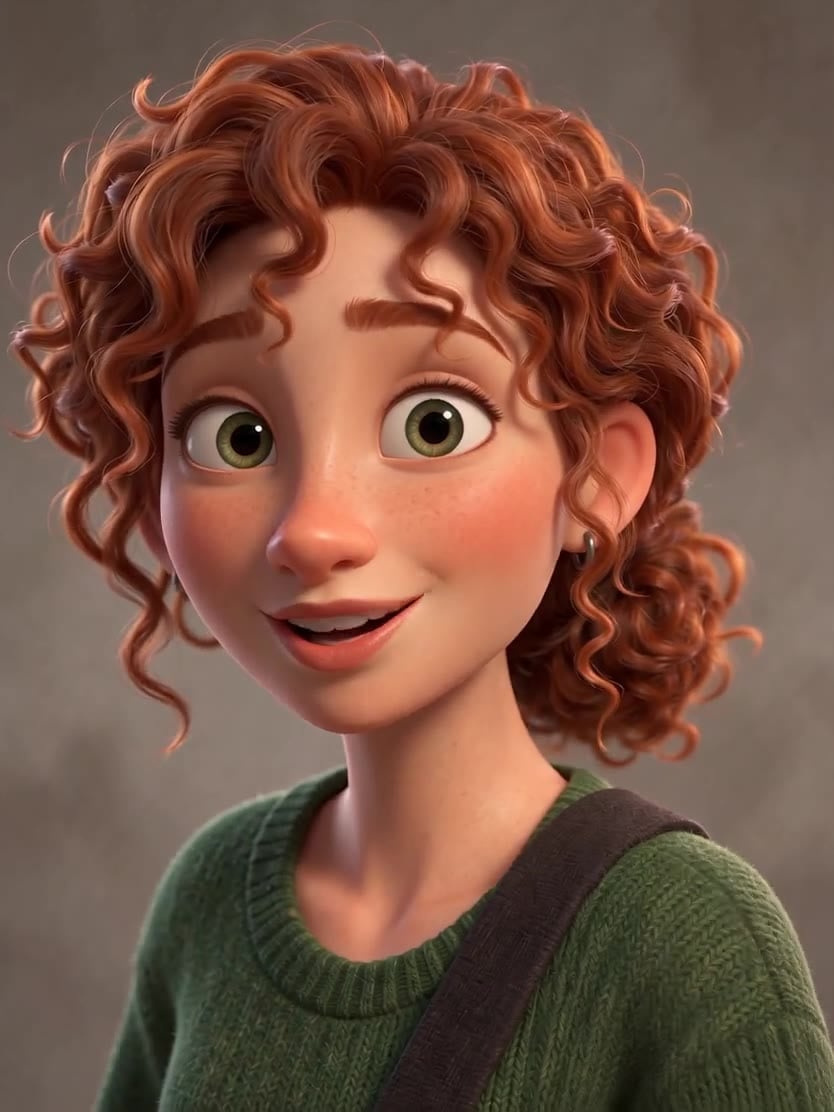
- 720p
- Video + audio
Long-form talking video
Up to five minutes
OmniHuman 2.0 takes audio from 4 seconds to 5 minutes, enough for a full lesson, update or podcast segment in one clip.
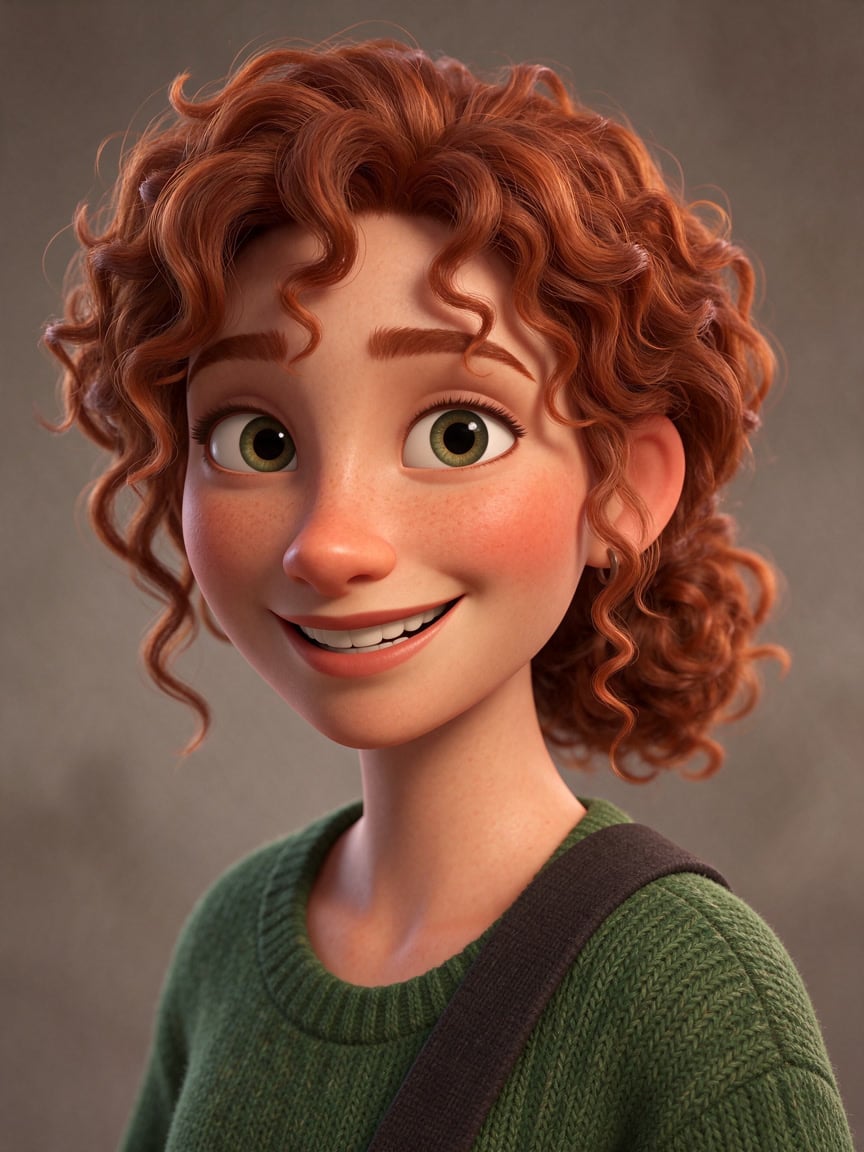
Lip sync with natural motion
Lips, face and head move with the speech, and an optional prompt of up to 300 characters can set the scene, the motion and the camera.
Billed by your audio
The price is per second of the audio you upload, measured before anything is charged, so a short line costs a fraction of a long talk.
OmniHuman 2.0, from its maker
Official release video by ByteDance
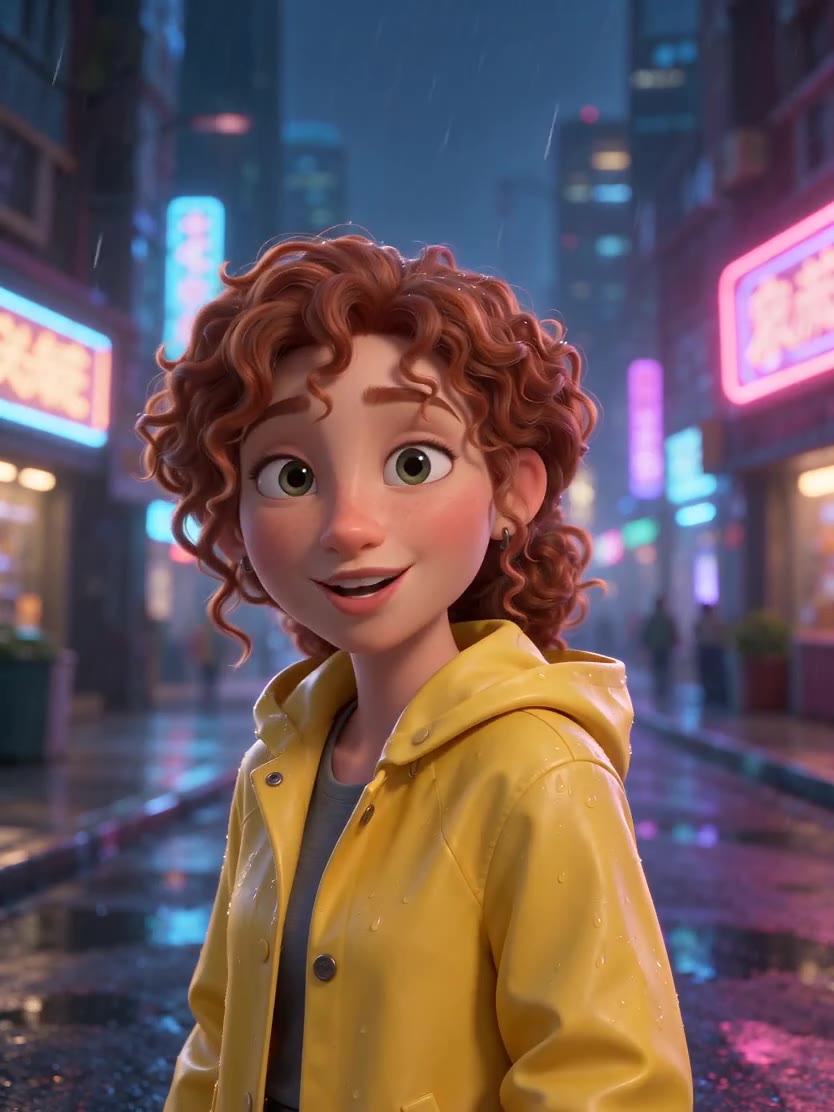
OmniHuman 2.0
Photo + audio in. 720p. Audio from 4 seconds to 5 minutes.
Made for the work you ship
Lessons and training Long narrated clips with a presenter on screen.
Podcast and news clips A face for an audio show or a news read.
Characters Animated storytellers from an illustration.
Product walkthroughs Longer explainers voiced by one presenter.
Why pick OmniHuman 2.0
- 5 minLong audioFrom 4 seconds to 5 minutes.
- 720p720p outputOne resolution, the photo's shape.
- Lower costCheaper per secondThan OmniHuman 1.5.
- PromptScene and cameraOptional, up to 300 characters.
- Per secondBilled by the audioMeasured before you are charged.
- No markClean outputPicX turns the watermark off.
What OmniHuman 2.0 costs
Billed per second of video, at the resolution you pick. The same prices the generator shows before you run it.
- 720p40credits / sec5s clip 200 creditsOn Starter≈ 15 clips / mo
Every model on every planCredits never expireSee plans
Pay for OmniHuman 2.0 with crypto
Buy credits with Bitcoin, USDT, USDC, ETH, Solana and more — no card, nothing auto-renews, packs from $5, and 5% extra credits on crypto payments.
How to use OmniHuman 2.0 in 3 steps
- 1
Upload a photo
One clear photo or illustration with the face visible.
- 2
Add a WAV or MP3
Between 4 seconds and 5 minutes long, up to 10 MB (an MP3 fits five minutes easily).
- 3
Add a prompt if you like, then generate
Describe the scene or the motion in up to 300 characters, or leave it to the audio.
OmniHuman 2.0 prompts to copy
Real prompts and what they made. Copy one, or open it in the generator with the model already picked.
Templates to start from
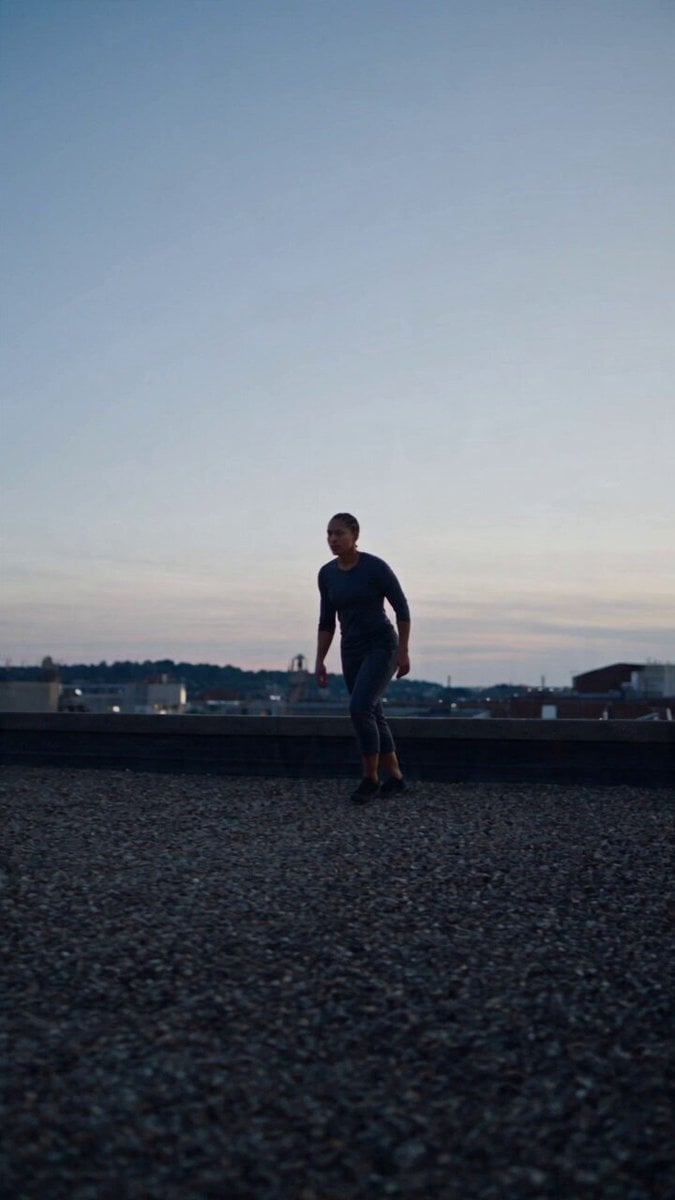
Browse all templates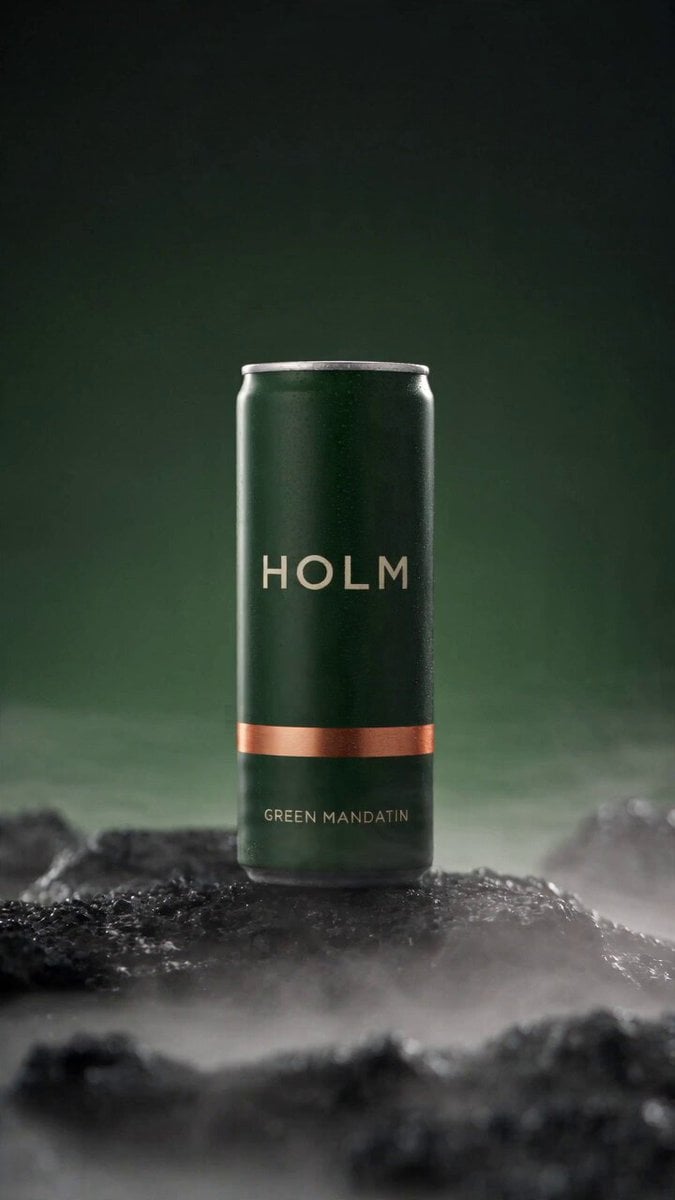 Rooftop Parkour Motion Control
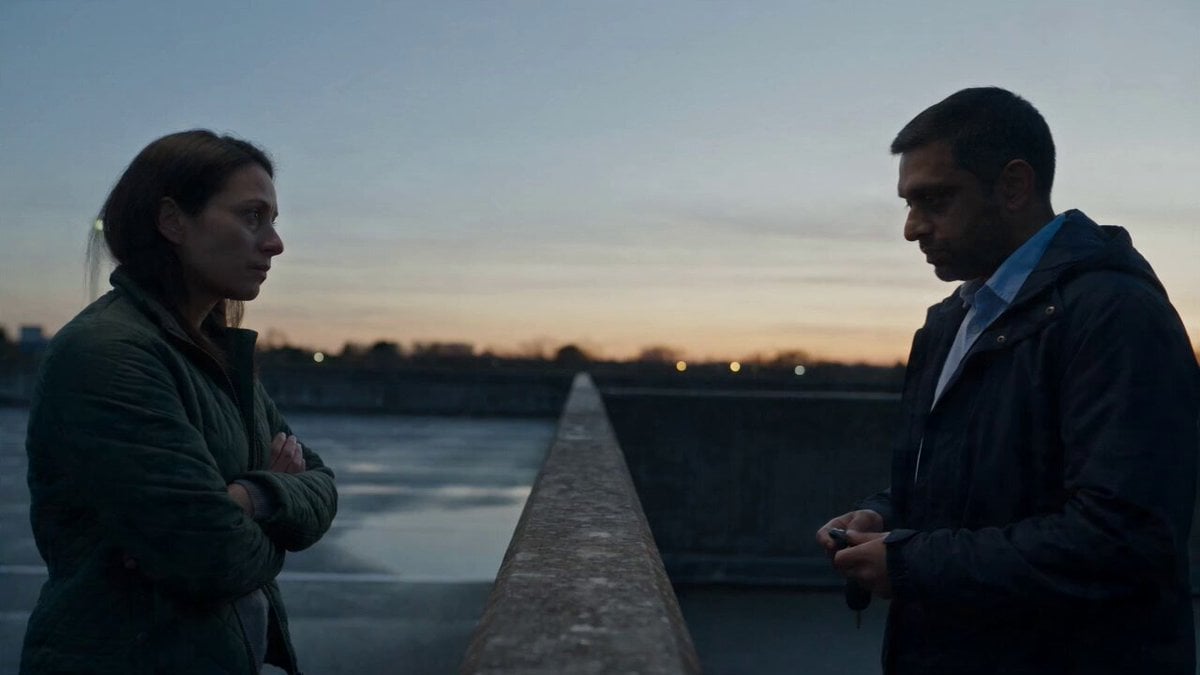 Hospital Car Park Dialogue Lip Sync
 Product Ad Drink Can 110° Orbit
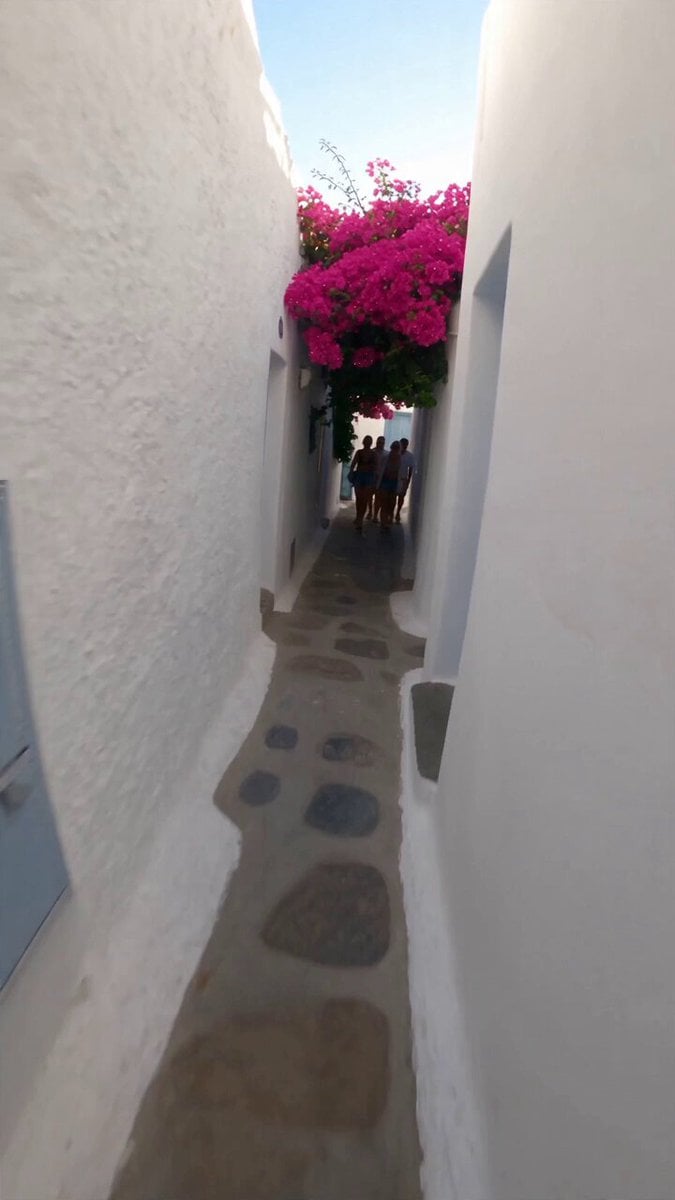 Selfie Travel Vlog Mykonos
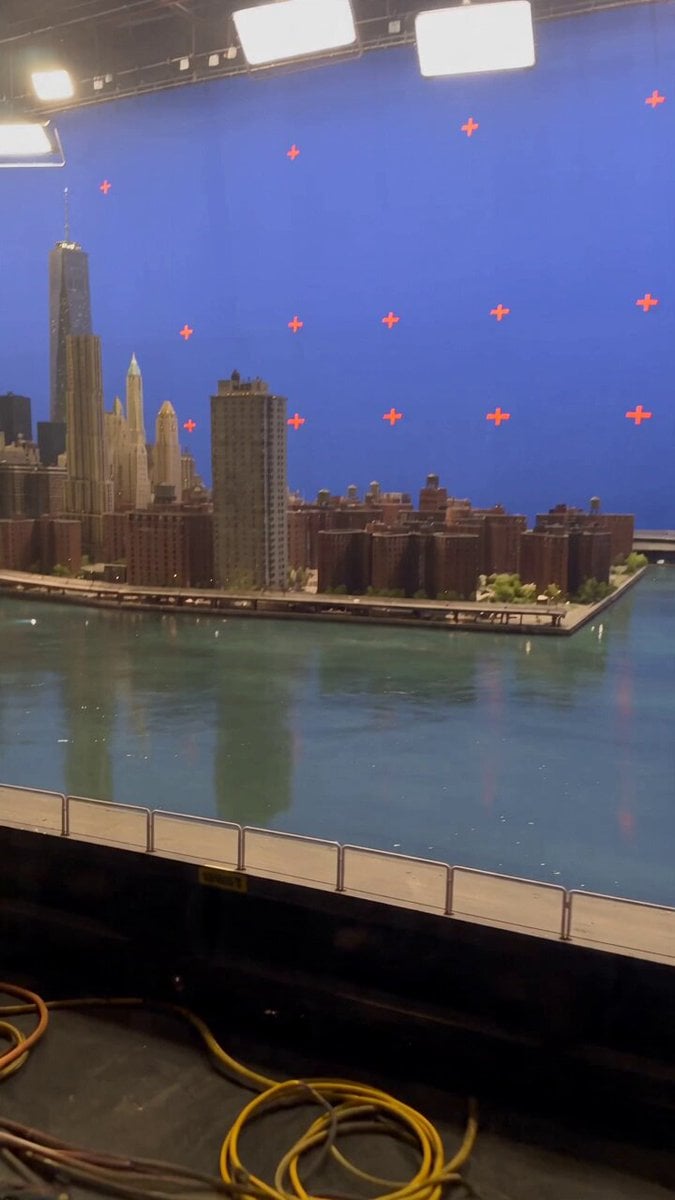 Miniature City Flood Soundstage
- Miniature City Flood Soundstage
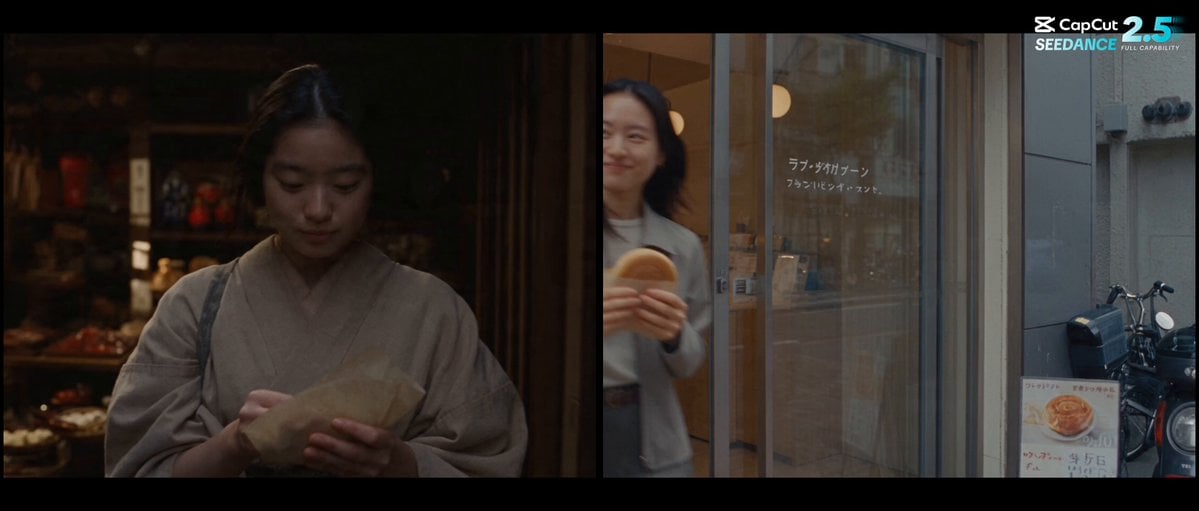 Forgotten 1980s High School Documentary Seedance
 RX-7 to Mech Transformation Cyberpunk
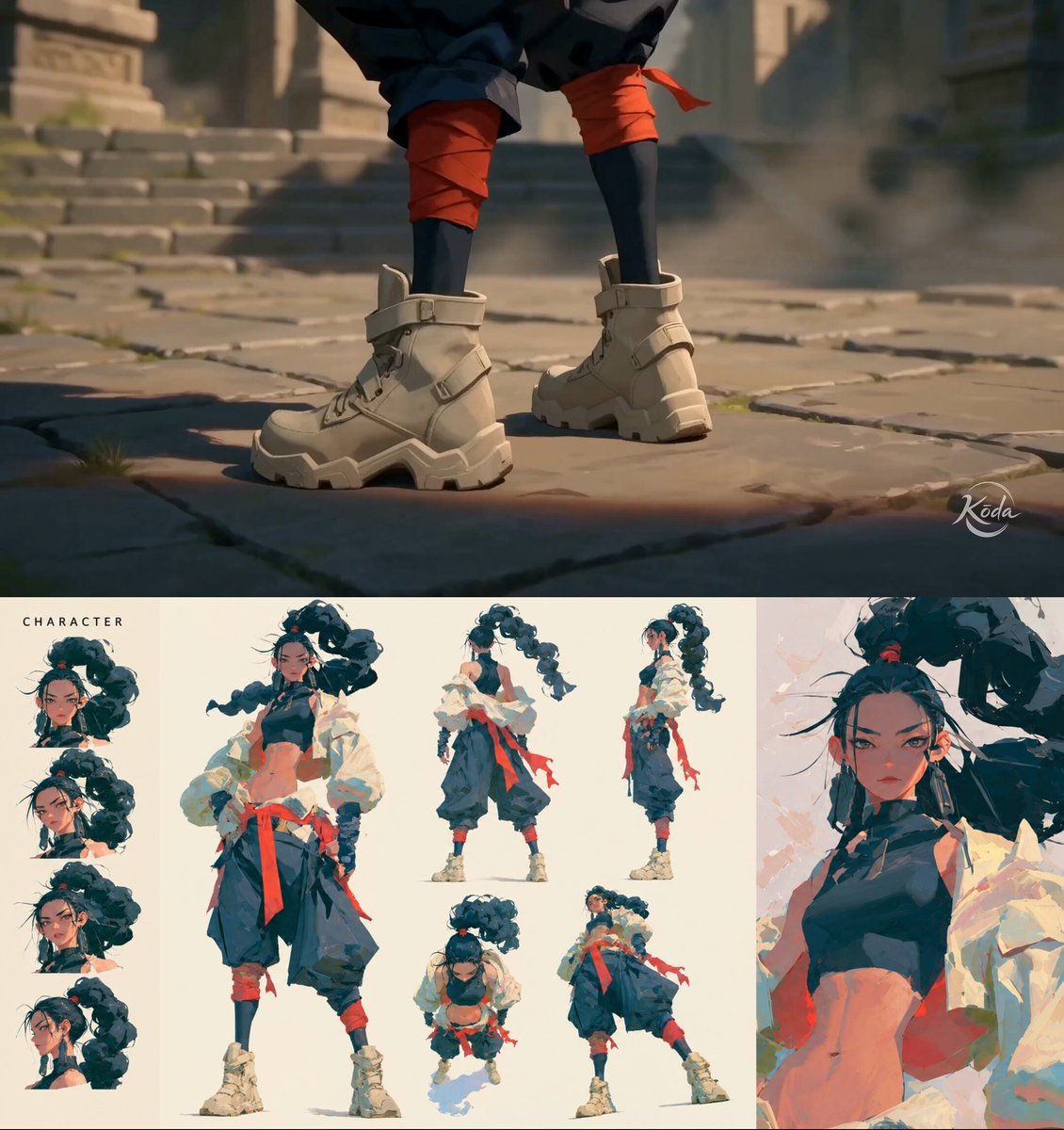 MiniMax H3 Character Introduction
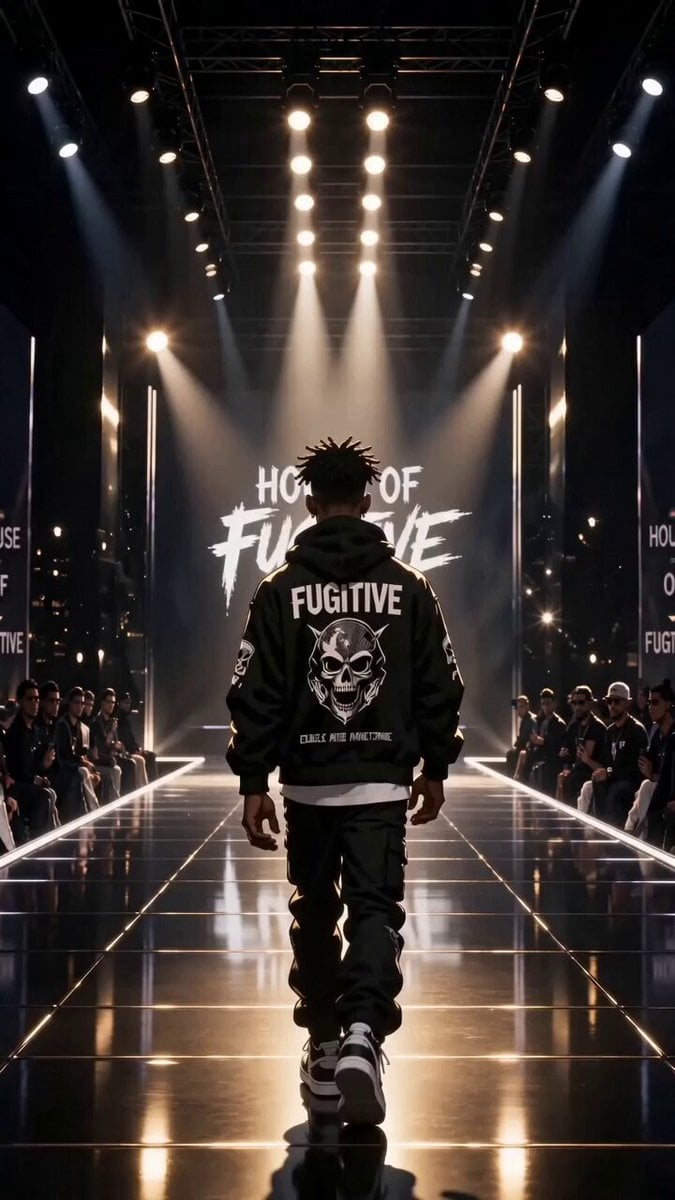 Luxury Streetwear Fashion Runway Film
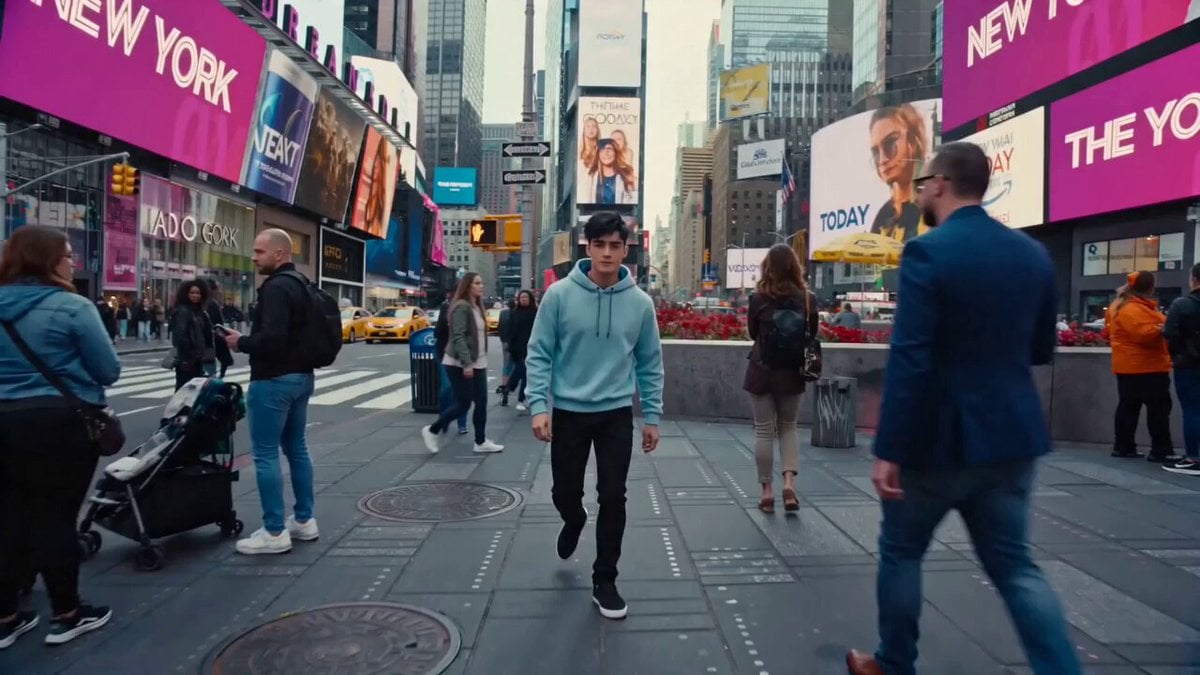 Cinematic Times Square Confidence Walk
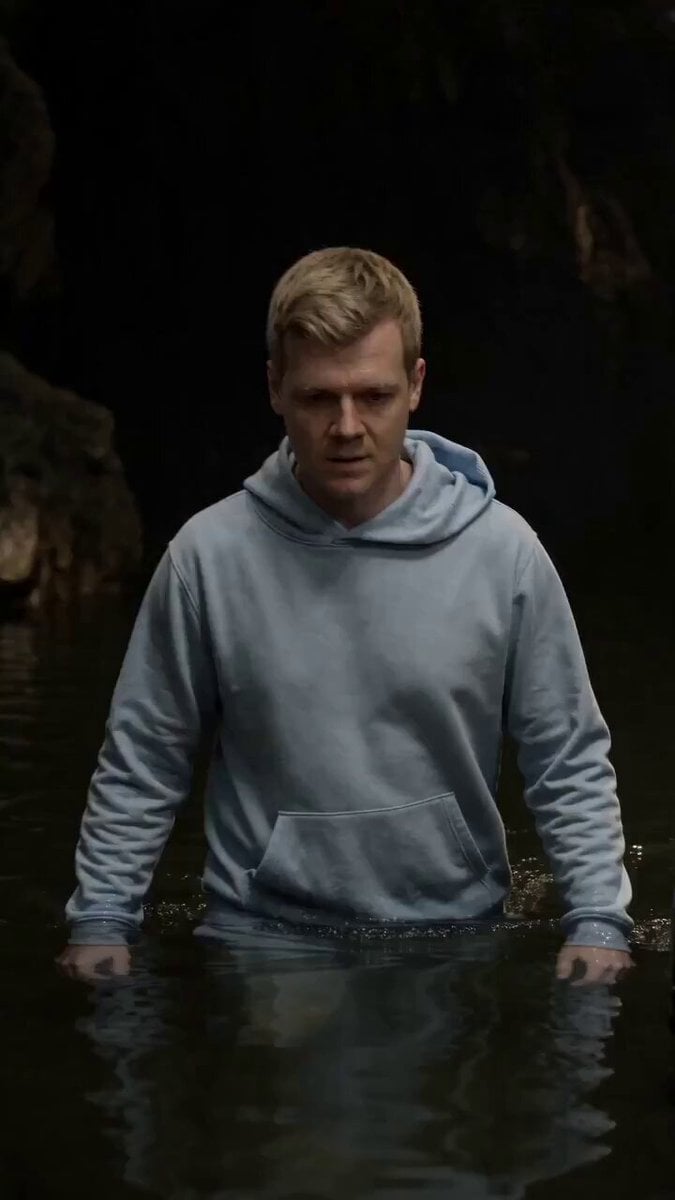 Cinematic Cave Exploration Multi-Shot Sequence
OmniHuman 2.0 questions
What is OmniHuman 2.0?
OmniHuman 2.0 is ByteDance's newer audio-driven avatar model. It turns one image and an audio track into a realistic, lip-synced talking video at 720p.
What is new in OmniHuman 2.0 compared to 1.5?
OmniHuman 2.0 accepts much longer audio, up to five minutes instead of under one, and costs less per second, at 720p. OmniHuman 1.5 stays the pick for 1080p and short, expressive clips.
How can I use OmniHuman 2.0 online?
Open the generator from this page, upload one photo and your audio, add an optional prompt for the scene, and generate. The video is as long as your audio.
Is OmniHuman 2.0 free?
No. OmniHuman 2.0 is a paid video model on PicX Studio, billed per second of your audio. Credits never expire and work on every model.
What image and audio does OmniHuman 2.0 need?
One photo or illustration, and one WAV or MP3 file between 4 seconds and 5 minutes long, up to 10 MB on PicX.
Does OmniHuman 2.0 add a watermark?
Not on PicX: the model's watermark option is turned off for every generation.

Make long-form avatars with OmniHuman 2.0
Up to five minutes of speech on one photo, at 720p.