
IMAGERecraft · from 5 credits / image
Built for generated art as much as photos
Recraft AI Background Remover for Transparent PNGs
PNG, JPG or WebP in · transparent PNG out · same size as your image
Recraft tuned this background remover for AI-generated images, so it suits renders, characters and product shots made with an image model. You get a transparent PNG back. No mask, no prompt, no settings.
- 1K
One click, only the subject left
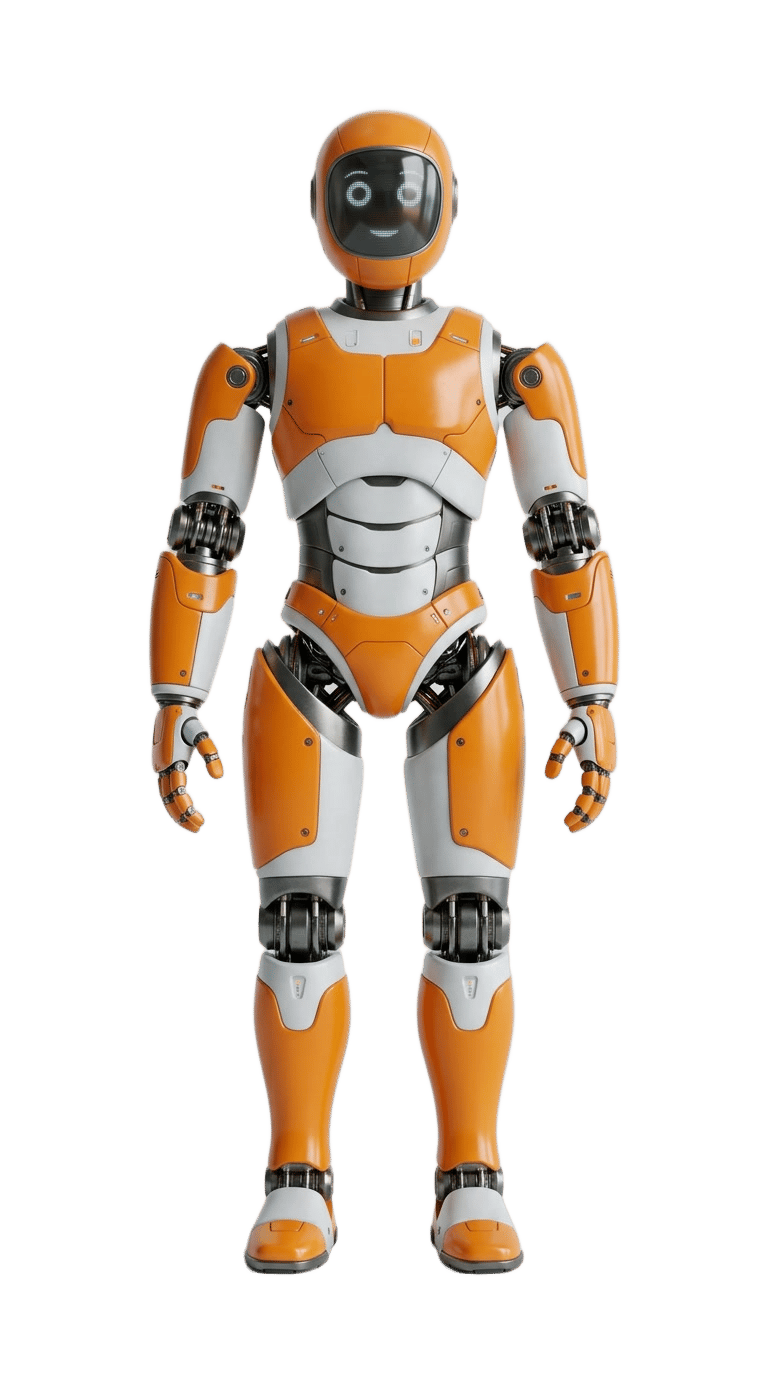
Made for AI-generated images
Recraft says it tuned this remover especially for images that generators produce, not only for camera photos. This 3D character is a typical case.
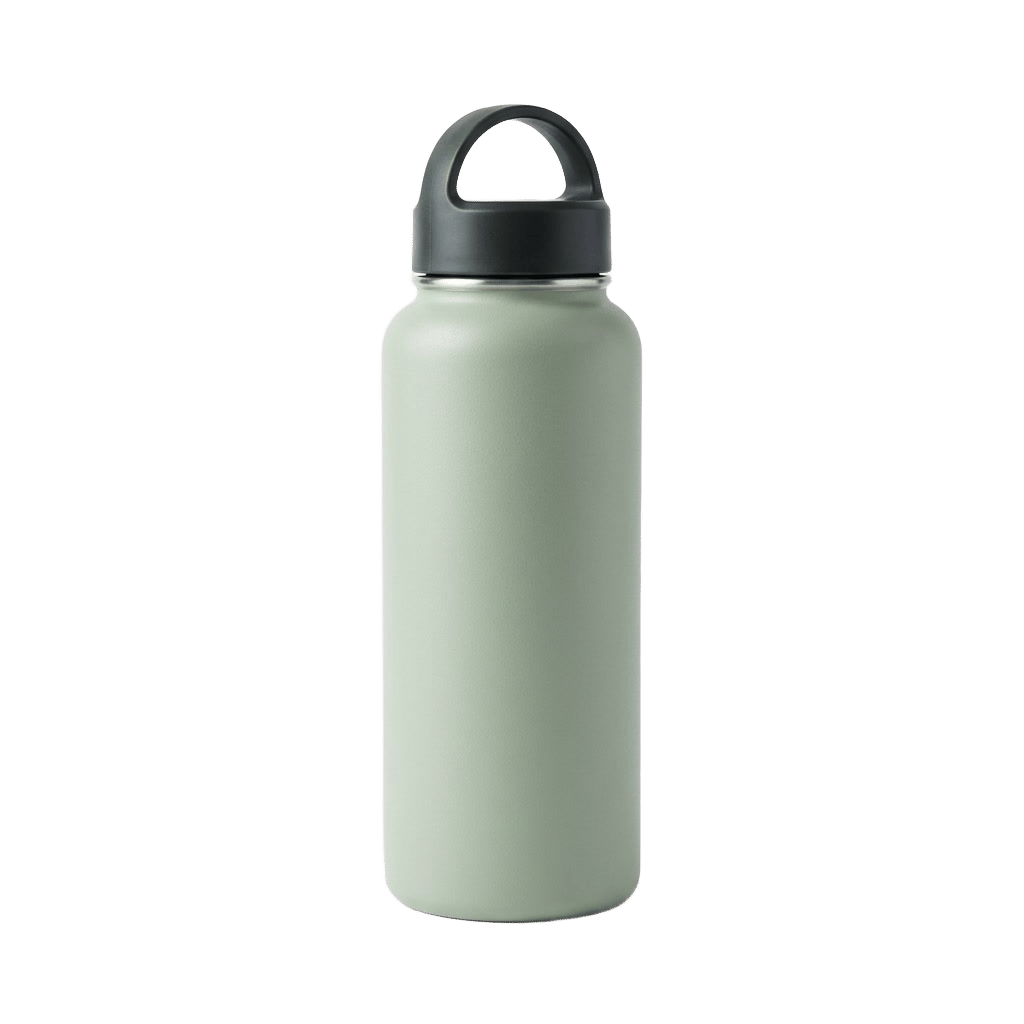
Product shots ready to overlay
A bottle comes off its backdrop as a PNG with real transparency, so it drops onto a white listing background, a banner or a mockup.

Portraits with fine edges
Recraft points to hair, fur and fabric as the edge detail it tries to keep. A clearly separated subject gives the sharpest outline.
Recraft Remove Background
PNG, JPG or WebP in · transparent PNG out · same size as your image
Where a clean cut-out saves you time
Store listings Lift each product off its backdrop so a whole catalog can sit on the same white or neutral background.
Avatars and team photos Cut a person out once, then reuse them on any color, gradient or scene.
Characters, stickers and game assets Turn a generated character or mascot into a transparent asset for stickers, thumbnails or a sprite sheet.
Mockups and compositing Place the cut-out on packaging, a T-shirt or a poster, or hand it to an edit model to build a new scene around it.
Why pick Recraft Remove Background
- AI artTuned for generated imagesRecraft built it with AI-made renders in mind, not only camera photos.
- PNGReal transparencyThe result keeps an alpha channel, so there is no white box to clean up.
- 0Settings to learnNo prompt, no mask, no brush. Upload and run.
- Same sizeSame size as your imageThe cut-out comes back at the size of the image you uploaded.
- 1024 pxThe sweet spotRecraft says it works best around 1024 px on the short side.
- 1 balanceShared creditsGenerate, cut out and upscale on the same PicX credits.
What Recraft Remove Background costs
Billed per image, at the resolution you pick. The same prices the generator shows before you run it.
- 1K5credits / imageOn Starter≈ 720 images / mo
Every model on every planCredits never expireSee plans
Pay for Recraft Remove Background with crypto
Buy credits with Bitcoin, USDT, USDC, ETH, Solana and more — no card, nothing auto-renews, packs from $5, and 15% extra credits on crypto payments.
Recraft Remove Background: on PicX vs Recraft's API
It is the same Recraft tool. What differs is what goes in and what comes out.
Recraft API details from Recraft's API reference. PicX limits are checked when you upload.
How to use Recraft Remove Background in 3 steps
- 1
Upload the image
PNG, JPG or WebP, up to 5 MB and between 256 and 4096 px per side. Around 1024 px on the short side works best.
- 2
Run Remove BG
There is nothing to set. Recraft finds the main subject and removes everything behind it.
- 3
Download the PNG
Save the transparent PNG, or keep going: upscale it or place it in a new scene with an edit model.
Templates to start from
Browse all templates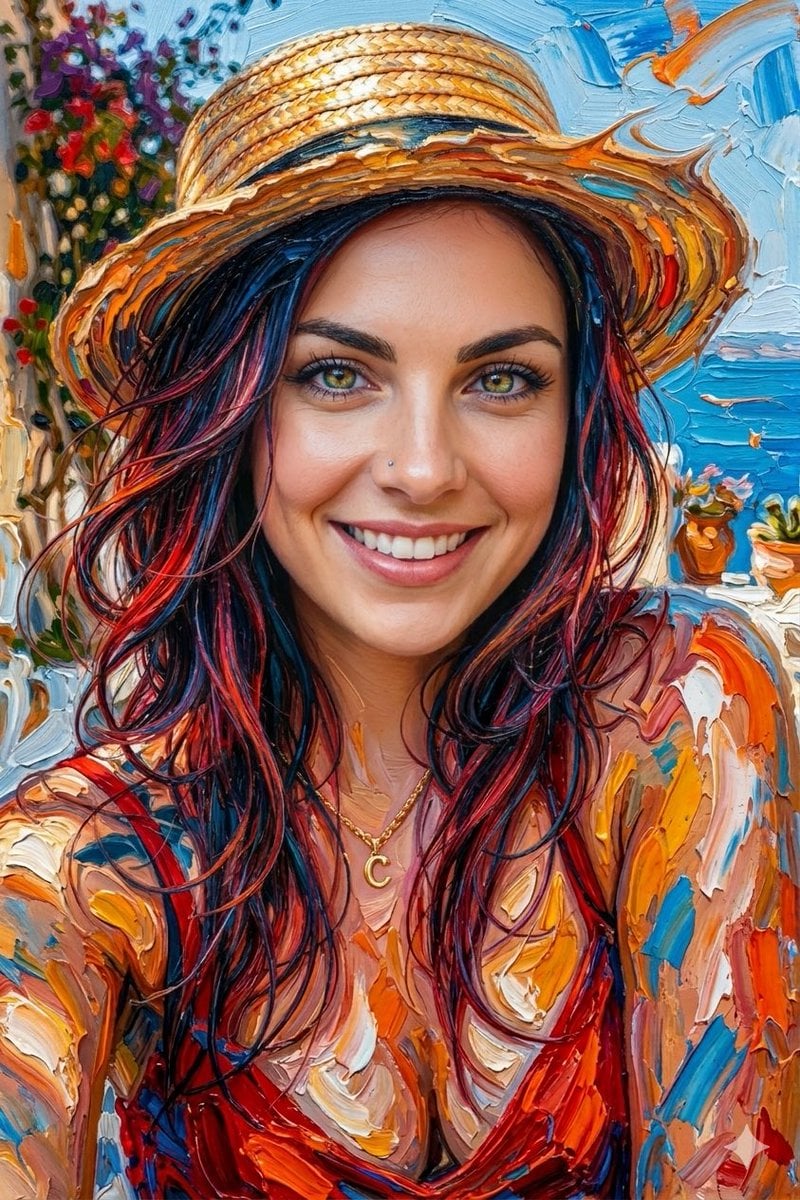







Recraft Remove Background questions
What is Recraft Remove Background?
It is Recraft's one-click background removal tool. You give it an image, it keeps the main subject and returns the rest as transparency. Recraft says it is tuned especially for AI-generated images.
Does Recraft give a transparent background?
Yes. On PicX the result is always a PNG with an alpha channel, at the same size as the image you uploaded.
Is the Recraft background remover free?
Recraft offers a free version inside Recraft Studio. On PicX Studio it uses credits per image. New accounts get one free image after sign-up, and credits never expire and work on every model and tool.
Does it work on AI-generated images?
That is what Recraft tuned it for. Renders, characters and product shots made with image models are a good fit, and you can cut them out without leaving PicX.
What image size works best?
Recraft recommends around 1024 px on the short side. Very large images are downscaled first, which can soften the result and leave artifacts along the border. On PicX the file must be PNG, JPG or WebP, up to 5 MB and 256 to 4096 px per side.
Can it remove the background from an SVG?
Not on PicX yet. Recraft's own API accepts SVG files and returns an SVG. PicX takes PNG, JPG and WebP and returns a PNG.
Is there a Recraft remove background API?
Yes, Recraft offers it in its own API, billed in Recraft API units, and that version also accepts SVG files. On PicX you run the same tool in the generator on your PicX credit balance, with PNG, JPG and WebP input.
How is this different from the PicX AI Background Remover tool?
The AI Background Remover under Free AI tools is a quick standalone tool. This page runs Recraft's model by name inside the generator, next to every image model, so you can generate, cut out and upscale in one place.

Cut out your next image
Upload a PNG, JPG or WebP and download a transparent PNG.