
IMAGEByteDance · from 20 credits / image
ByteDance's newest Seedream, for images and edits
Seedream 5.5 AI image generator
Text to image or edit with up to 3 images. 1K or 2K.
Seedream 5.5 is the next step after Seedream 5.0: more natural light and materials, cleaner small text, and edits that leave the parts you did not ask to change alone.
- 1K–2K
Sharper detail, steadier edits
Small text that stays readable
ByteDance and kie list more accurate rendering of dense small text and complex characters as a 5.5 gain. Put the exact words in quotes and say where they go: a poster title, a label, a sign.
Edit without losing the rest
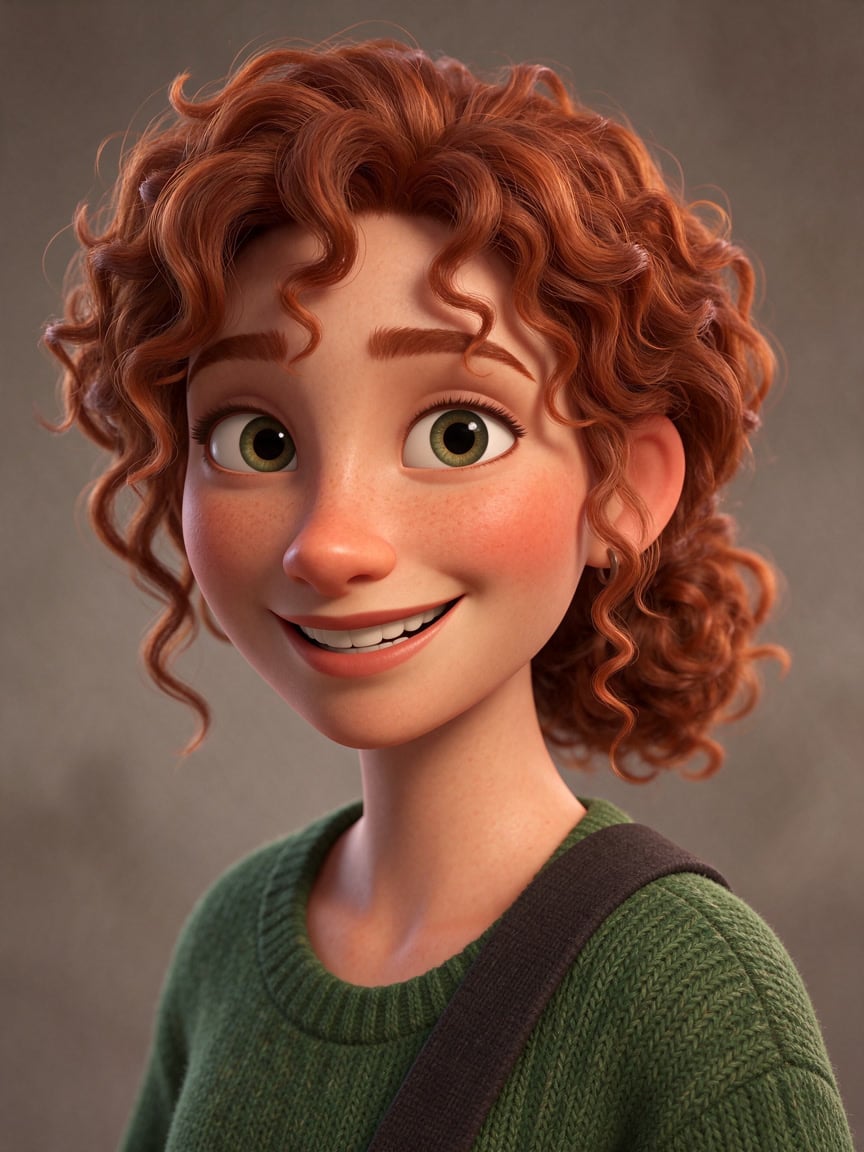
Upload a picture and describe one change. Seedream 5.5 is built to keep the regions you did not mention as they were, so a character keeps their face while the outfit and the scene change.

Light and materials
Ceramics, wood, snow and skin come out with more natural light and texture than earlier Seedream versions, which shows most in product shots and close-ups.
Seedream 5.5
Text to image or edit with up to 3 images. 1K or 2K.
Made for the work you ship
Posters and key visuals A headline, a subject and a background in one image, with the lettering rendered in place.
Product photos Clean studio shots and lifestyle scenes for store pages and ads.

Character series Keep one character and change the outfit, pose or place across a set of images.
Scenes and concept art Cinematic wide shots for pitches, thumbnails and mood boards.
Why pick Seedream 5.5
- 5.5Newest SeedreamThe release after Seedream 5.0 Lite, Pro and Flash.
- 3 refsEditsEdit one image or combine up to 3 reference images.
- 2KTop resolution1K for drafts, 2K for the final image.
- 8Aspect ratios1:1, 4:3, 3:4, 16:9, 9:16, 2:3, 3:2 and 21:9.
- TextLetteringDense small text and titles rendered inside the image.
- AutoEdit framingAn edit can keep the shape of the image you upload.
What Seedream 5.5 costs
Billed per image, at the resolution you pick. The same prices the generator shows before you run it.
- 1K20credits / imageOn Starter≈ 150 images / mo
- 2K27credits / imageOn Starter≈ 111 images / mo
Every model on every planCredits never expireSee plans
Pay for Seedream 5.5 with crypto
Buy credits with Bitcoin, USDT, USDC, ETH, Solana and more — no card, nothing auto-renews, packs from $5, and 5% extra credits on crypto payments.
Seedream 5.5 vs Seedream 5.0
All four run on PicX with one credit balance. Credit costs are in the pricing table below.
How to use Seedream 5.5 in 3 steps
- 1
Add images to edit (optional)
Upload up to 3 pictures to edit or combine, or skip this for text to image.
- 2
Describe the image or the change
Subject, setting, light and any exact words in quotes. For an edit, say what changes and what stays.
- 3
Pick 1K or 2K and generate
Draft at 1K, then render the one you keep at 2K.
Seedream 5.5 prompts to copy
Real prompts and what they made. Copy one, or open it in the generator with the model already picked.
Travel poster
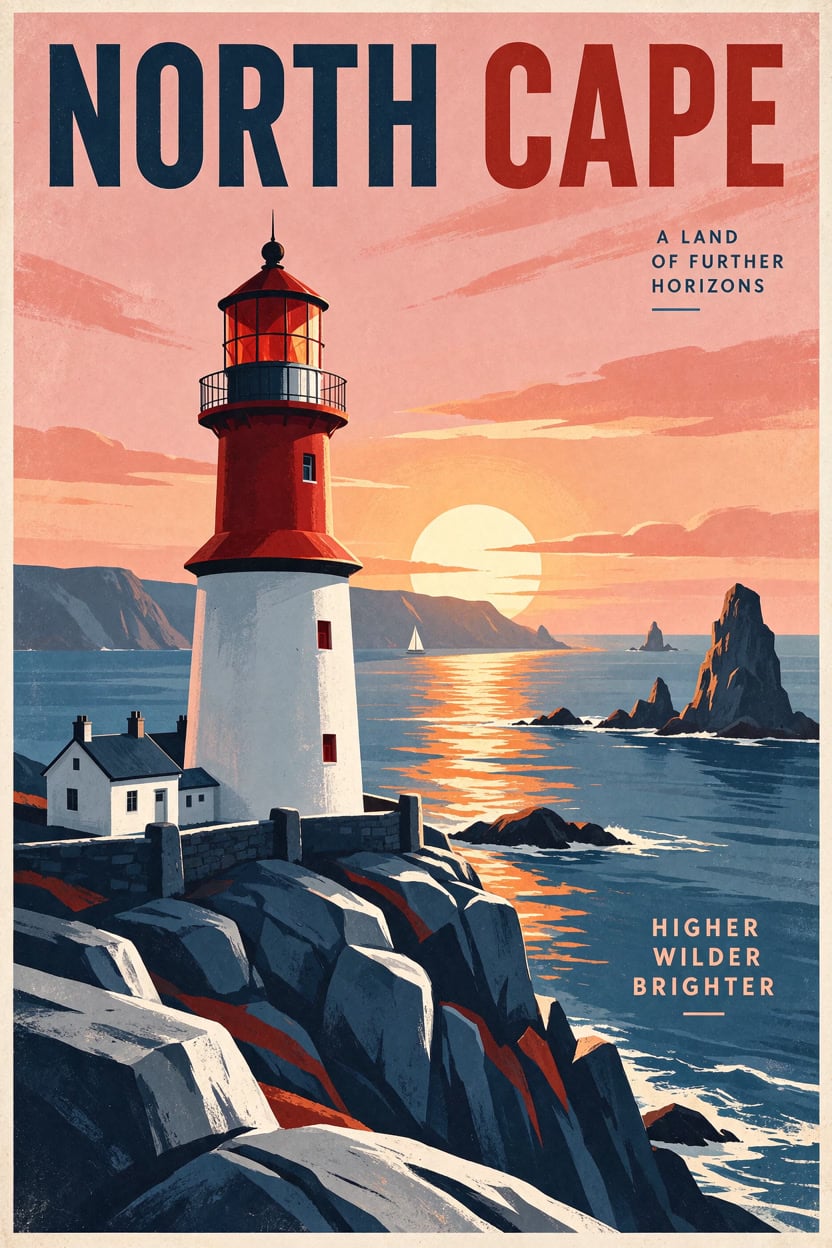
Vintage travel poster of a red and white lighthouse on a rocky coast at sunset, bold flat colours, large title text "NORTH CAPE" at the top
Product shot
Studio product photo of a matte sage-green ceramic coffee mug on a light oak table, morning window light, soft shadow, shallow depth of field
Alpine cabin
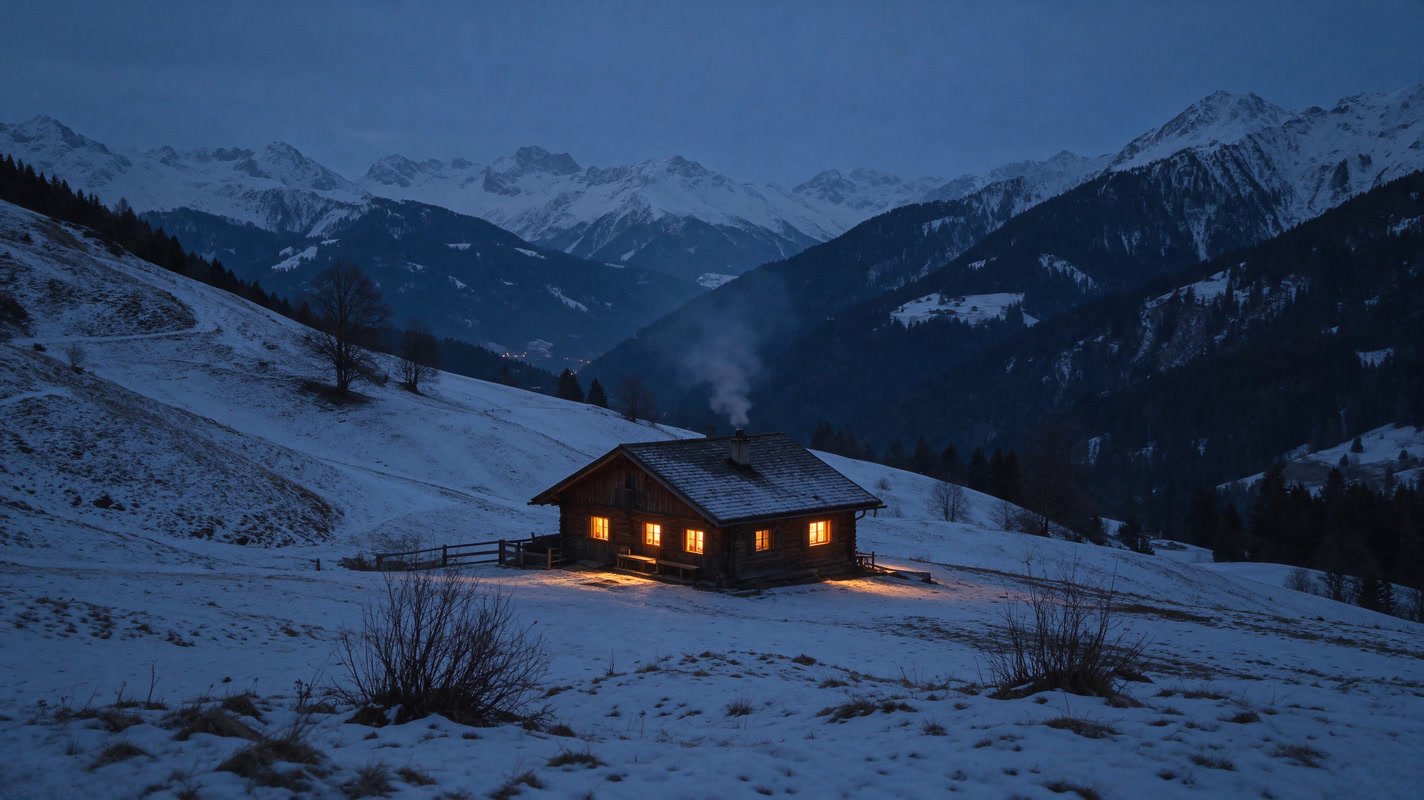
A small wooden cabin in a snowy alpine valley at blue hour, warm light in the windows, smoke from the chimney, cinematic wide shot
Edit: new outfit and scene
Keep the same character and face; she now wears a yellow raincoat and stands on a rainy neon-lit city street at night
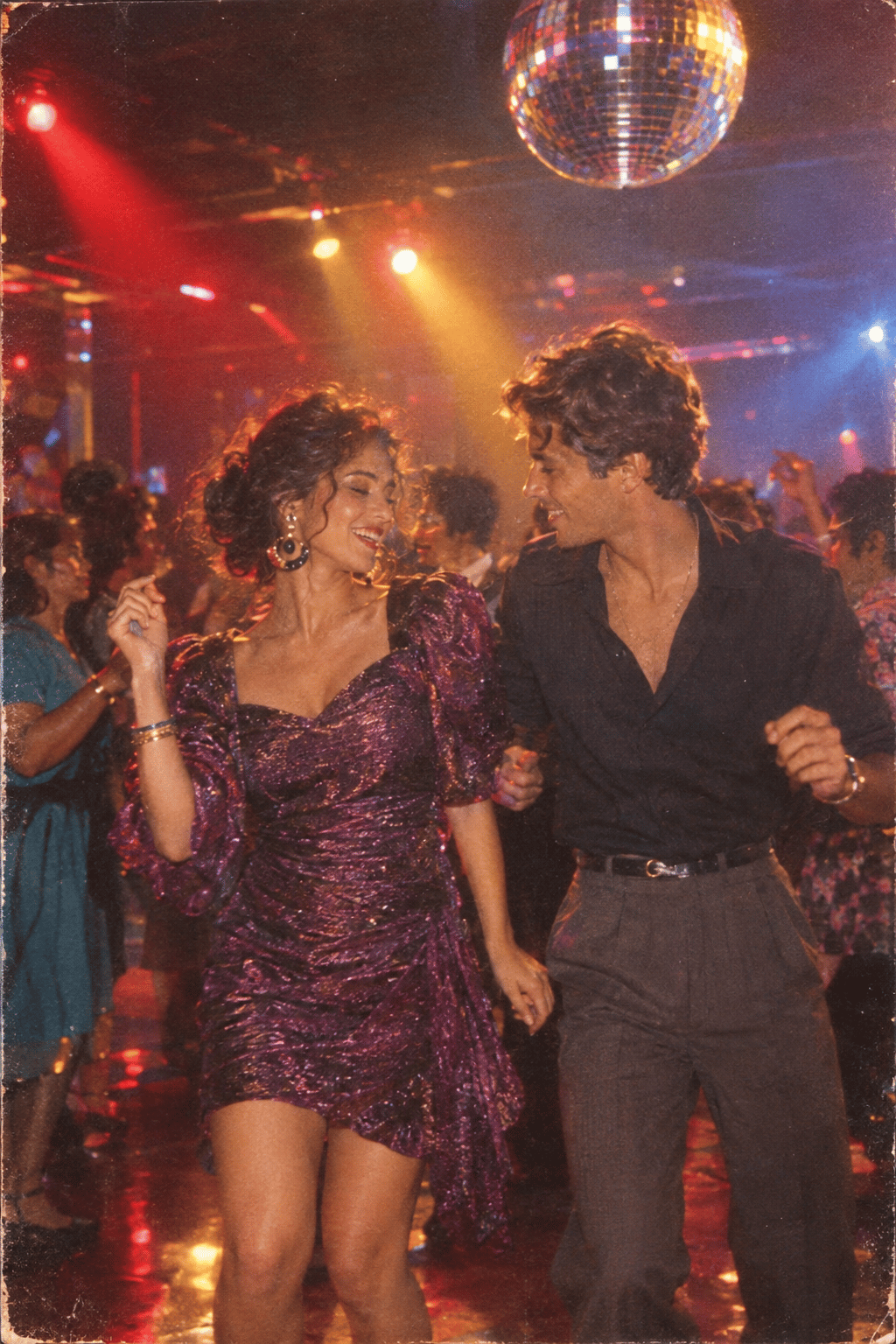
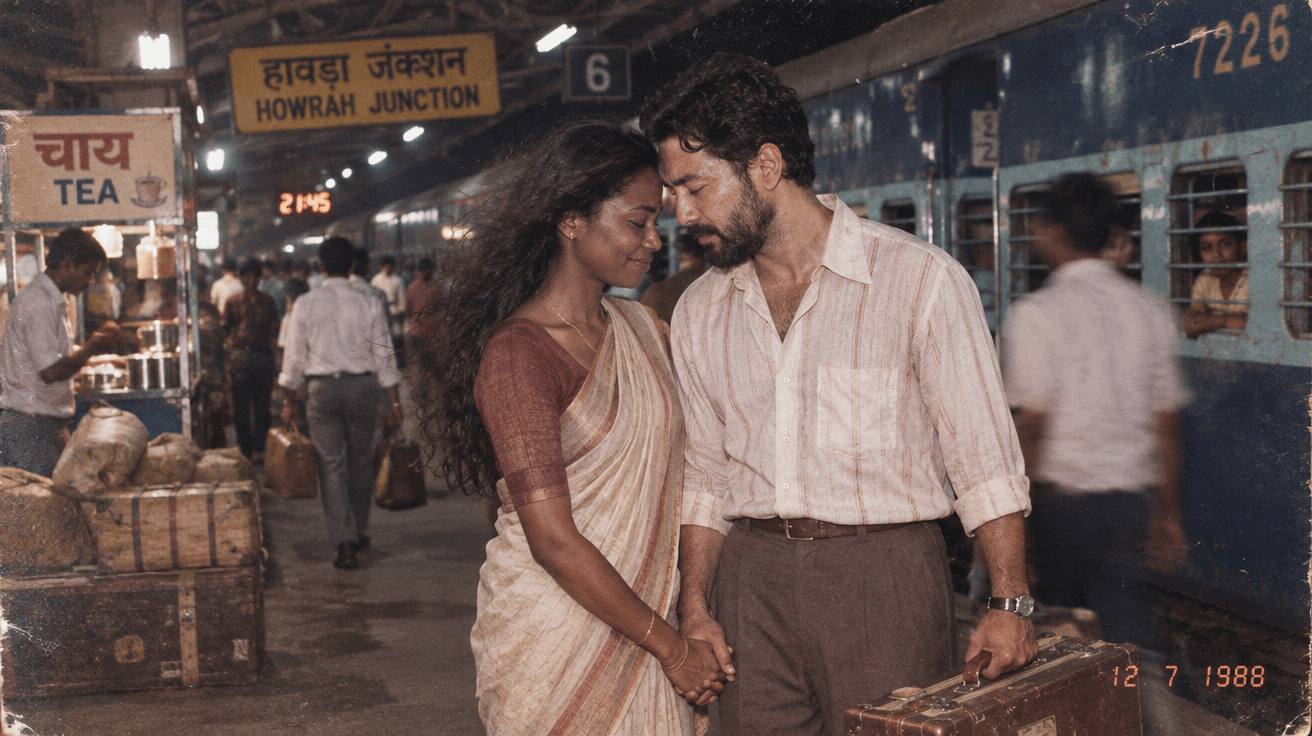
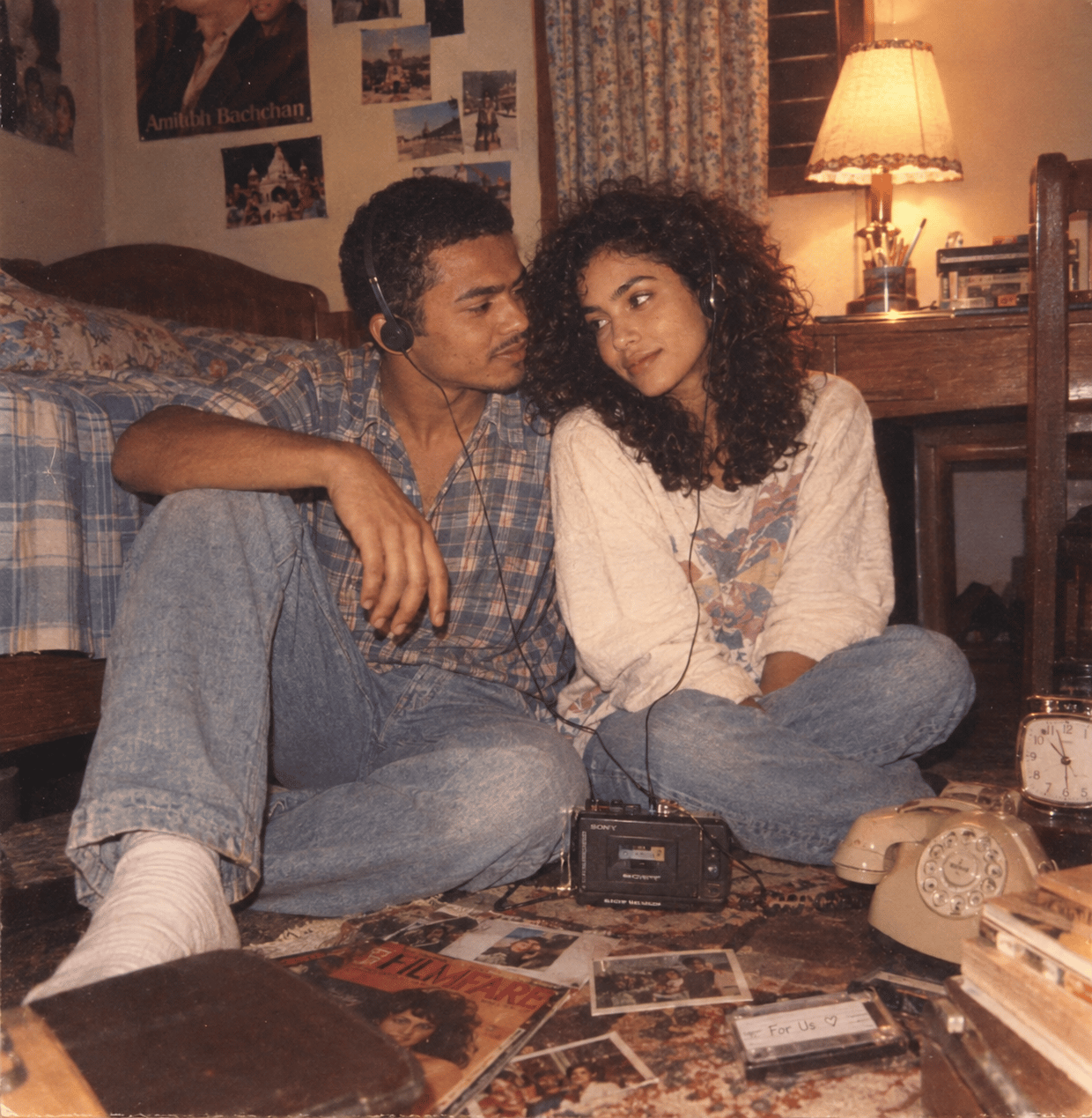
Templates to start from
Browse all templates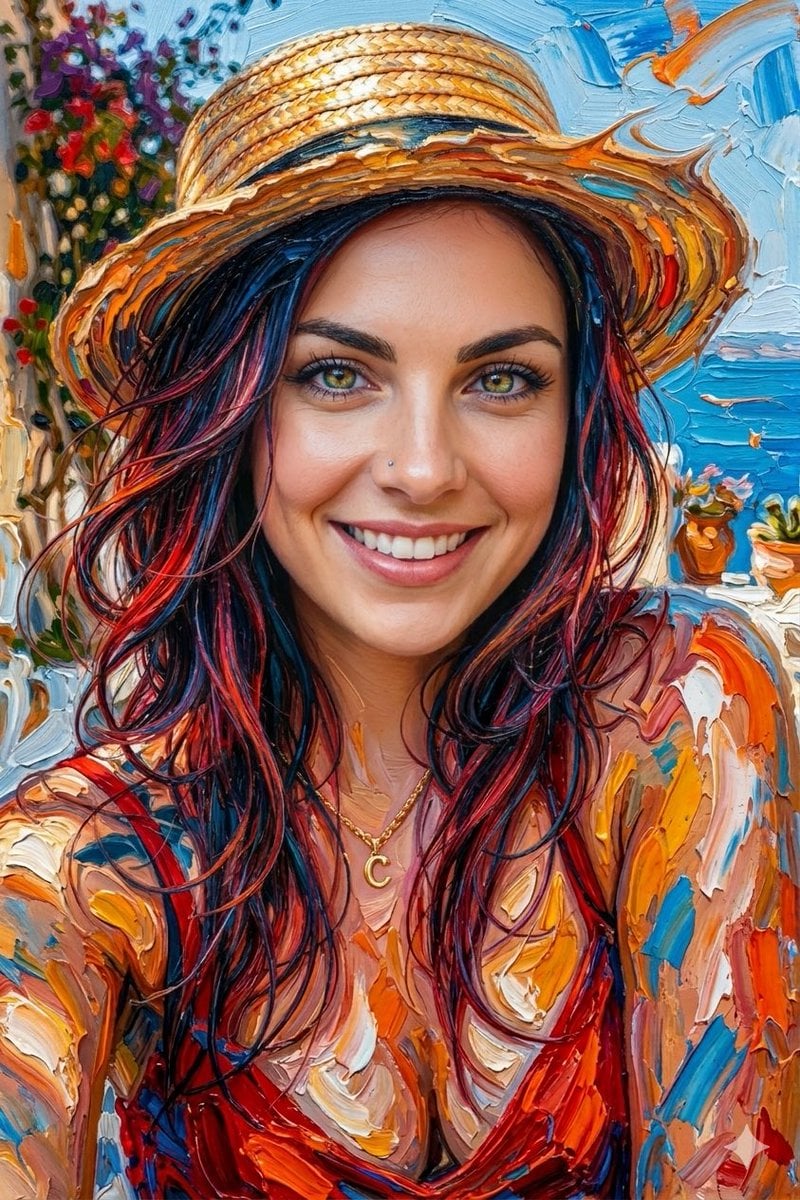
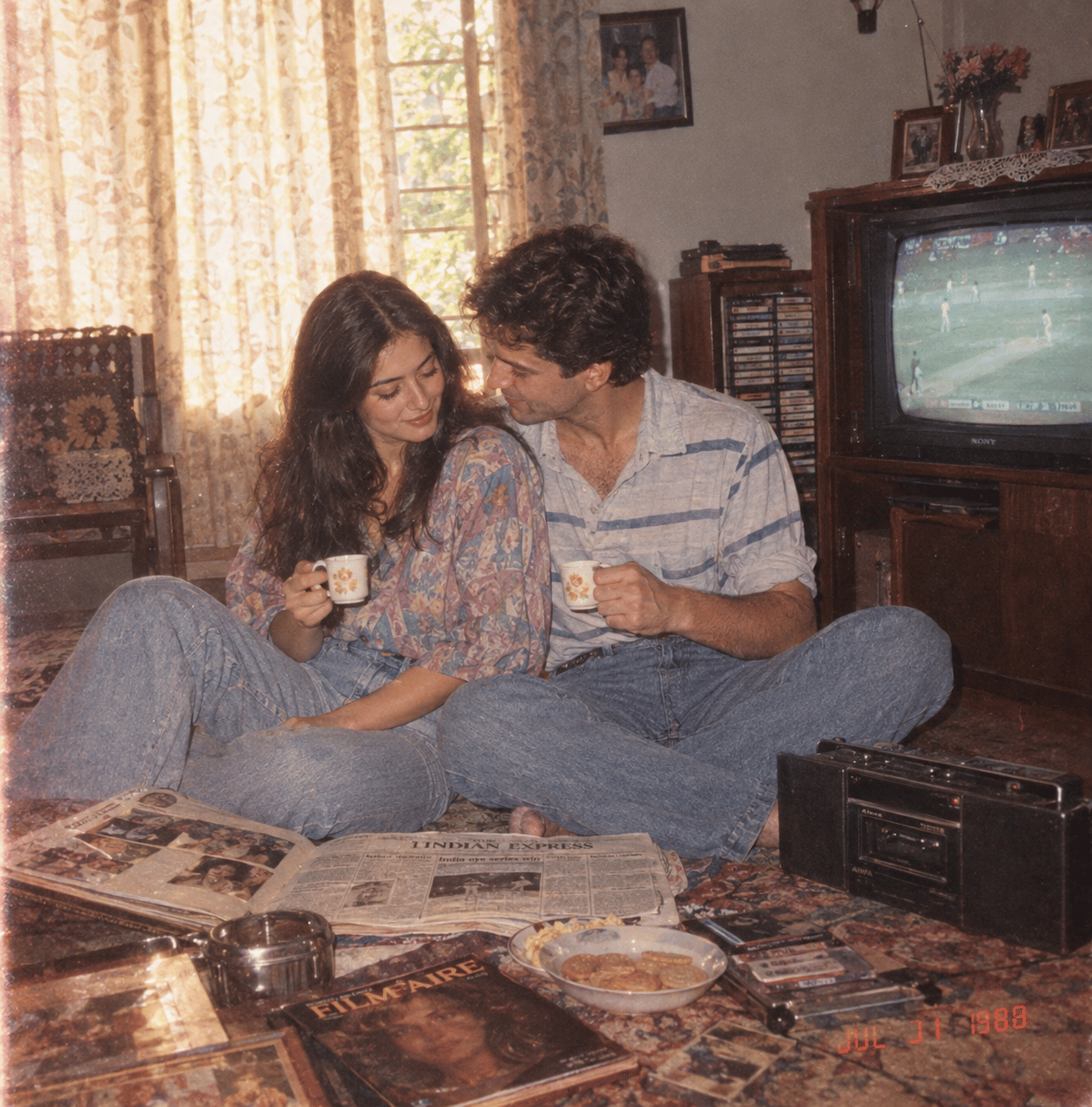
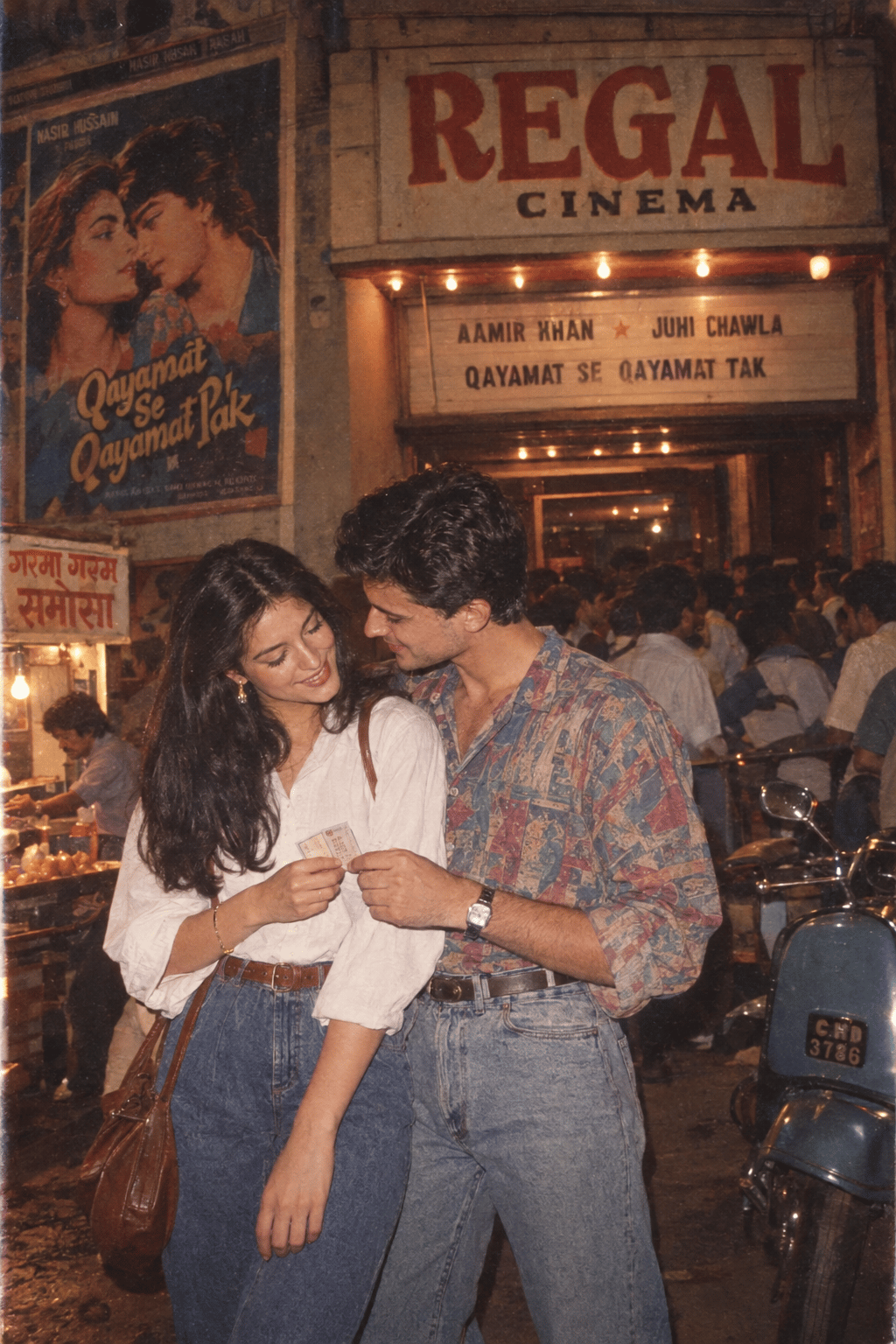
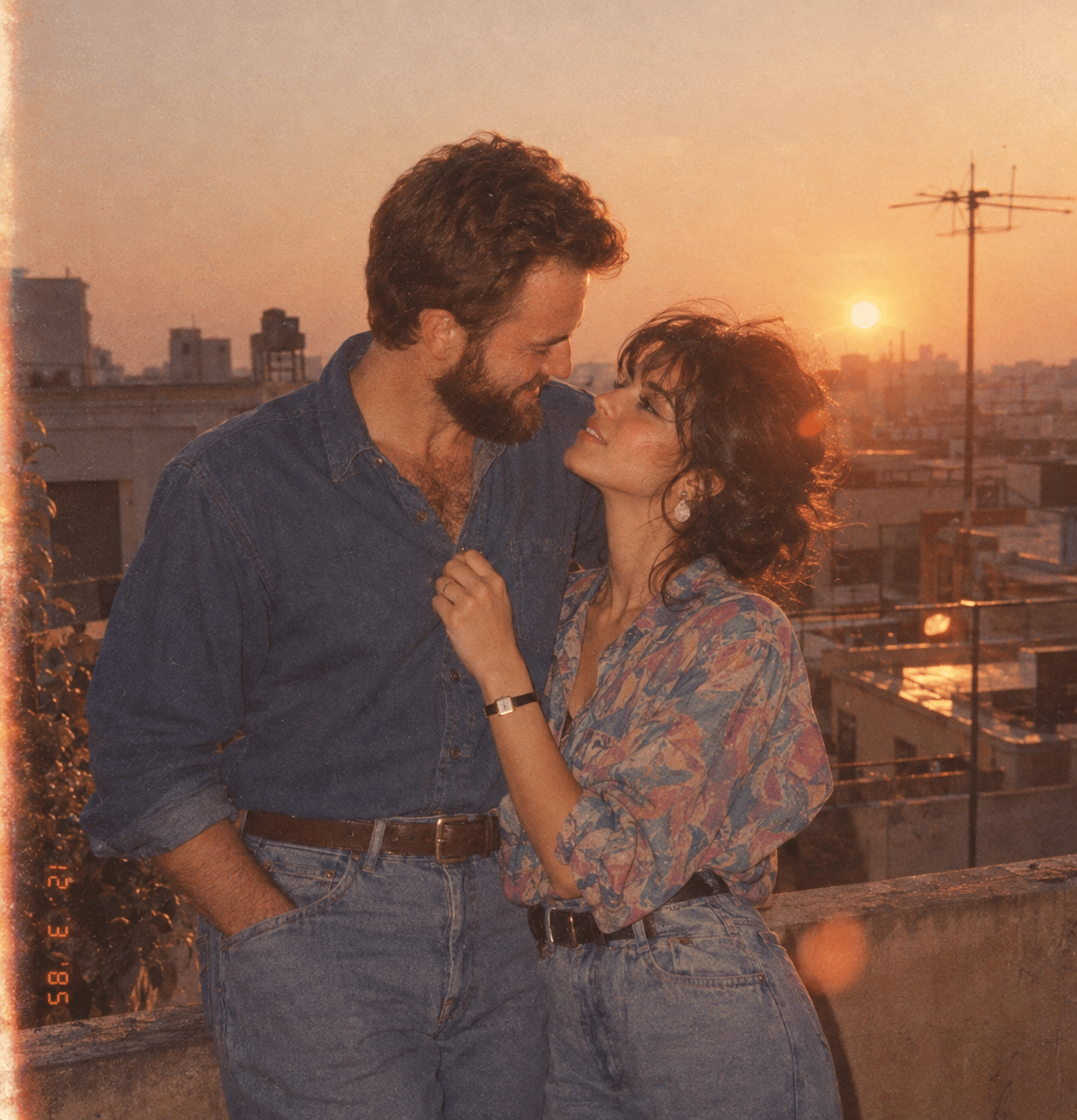
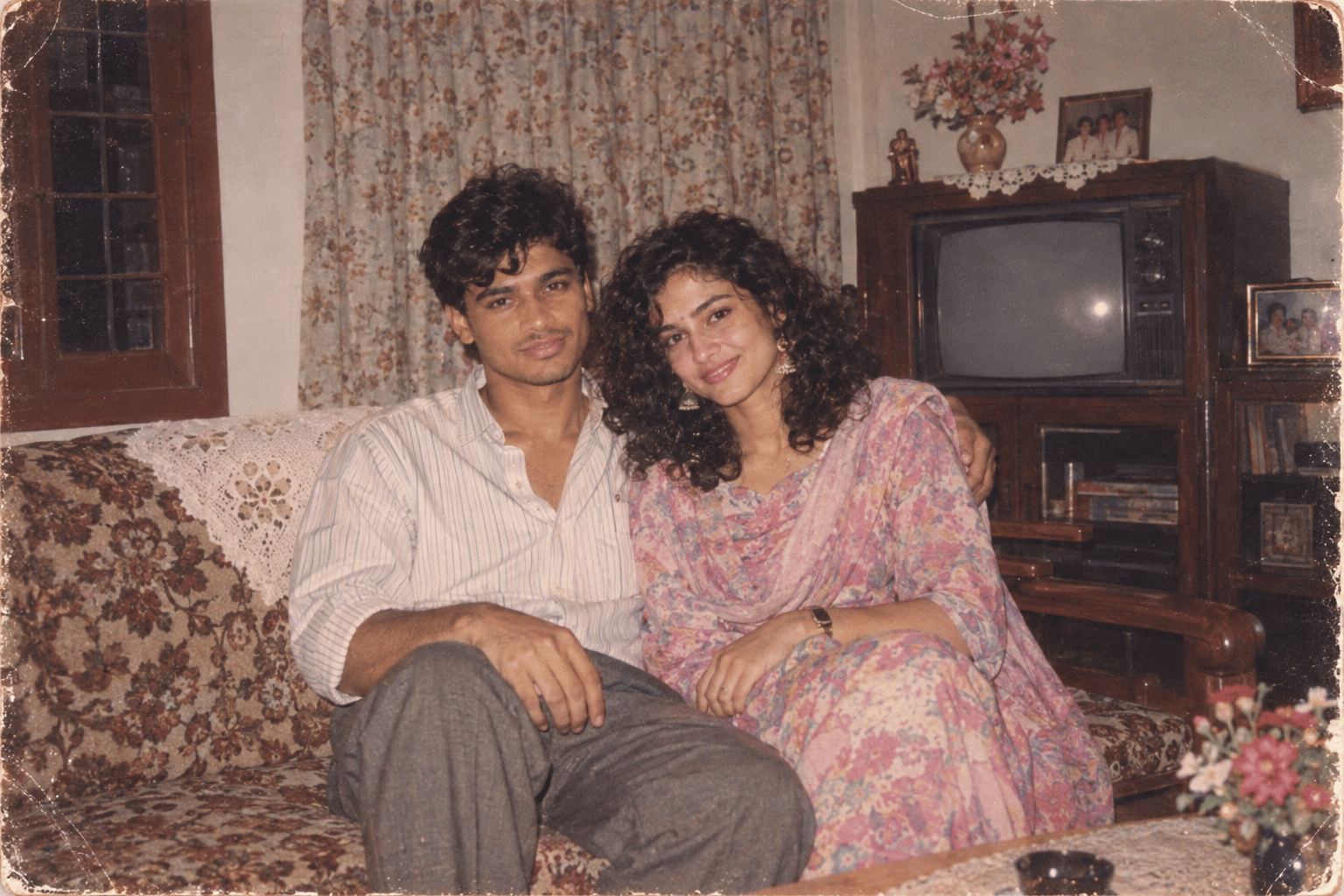
Seedream 5.5 questions
What is Seedream 5.5?
Seedream 5.5 is ByteDance's image model after Seedream 5.0. It makes images from a text prompt and edits images you upload, with more natural lighting and materials, more accurate dense text and edits that keep unchanged regions intact. On PicX it renders at 1K or 2K.
Is Seedream 5.5 out?
Yes. Seedream 5.5 is available to generate with on PicX now: pick it in the image model list or use the button on this page.
How is Seedream 5.5 different from Seedream 5.0 Pro?
Seedream 5.5 is the newer model, with steadier multi-round editing and better small text. Seedream 5 Pro is the art-directed 5.0 tier with lettering in 14 languages. Both edit with up to 3 reference images at 1K or 2K on PicX, so it is worth running the same prompt on both.
Can I edit my own photos with Seedream 5.5?
Yes. Upload up to 3 images and describe the change. Leave the aspect ratio on auto to keep the shape of your picture, or pick one of the eight ratios.
Does Seedream 5.5 make transparent PNGs or split images into layers?
Not on PicX. The model can do both through separate options, but PicX currently offers text to image and editing only. For a cut-out, run the finished image through the AI background remover.
Is there a Seedream 5.5 Pro?
No separate Pro version of 5.5 is available on PicX. Seedream 5.5 is one model; Pro, Lite and Flash are tiers of Seedream 5.0.
Is Seedream 5.5 free?
Not as a free tool. Signing up for PicX is free, and each Seedream 5.5 image costs credits, shown in the pricing table on this page. Credits never expire and work on every model.

Make your next image with Seedream 5.5
Text to image or edits with up to 3 reference images, at 1K or 2K.