How do I use the Accidental Intentional Selfie in a French Café template?
Choose the primary action to open PicX Studio with the available template settings. Review the model and format, personalize the creative direction, and generate when ready.
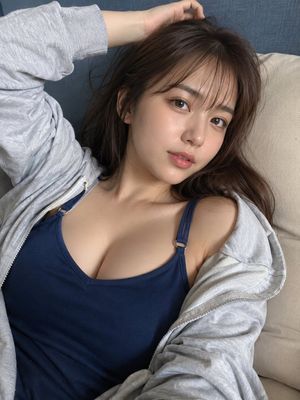
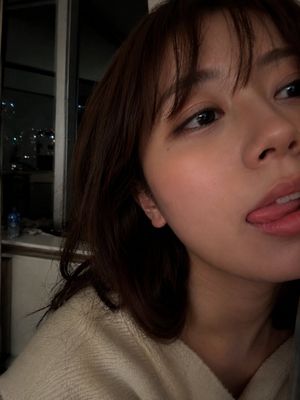
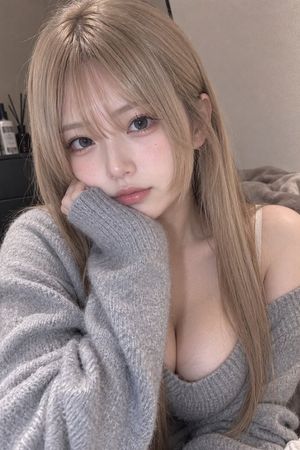
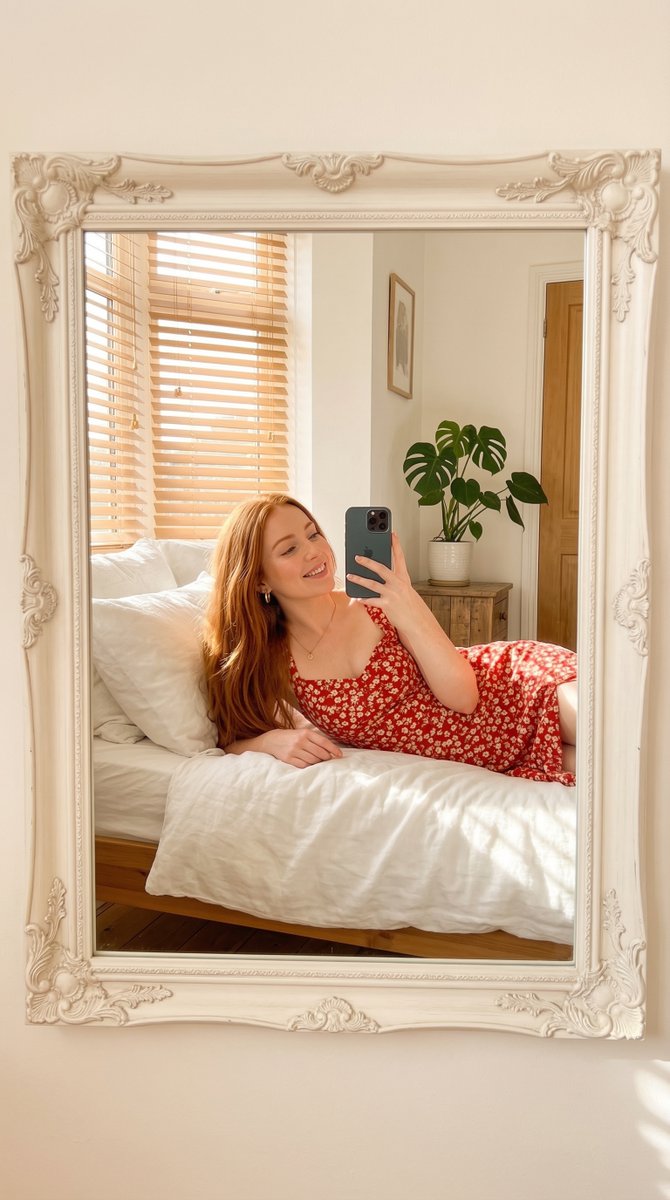
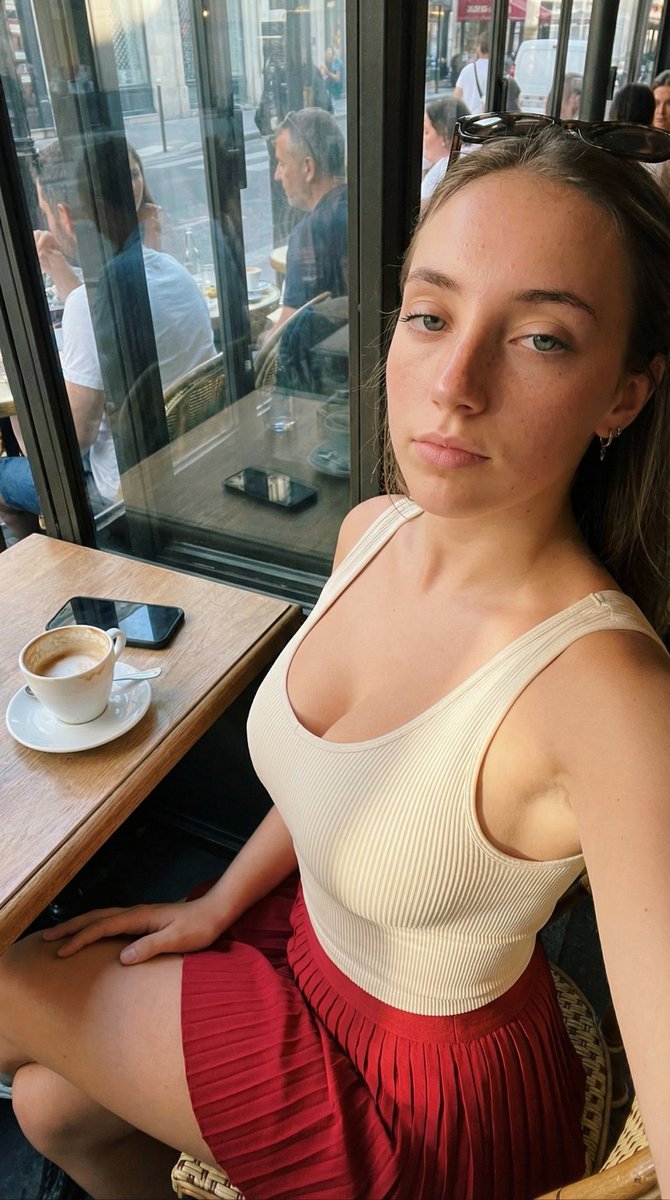
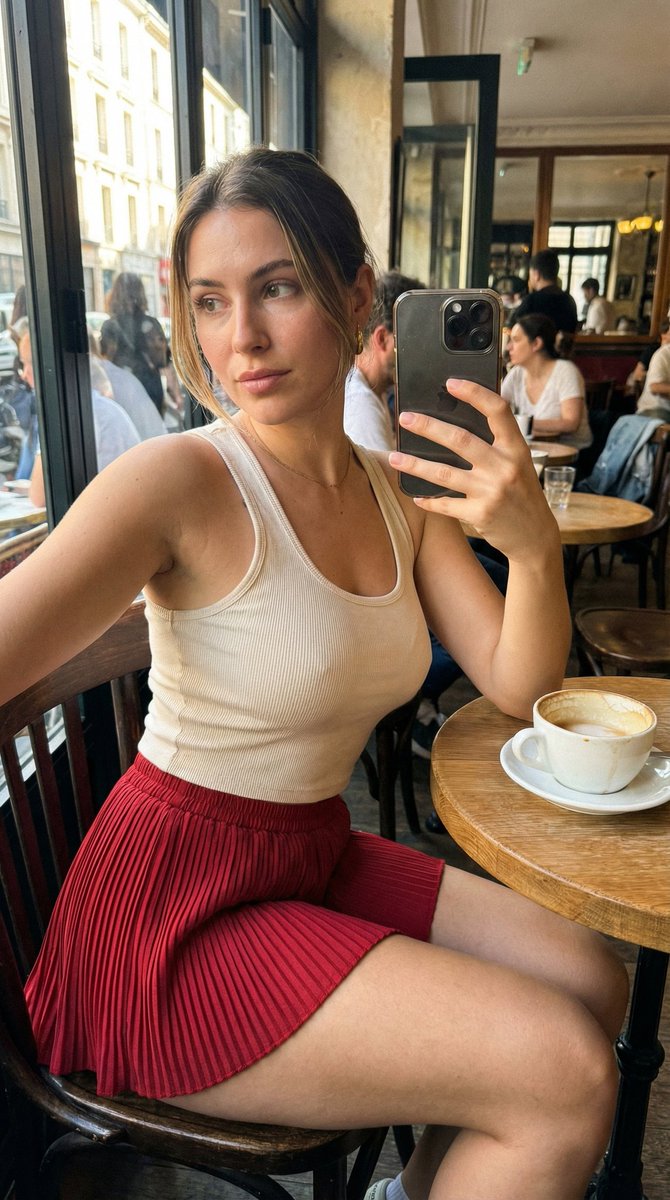
A detailed prompt for generating an ultra-photorealistic, social-realism style selfie taken in a Southern European French café. It specifies the subject's appearance, pose, outfit (tight ribbed tank top and micro pleated skirt), and the 'accidental intentional' intimate vibe suitable for Instagram Explore. (free to use) — Free AI image template on PicX Studio.
{ "meta": {"aspect_ratio": "4:5", "quality": "ultra_photoreal 8k iPhone raw subtle grain social realism"}, "scene": "small southern europe French café late afternoon, wooden table cappuccino cup large window soft daylight", "lighting": "side natural window neutral-warm soft, cheek highlights chest/waist shadows skin glow", "camera": "selfie POV slight high arm length mid-thigh-head casual crop minor shake", "subject": { "type": "early 20s asian-euro mix light warm skin dark blonde long straight hair", "body": "soft curvy small waist round hips full natural chest thick thighs", "face": "seductive calm half-lidded direct gaze full gloss lips minimal makeup", "pose": "sitting sideways hips angled thigh dominant lean back phone up hand on thigh", "outfit": "tight {argument name="top color" default="cream"} ribbed tank no bra, {argument name="skirt color" default="red"} micro pleated skirt high hips riding up" }, "details": "blurred bg people window reflections half cappuccino phone shadow", "vibe": "instagram explore accidental intentional public intimate soft feminine tension real" }
Use Accidental Intentional Selfie in a French Café to plan an AI image around nano-banana-2 generation. Match the preview's composition first, then personalize the subject, setting, and mood for your own project.
Use the primary action to load the template settings in PicX Studio.
Adjust the subject and creative details for your destination.
Create the image, compare the result with the preview, and refine one variable at a time.
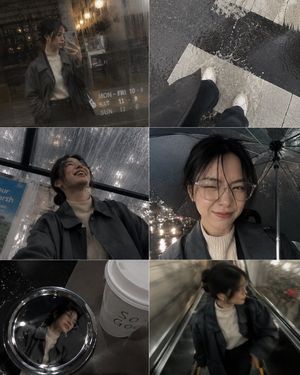
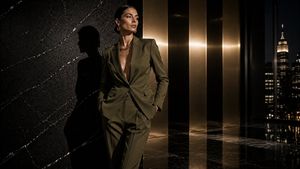
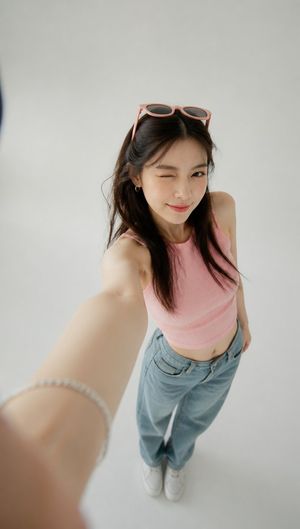
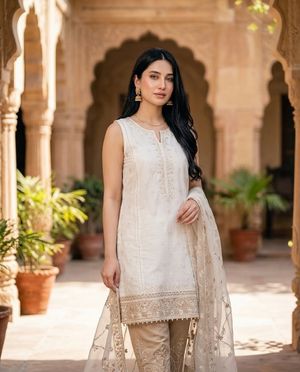
A continuous mix — similar concepts first, woven with same-model prompts and fresh picks from the catalog.
Choose the primary action to open PicX Studio with the available template settings. Review the model and format, personalize the creative direction, and generate when ready.
Yes. You can change the subject, setting, lighting, mood, format, and available model controls before creating your image.
This template is free to open and customize. Generation usage is shown in PicX Studio before you create.
Start with nano-banana-2, which is the model associated with this template. You can compare another compatible model for a different finish.
Follow a topic to a crawlable collection of related PicX Studio templates.
39,155 public templates available. Verified via the PicX Studio public templates API; refreshed hourly.
A continuous mix — similar concepts first, woven with same-model prompts and fresh picks from the catalog.